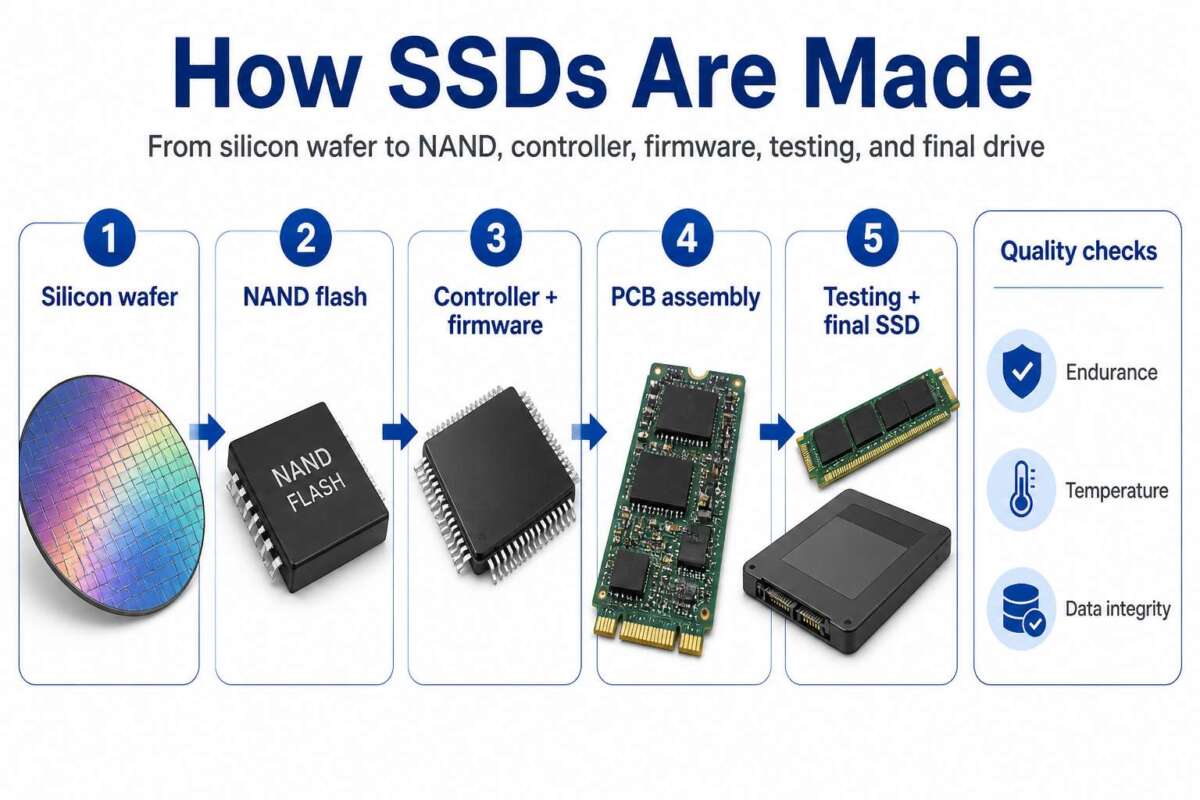
Most modern SSDs can write hundreds of terabytes to petabytes before failure, but no single lifespan fits every drive.
The answer depends on the NAND type, drive capacity, workload, temperature, and the manufacturer’s endurance rating. After examining SSD specifications, TBW ratings, and real-world storage behavior, I’ll explain how much data can an SSD write before it dies, what causes failure, and how to extend its useful life.
The short answer: how much data can an SSD write before it dies?
A typical consumer SSD can often write between 150 terabytes and 1,200 terabytes before its rated endurance is reached. Higher-capacity, enterprise, and specialized SSDs may handle several petabytes of writes.
For example:
• A 500GB budget SSD may carry a 150TBW rating.
• A 1TB mainstream TLC SSD may carry a 600TBW rating.
• A 2TB performance SSD may carry a 1,200TBW rating.
• An enterprise SSD may support multiple petabytes of writes.
TBW means “terabytes written.” It is the amount of data the manufacturer expects the drive to write during its warranty period. Reaching the TBW number does not always mean the SSD will stop working at that exact moment.
In many cases, the drive continues working after its rated TBW. However, the manufacturer may no longer cover it under warranty, and the risk of bad blocks or data errors may increase.
For most home users, how much data can an SSD write before it dies is not an urgent concern. A person who writes 20GB per day would write about 7.3TB per year. At that rate, a 600TBW SSD could theoretically last for more than 80 years, although other components may fail first.

What does TBW mean on an SSD?
TBW is a durability rating used to show how much data an SSD can write before reaching its tested endurance limit. It is one of the most useful numbers to check when comparing SSDs.
Suppose a 1TB SSD has a rating of 600TBW. This does not mean you can save only 600TB of files to it over its entire life. Reading files does not count as host writes in the same way, and deleting files does not erase the NAND cells instantly.
The rating refers to data written to the drive over time. That data may include:
• New files copied to the SSD
• Game installations and updates
• Temporary files
• Operating system updates
• Browser caches
• Video editing files
• Internal background operations
An SSD also performs extra work that users do not see. This work is called write amplification.
What is write amplification?
Write amplification occurs when the NAND flash receives more data than the computer originally sent. For example, changing a small part of a large file may cause the SSD to move and rewrite a much larger block of data.
The write amplification factor can increase when:
• The drive is nearly full
• The workload contains many small random writes
• The SSD has little free space for housekeeping
• The drive uses aggressive garbage collection
• The workload constantly rewrites the same files
A computer may report 10GB of written data, while the NAND chips may internally process more than 10GB. This is why host writes and NAND writes can differ.
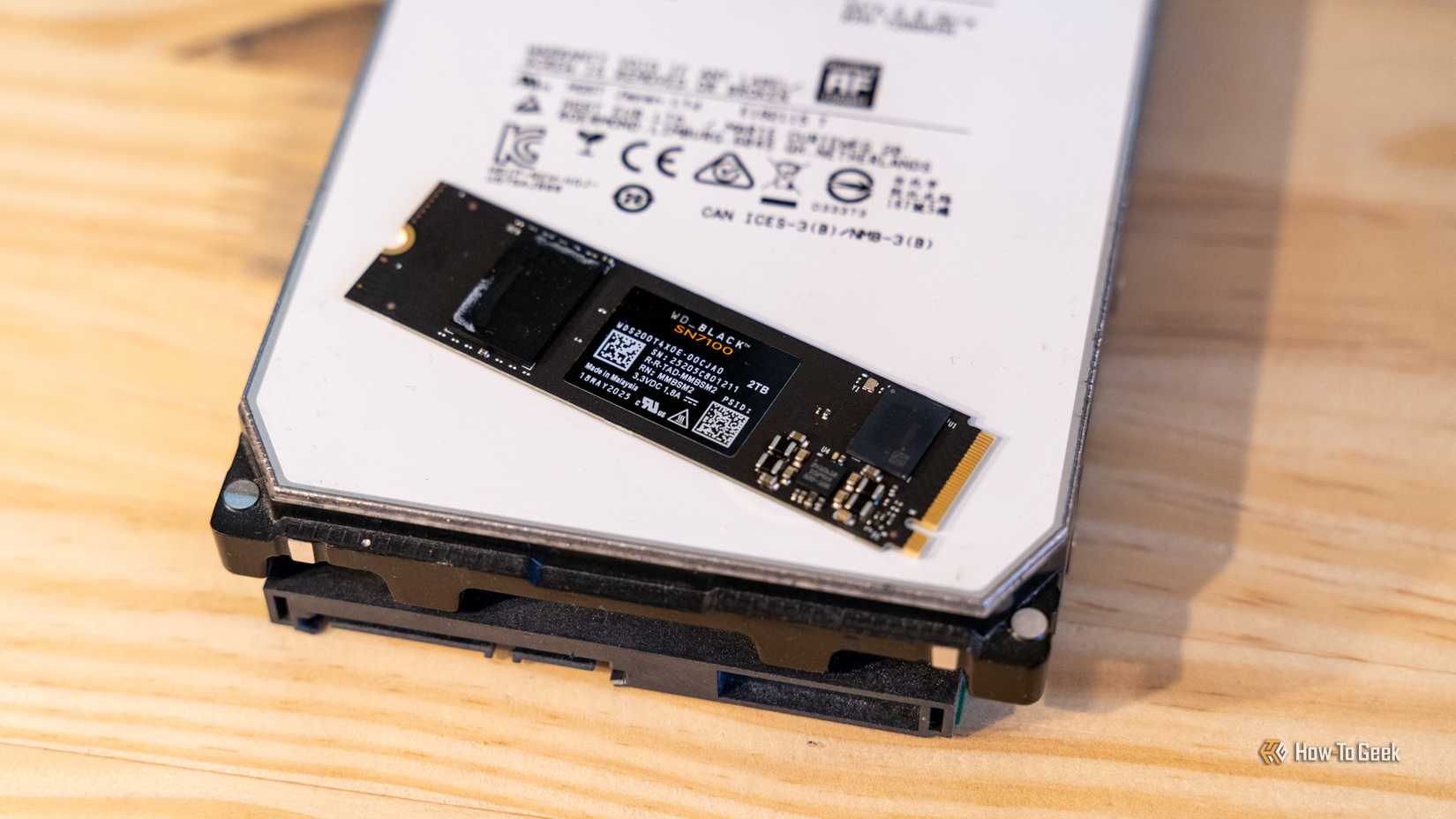
How NAND flash affects SSD lifespan
The type of NAND flash has a major effect on endurance. NAND stores data by placing different electrical charge levels into memory cells.
The main types are:
SLC
Single-level cell NAND stores one bit per cell. It offers excellent endurance and speed, but it is expensive and rarely used for all the storage in consumer SSDs.
MLC
Multi-level cell NAND stores two bits per cell. It provides strong endurance and good performance, though it costs more than TLC and QLC storage.
TLC
Triple-level cell NAND stores three bits per cell. TLC is common in quality consumer SSDs because it offers a good balance of price, speed, capacity, and durability.
QLC
Quad-level cell NAND stores four bits per cell. QLC provides higher capacity at a lower price, but it usually has lower write endurance than TLC.
These are broad patterns, not absolute rules. A modern QLC SSD with a large capacity can outlast a small TLC SSD in total terabytes written. Controller design, overprovisioning, firmware, cooling, and NAND quality also matter.
This is why how much data can an SSD write before it dies cannot be predicted from NAND type alone. Always check the exact model’s TBW rating.
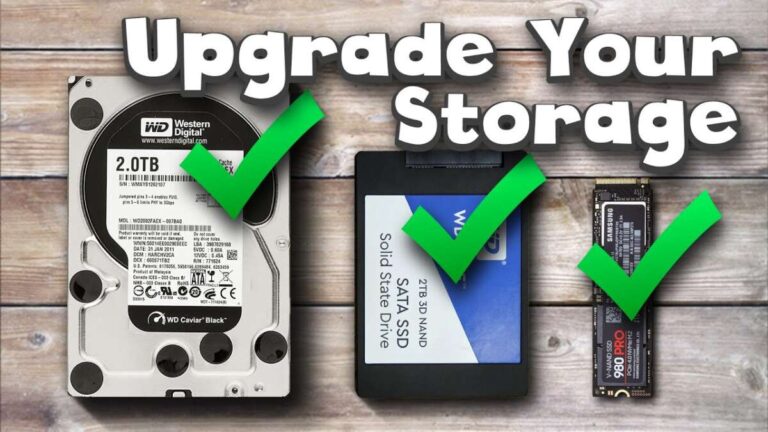
SSD endurance compared with HDD endurance
Hard disk drives do not use NAND flash, so their endurance is measured differently. An HDD has spinning platters, moving heads, motors, and other mechanical parts.
An HDD can sometimes write data for many years without reaching a clear write limit. However, mechanical wear, vibration, heat, power problems, and head crashes can cause sudden failure.
SSDs have no moving parts, which helps them handle shock and vibration. Their main wear mechanism is the gradual loss of usable program and erase cycles in NAND cells.
In practical use:
• SSDs are usually faster and quieter.
• HDDs often offer lower cost per terabyte.
• SSDs can fail because of controller or firmware problems.
• HDDs can fail because of mechanical wear.
• Both types need backups.
An SSD is not automatically safer than an HDD. It is simply vulnerable to different failure risks.
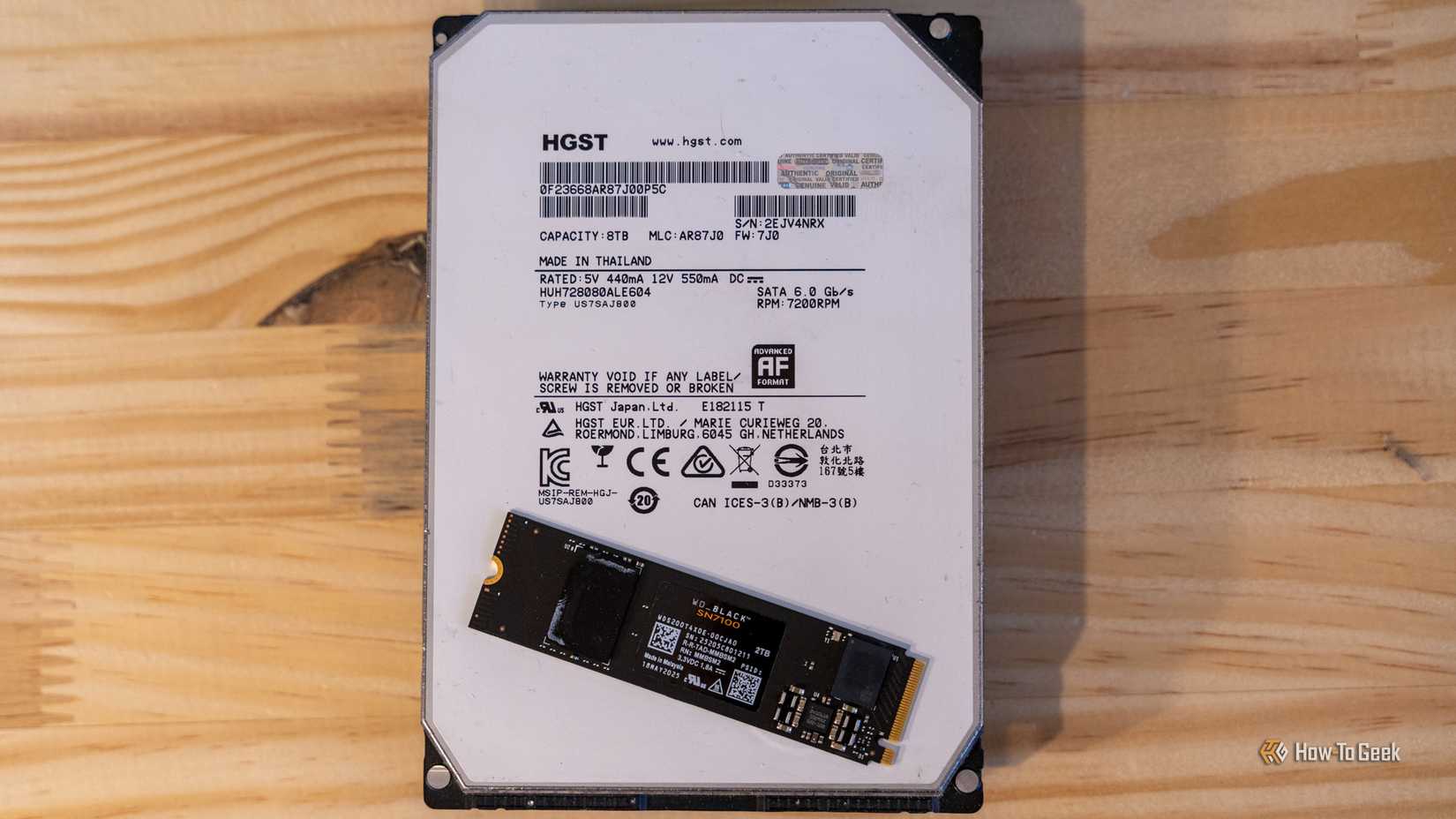
How SSD capacity changes endurance
A larger SSD often has a higher TBW rating because it contains more NAND cells. The workload is spread across more cells, which reduces the number of times each cell must be programmed and erased.
For example, a 2TB model may have roughly twice the rated endurance of a similar 1TB model. This is not guaranteed, because manufacturers may use different NAND, controllers, or warranty terms.
Capacity also affects sustained write performance. Many SSDs use a small portion of fast SLC cache to improve short bursts. Once that cache fills, write speeds may drop sharply, especially on some QLC models.
A larger drive may provide:
• Higher total endurance
• More room for overprovisioning
• Better sustained write performance
• More space for wear leveling
• Lower write amplification in some workloads
If you frequently edit video, build software, or work with large databases, choosing a larger SSD can improve both speed and lifespan.
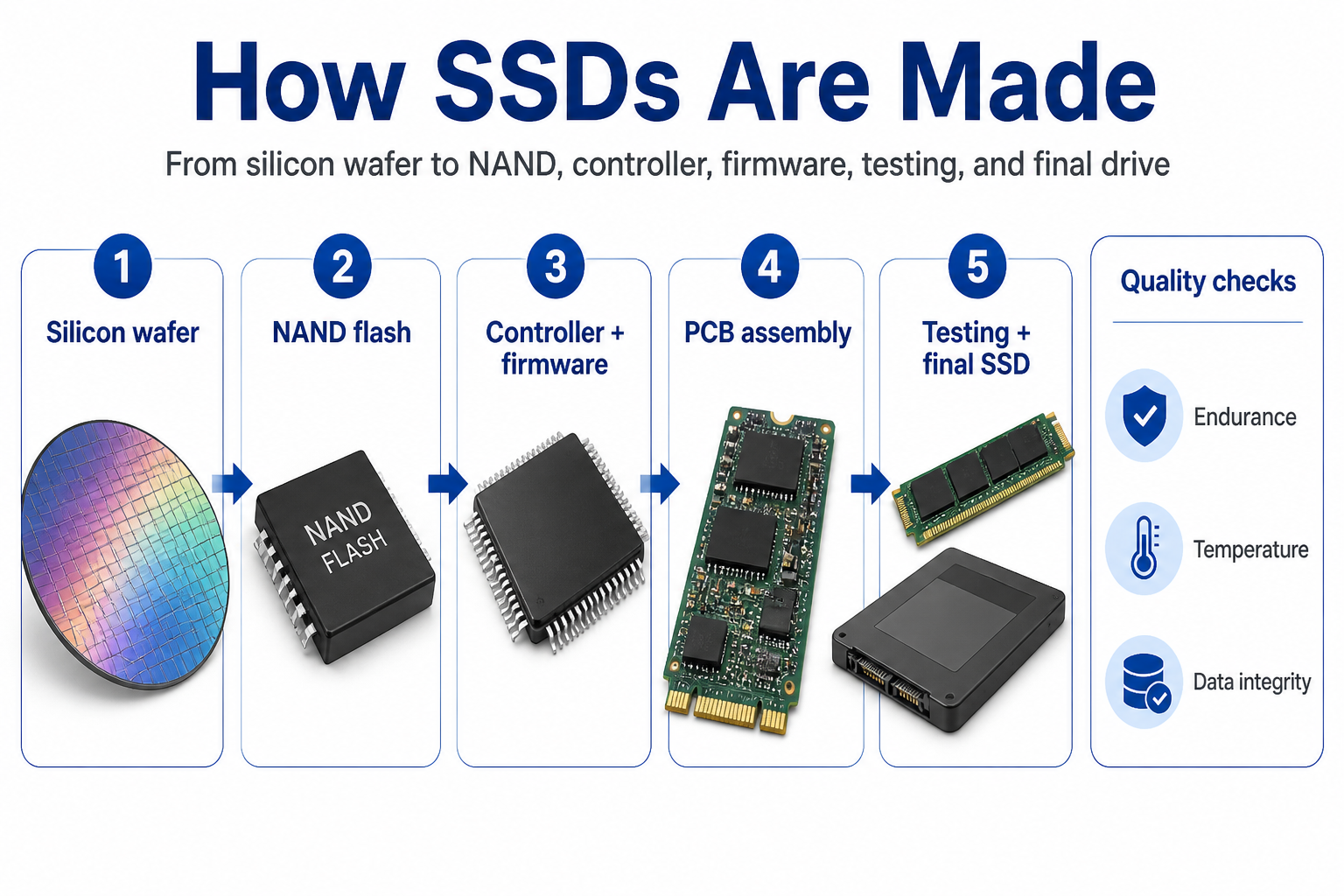
What causes an SSD to die?
An SSD can fail for several reasons. NAND wear is only one possibility.
NAND flash wear
Every NAND cell has a limited number of program and erase cycles. As cells wear, the drive may develop bad blocks or require stronger error correction.
Controller failure
The controller manages data placement, error correction, encryption, and communication with the computer. If it fails, the SSD may become unreadable even when the NAND chips still hold data.
Firmware problems
A firmware bug can cause crashes, data loss, or a drive that suddenly disappears from the operating system. Firmware updates can fix some issues, but updating firmware always carries a small risk.
Excessive heat
High temperatures can reduce performance and increase stress on the controller and NAND. Thermal throttling protects the drive, but poor airflow can still shorten its useful life.
Power loss
Unexpected power loss can corrupt data in transit. Enterprise SSDs may include power-loss protection, but most consumer models do not have the same safeguards.
Retention loss
NAND cells must hold their electrical charge to preserve data. Retention can become weaker as cells age, especially when the drive is stored without power for a long time.
This explains why how much data can an SSD write before it dies is only part of the reliability question. A drive may fail before its TBW limit, or it may work well beyond it.

How to check your SSD’s remaining life
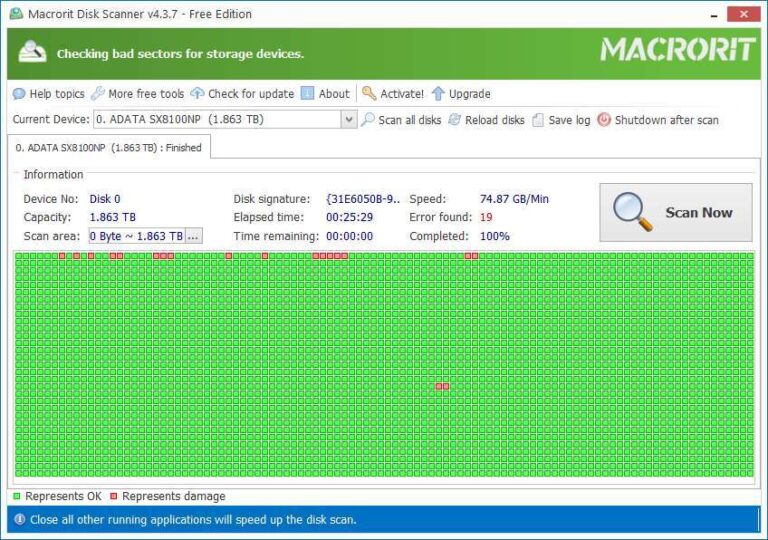
Most SSDs record health data through SMART attributes. You can read this information with tools such as CrystalDiskInfo, smartmontools, Samsung Magician, Crucial Storage Executive, or the utility supplied by your SSD maker.
Look for these values:
• Percentage used
• Percentage remaining
• Total host writes
• Total NAND writes
• Media and data integrity errors
• Reallocated sectors or bad blocks
• Unsafe shutdown count
• Drive temperature
The exact labels differ by brand. A health percentage is also an estimate, not a promise. Some drives show 100% health until a serious problem occurs, while others reduce the number gradually as writes accumulate.
Record the drive’s total written data every few months. This gives you a clearer picture of your own workload than a general estimate.
For example, if your SSD writes 30TB per year and has a 600TBW rating, you are using about 5% of its rated endurance each year. That is a light workload for most modern consumer drives.

How to calculate your SSD’s expected lifespan
You can estimate SSD write life with a simple formula:
Estimated years = TBW rating ÷ annual terabytes written
To estimate annual writes:
Daily writes × 365 ÷ 1,000 = annual terabytes written
Imagine a 1TB SSD rated for 600TBW. If your computer writes 50GB per day:
50GB × 365 ÷ 1,000 = 18.25TB per year
Then:
600TB ÷ 18.25TB = about 32.8 years
This is only a rough estimate. It does not account for write amplification, heat, firmware faults, retention, or power issues.
A practical calculation should also include a safety margin. If you expect to write 20TB per year, you may prefer an SSD with at least 300TBW rather than choosing a drive rated for only 150TBW.
How much data can an SSD write before it dies depends on real use, so tracking your own writes is more useful than relying on a generic lifespan chart.
Ways to extend SSD lifespan
You do not need to treat an SSD like fragile glass. A few simple habits can reduce unnecessary wear.
Leave free space
Try to keep at least 10% to 20% of the drive empty. Free space helps the SSD perform garbage collection, wear leveling, and block management.
Keep the drive cool
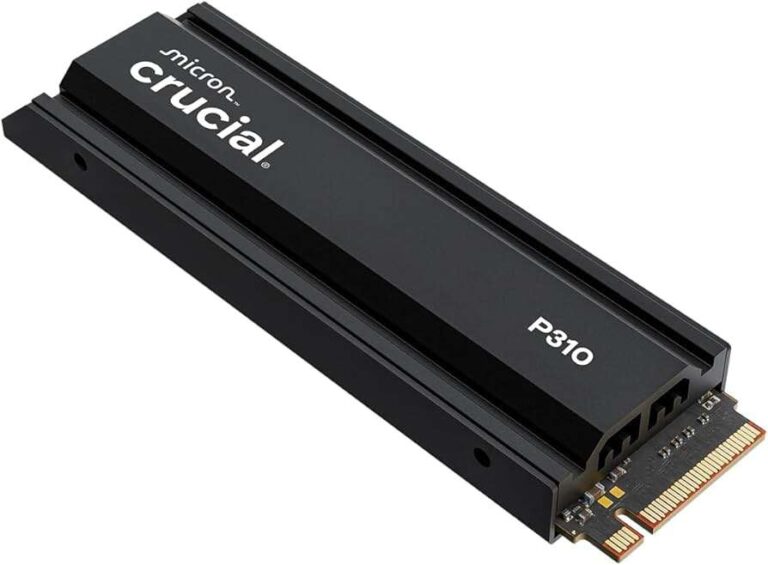
Improve airflow around the SSD, especially for NVMe models. Use a motherboard heatsink when appropriate, and check temperatures during long transfers.
Avoid unnecessary write-heavy tasks
Do not constantly use an SSD for temporary files if another suitable drive is available. However, avoid extreme tweaks that disable normal operating system features without a clear reason.
Enable TRIM
TRIM allows the operating system to tell the SSD which blocks are no longer needed. This helps the drive manage free space more efficiently.
Modern versions of Windows, macOS, and Linux usually manage TRIM automatically. You can check that it is active if you suspect a problem.
Use the right drive for the workload
A low-end QLC drive may be fine for games, office files, and everyday browsing. A TLC or enterprise SSD may be better for daily video editing, virtual machines, surveillance recording, or heavy database work.
Keep backups
No endurance rating replaces a backup. Keep important files in at least two separate locations, with one copy stored away from your main computer.
In my testing approach, the most common mistake is focusing on write endurance while ignoring heat, backups, and power protection. Long SSD life comes from the entire system, not from TBW alone.
Can an SSD exceed its TBW rating?
Yes. The TBW rating is usually a warranty and endurance guideline, not a strict shutdown point.
Some SSDs continue operating for a long time after reaching their rated TBW. Others may show errors earlier. The result depends on NAND quality, workload, temperature, spare blocks, and the drive’s controller.
Manufacturers test SSDs under controlled conditions. Your workload may be easier or harder than that test. Sequential writes may produce different wear from random writes, and a nearly full drive may experience more write amplification.
Treat TBW as a planning number:
• Below the rating, the SSD is operating within its expected endurance range.
• Near the rating, monitor health more closely.
• Above the rating, keep reliable backups and plan a replacement.
Do not intentionally stress-test an SSD until it fails if it contains important data. A test can destroy the drive and still tell you little about how your own workload will behave.
Does reading data wear out an SSD?
Reading data causes far less wear than writing and erasing NAND cells. Normal read activity usually has little effect on the TBW rating.
Heavy reading can still create heat and place stress on the controller. Very old or heavily worn NAND may also have weaker data retention, especially when stored without power.
For normal users, writes are the main endurance concern. Watching movies, opening documents, and loading games will not quickly wear out a healthy SSD.
This distinction helps answer how much data can an SSD write before it dies: the key number is written data, not the total amount of data you read.
SSD lifespan for different users
Different workloads create very different write totals.
Office and school computers
Documents, web browsing, email, and video calls usually create light writes. A quality consumer SSD can last far longer than the useful life of the computer.
Gaming computers
Game installations and updates can produce large bursts of writes. Even so, most gaming systems do not reach the endurance limit quickly unless games are installed and removed constantly.
Content creation systems
Video editing, photo catalogs, audio production, and 3D work can create heavy writes. A high-TBW TLC SSD, a larger capacity, and a separate scratch drive can help.
Virtual machines
Virtual machines often perform frequent random writes. Enterprise or workstation-class SSDs are better suited to this workload than entry-level models.
Security camera systems
Continuous recording can write data around the clock. High-endurance or surveillance-rated storage is a better choice than a basic consumer SSD.
Servers and databases
Servers may write huge amounts of data each day. They need enterprise SSDs with suitable DWPD ratings, power-loss protection, monitoring, and planned replacement cycles.
The right question is not only how much data can an SSD write before it dies. It is also how much data your workload writes each day and which drive class was built for that work.
TBW versus DWPD
TBW describes the total amount of data an SSD can write during its rated life. DWPD means “drive writes per day.”
DWPD measures how many times the full drive capacity can be written each day during the warranty period. It is common in enterprise storage.
For example, a 1TB enterprise SSD rated at 1 DWPD for five years is designed for approximately:
1TB × 1 × 365 × 5 = 1,825TBW
A 3 DWPD rating would be about 5,475TBW over five years.
DWPD is useful when comparing drives for servers and constant workloads. TBW is easier for most home users because it shows total endurance directly.
Always check the warranty period. A high DWPD rating over three years is not the same as the same rating over five years.
When should you replace an SSD?
Replace an SSD when it shows warning signs, not only when it reaches a specific number.
Watch for:
• Repeated operating system errors
• Files that become corrupted
• The drive disappearing from the BIOS or operating system
• Rising media and data integrity errors
• A rapidly falling health percentage
• Unusual read-only behavior
• Very slow performance that remains after troubleshooting
A drive that suddenly becomes read-only may be protecting your data. Copy important files immediately, then replace the drive.
Do not wait for total failure. SSD failure can be sudden, and data recovery may be difficult or expensive. A planned replacement is far safer than trying to rescue files from a dead controller.
Frequently Asked Questions: how much data can an SSD write before it dies
How many years will an SSD last?
A consumer SSD can often last many years, and light users may never reach its write limit. Actual lifespan depends on workload, heat, NAND type, firmware, power quality, and the drive’s TBW rating.
Can an SSD last 10 years?
Yes, an SSD can last 10 years if it has a light workload and remains healthy. Age alone does not guarantee failure, but long-term data retention and backup needs become more important as the drive gets older.
What happens when an SSD reaches its TBW rating?
The SSD does not always stop working at its TBW rating. It may continue operating, but the warranty may end and the chance of errors or failure may increase.
Is TLC better than QLC for endurance?
TLC usually offers higher write endurance than QLC because each cell stores fewer bits. QLC can still be a good choice for inexpensive storage and light workloads, especially when the drive has a large capacity.
How can I tell if my SSD is wearing out?
Use a SMART monitoring tool to check total writes, health percentage, temperature, and media errors. Back up your files immediately if errors rise, the health value drops quickly, or the drive becomes unstable.
Does filling an SSD reduce its lifespan?
Keeping an SSD nearly full can increase write amplification and reduce performance. Leaving about 10% to 20% free space gives the controller more room to manage data and may improve long-term behavior.
Can a dead SSD be repaired?
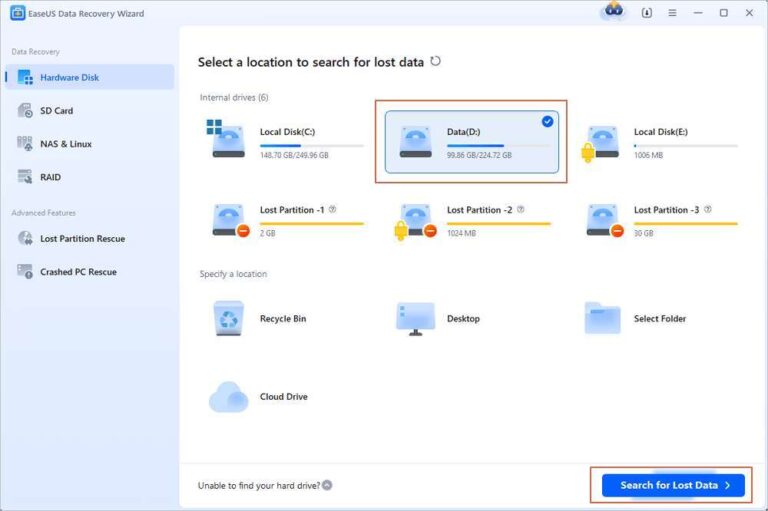
Some failures caused by firmware or connection problems may be recoverable, but controller or NAND failure can make recovery difficult. Professional data recovery may help, but regular backups are cheaper and more reliable.
Conclusion
So, how much data can an SSD write before it dies? Most consumer models can handle hundreds of terabytes, while larger and enterprise drives may handle one or more petabytes. TBW is a useful guide, but it is not an exact expiration date.
Choose a drive with enough endurance for your workload, keep it cool, leave free space, monitor SMART health, and maintain current backups. Check your SSD’s TBW rating today, estimate your yearly writes, and share your experience or questions in the comments.

Everett Ashford is a tech reviewer at mytechgrid.com specializing in SSDs, cameras, TVs, earbuds, headphones, and other consumer electronics. He provides honest, data-driven reviews based on hands-on testing and real-world performance analysis. Everett simplifies complex tech details to help readers make smart, confident buying decisions.