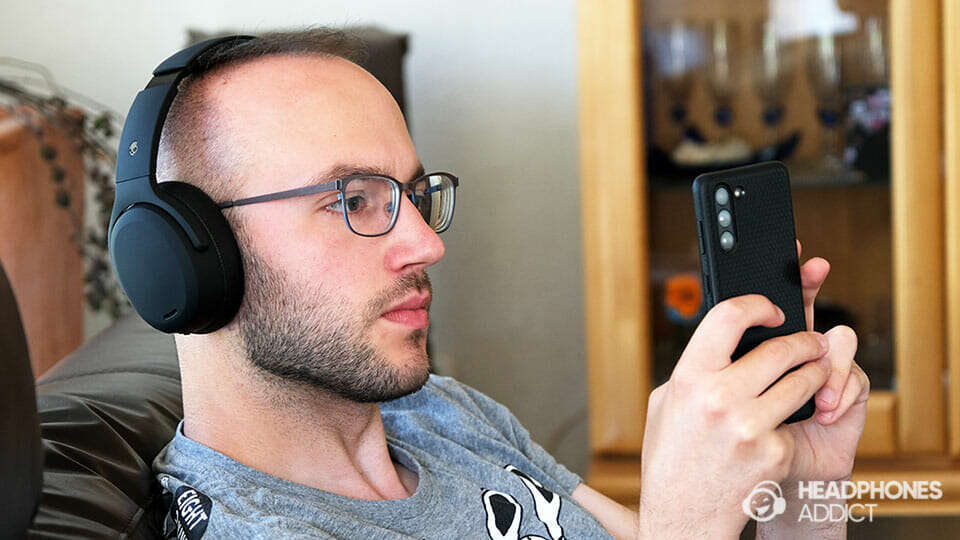
Put your Skullcandy headphones in pairing mode by holding the power button for several seconds.
I’ve tested many Skullcandy models and guided dozens of users through pairing. This guide explains how to get Skullcandy headphones in pairing mode step by step, covers model-specific details, fixes common problems, and gives practical tips so you can pair fast and stay connected.
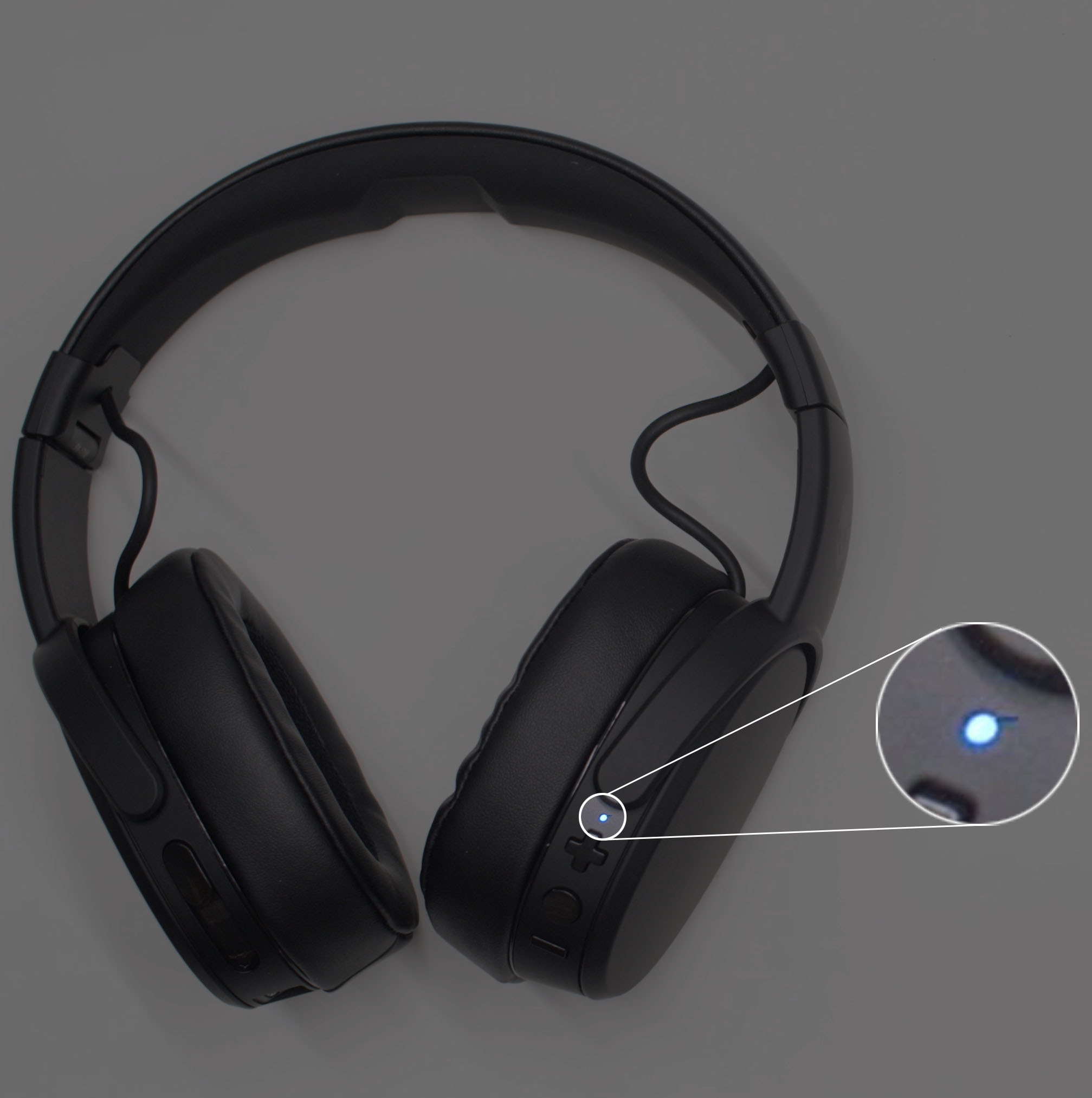
Quick steps to put Skullcandy headphones in pairing mode
Follow these short steps when you want to know how to get Skullcandy headphones in pairing mode quickly. The steps work for most Skullcandy wireless earbuds and over-ear models.
- Turn on the headphones by pressing and holding the power button.
- Keep holding the power button until the LED flashes or you hear a voice prompt saying “pairing.”
- Open Bluetooth on your phone or device and choose the Skullcandy name shown.
- Accept the pairing request and confirm any prompts.
If the device asks for a PIN, try 0000 or 1234. Repeat these steps to re-enter pairing mode whenever you need. How to get Skullcandy headphones in pairing mode is often this simple, but model quirks exist. Learn the model details below.

Detailed steps for popular Skullcandy models
Different Skullcandy models use slightly different button combos. Below are clear steps to help you know exactly how to get Skullcandy headphones in pairing mode for common models.
Skullcandy Crusher and Crusher Evo (over-ear)
- Power on by holding the power button for about 3 seconds.
- Continue holding until the LED flashes blue and red or you hear “pairing.”
- On your phone, find the Skullcandy Crusher and tap to pair.
If the Crusher paired automatically to a previous device, turn Bluetooth off on that device first. That helps you force pairing mode.
Skullcandy Hesh (wireless)
- Press and hold the power button for 5 seconds.
- Wait for the LED to flash and for the voice prompt “pairing mode.”
- Select “Skullcandy Hesh” from your Bluetooth list and connect.
If it won’t pair, power cycle the headset and try again.
Skullcandy Indy and Indy Evo (true wireless earbuds)
- Remove the earbuds from the case. The earbuds often enter pairing automatically the first time.
- For manual pairing, press and hold the button on both earbuds until the LED blinks white or you hear “pairing.”
- Choose “Skullcandy Indy” in your device Bluetooth settings.
If one earbud won’t pair, place both back in the case, then remove them together to reset the pairing state.
Skullcandy Dime and Sesh (compact earbuds)
- Open the case to power the earbuds.
- Press and hold the button on the case or on both earbuds for 3–5 seconds until the LED blinks.
- Pair from your device’s Bluetooth screen.
Some compact models enter pairing mode only when the case is opened for the first time. Repeat the hold step if they are linked to another device.
Troubleshooting common pairing problems
Knowing how to get Skullcandy headphones in pairing mode helps most of the time. When it doesn’t work, try these fixes.
- Charge both the headphones and the source device.
- Turn Bluetooth off and on on your phone.
- Forget the Skullcandy device in your phone’s Bluetooth list, then re-scan.
- Reset the headphones to factory settings if available.
If a model-specific reset exists, follow that procedure. A factory reset clears old pairings and often fixes issues. If problems persist, try pairing with another phone to find whether the headphones or the phone is the cause.
.png?cache=always)
PAA-style questions (short, direct answers)
How do I force my Skullcandy headphones into pairing mode?
Press and hold the power button until the LED flashes or you hear “pairing.” If that fails, reset the headphones or turn off Bluetooth on paired devices.
What if my Skullcandy headphones won’t enter pairing mode?
Charge them, power cycle, and forget previous Bluetooth entries. If needed, perform the model’s factory reset to clear pairing memory.
Do I need a PIN to pair Skullcandy headphones?
Most Skullcandy models do not need a PIN. If prompted, try 0000 or 1234.

Tips for smooth pairing and long-term reliability
Small habits save time. Use these tips to make how to get Skullcandy headphones in pairing mode fast and reliable.
- Keep firmware updated when the Skullcandy app or updates are available.
- Store earbuds in the case when not in use to avoid accidental pairings.
- Turn off other nearby Bluetooth devices during initial pairing.
- Clean earbud contact pins to keep charging and pairing reliable.
- Label the paired device in your phone so you can quickly identify the Skullcandy entry.
From my experience, turning off a previously-connected laptop or watch has fixed many stubborn pairing problems. Simple steps prevent headaches later.
 skullcandy headphones in pairing mode”
style=”max-width: 100%; height: auto; border: 2px solid black; border-radius: 10px; display: block; margin: 0 auto;”
loading=”lazy”
/>
Frequently Asked Questions of how to get skullcandy headphones in pairing mode
How long do I hold the power button to enter pairing mode?
Hold the power button 3 to 5 seconds until the LED flashes or you hear a voice prompt saying “pairing.” Times vary by model.
Why does my phone not see my Skullcandy headphones?
Ensure the headphones are in pairing mode and not already connected to another device. Turn Bluetooth off and on on your phone and try again.
How do I reset Skullcandy headphones for pairing?
The reset method changes by model. Common steps are holding power and volume buttons together or placing earbuds in the case and holding the case button. Check model instructions for exact steps.
Can I pair Skullcandy headphones with multiple devices?
Yes. Many Skullcandy models support multi-device pairing, but switching can require re-entering pairing mode on one device. Manage connections from your device Bluetooth menu.
What if one earbud won't pair?
Place both earbuds back in the case and then remove them together. If still failing, do a factory reset for the earbuds and re-pair.
My Skullcandy shows connected but no sound. What should I do?
Make sure media audio is enabled in your Bluetooth settings. Reboot the app or device playing sound. Reconnect the headphones if needed.
Conclusion
You now know clear, practical ways to get Skullcandy headphones in pairing mode across models. Use the quick hold-power trick first, follow model-specific steps for tricky models, and try the simple fixes listed when pairing fails. Start by doing one quick test pairing now to build a habit. If this guide helped, subscribe, leave a comment with your model, or share your pairing tip so others can pair faster.

Everett Ashford is a tech reviewer at mytechgrid.com specializing in SSDs, cameras, TVs, earbuds, headphones, and other consumer electronics. He provides honest, data-driven reviews based on hands-on testing and real-world performance analysis. Everett simplifies complex tech details to help readers make smart, confident buying decisions.