Put both earbuds in pairing mode, enable Bluetooth on your device, then select "Technics" to connect.
I’ve paired every major true-wireless Technics model and helped friends fix Bluetooth hiccups. This guide explains how to pair Technics earbuds clearly and confidently. You’ll get step-by-step instructions, model-specific tips, troubleshooting tricks, and real-world advice so you can pair faster and keep a rock-solid connection.
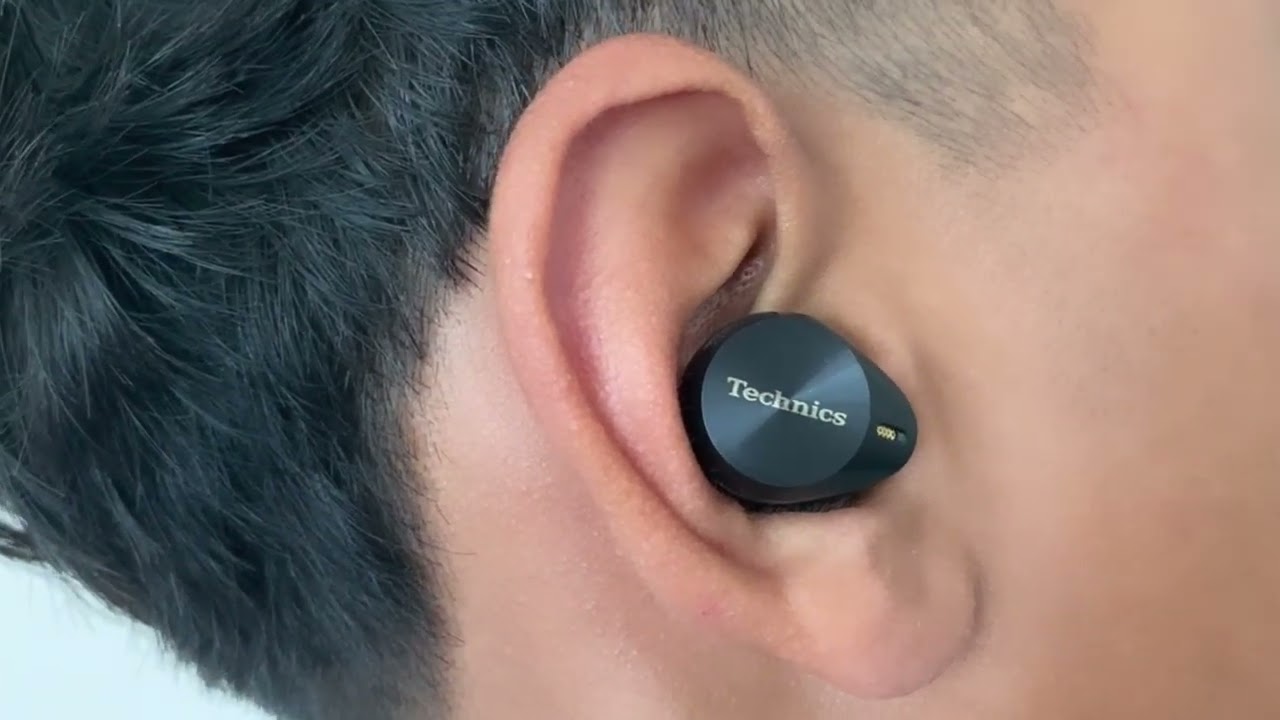
Why pairing matters for your Technics earbuds
Pairing is the step that lets your phone, tablet, or computer talk to your Technics earbuds. Good pairing gives low-latency audio, stable calls, and the full benefit of noise control. Knowing how to pair Technics earbuds saves time and avoids repeated re-pairing or connection drops. When you learn the proper pairing flow, the earbuds behave predictably across devices.


Before you start: quick checks and prep
- Check battery levels on both earbuds and the case. Low battery often blocks pairing.
- Close other Bluetooth devices nearby to reduce interference during setup.
- Turn on Bluetooth on your phone, tablet, or computer before starting the pairing process.
- Decide whether you want single-ear or dual-ear use. The steps differ slightly.
Knowing these basics makes how to pair Technics earbuds faster and less frustrating.

Step-by-step: how to pair Technics earbuds (standard method)
- Charge and open the case
- Fully charge the earbuds and case if possible. Place the earbuds in the case, then open the lid. Many Technics models enter pairing mode when the case lid opens and Bluetooth on your device is active.
- Take earbuds out to start pairing
- Remove both earbuds from the case. They usually power on automatically and attempt to pair with each other first.
- Enter pairing mode manually if needed
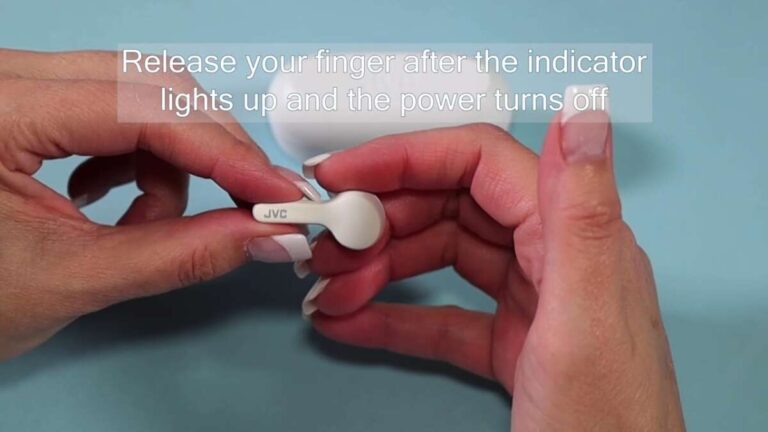
- If they don’t appear on your device, press and hold the earbuds’ touch or physical buttons for about 3–7 seconds until the LED blinks in a pairing pattern (typically alternating blue/white or blue/red).
- Select the Technics name on your device
- On your phone or computer, open Bluetooth settings and choose the Technics model name. The pairing label may include the model number.
- Confirm and test audio
- Accept any pairing prompts. Play a test sound and check the mic in a quick call to confirm both audio in and out.
If the above fails, try closing the case, waiting 10 seconds, and repeating the steps. This routine covers how to pair Technics earbuds for most models and daily situations.

Pairing specific models and advanced features
- EAH-AZ60 and EAH-AZ70W
- These models usually support the standard pairing steps and may include a dedicated app for firmware updates and advanced settings.
- EAH-AZ40 and other entry-level models
- Follow the same core steps: charge, remove from case, or hold button to enter pairing mode.
- Multi-device or multipoint pairing
- Some Technics earbuds support multipoint so you can connect to a phone and laptop at once. Enable multipoint in the app or device settings if available.
- Fast Pair and OS-level hints
- Newer devices sometimes show a quick pairing prompt when the case is opened. If you see a prompt, tap it to speed up how to pair Technics earbuds.
Always check the app or the user manual for model-specific button patterns and LED codes. Firmware updates in the app often fix pairing bugs.


Troubleshooting common pairing problems
- Earbuds not showing in Bluetooth list
- Reset the earbuds: place them in the case, hold the reset button or touch controls per manual, then try pairing again. Clearing your phone’s Bluetooth cache can help.
- One earbud connects and the other doesn’t
- Put both earbuds back in the case and remove them together. If one still fails, perform a factory reset on the earbuds to restore pairing behavior.
- Frequent dropouts or poor audio
- Move closer to the device and remove sources of interference like Wi‑Fi routers or microwave ovens. Update firmware and ensure both device and earbuds are fully charged.
- Pairing with a new device but not your old device
- Delete the earbuds from the old device’s Bluetooth list, then pair again. Some devices remember old profiles that block reconnection.
From my experience, a full reset plus a firmware update resolves most persistent pairing issues.

Tips for the best connection and audio experience
- Keep firmware updated through the official app when available. Updates fix bugs and improve Bluetooth stability.
- Avoid crowded 2.4 GHz environments during initial pairing. Pairing is most reliable in a quiet RF environment.
- Use the case to force power cycle. Closing and reopening the case often reboots the earbuds cleanly.
- Test single-ear mode if you need to use only one bud; remove the other from the case and ensure the active bud reconnects.
- Store earbuds and case in a cool, dry place. Extreme temps can affect battery and pairing behavior.
I learned the hard way that skipping firmware updates can lead to odd drops. Updating cleared the issue and improved battery life.

Frequently Asked Questions of how to pair technics earbuds
How long does it take to pair Technics earbuds?
Pairing usually takes under one minute when both earbuds and the device have sufficient battery. If you need to reset or update firmware, expect an extra 5–15 minutes.
Can I pair Technics earbuds with multiple devices?
Many Technics models support multipoint or remember several devices, but behavior varies by model. Check the app or manual to confirm multipoint support.
What does the LED color mean during pairing?
LED colors show status: blinking usually means pairing mode, steady means connected, and red often indicates low battery. Exact patterns depend on the model, so consult the quick guide for your earbuds.
Why does only one earbud play sound after pairing?
This can result from incomplete pairing between the two buds. Return both to the case, re-pair them together, or perform a factory reset to restore stereo pairing.
How do I reset my Technics earbuds for pairing?
Reset steps differ by model but typically involve placing buds in the case and holding touch or physical buttons for several seconds. Use the manual or app for precise reset instructions.
Conclusion
Pairing should be quick when you follow a clear plan: charge, set both earbuds into pairing mode, enable Bluetooth on your device, and select the Technics name. If you run into trouble, reset the earbuds, update firmware, and remove old Bluetooth profiles. Try these steps next time you set up your earbuds and you’ll save time and frustration. If this guide helped, leave a comment with your model and experience, or subscribe for more practical audio tips.

Everett Ashford is a tech reviewer at mytechgrid.com specializing in SSDs, cameras, TVs, earbuds, headphones, and other consumer electronics. He provides honest, data-driven reviews based on hands-on testing and real-world performance analysis. Everett simplifies complex tech details to help readers make smart, confident buying decisions.