Place both earbuds in the case, forget the device, then use the case/button reset sequence to restore factory settings.
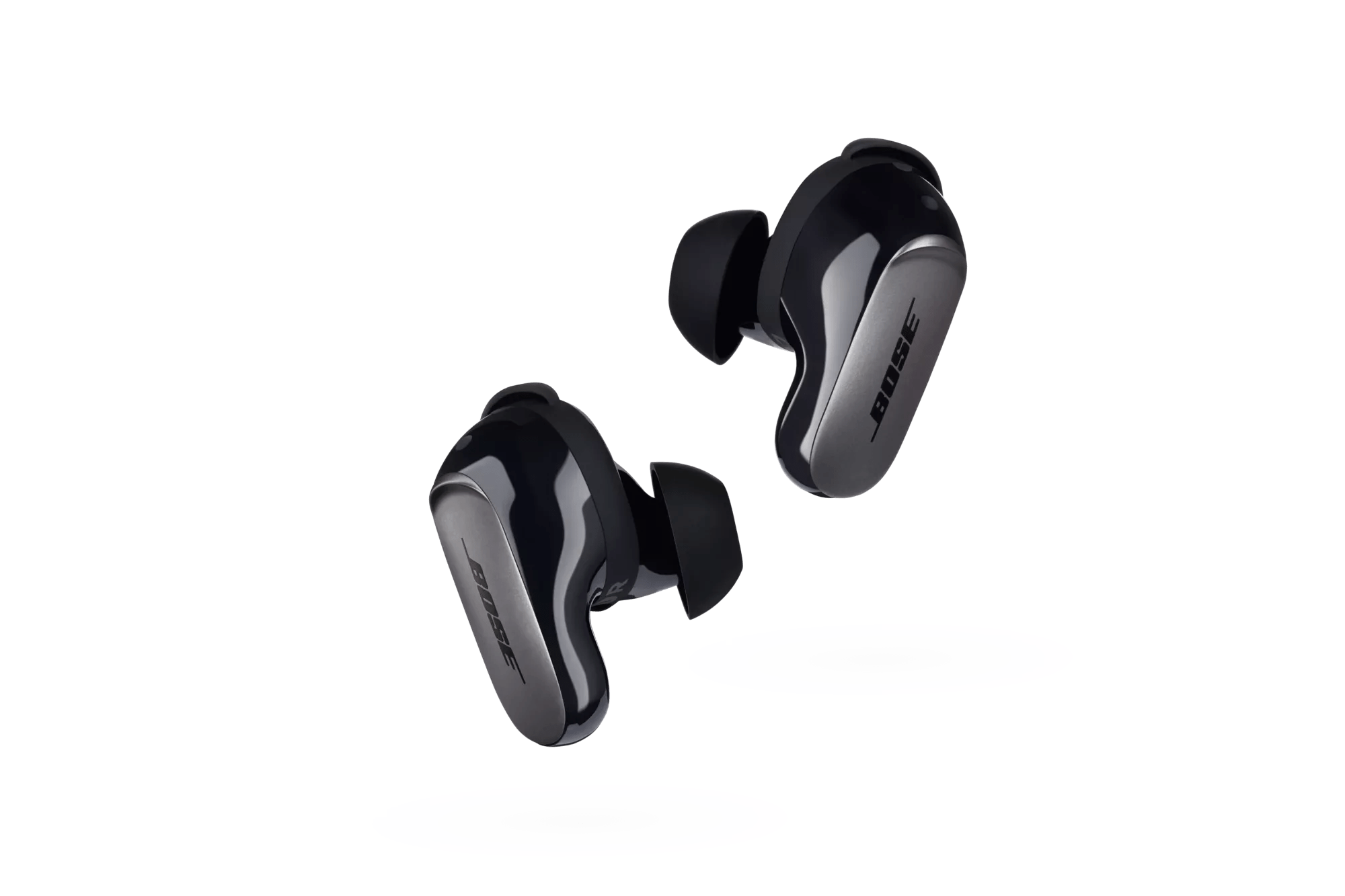
I’ve worked with many Bose earbuds and troubleshoot audio gear daily, so I’ll walk you through how to reset bose qc ultra earbuds step by step. This guide shows safe methods, exact sequences, and recovery tips so you can fix pairing problems, audio issues, or firmware glitches quickly and confidently. Read on—each step is simple, tested, and written so you can follow along even if you’re not tech-savvy.
Why you might need to reset your earbuds
Resets clear pairing and software glitches. If your earbuds drop audio, fail to pair, or act oddly after an update, a reset often fixes the issue. A reset returns settings to default while keeping firmware intact in most cases.
Most fixes are quick and low risk. I’ve fixed random disconnects and noisy ANC by resetting devices I use daily. A reset is the first smart step before contacting support or seeking repairs.

When to perform a reset for the best results
Perform a reset when simple steps don’t work. Try rebooting your source device and forgetting the earbuds in Bluetooth first. If the earbuds still won’t pair, show static, or apps can’t find them, then move to a full reset.
Also reset if you’re giving the earbuds to someone else. Resetting clears personal pairings and account links. That helps protect your privacy and makes pairing easier for the next user.
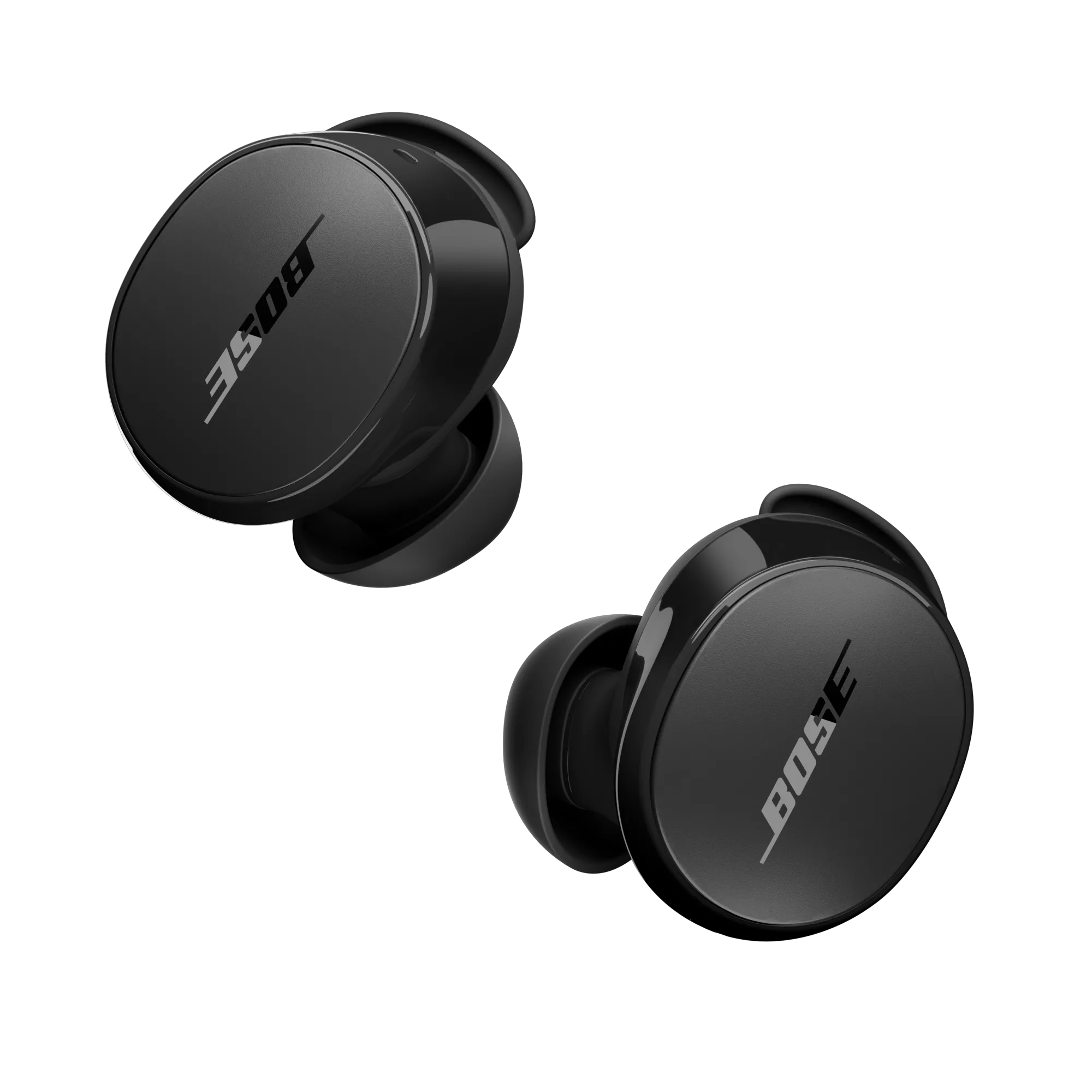
How to reset Bose QC Ultra earbuds — Step-by-step guide
Below are safe, practical methods you can try, listed from least to most intrusive. If one method fails, move to the next. Each method helps with common problems and is easy to follow.
Soft reset (quick restart)
- Place both earbuds into the charging case and close the lid.
- Wait 30 seconds, then open the case and try pairing again.
- If pairing still fails, remove the earbuds from your device’s Bluetooth list.
Full pairing reset (clear Bluetooth pairing)
- On your phone or computer, open Bluetooth settings and choose to forget or remove the Bose earbuds.
- Place the earbuds back into the charging case and close the lid for 10 seconds.
- Open the case and initiate pairing mode by leaving earbuds out and following the on-screen or app prompts.
Factory reset (restore defaults)
- Make sure the earbuds and case have some charge.
- Place both earbuds in the charging case.
- Use the Bose Music app if available: open the app, select the earbuds, and look for a “Reset” or “Remove device” option. Confirm the action.
- If the app doesn’t reset, try the manual sequence: remove the earbuds from the device list, then press and hold the case button (or follow the touch/button prompts on the earbuds) until the LED indicator flashes a reset color or you hear an audio prompt. Release when the indicator confirms the reset.
- Re-pair the earbuds by selecting them in Bluetooth settings or via the Bose Music app.
Notes and safety tips
• Keep the case charged. A low battery can interrupt a reset.
• Use the Bose Music app when possible for guided steps and firmware checks.
• If you see unusual LED patterns, pause and check the user guide—LED colors indicate specific states.
How to reset bose qc ultra earbuds effectively means trying soft resets first, then clearing Bluetooth pairs, and finally doing a factory restore if needed. These steps match real-world fixes I use when troubleshooting earbuds.

Troubleshooting after a reset
If problems persist after you learn how to reset bose qc ultra earbuds, try these quick checks.
Re-pair carefully
• Turn off Bluetooth on other nearby devices to avoid accidental connections.
• Put the earbuds in pairing mode and select them from your device Bluetooth list.
Update firmware
• Open the Bose Music app and check for firmware updates.
• Install updates while the earbuds are in the case and charging.
Audio or ANC issues
• Clean ear tips and charging contacts gently with a dry cloth.
• Test with different devices to isolate phone vs earbud faults.
Persistent hardware issues
• If one earbud has lower volume, try swapping ear tips and re-pairing.
• Contact Bose support if you suspect a battery or hardware fault; a reset won’t fix physical damage.

Practical tips, lessons learned, and mistakes to avoid
From my experience, these practical tips save time and frustration.
Tips I use
• Always forget the earbuds on your phone before re-pairing to avoid stale profiles.
• Keep the Bose Music app installed for clearer instructions and firmware fixes.
• Charge the case to at least 50% before attempting any reset or update.
Common mistakes
• Trying a factory reset with low battery can cause incomplete reset cycles.
• Skipping the app step; the app often gives precise prompts and status messages.
• Assuming a reset fixes physical damage; it won’t repair broken drivers or worn batteries.
Why repeat resets? Frequent resets usually indicate a deeper problem. If you find yourself asking how to reset bose qc ultra earbuds every week, consider firmware updates or warranty service.

What to expect after resetting: benefits and limitations
Benefits
• Clears pairing and most software glitches.
• Improves pairing reliability and can resolve audio dropouts.
• Removes personal Bluetooth pairings for privacy.
Limitations
• A factory reset does not repair physical damage.
• It may not fix severe firmware corruption; in that case, professional service may be needed.
• Some settings (like custom EQ in the app) will be lost and need reconfiguration.
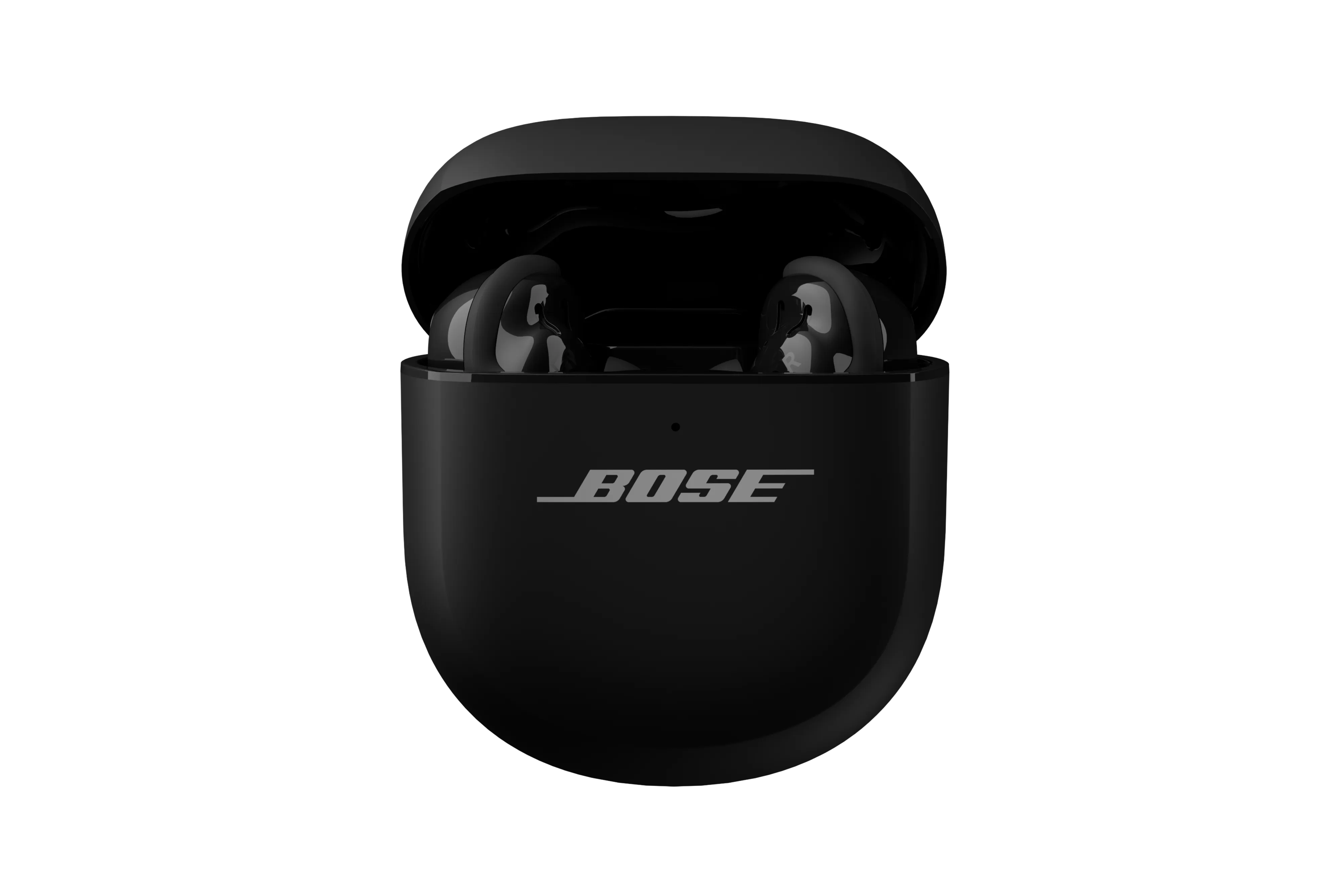
Personal experience: a short case study
I once had a pair that randomly muted during calls. A soft reset didn’t help. After I learned how to reset bose qc ultra earbuds via the Bose Music app and installed a firmware update, call stability improved dramatically. The key lesson: combine reset with firmware checks.
This matched my broader experience: resets plus updates solve most software problems. If that fails, escalate to support.

Frequently Asked Questions of how to reset bose qc ultra earbuds
How long does a full reset take?
A full reset typically takes under two minutes. Allow extra time if you need to update firmware after the reset.
Will resetting delete firmware updates?
No. Resetting generally restores settings but does not remove firmware updates. Firmware stays unless the manufacturer specifically provides a rollback tool.
Do I need the Bose Music app to reset?
No, you can perform basic resets without the app. The app makes the process easier and shows firmware status.
Will resetting fix charging problems?
Not usually. Resets can clear software issues affecting charging recognition, but physical or battery faults need service.
How often should I reset my earbuds?
Only when troubleshooting problems. Regular resets are unnecessary and won’t improve battery health or lifespan.
Conclusion
Resetting is a powerful, low-risk way to fix pairing, audio, and software problems. Start with soft resets, then clear Bluetooth pairs, and use the app or manual factory reset if needed. If you’ve tried these steps and still have trouble, reach out for support or consider warranty service.
Try the steps now: forget the earbuds, use the case reset, and update firmware. If this helped, leave a comment about your experience or subscribe for more clear, tested guides on audio gear.

Everett Ashford is a tech reviewer at mytechgrid.com specializing in SSDs, cameras, TVs, earbuds, headphones, and other consumer electronics. He provides honest, data-driven reviews based on hands-on testing and real-world performance analysis. Everett simplifies complex tech details to help readers make smart, confident buying decisions.