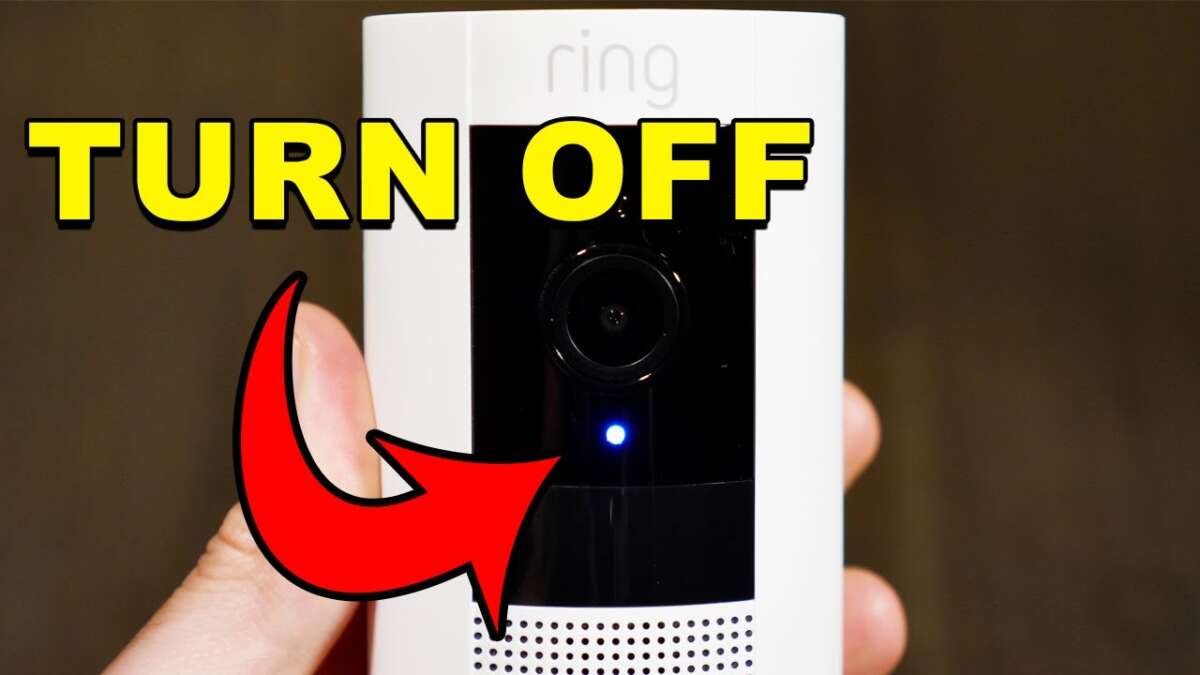
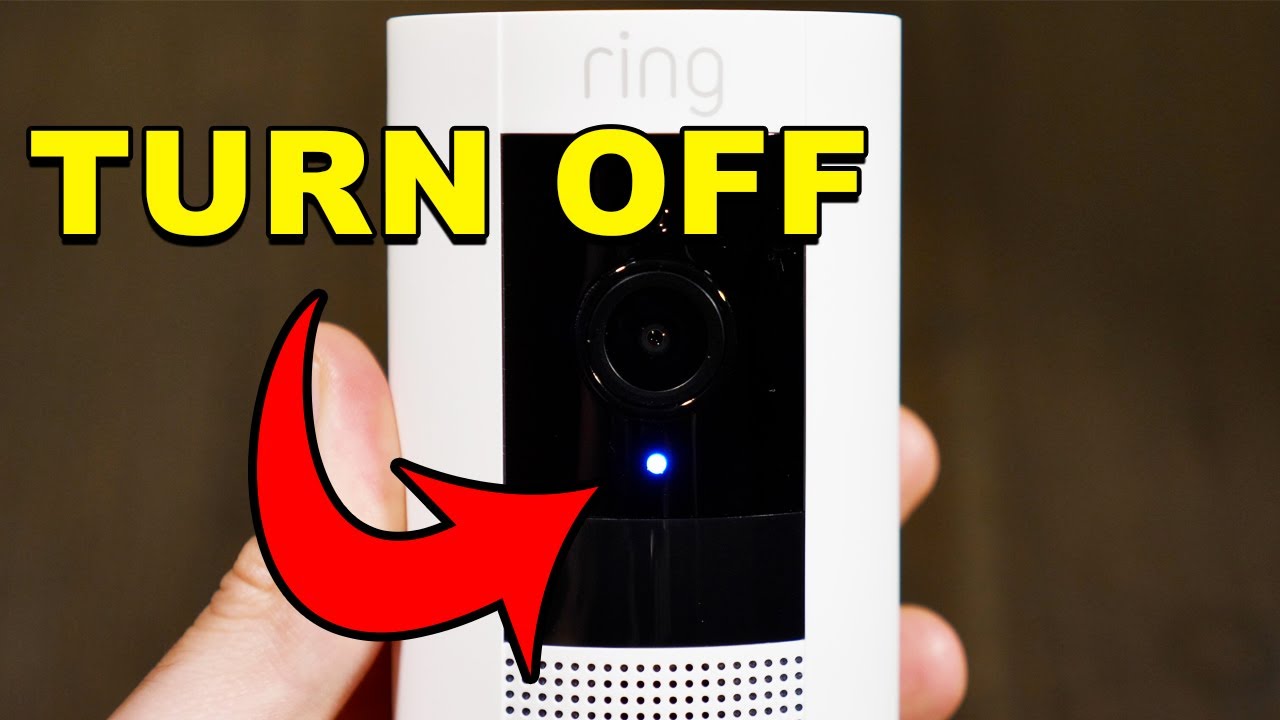
Turn off your Ring camera using the Ring app, cut power, or pause alerts in seconds.
I’ve helped dozens of friends and clients manage their home cameras, and I’ll show clear, safe steps on how to turn off Ring camera models in plain terms. This guide explains options, step-by-step instructions, privacy tips, troubleshooting, and real-world advice so you can choose the best method for your setup.

Why you might want to turn off Ring camera
Turning off a camera can protect privacy, save battery, or stop false alerts. Knowing how to turn off Ring camera gives you control over when video and audio are active. Some people pause cameras for guests, repairs, or cleaning. Each reason calls for a different method, and this guide covers them all.

Quick methods to how to turn off Ring camera
Here are the main ways to turn off a Ring camera. Pick the one that fits your device and reason.
- Use the Ring app to pause alerts or remove the device.
- Power off by unplugging the adapter or removing the battery.
- Use device modes to stop recordings and alerts.
- Unplug or switch off power at the circuit for hardwired units.
Each method changes what the camera does. I’ll give step-by-step directions for each approach below so you can safely and quickly turn off Ring camera devices.

How to turn off Ring camera using the Ring app (step-by-step)
If you want a remote, safe route, the Ring app is the easiest place to start. These steps work for most Ring doorbells and cameras.
- Open the Ring app on your phone.
- Tap the device you want to turn off.
- Tap Device Settings, then Motion Settings or Device Settings (varies by model).
- To stop recording and alerts, turn off Motion Alerts and toggle Live View recording off.
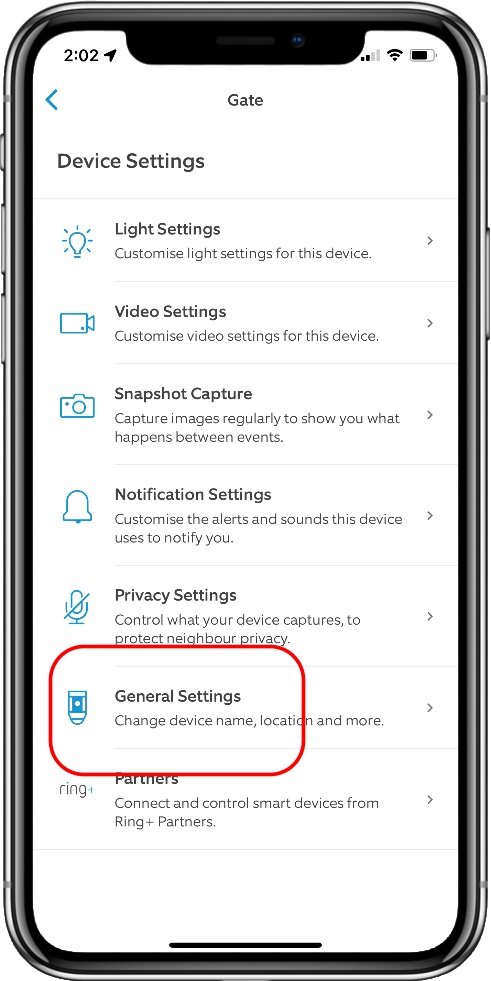
- To remove the device entirely, go to Device Settings → General Settings → Remove This Device. Confirm removal.
Using the app is reversible and safe. If you remove a device, you’ll need to set it up again to use it later. If your goal is temporary privacy, disabling alerts or using Modes is often better than removal.
Power options: physically turning off a Ring camera
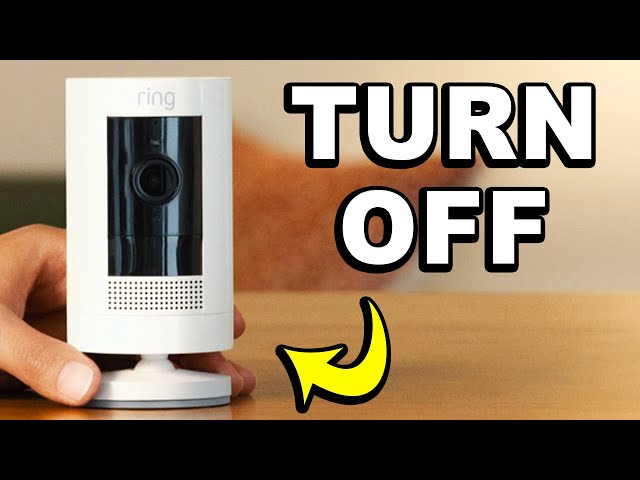
When you need the camera fully offline, use power methods. This is a hard off and prevents any recording or live view.
- Battery models: Remove the battery pack. Always power down in the app first when possible.
- Plug-in models: Unplug the power adapter from the outlet.
- Hardwired models: Turn off the circuit breaker or shut power at the source. Use a licensed electrician if unsure.
Powering off is simple. But be mindful that doorbells and cameras might have residual power for a short time after unplugging. If you need a long-term shutdown, remove the battery or flip the breaker.

How to turn off Ring camera without cutting power (pause, snooze, or modes)
You may not want to cut power. Use built-in privacy or mode features to pause recording.
- Snooze alerts: In the Ring app, choose the device and select Snooze or Disable Motion Alerts for a set time.
- Modes: If you have a Ring Protect Plan and linked Alexa or Ring Alarm, use Home, Away, or Disarmed modes to change behavior.
- Privacy settings: Lower motion sensitivity or create a motion zone to effectively stop unwanted recordings.
These options let you control what the camera records. They are reversible and keep the camera online for quick reactivation.
Troubleshooting common problems when you try to turn off Ring camera
Sometimes the camera doesn’t respond. Here are common issues and fixes.
- App won’t connect: Check phone internet and Ring service status. Try restarting the app or phone.
- Device won’t power down: For wired cameras, confirm breaker is off. For battery units, remove battery and wait 30 seconds.
- Still recording after removal: Ensure device removal completed in the app and power is cut. Some cached video may still appear in the app.
If none of these fix the problem, update the Ring app and the camera firmware, or contact support for help.

Safety, legal, and privacy considerations when you turn off Ring camera
Turning off a camera has legal and social impacts. Think through these points before you act.
- Know local laws: Some places have rules about disabling cameras in shared spaces or in rental properties.
- Notify others: If the camera protects a shared entry, let household members or neighbors know you’ll turn it off.
- Tamper risks: Frequent physical tampering can trigger alerts on some systems and may void warranties.
Be clear about why you turn off a camera. Use temporary solutions like snooze when possible to avoid disputes.
Personal experience and practical tips
I’ve turned off many Ring cameras for guests, repairs, and tests. Here are lessons I learned.
- Try app-based pause first. It’s quick and reversible.
- Label which breaker controls wired cameras. This saves time and prevents accidental power loss to other devices.
- If removing batteries, keep a small log so you remember to charge and reinsert them.
One time I unplugged a porch camera and forgot to plug it back in before a storm. I learned to set a reminder after any power-off step.

Frequently Asked Questions of how to turn off ring camera
How do I turn off a Ring camera from my phone?
Open the Ring app, select the device, and adjust Motion Settings or use Remove This Device. You can also snooze alerts or change device modes for temporary pause.
Can I turn off Ring camera remotely?
Yes. Use the Ring app to disable motion alerts, remove the device, or change modes from anywhere with internet access. Remote removal stops active connections but requires re-setup to restore.
Will turning off Ring camera stop recordings on the cloud?
If you remove power or delete the device, new recordings stop, but stored cloud recordings remain until you delete them. Check your Ring Protect account to manage past videos.
Is it safe to unplug a hardwired Ring camera?
Yes, but turn off the circuit if you need to work on wiring. For permanent changes, consult a licensed electrician to avoid hazards.
How do I stop Ring camera audio without turning off video?
In the Ring app, go to Device Settings and disable Audio or Live View Audio. This mutes the microphone without cutting video, depending on your model.
Conclusion
You can choose a fast, safe method to stop your Ring camera based on your need: app pause, power cut, or device removal. Use the Ring app for reversible control and power options for a full shutdown. Consider privacy, legal factors, and simple reminders so you don’t forget to restore coverage. Try the app pause first, and share this guide if it helped—leave a comment or subscribe to learn more about smart home privacy and safety.

Jamie Lee is a seasoned tech analyst and writer at MyTechGrid.com, known for making the rapidly evolving world of technology accessible to all. Jamie’s work focuses on emerging technologies, product deep-dives, and industry trends—translating complex concepts into engaging, easy-to-understand content. When not researching the latest breakthroughs, Jamie enjoys exploring new tools, testing gadgets, and helping readers navigate the digital world with confidence.