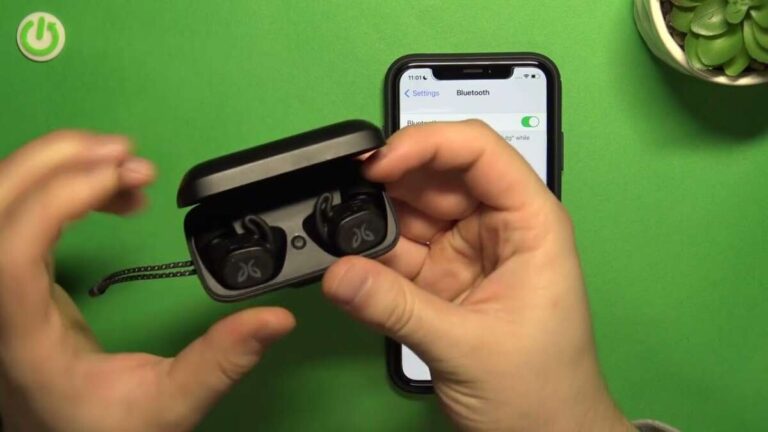
To turn on JBL earbuds without the case, press and hold each earbud’s button or touch panel until the LED lights up.
Learning how to turn on JBL earbuds without case is useful when the charging case is lost, empty, or left at home. Most JBL models support manual power control, but the exact gesture can vary between button-based and touch-control earbuds. This guide explains the safest steps, common model differences, charging limits, and fixes that work when the earbuds seem completely dead.
How to turn on JBL earbuds without case
JBL earbuds usually turn on in one of two ways:
• Press and hold a physical button on each earbud.
• Touch and hold the control panel on each earbud.
The earbuds may start one at a time. Some models also turn on when you place them in your ears after they have been switched off manually. You should see a white or blue LED flash, hear a sound, or receive a voice prompt when the earbuds power on.
To turn on JBL earbuds without case, follow these steps:
- Remove both earbuds from the case, if you still have it nearby.
- Check that each earbud has enough battery.
- Press and hold the button on the left earbud for about two to five seconds.
- Repeat the same action on the right earbud.
- Watch for a flashing LED or listen for a power-on sound.
- Open your phone’s Bluetooth settings and select the JBL earbuds.
On touch-control models, touch and hold the outer surface instead of pressing a button. Hold the panel firmly but gently. A quick tap often changes the track or pauses music instead of powering the earbud on.
Check whether your JBL earbuds use buttons or touch controls
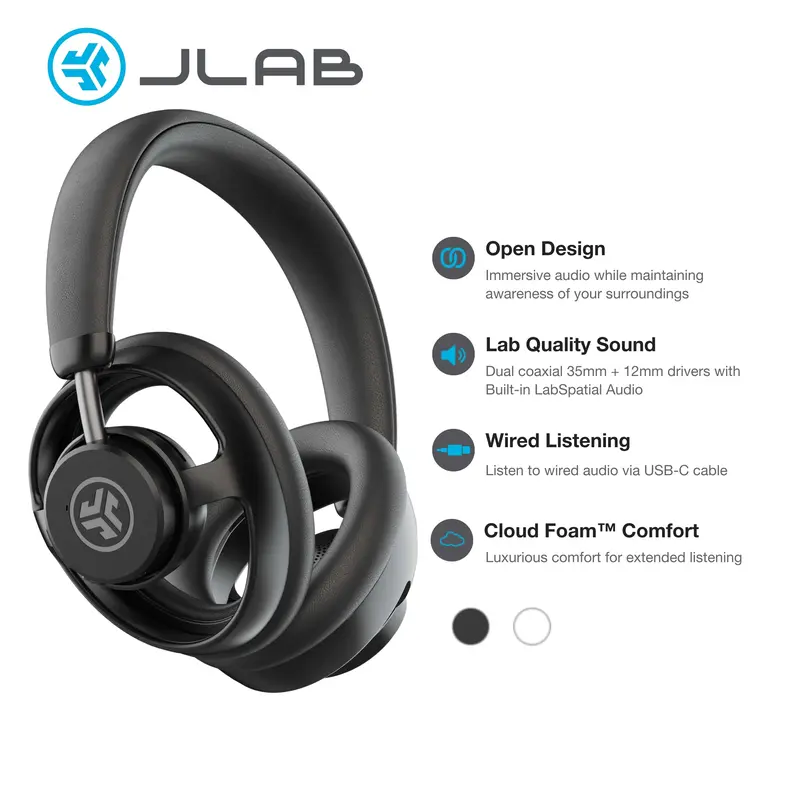
The first step in learning how to turn on JBL earbuds without case is identifying the control type. JBL uses both physical buttons and touch panels across its earbud range.
Physical-button earbuds have a small button that clicks when pressed. It may sit on the outer face or along the edge of the earbud.
Touch-control earbuds have a smooth outer panel. The panel may show a small JBL logo, but it usually does not click.
Button-controlled JBL earbuds
For a button model, press and hold the button on each earbud. Hold it for at least two seconds before releasing it.
If the earbud does not respond, hold the button for up to five seconds. Do not press the button many times in a row, because short presses may control calls, music, or volume.
Touch-controlled JBL earbuds
For a touch model, place one finger on the outer panel. Keep your finger still for two to five seconds.
Avoid covering the charging contacts or squeezing the earbud. Touch sensors can miss commands when your fingers are wet, oily, or covered by gloves.
Read the model guide when the control is unclear
JBL Tune, Live, Reflect, Endurance, and Vibe models can use different power gestures. The model name is often printed inside the charging case, on the earbud stem, or in the Bluetooth device name.
The user guide is the most reliable source for the exact command. A small difference in timing can determine whether you power on the earbud or activate another function.

How to turn on JBL earbuds without case when they are already off
If the earbuds were manually powered off, you can usually turn them on without the case. This is different from earbuds that are fully drained or stuck in a charging state.
Try the following process:
- Take both earbuds out of your ears.
- Press and hold the control button on one earbud.
- Wait for the LED to flash or for a voice prompt.
- Repeat the process on the second earbud.
- Keep both earbuds close to your phone.
- Select the JBL product from the Bluetooth menu.
Some JBL earbuds use the left earbud as the main connection earbud. If only one earbud turns on, power on both and wait several seconds before opening Bluetooth settings.
If the earbuds connected to another device before, they may reconnect to that device first. Turn off Bluetooth on nearby phones, tablets, laptops, and smart TVs. Then try pairing again.
A common mistake is to hold the touch panel for too long. On some models, a longer hold may start pairing mode or reset a control command. Use short, steady pressure first.
How to turn on JBL earbuds without case after they shut down
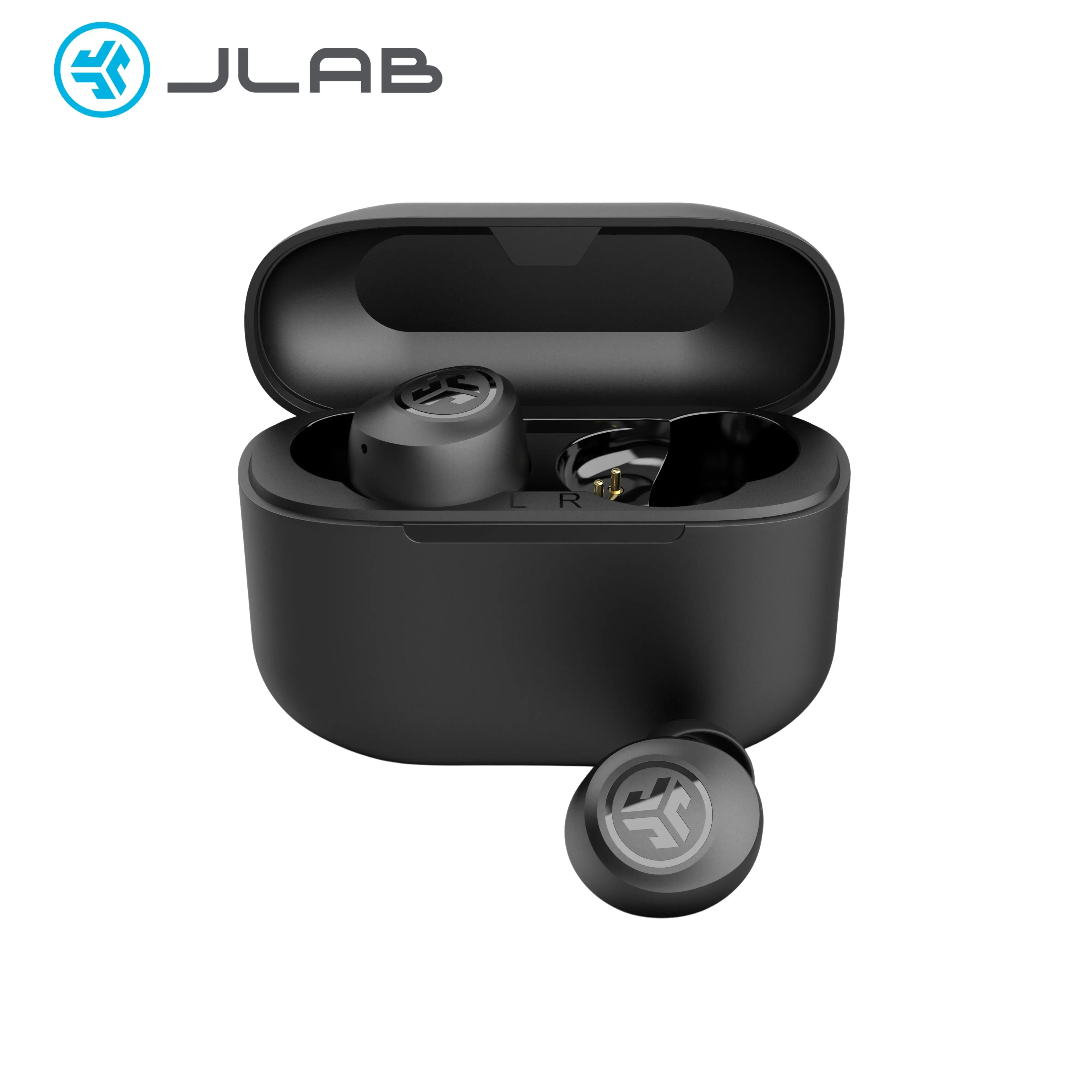
JBL earbuds can shut down because of low battery, inactivity, or a manual power command. The fix depends on why they stopped.
If the earbuds shut down after sitting unused, press and hold the controls again. Many earbuds enter a low-power state after several minutes without a connection.
If the battery is low, the LED may flash red or fail to light at all. In that case, the earbuds need power before they can turn on. The case is the normal charging method, so you may need to borrow or replace the correct case.
If the earbuds were turned off while they were inside the case, remove them before pressing the controls. The case can keep the earbuds in charging mode, which may block manual power commands.
The best method for how to turn on JBL earbuds without case is to first remove every source of confusion: take them out of the case, place them on a dry surface, and hold the correct control for several seconds.

What the LED lights mean
The LED gives useful clues when you try to turn on JBL earbuds without case. The exact colors vary by model, but the general meanings are similar.
• White or blue flashing light: The earbud may be powering on, pairing, or connecting.
• Red light: The battery may be low, or the earbud may be charging.
• Purple or blue and white flashing: The earbud may be entering Bluetooth pairing mode.
• No light: The battery may be fully drained, the control may not be receiving your touch, or the earbud may be defective.
• Light that turns off quickly: The earbud may have powered on but entered standby mode, or it may have failed to connect.
Do not rely on the LED alone. Some JBL models use a voice prompt or short tone instead of a bright light. Test the earbuds with your phone after holding the control.
When checking the LED, clean the small light area and inspect the earbud for damage. A cracked shell, loose button, or blocked charging contact can cause unusual behavior.

How to turn on JBL earbuds without case when there is no response
If the earbuds do not respond, work through the following troubleshooting steps.
Charge the earbuds with the correct case
Most JBL true wireless earbuds cannot charge directly through a USB cable. The case contains the charging circuits and transfers power through small metal contacts.
If the case is lost, a replacement case made for the exact model may be required. Do not force a different JBL case to fit. The shape, contact layout, voltage control, and firmware support may differ.
Clean the charging contacts
Dirt or skin oil can stop the earbuds from charging. Wipe the metal contacts with a dry, soft cloth or a clean cotton swab.
Do not pour water or cleaning fluid into the earbud. Do not use a sharp metal object near the contacts, because it may scratch the surface or cause a short circuit.
Try a longer power hold
Hold the button or touch panel for five seconds. If there is still no response, release it, wait ten seconds, and try again.
Some power commands only work after the earbud has fully left its standby state. Gentle pressure is better than pressing hard.
Check the phone connection
Open Bluetooth settings and remove the old JBL connection. Then turn Bluetooth off and back on.
If the earbuds appear in the list but will not connect, select “Forget This Device” on an iPhone or “Unpair” on many Android phones. Then try pairing again.
Reset the earbuds only as a later step
A reset can fix pairing errors, but it may erase saved connection data. It will not restore a dead battery or replace a missing charging case.
The reset gesture varies by model. Use the instructions for your exact JBL product rather than guessing. Random button combinations can make troubleshooting harder.

Can you charge JBL earbuds without the case?
In most situations, no. JBL true wireless earbuds are designed to charge through their matching charging case, not through a direct USB connection.
The case provides the correct power path and protects the earbuds while charging. Its contacts also help the earbuds enter charging and storage modes.
Avoid homemade charging solutions, loose wires, third-party clips, or exposed batteries. These methods can damage the earbuds and create a heat or fire risk.
If you lost the case, look for a replacement made for the exact model number. Check that the replacement supports the same left and right earbuds before buying it.
Some JBL products sold as neckband or sport earbuds have a USB charging port on the cable or control module. Those models are different from fully wireless earbuds and may charge without a case.
How to pair JBL earbuds after turning them on
After you turn on JBL earbuds without case, pairing may happen automatically if they were previously connected to your phone. If not, place the earbuds near the phone and open Bluetooth settings.
Use this simple process:
- Turn on both earbuds.
- Open Settings on your phone.
- Select Bluetooth.
- Wait for the JBL model name to appear.
- Tap the name.
- Accept the pairing request if one appears.
- Play a short audio clip to test both earbuds.
If only one side produces sound, the earbuds may not be synchronized. Turn off both earbuds, place them close together, and turn them on again.
You can also remove the old JBL entry from your phone and pair the earbuds as a new device. This often fixes a connection loop caused by old Bluetooth records.
Keep the earbuds close during pairing. Walls, other wireless devices, and a crowded Bluetooth area can make the first connection less stable.

Mistakes to avoid when powering on JBL earbuds
Small mistakes can make working earbuds seem dead. Avoid these common problems:
• Pressing the wrong surface: The touch panel is usually on the outer face, not the silicone ear tip.
• Holding for too little time: A half-second tap may not activate the power command.
• Holding for too long: A long hold may trigger pairing or another control function.
• Trying to charge through the earbud: Most JBL true wireless models need the correct case.
• Using a different charging case: A case from another model may not fit or charge safely.
• Ignoring low battery signs: A red LED or no light can mean the earbuds need charging.
• Testing only one earbud: Both earbuds may need separate power commands.
• Leaving Bluetooth on nearby devices: The earbuds may connect to the wrong phone.
In my troubleshooting process, the most useful habit is to check battery status before repeating the power gesture. Many users keep pressing the button when the real issue is a drained battery. Think of the power command as turning a key: it cannot start the engine if the battery has no charge.
When replacing the case is the best solution
Learning how to turn on JBL earbuds without case helps only when the earbuds still have battery power. If they are fully drained, the missing case becomes the main problem.
A replacement case may be worthwhile when:
• The earbuds work normally but the original case is lost.
• The earbuds are in good condition.
• The replacement case is made for the exact model.
• The cost is lower than buying a complete new set.
A complete replacement may make more sense when the earbuds are old, the batteries hold little charge, or the replacement case is difficult to find. Lithium-ion batteries lose capacity over time, so older earbuds may run for only a short period even after charging.
Check the model name carefully before ordering. “JBL Tune” or “JBL Live” is not specific enough because each line may include several versions with different cases.
Frequently Asked Questions About How to Turn On JBL Earbuds Without Case
Can I turn on JBL earbuds without the charging case?
Yes, many JBL true wireless earbuds can turn on by pressing and holding the button or touch panel on each earbud. This works only if the earbuds have enough battery and are not locked in charging mode.
How long should I hold the JBL earbud button?
Start by holding the button for two to five seconds. If the earbud does not respond, release it, wait a few seconds, and try again while checking the LED.
Why will my JBL earbuds not turn on without the case?
The battery may be fully drained, or the earbuds may not recognize the power gesture. Dirty charging contacts, a damaged button, a faulty touch sensor, or a model-specific control can also cause the problem.
Can I charge JBL earbuds with a USB cable instead of the case?
Most JBL true wireless earbuds cannot charge directly with a USB cable. They normally need the matching charging case, while some neckband-style JBL earphones have their own USB charging port.
Can I use another JBL charging case?
Only use another case if it is confirmed to support the exact earbud model. Similar-looking JBL cases may have different contact positions, charging systems, or firmware support.
How do I turn on only one JBL earbud?
Press and hold the control on the earbud you want to use. Some JBL models support single-earbud use, but the available features and connection behavior depend on the model.
Do JBL earbuds turn on automatically without the case?
They may turn on automatically after a manual power command, but most true wireless models do not wake simply because you pick them up. Automatic power-on usually depends on removing them from the charging case.
Conclusion
To turn on JBL earbuds without case, remove them from any charging mode, then press and hold the button or touch panel on each earbud for two to five seconds. Check the LED, confirm the battery has power, and reconnect through your phone’s Bluetooth settings.
If there is no response, clean the contacts, try a longer hold, remove old Bluetooth records, and avoid unsafe direct-charging methods. A matching replacement case is the safest answer when the earbuds are fully drained.
Use the steps above with your exact JBL model, and share your model name or troubleshooting result in the comments for more targeted help.

Everett Ashford is a tech reviewer at mytechgrid.com specializing in SSDs, cameras, TVs, earbuds, headphones, and other consumer electronics. He provides honest, data-driven reviews based on hands-on testing and real-world performance analysis. Everett simplifies complex tech details to help readers make smart, confident buying decisions.