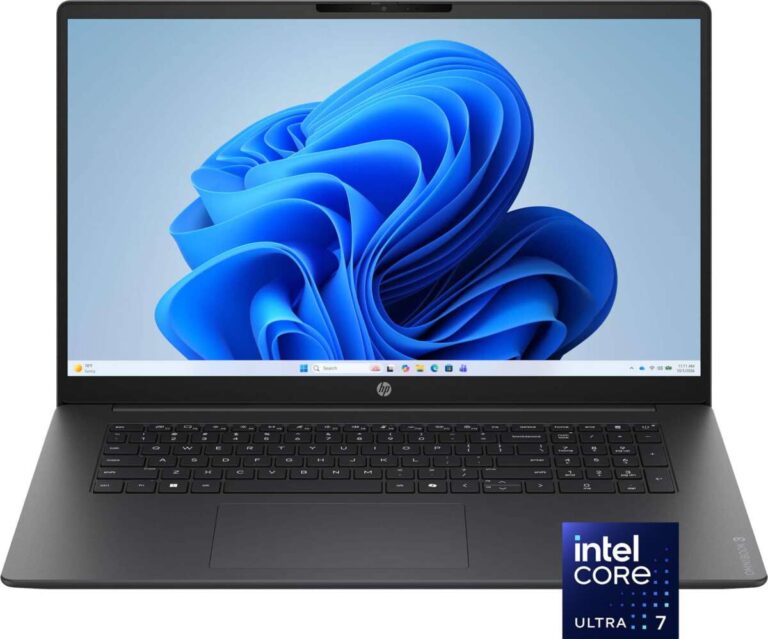
A 2-in-1 laptop combines the work features of a traditional notebook with the flexible design of a tablet. In the United States, this can be useful for students moving between classrooms, professionals working from home or in an office, and families that want one device for work, study, streaming, and light creative tasks.
The main advantage is flexibility. You can use the same computer as a laptop for typing, a tablet for reading, or a stand for watching videos and giving presentations. However, the best choice depends on the design, keyboard quality, battery life, software, ports, and price.
Quick answer
The key advantages of a 2-in-1 laptop are:
- One device can serve as both a laptop and a tablet.
- A touch screen makes some tasks faster and more natural.
- Foldable modes help with travel, presentations, reading, and media.
- A compatible pen can support notes, sketches, and annotations.
- You may save money and space by replacing two devices with one.
- Many models are thin and easy to carry.
- Windows 2-in-1 laptops can run standard desktop apps in addition to touch-based apps.


What is a 2-in-1 laptop?
A 2-in-1 laptop is a computer with a built-in keyboard, a display that supports touch input, and a design that allows the screen or keyboard to change position.
Most 2-in-1 laptops fall into two groups:
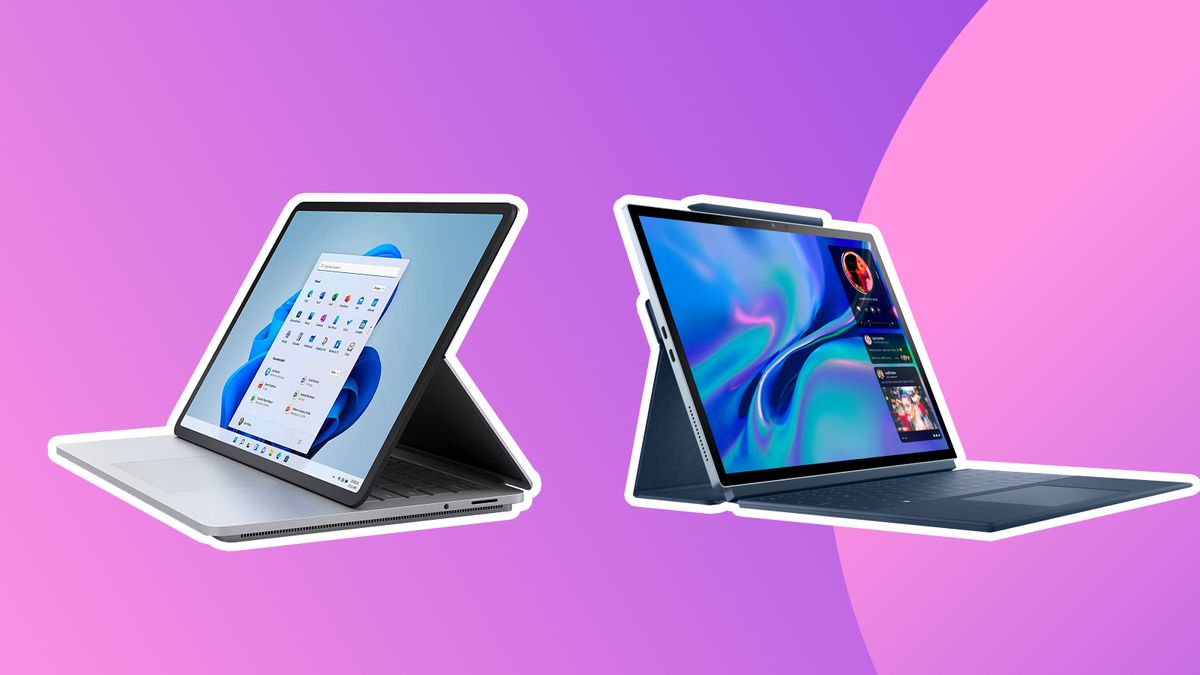
Convertible 2-in-1 laptops
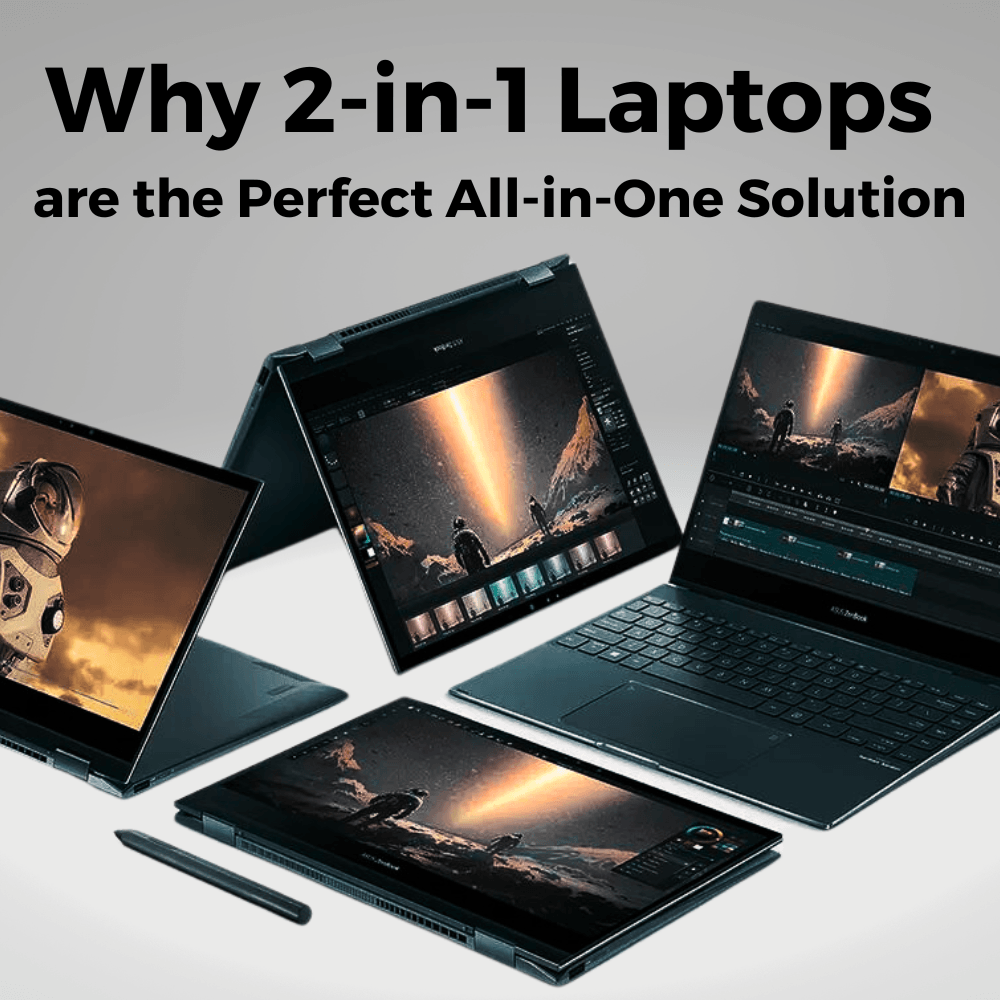
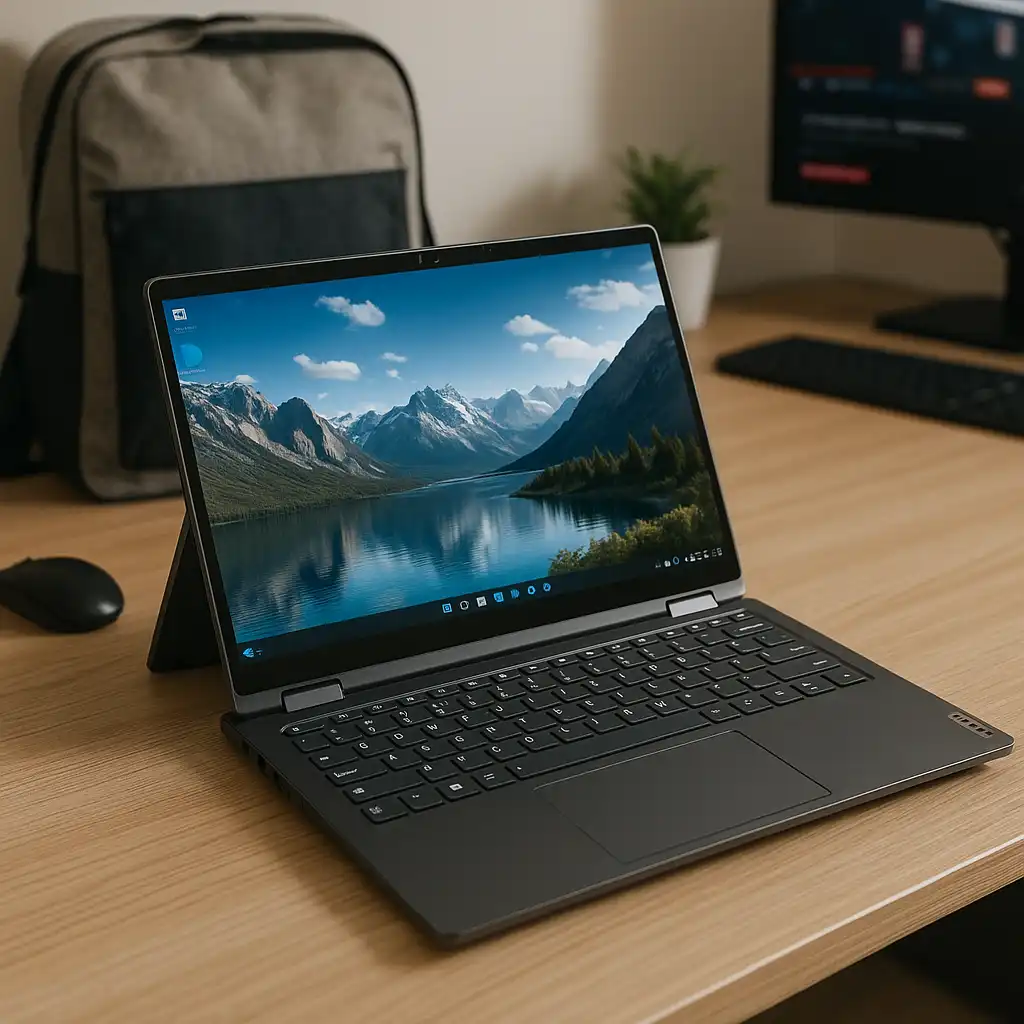
A convertible model uses a hinge that lets the screen rotate, often by 360 degrees. You can use it in several modes:
- Laptop mode: The keyboard faces you for typing.
- Tent mode: The device stands like a small tent.
- Stand mode: The keyboard rests behind the screen.
- Tablet mode: The display folds flat against the back of the keyboard.
The keyboard remains attached in every mode. This makes a convertible 2-in-1 feel more like a regular laptop during work.
Detachable 2-in-1 laptops
A detachable model has a removable keyboard. You can separate the screen and use it as a tablet. Some detachable keyboards are included, while others may cost extra.
Detachable models are often lighter in tablet form. They can be useful for reading, travel, and handwritten notes. Their limits may include a smaller keyboard, fewer ports, and less room for cooling powerful processors.


The term “2-in-1” does not guarantee the same features across all models. Check the exact design before you buy.

1. One device can replace a laptop and tablet
The biggest advantage of a 2-in-1 laptop is that it combines two common devices.
A standard laptop is usually better for long typing sessions, file management, and desktop software. A tablet is often more comfortable for reading, touch navigation, video, and casual browsing. A 2-in-1 lets you switch between these uses without carrying two separate computers.
For example, a college student in the United States could use laptop mode to write a paper, tablet mode to read course material, and tent mode to watch a lecture. A home user could use the keyboard for bills and email, then fold the device into stand mode for streaming.
This does not mean every 2-in-1 replaces a high-end tablet or workstation. It means one device can cover more daily tasks than a single-purpose design.
Why this matters
using one device can reduce:
- The number of chargers you carry.
- The number of files you need to keep in sync.
- The need to buy separate accessories.
- Desk and travel clutter.
- The time spent moving between devices.
Cloud services can already sync many files between computers. Still, a single device keeps the screen, operating system, storage, and apps in one place.
2. Flexible modes support work, study, and entertainment
A 2-in-1 laptop can adapt to the task instead of forcing you to use one fixed position.
Laptop mode is best for typing. Stand and tent modes can help when you do not need the keyboard. Tablet mode can make the device easier to hold while reading or browsing.
This flexibility can also help in small spaces. On an airplane tray, kitchen counter, or small desk, you may not have room for a separate monitor or tablet stand. Folding the laptop into a suitable position can make the screen easier to view.
The hinge also helps with presentations. You can place the device in tent or stand mode so several people can see the screen. For formal presentations, always check whether the laptop supports the required display connection, such as HDMI, USB-C video output, or a wireless display standard.
A flexible hinge is useful, but it is also a moving part. Treat the screen gently, keep the hinge area clear, and avoid forcing the display past its designed range.


3. Touch input can make some tasks faster
A touch screen gives you another way to control the computer. You can tap buttons, scroll through pages, zoom into images, and move objects directly on the display.
Touch input is especially useful for:
- Browsing websites.
- Reading digital books and documents.
- Viewing photos and maps.
- Signing forms.
- Navigating simple apps.
- Marking up PDFs.
- Using drawing or note-taking apps.
- Showing content to another person.
Touch does not replace a keyboard and trackpad for every task. Writing a long report by touching an on-screen keyboard is usually slower and less comfortable than using physical keys. Touch screens also collect fingerprints and may use more power than a non-touch display under some conditions.
The practical benefit depends on your habits. If you often scroll, sketch, annotate, or use apps designed for touch, the feature may be valuable. If you mostly type, code, or work in spreadsheets, keyboard and trackpad quality should matter more.

4. A 2-in-1 can support digital pens and handwritten notes
Many 2-in-1 laptops support an active pen. An active pen can detect actions such as pressure, movement, and sometimes tilt. This can make digital writing feel closer to writing on paper.
A pen may help with:
- Class notes.
- Meeting notes.
- Signatures.
- PDF comments.
- Diagrams.
- Basic drawing.
- Math work.
- Marking up screenshots.
Pen support is not universal. Some models include a pen. Others support one but sell it separately. Some laptops use a proprietary pen system, while others support common standards. Check the laptop maker’s specifications before buying an accessory.
Also check where the pen is stored. A built-in garage or magnetic holder is more convenient than keeping the pen loose in a bag. Battery and charging methods vary, too.
A 2-in-1 is not automatically a professional drawing tablet. Artists should check pressure sensitivity, screen size, surface feel, software support, color coverage, and palm rejection. For casual sketches and notes, the experience may be more than enough.
5. Convertible designs can save space
A 2-in-1 laptop can reduce the need for a separate tablet stand, external display for casual viewing, or second computer for light tasks.
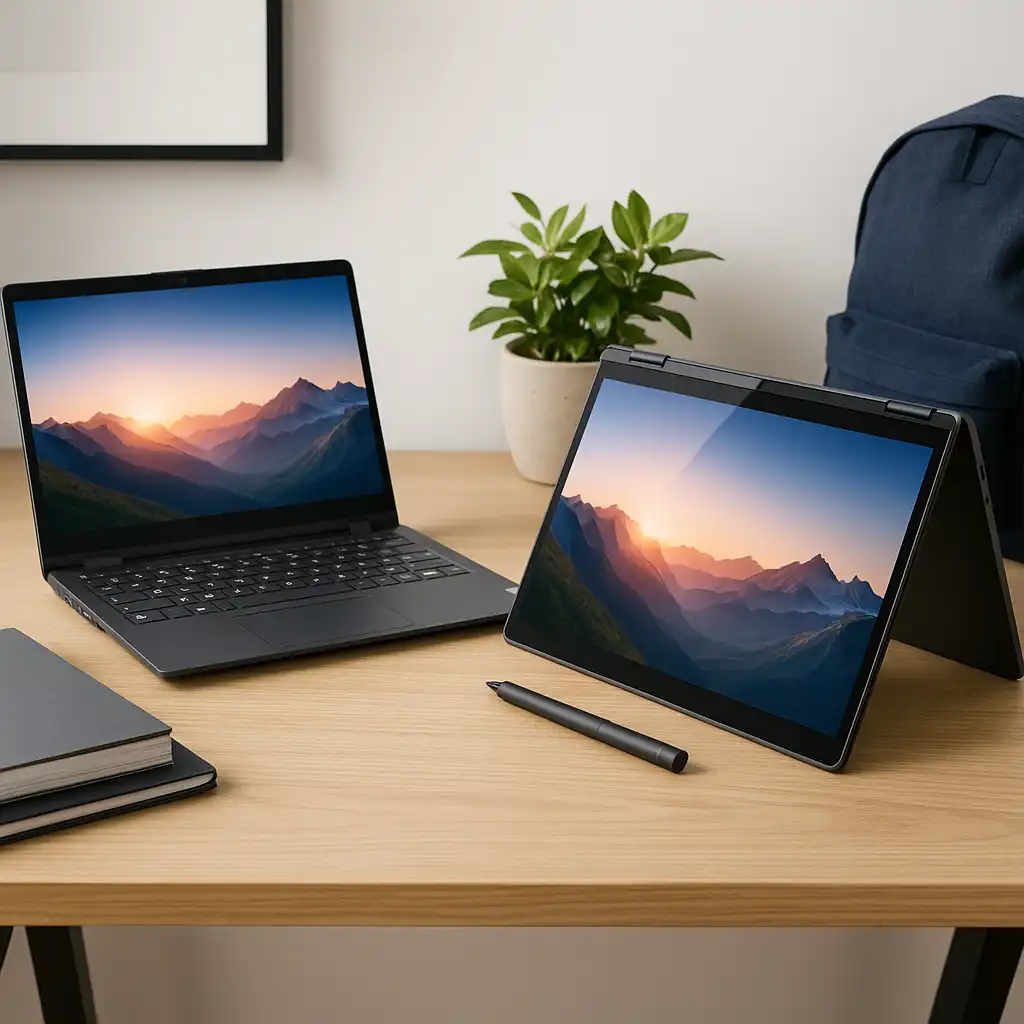
Stand and tent modes let the screen stay upright without a separate stand. This is useful for watching videos, following recipes, joining video calls, or displaying instructions while working with your hands.
A detachable model can save even more space when used as a tablet. However, the keyboard still needs to be stored somewhere when it is not attached.
This advantage is most useful for people with small desks, shared work areas, dorm rooms, or frequent travel. It is less important for someone who already has a large desk with a full monitor, tablet, and laptop setup.


6. One purchase may reduce total device costs
A 2-in-1 laptop can cost less than buying a separate laptop and tablet with similar capabilities. It may also reduce the cost of extra chargers, cases, keyboards, and cloud storage plans.
That does not mean every 2-in-1 is inexpensive. Flexible hinges, touch displays, pen support, and compact designs can raise the price. Some detachable models also require separate purchases for a keyboard or stylus.
Use the total cost of ownership when comparing options:
| Cost item | Questions to ask |
|---|---|
| Laptop | Does the base price include the keyboard? |
| Pen | Is a compatible stylus included? |
| Charger | Does the device include the required charger? |
| Storage | Will the built-in storage meet your needs? |
| Accessories | Do you need a case, dock, or mouse? |
| Repairs | Is the hinge, screen, or keyboard easy to service? |
| Software | Do you need paid apps or subscriptions? |
A simple example: if a $900 2-in-1 replaces a $700 laptop and a $400 tablet, it may offer a lower combined purchase cost. That comparison is only useful if the 2-in-1 meets your performance, screen, and battery needs.
7. Many 2-in-1 laptops run full desktop software
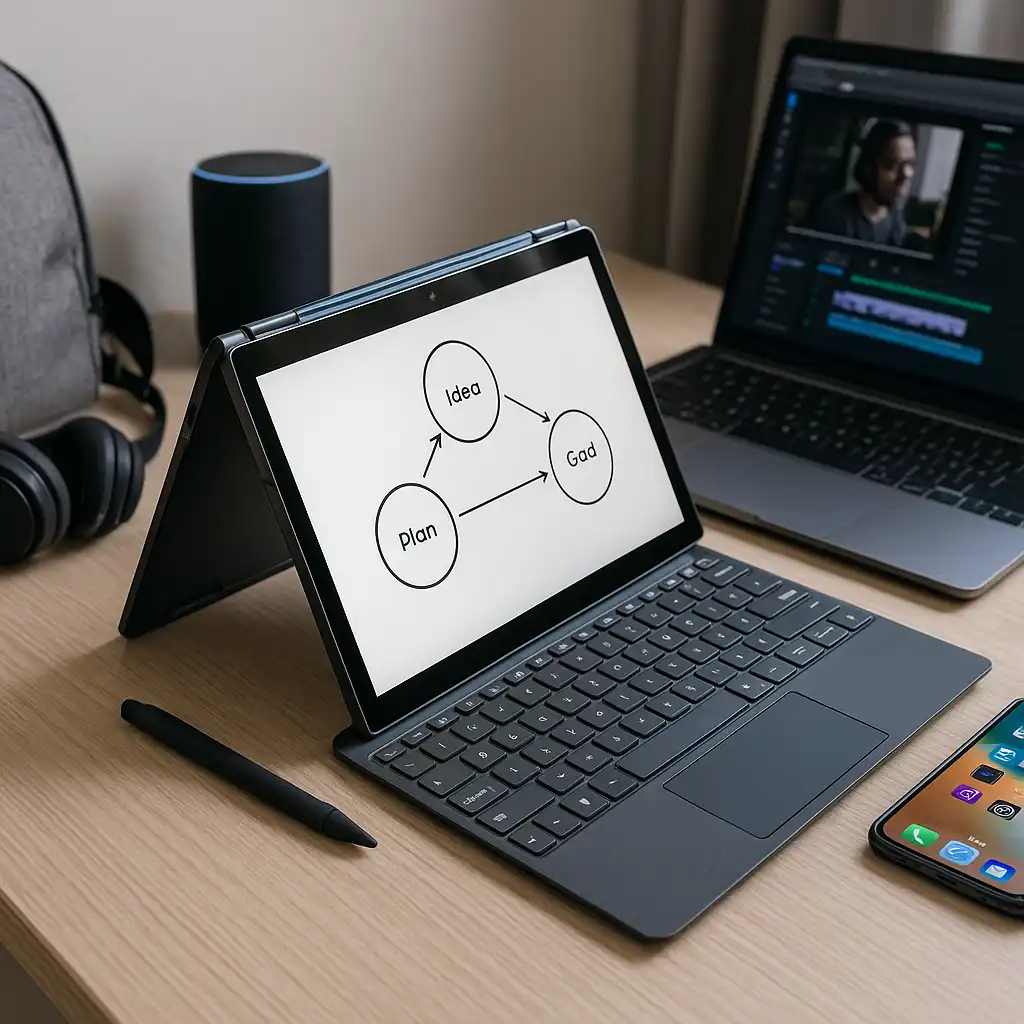
A Windows 2-in-1 can run common desktop programs, including office tools, web browsers, photo editors, coding tools, and many business applications. This gives it an advantage over tablets that rely mainly on mobile versions of apps.
The exact software experience depends on the processor and operating system. A Windows laptop with an Intel or AMD processor may support a broad range of traditional Windows programs. Devices using ARM-based processors can have different compatibility and performance behavior, so check the software publisher’s requirements.
Chromebook 2-in-1 models use ChromeOS and are designed around web apps, Android apps, and supported Linux software. They can work well for browsing, school platforms, email, and cloud documents, but they may not run traditional Windows programs.
Before you buy, list the apps you use most. Verify compatibility rather than assuming that a touch screen guarantees support.
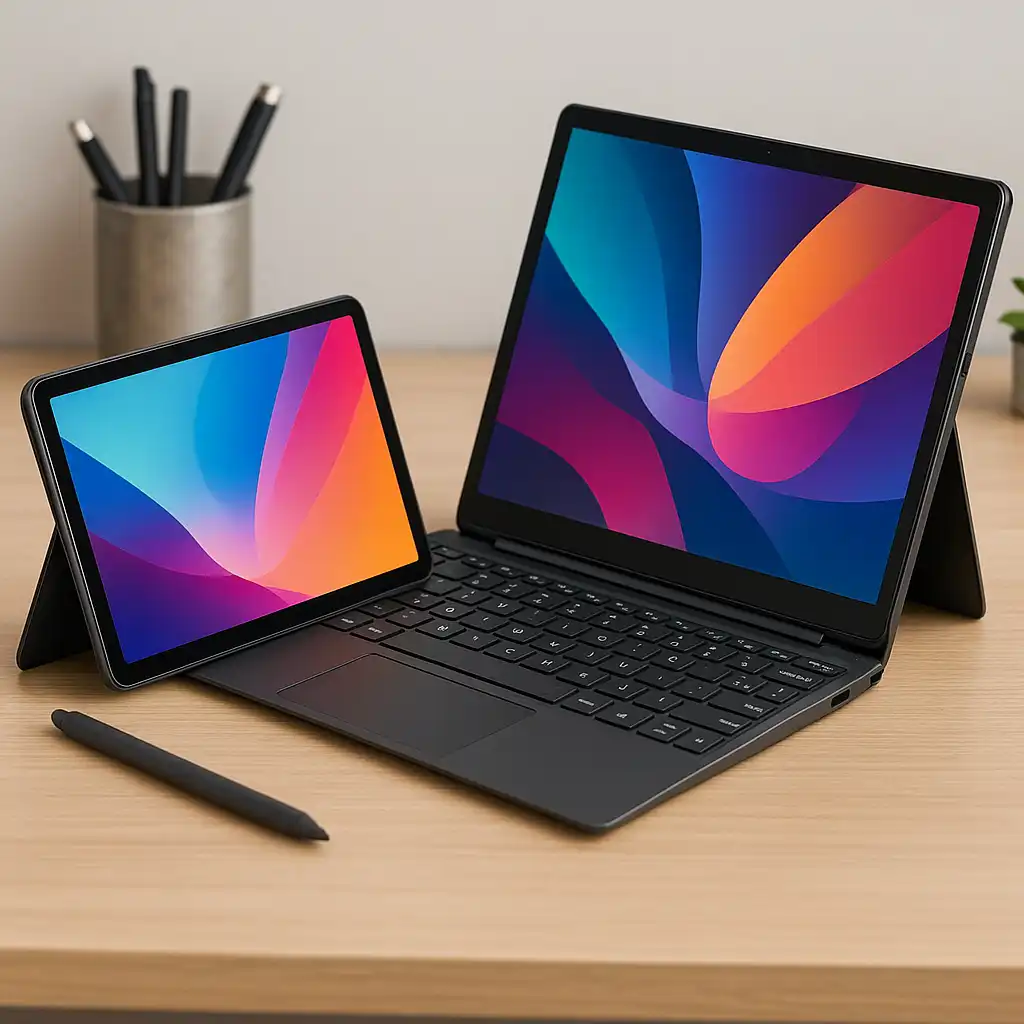
8. 2-in-1 laptops are often easy to carry
Many 2-in-1 laptops are designed to be thin and portable. A convertible model can be easier to carry than a laptop plus a separate tablet. A detachable model may become even lighter when you remove the keyboard.
Portability depends on more than weight. Consider:
- Screen size.
- Charger size.
- Keyboard thickness.
- Battery capacity.
- Case and pen weight.
- Number of ports.
- Durability of the hinge or keyboard connector.
A smaller laptop may be easier to carry but less comfortable for long work sessions. A larger 2-in-1 may offer a better keyboard and screen but lose some tablet comfort.
For frequent travel, check the device’s weight with all required accessories. A listed laptop weight may not include the charger, keyboard, pen, or protective case.


9. 2-in-1 laptops can improve accessibility for some users
Flexible placement and touch controls may help people who find a fixed keyboard or trackpad difficult to use. A user can position the screen at a preferred angle, enlarge content with touch gestures, or use a pen instead of a mouse for certain tasks.
Windows also includes accessibility tools such as screen magnification, voice access, high-contrast settings, and on-screen input options. Availability and usefulness vary by software version and personal needs. Microsoft documents current Windows accessibility features through its official support resources.
A 2-in-1 is not a universal accessibility solution. Before purchase, test the keyboard, screen brightness, touch response, pen accuracy, and voice features when possible. Schools, workplaces, and public agencies may also have specific accessibility requirements.
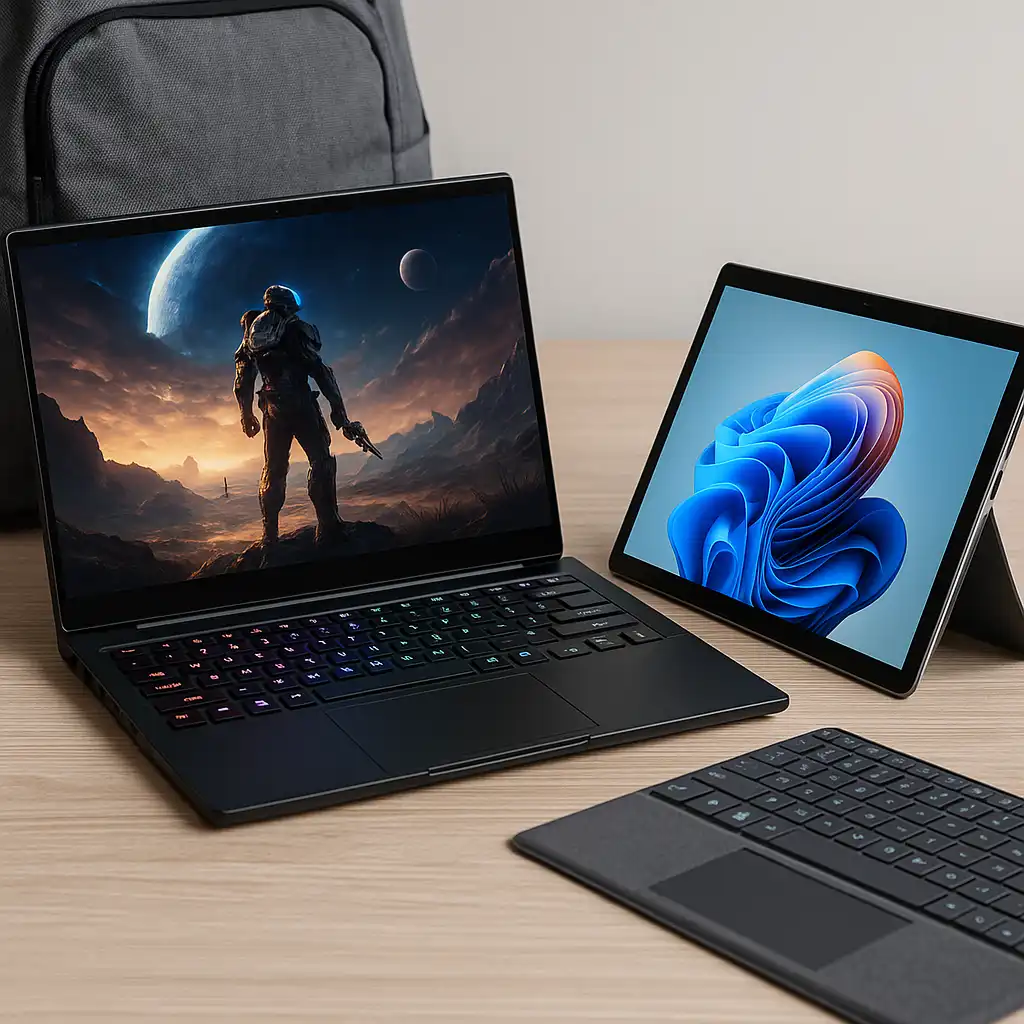
What are the disadvantages of a 2-in-1 laptop?
A 2-in-1 laptop offers more flexibility, but the design involves trade-offs.
Higher prices
A touch display, flexible hinge, pen digitizer, and compact body can increase the price compared with a similar traditional laptop.
More moving parts
A 360-degree hinge or detachable connector may face more wear than a standard clamshell design. Careful handling matters.
Keyboard compromises
Some thin convertible laptops have shallow keys or smaller layouts. Detachable keyboards may feel less stable on a lap.
Glare and fingerprints
Glossy touch screens can reflect overhead lights and collect fingerprints. A matte screen may be easier to view in bright spaces, but screen finishes vary.
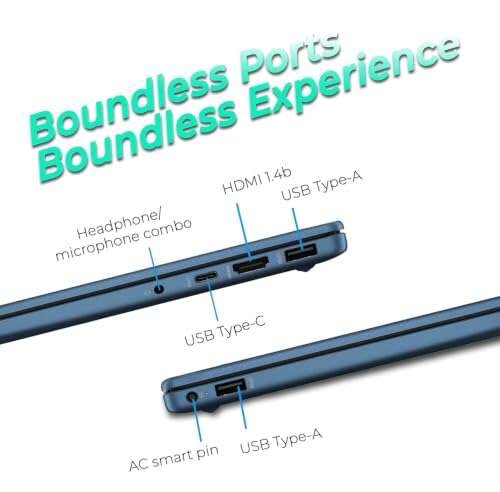
Limited ports
Thin models may include only USB-C ports. You may need an adapter or dock for USB-A devices, HDMI, Ethernet, or memory cards.
Tablet comfort varies
A laptop with a permanently attached keyboard can feel heavy when held like a tablet. A detachable design may solve that problem but can provide a less powerful or less comfortable laptop experience.
Battery life is not guaranteed
Touch displays and powerful processors can affect battery use. Battery results vary with brightness, apps, wireless connections, power settings, and battery age. Treat manufacturer battery claims as test results under stated conditions, not a promise for every user.

2-in-1 versus a traditional laptop
A traditional laptop may be the better choice when you mainly type, use demanding software, or want the strongest performance for your budget.
Choose a 2-in-1 when you value:
- Touch input.
- Tablet use.
- Pen support.
- Flexible viewing positions.
- Lower device count.
- Compact travel.
Choose a traditional laptop when you prioritize:
- A strong keyboard.
- More ports.
- Easier upgrades or repairs.
- Lower cost.
- Long work sessions.
- High performance for gaming, video editing, or engineering software.
A 2-in-1 is not automatically better. It is better for users who will actually use its flexible features.

How to choose the right 2-in-1 laptop
Start with your main tasks, then check the hardware that supports them.
1. Decide between convertible and detachable
Choose a convertible if you want a laptop-first device with a stable keyboard. Choose a detachable if you expect to use tablet mode often and want the lightest possible screen.
2. Check the keyboard and touchpad
If you write often, test key spacing, key travel, layout, and touchpad size. A flexible design does not make a weak keyboard more comfortable.
3. Confirm pen support
Check whether the pen is included, which pen protocol the laptop uses, how it charges, and whether the screen supports palm rejection.
4. Match performance to your apps
For web browsing and documents, a modest processor may be enough. For photo work, software development, gaming, or video editing, look for stronger processing power, sufficient memory, and suitable graphics capability.
5. Inspect ports and wireless features
Count the ports you use today. If the laptop lacks a port, include the cost and inconvenience of an adapter or dock.
6. Consider screen size and weight
A 13-inch model may be easier to carry. A 15- or 16-inch model may be better for split-screen work. The right choice depends on how often you use tablet mode.
7. Review repair and warranty terms
Read the manufacturer’s warranty and repair information. Screen, hinge, keyboard, and battery repairs can be costly outside the warranty period.
Common mistakes to avoid
Buying the cheapest touchscreen laptop
A basic touchscreen is not the same as a good 2-in-1. Check the hinge, keyboard, processor, screen quality, and battery behavior.
Assuming every model includes a pen
Many manufacturers sell the stylus separately. Confirm the package contents before checkout.
Ignoring tablet weight
A 15-inch convertible may work well on a desk but feel awkward to hold for long periods.
Forgetting software compatibility
A Chromebook 2-in-1 may not run the Windows software you need. Verify requirements first.
Comparing battery claims without conditions
Battery estimates may use different screen brightness, apps, and test methods. Compare results only when the testing conditions are similar.
Overlooking repair needs
A flexible hinge adds convenience but may make repair more complex. Check service options before buying.

Who should buy a 2-in-1 laptop?
A 2-in-1 laptop is a strong fit for:
- Students who take notes, read, and write papers.
- Remote workers who change locations during the day.
- Travelers who want one compact device.
- Professionals who present content from a small desk.
- Users who annotate documents or use a digital pen.
- Families sharing one computer for work and entertainment.
A traditional laptop may be better for users who rarely touch the screen, need maximum performance, prefer a full-size keyboard, or want the lowest cost.
The best choice comes down to use. If you will use tablet mode, touch controls, or pen input several times each week, the added flexibility may justify the price.
Frequently asked questions
Is a 2-in-1 laptop good for college students?
Yes, it can be useful for students who switch between typing, reading, handwritten notes, and presentations. Check the keyboard, battery, weight, repair coverage, and compatibility with school software before buying.
Can a 2-in-1 laptop replace an iPad?
Sometimes. A Windows 2-in-1 may replace an iPad for browsing, reading, note-taking, and video. It may be heavier and less comfortable to hold. An iPad may offer a better tablet experience, while a 2-in-1 usually offers broader desktop software support.
Are 2-in-1 laptops good for gaming?
Some are. Gaming performance depends on the processor, graphics hardware, cooling system, memory, and display. Thin 2-in-1 models often focus on portability rather than high-end gaming. Check the requirements for each game.
Do 2-in-1 laptops break easily?
They do not all break easily, but hinges, screens, and detachable connectors need careful handling. Avoid lifting the laptop by the screen, forcing the hinge, or carrying it without protection.
Is a 2-in-1 laptop worth the money?
It can be worth the money if you will use its touch, tablet, stand, or pen features. If you only need a device for typing and browsing, a standard laptop may offer better value.
What is the difference between a 2-in-1 laptop and a tablet?
A 2-in-1 laptop usually includes a laptop operating system, built-in keyboard, and desktop-style software support. A tablet is typically lighter and more touch-focused. Detachable 2-in-1 models sit between these categories.
Final recommendation
The main advantages of a 2-in-1 laptop are flexibility, portability, touch input, pen support, and the ability to combine laptop and tablet tasks in one device. Those benefits are most valuable when you regularly switch between typing, reading, drawing, presenting, and viewing content.
Before buying, decide whether you need a convertible or detachable design. Then compare the keyboard, screen, weight, battery, ports, software compatibility, pen support, and repair terms. If you will rarely use tablet features, a traditional laptop may be the simpler and better-value choice.

Everett Ashford is a tech reviewer at mytechgrid.com specializing in SSDs, cameras, TVs, earbuds, headphones, and other consumer electronics. He provides honest, data-driven reviews based on hands-on testing and real-world performance analysis. Everett simplifies complex tech details to help readers make smart, confident buying decisions.