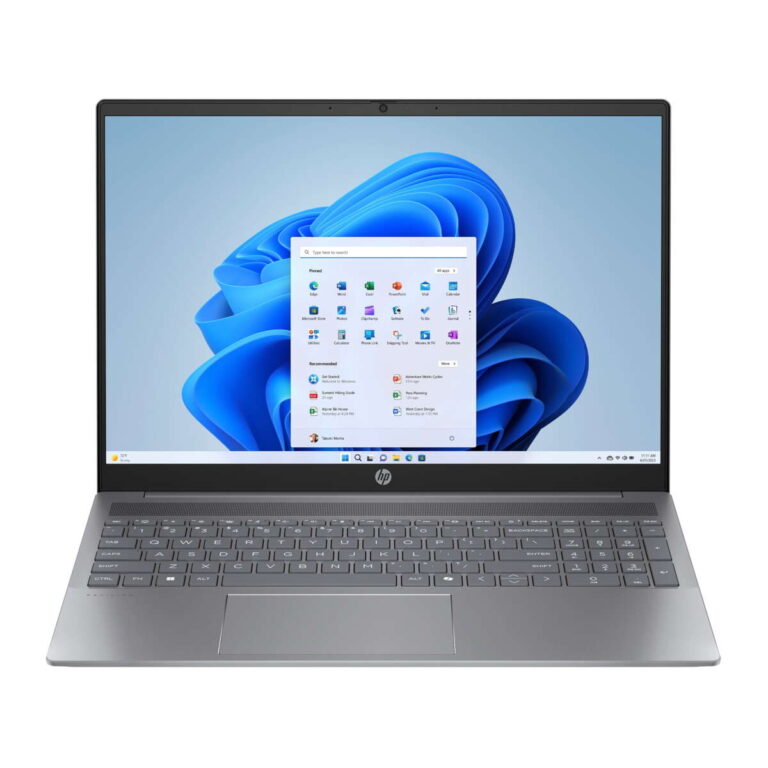
For most people in the United States, a laptop with 16GB of RAM offers a strong balance of speed, comfort, and useful life. It can handle work apps, many browser tabs, video calls, school tools, photo editing, and many games without slowing as quickly as a 8GB model.
The main benefit is simple: 16GB of RAM gives your laptop more room to keep active apps and data ready to use. This can reduce slowdowns caused by moving data between RAM and the much slower storage drive.

What Does 16GB of RAM Mean?
RAM, or random access memory, is the laptop’s short-term working space. It holds the files and app data that the processor needs right now.


RAM is different from storage:
- RAM helps the laptop run active apps.
- Storage holds files, apps, photos, and the operating system.
- The processor performs calculations and runs instructions.
- The graphics processor creates images, video, and game scenes.
A laptop with 16GB of RAM does not automatically have a faster processor. However, it may feel faster during multitasking because the system has more room to keep several tasks open at once.
When RAM fills up, the operating system may use part of the SSD as virtual memory. An SSD is much faster than an older hard drive, but it is still slower than physical RAM. This can lead to delays, loading pauses, and more drive activity.
Windows 11 lists 4GB as a basic minimum, but a minimum requirement is not the same as a comfortable amount for daily use. For many current Windows laptops, 16GB is a more practical target.

The Main Advantages of a 16GB RAM Laptop
A 16GB laptop gives you more headroom for modern software. Its benefits are most visible when you use several apps at the same time or work with large files.


1. Smoother multitasking
The biggest advantage of 16GB RAM is better multitasking.
For example, you may have these open at the same time:
- A web browser with many tabs
- Microsoft Word or Google Docs
- Spotify or another music app
- Zoom or Microsoft Teams
- A spreadsheet
- Cloud storage software
- An antivirus program
An 8GB laptop may handle this setup, but it can become less responsive as the workload grows. A 16GB laptop has more space to keep those apps active without constantly shifting data to storage.
This does not mean every app will run twice as fast. Instead, the laptop is less likely to pause when you switch between tasks.
2. Better performance with browser tabs
Modern websites can use a large amount of memory. Web apps for email, spreadsheets, design, meetings, and project management may act more like full desktop programs than simple pages.
With 16GB RAM, you can usually keep more tabs open before you need to reload pages or close apps. The result may be smoother tab switching and fewer interruptions during research or work.
Your browser, extensions, video calls, and operating system all share system memory. The number of tabs a laptop can handle still depends on the sites, browser, extensions, and other open programs.
3. Fewer slowdowns from virtual memory
when available RAM runs low, Windows or macOS may use a portion of the storage drive as virtual memory. This process helps prevent a complete crash, but it can feel slow compared with using physical RAM.
A 16GB laptop can delay or reduce this behavior during normal workloads. That can mean:
- Faster app switching
- Fewer pauses
- Less waiting when opening large files
- Better response when several apps are open
The improvement depends on the workload. A user who runs only a browser and a word processor may notice little difference. A user who keeps many apps open may notice it every day.
4. More comfortable video calls and remote work
Video meeting apps use memory for the call, camera feed, audio processing, chat, screen sharing, and background features. At the same time, many workers keep documents, browsers, calendars, and communication apps open.
A 16GB laptop gives these tasks more breathing room. It can be especially useful for people who work from home, attend online classes, or switch between a meeting and other programs.
Internet speed and camera quality still matter. More RAM cannot fix a weak Wi-Fi signal, a poor microphone, or an overloaded processor.
5. Better support for photo editing
Photo editing programs can use significant memory when you work with large images, multiple layers, or many files. Adobe lists 16GB or more as a recommended amount for some Photoshop workflows, while the ideal amount varies by project size and operating system.
A 16GB laptop is a good starting point for:


- Adobe Photoshop
- Affinity Photo
- Lightroom-style photo workflows
- Digital drawing
- Basic graphic design
- Large image exports
Professional users who edit very large files or run several creative apps at once may benefit from 32GB or more. RAM helps, but storage speed, the processor, and the graphics processor also affect export and filter times.
6. More room for light video editing
Video editing can use much more memory than ordinary office work. A 16GB laptop may work well for:
- 1080p video projects
- Short social media videos
- Basic YouTube editing
- Simple cuts and transitions
- Light color correction
Adobe’s published Premiere Pro requirements distinguish between basic video work and heavier projects. Higher-resolution footage, complex effects, and professional timelines may need 32GB or more.
A 16GB laptop is not automatically a professional video-editing machine. Check the processor, graphics hardware, cooling system, and storage before buying one for serious 4K work.
7. Better support for many games
Many PC games can run with 16GB of RAM, and it is a common target for a modern gaming laptop. More RAM can help when a game runs alongside:
- Voice chat
- A web browser
- Game launchers
- Recording software
- Streaming tools
- Mods
RAM is only one part of gaming performance. The graphics processor usually has a greater effect on frame rate and image quality. A laptop with 16GB RAM and weak graphics may perform worse than a laptop with 8GB RAM and a stronger graphics processor, depending on the game.
8. Useful for coding and development tools
Software development often involves an editor, a browser, terminals, documentation, databases, and testing tools. Mobile development and web development may also require emulators or containers.
A 16GB laptop is suitable for many programming tasks, including:
- Web development
- Python projects
- App development
- Database work
- Code editors
- Local testing
- Some virtual machines
Developers who run several virtual machines, Android emulators, large databases, or container stacks may need 32GB or more.
9. More useful for virtual machines
A virtual machine runs another operating system inside your main operating system. For example, you might run a Linux environment inside Windows.
The host laptop needs enough RAM for its own operating system and enough left over for the virtual machine. With 16GB, you can often run one modest virtual machine more comfortably than on an 8GB laptop.
The exact result depends on how much memory you assign to the virtual machine. Running several virtual machines at once usually calls for 32GB or more.
10. A longer practical lifespan
Software tends to become more demanding over time. New browser versions, operating system updates, creative tools, and security programs can use more memory than older versions.
Buying 16GB instead of 8GB may help a laptop remain comfortable for more years. This is not a guarantee of long-term performance. Battery health, processor speed, storage condition, software support, and repair options also affect useful life.
A laptop with 16GB RAM may be a better long-term choice when the memory cannot be upgraded later.


How Much RAM Do You Need?
The right amount depends on your workload, not just the type of laptop.
| Typical use | Practical RAM target | Why |
|---|---|---|
| Basic web browsing and email | 8GB | Suitable for light use |
| School and office work | 8GB–16GB | 16GB helps with many tabs and apps |
| Remote work and video calls | 16GB | Better room for meetings and documents |
| Photo editing | 16GB | Useful for large images and layers |
| 1080p video editing | 16GB | A reasonable starting point |
| 4K video editing | 32GB or more | Larger projects need more headroom |
| Gaming | 16GB | Common target for modern games |
| Programming | 16GB | Good for editors, browsers, and local tools |
| Virtual machines | 16GB minimum for light use | 32GB or more for heavier use |
| Professional 3D or content work | 32GB or more | Large scenes and files can consume memory |
These are general guidelines, not fixed rules. A well-optimized program may use less memory, while a large project can use far more.
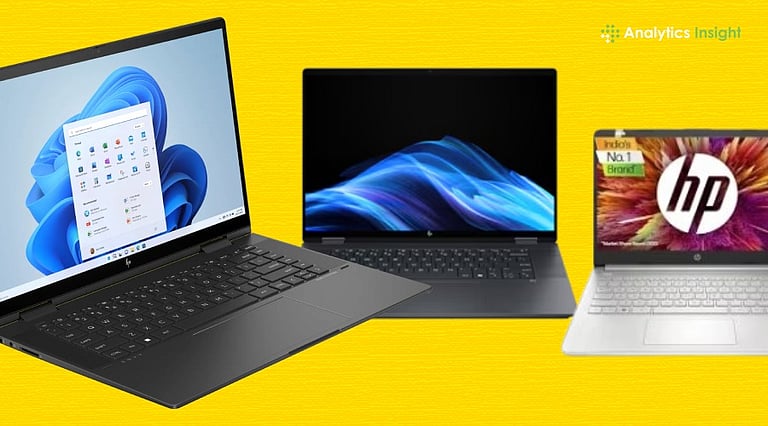
Is 16GB RAM Better Than 8GB for a Laptop?
For most buyers, 16GB is better than 8GB when the price difference is reasonable and the laptop cannot be upgraded later.
The difference is most useful when you:
- Keep many browser tabs open
- Use video meeting software
- Edit photos or videos
- Play games while using other apps
- Run development tools
- Plan to keep the laptop for several years
- Use Windows with several background programs
An 8GB laptop can still be a sensible choice for basic schoolwork, email, streaming, and light browsing. It may also offer better value if it has a stronger processor, faster storage, or a better display.
Do not choose 16GB RAM at the expense of every other component. A laptop with 16GB, a very slow processor, and a poor-quality SSD may not feel better in every task than a well-balanced 8GB model.
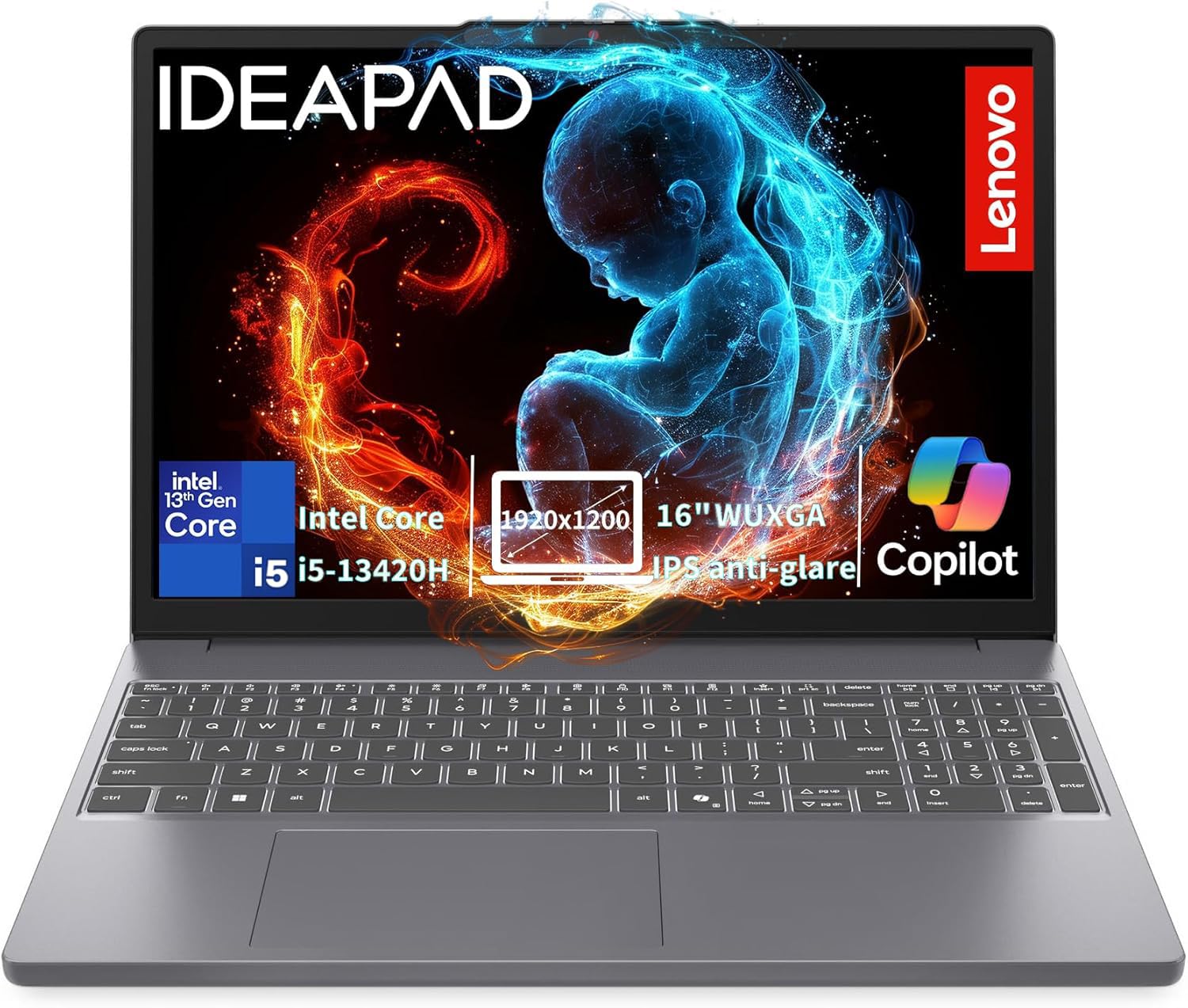
Is 16GB RAM Enough for Windows 11?
Yes, 16GB is enough for Windows 11 and common daily tasks. It provides more room than Microsoft’s basic 4GB minimum and can support office apps, browsers, streaming, school tools, and video calls.
Windows itself uses part of the available RAM. Your apps then share what remains. A laptop with integrated graphics may reserve some system memory for graphics, so the amount available to apps can be lower than the advertised 16GB.
For ordinary use, 16GB should feel comfortable. Users who edit high-resolution video, run several virtual machines, or work with large 3D files may need 32GB or more.

What Are the Limitations of 16GB RAM?
16GB is useful, but it does not solve every laptop performance problem.
RAM does not replace a strong processor
The processor affects tasks such as file compression, code compilation, video exports, and complex calculations. More RAM cannot make a slow processor perform like a fast one.


RAM does not replace a dedicated graphics processor
Games and 3D programs rely heavily on graphics hardware. A laptop with a strong graphics processor may be a better choice for gaming than one with more RAM but weak graphics.
Shared graphics can reduce available memory
Integrated graphics may use system RAM instead of having separate video memory. This can reduce the memory available for other programs and may limit gaming performance.
More RAM does not always reduce battery use
RAM capacity alone does not determine battery life. Screen brightness, processor design, cooling, wireless activity, storage, and battery size all matter.
16GB may not be upgradeable
Thin laptops often use soldered LPDDR memory. If the memory is soldered, you cannot add more later. Check the manufacturer’s specifications before buying.
Some laptops have one or two RAM slots. Others use part soldered memory plus one upgrade slot. The exact design varies by model, so do not assume that every 16GB laptop can be upgraded.
What Else Should You Check Before Buying?
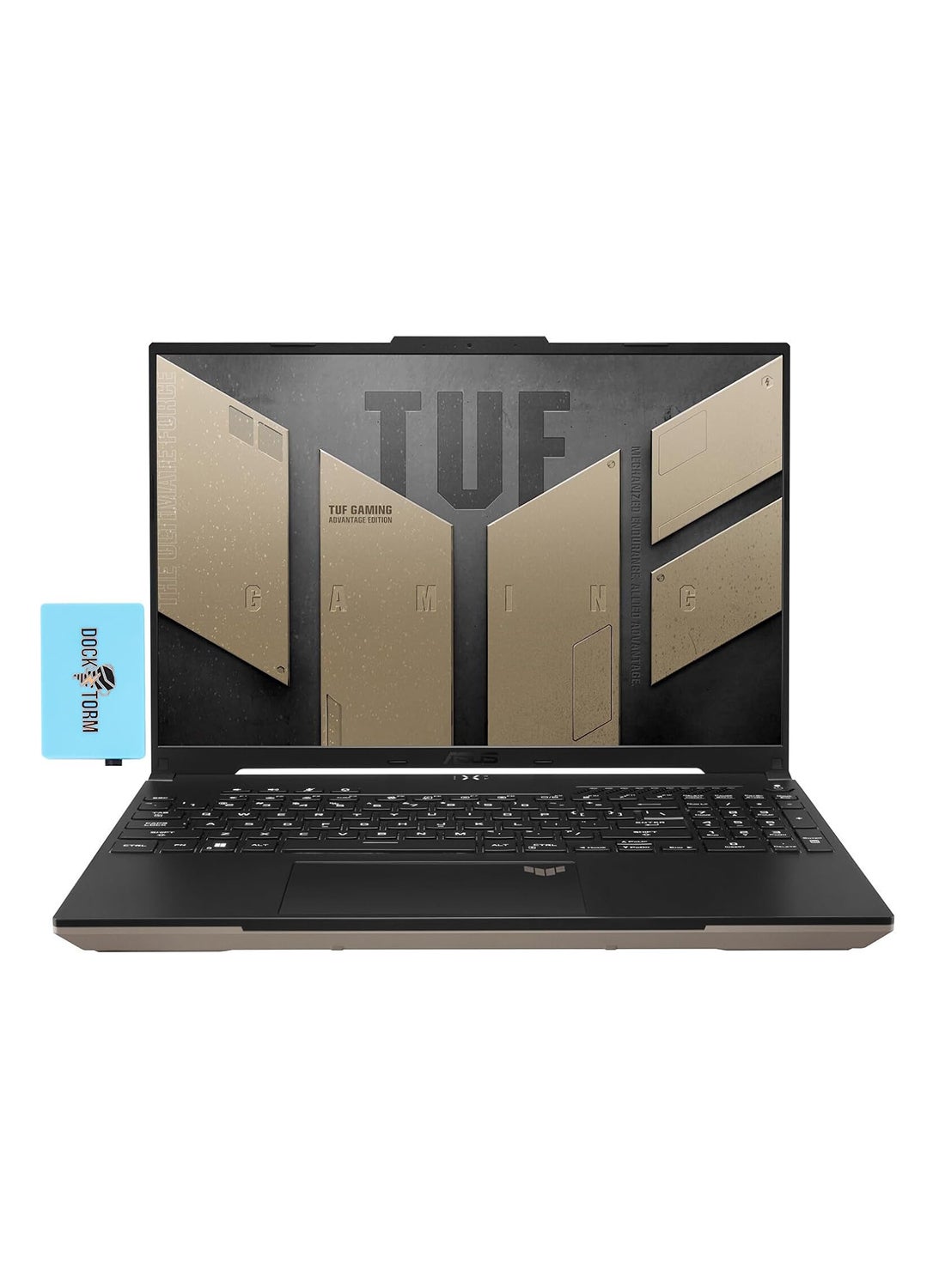
RAM should be part of a wider laptop comparison. Check these features before making a decision:
- Processor: Look for a current processor that suits your work. More RAM cannot compensate for weak processing power.
- Storage: An SSD is generally preferable to a mechanical hard drive for faster startup and app loading.
- Graphics: Check the graphics processor if you edit video, use 3D tools, or play games.
- Upgrade options: Confirm whether RAM is soldered, removable, or partly upgradeable.
- Cooling: Thin laptops may reduce performance under long, heavy workloads.
- Display: Resolution, brightness, color coverage, and refresh rate affect work and entertainment.
- Battery: Read battery reviews for the exact model, not only the manufacturer’s estimate.
- Ports: Make sure it has the USB, display, audio, and memory-card connections you need.
- Operating system: Windows and macOS have different hardware and software requirements.
- Warranty and repair access: A longer warranty or replaceable parts may matter more than a small RAM upgrade.
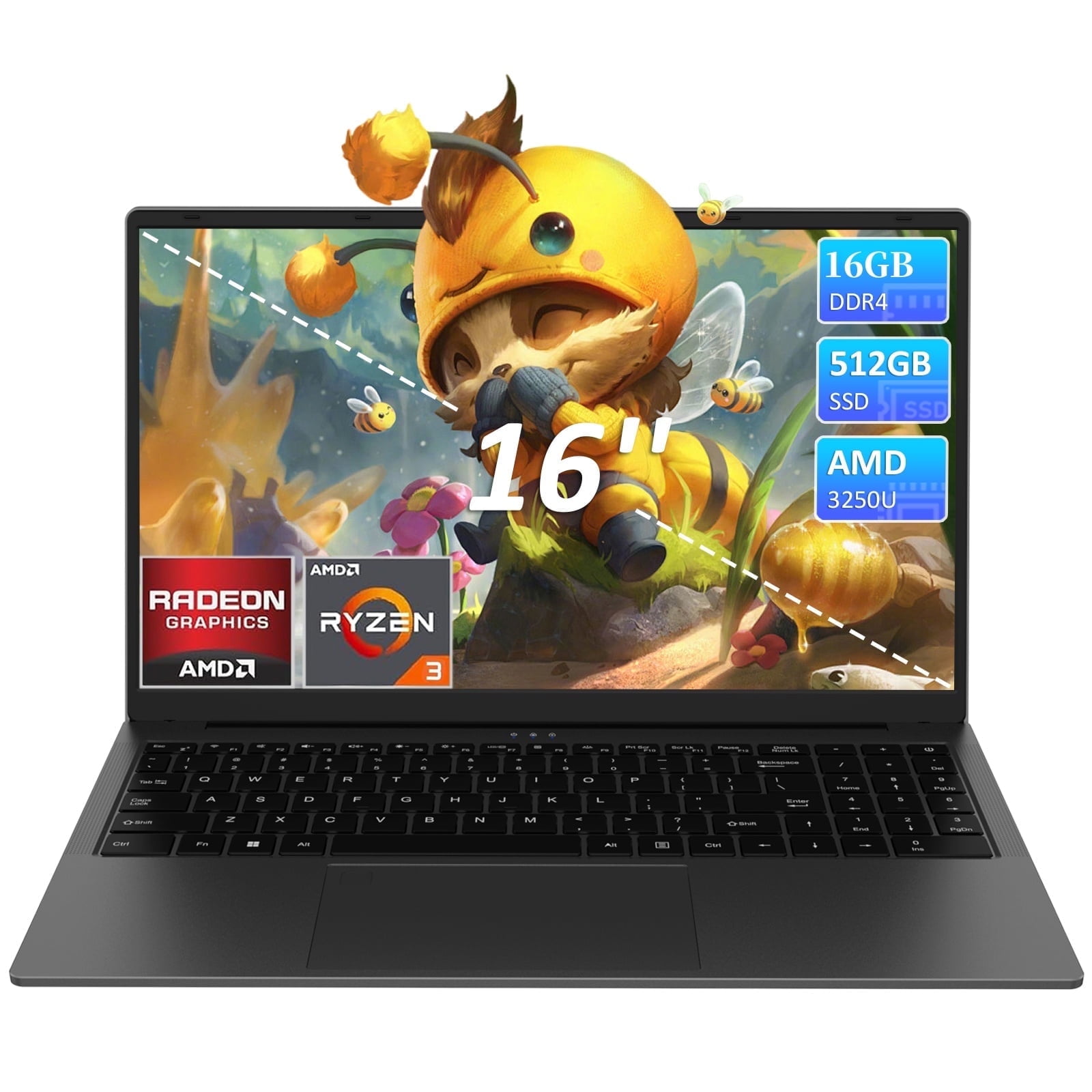
A useful rule is to buy the amount of RAM you need at purchase when the memory cannot be replaced. A 16GB laptop is often a safer choice than an 8GB model for long-term use.
Common Mistakes When Choosing Laptop RAM
Mistake 1: Assuming more RAM makes every task faster
More RAM mainly helps when the current workload is limited by memory. It does not directly improve every app, game, or boot time.
Mistake 2: Ignoring dual-channel memory
Some laptops use two memory channels, which can improve memory bandwidth. This may matter more for integrated graphics because the graphics system shares system memory.
Check the exact memory layout. Do not assume that two laptops with 16GB will have identical memory performance.
Mistake 3: Confusing RAM with storage
A laptop with a 1TB SSD has plenty of storage, but that does not mean it has enough RAM for heavy multitasking. Check both specifications separately.
Mistake 4: Focusing only on capacity
The type and speed of memory can affect performance, but capacity is often the first limit for multitasking. Compare the full platform rather than one specification alone.
Mistake 5: Buying too little memory for a sealed laptop
If the RAM is soldered, an 8GB model may remain an 8GB model for its entire life. Consider 16GB if you plan to keep the laptop for several years.

How Can You Check Whether Your Laptop Needs More RAM?
You can check memory use while doing your normal work.
On Windows:
- Press Ctrl + Shift + Esc to open Task Manager.
- Select the Performance tab.
- Choose Memory.
- Watch memory use while opening your usual apps.
- Check whether the system becomes slow when memory use stays very high.
On macOS:
- Open Activity Monitor.
- Select the Memory tab.
- Review memory pressure while using your normal apps.
- Check whether the system frequently relies on compressed memory or swap.
A single high reading does not prove that you need more RAM. Look for repeated slowdowns, frequent app reloads, long pauses, or heavy swap use during your real workload.
If the laptop is slow even when memory use is low, the processor, storage, thermal limits, malware, or a software problem may be the real cause.

Frequently Asked Questions
Is 16GB RAM enough for college?
Yes. For most college students in the United States, 16GB is enough for research, documents, presentations, video calls, online learning systems, and normal entertainment. Students using engineering, architecture, video, or 3D software should check the requirements for their specific major.
Is 16GB RAM enough for gaming?
It is enough for many current PC games, but performance also depends on the graphics processor, processor, storage, cooling, and the game itself. Check the recommended requirements for demanding games rather than relying on RAM alone.
Is 16GB RAM enough for Photoshop?
It is a reasonable amount for many photo-editing tasks. Large files, many layers, batch processing, and multiple creative apps may benefit from 32GB or more. Fast storage and a capable processor also affect the experience.
Should I buy 16GB or 32GB of RAM?
Choose 16GB for office work, school, browsing, gaming, basic creative work, and general use. Choose 32GB if you regularly edit high-resolution video, use virtual machines, work with 3D scenes, compile large projects, or keep many demanding apps open.
Can I upgrade a 16GB laptop later?
Sometimes. It depends on whether the RAM is soldered and whether the laptop has open memory slots. Check the exact model’s service manual or manufacturer specifications before assuming an upgrade is possible.
Final Recommendation
A laptop with 16GB of RAM is a strong choice for most people because it supports comfortable multitasking without moving into the cost of higher-capacity professional systems. It is especially useful for remote work, school, many browser tabs, gaming, programming, photo editing, and light video work.
Choose 32GB when your work involves large creative projects, several virtual machines, advanced 3D tasks, or heavy video editing. Choose 8GB only when your needs are light, the laptop is inexpensive, or the model offers other major advantages and allows a future memory upgrade.
Before buying, compare RAM with the processor, graphics, SSD, cooling, display, battery, and upgrade design. For a balanced general-purpose laptop, 16GB is usually the practical middle ground.
Sources for further checking
- Microsoft Windows 11 specifications and requirements
- Adobe Photoshop system requirements
- Adobe Premiere Pro system requirements
- Microsoft documentation on virtual memory and memory management

Everett Ashford is a tech reviewer at mytechgrid.com specializing in SSDs, cameras, TVs, earbuds, headphones, and other consumer electronics. He provides honest, data-driven reviews based on hands-on testing and real-world performance analysis. Everett simplifies complex tech details to help readers make smart, confident buying decisions.