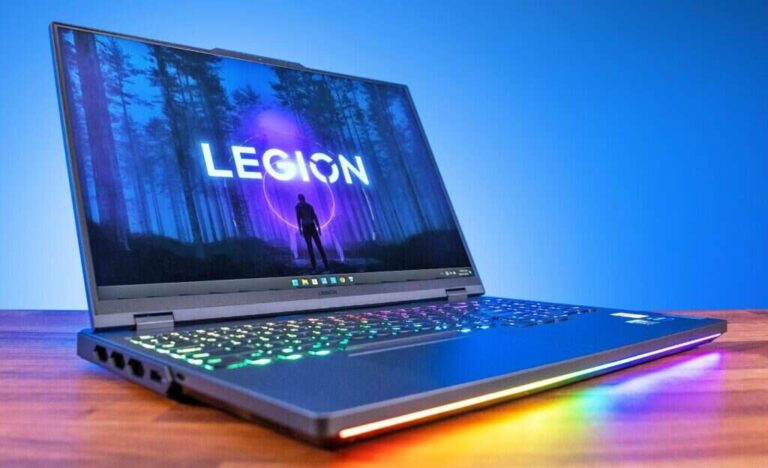
For most business travelers in the United States, the Lenovo ThinkPad T14s Gen 6 is one of the best overall choices. It combines a light design, strong battery life, a comfortable keyboard, useful ports, and business-focused security.
The right choice can change, though. Choose the Apple MacBook Air with the latest Apple silicon if you use macOS and want a very quiet, light laptop. Choose a Lenovo ThinkPad X1 Carbon if low weight matters most. Choose a Microsoft Surface Laptop if you want a clean Windows design and a sharp screen.
A good travel laptop should be more than thin. It must survive long flights, hotel desks, video calls, airport security, and a full workday away from an outlet.

Quick answer: Which laptop is best for business travel?
The best business travel laptop for most people is the Lenovo ThinkPad T14s Gen 6, configured with at least:
- 16 GB of RAM
- 512 GB of solid-state storage
- A current AMD Ryzen PRO or Intel Core Ultra processor
- A full HD or better display
- Windows 11 Pro, if your company needs business management tools
It is a strong fit for work such as email, Microsoft 365, web apps, spreadsheets, presentations, video meetings, and remote desktop work.
Here are the best choices by need:
| Best for | Recommended laptop | Why it stands out |
|---|---|---|
| Most business travelers | Lenovo ThinkPad T14s Gen 6 | Strong balance of weight, battery, keyboard, security, and ports |
| macOS users | Apple MacBook Air | Light, quiet, long battery life, and strong everyday performance |
| Lowest weight | Lenovo ThinkPad X1 Carbon | Very light and designed for frequent travel |
| Windows design and battery life | Microsoft Surface Laptop | Bright display, simple design, and efficient performance |
| Premium business use | HP EliteBook 840 or Lenovo ThinkPad X1 Carbon | Better business support and management features |
| Heavy creative work | 14-inch MacBook Pro or a mobile workstation | More sustained power, but more weight and cost |
No single laptop is best for every traveler. A frequent flyer may value a 2.5-pound laptop more than a large screen. A financial analyst may need more memory and display space. A sales worker may care most about ports, webcam quality, and fast charging.
What makes a laptop good for business travel?
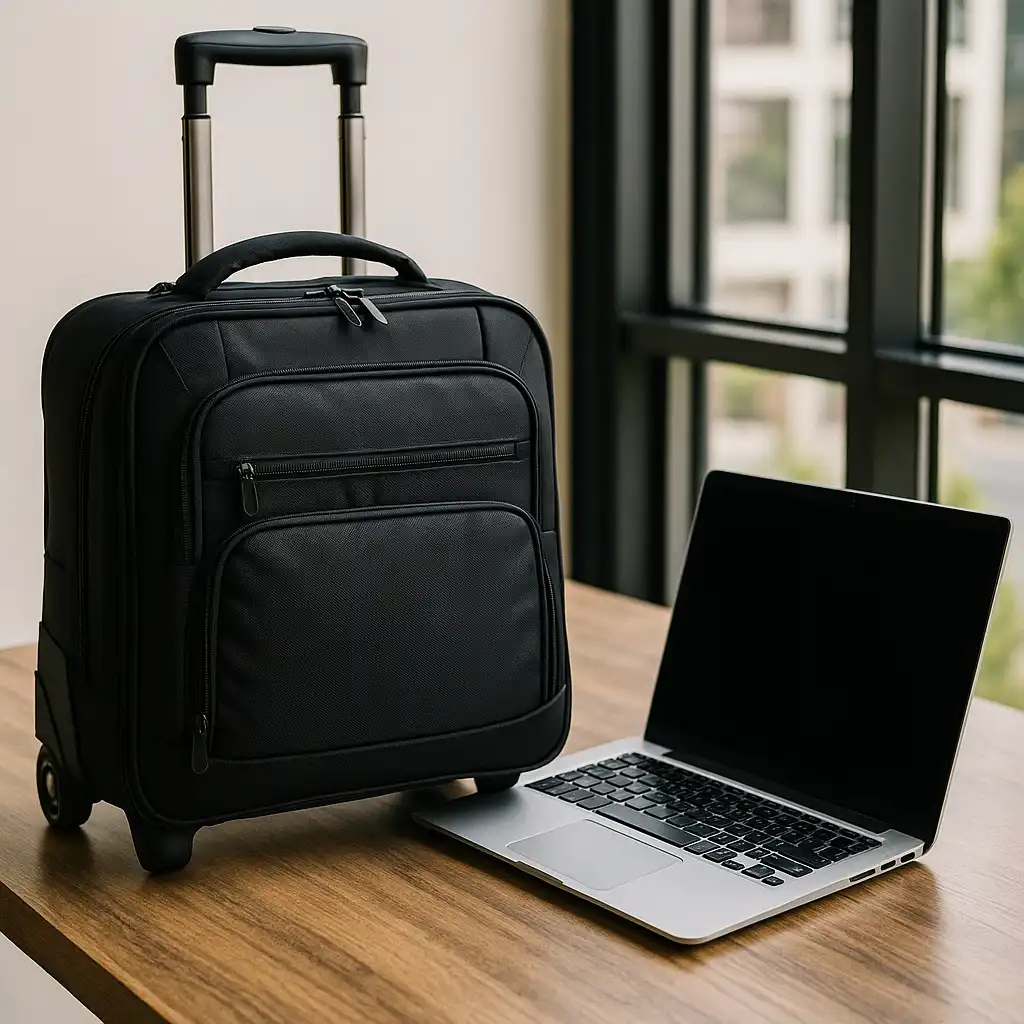
A travel laptop needs to handle five daily demands: carrying, working, connecting, charging, and protecting data.
Weight and size
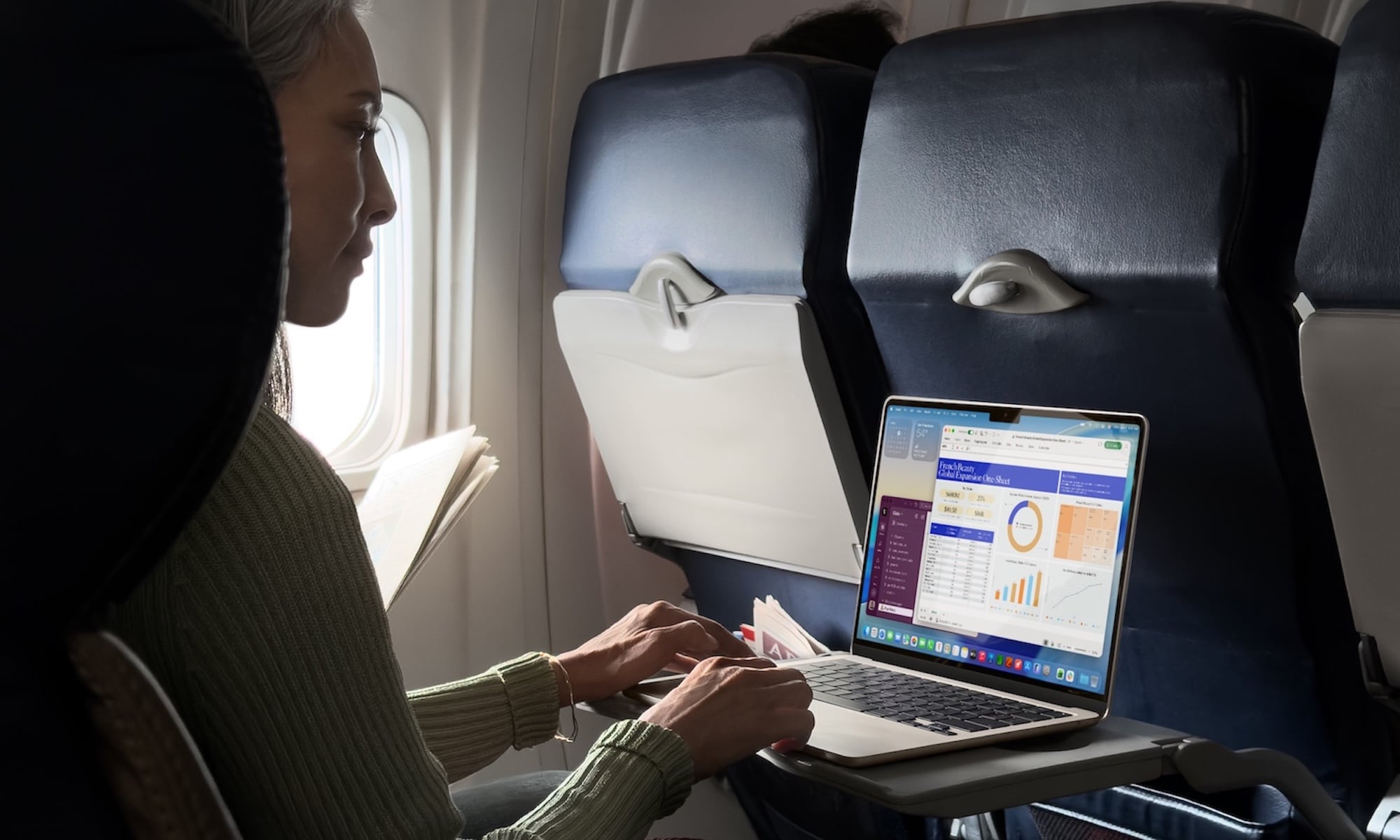
For frequent air travel, a 13- or 14-inch laptop is usually the best compromise. It fits on a small tray table and leaves room for a phone or notebook.
A laptop under 3.5 pounds is easier to carry through airports. Weight above 4 pounds is not automatically a problem, but it becomes more noticeable when you add a charger, tablet, documents, and other work gear.
A 15- or 16-inch laptop gives you more screen space. It may be better for large spreadsheets, video editing, or coding. It is less comfortable on an airplane, especially in economy seats.
Battery life
Look for a laptop that can last through a normal work block without relying on a wall outlet. manufacturer battery claims are useful for comparison, but real battery life depends on screen brightness, apps, Wi-Fi, video calls, and browser tabs.
A larger battery does not always mean longer use. The processor, display, operating system, and software also matter.
For business travel, battery life matters most when:
- You work in an airport with limited outlets.
- Your flight has no usable power socket.
- You move between meetings.
- You work in a hotel room with a poor desk setup.
- You need to stay online during a delay.
Durability
A business laptop should have a firm hinge, a rigid lid, and a keyboard that does not flex under light pressure. Some business models are designed and tested against military-standard methods. That can provide useful information about test conditions, but it does not guarantee that a laptop will survive every drop or spill.
The best protection is still a padded sleeve and careful handling.
Keyboard and trackpad
A good keyboard reduces fatigue during long trips. ThinkPad models are known for their comfortable keyboards and TrackPoint pointing device. MacBook models have precise trackpads and quiet keys. Surface Laptop models offer a clean Windows typing experience.
Try to avoid a laptop with:
- Shallow keys that feel loose
- A cramped arrow-key layout
- A small or unreliable trackpad
- A power button that is easy to press by mistake
- A keyboard with no backlight if you often work on planes
Ports
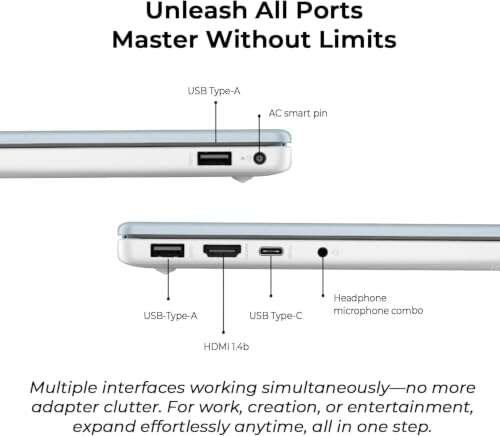
Ports can save you from carrying extra adapters. At minimum, most business travelers should look for:
- Two USB-C ports
- At least one USB-A port
- HDMI, or a reliable USB-C video connection
- A headphone jack
- A charging port that is easy to access
USB-C is not one fixed feature. One USB-C port may support charging, data, and an external display. Another may support only some of these functions. Check the exact configuration before buying.

Best laptops for business travel by user type
The best laptop depends on your work tools, company rules, and travel habits. These recommendations focus on fit rather than a single universal winner.
Best overall: Lenovo ThinkPad T14s Gen 6
The ThinkPad T14s line is a strong match for business travelers who want Windows, a good keyboard, and useful business features without moving to a heavy workstation.
It is well suited to:
- Microsoft Office
- Teams or Zoom meetings
- Web-based work apps
- Customer relationship management systems
- Remote desktop sessions
- Medium-sized spreadsheets
- Frequent typing
Choose 16 GB of RAM for normal business work. Choose 32 GB if you use virtual machines, large data sets, software development tools, or many heavy apps at once.
The main trade-off is price. Business laptops often cost more than consumer laptops with similar processor labels. The extra cost may support better keyboards, security controls, docking support, warranty options, and fleet management.
Best for Mac users: Apple MacBook Air
The MacBook Air is a strong choice for travelers who already use macOS and do not need Windows-only business software.
Its main benefits are:
- Low weight
- Silent operation on current fanless models
- Strong everyday performance
- Long battery life in many common workloads
- High-quality trackpad
- Good build quality
The MacBook Air is less suitable if your company requires Windows-only software, certain enterprise security tools, or older accessories that need USB-A ports.
It also has fewer built-in ports than many business laptops. A small USB-C hub may be needed for projectors, wired networks, USB-A drives, or HDMI displays.
Check software compatibility before choosing it. Some Windows programs run through web apps, virtualization, or compatibility tools, but those methods may not match your company’s support policy.
Best for minimum weight: Lenovo ThinkPad X1 Carbon
The ThinkPad X1 Carbon is designed for people who carry a laptop often. It is usually lighter than many 14-inch business laptops while keeping a full-size keyboard and a useful selection of ports.
It fits travelers who:
- Fly several times each month
- Carry their laptop between meetings
- Type for long periods
- Need Windows and business management features
- Want a premium business design
The trade-off is cost. Thin laptops may also have fewer repair options or less thermal room than thicker models. Review the exact generation and configuration because display, memory, battery, and port choices can differ.
Best Windows alternative: Microsoft Surface Laptop
The Microsoft Surface Laptop offers a clean design, a sharp display, and efficient performance for common office work. It is a good option for travelers who want a simple Windows laptop and do not need a large number of built-in ports.
It works well for:
- Office documents
- Browser-based work
- Presentations
- Video calls
- Note-taking
- Light photo work
Its limitations may include fewer ports and less business-focused service than a traditional ThinkPad or EliteBook. Company buyers should also check docking, warranty, and management requirements.
Best for demanding work: 14-inch MacBook Pro or a mobile workstation
A business traveler who edits video, builds software, runs virtual machines, or works with large data sets may need more sustained processor and graphics power.
A 14-inch MacBook Pro or a professional Windows workstation can provide that extra performance. The cost is greater weight, a larger charger, and often a higher price.
Do not buy a workstation for ordinary email and spreadsheets. Extra power adds little value if your work rarely uses it.

How much RAM and storage does a business traveler need?
For most buyers, 16 GB of RAM and 512 GB of storage is the best starting point.
RAM is the short-term work space used by running apps. Storage holds your operating system, files, and installed programs.
Use this guide:
| Work type | Recommended RAM | Recommended storage |
|---|---|---|
| Email, documents, and web apps | 16 GB | 256–512 GB |
| Office work with many browser tabs | 16 GB | 512 GB |
| Coding, data work, or virtual machines | 32 GB | 512 GB–1 TB |
| Photo or video work | 16–32 GB | 1 TB or more |
| Large local media files | 32 GB or more | 1 TB or more |
Avoid buying 8 GB of RAM for a laptop you plan to keep for several years. It may handle basic tasks today, but modern browsers, meeting apps, and office tools can use a large amount of memory together.
Storage needs depend on your work habits. If your files remain in OneDrive, SharePoint, Google Drive, or another approved service, you may need less local storage. Offline travel work requires more space.
Cloud storage is not a substitute for a backup. Keep important files in an approved backup system, and follow your employer’s rules for sensitive data.

What security features should a business travel laptop have?
A business travel laptop should protect both the device and the data on it. Security features cannot prevent every breach, but they can reduce common risks.
Look for:
- A fingerprint reader or infrared camera for faster login
- A physical webcam shutter, when available
- Hardware-backed security such as TPM support
- Full-disk encryption
- Automatic security updates
- A strong password or passkey
- A privacy screen option for crowded spaces
- Support for your company’s device management system
Windows 11 Pro may be needed for some business management and encryption features. Ask your IT team before buying a personal laptop for company work.
Use these habits while traveling:
- Lock the laptop whenever you step away.
- Avoid unknown USB drives and charging accessories.
- Use your company VPN when required by policy.
- Do not leave the laptop in a parked car.
- Keep backups current before departure.
- Use a privacy screen on planes and in busy terminals.
- Report a lost device to your employer at once.
Public Wi-Fi is not automatically unsafe, but you should treat unfamiliar networks with care. Use your company’s approved security tools and avoid installing software just to access a hotel or airport network.
What should you pack with a business travel laptop?
The laptop is only one part of a useful travel setup. A few small accessories can prevent common problems.
A compact USB-C charger
Use the charger supplied with the laptop or a compatible USB-C Power Delivery charger that meets the laptop’s requirements. A phone charger may be too weak for a laptop.
If you carry one charger for several devices, confirm that it has enough total power. A multi-port charger may divide its power when more than one device is connected.
A USB-C hub
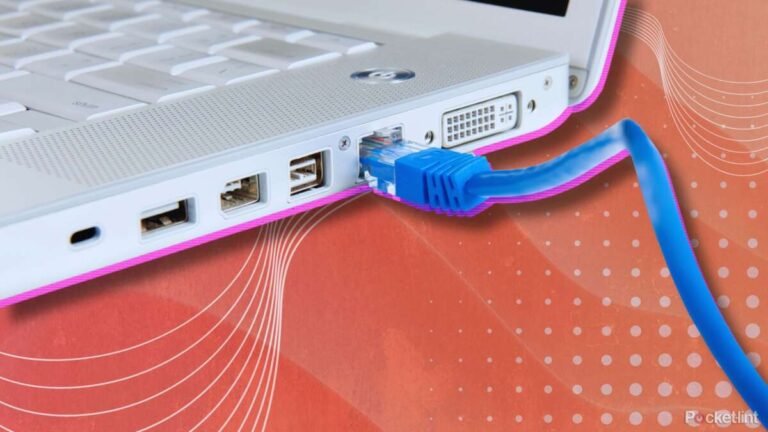
A hub can add HDMI, USB-A, Ethernet, and memory-card ports. Test it before your trip. Some hubs do not support the display resolution or refresh rate used by a conference-room monitor.
A padded sleeve
A sleeve protects against scratches and small impacts inside a backpack. It does not make a laptop drop-proof.
An external battery
A USB power bank can help with phones and some low-power devices. Airline rules apply to spare lithium batteries. In the United States, the Federal Aviation Administration says spare lithium batteries and power banks must be carried in cabin baggage, not checked baggage. Check current airline and FAA rules before flying because limits can vary by battery rating and quantity.
A backup method
Before leaving, confirm that essential files are available offline. Hotel Wi-Fi may be slow, unavailable, or blocked by a sign-in page.

How to choose between a business laptop and a consumer laptop
A business laptop is not always the best value. A consumer laptop may offer a brighter screen, better speakers, or more performance for the same price.
Choose a business model when you need:
- Business-class warranty options
- Fleet management
- Windows Pro features
- A strong keyboard
- More ports
- A replaceable or serviceable design
- A company-approved device image
- Support for enterprise security tools
Choose a consumer model when you need:
- The best display for media
- Strong speakers
- Gaming or graphics performance
- A lower purchase price
- A simple personal computer
The line between the two categories is not absolute. Compare the exact model, warranty, repair policy, and configuration rather than trusting the word “business” on the product page.
Common mistakes when buying a laptop for travel
The most common mistake is choosing by processor name alone. A fast processor cannot fix poor battery life, a dim display, a weak hinge, or a keyboard you dislike.
Avoid these errors:
- Buying 8 GB of RAM to save a small amount
- Choosing a large laptop that will stay in your hotel room
- Assuming every USB-C port supports the same features
- Ignoring the weight of the charger
- Buying a Mac without checking Windows-only software
- Selecting a glossy display for frequent bright-room use
- Forgetting your employer’s security requirements
- Treating a manufacturer battery claim as a guaranteed workday
- Waiting until the airport to test a new charger or hub
- Storing the laptop in checked luggage
Also check the return policy. A laptop may look ideal on paper but feel uncomfortable after an hour of typing.

A simple buying method
Use this five-step process before you buy.
- List your work apps. Include office software, meeting tools, VPN software, development tools, and any Windows-only programs.
- Set a weight limit. Count the charger and accessories, not just the laptop.
- Choose the platform. Select Windows or macOS based on software and company support.
- Set the minimum hardware. For most people, start with 16 GB of RAM and 512 GB of storage.
- Check ports and support. Confirm display outputs, charging, warranty terms, repair options, and company compatibility.
The best choice is the laptop you can carry easily, use for your full workday, secure properly, and have repaired or replaced when something goes wrong.

Sources and research limits
This guide relies on documented product information from manufacturers and travel-safety guidance from US government agencies. Product configurations, operating-system support, prices, and availability change by model, retailer, and date.
Useful primary sources include:
- Lenovo ThinkPad business laptops
- Apple MacBook Air
- Microsoft Surface Laptop
- HP business laptops
- TSA guidance for laptops and electronics
- FAA guidance for lithium batteries
These sources document specifications and rules. They do not prove that one laptop will last longer than every competing model under every travel condition. Independent testing can add useful evidence, but results vary by configuration, software, brightness, network use, and test method.

Frequently asked questions
Is a 13-inch or 14-inch laptop better for business travel?
A 14-inch laptop is usually the better balance. It gives you more screen space than a 13-inch model while remaining practical on an airplane. Choose 13 inches if low weight and small size matter more than workspace.
Is a MacBook Air good for business travel?
Yes, if your work tools support macOS. It is light, quiet, and powerful enough for most office tasks. Check company software, VPN tools, device management, and external display needs before buying.
How much should I spend on a business travel laptop?
Many reliable models cost roughly from the mid-hundreds to well above $1,500 in the United States, depending on the configuration and warranty. Focus on 16 GB of RAM, 512 GB of storage, battery life, keyboard quality, and support before adding premium features.
Can I take my laptop charger on a plane?
Yes. Laptop chargers are normally allowed in carry-on baggage. Keep the laptop and essential electronics in your carry-on so they remain accessible and protected.
Should I buy a laptop with a touchscreen?
A touchscreen is useful for note-taking, presentations, and some creative tasks. It can add cost, weight, glare, and battery use. For standard office work, a good non-touch display is often the simpler choice.
Is Windows or macOS better for business travel?
Neither is universally better. Windows usually offers broader business software support and more device choices. macOS offers strong battery efficiency and a simple hardware experience. Your company’s apps and security rules should decide.
Final recommendation
For most US business travelers, start with a Lenovo ThinkPad T14s Gen 6 with 16 GB of RAM and 512 GB of storage. It offers the strongest overall mix of portability, comfort, connectivity, and business features.
Choose a MacBook Air if you prefer macOS and your work tools support it. Choose a ThinkPad X1 Carbon if carrying weight is your top concern. Whatever you buy, test the keyboard, confirm software support, and check the exact ports and warranty before the return period ends.

Everett Ashford is a tech reviewer at mytechgrid.com specializing in SSDs, cameras, TVs, earbuds, headphones, and other consumer electronics. He provides honest, data-driven reviews based on hands-on testing and real-world performance analysis. Everett simplifies complex tech details to help readers make smart, confident buying decisions.