The best laptops for home use balance speed, comfort, battery life, reliability, and a price that fits your daily needs.
Choosing among the best laptops for home use is not just about buying the newest processor or the largest screen. The right laptop should handle web browsing, video calls, streaming, schoolwork, documents, photo storage, and personal tasks without feeling slow or awkward. After comparing current Windows laptops, MacBooks, and Chromebooks, I find that the best choice depends on how you work, how long you keep your devices, and which features make home computing easier.
What are the best laptops for home use?
The best laptops for home use are usually the Apple MacBook Air, Lenovo Yoga 7i, Asus Zenbook 14 OLED, Acer Aspire 5, and a quality Chromebook Plus. Each model suits a different type of user, so there is no single winner for every household.
Here are the leading choices:
| Laptop | Best for | Main strengths | Possible drawback |
|---|---|---|---|
| Apple MacBook Air | Most people who prefer macOS | Quiet design, long battery life, strong performance | Limited ports and higher starting cost |
| Lenovo Yoga 7i | Families and flexible home use | Touchscreen, 2-in-1 design, good keyboard | Can cost more with upgrades |
| Asus Zenbook 14 OLED | Media, study, and creative work | Bright OLED display, light build, strong speed | OLED care requires sensible brightness habits |
| Acer Aspire 5 | Affordable Windows computing | Useful ports, easy upgrades on some versions | Display and build vary by configuration |
| Chromebook Plus | Web-based work and simple tasks | Easy to use, secure, affordable | Less suitable for demanding desktop apps |
| MacBook Air 15-inch | A larger screen at home | Spacious display, quiet operation, excellent battery | Less portable than the 13-inch model |
| Lenovo ThinkPad E14 | Work from home | Excellent keyboard, business features | Plain design and average speakers |
Laptop prices and configurations change often. Check the exact processor, memory, storage, screen, and warranty before buying. A laptop name alone does not always tell you what is inside.
Best laptop for most people: Apple MacBook Air
The Apple MacBook Air is one of the best laptops for home use for people who want a quiet, simple, and fast computer. Current models with Apple silicon offer strong performance for browsing, office work, photo editing, video calls, and media streaming.
The 13-inch model is easy to carry from a desk to a sofa or kitchen table. The 15-inch version gives you more room for spreadsheets, split-screen work, and movie watching. Both are fanless, so they run quietly during normal home tasks.
• Long battery life for common tasks
• A sharp, bright display
• A comfortable keyboard and large trackpad
• Fast wake-up and smooth app switching
• Strong build quality
The main limitation is software compatibility. macOS works well for most home users, but some Windows-only programs, games, and specialized work tools may not run natively. The MacBook Air also has fewer ports than many Windows laptops, so you may need a USB-C hub for a printer, memory card, or external display.
Choose the MacBook Air if you want a polished laptop that needs little maintenance. It is especially appealing for people who already use an iPhone, iPad, or other Apple devices.
Best 2-in-1 laptop for home use: Lenovo Yoga 7i
The Lenovo Yoga 7i is a strong choice for households that want one device for work, entertainment, and light creative tasks. Its 360-degree hinge lets you use it as a standard laptop, tablet, tent, or stand.
This flexibility is helpful at home. You can type at a desk, fold the laptop into tent mode for a recipe, or use the touchscreen to scroll through a presentation. Some versions support a digital pen, which helps with notes and simple sketches.
The Yoga 7i usually offers:
• A comfortable keyboard
• A responsive touchscreen
• Good performance for office apps and many browser tabs
• Several useful ports
• A sturdy aluminum design on selected models
Look for at least 16GB of RAM if you plan to keep many apps open. An Intel Core Ultra 5 or similar modern processor is a sensible starting point for work, study, and home entertainment.
The hinge adds value, but it also adds weight and cost. If you never use tablet mode, a standard clamshell laptop may offer better value.
Best Windows laptop for display quality: Asus Zenbook 14 OLED
The Asus Zenbook 14 OLED stands out among the best laptops for home use because of its vivid screen and slim design. OLED panels create deep blacks, strong contrast, and rich color. That makes movies, photos, and everyday content look more engaging.
The Zenbook 14 is also easy to move around the house. It often includes a modern processor, fast solid-state storage, and enough memory for daily multitasking. The keyboard is generally comfortable for long writing sessions, and many versions include useful ports such as USB-C, USB-A, and HDMI.
It is a good fit for:
• Students who read and write for long periods
• Remote workers who want a sharp screen
• Families who stream shows and movies
• Amateur photographers who want better color and contrast
OLED screens can use more power when showing bright content. They may also need sensible brightness settings over many years. This is not a reason to avoid OLED, but it is a reason to use screen care features and avoid leaving a bright, unchanged image on screen for long periods.
Best affordable laptop: Acer Aspire 5
The Acer Aspire 5 is often a practical answer to what are the best laptops for home use when budget matters. It usually provides a good mix of performance, screen size, ports, and upgrade options at a lower price than premium models.
It can handle common home tasks such as:
• Email and web browsing
• Microsoft 365 or Google Workspace
• Online classes
• Video calls
• Streaming services
• Basic photo management
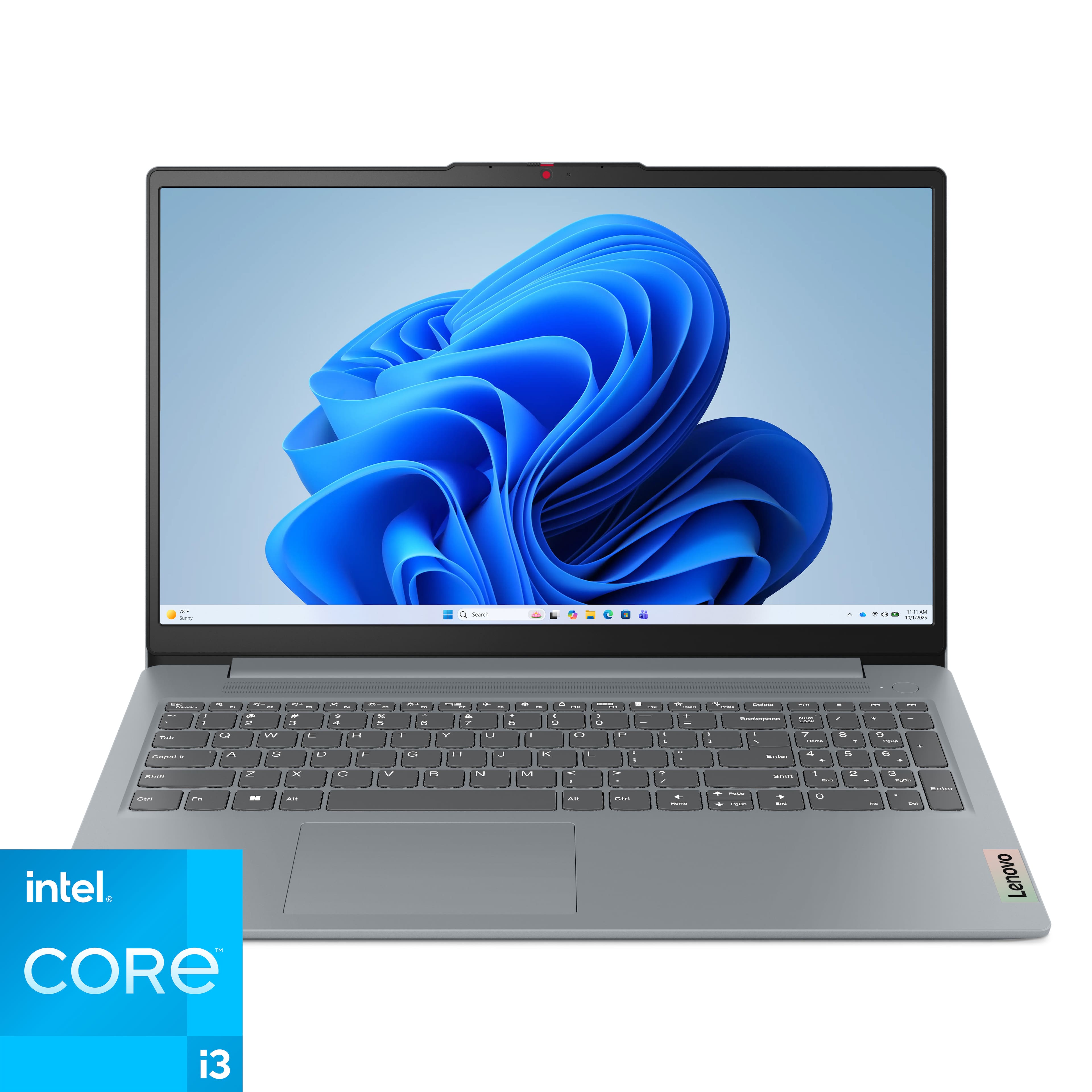
Try to avoid entry-level versions with only 4GB of RAM or 64GB of storage. These specifications can feel cramped, especially after operating system updates and app installations. For a smoother experience, look for 8GB of RAM at minimum and a 256GB solid-state drive. A 16GB model is better for long-term use.
The Aspire 5 may have a less impressive screen and touchpad than a premium laptop. Still, it can be an excellent family computer when you focus on practical performance rather than luxury materials.
Best simple laptop for home use: Chromebook Plus
A Chromebook Plus is one of the best laptops for home use if most of your work happens online. It runs ChromeOS and is designed around web apps, cloud storage, video calls, and browser-based services.
Chromebooks are easy to manage. They start quickly, update in the background, and usually have strong built-in security. They are a good match for:
• Web browsing
• Gmail and Google Docs
• Online learning
• YouTube and streaming
• Social media
• Light cloud-based photo editing
The biggest limitation is app support. A Chromebook may not run full desktop versions of Adobe applications, advanced accounting tools, or many Windows games. Android and web apps can fill some gaps, but they are not a complete replacement for every desktop program.
Choose a Chromebook Plus with at least 8GB of RAM and 128GB of storage when possible. Also check the device’s automatic update support period. A low price is less attractive if the laptop will stop receiving updates soon.
Best laptop for working from home: Lenovo ThinkPad E14
The Lenovo ThinkPad E14 is a sensible work-from-home laptop. It focuses on a strong keyboard, reliable connectivity, business software support, and practical durability rather than a flashy design.
A good work laptop should make long sessions less tiring. The ThinkPad keyboard has clear key travel, and its pointing stick can help users who prefer not to move their hands away from the keyboard. Many models also include a range of ports for monitors, docks, headsets, and external storage.
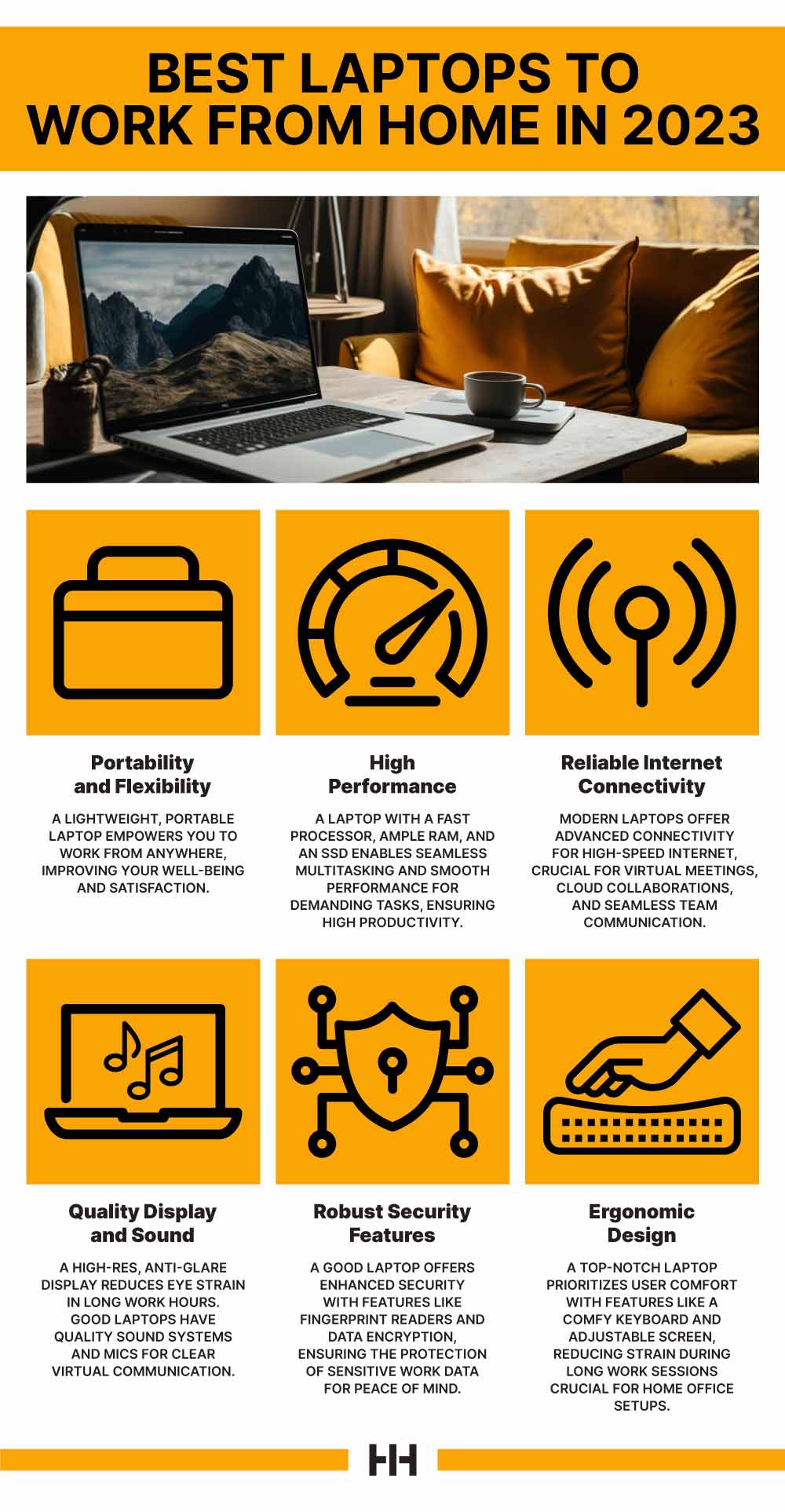
For remote work, prioritize:
• A 1080p webcam or better
• A clear microphone
• Wi-Fi 6 or newer
• At least 16GB of RAM
• A comfortable keyboard
• A screen with good viewing angles
• A reliable warranty
A business laptop will not automatically improve a poor home office. A stable internet connection, proper lighting, and an external monitor may have a bigger effect on daily comfort than a small processor upgrade.
How to choose the best laptop for home use
The best laptops for home use should match your actual habits. Start by listing the tasks you perform every week. This simple step prevents you from paying for features you will never use.
Choose the right operating system
Windows offers the broadest software and accessory support. It is usually the safest choice for families with mixed needs, PC games, specialized programs, or older printers.
macOS is clean, stable, and easy to use. It works especially well for people who already own Apple devices and want simple file sharing across products.
ChromeOS is fast and straightforward for browser-based work. It is less suitable for demanding desktop software.
Pick enough memory
RAM affects how many apps and browser tabs you can use at once. It is different from storage, which holds your files and applications.
Use these guidelines:
• 8GB: Suitable for basic browsing, email, streaming, and light office work
• 16GB: Better for multitasking, school, remote work, and long-term use
• 32GB: Useful for video editing, software development, virtual machines, and advanced creative work
For most new Windows laptops, 16GB is the safer choice. It gives the computer more room to handle future software updates.
Select practical storage
A solid-state drive, or SSD, makes a laptop feel faster than an older hard disk drive. It improves startup times, app loading, and file access.
• 128GB: Acceptable for a simple Chromebook with cloud storage
• 256GB: A reasonable minimum for many home laptops
• 512GB: Better for photos, videos, games, and downloaded files
• 1TB or more: Useful for large media libraries and creative projects
Cloud storage is useful, but it should not be your only backup. Important family photos and documents deserve a second copy on an external drive or another trusted backup service.
Consider screen size and comfort
A 13-inch laptop is light and portable. A 14-inch laptop often offers the best balance. A 15-inch or 16-inch model gives you more room for spreadsheets, video editing, and entertainment.
Resolution matters too. A Full HD screen is adequate for most users. A higher-resolution panel looks sharper, but it may use more power and increase the price.
Think about brightness if your home has large windows. A dim screen can become frustrating when sunlight hits it. Matte displays reduce glare, while glossy displays often provide richer contrast.
Check the keyboard, camera, and ports
These details shape your daily experience more than many benchmark scores. A laptop with a fast processor can still be annoying if the keyboard feels cramped or the webcam looks poor.
Before you buy, check for:
• A comfortable keyboard layout
• A precise trackpad
• A webcam suitable for calls
• At least one USB-C port
• One or more USB-A ports if you use older devices
• HDMI or easy monitor support
• A headphone jack if needed
I have seen buyers focus on processor names and overlook ports. They then spend extra money on adapters for a printer, monitor, or mouse. A quick port check can prevent that small but common mistake.
How much should you spend on a home laptop?
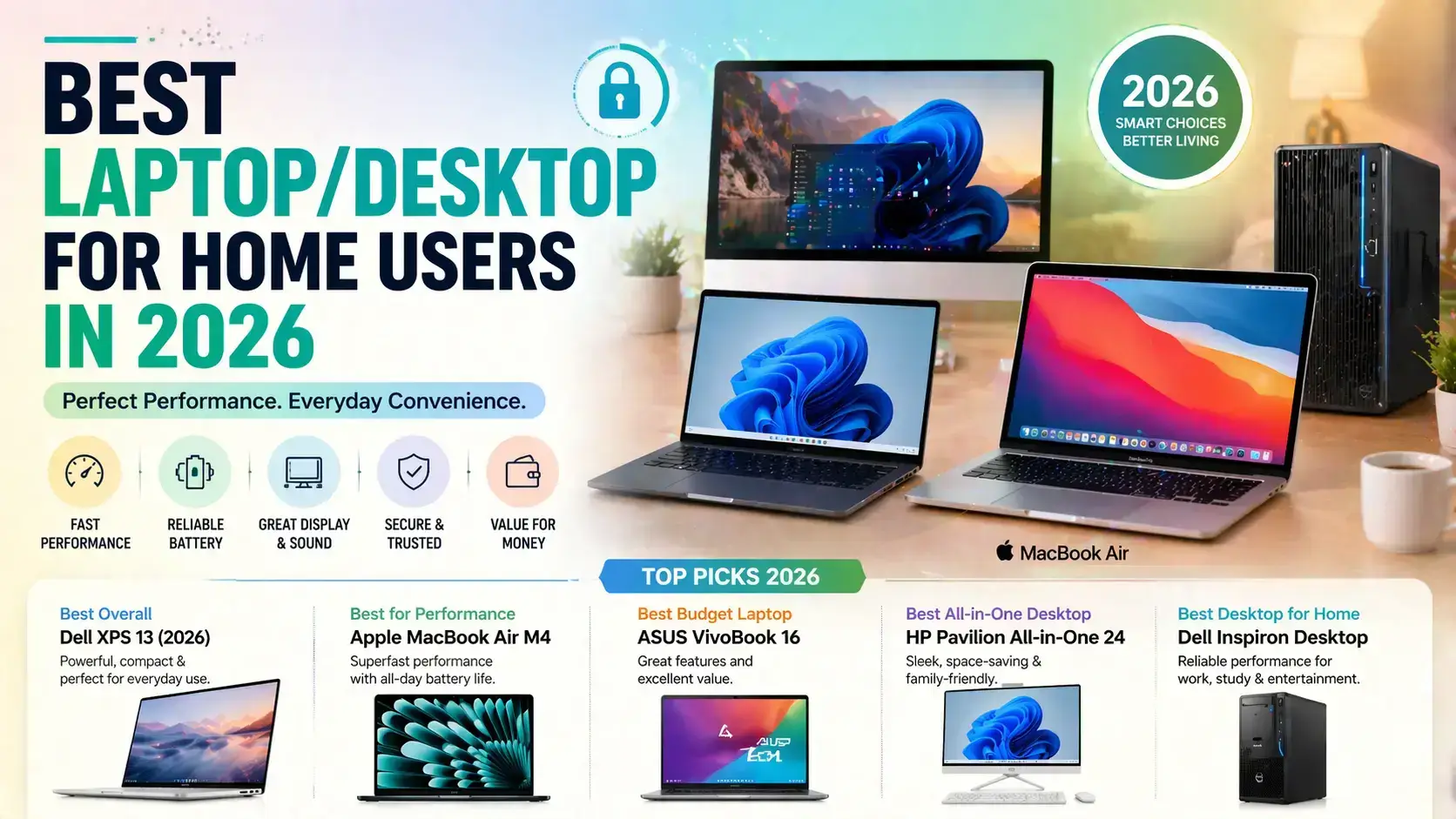
Most people can find a capable home laptop between $500 and $1,200. The best price depends on your tasks, not the size of your budget.
• Under $500: Best for basic browsing, email, streaming, and simple schoolwork
• $500 to $800: Good for general Windows use and family computing
• $800 to $1,200: Better screens, build quality, battery life, and multitasking
• More than $1,200: Useful for premium materials, advanced creative work, gaming, or specialized software
A very cheap laptop can cost more over time if it becomes slow within a year or has poor repair support. On the other hand, a premium laptop may be wasteful if you only browse the web and watch videos.
Look for sales during back-to-school periods, holiday events, and product refresh cycles. Compare the exact specifications, because retailers sometimes use similar names for very different configurations.

Laptop specifications that matter most
Technical specifications can look confusing, but only a few have a major effect on home use.
Processor
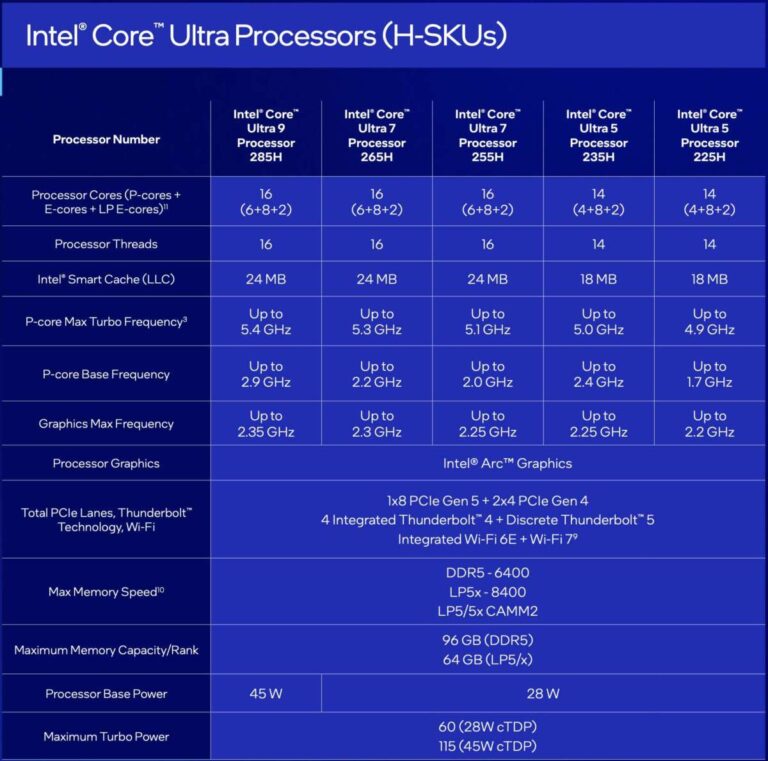
The processor handles calculations and controls general speed. Modern Intel Core Ultra, AMD Ryzen 5 or Ryzen 7, Qualcomm Snapdragon X, and Apple silicon processors can all provide good home performance when paired with enough RAM.
Do not compare processor families by name alone. Generation, cooling, power limits, and software support also matter.
Battery life
Battery claims from manufacturers are measured under controlled conditions. Real use varies with screen brightness, video calls, Wi-Fi strength, and background apps.
A laptop that lasts eight to twelve hours in independent testing is usually more practical than one that needs charging every few hours. Battery life also declines gradually as the battery ages.
Build quality
Aluminum often feels more solid than basic plastic, but a well-made plastic laptop can still last for years. Check the hinge, keyboard deck, screen movement, and warranty terms.
Durability also depends on care. Keep drinks away, avoid carrying the laptop by the screen, and use a padded bag when traveling.
Repair and upgrade options
Some laptops allow you to replace the SSD or add memory. Others have most components soldered to the main board.
If you want to keep a laptop for five years or more, repairability and service access deserve attention. A replaceable battery or accessible SSD can extend useful life and reduce electronic waste.

Common mistakes to avoid when buying a home laptop
Buying the cheapest model is not always the best way to save money. A slow laptop can waste time every day, like a narrow doorway in a busy hallway.
Avoid these mistakes:
• Choosing 4GB of RAM for a new Windows laptop
• Buying a device with only 64GB of storage for many local files
• Ignoring the webcam when working from home
• Assuming every USB-C port supports charging or video output
• Paying for a dedicated graphics card when you only browse and stream
• Forgetting to check the keyboard layout
• Skipping warranty and return details
• Buying a Chromebook without checking app compatibility
• Trusting battery claims without reading test conditions
• Ignoring screen brightness and glare
One practical lesson is to buy for the next three years, not only for today. Your browser, operating system, and apps will grow more demanding. A little extra memory and storage can make the laptop feel comfortable for much longer.
Accessories that improve home laptop use
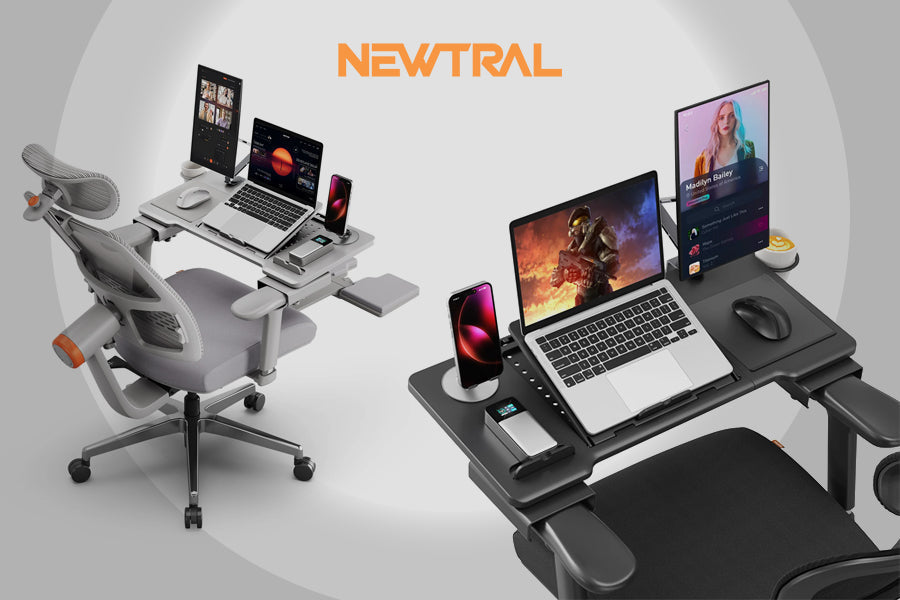
The laptop is only part of a comfortable home setup. A few simple accessories can improve posture, sound, storage, and productivity.
Useful additions include:
• A laptop stand to raise the screen
• An external keyboard and mouse for desk work
• A USB-C hub for extra ports
• A 24-inch or larger monitor for split-screen tasks
• A noise-canceling headset for calls
• An external SSD for backups
• A surge protector for desk equipment
If you use a laptop at a desk every day, place the top of the screen near eye level. This can reduce neck strain. For long work sessions, an external keyboard lets you keep the laptop screen raised without forcing your arms into an awkward position.
Are refurbished laptops worth buying?
A refurbished laptop can be a smart way to get better specifications for less money. It is often a good option for students, basic home use, or a second family computer.
Buy from a seller that clearly explains its inspection process and includes a meaningful return period. Confirm the battery condition, charger, warranty, operating system, and cosmetic grade.
Good refurbished choices often include business laptops from Lenovo, Dell, and HP. These machines are built for office fleets and may offer better keyboards and ports than new budget models.
Avoid listings with vague descriptions, missing chargers, locked accounts, damaged hinges, or unusually low prices. A refurbished laptop should save money without creating uncertainty.
How to keep your home laptop fast and safe
Good maintenance can extend a laptop’s useful life. You do not need advanced technical skills.
Follow these steps:
-
Install operating system and security updates.
-
Remove apps you no longer use.
-
Keep at least 15 percent of the storage drive free.
-
Use a password manager and two-factor authentication.
-
Back up important files in two separate places.
-
Clean vents with care and keep them clear during use.
-
Avoid unofficial software downloads.
-
Shut the laptop down or restart it when updates require it.
Windows, macOS, and ChromeOS include built-in security tools. Still, no system is risk-free. Be careful with unexpected email links, fake support calls, and downloads from unknown websites.

Frequently Asked Questions About What Are the Best Laptops for Home Use
What are the best laptops for home use on a budget?
The Acer Aspire 5 and a well-equipped Chromebook Plus are strong budget options. Choose the Acer for Windows programs and the Chromebook for browsing, streaming, and cloud-based work.
Is 8GB of RAM enough for a home laptop?
Eight gigabytes is enough for basic browsing, email, streaming, and light office work. Choose 16GB if you multitask often, use many browser tabs, or want the laptop to remain comfortable for several years.
Is a MacBook Air good for home use?
Yes, the MacBook Air is fast, quiet, portable, and easy to use for most home tasks. Check software compatibility first if you need Windows-only applications, certain games, or specialized work tools.
Should I buy a laptop with a touchscreen?
A touchscreen is useful for scrolling, drawing, presentations, and tablet mode. It is not essential for ordinary browsing and office work, so skip it if you want a lower price or longer battery life.
How much storage does a home laptop need?
A 256GB SSD is a practical minimum for many Windows laptops, while 512GB gives more breathing room for photos and applications. A Chromebook can work with less local storage if you use cloud services.
Are Chromebooks good for families?
Chromebooks are good for families that mainly use web apps, email, streaming, and online learning. They are less suitable when family members need full Windows or macOS desktop programs.
How long should a good home laptop last?
A quality laptop can remain useful for four to seven years, depending on its specifications, battery health, updates, and care. Buying 16GB of RAM, an SSD, and a good warranty can improve its long-term value.
Conclusion
The best laptops for home use combine dependable performance with comfort and simple everyday features. The MacBook Air suits users who want quiet speed and long battery life, while the Lenovo Yoga 7i adds touchscreen flexibility. The Asus Zenbook 14 OLED offers a beautiful display, the Acer Aspire 5 keeps costs down, and Chromebook Plus makes web-based computing easy.
Before buying, focus on your real tasks, operating system needs, memory, storage, screen comfort, ports, and warranty. Choose a laptop that gives you a little room to grow rather than one that only meets today’s minimum requirements. Compare current configurations carefully, explore trusted reviews, and share your experience or questions in the comments.

Everett Ashford is a tech reviewer at mytechgrid.com specializing in SSDs, cameras, TVs, earbuds, headphones, and other consumer electronics. He provides honest, data-driven reviews based on hands-on testing and real-world performance analysis. Everett simplifies complex tech details to help readers make smart, confident buying decisions.