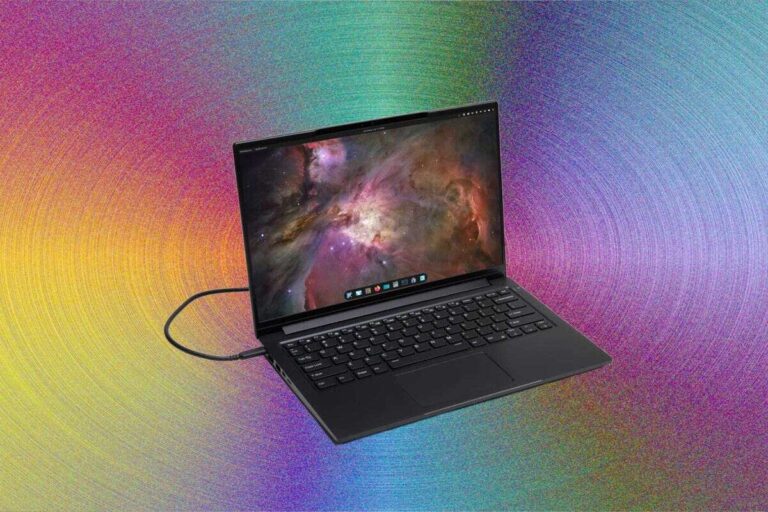
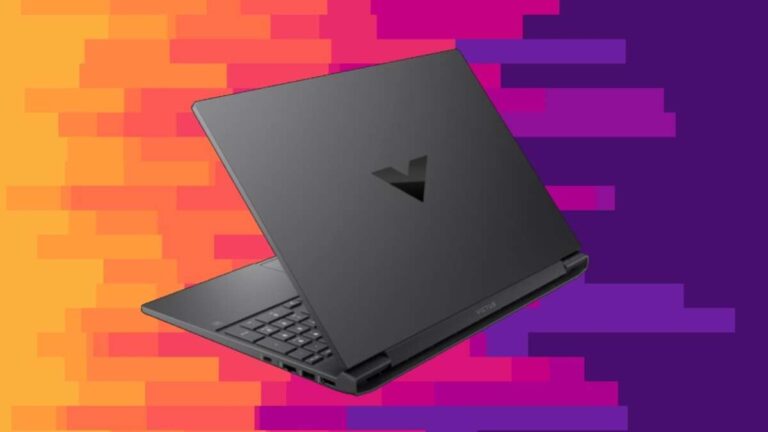
A Windows laptop usually costs $250 to over $3,000, depending on its speed, screen, build, and intended use.
Knowing how much is a Windows laptop can help you avoid paying for features you will never use. Budget models work well for web browsing and schoolwork, while premium laptops offer faster chips, better screens, stronger materials, and longer battery life. This guide breaks down real-world Windows laptop prices, what you get at each level, and how to choose a fair deal.

How Much Is a Windows Laptop by Price Range?
The short answer depends on what you plan to do. A basic Windows laptop may cost around $250, while a high-end gaming or business laptop can cost more than $3,000.
Here is a simple price guide:
• $250 to $450: Basic laptops for browsing, email, streaming, and light schoolwork
• $450 to $700: Better everyday laptops for work, school, and multitasking
• $700 to $1,000: Faster laptops with better displays, storage, and build quality
• $1,000 to $1,500: Premium ultrabooks, business laptops, and entry-level gaming laptops
• $1,500 to $2,500: Powerful laptops for gaming, design, editing, and advanced work
• $2,500 and above: Professional workstations and top gaming models
These prices are common in the United States, but sales can change them. Major shopping events, student discounts, product launches, and holiday deals may reduce prices by $50 to several hundred dollars.
When people ask how much is a Windows laptop, they often compare only the sticker price. That can be misleading. A $350 laptop with weak storage may feel slow after a year, while a $650 model with a solid-state drive and more memory may last much longer.
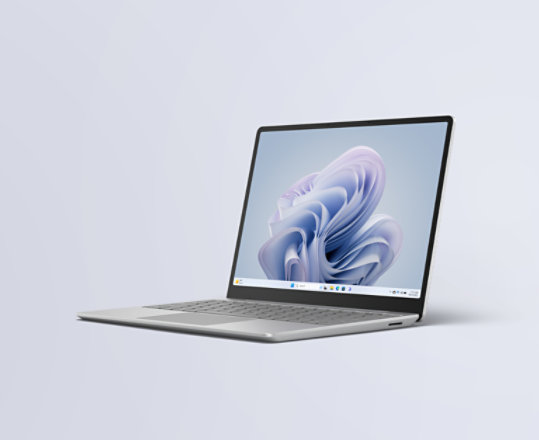
Windows Laptop Prices by Type
Different laptop categories serve different needs. Comparing a simple school laptop with a professional workstation is like comparing a bicycle with a pickup truck. Both can get you somewhere, but they are built for very different jobs.
Budget Windows laptops
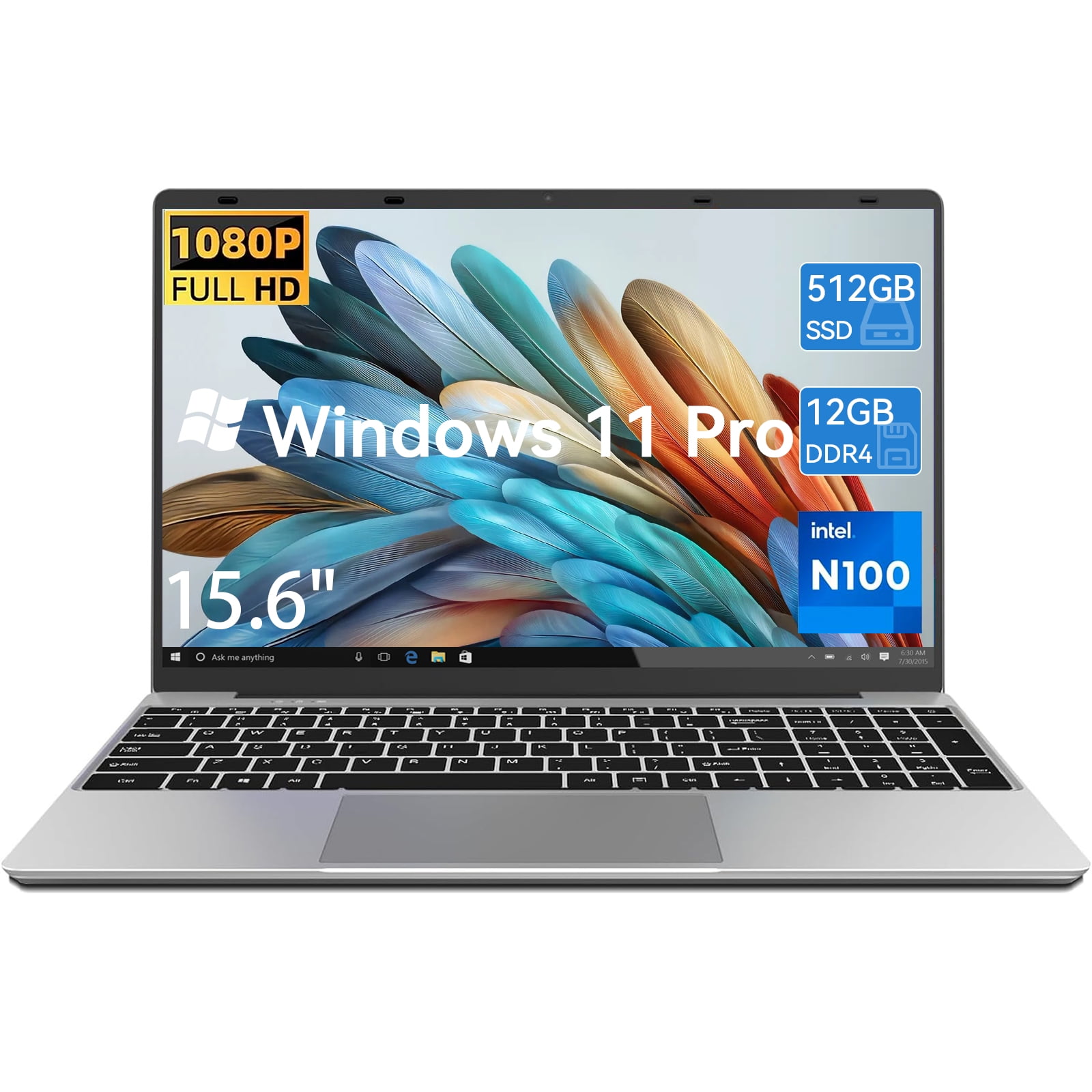
Budget Windows laptops usually cost between $250 and $450. They often include:
• An Intel Celeron, Intel N-series, AMD Athlon, or entry-level Ryzen processor
• 4GB or 8GB of RAM
• 64GB to 256GB of storage
• A 11-inch to 15-inch screen
• Plastic construction
These laptops are useful for Google Docs, Microsoft Word, email, video calls, music, and basic streaming. They may struggle with large spreadsheets, photo editing, modern games, and heavy multitasking.
A budget model can be a smart choice for a child, a casual user, or someone who needs a second computer. However, I would avoid buying one with only 4GB of RAM unless the price is extremely low and the tasks are very light.
Mid-range Windows laptops
Mid-range laptops usually cost between $500 and $900. This is often the best value range for most people.
Common features include:
• Intel Core i5 or AMD Ryzen 5 processors
• 8GB to 16GB of RAM
• 256GB to 1TB of solid-state storage
• Full HD screens
• Better keyboards and trackpads
• Stronger hinges and improved build quality
A good mid-range Windows laptop can handle schoolwork, office apps, video calls, web browsing, light photo editing, and many daily tasks. It can also offer a better battery than very cheap models.
For many buyers, this price range offers the best balance. You get useful speed without paying for specialized hardware.
Premium Windows laptops
Premium Windows laptops often cost $1,000 to $1,800. Some cost more when upgraded.
These models may include:
• Intel Core Ultra, Core i7, AMD Ryzen 7, or similar processors
• 16GB or more of RAM
• Fast NVMe solid-state storage
• Bright, high-resolution displays
• Aluminum or magnesium bodies
• Better speakers and webcams
• Longer battery life
• Thin and light designs
Premium laptops are made for people who travel, work for long hours, or care about screen quality and comfort. A premium price does not always mean the laptop is faster than every cheaper model. Often, you are also paying for a better design, quieter cooling, stronger support, and improved materials.
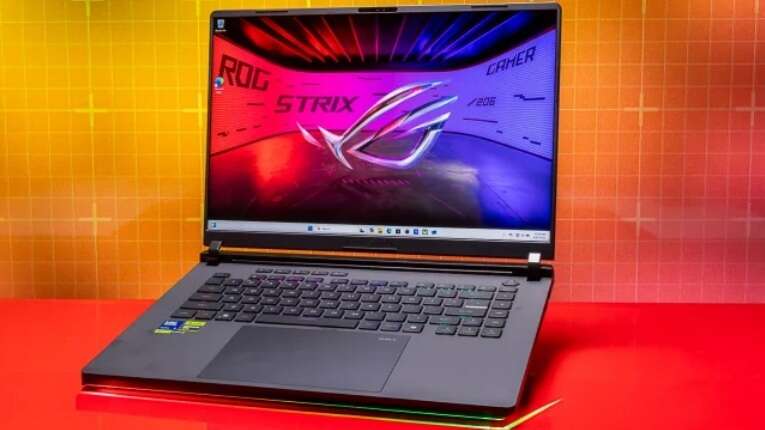
Gaming Windows laptops
Gaming laptops generally start near $700 and can exceed $3,000. The graphics card has the biggest effect on the price.
A gaming laptop may include:
• A dedicated NVIDIA or AMD graphics processor
• A high-refresh-rate display
• A powerful Intel or AMD processor
• 16GB or more of RAM
• Larger cooling systems
• RGB lighting
• A heavier body
Entry-level gaming laptops can play many popular games at moderate settings. More expensive models are better for demanding games, virtual reality, 3D work, and video production.
Keep in mind that gaming laptops often have shorter battery life. They also tend to be heavier and louder than regular Windows laptops.
Business Windows laptops
Business laptops commonly cost $700 to $2,000 or more. They focus on durability, security, comfort, and support.
Typical features include:
• Stronger hinges and chassis
• Comfortable keyboards
• Better webcam options
• Fingerprint readers or facial login
• Business-grade security tools
• Longer warranty choices
• Easier repair or upgrade access
A business laptop may seem expensive beside a consumer laptop with similar basic specifications. The difference often appears after years of use. A stronger body, better keyboard, and reliable support can matter more than a small speed boost.
What Affects the Price of a Windows Laptop?
Understanding the parts inside a laptop makes it easier to judge its price. The processor may get the most attention, but it is only one part of the total experience.
Processor
The processor affects app speed, multitasking, battery life, and heat. Entry-level chips suit basic work, while Core i5, Core Ultra 5, and Ryzen 5 chips are better for daily productivity.
For advanced work, look at Core i7, Core Ultra 7, Ryzen 7, Ryzen 9, or workstation-class chips. More cores can help with video exports and other heavy tasks, but they may not improve simple web browsing.
RAM
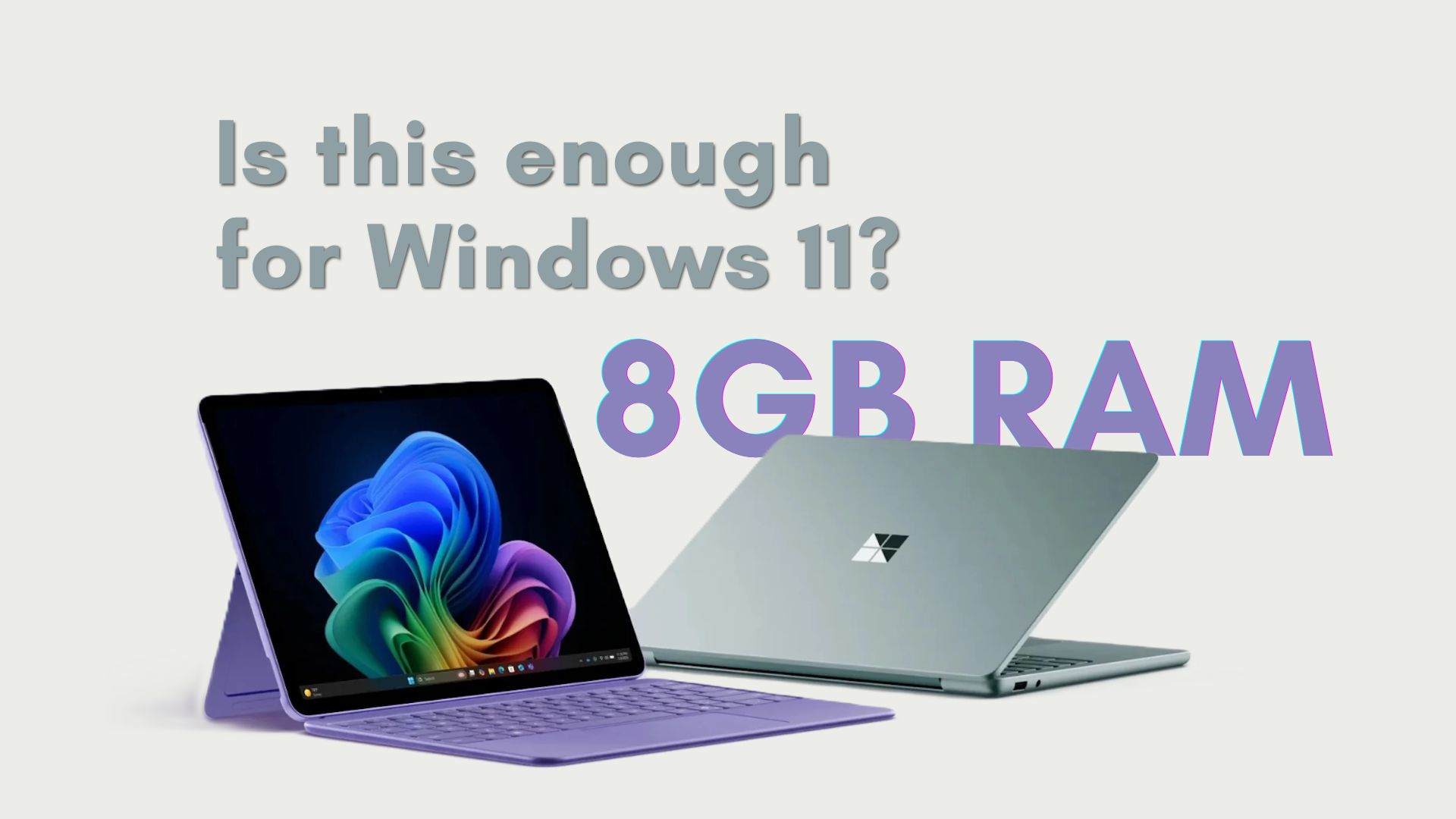
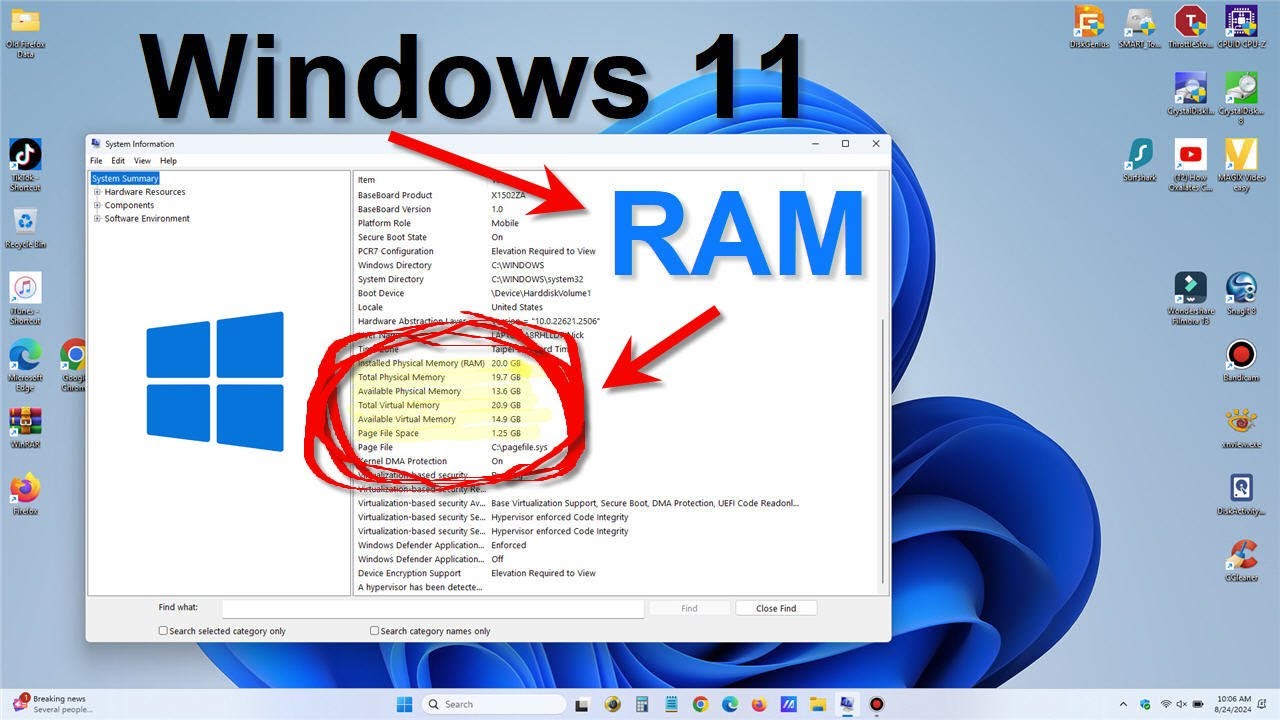
RAM helps your laptop handle several apps at once. More RAM is useful when you keep many browser tabs open or switch between programs.
A practical guide looks like this:
• 4GB: Very basic use only
• 8GB: Light work and school tasks
• 16GB: Recommended for most users
• 32GB: Editing, development, gaming, and heavy multitasking
• 64GB or more: Specialized professional work
If you are asking how much is a Windows laptop for everyday use, 16GB of RAM is a strong target. It gives you more room to grow and may help the laptop remain useful for several years.
Storage
Solid-state storage is much faster than an old mechanical hard drive. It helps Windows start quickly and makes apps feel more responsive.
Storage also affects the price:
• 128GB: Enough for light use, but limited
• 256GB: A practical minimum for many users
• 512GB: A good choice for work and school
• 1TB: Useful for games, photos, and video
Try to choose at least 256GB of SSD storage. A laptop with 128GB may fill up quickly after Windows updates, applications, and personal files take space.
Display
A basic 1366 by 768 display can lower the price, but it may look less sharp. A Full HD display is a better choice for reading, work, and streaming.
More expensive laptops may offer:
• Higher brightness
• Better color accuracy
• OLED panels
• Touch support
• Higher refresh rates
• Higher resolutions
Gamers may prefer a 120Hz or 144Hz screen. Designers and photographers may value color accuracy more than refresh rate.
Build quality
A metal body usually costs more than plastic, but material alone does not determine durability. A well-built plastic laptop can last longer than a poorly designed metal one.
Check the hinge, keyboard flex, port selection, and screen movement. These details often reveal more than a product photo.
Battery life
Battery claims are usually based on controlled tests. Your actual result may be lower because of screen brightness, browser tabs, video calls, games, and background apps.
A larger battery can raise the price, but efficient processors and good software also matter. If you travel often, read independent battery tests instead of relying only on the manufacturer’s estimate.
How Much Is a Windows Laptop for School?
A reliable Windows laptop for school usually costs between $400 and $800. Students who mainly use documents, websites, presentations, and video calls may not need a premium model.
Look for:
• 8GB or 16GB of RAM
• At least 256GB of SSD storage
• A Full HD display
• A comfortable keyboard
• Good battery life
• A webcam with a clear microphone
For engineering, computer science, design, or media courses, the budget may rise to $800 to $1,500. Specialized software may require a stronger processor, more RAM, or a dedicated graphics card.
One mistake I often see is buying the cheapest laptop for a four-year degree. The computer may work at first, but slow storage, weak battery life, and limited memory can become frustrating later. Spending a little more on 16GB of RAM and a 512GB SSD is often a smarter long-term choice.
How Much Is a Windows Laptop for Work?
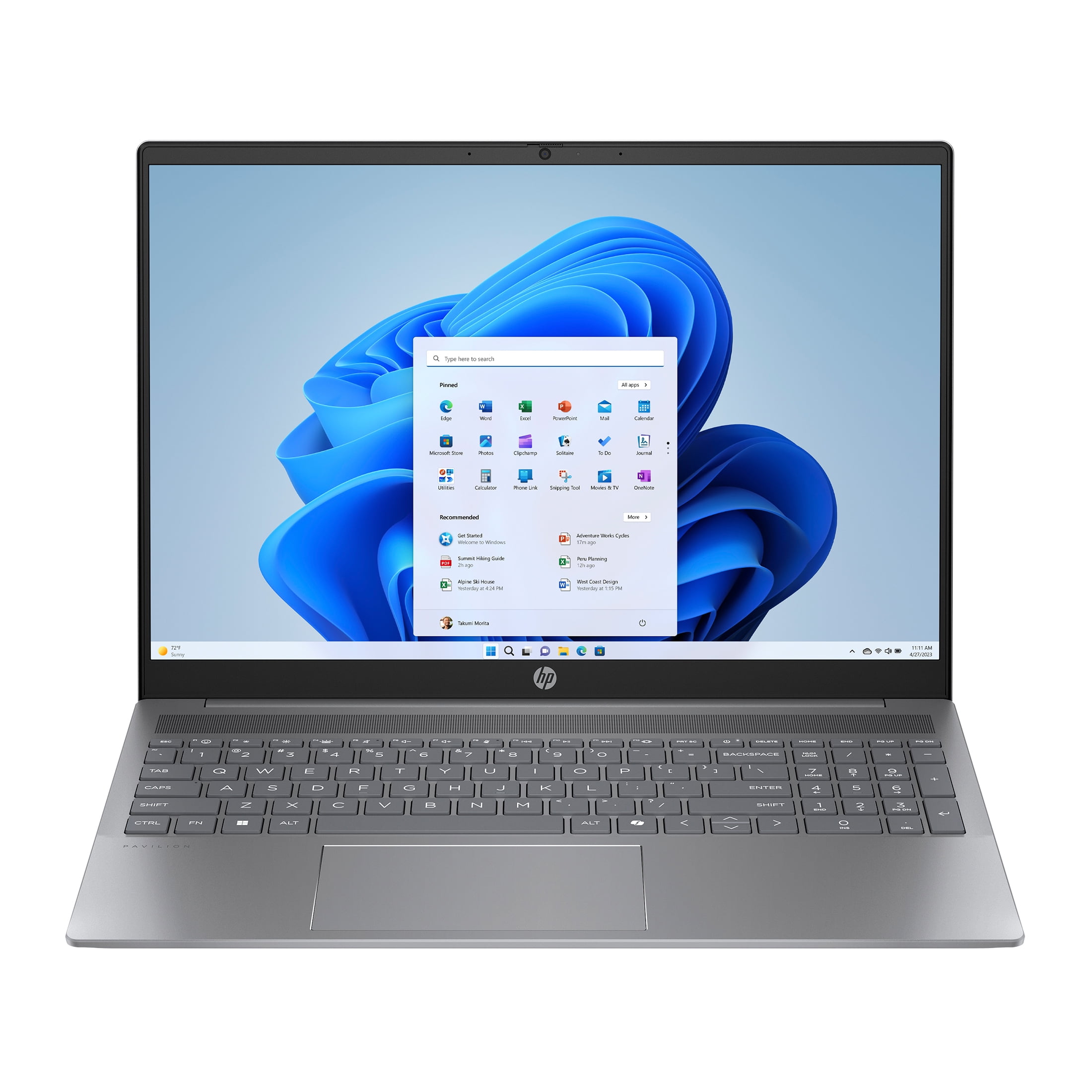
A Windows laptop for office work can cost from $500 to $1,500. The right price depends on your software, travel needs, and company requirements.
For email, Microsoft Office, online meetings, and web tools, a $500 to $800 laptop may be enough. Professionals who travel often may prefer a lighter business laptop with stronger security and better support.
For programming, data analysis, or large spreadsheets, consider:
• 16GB of RAM or more
• A modern Core i5, Core Ultra 5, or Ryzen 5 processor
• At least 512GB of SSD storage
• A comfortable keyboard
• A high-quality display
Remote workers should also check the webcam, microphone, Wi-Fi support, and port selection. A laptop can have excellent speed but still be a poor work tool if video calls look and sound bad.
How Much Is a Windows Laptop for Gaming?
A Windows gaming laptop usually costs between $800 and $2,500. The best price depends on the graphics processor and the games you want to play.
Here is a broad guide:
• $700 to $1,000: Entry-level gaming and esports titles
• $1,000 to $1,500: Strong 1080p gaming and some higher settings
• $1,500 to $2,000: Better graphics, screens, and cooling
• $2,000 and above: High-end gaming, content creation, and advanced graphics
Do not judge gaming performance by the processor alone. The graphics card, cooling system, screen resolution, and power limit can have a major effect.
A laptop with a powerful graphics card may also draw more power and create more heat. If you want a quiet and portable computer, a gaming laptop may not be the best match.
Are Expensive Windows Laptops Worth It?
An expensive Windows laptop can be worth the money when its benefits match your needs. A premium model may offer a better display, stronger build, longer battery life, and smoother performance.
However, higher prices do not guarantee better value. Some laptops charge more for a luxury design while offering only a small speed gain over a mid-range model.
Before paying more, ask:
• Will I use the extra performance?
• Do I need a brighter or sharper screen?
• Will I carry the laptop every day?
• Is the keyboard comfortable?
• Does it have enough RAM and storage?
• Is the warranty useful in my area?
In my experience comparing laptops, comfort often matters more than benchmark scores. A slightly slower laptop with a great keyboard and screen can be more pleasant than a fast model that feels cramped or harsh.
How to Get the Best Windows Laptop Deal
Finding a good deal takes more than sorting from the lowest price. You need to compare the full specification and the seller’s terms.
Use these steps:
-
Set a realistic budget based on your tasks.
-
Choose the processor class, RAM, and storage you need.
-
Check the display resolution and brightness.
-
Compare battery tests from independent reviewers.
-
Look for a return period and warranty coverage.
-
Compare the exact model number across several stores.
-
Check whether the laptop includes Windows or uses a restricted version.
-
Watch for seasonal discounts and student offers.
Be careful with unusually cheap listings. They may have older processors, small storage, poor screens, refurbished parts, or limited warranties.
A common mistake is to compare only the processor name. A newer low-end chip may not always deliver the same experience as a stronger processor from a higher product class. Look at the full system, not one label.
New Versus Refurbished Windows Laptops
Refurbished Windows laptops can lower the price by 20% to 50% compared with new models. They may be a good choice when sold by a trusted refurbisher with clear testing and warranty terms.
Before buying refurbished, check:
• Battery health
• Cosmetic condition
• Warranty length
• Return policy
• Charger inclusion
• Keyboard layout
• Windows activation
• Repair or replacement process
Business laptops are often strong refurbished choices because they are built for long use. A two-year-old premium business laptop may feel better than a brand-new budget model at the same price.
Still, refurbished products can vary. Read the condition grade carefully, and do not assume every used laptop has a new battery.
Hidden Costs to Consider
The purchase price is not always the final cost. Accessories and services can add to your budget.
Potential extra costs include:
• A laptop bag
• A wireless mouse
• A USB-C dock
• An external monitor
• Microsoft 365
• Antivirus software
• Extended warranty coverage
• A replacement charger
Gamers may also need a cooling stand, headset, mouse, and external storage. Creators may need a color-accurate monitor and backup drive.
You can often save money by avoiding unnecessary subscriptions and using built-in Windows security. For important files, an external backup drive or trusted cloud backup is more valuable than many add-on security tools.
How Long Should a Windows Laptop Last?
A Windows laptop can last around four to seven years, but lifespan depends on its quality, use, maintenance, and upgrade options. A low-cost laptop may feel limited sooner, while a well-built business or premium laptop may remain useful longer.
To extend its life:
• Keep Windows and drivers updated
• Avoid blocking the air vents
• Keep food and drinks away from the keyboard
• Remove apps you no longer use
• Back up important files
• Replace the battery when needed
• Use a protective case when traveling
Performance needs also change over time. A laptop that feels fast today may struggle with future software. Buying a model with extra RAM and storage can provide useful breathing room.
A Simple Windows Laptop Buying Formula
If you want a quick way to decide how much is a Windows laptop for your needs, use this guide:
• Basic browsing and streaming: $250 to $450
• School and office work: $450 to $800
• Professional work: $700 to $1,500
• Photo and video editing: $900 to $2,000
• Gaming: $800 to $2,500
• Specialized engineering or creative work: $1,500 and above
These figures are starting points, not strict rules. A sale may place a strong laptop in a lower category, while a premium brand may charge more for similar hardware.
The best purchase is not the cheapest laptop. It is the laptop that gives you enough speed, comfort, storage, and support without wasting money on features you do not need.
Frequently Asked Questions About How Much Is a Windows Laptop
How much does a basic Windows laptop cost?
A basic Windows laptop usually costs between $250 and $450. It can handle browsing, email, streaming, and simple documents, but it may struggle with gaming and demanding software.
How much is a good Windows laptop for everyday use?
A good everyday Windows laptop often costs $500 to $900. In this range, look for 8GB or 16GB of RAM, an SSD, a Full HD display, and a modern Intel or AMD processor.
Is a $300 Windows laptop worth buying?
A $300 Windows laptop can be worth buying for light tasks and short-term use. Check that it has an SSD, at least 8GB of RAM if possible, and a return policy that protects you.
How much is a Windows laptop for gaming?
Gaming Windows laptops usually start at about $700 and can cost more than $2,500. The graphics card, cooling system, screen, and processor have the biggest effect on gaming performance and price.
Is it better to buy a Windows laptop or a MacBook?
A Windows laptop usually offers more choices at different prices and supports a wider range of games and hardware. A MacBook may appeal to users who prefer macOS, Apple hardware, and its software ecosystem.
How much RAM should a Windows laptop have?
For most buyers, 16GB of RAM is the best target. Eight gigabytes can work for light tasks, while 32GB or more is useful for gaming, editing, programming, and heavy multitasking.
How much storage does a Windows laptop need?
Choose at least 256GB of SSD storage for basic use and 512GB for work, school, or frequent downloads. Gamers and video editors may need 1TB or more.
Conclusion
So, how much is a Windows laptop? Most buyers will spend between $400 and $900 for a capable everyday model, while gaming, business, and professional laptops can cost much more.
Focus on your tasks first. Then compare the processor, RAM, SSD storage, display, battery, build quality, and warranty. A carefully chosen mid-range laptop often gives the strongest value, while a premium model makes sense when comfort, power, and long-term use matter.
Set your budget, choose the features you truly need, and compare exact model numbers before buying. Explore current deals and share your laptop needs in the comments to help find the right option.

Everett Ashford is a tech reviewer at mytechgrid.com specializing in SSDs, cameras, TVs, earbuds, headphones, and other consumer electronics. He provides honest, data-driven reviews based on hands-on testing and real-world performance analysis. Everett simplifies complex tech details to help readers make smart, confident buying decisions.