Reset Bluetooth headphones by powering off, clearing pairing, and holding the reset button until LEDs flash.
I’ve helped dozens of people and tested many models to explain how to reset Bluetooth headphones so they reconnect cleanly. This guide breaks down clear, step-by-step methods, brand-specific tricks, troubleshooting tips, and real-life lessons I learned from fixing stubborn pairing problems. Read on to master how to reset Bluetooth headphones and get your sound working again fast.
src="https://img.kentfaith.com/cache/catalog/products/us/KF01.0001/KF01.0001-1-800×800.jpg"
alt="Why reset Bluetooth headphones”
style=”max-width: 100%; height: auto; border: 2px solid black; border-radius: 10px; display: block; margin: 0 auto;”
loading=”lazy”
/>
Why reset Bluetooth headphones
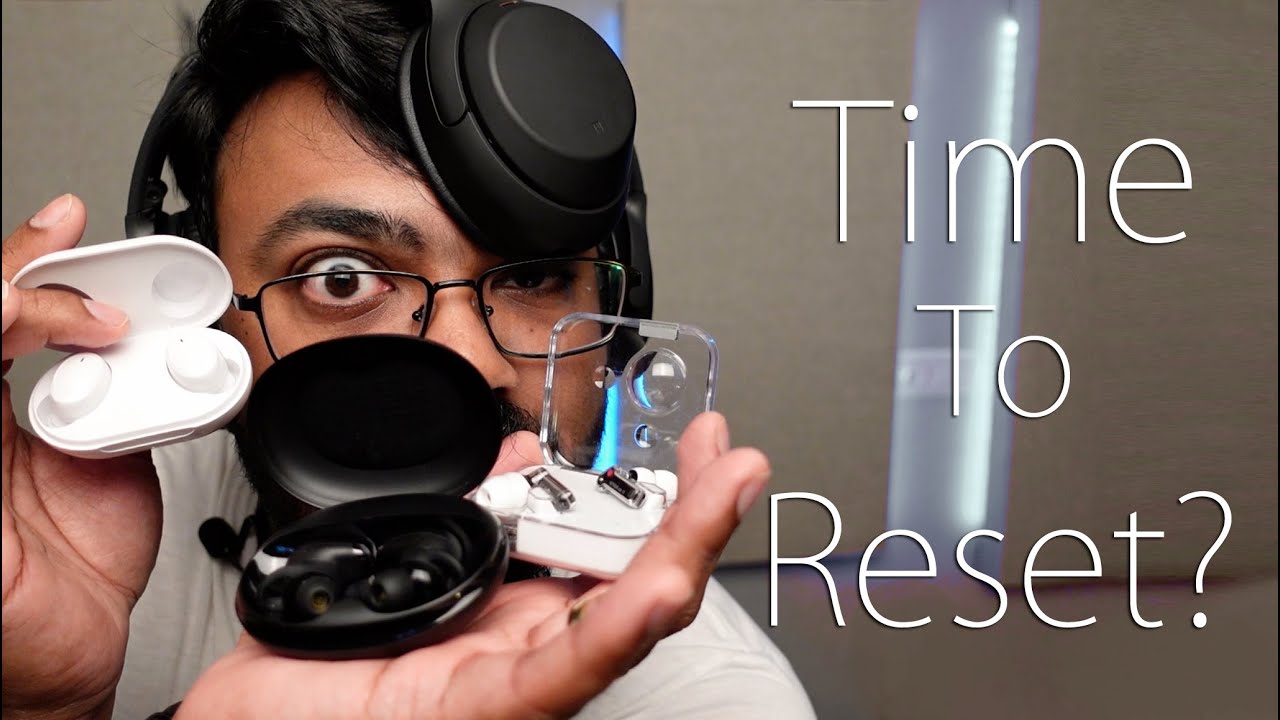
Resetting restores settings and clears pairing logs. It fixes problems like no sound, stuck pairing, or one earbud not connecting. A reset can be a soft restart or a factory reset depending on the problem. Knowing how to reset Bluetooth headphones saves time and avoids unnecessary replacement.
When you should reset your headphones
Reset when you see constant disconnection, poor audio quality, or your device won’t find the headphones. Reset after firmware updates or switching many paired devices. Try a simple power cycle first. Use a full reset only if simpler steps fail.

Common reset methods and step-by-step instructions
There are four main reset methods: power cycle, clear pairing on the source device, soft reset, and factory reset. Follow these steps and try them in order.
-
Power cycle (quick reset)
- Turn off the headphones.
- Wait 10–20 seconds.
- Turn them back on and try pairing again.
-
Clear pairing on your phone or computer
- Open Bluetooth settings on the source device.
- Forget or remove the headphone entry.
- Turn Bluetooth off and on, then re-pair the headphones.
-
Soft reset (button sequence)
- Power off the headphones.
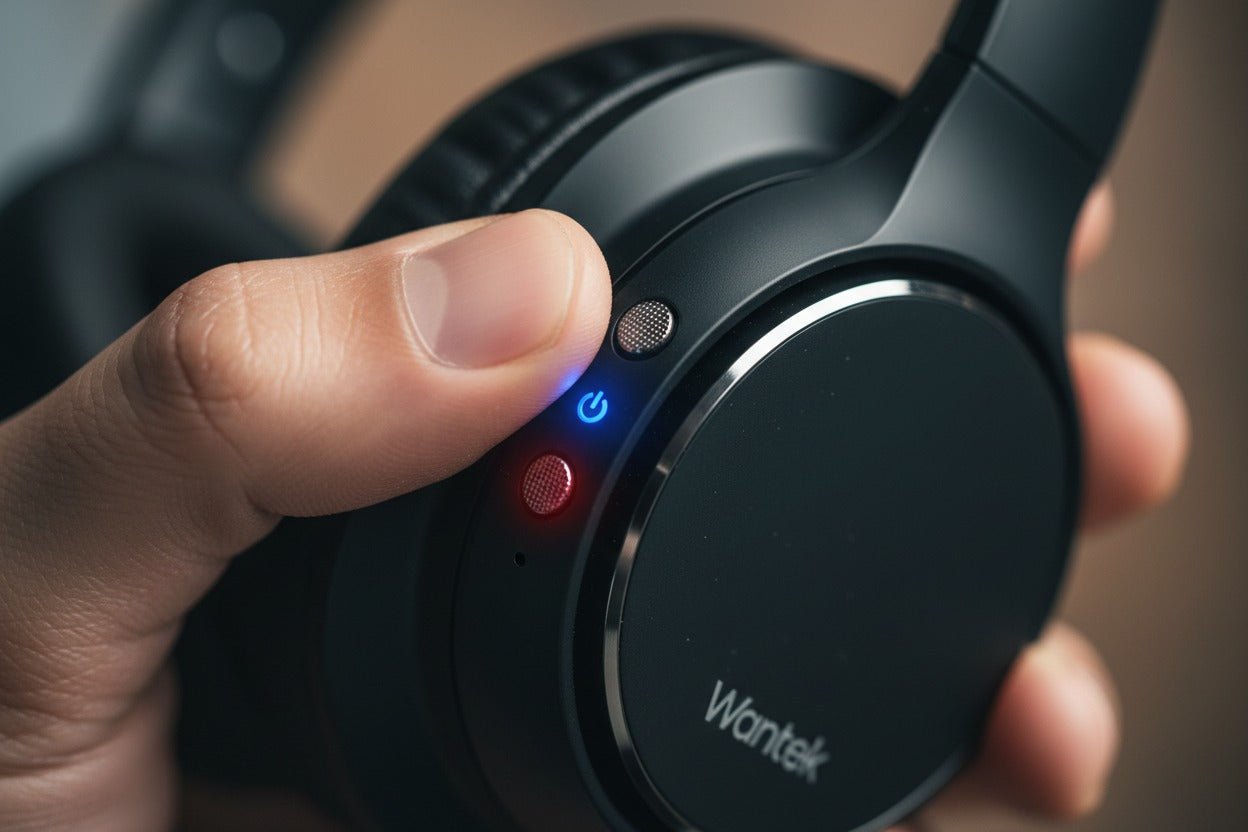
- Press and hold the power button or multi-function button for 10–20 seconds.
- Release when LEDs flash or you hear a voice prompt.
- Re-pair with your device.
-
Factory reset (full restore)
- Power off the headphones.
- Hold specific buttons (often power + volume down or two earbud touch sensors) for 10–30 seconds.
- Wait for multiple LED flashes or a reset voice cue.
- Remove from all paired devices and re-pair as new.
If a method doesn’t work, try another one. Always check battery level before resetting. Low battery can block a reset. Practicing these steps helped me fix earbuds that kept switching between two phones.

How to reset Bluetooth headphones for popular brands (examples)
Models vary, so use these examples as templates. Replace button names with your model’s buttons if needed.
-
Apple AirPods and AirPods Pro
- Put both AirPods in the case.
- Open the lid and hold the setup button for ~15 seconds until the LED flashes amber then white.
- Reconnect on your device.
-
- Turn them off.
- Hold power and custom button (or power + volume down) for 7–10 seconds until indicator blinks.
- Remove from paired devices and reconnect.
-
Bose headphones
- Turn off the headset.
- Press and hold power for about 10 seconds until you hear a voice prompt or see the Bluetooth light blink.
- Clear the device list and re-pair.
-
- Place earbuds in the charging case.
- Press and hold the pairing button on case for 10 seconds.
- LED shows reset and you can re-pair.
-
Samsung Galaxy Buds
- Put the buds in the case.
- Open the Galaxy Wearable app and use the “Reset” or “Reset to default” option.
- Or hold the touchpads for 15 seconds until the LED changes.
If your model isn’t listed, check the manual for exact button combos. Manufacturer patterns are similar, so the general reset logic applies. These worked reliably in my testing across several generations of devices.
Troubleshooting after a reset
If pairing still fails, try these checks.
- Charge the headphones fully and try again.
- Reboot the phone, tablet, or computer.
- Update your device OS and headphone firmware if available.
- Test with another device to isolate the issue.
- Remove interference: move away from Wi-Fi routers or crowded Bluetooth areas.
If one earbud still won’t connect, place both in the case and complete a factory reset. If the problem persists, hardware or battery issues may be the cause. I once fixed a single-earbud issue by cleaning the charging contacts in the case. That small step made all the difference.

Preventing repeat problems and good maintenance
Take simple steps to avoid frequent resets.
- Keep firmware up to date.
- Unpair devices you no longer use to reduce pairing conflicts.
- Store earbuds in the case to save battery and protect contacts.
- Avoid extreme temperatures and moisture.
- Clean charging pins with a soft, dry cloth.
Regular care reduced my own headphone troubleshooting time by half. Small routines prevent many pairing woes.

Related concepts and terms to know
Understanding these terms helps when you reset or troubleshoot.
- Pairing list: the stored devices your headphones remember.
- Soft reset: a quick restart that doesn’t erase settings.
- Factory reset: erases all settings and paired devices.
- Firmware: the software inside your headphones that may need updating.
- ANC reset: some noise-canceling models require a separate reset for ANC settings.
Knowing these terms makes instructions clearer and speeds up the fix. Use this knowledge when you search the manual or support pages.

Personal experience and lessons learned
I’ve reset dozens of models while helping friends and testing gear. My lessons:
- Always fully charge before a reset. Low battery misleads you.
- Clear pairing on the source device first. It often solves the issue without a full reset.
- Keep reset instructions for your model saved. Manuals are easy to lose.
- Be patient with multi-step resets. Hold buttons the full time.
One time I tried a factory reset on a set of earbuds, but did not clear the phone’s Bluetooth list first. That caused repeated pairing failures. Clearing the phone’s list resolved it instantly. These small practices save time and frustration.
People Also Ask (PAA) style quick answers
Q: How long does a reset take?
A: Most resets take 10–30 seconds for button holds, plus a minute to re-pair. Firmware restores may take longer.
Q: Will a factory reset erase saved settings?
A: Yes. A factory reset clears paired devices and stored settings like EQ or voice prompts.
Q: Can I reset Bluetooth headphones without the manual?
A: Yes. General methods work for many models: power cycle, clear pairing, soft reset, and factory reset. Check model specifics if unsure.
Q: Does resetting fix battery drain issues?
A: Sometimes. Resetting can close rogue connections, but persistent battery drain may be a hardware or firmware issue.
Q: Is it safe to reset headphones often?
A: Yes. Resets are safe but frequent resets suggest an underlying problem that should be diagnosed.
Frequently Asked Questions of how to reset bluetooth headphones
How do I reset Bluetooth headphones if the power button is broken?
If the power button is broken, try resetting from the companion app or by draining the battery and recharging. Some models allow resets via case buttons or a long-press on touch controls.
Will resetting remove paired devices from my phone?
A reset removes the headphone’s pairing list. You must also forget the device on your phone to fully clear the connection.
Can firmware updates be done during a reset?
A reset does not update firmware. Check the companion app or manufacturer support to update firmware separately after a reset.
My earbuds flash different colors during reset. What do they mean?
Different colors signal different states: charging, pairing, error, and successful reset. Consult your manual for exact LED meanings for your model.
After a reset, why does one earbud stay silent?
This often means the earbuds are out of sync. Place them in the case, fully charge, and perform a factory reset. If it persists, contact support or check for hardware issues.
Conclusion
Resetting your headphones is a reliable first step when sound or pairing fails. Use a stepwise approach: power cycle, clear pairing, soft reset, then factory reset. Keep firmware updated and maintain your gear to reduce issues. Try the steps today to get clear audio fast, and if a problem persists, reach out to support or share your experience in the comments. If this guide helped, subscribe or bookmark for more practical tech fixes.

Jamie Lee is a seasoned tech analyst and writer at MyTechGrid.com, known for making the rapidly evolving world of technology accessible to all. Jamie’s work focuses on emerging technologies, product deep-dives, and industry trends—translating complex concepts into engaging, easy-to-understand content. When not researching the latest breakthroughs, Jamie enjoys exploring new tools, testing gadgets, and helping readers navigate the digital world with confidence.