Pairing JLab earbuds together is quick: put both buds in pairing mode, then select them in your device's Bluetooth list.
I’ve paired JLab earbuds with phones, laptops, and tablets dozens of times. This guide explains exactly how to pair JLab earbuds together, step by step, and how to fix common issues. I’ll share hands-on tips I learned while testing different JLab models, so you can get reliable audio fast.
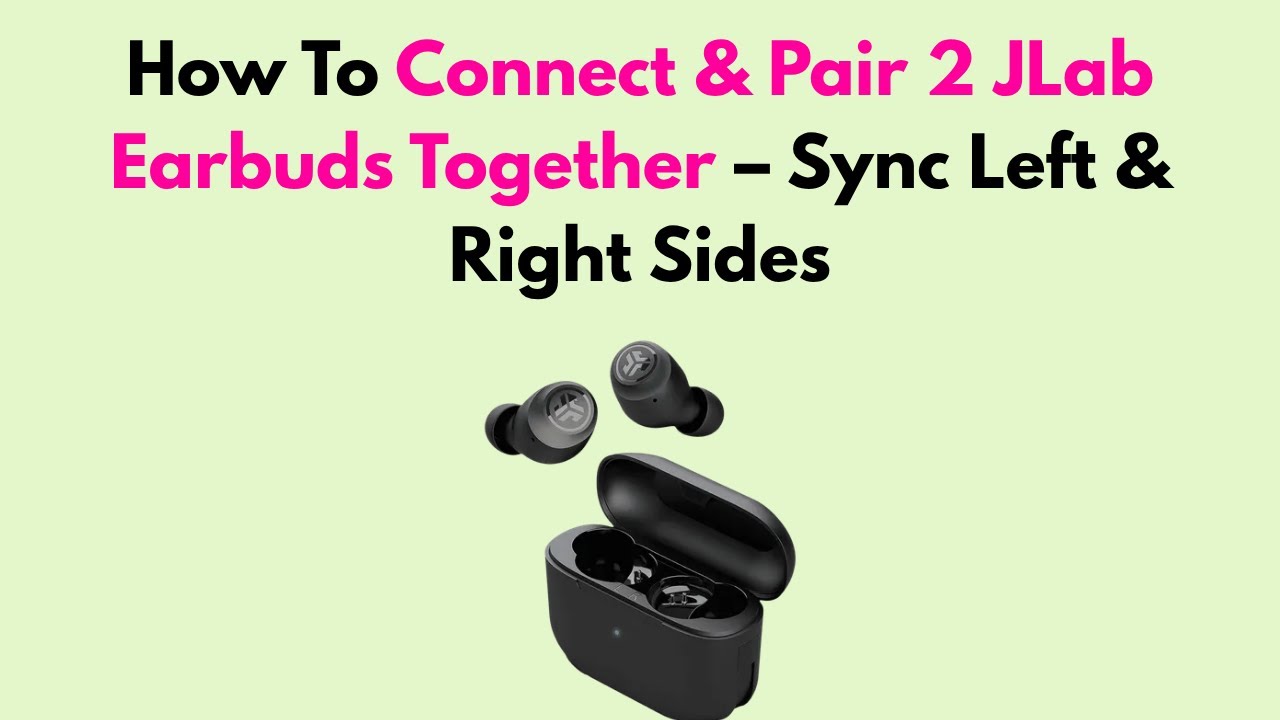
Understanding JLab earbuds and pairing basics
JLab earbuds use Bluetooth to connect to devices. Some models use a master/slave configuration where one bud connects first and the other follows. Others support true wireless stereo where both buds pair simultaneously. Knowing this helps when you try to pair JLab earbuds together.
Key terms to know:
- Pairing mode: The state the earbuds enter so your device can see them.
- Master bud: The earbud that first links to a device on certain models.
- Reset: A forced clear of saved connections to fix stubborn issues.
When you learn these basics, pairing becomes predictable. The steps below cover first-time pairing, re-pairing, and pairing both earbuds together.

Step-by-step: How to pair JLab earbuds together (first-time, re-pair, and dual-bud mode)
Follow these concise, model-agnostic steps to pair JLab earbuds together. If you have a specific model, the process is almost identical with small LED or tap differences.
First-time pairing (single device)
- Charge both earbuds and the case for at least 15 minutes.
- Remove both earbuds from the case. Most JLab earbuds power on automatically.
- Watch the LED. Both buds often flash white or alternate flashes when in pairing mode.
- Open Bluetooth on your phone or computer and scan for devices.
- Select the JLab name that appears. If two names appear, pick the one that matches your model.
- Confirm pairing on your device if prompted.
How to pair JLab earbuds together when one bud won't connect
- Put both buds back in the case and close the lid for 10 seconds.
- Take them out again to force a fresh connection.
- If the left or right bud does not reconnect, try a reset (see reset steps below).
How to pair JLab earbuds together after a reset or with a second device
- Reset both earbuds to clear old pairings (instructions below).
- Put both in pairing mode again and select the JLab device name on your second device.
Reset steps (common method)
- Put buds in the charging case and keep the case open.
- Press and hold the touch area or button on both earbuds for about 10–15 seconds until LEDs flash red/white or turn off.
- Release and remove buds. They should re-enter pairing mode.
Pairing both earbuds together for true stereo
- Ensure both buds are charged and out of the case.
- Wait for the buds to sync (they often flash together then one pairs to the other).
- If only one bud plays, put both back in the case and repeat.
Quick note: The exact LED colors and press durations vary by model. If these steps don’t match your buds, consult the quick start guide that came with your JLab earbuds. Practically, the goal is to get both buds in pairing mode and then select the JLab entry on your device.

Troubleshooting common pairing problems
If pairing fails, try these fixes in order. I’ve used these on multiple JLab pairs and they solved most issues quickly.
Problem: Only one earbud connects
- Fix: Place both buds in the case, close for 10 seconds, then remove. If that fails, reset both earbuds.
Problem: Earbuds not showing in Bluetooth list
- Fix: Turn Bluetooth off and on. Restart your phone. Put the earbuds in pairing mode again.
Problem: Earbuds pair but audio is one-sided or crackly
- Fix: Update device Bluetooth drivers or firmware. Move closer to device and remove wireless interference.
Problem: Earbud keeps reconnecting/disconnecting
- Fix: Forget the JLab device from Bluetooth settings on your phone, then re-pair from scratch.
Problem: Left and right out of sync
- Fix: Reset both earbuds and re-pair. Make sure both are charged to similar levels.
If nothing works, test with another device. If the buds still fail, the battery or internal antenna could be failing. Contact JLab support or authorized service if you suspect hardware issues.

Tips, best practices, and personal experiences
Small habits save time and frustration when you pair JLab earbuds together.
Practical tips I use
- Keep the case charged. Low case power can stop earbuds entering pairing mode.
- Use one device at a time while setting up to avoid confusing the earbuds.
- When traveling, store earbuds in the case to avoid accidental re-pairing.
Mistakes I made so you don’t
- Trying to pair with too many devices at once. This caused my buds to flip between phones.
- Ignoring firmware updates. An update fixed a latency issue on one model for me.
- Not checking the LED behavior. Learning what the lights mean speeds troubleshooting.
Real-life example
I paired a pair of JLab ANC earbuds to my laptop and phone. I forgot to remove the laptop pairing and the buds kept switching. A quick reset and fresh pairing to the phone fixed it. Lesson: clear old connections before pairing new devices.
These habits make pairing JLab earbuds together smoother and more reliable. They work across most JLab models and everyday devices.

Security, firmware updates, and advanced pairing features
Keep earbuds secure and updated. This improves stability and sometimes adds features.
Firmware updates
- Benefit: Fix bugs, improve battery life, and enhance Bluetooth stability.
- How: Use the official JLab app or follow the update steps in the manual. Check periodically.
Security and privacy
- Tip: Forget earbuds from public devices after use to avoid unwanted reconnections.
- Tip: Disable automatic Bluetooth pairing when not needed.
Advanced features to know
- Mono mode: Many models let you use left or right bud alone. This is handy for calls or conserving battery.
- Multipoint: Some earbuds support pairing to multiple devices. Check your model to see if it supports multipoint.
- Codec support: JLab earbuds usually support SBC and AAC. Know that codec limitations can affect latency and audio quality.
Limitations
- Not all JLab earbuds support multipoint. Check specs if you need to pair to two devices at the same time.
- Bluetooth range and walls can affect audio. Keep devices within about 30 feet for best results.

Frequently Asked Questions of how to pair jlab earbuds together
How do I put my JLab earbuds into pairing mode?
Most JLab earbuds enter pairing mode when you remove them from the charging case and their LEDs flash. If not, press and hold the touch areas or buttons for 3–10 seconds until the LED indicates pairing.
Why does only one JLab earbud connect?
Often one bud becomes the master and the other fails to sync. Put both buds back in the case, close the lid, then remove them to force a resync. If that fails, reset both earbuds.
How do I reset my JLab earbuds to pair again?
With the earbuds in the case and lid open, press and hold the touch areas or buttons for about 10–15 seconds until the LEDs flash or turn off. Release and then remove the buds to re-initiate pairing.
Can I pair JLab earbuds together with two devices at once?
Some JLab models support multipoint pairing, but many do not. Check your model specifications; if yours lacks multipoint, you must disconnect one device before pairing to another.
What if my device won’t find the JLab earbuds?
Turn Bluetooth off and on, restart your device, and make sure the earbuds are in pairing mode. Also forget any old JLab entries and try a reset if needed.
How long does pairing take for JLab earbuds?
Pairing usually takes 5–20 seconds once earbuds are in pairing mode. If it takes longer, reset the earbuds and try again.
Conclusion
Pairing JLab earbuds together is simple once you know the steps and where to troubleshoot. Start by charging, ensure both buds enter pairing mode, and select the JLab name in your device’s Bluetooth list. If things go wrong, reset both earbuds, clear old connections, and try again. Take action: practice these steps with your earbuds now, update firmware, and save time on future pairing. If this guide helped you, leave a comment or subscribe for more practical tips and device walkthroughs.

Jamie Lee is a seasoned tech analyst and writer at MyTechGrid.com, known for making the rapidly evolving world of technology accessible to all. Jamie’s work focuses on emerging technologies, product deep-dives, and industry trends—translating complex concepts into engaging, easy-to-understand content. When not researching the latest breakthroughs, Jamie enjoys exploring new tools, testing gadgets, and helping readers navigate the digital world with confidence.