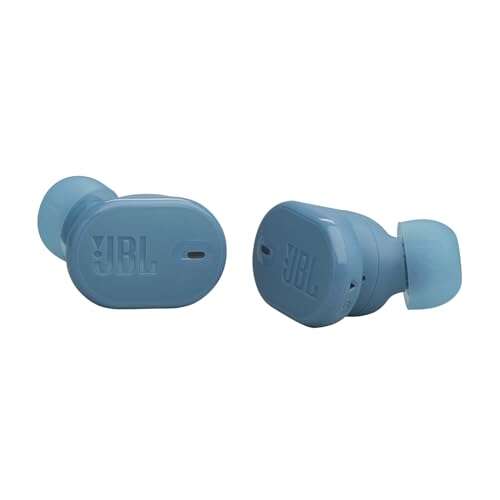
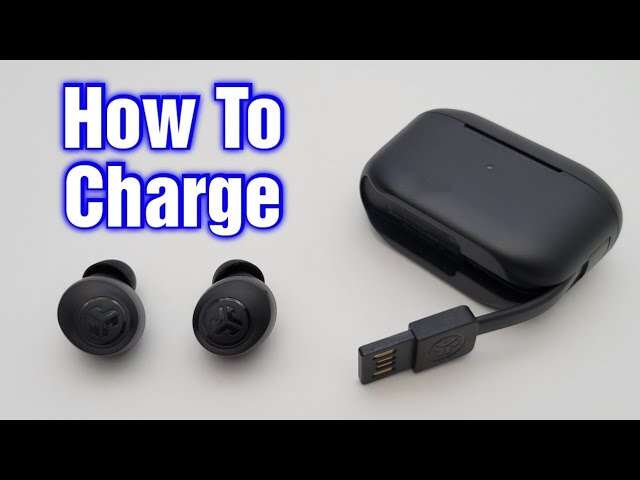
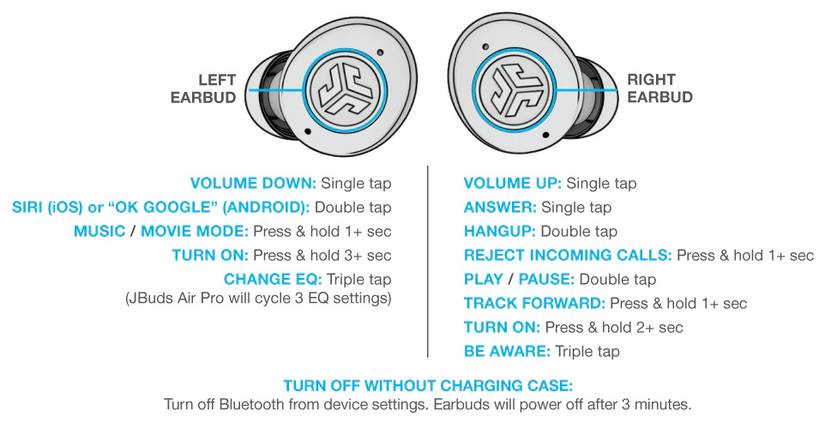
Press and hold the earbud's button or touch area for 3–5 seconds to power it on.
I’ve tested JLab earbuds for years and know their buttons, lights, and pairing cues well. This guide shows clear, tested steps for how to turn on jlab earbuds without case, model differences, quick fixes when they won’t power up, and tips to avoid common mistakes. Read on to get hands-on, reliable steps you can follow right now.
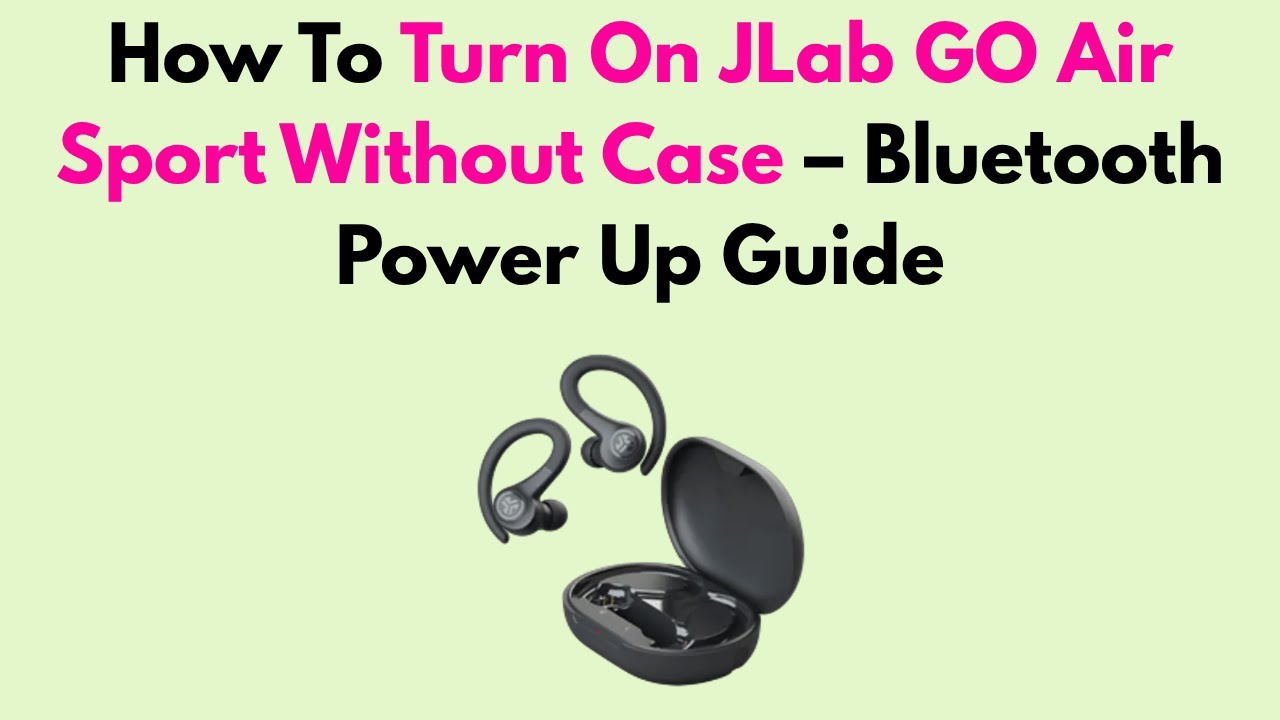
How JLab earbuds power on — basics
Most JLab true wireless models have a multi-function button or touch sensor. Press and hold that control to power the earbud on or off. LEDs give clear feedback. A steady or blinking light usually means power or pairing mode.
Battery charge is key. If the buds are fully drained, they won’t turn on until they get charge. Without the case, you can still turn them on if they already have some charge. If they are dead, you will need the case or a compatible charger to charge them first.

Methods to turn on JLab earbuds without case
Below are simple, step-by-step methods you can use now. Follow the steps that match your model or try them in order.
- Find the control area
- Look for a physical button on the stem or a touch pad on the face.
- Single-earbud power-on
- Press and hold the button or touch area for about 3 seconds until the LED lights or you hear a tone.
- Both-earbuds power-on together
- Press and hold each earbud’s button for 3–5 seconds. Many JLab models will auto-pair after powering on.
- If touch controls are used
- Tap and hold for 3–5 seconds. Do not tap quickly; hold firm until you see the LED or hear audio cues.
- Put a dead bud into pairing mode (if it has some charge)
- Hold the button for 5–8 seconds to force pairing or power on. Watch for white or blue blinking lights.
- Use one bud alone
- Some JLab earbuds allow a single bud to power and pair. Press and hold that bud’s button for 3 seconds.
- Confirm Bluetooth on your phone
- Open Bluetooth settings and look for the JLab model name to pair once the earbud shows as available.
Tips for specific behaviors:
- Short press often controls play/pause. Long press usually controls power or pairing.
- If the earbud vibrates or gives a tone, it is powering on or entering pairing.

Source: jlab.com
Troubleshooting when your earbuds won’t power on
If you can’t turn on your JLab earbuds without case, try these checks.
- Check battery level
- If the earbuds are dead, they need charging. Without the case, use the case or a compatible charging method.
- Clean contacts
- Dirt on contacts can block charging in the case. Clean gently with a dry cloth.
- Try longer holds
- Hold buttons for up to 10 seconds to force power or reset.
- Reset the earbuds
- For many models, hold both buttons for 10–15 seconds to reset. Then try powering on again.
- Test one bud at a time
- Power one earbud first to see if it responds. This isolates a bad or drained bud.
- Check the phone’s Bluetooth list
- Old pairings can interfere. Remove the device and try pairing afresh.
- Firmware and app checks
- Use the JLab app if available to update firmware once you can get a bud on. Updates can fix power or pairing bugs.
- Contact support
- If the earbuds still won’t turn on, warranty service may be needed.
Common LED meanings:
- Flashing blue or white — pairing mode or ready.
- Solid light then off — powered on, ready to pair.
- No light — likely dead battery or hardware fault.

Source: youtube.com
Tips, safety, and maintenance
Small habits keep your earbuds ready to turn on without the case.
- Charge routinely
- Top up the case and buds before long trips.
- Store properly
- Keep buds in their case to protect and charge them.
- Avoid water and sweat exposure
- Water can damage electronics and stop them from powering on.
- Use the manual
- Check your exact model’s quick start guide for exact hold times and LED meanings.
- Replace the case if lost
- Some models let you buy a replacement case. That fixes charging issues fast.
- Handle with care
- Avoid pressing buttons too hard. Touch sensors can be triggered incorrectly.
Safety note: Never attempt to open the earbuds to access the battery. That voids warranty and can be dangerous.
Personal experience and expert tips
I once left a set of JLab earbuds on a long flight without the case. They had about 20% charge. I used the hold-button method and got one bud to power on and pair to my phone. Lesson learned: check battery before travel.
Common mistakes I see:
- Tapping quickly and expecting a power-on. A long press is usually required.
- Assuming a bud will last days without charging. Battery drains over time.
- Trying to charge a bud without the proper case contacts.
My practical tip: practice powering one bud on at home. Learn your model’s hold time. It saves time when you need quick use.

Frequently Asked Questions of how to turn on jlab earbuds without case
What if my JLab earbuds won’t turn on at all?
Try a long press of 5–10 seconds on the button or touch area. If there is still no response, the battery may be fully drained and needs charging via the case.
Can I charge JLab earbuds without their case?
Most JLab earbuds require the case to charge. You may need a replacement case or a model-specific charging accessory to charge them without the original case.
How do I force pairing mode without the case?
Press and hold the earbud’s button for about 5–8 seconds until the LED flashes rapidly or you hear a pairing tone. Then enable Bluetooth on your device and select the earbud.
Will a single earbud work without the case?
Yes. Many JLab models let a single earbud power on and pair by pressing and holding its button for a few seconds.
How long should I hold the button to turn on JLab earbuds?
Hold the button or touch area for 3–5 seconds for most models. If that does not work, try up to 10 seconds to force power on or reset.
Conclusion
You can often power on JLab earbuds without case by pressing and holding the button or touch area for several seconds, checking battery level, and using reset tricks when needed. Practice the long-press method for your specific model and keep the case charged to avoid issues. Try the steps above today, and leave a comment about which JLab model you use or any troubleshooting wins you’ve had.

Jamie Lee is a seasoned tech analyst and writer at MyTechGrid.com, known for making the rapidly evolving world of technology accessible to all. Jamie’s work focuses on emerging technologies, product deep-dives, and industry trends—translating complex concepts into engaging, easy-to-understand content. When not researching the latest breakthroughs, Jamie enjoys exploring new tools, testing gadgets, and helping readers navigate the digital world with confidence.