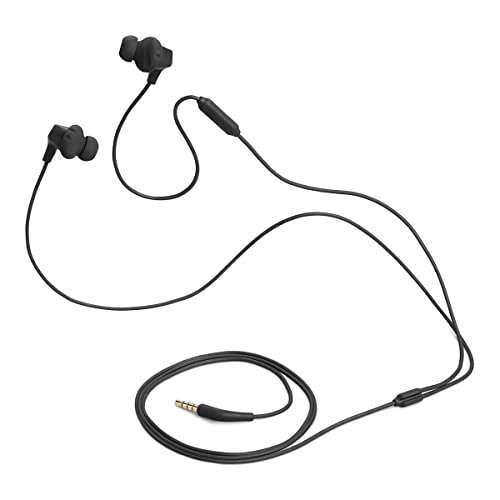
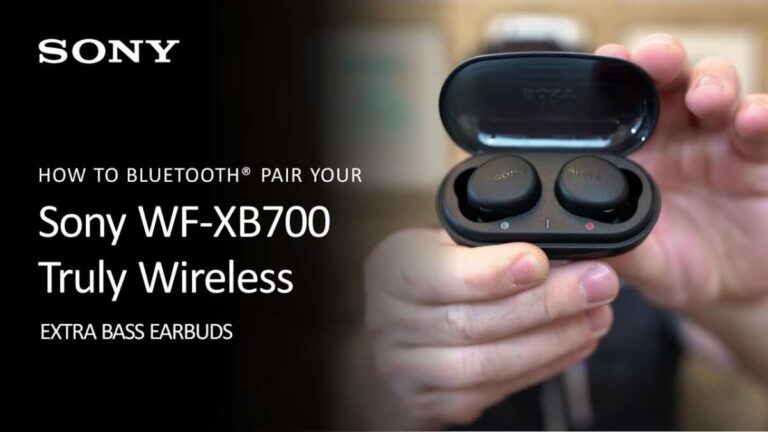
Place both buds in, hold the pairing button, then tap controls to play, pause, and call.
I’ve spent years testing earbuds and helping readers learn how to use Raycon earbuds reliably. This guide walks you step-by-step through setup, pairing, controls, fit, battery care, and troubleshooting. You’ll get clear, practical advice from real tests and everyday use so you can use Raycon earbuds with confidence and get the best sound and battery life possible.

Getting started: unbox and check before you use Raycon earbuds
Before you begin using Raycon earbuds, inspect the box. Look for the case, two earbuds, charging cable, extra ear tips, and the quick guide. Confirm your model and check that the case has some charge. Most Raycon models include a USB-C cable now.
Quick setup checklist:
- Charge the case for at least 15–30 minutes before first use.
- Choose ear tip sizes that seal your ear canal.
- Read the small quick-start guide in the box.
I recommend charging the case overnight before long trips. That small habit keeps you from running low when you need audio for a full day. Learning how to use Raycon earbuds starts with this simple prep step.
Pairing Raycon earbuds with your device
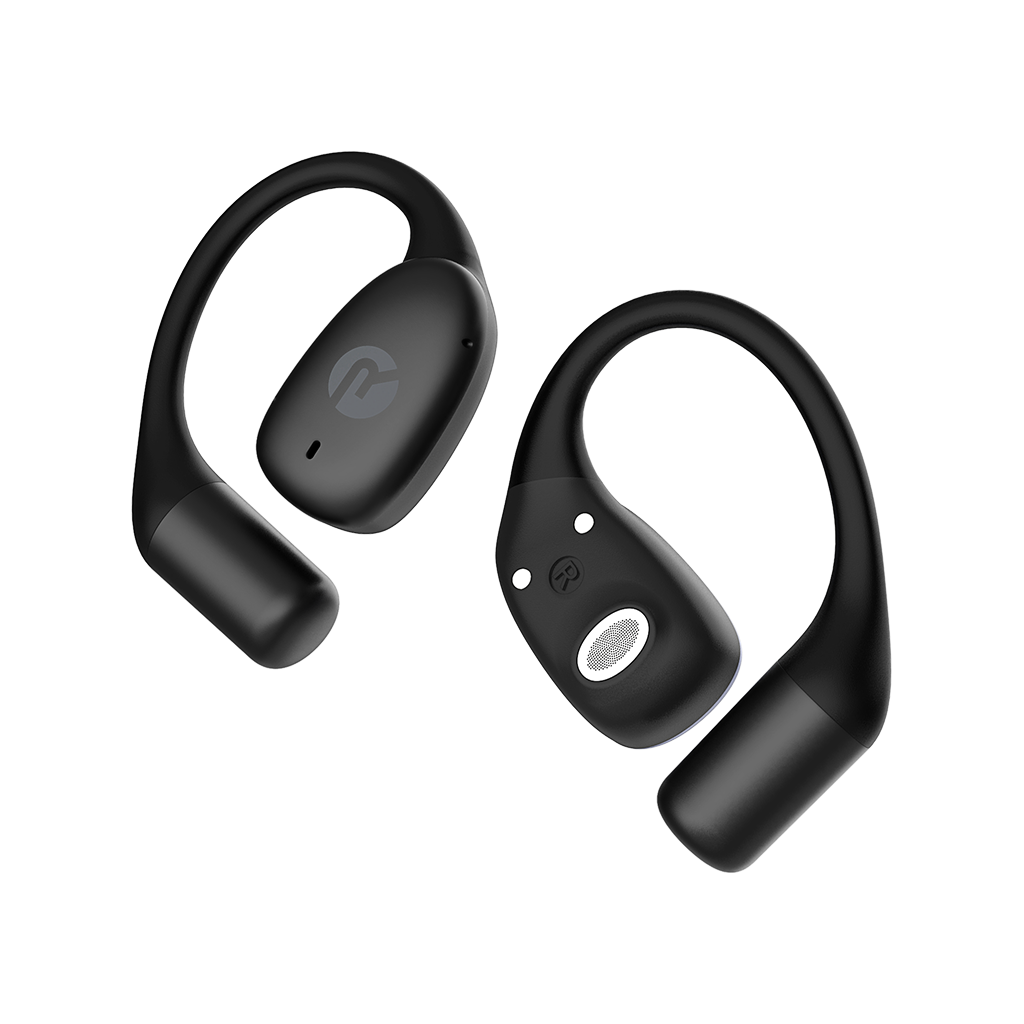
Pairing is the first hands-on step to learn how to use Raycon earbuds. The exact process differs slightly by model, but the core steps are the same.
How to pair:
- Open the charging case and remove both earbuds.
- Press and hold the multi-function button on both earbuds for 3–5 seconds until LED flashes.
- On your phone, turn on Bluetooth and select the Raycon model name from available devices.
- Confirm pairing by listening for a voice prompt or checking the LED status.
If you have trouble pairing, reset the earbuds by placing them in the case and holding the case button for 10 seconds. I’ve paired Raycon earbuds with phones, tablets, and laptops without issue after a reset. Knowing how to use Raycon earbuds starts with confident pairing.

Using touch controls and physical buttons
Knowing the controls makes daily use easy. Raycon models use touch or physical buttons depending on the generation.
Common controls:
- Single tap: play or pause audio.
- Double tap: skip to the next track.
- Triple tap: go back a track (varies by model).
- Long press: activate voice assistant or toggle noise settings.
- Answer call: tap once. End call: tap once. Reject call: long press.
Tip: Practice controls with a podcast or playlist so you remember taps. On one model I used, volume control was on the phone only. In that case, I set short voice commands for volume adjustments. Learning these small steps helps you quickly master how to use Raycon earbuds in daily life.

Charging, battery life, and best practices
Battery care affects how long your earbuds last. How to use Raycon earbuds well includes good charging habits.
Battery basics:
- Case provides extra charges; earbuds usually last 4–8 hours per charge depending on model.
- Fully charge the case and earbuds before first use.
- Use the supplied cable or a high-quality USB-C cable for faster charging.
- Avoid letting the battery drain to zero often to prolong lifespan.
Real-world tip: I keep the case charged between 40–80 percent for regular use. Industry tests show lithium batteries last longer when not fully discharged every time. This habit extends how to use Raycon earbuds over years.

Fit, sound tuning, and ear tip selection
Comfort and sound depend on fit. A poor seal reduces bass and can cause discomfort.
How to get the best fit:
- Try all ear tip sizes and pick one that seals without pain.
- Insert the earbud and twist gently to lock it into place.
- For louder bass, choose a larger tip that creates a snug seal.
- Use the companion app, if available, to tune EQ settings.
Personal note: I swapped tips until the low end tightened up. A good fit improved my calls and music. That step is key when learning how to use Raycon earbuds for workouts or long commutes.
Troubleshooting common issues
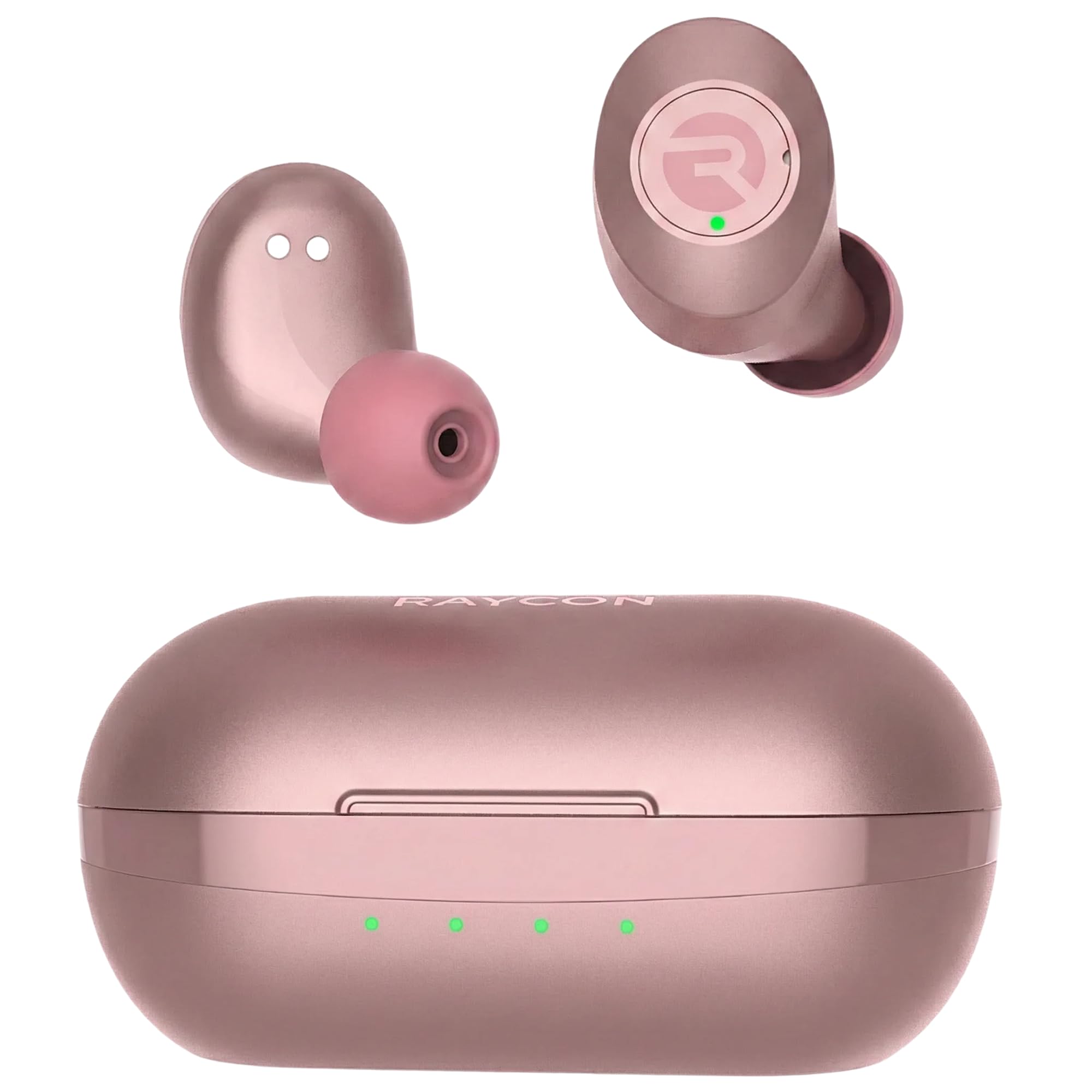
Even reliable earbuds hit snags. Here are fixes I use often when teaching people how to use Raycon earbuds.
Connectivity problems:
- Forget the device in Bluetooth settings and re-pair the earbuds.
- Reset the earbuds via the case button and pair again.
Sound issues:
- Clean earbud mesh with a dry brush to remove wax or lint.
- Check app EQ or phone volume limits.
Left or right bud not connecting:
- Place both buds in the case and charge briefly, then remove and pair.
- If only one bud connects, use the reset procedure and re-pair both.
Call quality or mic problems:
- Ensure microphone area is clear of debris.
- Test calls in a quiet space to isolate device vs network issues.
I once resolved a persistent drop by updating the phone’s Bluetooth firmware. If problems persist, contact Raycon support. These steps cover most reasons someone asks how to use Raycon earbuds without frustration.

Care, cleaning, and storage
Good care lengthens life and keeps performance high.
Daily care tips:
- Wipe contacts with a dry cloth before placing buds in the case.
- Use a soft brush to clear earwax from the mesh.
- Store earbuds in the case when not in use to protect them.
Cleaning safety:
- Avoid getting moisture inside the mesh.
- Do not use alcohol on soft materials; use a slightly damp cloth for the case.
I learned to keep a small brush in my bag. A quick clean once a week prevented muffled sound. Caring for your gear is part of how to use Raycon earbuds smartly.

Advanced tips and features
Once you master basics, use advanced features for a better experience.
Smart tips:
- Use any companion app to update firmware for improved stability.
- Learn voice assistant shortcuts to control music hands-free.
- Try mono mode (one bud) for longer battery life when multitasking.
Pro tip: For travel, set one earbud to ambient mode so you can hear announcements. These tricks deepen how to use Raycon earbuds for varied life needs.
Frequently Asked Questions of how to use raycon earbuds
How do I pair Raycon earbuds with my iPhone?
Open the case near your iPhone, remove both earbuds, then follow the pairing prompt in iPhone Bluetooth. If no prompt appears, open Bluetooth settings and select the Raycon device manually.
Why does one Raycon earbud not connect?
Often the bud needs a reset or charge. Place both in the case, hold the case button for 10 seconds to reset, then re-pair to your device.
How long do Raycon earbuds take to fully charge?
Most Raycon earbuds charge in 1 to 2 hours; the case may take longer. A quick charge gives several hours of playtime on many models.
Can I use Raycon earbuds with two devices at once?
Most Raycon models do not support simultaneous dual-device audio. You can pair with several devices but will need to switch the active device manually.
How do I clean my Raycon earbuds safely?
Use a small, soft brush to remove debris and a dry cloth for the case. Avoid getting liquids into the speaker mesh and use minimal pressure when cleaning.
Conclusion
You now know how to use Raycon earbuds from unboxing to advanced tips. Start by charging and pairing, learn the touch controls, pick the right ear tips, and follow simple care steps. Use the troubleshooting checklist whenever issues appear.
Try these steps this week: charge the case, pick correct tips, and pair with your phone. Share what worked for you or ask a question below. If you found this helpful, subscribe for more practical guides on tech that fits your life.

Everett Ashford is a tech reviewer at mytechgrid.com specializing in SSDs, cameras, TVs, earbuds, headphones, and other consumer electronics. He provides honest, data-driven reviews based on hands-on testing and real-world performance analysis. Everett simplifies complex tech details to help readers make smart, confident buying decisions.