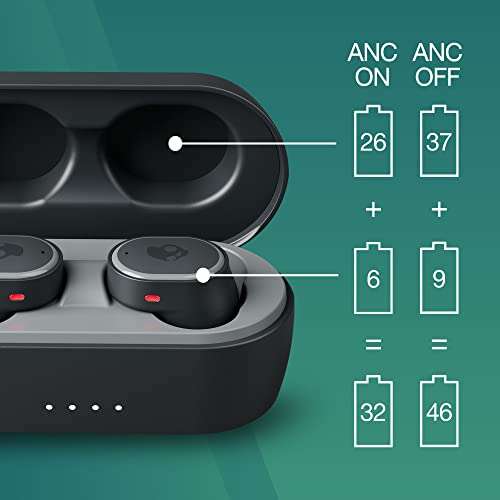
Place earbuds in the charging case and plug the case into power with a USB cable.
I’ve spent years testing earbuds and troubleshooting batteries, so I’ll walk you through how to charge JBL earbuds clearly and safely. This guide covers step-by-step charging, indicators, case types, tips to extend battery life, common fixes, and real-life tips I learned the hard way. Read on to get simple, reliable instructions and avoid common mistakes when you charge JBL earbuds.

Why charging your JBL earbuds correctly matters
Good charging keeps the earbuds ready and the battery healthy. If you know how to charge JBL earbuds the right way, you get better play time and fewer surprises. Poor charging habits can shorten battery life or cause erratic behavior. I’ll show practical steps you can trust so the earbuds last and perform well.
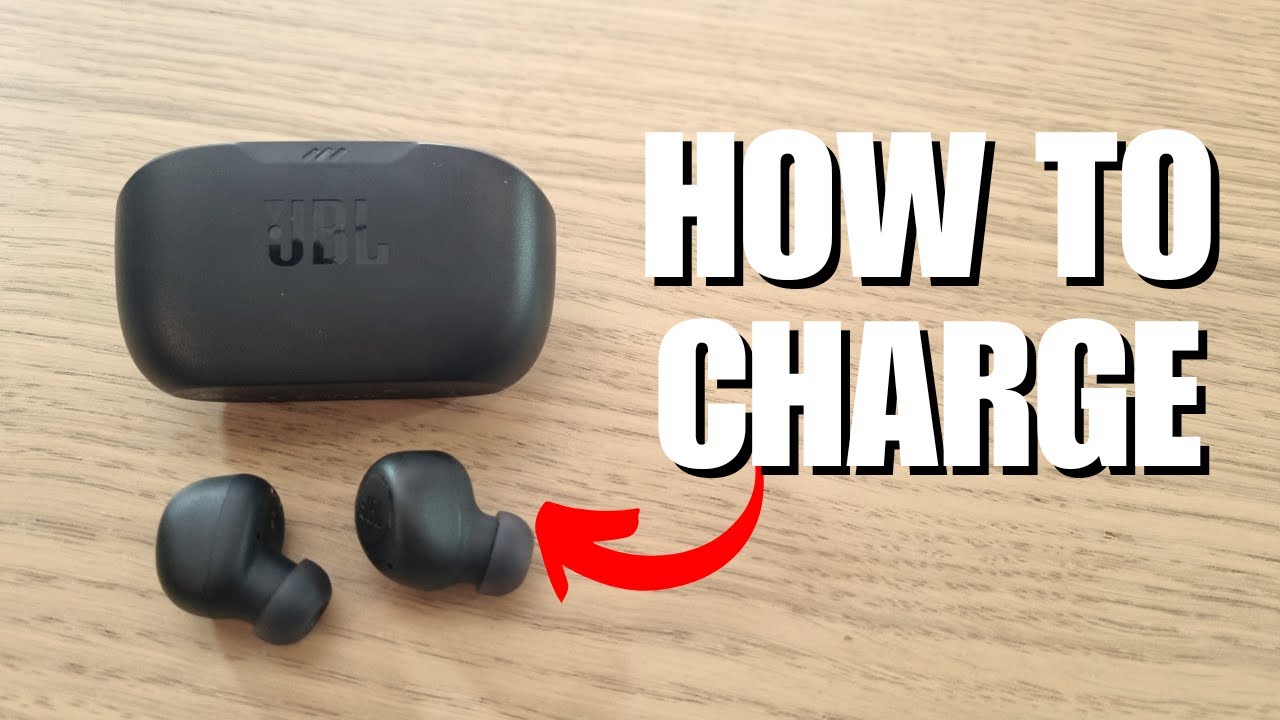
Step-by-step: How to charge JBL earbuds (basic method)
- Make sure the case and earbuds are clean and dry. Dirt or moisture can stop charging.
- Place each earbud in its matching slot. They should click in and sit flush.
- Close the lid so the earbuds contact the pins inside the case.
- Connect the case to a power source with the supplied USB cable. Use a USB-A or USB-C port based on your case.
- Watch the LED lights on the case and earbuds. A steady or changing light shows charging is happening.
- Leave the case plugged in until the LEDs show full charge. This often takes 1 to 2 hours for earbuds and 2 to 3 hours for the case.
If you need a quick top-up, many JBL models support a short rapid charge that gives 1 hour play after 10–15 minutes of charging. Always use good cables and a stable wall adapter when possible. These steps explain how to charge JBL earbuds in most day-to-day scenarios.

Charging from the case versus direct or wireless charging
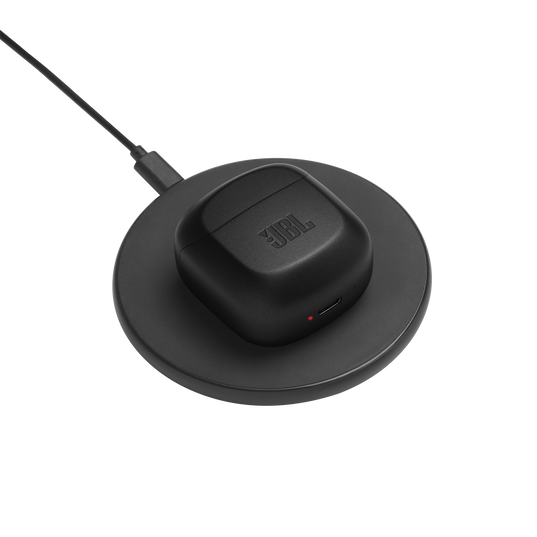
Most JBL earbuds charge only through the case. The case holds a larger battery and manages charging safely. A few models have cases that support wireless (Qi) charging or fast-charge features. Some older or budget cases use micro-USB, while newer cases use USB-C.
What to expect:
- Case charging by cable gives the fastest and most steady charge.
- Wireless charging is convenient but often slower.
- Direct charging of each earbud is rare; always check your model’s manual.
When you learn how to charge JBL earbuds, first identify your case type. That tells you which cable or pad to use.
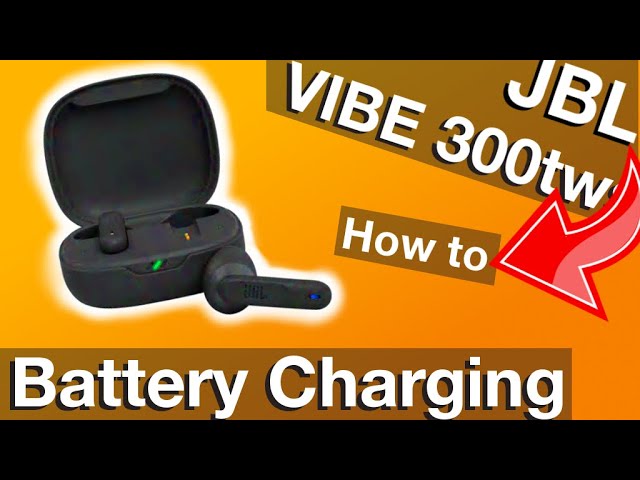
Tips to maximize battery life and safety
Good habits help your earbuds last longer. Follow these tips when you charge JBL earbuds:
- Avoid extreme heat or cold while charging.
- Don’t leave the case at 0% for long periods. Charge it to about 50% for storage.
- Partial charges are fine. You do not need to fully drain and fully charge each time.
- Use the original cable or a high-quality replacement to avoid slow or unstable charging.
- Keep charging contacts clean. A soft dry brush or cotton swab can remove grime.
I recommend charging before long trips. Quick top-ups help avoid deep discharges and keep batteries healthy.
Troubleshooting: common charging problems and fixes
Earbuds or the case not charging? Try these steps:
- Check the cable and adapter. Swap them for a known-good set.
- Clean the charging pins inside the case and on the earbuds. Use a dry cloth.
- Make sure earbuds are seated fully in the case. Misalignment stops contact.
- Inspect the LED signals. A blinking or red light often means low battery or error.
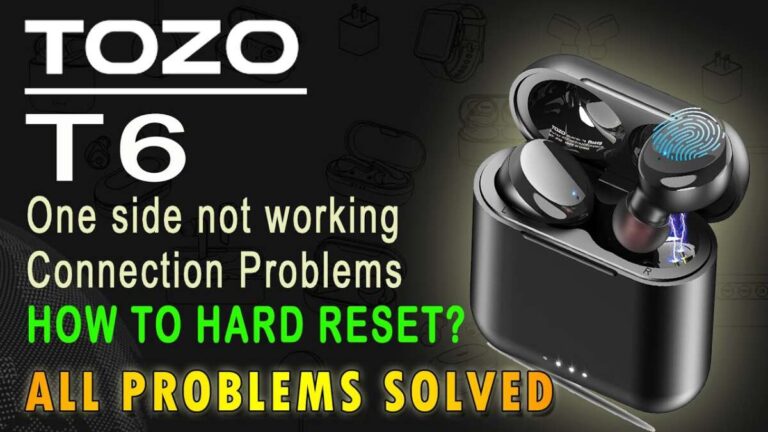
- Reset the earbuds if they refuse to charge properly. Many JBL models have a reset sequence in the manual.
If the case won’t charge, try charging it from another wall outlet or a computer USB port. If nothing works, contact support—battery or hardware faults may need repair. These fixes cover most common issues when you charge JBL earbuds.

Personal experience: mistakes I made and what I learned
Early on, I left my earbud case on a hot car dash. The battery performance dipped after that. Lesson learned: temperature matters. I also once reused a cheap cable; it charged slowly and caused disconnects during firmware updates. Now I always carry a spare certified cable.
My best tip: do a controlled test. Charge the case fully at home, then track battery life over a week. That shows if you have a true battery problem or just heavy use. These small checks make charging JBL earbuds less of a mystery.
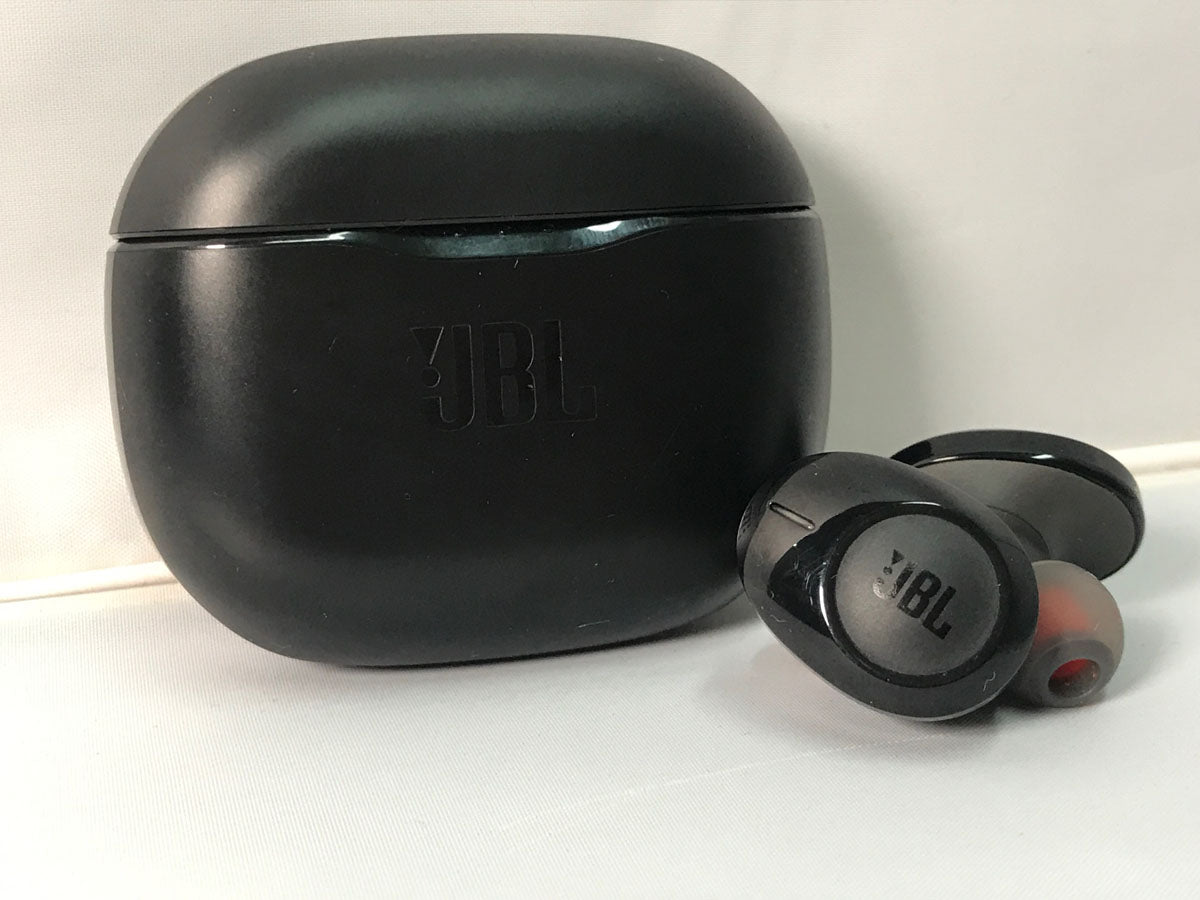
Accessories and extras that help charging
A few low-cost accessories can make charging simpler:
- Spare USB-C cable for travel or office use.
- Small power bank for on-the-go top-ups.
- Qi wireless pad if your case supports wireless charging.
- Microfiber cloth and soft brush to clean contacts.
Having one backup cable and a compact power bank solved my low-battery stress many times. These items make it easy to charge JBL earbuds anywhere.

Frequently Asked Questions of how to charge jbl earbuds
How long does it take to fully charge JBL earbuds?
Most JBL earbuds reach full charge in about 1 to 2 hours. The charging case itself often takes 2 to 3 hours to fully charge.
Can I use any USB cable to charge JBL earbuds?
You can use many USB cables, but a quality cable is best. Older cases may need micro-USB, while newer ones use USB-C.
How do I know when my JBL earbuds are fully charged?
Check the LED lights on the case and earbuds. A solid or green light typically means full charge, but check your model’s manual for exact colors.
Is it OK to charge JBL earbuds overnight?
Occasional overnight charging is usually safe because modern cases manage charging. Avoid repeated overnight charging in very hot environments to protect battery health.
What if my earbuds won’t charge in the case?
Clean the contacts, try a different cable and power source, and ensure the earbuds sit properly. If none of that works, try a reset or contact support.
Do JBL earbuds support wireless charging?
Some JBL models and cases support Qi wireless charging. Check your model’s specs to confirm and learn how to place the case on a pad.
Conclusion
Knowing how to charge JBL earbuds is simple when you follow a few clear steps. Use the case, keep contacts clean, pick a good cable, and avoid extreme heat. These habits help the earbuds stay ready and extend battery life. Try a quick top-up before long days and keep a spare cable in your bag.
If this guide helped, test the tips with your earbuds and leave a comment about your model or questions. Subscribe for more practical guides, or share this post to help friends charge their JBL earbuds the right way.

Everett Ashford is a tech reviewer at mytechgrid.com specializing in SSDs, cameras, TVs, earbuds, headphones, and other consumer electronics. He provides honest, data-driven reviews based on hands-on testing and real-world performance analysis. Everett simplifies complex tech details to help readers make smart, confident buying decisions.