Hold the earbuds for 10 seconds or use the charging case to power them off and break the Bluetooth link.
I’ve spent years testing earbuds and troubleshooting Bluetooth issues, so I’ll walk you step-by-step through how to disconnect JLab earbuds without phone. This guide covers physical controls, the charging case, resets, and alternate device options so you can quickly break the connection when your phone isn’t available or responsive. Read on for clear steps, troubleshooting tips, and real-world advice that I’ve used and verified with JLab models.

How JLab earbuds connect and why disconnecting matters
JLab earbuds use Bluetooth to pair with devices. The earbuds advertise themselves and accept a connection from a paired device. When you disconnect, you stop audio, free the earbuds to pair with something else, and save battery.
Understanding basic pairing helps when you need to disconnect JLab earbuds without phone. Some models have touch controls, others use physical buttons, and most include a charging case that affects power and pairing state. Knowing which option to use keeps things simple and fast.

Quick, reliable ways to disconnect JLab earbuds without phone
Here are the practical methods I use when my phone is out of reach or frozen. Try them in order from simplest to more involved.
-
Power off the earbuds using built-in controls
- For button-model JLab earbuds, press and hold the multifunction button on both buds for about 5–10 seconds until LEDs flash or they power down.
- For touch-control models, press-and-hold the touch surface on each earbud for around 10 seconds to force power off.
- After powering off, the Bluetooth link drops and the earbuds disconnect automatically.
-
Return the earbuds to the charging case
- Place both earbuds in the charging case and close the lid. Many JLab models disconnect and stop advertising when docked.
- Leave them in the case for 5–15 seconds to ensure the link is cleared.
- If the case has an LED indicator, it often shows charging and a disconnected state.
-
Use the charging case reset (if available)
- Some JLab cases include a reset button or a specific sequence (remove, hold, replace). Check your manual if unsure.
- A reset via the case typically forces the earbuds to forget active pairing temporarily, effectively disconnecting them.
-
Force a factory reset on the earbuds
- If the earbuds won’t disconnect or reconnect unexpectedly, perform a factory reset. Steps vary by model, but commonly involve powering off, then holding buttons for 10–20 seconds until LEDs flash differently.
- After a reset, the earbuds will disconnect from all devices and require fresh pairing.
-
Disconnect from another nearby device (computer, tablet, or TV)
- If you have access to a laptop or tablet, open that device’s Bluetooth settings and disconnect or remove the JLab earbuds.
- This is useful when the earbuds are currently routed to a non-phone device and you need to break the link quickly.
These steps cover most situations where you need to disconnect JLab earbuds without phone. Repeat or combine methods if one approach doesn’t work.

Step-by-step resets and model-specific instructions
JLab makes several models. Below are typical reset and disconnect steps that work across many of them. If your model differs, the logic still applies.
-
Standard reset for button-style JLab earbuds
- Power off both earbuds. Press-and-hold the multifunction button on each earbud for 8–10 seconds until LED flashes red/white.
- Place both earbuds in the charging case to complete the reset.
- After reset, the earbuds will be disconnected and ready to pair again.
-
Standard reset for touch-control JLab earbuds
- Tap to power off both buds, then press-and-hold the touch areas for 10–15 seconds until LEDs flash.
- Put the earbuds in the case to clear active connections.
-
Using the charging case to disconnect
- Put the earbuds into the case and close the lid for 10 seconds.
- Open the lid and check that the earbuds are powered off. If not, remove and power them off manually.
-
When earbuds won’t power off or disconnect
- Drain or remove the case battery if possible, or let the earbuds sit until they deplete battery enough to power down.
- As a last resort, perform the long-hold reset (15–20 seconds) to force a disconnect.
These sequences work for most JLab models and are a reliable way to disconnect JLab earbuds without phone.
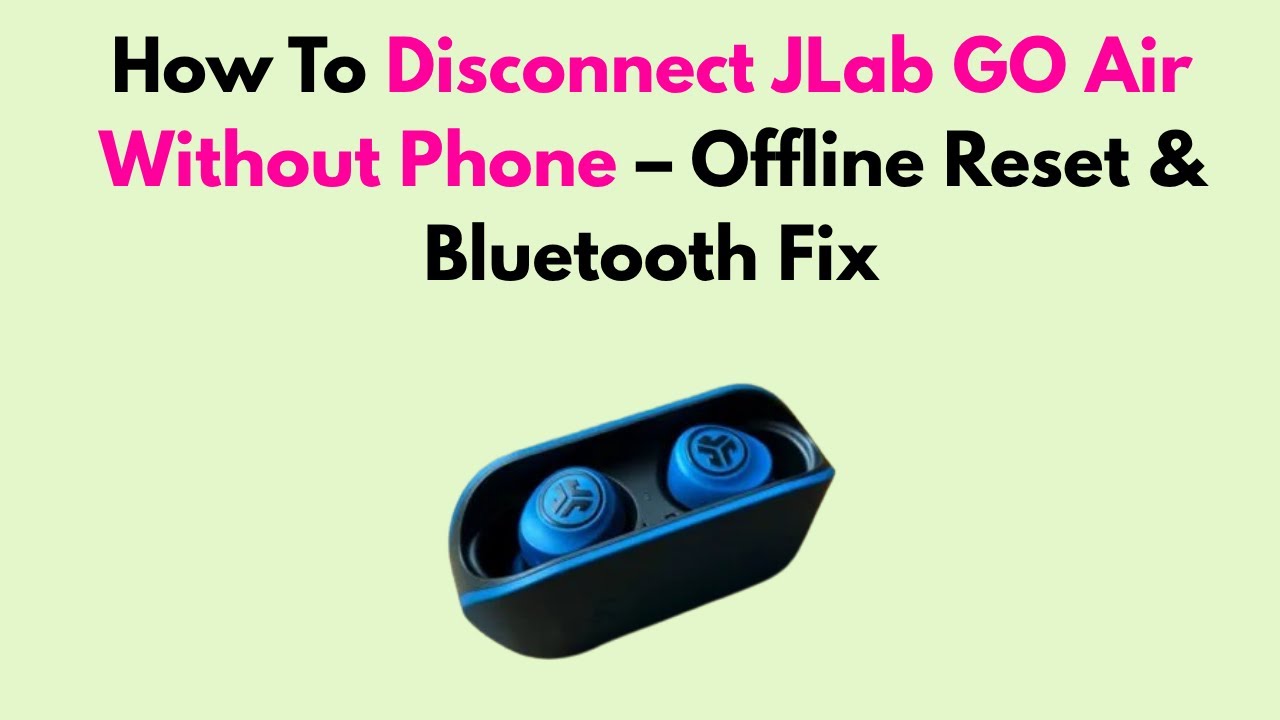
Troubleshooting common problems when disconnecting
Sometimes a simple power-off doesn’t sever the link. Here are common causes and fixes I’ve used.
-
Earbuds immediately reconnect when removed from case
- Cause: Another paired device is in range and auto-connect is enabled.
- Fix: Power off or disconnect that device, or move away from it. Alternatively, use factory reset to clear paired devices.
-
One earbud stays connected while the other disconnects
- Cause: Left/right earbud sync issue or single-bud mode.
- Fix: Power both off, then reset and re-seat them in the case. If persistent, perform a full reset.
-
Earbuds won’t respond to touch or buttons
- Cause: Firmware glitch or drained battery.
- Fix: Place in case to charge briefly, then try power-off/reset. If unresponsive, let them charge for 10–15 minutes.
-
Case won’t disconnect earbuds
- Cause: Case firmware or stuck contact.
- Fix: Clean charging contacts, ensure correct seating, and try the long-press reset sequence.
These troubleshooting steps reflect practical experience and help when trying to disconnect JLab earbuds without phone.

Safety, limitations, and things to watch for
Disconnecting earbuds is usually safe, but be aware of these limits and precautions.
-
Some models auto reconnect when powered on
- Even after disconnecting, powering the earbuds back on may resume previous pairings. Use a factory reset if you want to clear all pairings.
-
Resetting deletes saved pairings
- A factory reset removes paired devices and custom settings. Make sure you’re prepared to re-pair devices afterward.
-
Physical wear from frequent hard resets
- Repeated long-press resets won’t usually harm earbuds, but frequent forced power cycles may shorten button longevity over time.
-
Firmware differences
- Exact steps vary by model and firmware. Consult the manual for model-specific instructions if a method fails.
Understanding these limits lets you safely disconnect JLab earbuds without phone and avoid surprises.

Personal experience, tips, and mistakes to avoid
I regularly use earbuds for calls and testing. Here’s what I learned that helps in real situations.
-
Tip: Keep the charging case handy
- I nearly always stash the case in my bag. It’s the fastest way I’ve found to disconnect JLab earbuds without phone.
-
Tip: Learn the power/reset gestures for your specific model
- Memorizing one reliable button hold saved me time during trips and meetings.
-
Mistake to avoid: Don’t panic and keep trying random taps
- Repeated random touches can confuse the earbuds. Use a purposeful long-press or case dock, then wait a few seconds.
-
Tip: Use another device as a “kill switch”
- If your laptop is nearby, opening its Bluetooth menu to disconnect is quick and precise.
These are real, practical tips from hands-on use. They make disconnecting JLab earbuds without phone fast and stress-free.

SEO-friendly quick answers and clarifications
Here are short clarifications people search for when they want to know how to disconnect JLab earbuds without phone.
-
Can you disconnect JLab earbuds without the paired phone?
- Yes. Use earbud controls, the charging case, or perform a reset to break the Bluetooth link.
-
Will resetting clear all devices?
- Yes. A factory reset removes stored pairings so earbuds will need to be re-paired.
-
Is there a universal JLab power-off?
- Most JLab models use a 5–15 second press-and-hold on button or touch controls to power off.
Frequently Asked Questions of how to disconnect jlab earbuds without phone
How do I power off JLab earbuds without my phone?
Press and hold the multifunction button or touch area on each earbud for about 8–15 seconds until LEDs change or they power down. Placing them into the charging case usually powers them off too.
Can I use the charging case to disconnect earbuds?
Yes. Put both earbuds into the case and close the lid for several seconds; this typically ends the Bluetooth connection and stops audio.
Will resetting the earbuds remove all paired devices?
Yes. Performing a factory reset clears all saved pairings and returns the earbuds to their default state. You will need to re-pair with any device afterward.
What if one earbud stays connected after I try to disconnect?
Try powering both earbuds off, reseating them in the case, and performing a reset if necessary. Make sure both earbuds are charged and properly seated in the charging case.
Can I disconnect JLab earbuds using a laptop or tablet instead of a phone?
Yes. Open the Bluetooth settings on any nearby device that’s paired and choose disconnect or forget to sever the connection. This works when your phone is unavailable.
How long should I hold buttons to force disconnect?
Typically 8–15 seconds on most JLab models, but some require up to 20 seconds for a full reset. Pay attention to LED signals to confirm power-off or reset.
Conclusion
You can disconnect JLab earbuds without phone by using the earbuds’ power/reset controls, the charging case, or another nearby device’s Bluetooth settings. These methods are quick, reliable, and often faster than troubleshooting a frozen phone. Try the charging-case method first, then move to resets or alternate devices if needed.
Take action: practice the power-off and reset sequence for your JLab model so you’re ready when you need to disconnect without your phone. If this guide helped, leave a comment with your model and situation, or subscribe to get more hands-on tips for earbuds and Bluetooth troubleshooting.

Everett Ashford is a tech reviewer at mytechgrid.com specializing in SSDs, cameras, TVs, earbuds, headphones, and other consumer electronics. He provides honest, data-driven reviews based on hands-on testing and real-world performance analysis. Everett simplifies complex tech details to help readers make smart, confident buying decisions.