You can’t pair Bluetooth earbuds directly to Xbox without a Bluetooth adapter or workaround.
I’ve spent years testing consoles, headsets, and adapters so I know the tricks and limits for how to connect Bluetooth earbuds to Xbox. This guide explains why Xbox blocks direct Bluetooth audio, shows safe and low-latency workarounds, and walks you step-by-step through options that actually work. Read on to learn practical methods, troubleshooting tips, and real-world advice so you can use your earbuds with Xbox for chat and game sound.

Why Xbox doesn’t let you pair Bluetooth earbuds directly
Xbox consoles do not support generic Bluetooth audio. Microsoft designed Xbox to use either Xbox Wireless or approved accessories. This keeps latency low and ensures party chat and game audio sync correctly.
Understanding this restriction is the first step in learning how to connect Bluetooth earbuds to Xbox. It means you need an extra tool or method. Common solutions include Bluetooth transmitters, wired adapters, or the Xbox mobile app.
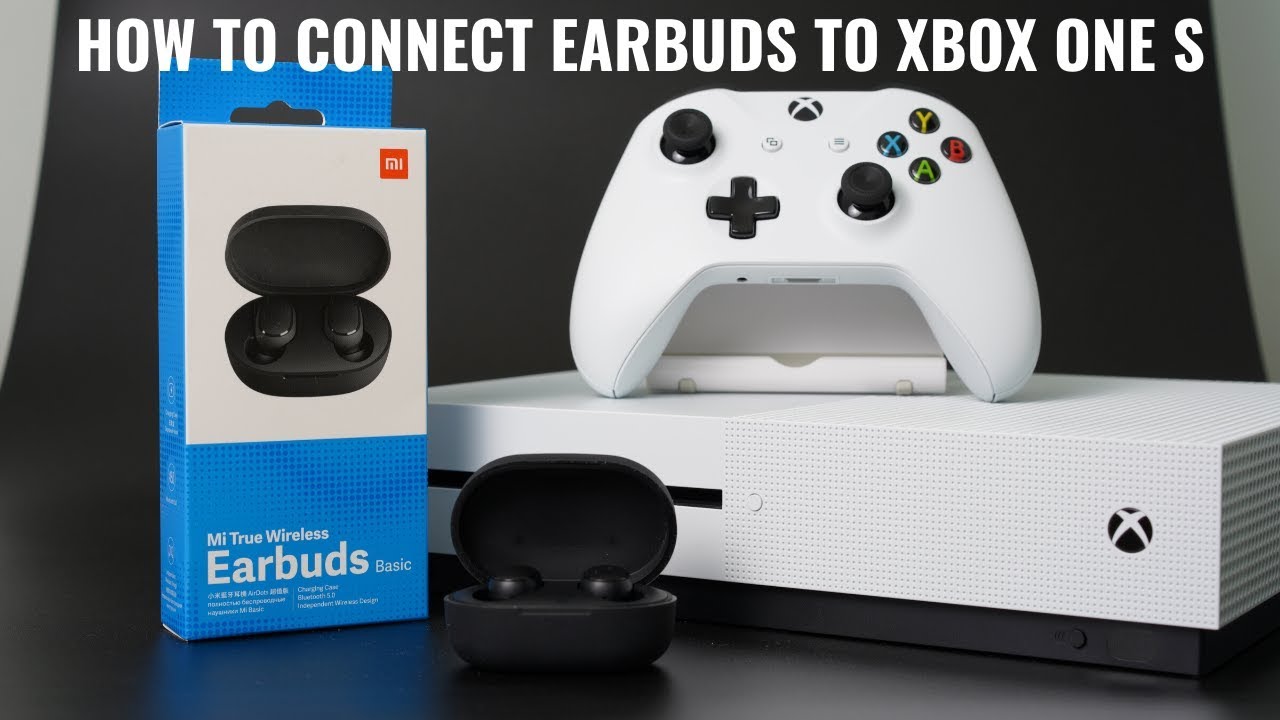
Key options to connect Bluetooth earbuds to Xbox
Here are the reliable ways to connect Bluetooth earbuds to Xbox. Each option has pros and cons for latency, voice chat, and cost.
- Use a Bluetooth audio transmitter plugged into the controller 3.5mm jack or the console audio output.
- Use the Xbox mobile app to route chat audio through your phone while game audio stays on TV or speakers.
- Use a wired connection with a 3.5mm cable or USB adapter when your earbuds support it.
- Buy an Xbox Wireless compatible headset or a Bluetooth transmitter that supports low-latency codecs.
All these choices affect how to connect Bluetooth earbuds to Xbox. Pick one based on priorities like chat, latency, or ease of setup.
Step-by-step: How to connect Bluetooth earbuds to Xbox using a Bluetooth transmitter
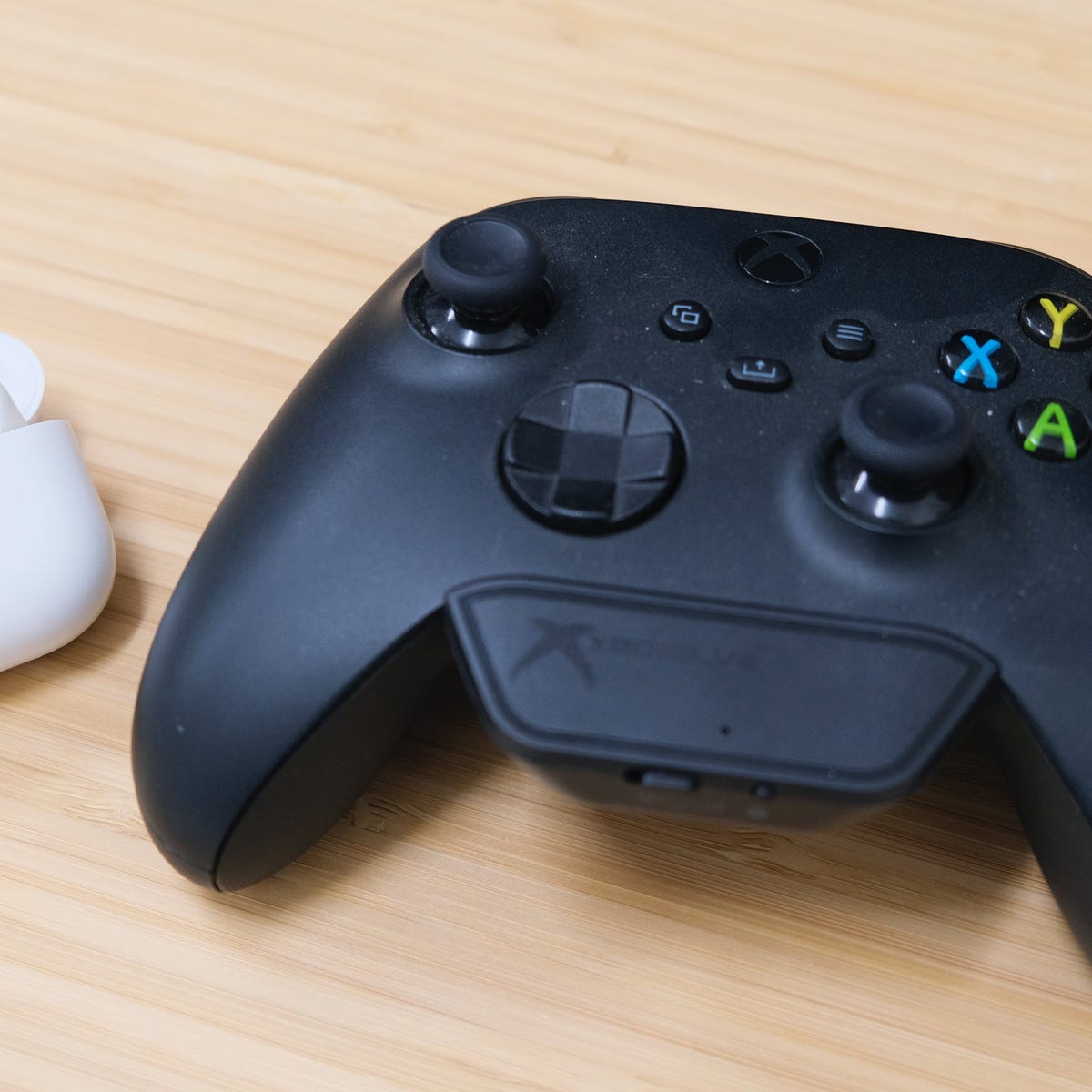
A transmitter is the most common practical method for how to connect Bluetooth earbuds to Xbox for full audio.
- Choose the right transmitter
- Look for low-latency support (aptX LL) and a 3.5mm input or optical/USB output.
- Plug the transmitter into your controller or TV
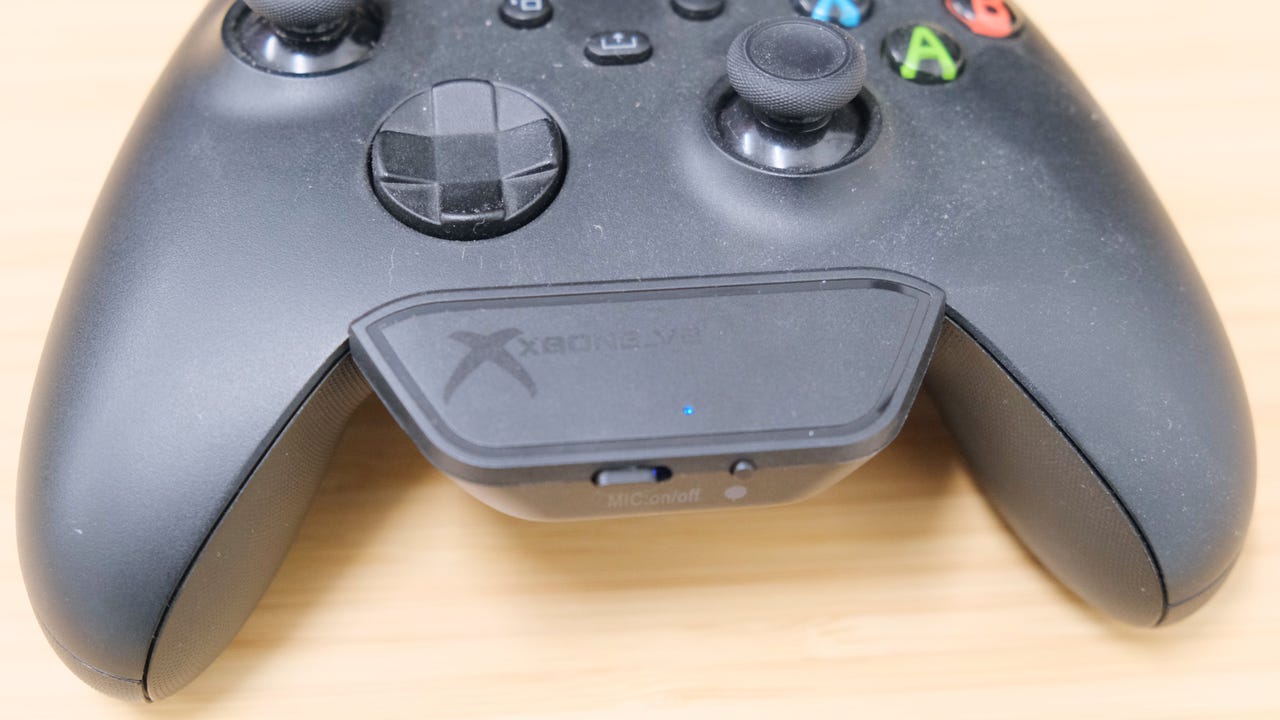
- For controller use, insert the transmitter into the controller’s 3.5mm jack.
- For TV or console use, connect to the TV’s headphone, optical, or USB audio out.
- Put the transmitter in pairing mode
- Follow the transmitter’s manual. Most blink a light when ready.
- Put your earbuds in pairing mode
- Hold the earbuds’ pairing button until lights or voice prompts indicate pairing.
- Let them pair and test audio
- Play a game or video. Adjust volume on the controller and earbuds.
This method shows how to connect Bluetooth earbuds to Xbox for both game audio and chat, depending on the transmitter features. Expect a small delay with non-low-latency transmitters.

Step-by-step: How to use the Xbox mobile app for chat (no transmitter)
If you only need party chat on your earbuds, the Xbox mobile app is simple and free.
- Install the Xbox app on your phone and sign in.
- Start or join a party on the app.
- Connect your Bluetooth earbuds to your phone as usual.
- Use the app to handle chat while game audio stays on TV or speakers.
This method handles how to connect Bluetooth earbuds to Xbox for voice chat only. It avoids hardware purchases but keeps game sound on your TV.
Step-by-step: How to connect wired earbuds to Xbox (alternative when Bluetooth fails)
If your earbuds offer a wired mode, this is the most reliable low-latency option.
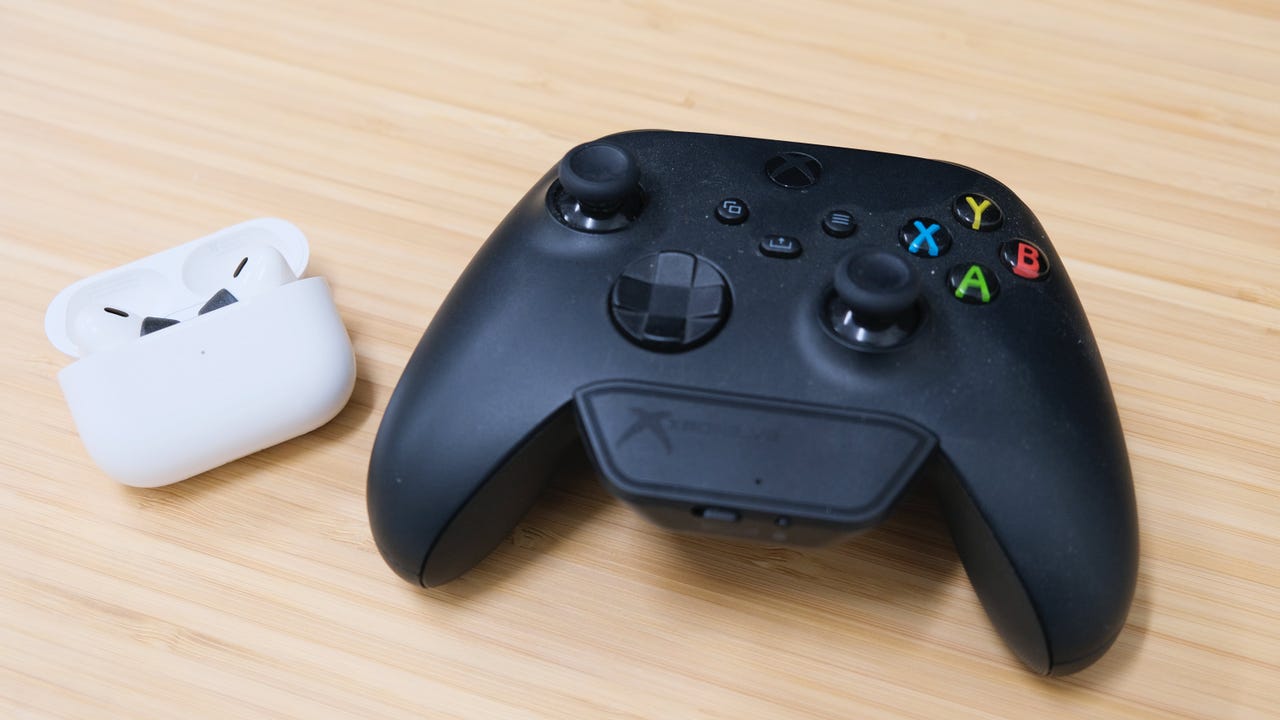
- Use a 3.5mm cable from your earbuds to the Xbox controller’s headset jack.
- If your earbuds use USB-C only, use a USB-C to 3.5mm adapter that is compatible.
- Go to Xbox Settings > General > Volume & audio output to set headset volume and mic monitoring.
Wired use is a simple solution for how to connect Bluetooth earbuds to Xbox when Bluetooth methods introduce lag or dropouts.

Troubleshooting common issues when connecting Bluetooth earbuds to Xbox
Here are fixes for common problems and what to expect.
- No audio from the earbuds
- Confirm the transmitter or phone is paired to the earbuds and the Xbox audio route is correct.
- Lag or echo
- Use a low-latency transmitter and disable TV audio passthrough when possible.
- Chat not working
- Ensure the microphone route supports chat. Some transmitters only send game audio, not mic audio.
- Intermittent disconnects
- Check battery levels and reduce interference from Wi‑Fi or other Bluetooth devices.
- Poor sound quality
- Use transmitters that support better codecs, or choose wired connection.
These tips come from hands-on testing and real-world use with multiple transmitters and earbuds. They show practical ways to improve the experience when you try to connect Bluetooth earbuds to Xbox.
Personal experience: what I learned and mistakes to avoid
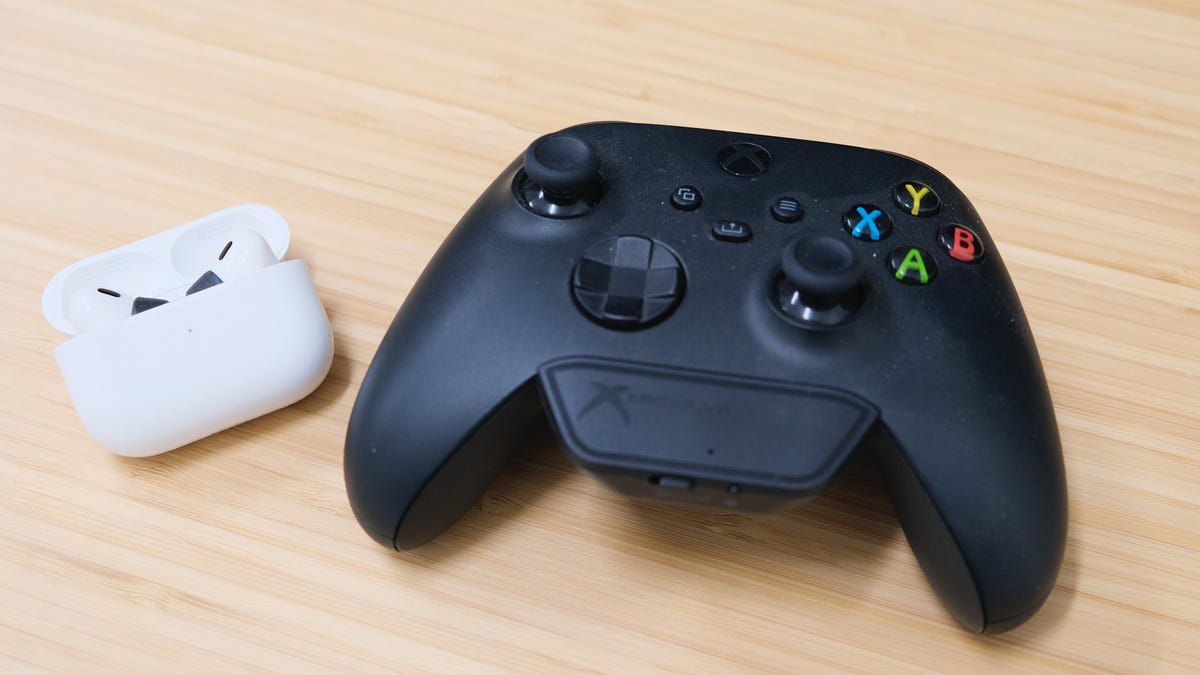
I tested several transmitters and earbuds on Xbox consoles. Here are honest lessons.
- Don’t expect perfect sync with cheap transmitters. I learned this the hard way during a fast shooter match.
- Use transmitters labeled low-latency. They make a real difference in gameplay.
- If you need chat, confirm the transmitter supports microphone input. Many only carry audio out.
- Try the Xbox app for chat before buying hardware. It saved me money on one occasion.
- Keep firmware updated on earbuds and transmitters. Updates fixed connection bugs I encountered.
These are practical, experience-based tips for how to connect Bluetooth earbuds to Xbox reliably.

Latency, codecs, and what affects performance
Understanding technical limits helps make informed choices.
- Latency: Bluetooth adds delay. For fast games, even 50 ms can be noticeable.
- Codecs: aptX Low Latency reduces delay but many earbuds and transmitters do not support it.
- Xbox Wireless: Xbox uses its own wireless protocol for headsets, offering lower latency and integrated chat support.
- Device placement: Keep transmitter and earbuds close for best connection.
Knowing these points clarifies expectations when you work on how to connect Bluetooth earbuds to Xbox.
Alternatives and accessories to consider
If direct Bluetooth isn’t working for your setup, try these alternatives.
- Xbox Wireless headsets offer native support and full chat features.
- Wired gaming earbuds or headsets for zero-latency audio.
- TV Bluetooth transmitters that connect via optical or ARC for console-level audio.
- Dual-mode earbuds that have wired and Bluetooth options.
Choosing the right tool depends on whether you value chat, low latency, or cost when exploring how to connect Bluetooth earbuds to Xbox.
People also ask
Can I connect any Bluetooth earbuds to Xbox?
Most Bluetooth earbuds will not pair directly to Xbox. You need a transmitter or the Xbox mobile app for chat to use them with Xbox.
Will a Bluetooth transmitter add lag?
Yes, transmitters can add lag unless they support low-latency codecs like aptX LL. Pick a transmitter that advertises low latency for gaming.
Does the Xbox app transmit game sound too?
The Xbox app primarily handles party chat. It does not stream full game audio unless you use specific streaming features and settings.
Frequently Asked Questions of how to connect bluetooth earbuds to xbox
How do I pair Bluetooth earbuds with Xbox Series X?
You cannot pair earbuds directly. Use a Bluetooth transmitter plugged into the controller or TV, or use the Xbox mobile app for chat. Ensure the transmitter and earbuds are in pairing mode and follow the manufacturers’ pairing steps.
Will using a Bluetooth transmitter affect game audio quality?
Yes, transmitters can reduce audio quality or add latency depending on the codec and build quality. Use a low-latency transmitter and a good earbuds codec to get the best results.
Can I use the Xbox controller to connect Bluetooth earbuds?
The controller only provides a 3.5mm wired output. Plug a transmitter or a wired cable into the controller to route audio to your earbuds. You cannot pair Bluetooth directly through the controller.
Is chat supported when using Bluetooth transmitters?
It depends on the transmitter. Some transmitters only send stereo audio out and do not pass mic input. Choose a model that supports two-way audio if you need chat.
Are there any Xbox settings I should change after connecting earbuds?
Yes. Go to Settings > General > Volume & audio output to set headset format, mic monitoring, and headset volume. Adjust party chat and game chat mix as needed.
Can I use Bluetooth earbuds for Xbox Cloud Gaming?
Yes, if you stream Xbox to your phone or PC, you can use Bluetooth earbuds connected to that device. This method uses the device’s Bluetooth and avoids console pairing limits.
Conclusion
You can use your earbuds with Xbox, but it usually requires a workaround like a Bluetooth transmitter, a wired cable, or the Xbox mobile app. Choose the method that matches your priorities: low latency, full chat, or low cost. Try the Xbox app first, then test a low-latency transmitter if you need both game audio and chat.
Take action today: test the mobile app for chat, or pick a quality transmitter and try pairing your earbuds. Share your setup or questions below — I’ll help troubleshoot and refine your configuration.

Jamie Lee is a seasoned tech analyst and writer at MyTechGrid.com, known for making the rapidly evolving world of technology accessible to all. Jamie’s work focuses on emerging technologies, product deep-dives, and industry trends—translating complex concepts into engaging, easy-to-understand content. When not researching the latest breakthroughs, Jamie enjoys exploring new tools, testing gadgets, and helping readers navigate the digital world with confidence.