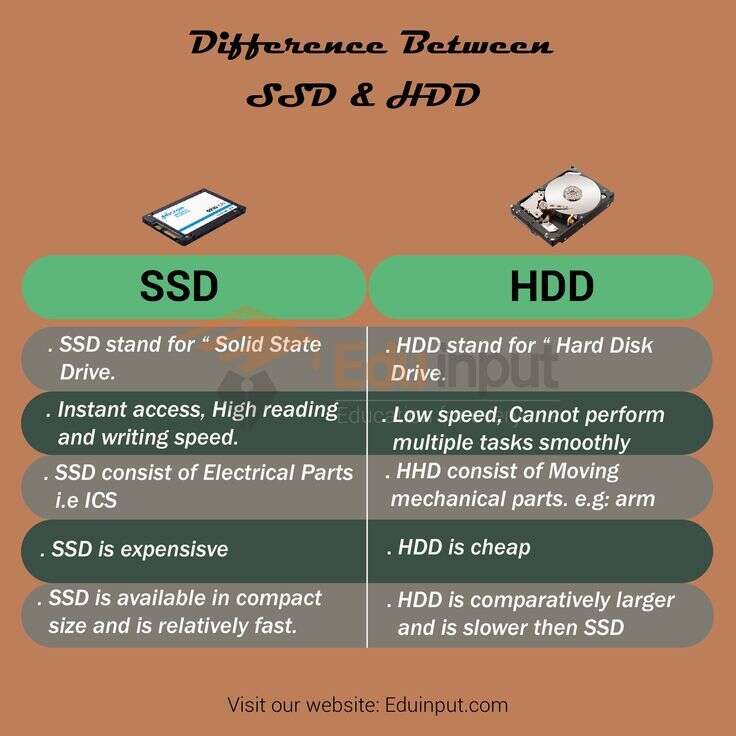
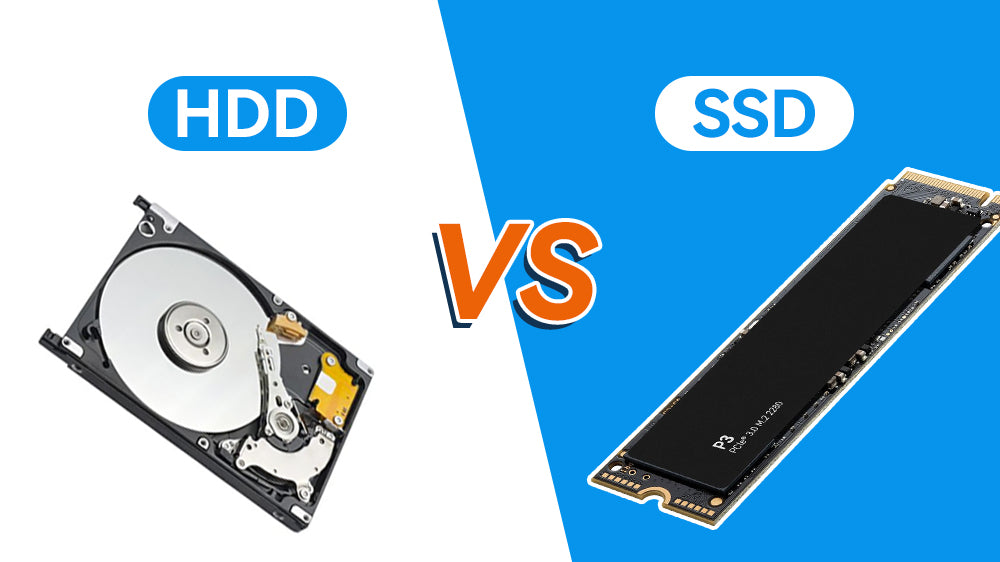
Hard drives use spinning platters and moving heads; SSDs use fast flash memory with no moving parts.
I have built and fixed dozens of PCs and laptops. I know what works in the real world. If you want to understand what's the difference between hard drive and ssd, this guide breaks it down simply and fully. You will get clear definitions, measurable differences, real-life examples, and steps to pick the right drive for your needs. Read on to learn practical advice you can use today.

How HDDs and SSDs work
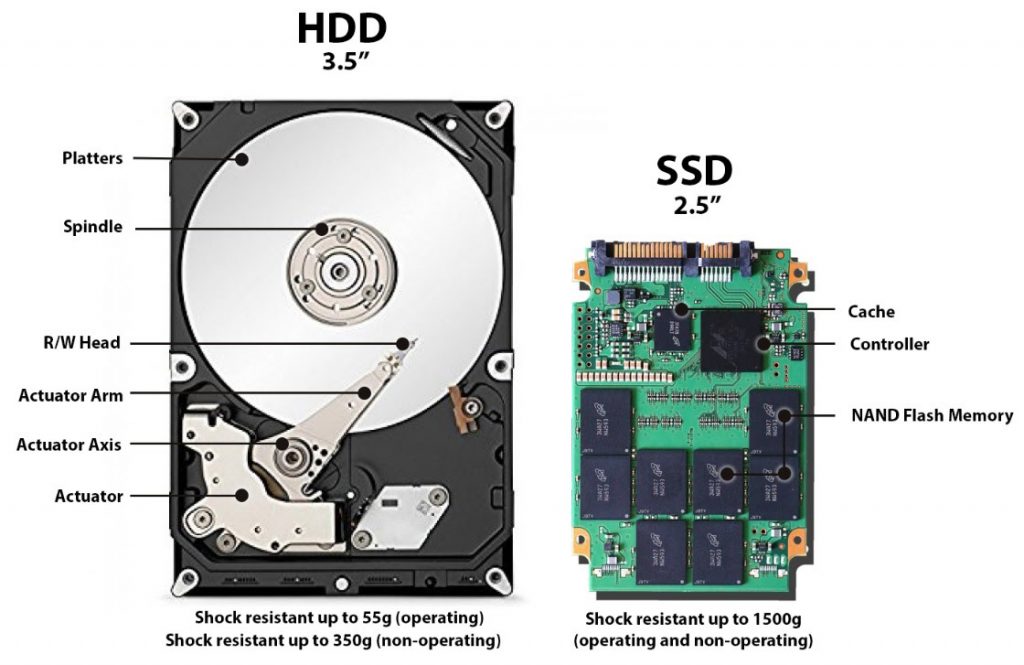
Hard disk drives (HDDs) store data on spinning metal platters. A read/write head moves over the platter to read bits. The drive is mechanical.
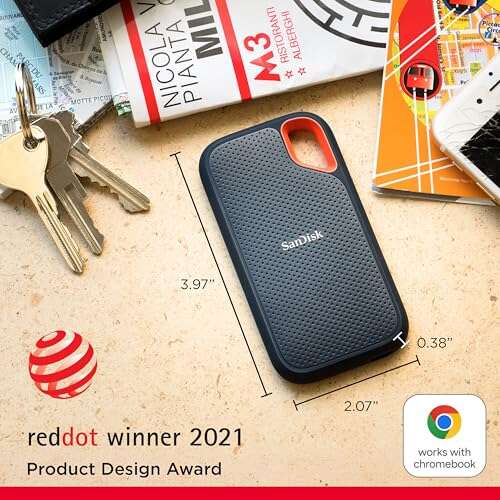
Solid state drives (SSDs) store data on NAND flash chips. They have no moving parts. Data moves electrically, not mechanically.
When people ask what's the difference between hard drive and ssd, they usually mean mechanics, speed, and reliability. These are the core differences you will read about next.
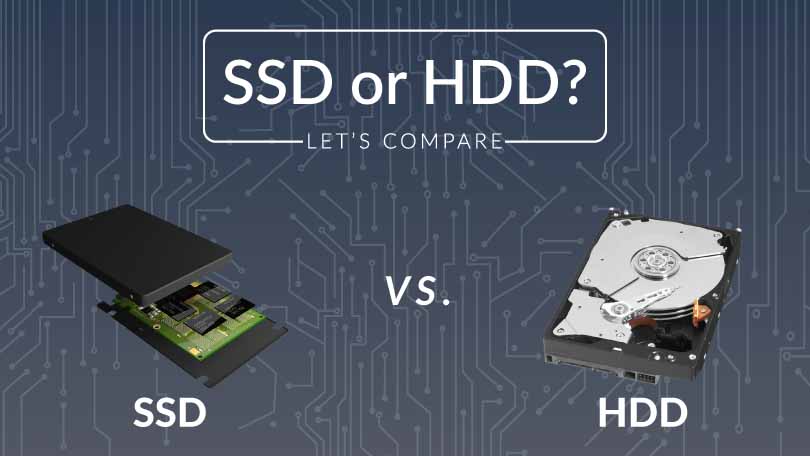
Key technical differences
Speed
- HDD reads and writes depend on platter speed and head movement. This makes HDDs slower for many tasks.
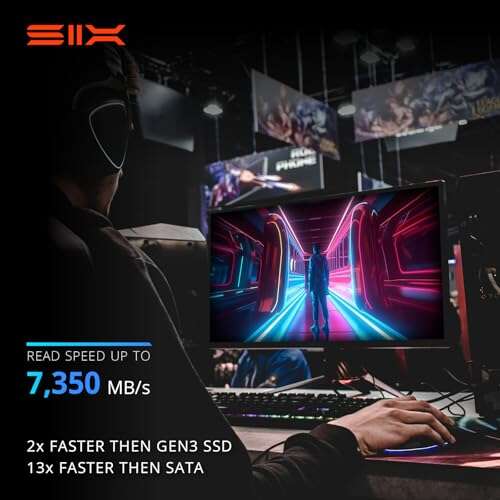
- SSD reads and writes happen instantly across chips, so access times are much lower.
Form factor and interface
- HDDs are common in 3.5-inch for desktops and 2.5-inch for laptops.
- SSDs come as 2.5-inch SATA, M.2 NVMe, and PCIe add-in cards.
Power and heat
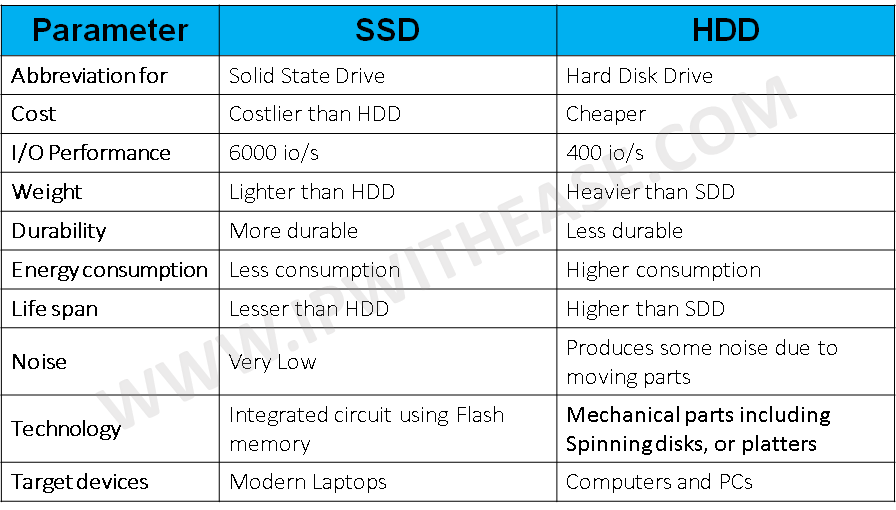
- HDDs use more power when spinning and can run hotter under load.
- SSDs use less power and usually run cooler.
Noise and vibration
- HDDs produce audible noise and vibration because they move.
- SSDs are silent and stable.
When you ask what's the difference between hard drive and ssd, think of HDD as an old vinyl record player and SSD as a digital audio file. One needs moving parts; the other does not.

Performance: speed and real-world impact
Boot and app load times
- A PC with an SSD boots in seconds. A PC with an HDD can take much longer.
- Apps, especially large ones, open faster on SSDs.
File transfer
- Large sequential files copy faster on modern NVMe SSDs.
- HDDs can still be fine for bulk copies, but they lag on many small files.
Multitasking
- SSDs handle many tasks at once without big slowdowns.
- HDDs show lag when many files are accessed.
Gaming and creative work
- Games installed on SSDs load levels faster and stutter less.
- Video editing benefits from SSD speed when editing multiple high-resolution files.
If you are deciding what's the difference between hard drive and ssd for speed, the SSD wins for nearly every interactive task.

Durability, lifespan, and reliability
Failure modes
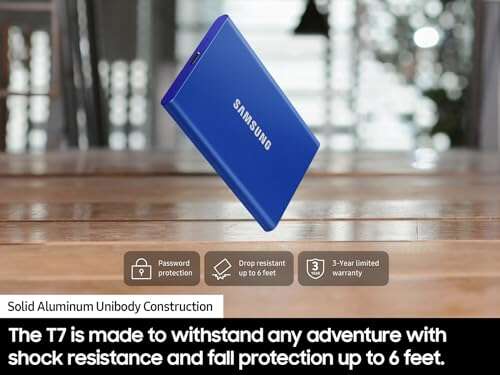
- HDDs fail from mechanical wear or shocks. Drops can damage the head or platter.
- SSDs wear out in write cycles. Their chips age with repeated writes.
Practical lifespan
- For most users, SSDs and HDDs last many years. Modern SSD endurance is high enough for daily use.
- Data redundancy and backups matter more than raw lifespan.
Data recovery
- Recovering data from failed HDDs is sometimes possible with specialized labs.
- SSD recovery can be harder and more expensive, especially if the controller fails.
When you consider what's the difference between hard drive and ssd for reliability, remember that SSDs resist shock better, while HDDs may fail slowly in predictable ways. Backups remain essential for both.
Cost, capacity, and value
Price per gigabyte
- HDDs cost less per gigabyte, so they are ideal for large, cheap storage.
- SSDs cost more per gigabyte, but prices keep falling.
Capacity options
- HDDs commonly offer multi-terabyte drives cheaply.
- SSDs are available in larger sizes now, but top capacity costs more.
Value proposition
- Use SSDs for your OS and apps for speed.
- Use HDDs for archives, backups, and cold storage to save money.
If you weigh what's the difference between hard drive and ssd in dollars and cents, choose a mix: SSD for speed, HDD for bulk.
Choosing the right drive for you
- Do you want speed for daily tasks? Pick an SSD.
- Do you need cheap large space? Pick an HDD.
- Do you want a balance? Use an SSD for the OS and an HDD for files.
Best setups by use case
- Laptop for work and mobility: SSD only, for weight and battery savings.
- Desktop for gaming and editing: NVMe SSD for system and scratch disk, HDD for large storage.
- Home backup server: HDD arrays for cost and capacity.
When people ask what's the difference between hard drive and ssd while shopping, they really ask which drive fits their habits and budget. Use the questions above to choose.

Installing, cloning, and maintaining drives
Installation basics
- SSDs often fit where a 2.5-inch drive goes or slot into M.2 slots.
- HDDs need 3.5-inch or 2.5-inch bays and SATA power/data cables.
Cloning and migration
- Cloning software can copy your OS from HDD to SSD. Resize partitions if needed.
- Always verify the cloned drive boots before wiping the old drive.
Maintenance tips
- Keep firmware updated for both drive types.
- Enable TRIM on SSDs to maintain performance.
- Defragmentation is useful for HDDs but harmful to SSDs.
If you wonder what's the difference between hard drive and ssd for maintenance, SSDs need different care. Learn the right tools and settings for each drive type.

My experience: upgrades, tips, and lessons
I once upgraded an older laptop from an HDD to an SSD. Boot time dropped from about one minute to fifteen seconds. The machine felt new.
I also kept a large external HDD for backups. It is cheap and holds archives. Over time I learned to keep at least two backups. One was local, one cloud-based.
Lessons learned
- Always back up before any drive swap.
- Use SSD for OS for the most noticeable speed gain.
- Don't rely on a single drive for important data.
When clients asked what's the difference between hard drive and ssd during repairs, I recommended a mix. Speed-first users get SSDs. Storage-first users keep HDDs.
Common myths and misconceptions
Myth: SSDs do not fail
- Reality: SSDs can fail like any electronic part. They just fail differently.
Myth: HDDs are obsolete
- Reality: HDDs still win on price per terabyte. They remain useful for backup and archive.
Myth: SSDs reduce battery life less than HDDs always
- Reality: SSDs use less power during active use and idle. But real world battery life depends on the whole system.
When people search what's the difference between hard drive and ssd, they see myths online. Check real specs and reviews before buying.
Frequently Asked Questions of what's the difference between hard drive and ssd
What is the main difference between an HDD and an SSD?
The main difference is that HDDs use spinning platters and moving heads, while SSDs use flash memory with no moving parts. This makes SSDs faster and quieter. HDDs tend to be cheaper per gigabyte.
Will switching from an HDD to an SSD make my computer faster?
Yes. Switching to an SSD typically speeds up boot times, app launches, and file access. The improvement is most noticeable on older machines with HDDs.
Are SSDs more reliable than HDDs?
SSDs resist shock better because they have no moving parts, but they wear with writes. HDDs can fail mechanically. Both need backups to protect data.
Can I use an SSD for gaming and editing?
Absolutely. SSDs reduce load times and improve responsiveness in games and editing software. NVMe SSDs offer the best performance for heavy workloads.
How do I choose between a larger HDD and a smaller SSD?
Use an SSD for your operating system and apps for speed, and get an HDD for large files and backups to save money. A dual-drive setup gives the best balance of speed and capacity.
Conclusion
You now have a clear, practical view of what's the difference between hard drive and ssd. SSDs bring speed, silence, and shock resistance. HDDs bring low cost per gigabyte and large capacity. Use SSDs where speed matters and HDDs where space and value matter.
Take action: assess your needs, back up important data, and consider upgrading the drive that will give you the biggest daily benefit. If this helped, try an SSD for your OS or leave a comment with your use case.

Everett Ashford is a tech reviewer at mytechgrid.com specializing in SSDs, cameras, TVs, earbuds, headphones, and other consumer electronics. He provides honest, data-driven reviews based on hands-on testing and real-world performance analysis. Everett simplifies complex tech details to help readers make smart, confident buying decisions.