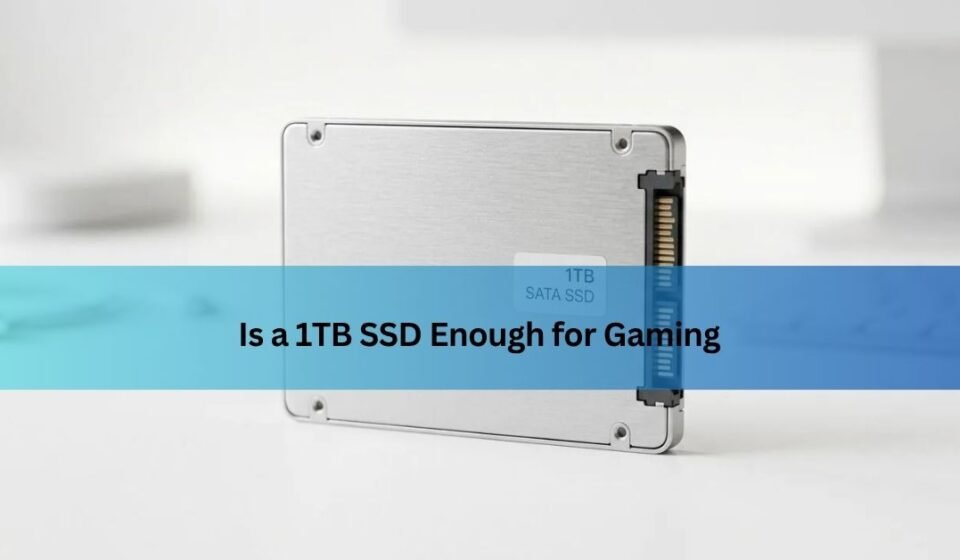
Yes, a 1TB SSD is enough for most gamers, but your game library size matters.
For most PC and console players, a 1TB solid-state drive offers a strong balance of speed, space, and price. The real answer depends on the games you play, how many titles you keep installed, whether you store videos or work files, and how much free space your system needs. This guide explains exactly when a 1TB SSD is enough for gaming, when it may feel limiting, and how to manage your storage wisely.
Is 1TB SSD enough for gaming?
For most gamers, a 1TB SSD is enough for gaming. It can hold your operating system, several large games, and useful apps without making your system feel cramped right away.
However, a 1TB drive does not provide a full 1,000GB of usable space. Manufacturers use decimal measurements, while Windows reports capacity differently. After formatting and system files, a 1TB SSD usually gives you about 931GB of usable space.
You should also avoid filling an SSD to its limit. Keeping around 10% to 20% free space helps maintain performance and gives Windows, game launchers, and updates room to work. In practice, you may have about 750GB to 850GB of comfortable usable space.
A modern game can use anywhere from 20GB to more than 200GB. Large titles with high-resolution textures, optional language packs, and downloadable content can consume space quickly.
A typical 1TB gaming SSD may hold:
- Windows and basic programs: 50GB to 100GB
- Five to ten large games: 400GB to 800GB
- Smaller games and applications: 50GB to 150GB
- Free space for updates and system maintenance: 100GB or more
So, is 1TB SSD enough for gaming? Yes, if you play a small group of games at a time and uninstall titles you no longer use. It may feel tight if you keep a large library installed permanently.

How much storage do modern games need?
Game sizes vary more than they did a few years ago. Independent games may use less than 10GB, while major releases can take more than 100GB after patches and downloadable content.
Here are realistic examples of game storage needs:
- Small indie games: 1GB to 15GB
- Older AAA games: 30GB to 80GB
- Newer mainstream games: 70GB to 150GB
- Large open-world games: 100GB to 200GB or more
- Games with ultra-high-resolution texture packs: Sometimes more than 200GB
Online games can also grow over time. A competitive shooter may start at 60GB and become much larger after several seasons. Sports games, live-service games, and role-playing games often receive regular updates that slowly reduce available storage.
Your game platform also affects the calculation. A PC player may need space for Steam, Epic Games Launcher, Xbox app files, shader caches, and temporary downloads. A console user may need room for system updates and reserved storage.
If you play three large games at once, a 1TB SSD is usually comfortable. If you install ten huge games, it may become a constant storage management task.

What can you install on a 1TB gaming SSD?
A 1TB SSD can support a mixed gaming setup very well. You could install several large games along with many smaller games and still keep enough room for normal system use.
For example, imagine this setup:
- Windows 11 and drivers: 70GB
- One large open-world game: 150GB
- Two major multiplayer games: 200GB
- Four medium-sized games: 240GB
- Ten smaller games: 100GB
- Applications and saved files: 50GB
That setup uses about 810GB. It leaves a useful amount of free space for updates, though you may need to remove older games from time to time.
A more casual player may have no trouble at all. Many gamers rotate between one main online game, one story game, and a few smaller titles. For this type of player, a 1TB SSD is enough for gaming and leaves a comfortable buffer.
The situation changes for people who use a PC for more than games. Video recordings, game captures, photos, virtual machines, and creative projects can consume hundreds of gigabytes. In that case, a 1TB SSD may be enough for gaming but not enough for your entire computer.

Why SSD capacity matters for gaming
Storage capacity affects more than the number of games you can install. It also affects how often you need to manage files and whether your computer has enough free space for updates.
Game updates need extra room
Many launchers download updates as temporary files before replacing old game data. A 100GB game may need additional free space during a major update.
If your drive is nearly full, an update can fail even when the final patch is relatively small. This is one reason to keep at least 100GB free on a 1TB gaming SSD when possible.
SSDs need free space
An SSD can work when nearly full, but that does not make it a good idea. The drive uses free blocks to write and organize data. With very little free space, write performance can drop and background maintenance may become less efficient.
You do not need to obsess over the exact number. Keeping 10% to 20% free is a simple and practical rule.
Game saves are usually small
Most save files do not use much space. Even games with many save slots often require only a few megabytes or a few gigabytes at most.
The larger storage concern is usually the game installation, texture packs, mods, recordings, and temporary update files.

1TB SSD versus 2TB SSD for gaming
A 2TB SSD gives you about twice the usable capacity, but it also costs more. The right choice depends on how you use your computer.
A 1TB SSD is a good choice when:
- You mainly play a few games at a time.
- You have fast internet and do not mind reinstalling games.
- You use a second drive for media or file storage.
- You have a limited upgrade budget.
- You play many smaller or older games.
A 2TB SSD is better when:
- You want a large library installed at once.
- You play several games that exceed 100GB.
- You use mods or high-resolution texture packs.
- You record gameplay frequently.
- You have slow or limited internet.
- You want more storage headroom for future releases.
In my experience with gaming PC storage planning, the biggest mistake is buying based only on today’s game sizes. A drive that feels spacious now can feel crowded after a few major releases, updates, and recorded clips.
Still, choosing 2TB is not always necessary. If upgrading from 1TB to 2TB would force you to reduce graphics card quality or processor performance, the 1TB drive may be the smarter choice. Storage is important, but it usually has less effect on frame rates than the GPU and CPU.

Is a 1TB SSD enough for a gaming PC?
A 1TB SSD is enough for a gaming PC when the drive is used mainly for Windows, games, and everyday applications. It is also a strong size for a first gaming build.
A practical setup is to use the 1TB SSD as your primary drive. Install Windows and your most frequently played games there. If you need more space later, add a second SSD or a large hard drive.
This approach gives you fast loading without requiring a large first purchase. It also makes future upgrades simple. You can move less frequently played games to the secondary drive and keep your favorite titles on the faster or newer SSD.
For a new gaming PC, check the following before buying:
- Confirm whether the drive is an M.2 NVMe SSD or a 2.5-inch SATA SSD.
- Check that your motherboard has a compatible slot.
- Make sure the motherboard supports the drive’s length.
- Review the manufacturer’s warranty and endurance rating.
- Leave room for proper cooling if the M.2 drive uses a heatsink.
Both NVMe and SATA SSDs are much faster than traditional hard drives for game loading. NVMe drives often offer higher transfer speeds, but the difference in actual game loading time is not always dramatic. Capacity, reliability, and price should also guide your choice.

Is a 1TB SSD enough for PS5 and Xbox gaming?
A 1TB SSD can be useful for console gaming, but the answer depends on the console and the type of drive.
The PS5 supports compatible internal M.2 NVMe SSDs. A 1TB expansion drive provides a useful amount of extra space, but the console’s usable capacity will be lower than the advertised number. You must also check the required speed, size, and heatsink specifications.
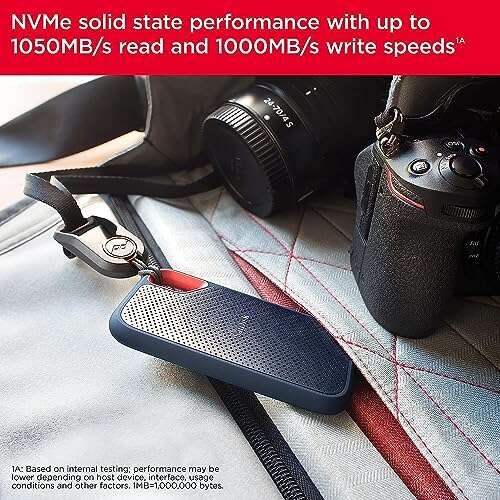
Xbox Series X and Series S consoles use proprietary expansion cards for internal storage expansion. A standard external USB SSD can store games, but optimized games may need to be moved to internal storage or an approved expansion card before they can run.
Console games can be very large. A 1TB expansion device may hold several major games, but it will not create unlimited space. If you regularly switch between many large titles, a 2TB option can reduce the need to delete and reinstall games.
Before buying console storage, check the exact compatibility rules for your model. A drive that works well in a PC may not work as an internal console expansion device.

How to make 1TB gaming storage last longer
Good storage habits can make a 1TB SSD feel much larger. You do not need complex software or risky changes. A few simple steps can prevent wasted space.
Remove games you no longer play
Review your library every few months. If you have not launched a game in six months, uninstall it unless you plan to return soon.
Your purchase remains linked to your account on most platforms. You can reinstall the game later without buying it again.
Delete unused texture packs
Some games install optional high-resolution texture packs. These can improve image quality on powerful systems, but they may use dozens of gigabytes.
If you play at 1080p, you may not need every ultra-quality texture pack. Check the game’s add-on menu before removing anything.
Move recordings to another drive
Gameplay recordings can fill a drive faster than games. A single hour of high-quality video may use several gigabytes or more, depending on the recording format.
Move finished clips to an external drive or cloud storage. Keep only the files you plan to edit or share.
Use game library filters
Steam, the Xbox app, and other launchers can show games by size. Sort your library from largest to smallest. This quickly reveals which installations use the most space.
Keep downloads organized
Old installers, duplicate screenshots, and temporary files often hide in the Downloads folder. Clean this folder regularly, but do not delete files unless you know what they are.
Should your gaming SSD be the boot drive?
Using a 1TB SSD as both the boot drive and gaming drive is completely reasonable. It simplifies the system and gives Windows fast access to applications and background tasks.
A separate boot drive can make organization easier, but it does not automatically improve gaming performance. Modern games benefit from fast storage, but placing Windows on one SSD and games on another does not usually create a major frame-rate increase.
A single 1TB SSD may be the better option for a budget build. It reduces cable clutter, lowers cost, and leaves more money for the graphics card.
A two-drive setup may be better for advanced users:
- 500GB to 1TB SSD for Windows and applications
- 1TB to 4TB SSD for games
- Large hard drive or external drive for recordings and archives
The best layout depends on your workload. For a typical player, a single 1TB NVMe SSD is simple and fast enough.
Does SSD speed affect gaming performance?
An SSD can greatly improve loading times compared with a hard drive. It can also reduce texture pop-in and make open-world games feel smoother when they stream data from storage.
However, SSD speed does not directly determine your average frame rate in most games. Your graphics card, processor, memory, and game settings have a much larger effect on FPS.
A high-end PCIe 4.0 or PCIe 5.0 NVMe SSD may show impressive benchmark numbers. Yet many games do not load several times faster than they do from a good PCIe 3.0 NVMe SSD.
For most players, prioritize these features:
- Enough capacity for your game library
- Reliable flash memory and controller
- A good warranty
- Consistent performance
- Reasonable price
- Compatibility with your computer
Do not buy a smaller, faster drive if you will constantly run out of space. A full 2TB PCIe 3.0 SSD can be more useful than a nearly full 1TB PCIe 5.0 model.
Common mistakes when choosing a 1TB SSD
Several buying mistakes appear again and again in gaming builds.
First, some buyers confuse advertised capacity with usable capacity. A 1TB drive will not show exactly 1,000GB in Windows, so plan for roughly 931GB before system files and free-space rules.
Second, buyers often forget about downloadable content. A base game may use 70GB, but expansion packs, texture files, and updates can add much more.
Third, some people fill the drive until Windows reports only a few gigabytes left. This creates update problems and makes storage management stressful.
Fourth, shoppers sometimes focus only on maximum sequential speed. Those numbers matter for large file transfers, but they do not tell the whole story about game loading. Reliability, random performance, temperature control, and warranty support also matter.
Finally, avoid placing every file on the gaming SSD. Videos, duplicate installers, and old backups can quietly consume the space you need for games.
When should you buy a larger SSD?
You should consider a 2TB or larger SSD if your current 1TB drive regularly has less than 100GB free. Constantly uninstalling games is a sign that your storage needs have changed.
A larger SSD is also worthwhile if you have slow internet. Reinstalling a 150GB game can take hours, especially during busy periods or when your connection has a data limit.
Choose more capacity if you:
- Keep many live-service games installed.
- Use large mod collections.
- Store game recordings locally.
- Edit video on the same PC.
- Share the computer with other users.
- Plan to keep the system for many years.
- Prefer buying once instead of upgrading later.
Do not rush into an upgrade if you only run out of space once or twice a year. A small cleanup may solve the problem at no cost.
Storage prices also change over time. Watch for sales, but still check reviews, warranty terms, and compatibility. The cheapest drive is not always the best long-term value.
Frequently Asked Questions About Is 1TB SSD Enough for Gaming
Is 1TB SSD enough for gaming in 2025?
Yes, a 1TB SSD is enough for gaming for most people who play a few games at a time. It may feel small for players who keep many large AAA games, mods, and recordings installed.
How many games can a 1TB SSD hold?
A 1TB SSD can hold about five to ten large games, or dozens of smaller games, after Windows and free-space requirements are considered. The exact number depends on whether each game uses 30GB, 100GB, or more than 150GB.
Is a 1TB SSD enough for Warzone and other large games?
A 1TB SSD can hold Warzone and several other large games, but you should monitor free space after updates. Keeping at least 100GB available can prevent problems during major installations.
Is a 1TB SSD enough for a gaming laptop?
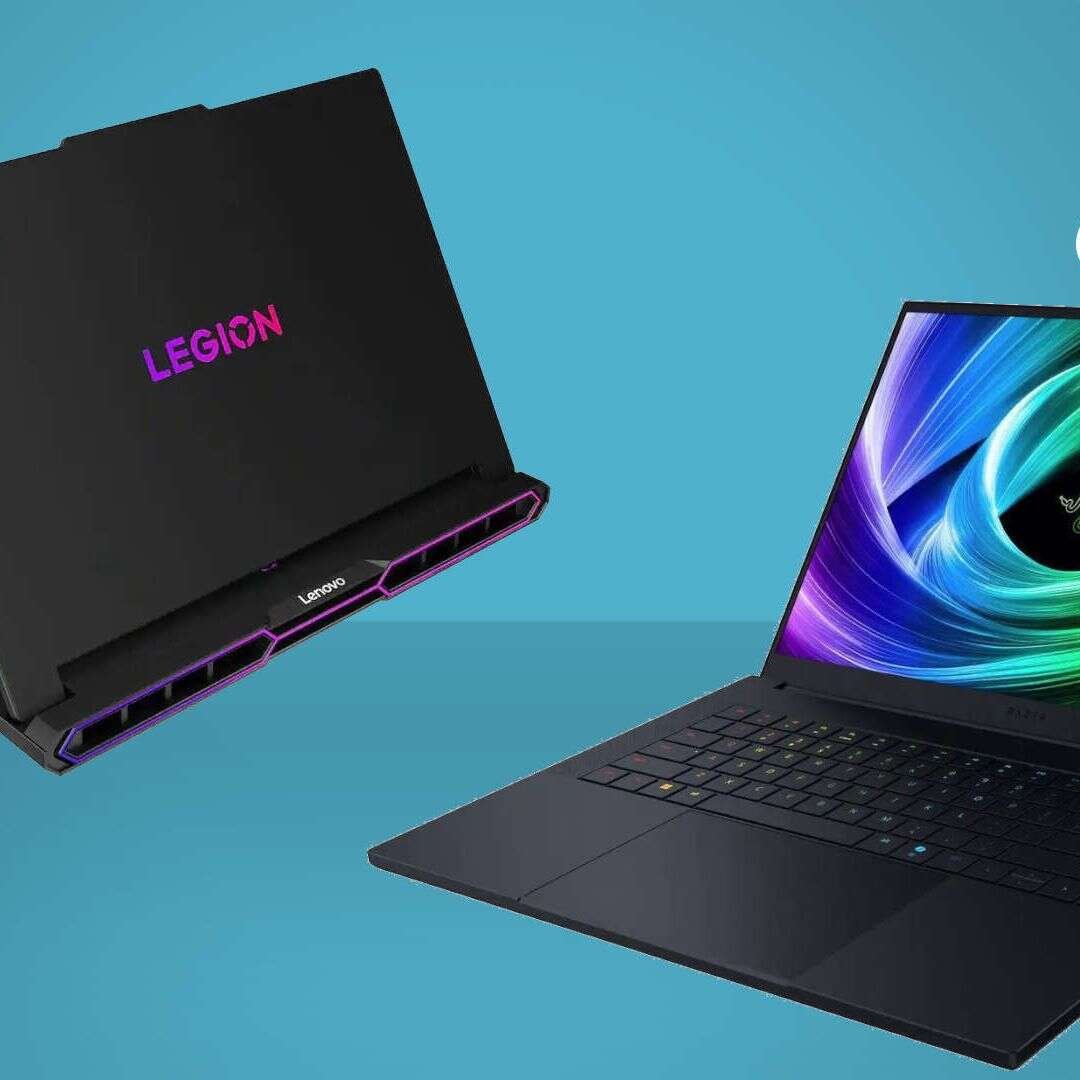
A 1TB SSD is a strong choice for most gaming laptops. It provides enough room for Windows, applications, and a useful game library, but users who also store videos or creative projects may want a second drive or external storage.
Is 2TB better than 1TB for gaming?
A 2TB SSD is better for players who want a large installed library and more room for future games. A 1TB SSD offers better value when you play only a few games at a time or plan to add storage later.
Does a full SSD reduce gaming performance?
An SSD that is nearly full can experience lower write performance and may have trouble handling updates. Keeping about 10% to 20% free space is a sensible way to support stable performance.
Conclusion
A 1TB SSD is enough for gaming for most players. It can store Windows, several large games, many smaller titles, and the apps you use every day. The main limit is not gaming speed but library size.
Choose 1TB if you manage your installs and play a focused group of games. Choose 2TB or more if you keep many AAA titles, use mods, record gameplay, or dislike reinstalling games.
Before buying, check usable capacity, drive compatibility, warranty coverage, and current prices. Keep free space available, remove games you no longer play, and use external storage for large recordings. With those habits, a 1TB SSD can deliver fast, reliable gaming for years. Explore your current storage needs, choose the size that fits your habits, and share your gaming setup or questions in the comments.

Everett Ashford is a tech reviewer at mytechgrid.com specializing in SSDs, cameras, TVs, earbuds, headphones, and other consumer electronics. He provides honest, data-driven reviews based on hands-on testing and real-world performance analysis. Everett simplifies complex tech details to help readers make smart, confident buying decisions.