Introduction
For most players in the United States, the best laptop for Fortnite is a Windows gaming laptop with an NVIDIA GeForce RTX 4060 Laptop GPU, 16GB of RAM, a modern six-core or better processor, and a 144Hz 1080p display.
This setup gives you enough power for smooth competitive play, high frame rates, and better graphics without paying for an oversized 4K gaming laptop. A laptop with an RTX 4050 can also work well at 1080p. An RTX 4070 makes sense if you also play demanding games or want more headroom for several years.
The right choice depends on more than the graphics card. Cooling, screen refresh rate, memory, storage, battery life, and price all affect the way Fortnite feels in actual play.

Quick Answer: Which Laptop Should You Buy for Fortnite?
The best overall configuration for Fortnite is:
| Part | Recommended choice |
|---|---|
| Graphics | NVIDIA GeForce RTX 4060 Laptop GPU |
| Processor | Recent Intel Core i7, Core Ultra 7, AMD Ryzen 7, or similar |
| Memory | 16GB DDR5 RAM |
| Storage | 1TB NVMe solid-state drive |
| Screen | 15- or 16-inch, 1080p or 1600p, 144Hz or faster |
| Operating system | Windows 11 64-bit |
| Network | Wi-Fi 6 or newer, plus an Ethernet port if possible |
The Lenovo LOQ, ASUS TUF Gaming A15 or F15, Acer Nitro V, and similar gaming laptops often offer this type of hardware. Exact parts vary by model and sales period, so check the full specification sheet before buying.
A good RTX 4060 laptop should handle Fortnite well at 1080p. For competitive play, use Performance Mode or lower settings to raise frame rates and reduce visual clutter. For better image quality, DirectX 12 with medium or high settings may be a better fit.
How Much Power Does Fortnite Need?
Fortnite is easier to run than many new open-world games, but its needs change with the game mode and graphics settings. Battle Royale at high frame rates can place a strong load on both the processor and graphics chip.
Epic Games lists much lower minimum requirements for simply running the game. Those minimum specifications are not a good target for a new gaming laptop. A laptop near the minimum may launch Fortnite, but it can struggle with frame drops, busy fights, updates, and background tasks.
Epic’s official PC requirements page is the best place to check changes:
Fortnite PC system requirements
Minimum, sensible, and ideal specifications
| Use case | Graphics | Processor | RAM | Expected use |
|---|---|---|---|---|
| Basic play | Integrated graphics or entry-level GPU | Recent Core i3/Core i5 or Ryzen 3/Ryzen 5 | 8GB | Low settings and modest frame rates |
| Good 1080p play | RTX 4050 or similar | Recent Core i5/Core i7 or Ryzen 5/Ryzen 7 | 16GB | Smooth play at medium to high settings |
| Best value for most players | RTX 4060 | Recent Core i7/Core Ultra 7 or Ryzen 7 | 16GB | High frame rates at 1080p |
| High-end and long-term use | RTX 4070 or better | Fast Core i7/Core Ultra 7 or Ryzen 7/9 | 16GB or 32GB | Higher settings, high refresh rates, and other demanding games |
These are practical buying targets, not fixed promises. Laptop GPUs can perform differently because manufacturers set different power limits. Cooling also affects sustained speed.

The Best Laptop GPU for Fortnite
The RTX 4060 Laptop GPU is the best balance for most Fortnite players. It has enough performance for high-refresh 1080p gaming and gives you more room than an entry-level GPU when a large update or a demanding Creative map increases the workload.
RTX 4050: Best for a lower budget
An RTX 4050 laptop is a sensible choice if you want to spend less. It can run Fortnite well at 1080p, especially with Performance Mode or sensible image settings.
Choose an RTX 4050 model when:
- You mainly play at 1080p.
- You do not need maximum settings.
- The laptop has 16GB of RAM.
- The price is clearly lower than a comparable RTX 4060 model.
Do not choose it solely because the listing says “RTX.” Check the laptop’s power rating, cooling design, and screen. A weak display can make a capable GPU feel less useful.
RTX 4060: Best overall
The RTX 4060 is the strongest mainstream choice for a Fortnite laptop. It offers useful headroom for high frame rates, streaming, and other games.
It is especially attractive when paired with:
- A 144Hz or 165Hz display.
- A recent Ryzen 7 or Intel Core i7-class processor.
- Dual-channel 16GB RAM.
- A 1TB SSD.
An RTX 4060 is usually a better value than paying much more for an RTX 4070 if Fortnite is your main game.
RTX 4070: Best for extra headroom
An RTX 4070 laptop is useful for players who also play demanding games, use a higher-resolution screen, or want more graphics power over time. It is not necessary for smooth 1080p Fortnite.
The extra cost may be better spent on a stronger display, more storage, or a better cooling system. Compare the complete laptop, not just the GPU name.
Integrated graphics
Modern integrated graphics can run Fortnite at low settings on some laptops. They are suitable for casual play, schoolwork, and travel, but they are less reliable for high frame rates in large fights.
If gaming is a main reason for the purchase, select a laptop with a dedicated graphics card. If Fortnite is an occasional game, a recent AMD Ryzen or Intel Core laptop with 16GB of RAM may be enough.
The Best Processor, RAM, and Storage
The graphics card receives much of the attention, but Fortnite also benefits from a fast processor. The CPU handles game logic, player movement, physics, and many background tasks.
A recent six-core processor is a good starting point. Core i5, Core i7, Core Ultra 5, Core Ultra 7, Ryzen 5, and Ryzen 7 names can all cover a wide range of performance. Look at the exact processor model rather than relying on the brand tier alone.
How much RAM do you need?
Buy 16GB of RAM for a new Fortnite laptop.
Eight gigabytes may run the game, but it leaves less room for Windows, voice chat, browsers, game launchers, and updates. This can cause stutter or slow loading when several programs run at once.
Thirty-two gigabytes is useful if you stream, edit video, use large creative applications, or keep many apps open. It is not required for normal Fortnite play.
Check whether the laptop has:
- Two memory modules or upgradeable memory.
- Dual-channel operation.
- A memory configuration that can be replaced later.
Some thin laptops have memory soldered to the board. That is not a problem if 16GB meets your needs, but it limits future upgrades.
How much storage do you need?
A 1TB NVMe SSD is the best target for most buyers. The game itself is not the only software using space. Windows, updates, screenshots, clips, and other games can fill a 512GB drive quickly.
An SSD improves startup and load times. It does not automatically increase frame rates, but it makes the laptop feel faster during installs and level changes.
Avoid buying a new gaming laptop with a hard disk drive as its main drive. If a model has only 512GB, confirm that it includes an open M.2 slot before assuming you can upgrade it.
Which Screen Is Best for Fortnite?
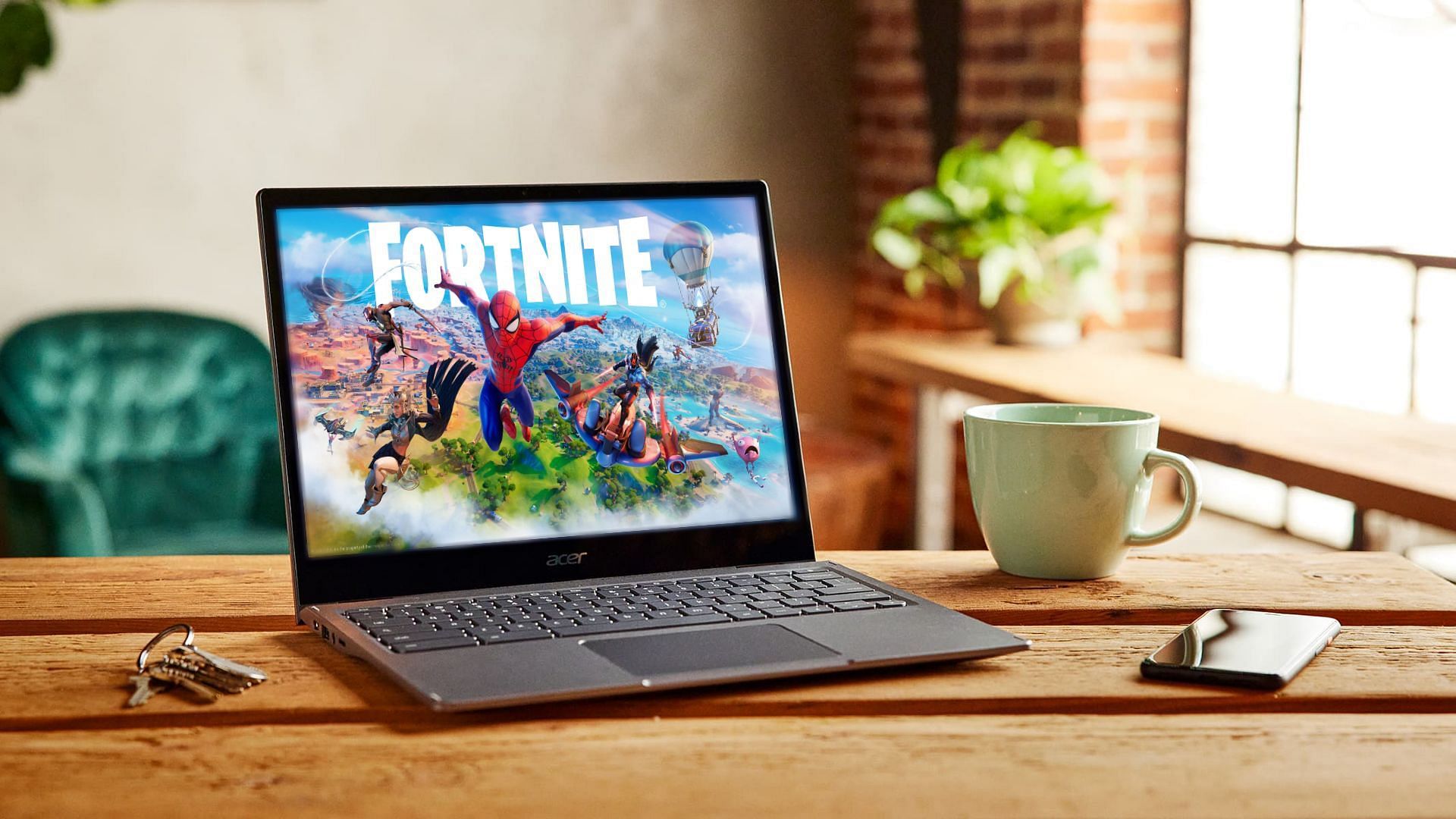
A 1080p screen with a 144Hz or faster refresh rate is the safest choice for competitive Fortnite.
Refresh rate describes how many times the screen can update each second. A 144Hz panel can show more updates than a 60Hz panel when the laptop produces enough frames. This can make aiming and camera movement feel smoother.
Choose a screen based on your graphics target:
- 1080p at 144Hz: Best fit for competitive play and RTX 4050 or RTX 4060 laptops.
- 1080p at 165Hz: A useful upgrade if the price is close.
- 1600p at 165Hz: Sharper, but it demands more graphics power.
- 240Hz: Best for serious competitive players who can maintain very high frame rates.
- 60Hz: Acceptable for casual play, but not a strong choice for a dedicated gaming laptop.
Look for a display with good brightness and viewing angles. A fast refresh rate cannot fix a dim or poor-quality panel.
A 15.6-inch laptop is easy to carry. A 16-inch model often gives you a taller 16:10 screen and more room for cooling. A larger 17-inch laptop may feel better at a desk but is less portable.
Recommended Fortnite Laptop Types
There is no single best model for every buyer. Laptop configurations change by retailer, region, and sale. Use these categories to judge current models.
Best value: RTX 4050 gaming laptop
Look for an RTX 4050, 16GB RAM, a recent Core i5 or Ryzen 5 processor, and a 144Hz screen.
This type fits students and casual players who want good 1080p performance without paying for premium hardware. It is less suitable if you want to play many demanding games at high settings.
Best overall: RTX 4060 gaming laptop
An RTX 4060 laptop with 16GB RAM is the best general recommendation. Common examples include configurations from the Lenovo LOQ, ASUS TUF Gaming, Acer Nitro, and other mainstream gaming lines.
Prioritize the model with the better screen, cooling, keyboard, and upgrade options when two laptops have similar graphics hardware.
Best high-end choice: RTX 4070 gaming laptop
An RTX 4070 model makes sense when you play more than Fortnite. It can also suit players who want higher settings in newer games or use an external high-resolution monitor.
It is harder to justify if the laptop has only 16GB of RAM, a small SSD, or a poor display. Higher GPU performance does not compensate for weak overall design.
Best portable choice
A thinner laptop with a recent integrated GPU or RTX 4050 is easier to carry. The trade-off is usually higher heat, more fan noise, less upgrade access, or lower sustained performance.
If you travel often, compare weight, charger size, battery tests, and port selection. Gaming laptops rarely provide their best gaming performance on battery power.
Fortnite Graphics Settings for Better Performance
For the highest frame rates, start with Performance Mode or low settings. Then raise individual options until the game looks good and stays smooth.
Use this order:
- Install current graphics drivers from NVIDIA, AMD, or the laptop maker.
- Connect the laptop to its original power adapter.
- Set the laptop to its performance mode in the manufacturer’s control app.
- Select the desired Fortnite frame-rate limit.
- Use Performance Mode if competitive speed matters most.
- Lower shadows, effects, and view distance if frame rates drop.
- Keep textures higher if the GPU has enough video memory and the image looks too plain.
- Close downloads, browsers, and overlays that cause spikes.
- Test the settings in a busy match, not only in an empty practice area.
Performance Mode can improve frame rates, but it may reduce image quality. DirectX 12 may offer better visuals and more consistent performance on some hardware after shaders compile. Results vary by laptop and driver version.
A useful target is not the highest number on the counter. A stable frame rate with low stutter usually feels better than a much higher but uneven result.
What Else Should You Check Before Buying?
The best Fortnite laptop needs more than strong specifications.
Cooling
Gaming laptops can reduce their speed when they become too hot. Check for large air vents, two fans, and a design that allows air to enter from below.
A laptop stand can improve airflow. Do not place a gaming laptop on a bed, blanket, or soft surface while playing.
Power limits
Two laptops with the same RTX 4060 name may not perform identically. The manufacturer can set different power limits. A thicker laptop may sustain higher performance than a thin model with the same GPU.
If the listing provides the GPU power rating, compare it. If it does not, use independent testing or detailed manufacturer specifications rather than assuming equal performance.
Keyboard and ports
A comfortable keyboard matters during long matches. Useful ports include:
- USB-A for a mouse or controller.
- USB-C for accessories or displays.
- HDMI for an external monitor.
- A headset jack.
- Ethernet for a wired connection.
Some USB-C ports support video output or charging, while others do not. Confirm the exact function in the product specifications.
Wireless connection
Wi-Fi 6 or newer is a good feature for a home network. A wired Ethernet connection can reduce wireless interference, but it cannot fix a slow internet plan or a distant game server.
Frame rate and network latency are different. A fast laptop may still show lag caused by Wi-Fi congestion, packet loss, or server conditions.
Warranty and returns
Buy from a retailer with clear return terms and check the manufacturer’s warranty. Inspect the laptop early for display defects, overheating, unusual fan noise, and charging problems.
Do not open the laptop or replace parts until you understand how that may affect the warranty.
Common Buying Mistakes
Buying for the GPU name alone
An RTX 4060 in a well-cooled laptop may be a better choice than a more powerful GPU in a thin, hot design. Compare the processor, screen, RAM, storage, and power system.
Choosing 8GB of RAM to save a little money
Eight gigabytes can create limits outside the game. Choose 16GB unless the laptop has a simple and affordable upgrade path.
Paying for a 4K display
A 4K panel needs more graphics power and can reduce frame rates. For most Fortnite players, 1080p at 144Hz is the more useful choice.
Ignoring the charger
Gaming laptops often need their charger for full performance. A large charger also affects portability. Include its weight when comparing travel-friendly models.
Expecting long battery life during gaming
Gaming on battery usually lowers performance and drains power quickly. Buy a gaming laptop for plugged-in play, and choose a different laptop type if long unplugged gaming is your main goal.
Confusing low ping with high FPS
FPS comes from the laptop. Ping depends on the network path between your device and the game server. You need both adequate hardware and a stable connection.
Frequently Asked Questions
Can a regular laptop run Fortnite?
Some regular laptops can run Fortnite at low settings, especially models with recent integrated graphics and 16GB of RAM. A dedicated RTX 4050 or RTX 4060 GPU is a better choice for high and stable frame rates.
Is an RTX 4060 overkill for Fortnite?
No. It is more power than the game needs at basic settings, but it is a strong match for a 144Hz screen, high frame rates, and future games. It also gives you more room for streaming and demanding Creative maps.
Is 8GB RAM enough for Fortnite?
It may be enough to launch and play the game, but 16GB is the better buying target. It leaves room for Windows, voice chat, browsers, and background services.
Does Fortnite work better on Intel or AMD laptops?
Both can work well. Compare the exact processor, cooling, GPU power limit, battery design, and price. The brand alone does not determine Fortnite performance.
Do I need a 240Hz laptop for Fortnite?
No. A 144Hz or 165Hz display is enough for most players. A 240Hz screen is useful only if the laptop can produce very high frame rates and you value competitive responsiveness over cost and battery life.
Final Recommendation
For most people in the United States, buy a Windows laptop with an RTX 4060, 16GB RAM, a recent Core i7/Core Ultra 7 or Ryzen 7 processor, a 1TB NVMe SSD, and a 144Hz 1080p display.
Choose an RTX 4050 model if your budget is tighter. Choose an RTX 4070 if you also play demanding games or want more graphics headroom. Before buying, verify the exact GPU power limit, screen refresh rate, memory layout, storage capacity, cooling design, warranty, and return policy.
The next step is simple: set your budget, decide whether you want competitive or visual-quality settings, and compare complete laptop configurations rather than GPU names alone.

Everett Ashford is a tech reviewer at mytechgrid.com specializing in SSDs, cameras, TVs, earbuds, headphones, and other consumer electronics. He provides honest, data-driven reviews based on hands-on testing and real-world performance analysis. Everett simplifies complex tech details to help readers make smart, confident buying decisions.