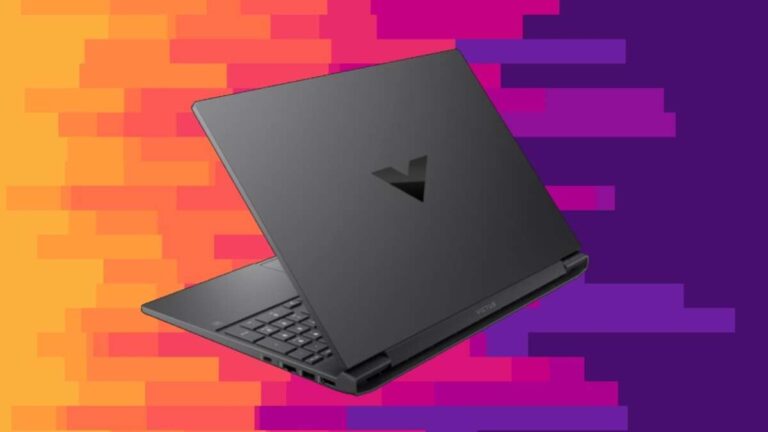
A decent gaming laptop usually costs $800 to $1,500, depending on performance, screen quality, and upgrade needs.
Knowing how much is a decent gaming laptop helps you avoid two common mistakes: paying for power you do not need or buying a cheap model that struggles with modern games. In this guide, I will break down realistic price ranges, key hardware, hidden costs, and smart buying tips so you can choose with confidence.
What Is a Decent Gaming Laptop?
A decent gaming laptop can run current games smoothly at 1080p, offer stable performance, and remain useful for several years. For most people, it does not need the fastest graphics card or the brightest display. It needs a balanced mix of speed, cooling, battery life, and build quality.
When people ask how much is a decent gaming laptop, they often mean a laptop that can handle popular games without constant upgrades. That includes titles such as Fortnite, Call of Duty, Apex Legends, Baldur’s Gate 3, Elden Ring, and Cyberpunk 2077.
A good starting point usually includes:
• An NVIDIA GeForce RTX 4050, RTX 4060, or similar AMD Radeon graphics card
• An Intel Core i5, Intel Core i7, AMD Ryzen 5, or AMD Ryzen 7 processor
• At least 16GB of RAM
• A 512GB solid-state drive
• A 1080p display with a 144Hz or faster refresh rate
• A cooling system with more than one heat pipe or fan
These parts work like a team. A powerful graphics card cannot reach its full potential with weak cooling or a slow processor. Likewise, a fast processor will not help much if the laptop has limited RAM and poor airflow.

Gaming Laptop Price Ranges
The answer to how much is a decent gaming laptop depends on your gaming goals. A casual player may be happy with a $700 laptop, while a competitive player or creator may need to spend more than $1,500.
Budget gaming laptops: $600 to $800
Budget gaming laptops can provide solid 1080p gaming if you shop carefully. Models in this range often include an RTX 3050, RTX 4050, Radeon RX 7600S, or an older graphics chip.
They are best for:
• Esports games such as Valorant, League of Legends, and Rocket League
• Medium or high settings in many 1080p games
• School, office, and streaming work
• Buyers who do not need ultra graphics settings
The main limits are usually 8GB of RAM, small storage, dim screens, and basic plastic cases. If possible, choose a model with easy RAM and storage upgrades.
Mid-range gaming laptops: $800 to $1,500
For most buyers, this is the sweet spot. A mid-range gaming laptop often includes an RTX 4060, a capable Ryzen 7 or Core i7 processor, 16GB of RAM, and a fast 1080p or 1440p screen.
This range offers:
• Strong 1080p performance
• Better cooling than entry-level models
• Higher refresh rates
• Faster storage
• More useful performance for several years
If someone asks me how much is a decent gaming laptop for modern games, I usually point to the $1,000 to $1,300 range. It gives you enough power without forcing you to pay for premium features that may not improve your everyday experience.
Premium gaming laptops: $1,500 to $2,500
Premium laptops usually add stronger graphics, better screens, improved materials, and quieter cooling. You may find RTX 4070 or RTX 4080 graphics, 1440p or 4K displays, larger batteries, and more durable hinges.
This range makes sense for:
• Players who want high settings in demanding games
• People who use the laptop for video editing or 3D work
• Buyers who want a high-quality screen
• Users who need more storage and memory
A premium price does not always mean better value. Some expensive laptops charge more for a thin design, a brand name, or a high-resolution display that reduces gaming battery life.
High-end gaming laptops: $2,500 and above
High-end gaming laptops target enthusiasts. They may include top-tier graphics cards, advanced displays, mechanical keyboards, and desktop-class processors.
These systems can be excellent, but they are not necessary for most gamers. A desktop computer often delivers more performance for the same money. Choose this range only if you need portability, maximum performance, or premium design.

What Hardware Should You Get?
Understanding the main parts makes it easier to judge how much is a decent gaming laptop. The graphics card matters most for game performance, but every major component affects the final experience.
Graphics card
The graphics processing unit, or GPU, creates the images you see in games. It has a major effect on frame rate, image quality, and ray tracing performance.
A useful guide looks like this:
• RTX 3050: Basic 1080p gaming
• RTX 4050: Good entry-level gaming with modern features
• RTX 4060: Excellent value for 1080p gaming
• RTX 4070: Strong 1440p performance
• RTX 4080 and above: High-end gaming and demanding creative work
Laptop GPUs can vary in power even when they share the same name. A high-power RTX 4060 may outperform a low-power version in a thin laptop. Check the laptop’s listed GPU wattage, often called total graphics power, before buying.
Processor
The central processing unit, or CPU, handles game logic, background tasks, and many creative workloads. Most modern games work well with a recent six-core or eight-core chip.
Good choices include:
• AMD Ryzen 5 7640HS or newer
• AMD Ryzen 7 7840HS or newer
• Intel Core i5-13400H or newer
• Intel Core i7-13620H or newer
You do not need the most expensive processor for gaming. Spending more on the GPU usually creates a larger improvement in frame rate.
RAM
For a new gaming laptop, 16GB of RAM should be your target. Eight gigabytes may work for lighter games, but it can cause stutters when you run a browser, voice chat, or recording software at the same time.
Choose 32GB if you:
• Play large open-world games
• Stream regularly
• Edit video
• Use demanding design or engineering software
• Want extra room for future games
Storage
A 512GB SSD is the practical minimum. Games are large, and a few modern titles can use more than 100GB each. A 1TB SSD is a better choice if the price difference is reasonable.
Avoid relying on an external drive for your main games if you want the best load times. An external SSD can work well, but an internal NVMe SSD is usually faster and more convenient.
Display
A 15.6-inch or 16-inch 1080p display with a 144Hz refresh rate is a strong choice for most gamers. A higher refresh rate makes motion look smoother, especially in competitive games.
Pay attention to brightness and color quality too. Some inexpensive gaming laptops have fast displays with weak colors and narrow viewing angles. A screen with at least 300 nits of brightness is more comfortable in a bright room.

How Much Should You Spend for Different Types of Gamers?
The best answer to how much is a decent gaming laptop changes from person to person. Your games, travel habits, and other work should guide the budget.
For casual gamers
Spend about $700 to $900. Look for an RTX 4050, 16GB of RAM, and a 512GB SSD. This setup should handle popular games at 1080p without feeling too limited.
For competitive gamers
Spend about $900 to $1,300. Prioritize a strong RTX 4060, a 144Hz or 165Hz display, and good cooling. Esports games often benefit more from a fast screen and stable frame rate than from a high-resolution display.
For open-world and AAA gamers
Spend about $1,000 to $1,600. An RTX 4060 or RTX 4070 gives you more room for high settings and demanding games. Aim for 16GB or 32GB of RAM and at least 1TB of storage.
For students
Spend about $800 to $1,200. Look for a laptop that balances gaming with portability, battery life, and school work. A very heavy laptop may offer excellent performance but become a burden in daily travel.
For streamers and creators
Spend about $1,200 to $2,000. Choose a strong CPU, 32GB of RAM if possible, and an RTX 4060 or better. Video editing, live streaming, and gaming at the same time require more memory and processing power.

Hidden Costs to Include in Your Budget
The advertised price is not always the full cost of owning a gaming laptop. When deciding how much is a decent gaming laptop, leave room for useful accessories and upgrades.
Common extra costs include:
• A gaming mouse costing $25 to $100
• A laptop stand or cooling pad costing $20 to $70
• A larger SSD costing $60 to $150
• Additional RAM costing $40 to $100
• A headset costing $40 to $150
• A USB hub costing $20 to $60
• A replacement charger costing $50 or more
You may also need to budget for software. Some laptops include Windows, while others may come with a different operating system or no operating system at all.
A cooling pad is not a magic tool. It cannot fix a poor internal design, but it can improve airflow when the laptop sits on a desk. A simple stand often helps just as much by lifting the rear of the machine.
Gaming Laptop Features That Matter Most
Not every feature deserves extra money. Focus on the details that affect daily use.
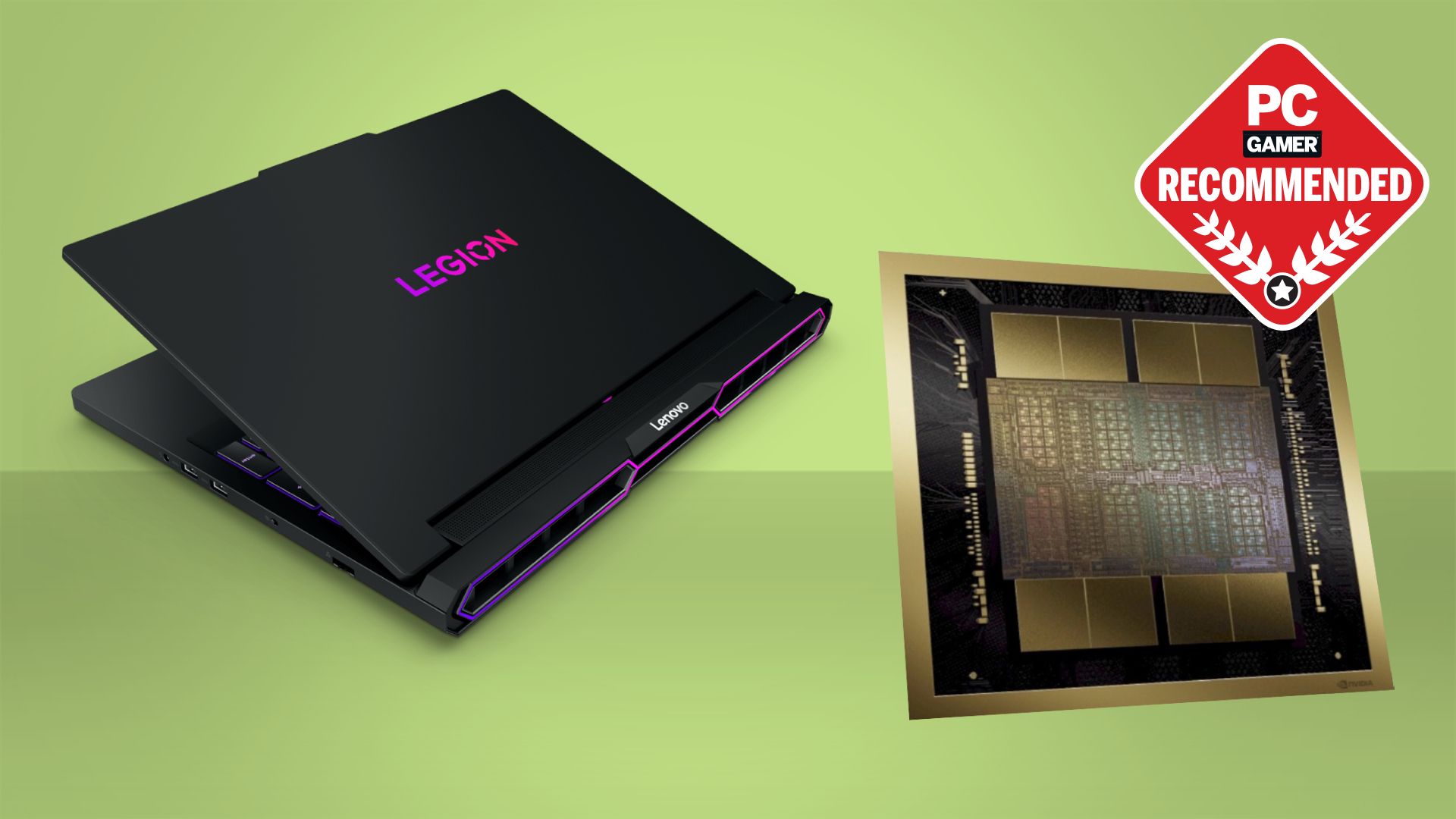
Cooling design
Gaming laptops run hot because they place powerful components in a small case. Good cooling helps maintain performance and reduce sudden frame-rate drops.
Look for:
• Two cooling fans
• Large exhaust vents
• Raised rear feet
• User reviews that mention stable temperatures
• A performance mode in the control software
Some fan noise is normal. A quiet laptop under heavy gaming load may be reducing performance to control heat.
Upgrade options
A laptop with replaceable RAM and storage can last longer. Before buying, check whether the memory is soldered to the motherboard. Soldered RAM cannot be replaced later.
Upgrades can turn an affordable laptop into a much better system. Adding RAM or storage is often cheaper than replacing the entire laptop.
Build quality
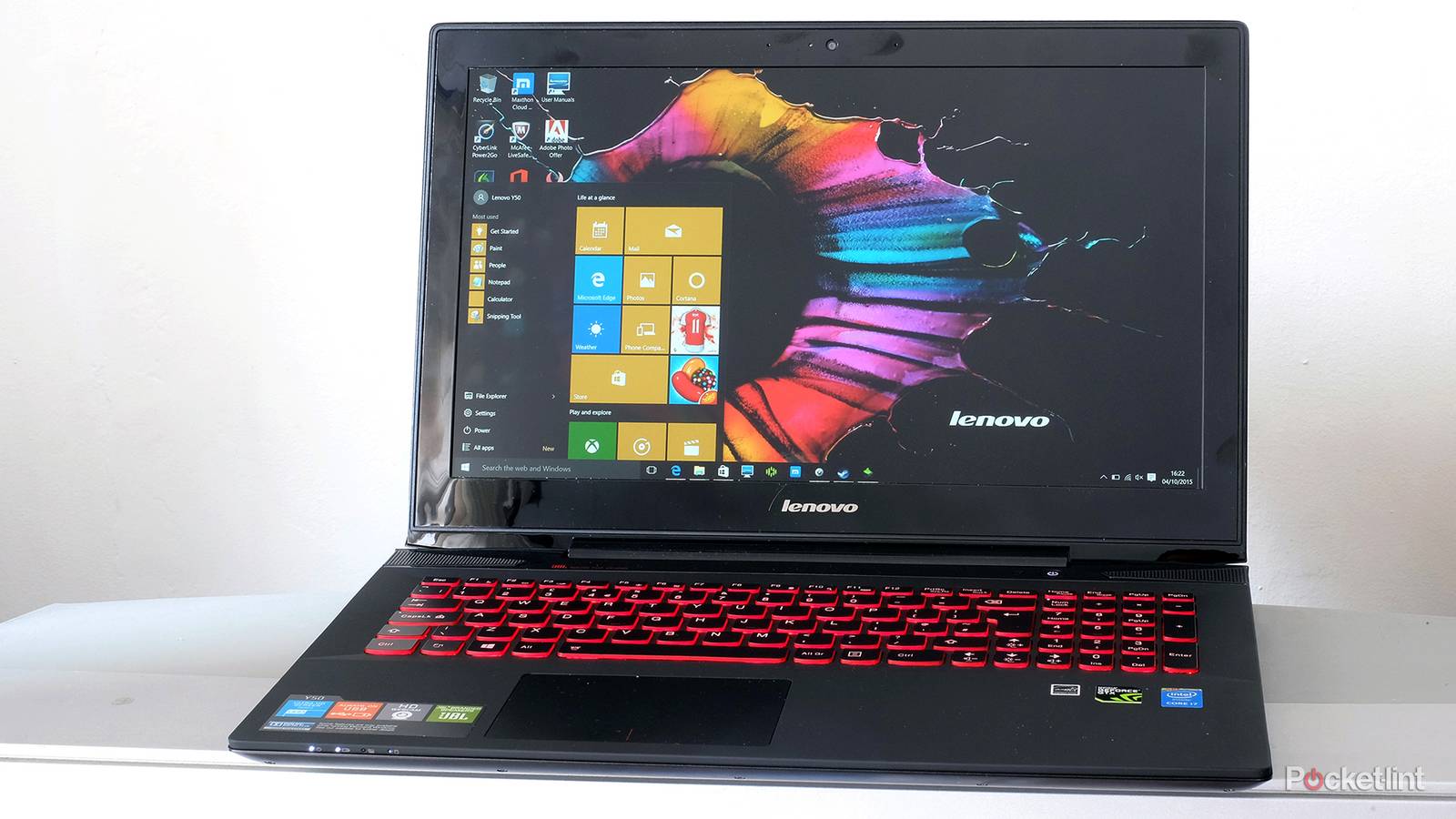
A metal lid, firm hinges, and a solid keyboard can improve long-term comfort. Plastic is not automatically bad, but very flexible panels may not withstand years of travel.
Pay close attention to the hinge. In hands-on comparisons, weak hinges are one of the clearest signs that a laptop was built to meet a low price rather than to last.
Battery life
Gaming laptops usually have modest battery life during games. Their powerful parts consume a lot of energy, and most laptops reduce performance when unplugged.
For school or office work, six to eight hours is a reasonable target, though actual results vary by screen brightness, battery size, and background apps.
Mistakes to Avoid When Buying
Many buyers focus only on the graphics card. That can lead to an unbalanced system.
Avoid these mistakes:
• Buying 8GB of RAM without checking upgrade options
• Choosing a 4K screen with a weak graphics card
• Ignoring the laptop’s graphics power rating
• Paying for a thin design that runs too hot
• Buying from a seller with unclear warranty terms
• Choosing a small 256GB SSD
• Assuming every RTX 4060 laptop performs the same
• Trusting benchmark results from a different laptop configuration
Price history also matters. A laptop listed at $1,400 may regularly sell for $1,000 during seasonal sales. Check several stores and compare the exact model number, not just the brand and graphics card.
Major sale periods can include back-to-school promotions, holiday events, and new-generation product launches. Older models may offer excellent value when manufacturers clear inventory.
Is a Gaming Laptop Better Than a Gaming Desktop?
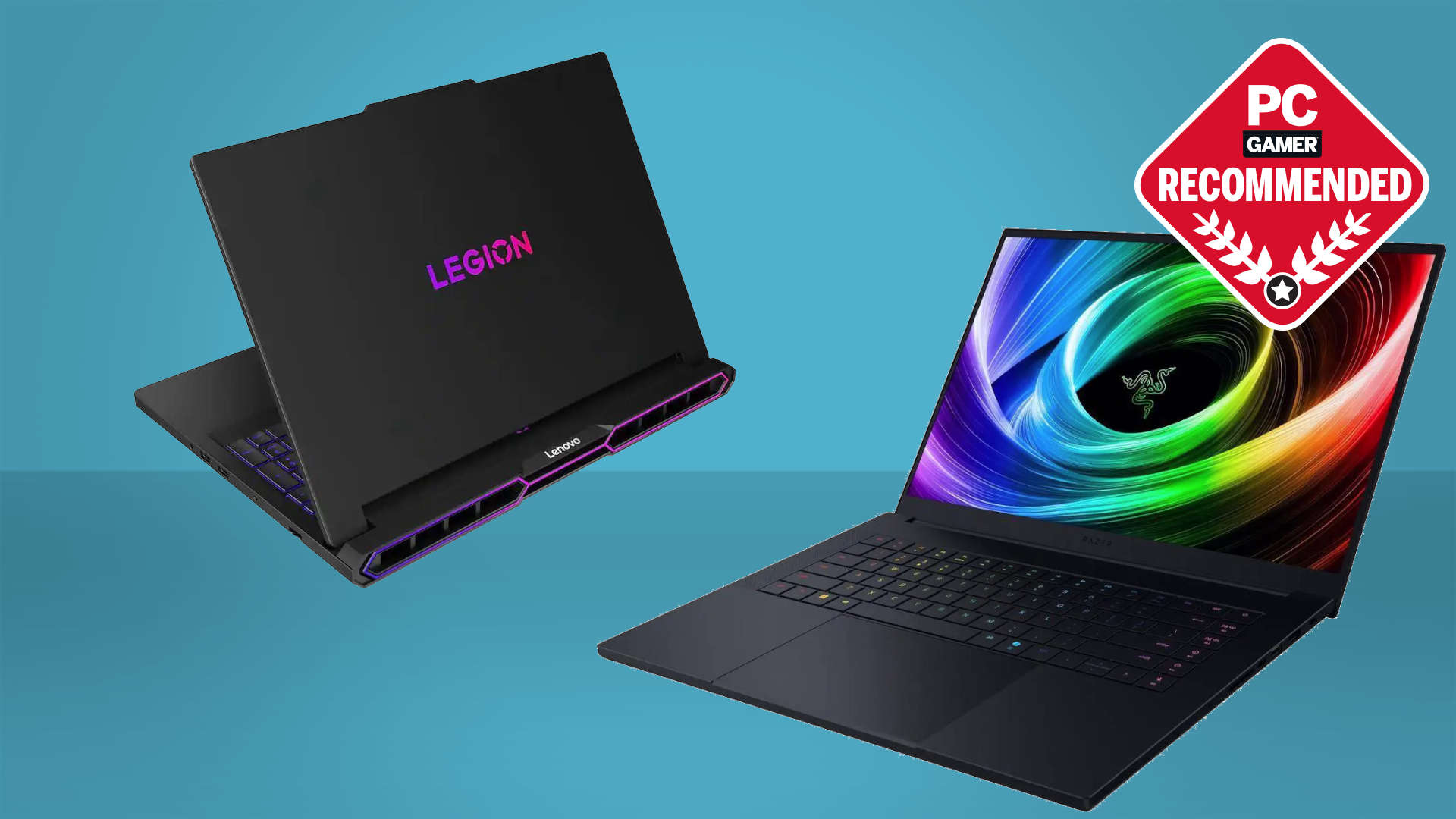
A gaming laptop is more expensive than a desktop with similar performance. You pay for the screen, battery, keyboard, compact design, and portability.
A desktop usually offers:
• More performance for the money
• Easier upgrades
• Better cooling
• Lower repair costs
• Longer useful life
A laptop is the better choice when you move often, live in a small space, attend school, or need one computer for work and gaming. The extra cost can be worth it because the system travels with you.
From years of comparing computer hardware, the most important practical lesson is simple: buy for your real life, not for a benchmark chart. A desktop that stays at home is not a better deal if you cannot use it where you need it.

How to Get the Best Deal
You can often reduce how much is a decent gaming laptop by shopping with a plan.
-
Set a firm budget before looking at models.
-
Choose your minimum GPU and RAM requirements.
-
Compare the screen, cooling, and upgrade options.
-
Check the exact model number and power rating.
-
Read reviews that test heat, noise, and battery life.
-
Confirm the return period and warranty.
-
Watch prices for several weeks if you are not in a hurry.
Refurbished laptops can provide good value, but buy from a trusted seller with a warranty. A certified refurbished model is safer than a used laptop sold without testing or return protection.
Do not buy a laptop only because it has a large discount. A weak screen, poor cooling system, or non-upgradeable memory can erase the savings.

Frequently Asked Questions About How Much Is a Decent Gaming Laptop
Is $700 enough for a decent gaming laptop?
Yes, $700 can be enough for entry-level 1080p gaming, especially during a sale. Look for an RTX 4050, 16GB of RAM, and an SSD rather than focusing on brand names.
Is $1,000 enough for a good gaming laptop?
Yes, $1,000 is often the best starting point for a good gaming laptop. At this price, you can often find an RTX 4060, 16GB of RAM, a fast display, and solid performance in modern games.
How much is a decent gaming laptop for high-end games?
Plan to spend about $1,200 to $1,800 for strong performance in demanding games. An RTX 4060 or RTX 4070, 16GB or 32GB of RAM, and good cooling should be your main targets.
Can a $500 laptop run games?
A $500 laptop can run light games and older titles, but it may struggle with new AAA games. Integrated graphics are acceptable for basic gaming, while a dedicated GPU is better for consistent frame rates.
How long does a decent gaming laptop last?
A decent gaming laptop can remain useful for about four to six years, depending on the games you play and how well you maintain it. Its battery may weaken sooner, and newer games may require lower graphics settings over time.
Should I buy an RTX 4050 or RTX 4060 laptop?
Choose the RTX 4060 if the price difference is reasonable because it offers more performance and usually has more video memory. The RTX 4050 is still a good choice for 1080p gaming on a tighter budget.
Is 16GB of RAM enough for gaming?
Yes, 16GB is enough for most games today. Choose 32GB if you stream, edit video, run many apps, or want more room for future games.
Conclusion
A decent gaming laptop usually costs between $800 and $1,500, with the best value often found near $1,000 to $1,300. Prioritize the graphics card, 16GB of RAM, an SSD, a fast 1080p display, and reliable cooling.
Do not judge a laptop by one specification or a large discount. Compare the full design, upgrade options, warranty, screen, and real-world reviews before you buy. Set your budget, match the hardware to your games, and explore current deals before making your final choice.

Everett Ashford is a tech reviewer at mytechgrid.com specializing in SSDs, cameras, TVs, earbuds, headphones, and other consumer electronics. He provides honest, data-driven reviews based on hands-on testing and real-world performance analysis. Everett simplifies complex tech details to help readers make smart, confident buying decisions.