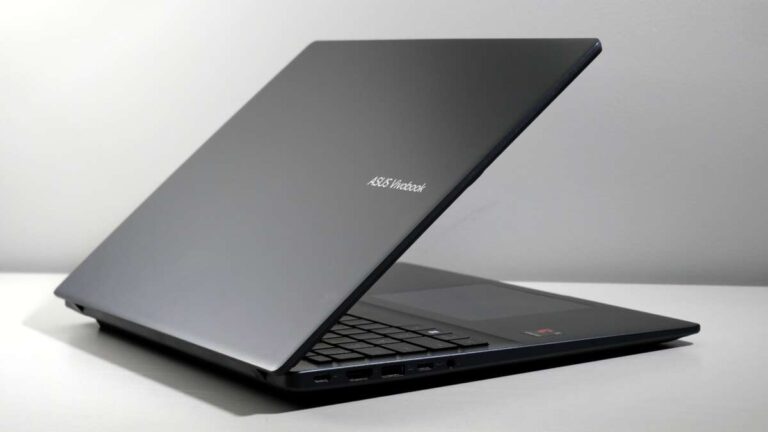
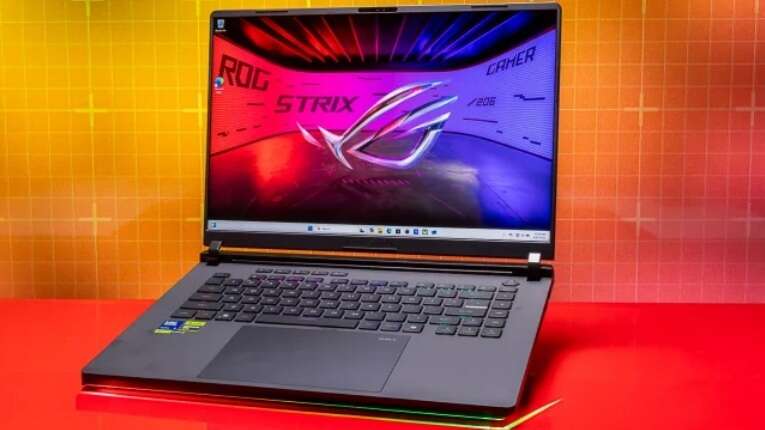
The best gaming laptop balances strong performance, a sharp screen, cooling, battery life, and a price you can afford.
Choosing the best gaming laptop is not just about buying the model with the fastest graphics card. The right choice depends on the games you play, the screen you want, how often you travel, and whether you need the laptop for school or work. After comparing hardware, display quality, cooling, upgrade options, and real-world value, this guide will help you choose with confidence.
What is the best gaming laptop right now?
For most people, the Lenovo Legion Pro 7i is one of the best gaming laptops to consider. It often combines a powerful Intel processor, a high-end NVIDIA GeForce RTX graphics card, a bright high-refresh-rate display, strong cooling, and a reasonable price for its class.
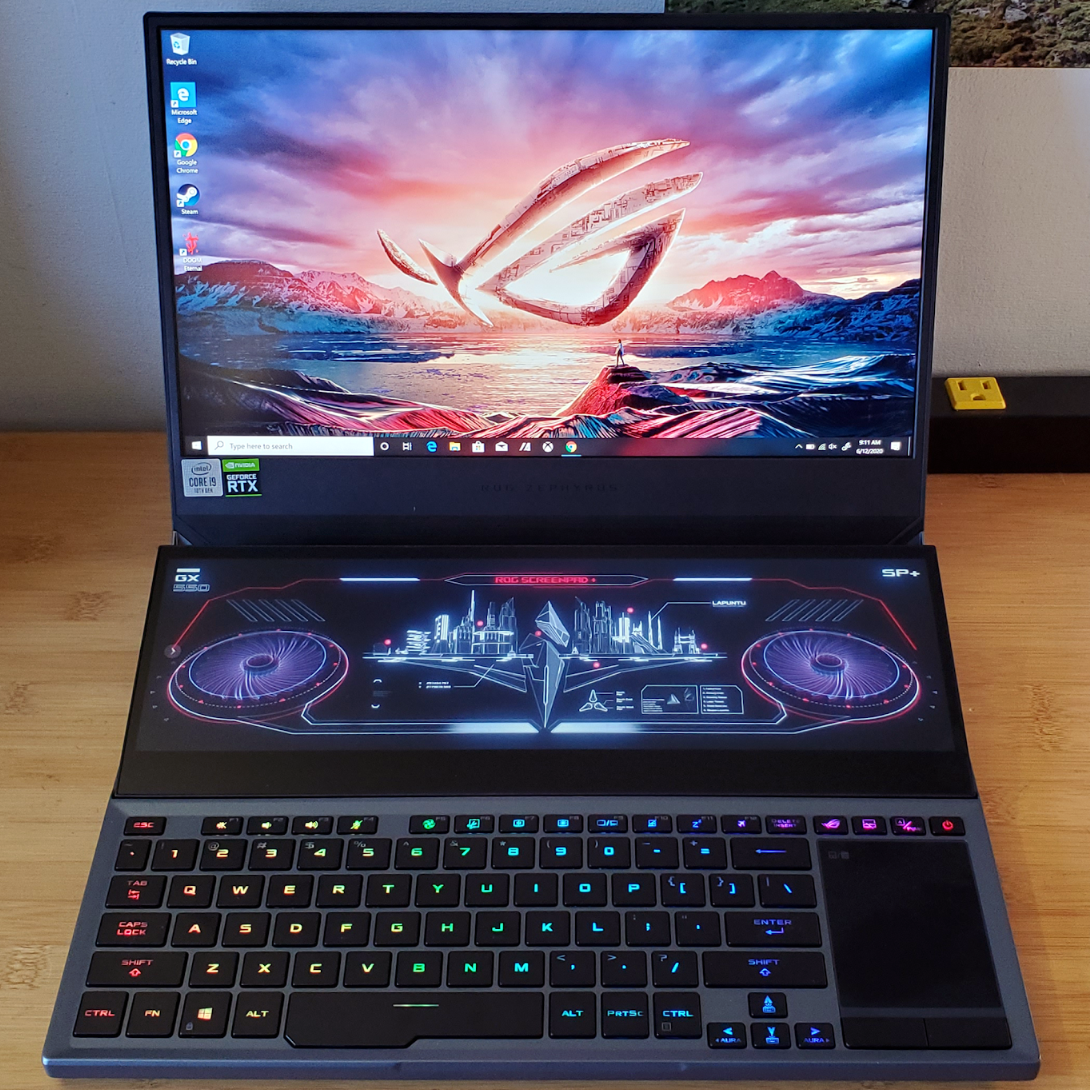
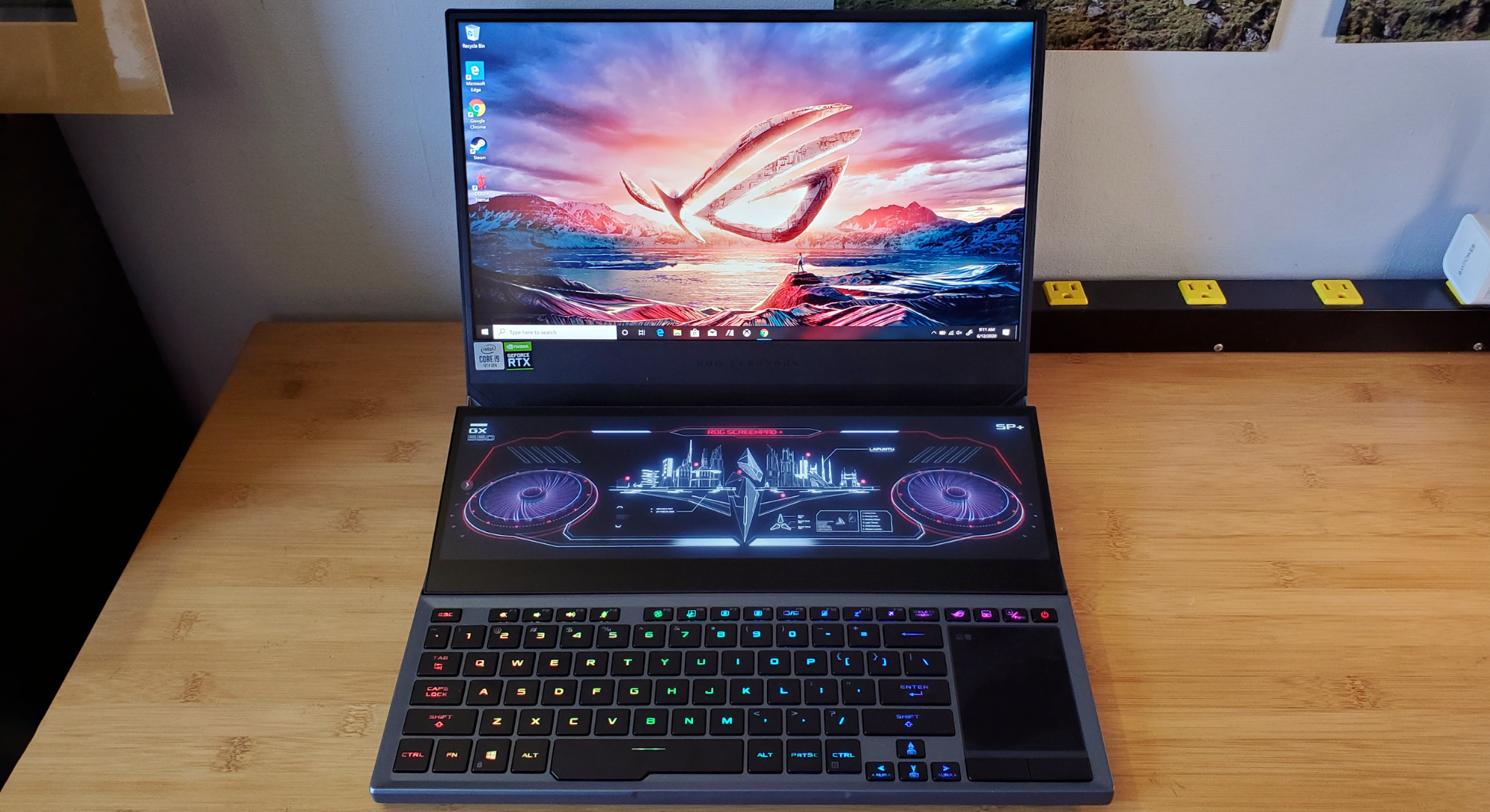
That said, the best gaming laptop for you may be different. A Razer Blade 16 may suit someone who wants a slim, premium design. The ASUS ROG Zephyrus G16 is better for users who need portability. The Alienware m16 or ASUS ROG Strix Scar series may appeal to gamers who want maximum power and do not mind a larger chassis.
The strongest gaming laptop is usually the one that offers the best balance, not the one with the most impressive specification sheet.
Best gaming laptops by category
Different buyers need different features. A college student may value battery life and weight, while a desktop replacement user may want the fastest GPU and a large screen.
Best overall: Lenovo Legion Pro 7i
The Lenovo Legion Pro 7i is a strong all-around choice. It usually offers high-performance Intel Core processors, NVIDIA RTX graphics, a fast 16-inch display, and excellent cooling.
Its main strengths include:
• Strong frame rates in modern games
• A bright 16-inch screen with a high refresh rate
• A comfortable keyboard
• Good cooling under long gaming sessions
• More reasonable pricing than many luxury gaming laptops
It is not the lightest option, and its battery life is often average. Still, it is a practical pick for gamers who want desktop-level performance without paying only for a brand name.
Best premium option: Razer Blade 16
The Razer Blade 16 is designed for buyers who want power in a refined aluminum body. It has a clean look, a high-quality keyboard, and excellent display options.
The trade-offs are important:
• Premium pricing
• Warm surfaces during heavy gaming
• Limited value compared with less expensive rivals
• Battery life that may fall short during demanding work
The Razer Blade 16 is best for someone who wants a gaming laptop that also looks at home in an office, studio, or meeting room.
Best portable gaming laptop: ASUS ROG Zephyrus G16
The ASUS ROG Zephyrus G16 is a good fit for people who travel often. It is thinner and lighter than many high-power gaming laptops, yet it can still deliver strong performance with the right configuration.
It works well for:
• Students
• Frequent travelers
• Content creators
• Gamers who also use demanding creative apps
• People who dislike bulky laptop designs
A slim design usually means more heat and less upgrade space. It may also cost more than a thicker laptop with similar hardware.
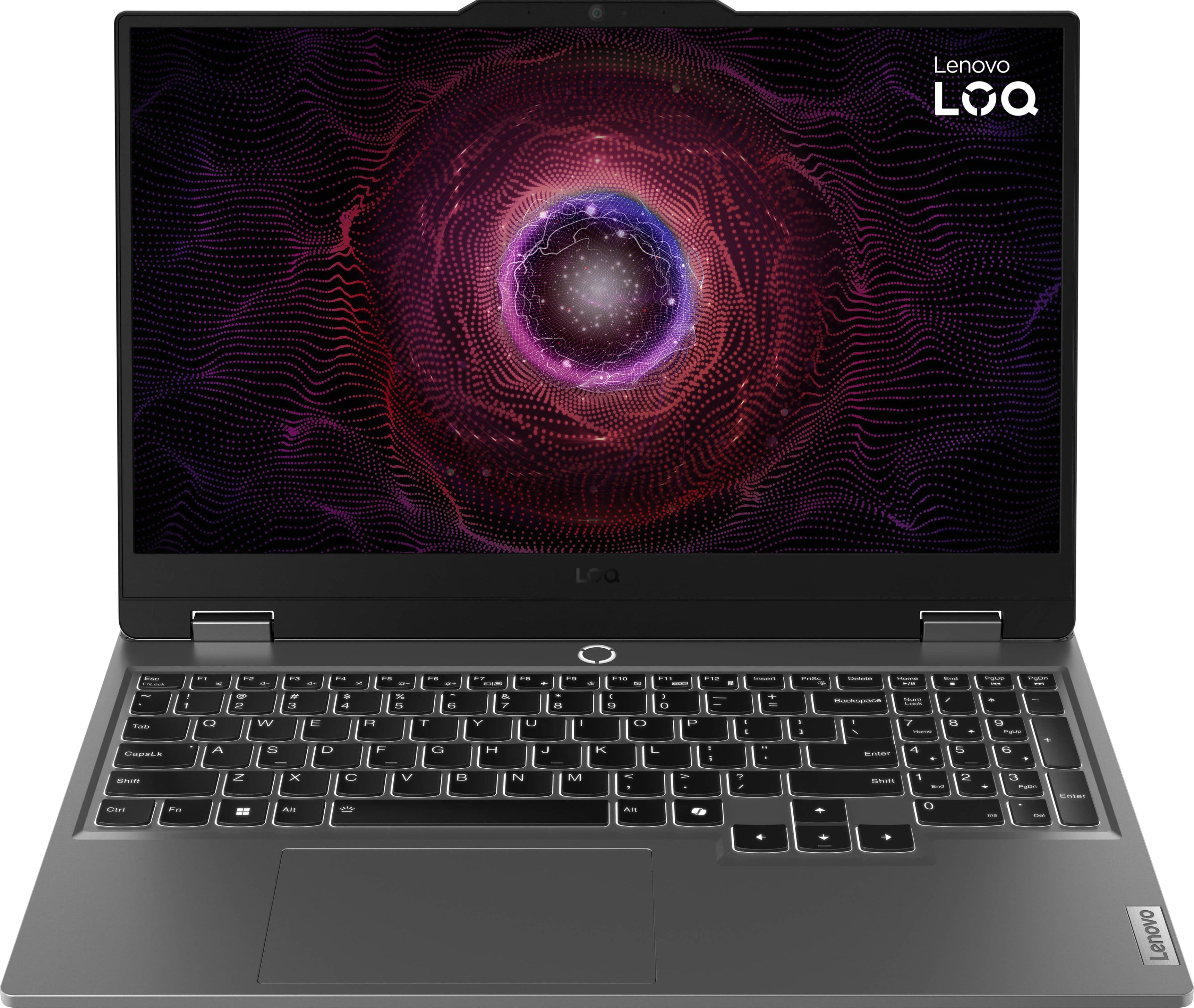
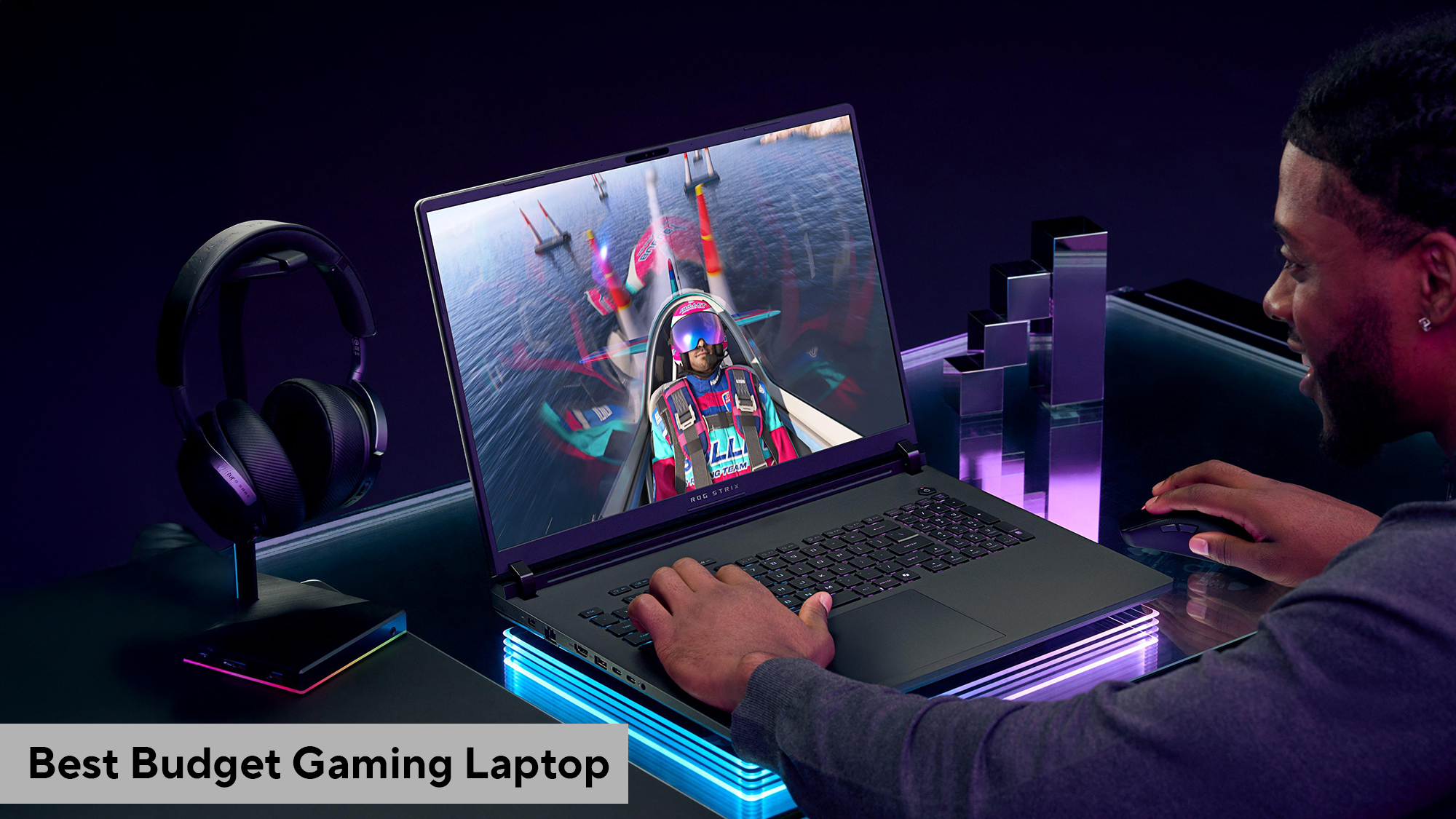
Best budget gaming laptop: Lenovo LOQ or Acer Nitro V
The Lenovo LOQ and Acer Nitro V families are common budget recommendations. They can offer solid 1080p gaming performance at a lower cost than premium models.
When shopping in this range, look for:
• An NVIDIA RTX 4050 or RTX 4060 GPU
• At least 16GB of RAM
• A 512GB SSD or larger
• A display with a refresh rate of 144Hz or higher
• A modern six-core or eight-core processor
Avoid buying a budget laptop with only 8GB of RAM unless you plan to upgrade it soon. Modern games, browsers, launchers, and voice apps can quickly use more memory than expected.
Best large desktop replacement: Alienware m16 or ASUS ROG Strix Scar
Large gaming laptops can provide stronger cooling and higher sustained performance. The Alienware m16 and ASUS ROG Strix Scar lines are examples of machines built for demanding play.
They are suitable for gamers who:
• Mostly play at a desk
• Want a large screen
• Need high sustained performance
• Use an external monitor and accessories
• Do not care about carrying weight
These laptops can be excellent, but they are not ideal for commuting. Think of them as portable desktops rather than lightweight travel devices.

How to choose the best gaming laptop
The best gaming laptop should match your games and daily habits. Start with the graphics card, then check the screen, cooling system, memory, storage, and build quality.
1. Choose the graphics card first
The graphics processing unit, or GPU, has the biggest effect on gaming performance. It renders the images, lighting, textures, and effects you see on screen.
A simple guide looks like this:
• RTX 4050: Good for 1080p gaming at medium or high settings
• RTX 4060: Excellent for most 1080p gaming and some 1440p gaming
• RTX 4070: Strong for high-refresh-rate 1080p and 1440p play
• RTX 4080: Excellent for demanding 1440p and some 4K gaming
• RTX 4090: Designed for maximum laptop performance, but very expensive
Laptop GPUs are not always equal. Two laptops may use the same RTX model but perform differently because one has a higher power limit and better cooling.
NVIDIA technologies such as DLSS can improve frame rates by using AI-based image reconstruction. Ray tracing can make lighting look more realistic, but it also increases the load on the GPU. If you want both ray tracing and a high frame rate, buy a stronger GPU than you think you need.
2. Pick a suitable processor
The central processing unit, or CPU, handles game logic, background apps, physics, and many tasks outside gaming.
Good modern choices include:
• Intel Core Ultra 7 or Core Ultra 9
• Intel Core i7 or i9 from recent generations
• AMD Ryzen 7
• AMD Ryzen 9
For most gamers, a strong midrange or upper-midrange CPU is enough. Spending more on the processor while choosing a weaker GPU can reduce gaming performance.
A useful rule is simple: prioritize the GPU for gaming, but do not pair a premium GPU with an outdated or entry-level CPU.
3. Pay attention to the display
A gaming laptop display affects how smooth and enjoyable every game feels. A fast refresh rate makes motion look clearer, while good color and contrast improve visual quality.
Look for:
• 1080p for lower cost and easier high frame rates
• 1440p for a sharp balance of detail and performance
• 1600p on many premium 16-inch laptops
• 144Hz or higher for smooth motion
• Low response time to reduce ghosting
• Strong brightness for rooms with natural light
• G-SYNC or Adaptive-Sync support when available
A 240Hz display is useful for competitive games such as Counter-Strike 2, Valorant, and Fortnite. For story games, strategy games, and RPGs, a better resolution and richer colors may matter more than an extreme refresh rate.
4. Buy enough RAM
For a new gaming laptop, 16GB of RAM is the practical minimum. It supports modern games, web browsing, chat apps, and light streaming.
Choose 32GB if you:
• Stream games
• Edit video
• Use large creative applications
• Run virtual machines
• Keep many apps open
• Want more long-term headroom
Some thin laptops have memory soldered to the motherboard. Check the upgrade design before buying. A laptop with replaceable RAM can be easier and cheaper to improve later.
5. Select the right storage
A 512GB SSD is usable, but a 1TB SSD is a better starting point. Modern games can take 100GB or more, and the operating system also needs space.
An SSD improves:
• Game loading times
• Windows startup
• App launch speed
• File transfers
• General system responsiveness
A second SSD slot is valuable. It lets you add storage without replacing the original drive.

Gaming laptop performance: what the numbers really mean
Manufacturers often highlight CPU and GPU names, but those names do not tell the whole story. Laptop performance depends on power limits, cooling, memory speed, screen resolution, and software settings.
A high-powered RTX 4060 laptop can sometimes outperform a low-powered RTX 4070 laptop. This happens because the GPU may receive less electrical power in a thin chassis.
When comparing models, check:
• GPU wattage or total graphics power
• Cooling design and heat pipes
• Number of fans
• Dual-channel memory support
• Benchmark results from trusted testing outlets
• Performance while plugged in
• Noise levels under load
Synthetic benchmark scores can help, but game tests are more useful. Look for frame rates in games you actually play. A laptop that performs well in Cyberpunk 2077 may not provide the same advantage in a CPU-heavy simulation game.
Battery life and portability
Gaming laptops are built for performance, so battery life is usually weaker than it is on an ultrabook. A powerful GPU consumes a lot of energy, especially during gameplay.
You can improve battery life by:
• Using the integrated graphics mode
• Lowering the screen refresh rate
• Reducing screen brightness
• Turning off the keyboard lighting
• Closing unused launchers and apps
• Using battery-saver settings away from an outlet
Most gaming laptops perform best when connected to the charger. Battery power often limits the CPU and GPU to reduce heat and energy use.
For frequent travel, weight matters. A 4-pound laptop with a compact charger may be more convenient than a 6-pound model with a large power brick. The best gaming laptop for travel is not always the fastest gaming laptop.
Cooling, noise, and long-term durability
Gaming creates heat. A good cooling system helps the laptop maintain performance instead of slowing down after several minutes.
Look for:
• Two or more cooling fans
• Large exhaust vents
• Multiple heat pipes
• Clear airflow paths
• A raised rear edge or sturdy feet
• Easy access for cleaning
Fans will become audible during demanding games. That is normal. The goal is not silent operation; the goal is controlled heat and stable performance.
Place the laptop on a hard, flat surface. Beds and soft blankets can block air vents. Dust also reduces cooling over time, so clean the vents carefully and follow the manufacturer’s maintenance instructions.
One lesson worth remembering is that peak benchmark performance is less important than sustained performance. A laptop that is slightly slower at the start but stays cool can feel better during a long gaming session.
Keyboard, touchpad, webcam, and ports
These features do not directly increase frame rates, but they affect daily use.
A good gaming laptop should include:
• A comfortable keyboard with clear key travel
• Reliable anti-ghosting for fast key presses
• A precise touchpad
• A usable webcam
• A microphone that sounds clear
• Wi-Fi 6E or Wi-Fi 7 when available
• USB-C connectivity
• HDMI for an external monitor
• Ethernet on larger models
RGB lighting is personal. Some people enjoy it, while others prefer a simple design. Do not pay a large premium for lighting if the laptop has a weaker display or GPU.
Port placement also matters. Rear-mounted power and display ports can reduce cable clutter. Side-mounted ports are useful for a mouse, headset, or USB drive.
Common mistakes to avoid
Buying the best gaming laptop is easier when you know which compromises cause problems later.
Avoid these mistakes:
• Choosing a powerful GPU with only 8GB of RAM
• Buying a 4K screen with a weak GPU
• Assuming the same GPU performs equally in every laptop
• Ignoring the laptop’s weight and charger size
• Buying a model with poor upgrade access
• Choosing a small SSD for a large game library
• Trusting only the manufacturer’s battery estimate
• Forgetting to compare display brightness and response time
• Paying for premium materials instead of better internal hardware
I have found that buyers often focus on one exciting feature, such as a 240Hz screen, and overlook basic comfort. A bright 165Hz display with a strong GPU is often a better daily experience than a dim 300Hz panel paired with weaker hardware.
Is a gaming laptop better than a gaming desktop?
A desktop usually provides more performance for the money. It also offers easier upgrades, better cooling, and more repair options.
A gaming laptop wins when you need:
• Portability
• A built-in display
• A built-in keyboard
• One device for school, work, and gaming
• Gaming space in more than one room
A desktop wins when you want:
• Maximum performance
• Lower long-term upgrade costs
• Quieter operation
• A larger monitor
• Easier part replacement
Neither option is always better. A gaming laptop is like a compact studio: convenient and flexible, but every component must share limited space.
How much should you spend on a gaming laptop?
Pricing changes often, especially during holiday sales and new GPU launches. Still, these ranges provide a useful guide in the United States.
• Under $800: Basic 1080p gaming, often with compromises
• $800 to $1,200: Strong budget performance, especially during sales
• $1,200 to $1,800: Excellent mainstream gaming laptops
• $1,800 to $2,500: High-end performance and better screens
• Above $2,500: Premium designs and top-tier components
The best gaming laptop value is often found in the middle range. A discounted RTX 4060 or RTX 4070 laptop with 16GB or 32GB of RAM can offer a better experience than a much more expensive model with luxury materials.
Before buying, compare the full configuration. Check the exact GPU, memory, storage, display, and processor. Retailers may use the same product name for several different versions.
Best settings for a new gaming laptop
After buying a gaming laptop, a few setup steps can improve performance and battery life.
- Update Windows and the laptop’s firmware.
- Install the latest graphics driver.
- Set the correct performance mode in the laptop control app.
- Remove unwanted trial software.
- Check that games use the dedicated GPU.
- Set a frame-rate limit when your system runs hotter than needed.
- Keep the laptop on a hard surface.
- Create a restore point before major system changes.
You do not need to use maximum graphics settings in every game. High settings often look nearly as good as ultra settings while delivering much better frame rates.
For competitive games, reduce visual effects that make enemies harder to see. For single-player games, prioritize image quality and stable frame pacing.
Frequently Asked Questions
What is the best gaming laptop for most people?
The Lenovo Legion Pro 7i is a strong choice for many gamers because it balances performance, cooling, display quality, and price. The ideal configuration should include at least 16GB of RAM, a 1TB SSD, and a recent NVIDIA RTX GPU.
Is an RTX 4060 laptop still good for gaming?
Yes. An RTX 4060 laptop can provide excellent 1080p performance and respectable 1440p performance in many games. It is especially attractive when paired with a high-refresh-rate display and sold at a discount.
Is 16GB of RAM enough for a gaming laptop?
Yes, 16GB is enough for most games and normal multitasking. Choose 32GB if you stream, edit video, use demanding creative apps, or want more room for future games.
Are gaming laptops good for school or work?
Many gaming laptops work well for school and work, especially models with clean designs and good keyboards. Their main drawbacks are extra weight, shorter battery life, and louder fans compared with productivity laptops.
How long does a gaming laptop last?
A well-maintained gaming laptop can remain useful for about four to six years, although newer games may require lower settings over time. Cleaning the vents, protecting the battery, and choosing enough GPU memory can help extend its useful life.
Should you buy a 1080p or 1440p gaming laptop?
A 1080p display is better for lower cost and very high frame rates. A 1440p display offers sharper images and is a better choice when the laptop has a capable RTX 4070-class GPU or higher.
Can a gaming laptop replace a desktop?
A powerful gaming laptop can replace a desktop for many users. A desktop still offers better upgrade options, easier repairs, and more performance per dollar.
Conclusion
The best gaming laptop is the one that fits your games, budget, space, and daily routine. For many buyers, the Lenovo Legion Pro 7i offers the strongest overall balance, while the Razer Blade 16, ASUS ROG Zephyrus G16, Lenovo LOQ, and larger Alienware or ROG models serve different needs.
Focus on the GPU, display, cooling, RAM, storage, and real-world reviews. Compare the exact configuration instead of relying on the laptop’s product name. Once you know your target resolution and favorite games, choosing the best gaming laptop becomes much simpler.
Use this guide to narrow your options, compare current prices, and choose the laptop that will make every gaming session smoother and more enjoyable.

Everett Ashford is a tech reviewer at mytechgrid.com specializing in SSDs, cameras, TVs, earbuds, headphones, and other consumer electronics. He provides honest, data-driven reviews based on hands-on testing and real-world performance analysis. Everett simplifies complex tech details to help readers make smart, confident buying decisions.