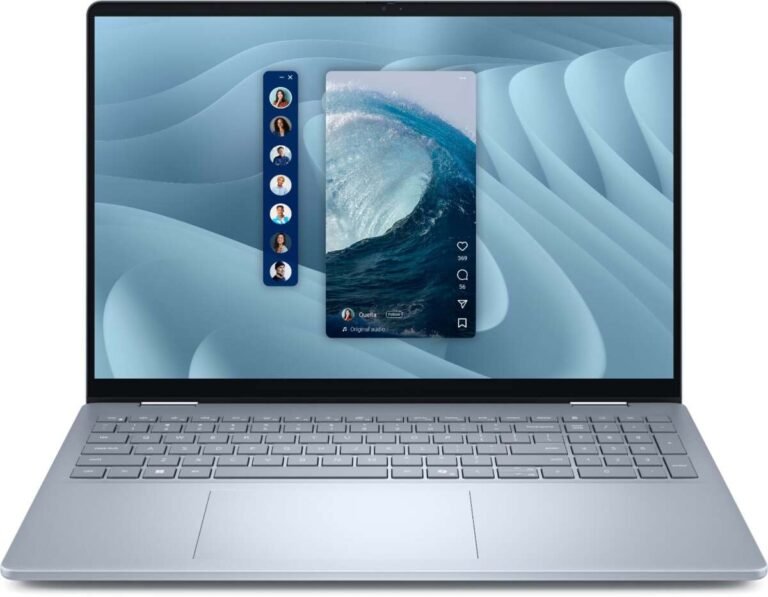
For most people in the United States, the best laptop with a backlit keyboard is the Apple MacBook Air with the M4 chip. It has a clear backlit keyboard, strong battery life, a quiet design, and enough power for school, office work, coding, and photo editing.
It is not the right pick for everyone. Windows users may prefer the Lenovo ThinkPad T14, while gamers need a laptop with brighter RGB lighting and stronger graphics. The best choice depends on your operating system, budget, keyboard needs, and type of work.
A backlit keyboard helps you see the keys in a dark room, on a plane, or during a late-night study session. But the light alone does not make a keyboard good. Key feel, layout, brightness control, battery life, and build quality matter just as much.

Quick answer: Which backlit laptop should you buy?
The table below matches common US buyer needs with a strong option.
| Best for | Recommended laptop | Why it stands out | Main limit |
|---|---|---|---|
| Most people | MacBook Air with M4 | Quiet, fast, bright keyboard, long battery life | macOS and limited ports |
| Windows business work | Lenovo ThinkPad T14 | Excellent keyboard, Windows, strong service options | Often costs more than consumer laptops |
| Premium Windows use | Dell XPS 13 | Slim design, sharp display, backlit keys | Port selection may be limited |
| Flexible 2-in-1 use | HP Spectre x360 14 | Backlit keyboard, touch screen, tablet mode | Heavier than a basic laptop |
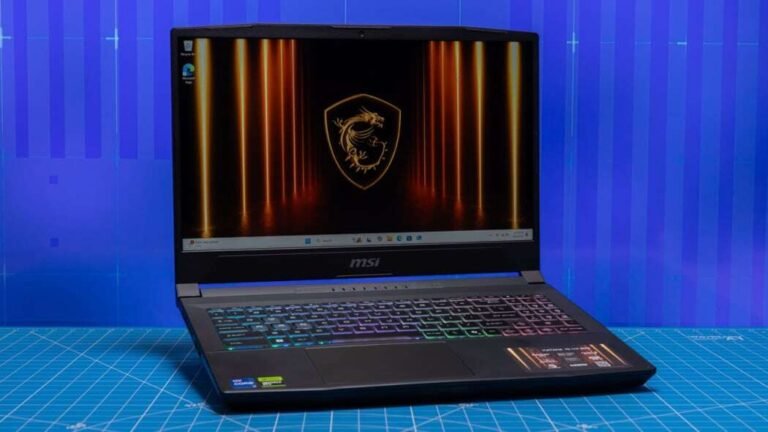
| Gaming | Lenovo Legion 5 or similar gaming laptop | Strong performance and RGB keyboard options | Larger, heavier, and louder |
| Lower-cost school work | Acer Aspire 5 or ASUS Vivobook | Affordable configurations with backlit keys | Backlight quality can vary by model |
Best overall: MacBook Air with M4
Best Windows keyboard: Lenovo ThinkPad T14
Best gaming keyboard: A gaming laptop with adjustable RGB lighting
Best budget approach: Look for a model with at least 8 GB of RAM, 256 GB of storage, and a confirmed backlit keyboard
The exact model, screen size, and keyboard option matter. Some laptop families sell both backlit and non-backlit versions. Always confirm the specification for the exact configuration sold in the United States.

What is a backlit keyboard?
A backlit keyboard uses small lights under or around the keys. The light shines through the key legends, which are the letters and symbols printed on each key.
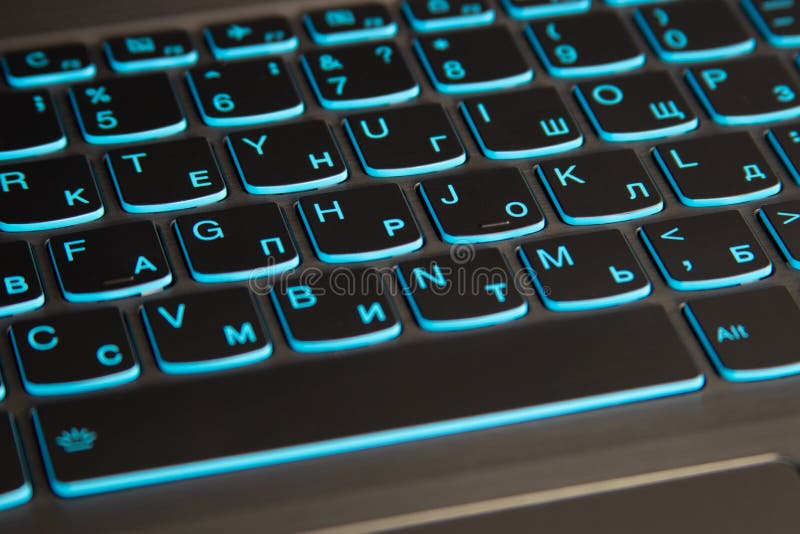
Most laptop backlights use white light. Some gaming laptops use RGB lighting, which lets you change colors and create lighting zones. A backlit keyboard is different from a keyboard with glowing side strips or decorative lights. The key legends should be visible when the room is dark.
A good backlit keyboard should provide:
- Clear letters that do not disappear at an angle
- Several brightness levels
- A simple way to turn the light on and off
- Even lighting across the keyboard
- Low power use
- Key legends that remain easy to read in daylight
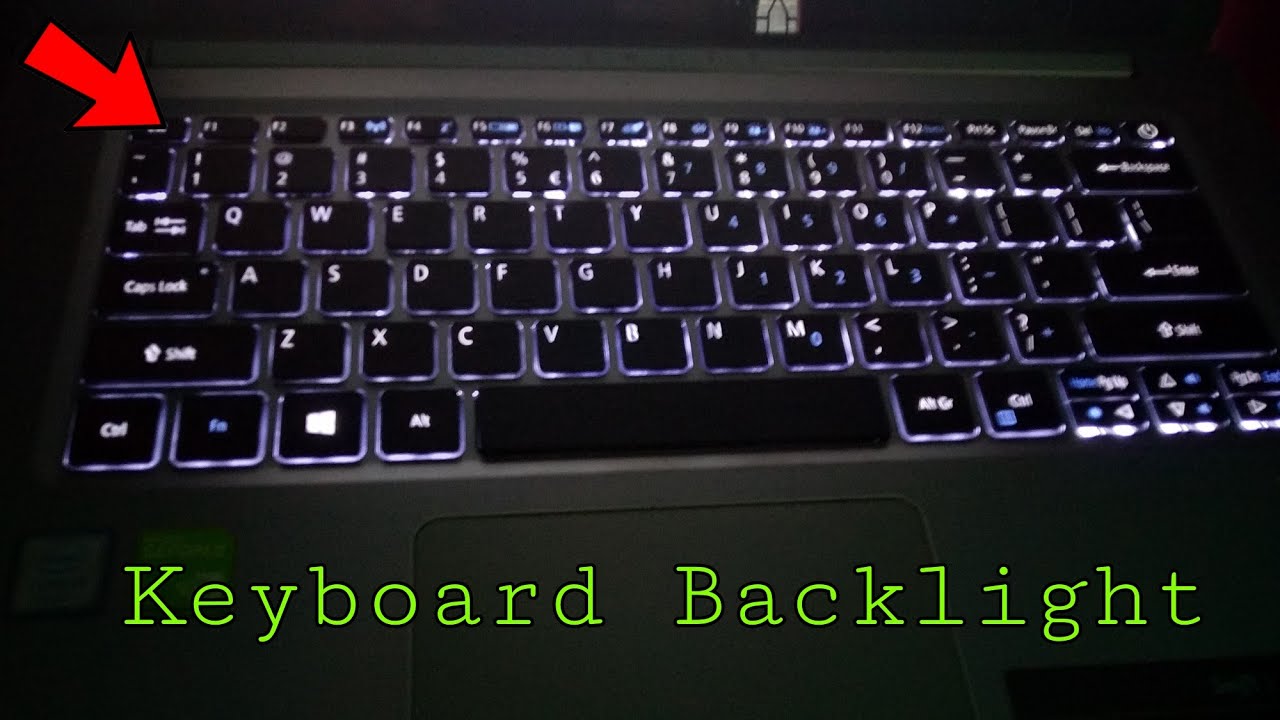
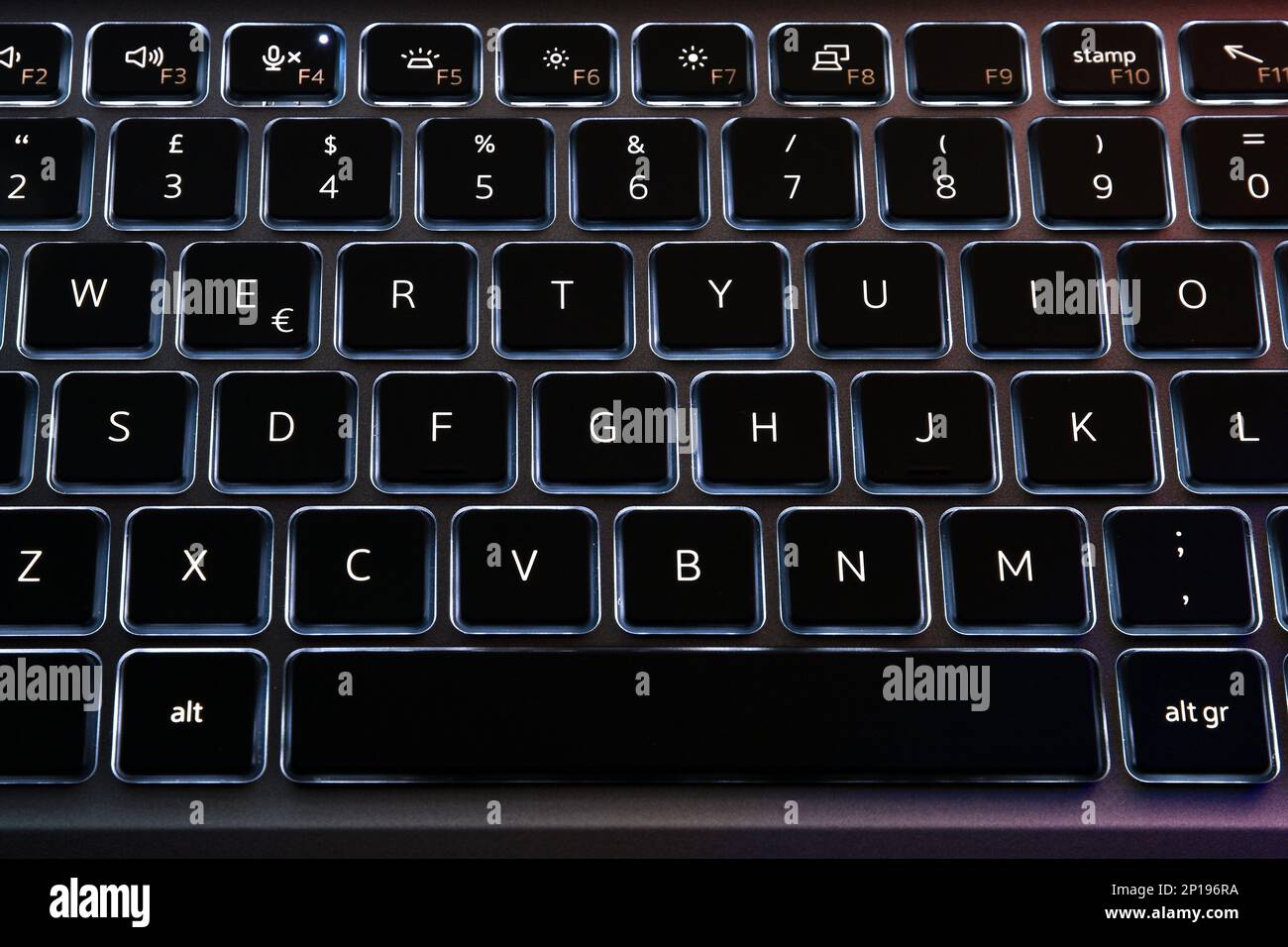
Many laptops use a function-key shortcut to control the backlight. The shortcut may show a keyboard icon, a sun icon, or a similar symbol. On some models, the keyboard light can also be controlled through the laptop maker’s software or BIOS settings.
The best overall choice: MacBook Air with M4
The MacBook Air with M4 is the strongest all-around choice for many US buyers who want a reliable backlit keyboard and a thin, quiet laptop.
Apple includes a backlit Magic Keyboard on current MacBook Air models. The keys have a familiar layout, firm feedback, and a wide trackpad. The keyboard light can be adjusted through macOS settings or the keyboard controls.
Why it is a strong pick
- The keyboard is backlit on standard configurations.
- The fanless design is quiet during normal work.
- Apple silicon provides strong performance for common tasks.
- The display is sharp and bright enough for office work and media.
- macOS has built-in tools for adjusting keyboard brightness.
- The laptop is easy to carry for school, travel, and office use.
The MacBook Air works well for web browsing, Microsoft 365, Google Workspace, coding, video calls, photo work, and light video editing. Its battery life is usually a major advantage, though real results depend on screen brightness, apps, wireless use, and workload.
When the MacBook Air is not the best choice
Choose another laptop if you need Windows-only software, a large number of ports, upgradeable memory, or a dedicated graphics card. Some school, engineering, accounting, and business apps work best on Windows.
The MacBook Air also uses USB-C ports rather than traditional USB-A ports. You may need a hub for older flash drives, wired accessories, HDMI displays, or memory cards.
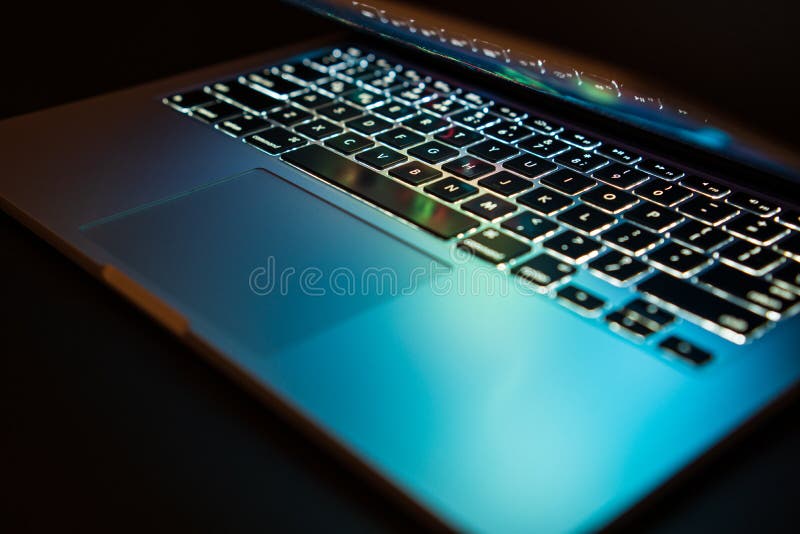
The best Windows laptop for keyboard quality: Lenovo ThinkPad T14
The Lenovo ThinkPad T14 is a strong choice for people who value typing comfort, Windows compatibility, and business durability.
ThinkPad keyboards are known for their firm key response and practical layout. Many T14 configurations include a white backlight, although buyers must confirm the exact model. Lenovo may sell similar configurations with and without a backlit keyboard.
The T14 is suited to:
- Office work
- Long reports and emails
- Programming
- Remote work
- Business travel
- Windows software
- Users who prefer a traditional keyboard feel
A ThinkPad often includes useful features such as a pointing stick, dedicated function controls, and a more repairable business design than many thin consumer laptops. The exact ports, display, processor, and battery vary by generation.
What to check before buying
Do not assume every ThinkPad has a backlight. Check the Lenovo product page for terms such as:
- “Backlit keyboard”
- “LED backlight”
- “Keyboard with backlight”
- The exact part or configuration number
Also check whether the laptop includes a fingerprint reader, smart card reader, cellular modem, or higher-capacity battery if you need those features. Business laptops often have many configuration choices.
The best premium Windows option: Dell XPS 13
The Dell XPS 13 is a good fit for buyers who want a compact Windows laptop with a modern design and backlit keys.
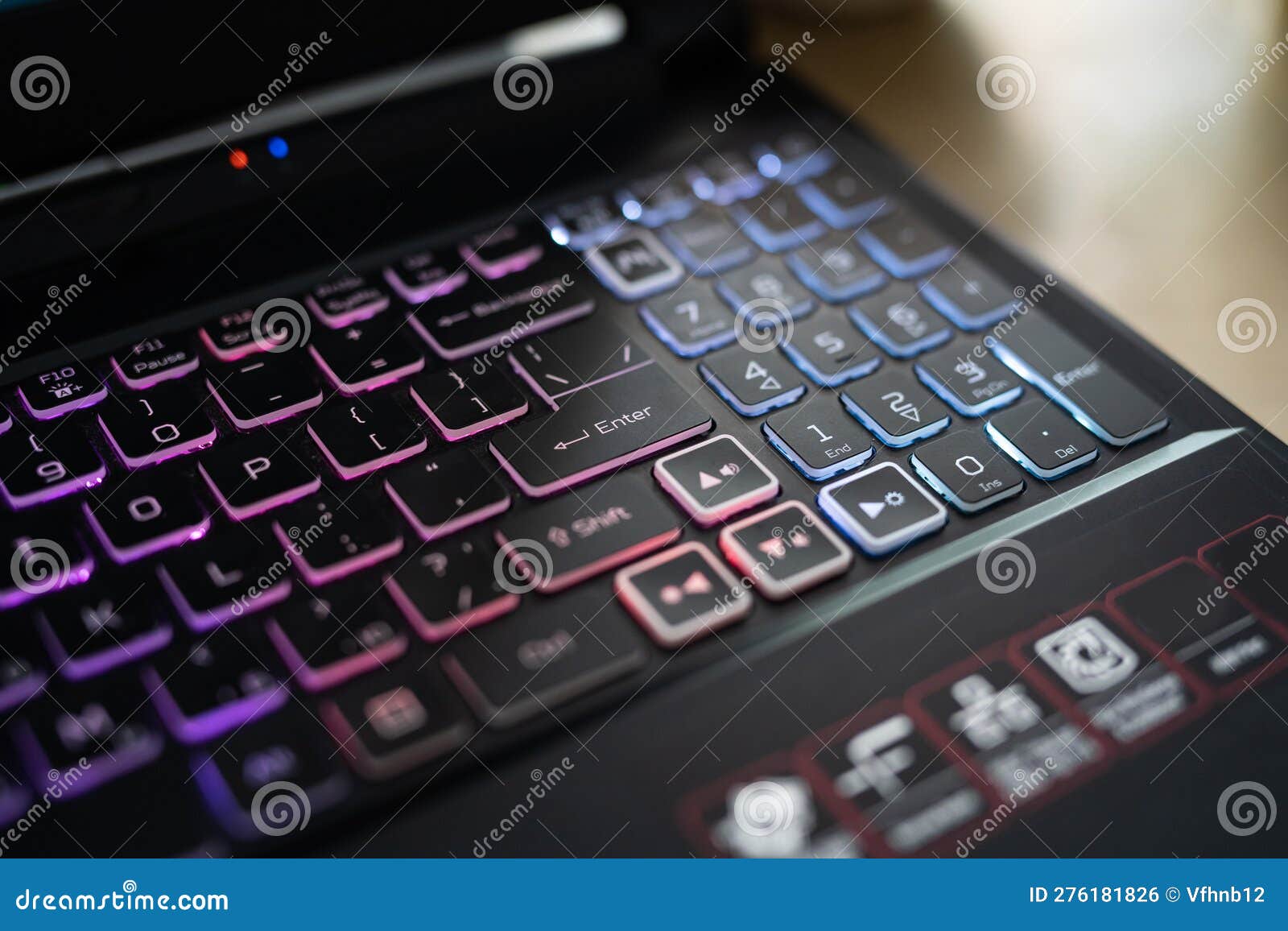
Its slim body makes it easy to carry. The backlit keyboard helps with work in dim rooms, while the high-resolution display on some configurations provides a clean view for text and photos.
The XPS 13 suits people who want:
- A small premium laptop
- Windows 11
- A modern design
- Good portability
- A keyboard light for travel or evening work
The main trade-off is connectivity. Thin laptops often have fewer ports than thicker business models. Before buying, count the ports you use each week. If you need HDMI, USB-A, Ethernet, or an SD card slot, a dock or adapter may be required.
Dell also changes options by screen size, processor, region, and sales period. Confirm that the exact US configuration includes the keyboard backlight.
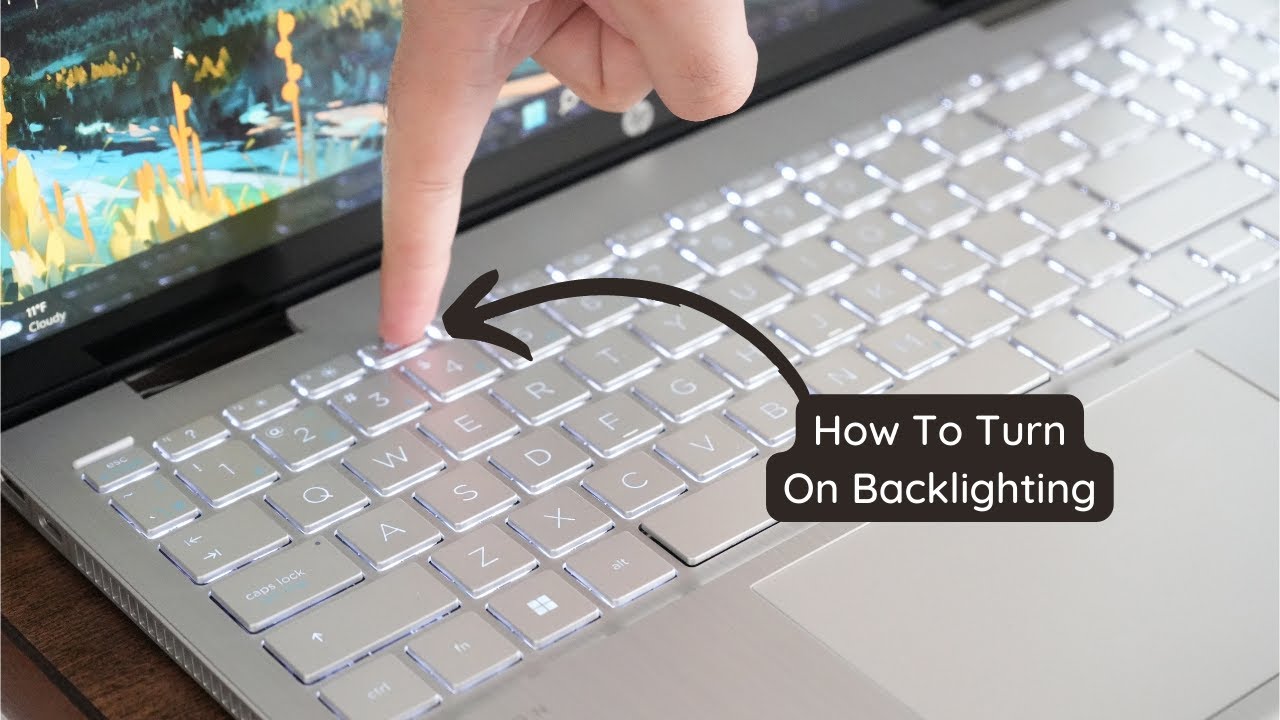
The best 2-in-1 laptop with a backlit keyboard: HP Spectre x360 14
The HP Spectre x360 14 is a strong choice if you want a backlit keyboard, touch screen, and flexible hinge.
A 2-in-1 laptop can work as a normal notebook, tablet, tent, or stand. The keyboard remains useful in laptop mode, while the touch screen helps with drawing, notes, and casual browsing.
It is a good match for:
- College students
- Travelers
- People who use touch controls
- Presentations
- Note-taking with a compatible pen
- Users who want one device for work and media
The trade-off is weight and cost. A convertible hinge, touch panel, pen support, and larger battery can make the laptop heavier than a basic clamshell model.
Check whether the pen is included. Some models support a pen but sell it separately. Also check the keyboard language and layout if purchasing from a marketplace seller.
The best gaming laptop with a backlit keyboard
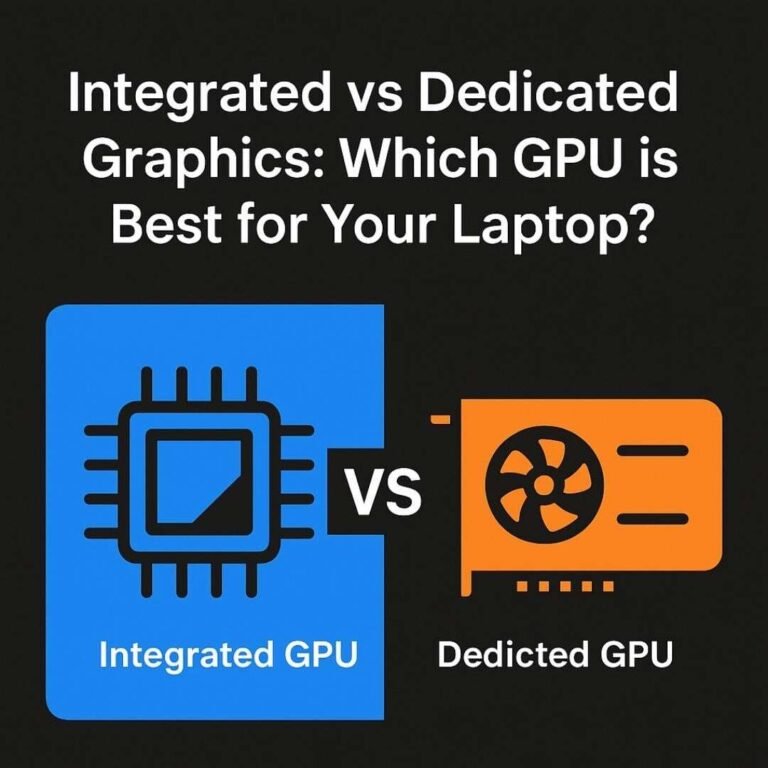
For gaming, the best laptop is usually one with an RGB backlit keyboard, a high-refresh-rate display, and a dedicated graphics processor.
Models in the Lenovo Legion, ASUS ROG, Acer Predator, and similar lines often offer stronger graphics performance than thin office laptops. Some include one-zone RGB lighting, while others allow per-key lighting or several lighting zones.
Look for:
- A dedicated NVIDIA GeForce RTX or AMD Radeon graphics processor
- At least 16 GB of RAM for modern gaming
- A 120 Hz or faster display
- Full-size arrow keys
- Clear WASD key markings
- Adjustable brightness
- A keyboard with enough travel for comfortable play
- Good cooling and accessible power settings
RGB lighting does not improve game speed. It improves visibility and customization. Graphics performance comes from the processor, graphics chip, cooling system, memory, and display.
Gaming laptops are usually heavier and louder than an ultraportable laptop. Their battery life can also drop sharply during gaming because high-performance components use more power.

How to choose the best backlit keyboard laptop
Start with the keyboard, but do not stop there. A laptop can have a backlight and still be uncomfortable to use.
1. Confirm that the exact model has a backlight
This is the most common buying mistake. A product family may include both backlit and non-backlit versions.
Read the full specification sheet. Do not rely only on a store title or a photograph. Product photos may show a keyboard light that is optional or unavailable on the selected configuration.
2. Check the keyboard layout
US laptops usually use the ANSI layout. It has a wide horizontal Enter key and a long left Shift key.
Check the layout if you buy from an international marketplace. A laptop may have:
- UK layout
- German layout
- French layout
- Japanese layout
- Spanish layout
- A manufacturer-specific layout
The layout affects punctuation, Enter-key shape, and the position of symbols.
3. Look for brightness control
A useful backlight should have at least an off setting and one or more brightness levels. Some laptops offer two levels. Others provide smooth control through software.
If the backlight is always too bright, it may distract you during night work. If it is too dim, it may not help in a dark room.
4. Consider key travel and spacing
Key travel is the distance a key moves when pressed. More travel often gives a clearer sense of each keystroke. Short-travel keys can make a thin laptop feel fast, but some users find them less comfortable for long typing sessions.
Try the keyboard in a store when possible. Pay special attention to:
- The size of the Enter and Shift keys
- Arrow-key spacing
- Backspace size
- Function-row layout
- Palm-rest space
- Key wobble
- Noise level
5. Match the laptop to your work
A student who writes papers may value comfort and battery life. A video editor may need more memory and storage. A gamer needs a dedicated graphics processor. A business traveler may care most about weight, ports, and repair support.
The backlight should support your work, not distract from more important features.

Backlit keyboard comparison by budget
Prices change often in the US, so use specifications rather than a fixed price as your first filter.
| Budget level | What to seek | Typical compromise |
|---|---|---|
| Entry level | Backlit keyboard, 8 GB RAM, 256 GB SSD | Basic display and plastic body |
| Midrange | 16 GB RAM, 512 GB SSD, better display | May have limited ports |
| Premium | Strong build, bright display, long battery life | Higher price and less upgradeability |
| Gaming | Dedicated graphics, 16 GB RAM, RGB keyboard | More weight, heat, and fan noise |
A solid minimum for general use is 8 GB of RAM and a solid-state drive. If you multitask, edit photos, code, or keep many browser tabs open, 16 GB of RAM is a better target.
Storage is also important. A 256 GB SSD can fill quickly after installing apps and storing photos. A 512 GB SSD gives more room for normal work.

White backlight or RGB backlight?
A white backlit keyboard is usually better for office work, school, and travel. It is simple, easy to read, and less distracting.
RGB lighting makes more sense for gaming or personal style. It can also help separate key groups on some gaming laptops. However, RGB systems may use more software controls, and color effects can reduce readability if they are too bright or uneven.
Choose a white backlight when you want:
- A clean, professional look
- Simple brightness control
- Less visual distraction
- Better suitability for offices and classrooms
Choose RGB when you want:
- Gaming effects
- Per-zone or per-key controls
- Color profiles
- Highlighted keys for specific games
The best lighting is the one that makes the keys easier to see. More colors do not automatically mean better visibility.
Common backlit keyboard problems and fixes
The backlight will not turn on
First, press the keyboard backlight function key. You may need to hold the Fn key at the same time.
Then check:
- The laptop is not in a battery-saving mode that disables lighting.
- The keyboard driver and manufacturer utility are installed.
- The backlight setting is enabled in the system software or BIOS.
- The laptop actually includes a backlit keyboard.
- The battery is not critically low.
If the light still does not work, check the laptop maker’s support page for the exact model. Do not install a driver made for a different model.
The keyboard light turns off quickly
Some laptops turn off the backlight after a period of inactivity. This saves power.
Look for a keyboard lighting setting in the manufacturer’s control app. If no setting exists, the timeout may be built into the firmware. Increasing the screen brightness or disabling power saving may not change the keyboard timeout.
The keys look unevenly lit
Uneven light can come from the design of the keyboard, keycap shape, or brightness level. Try a lower brightness setting and view the keyboard from your normal typing angle.
If one area is dark while the rest works, the hardware may have a fault. Document the issue with a photo and contact the seller or manufacturer while the warranty applies.
The backlight drains the battery
A keyboard backlight uses some power, but the effect is usually smaller than the display, processor, wireless radios, or heavy software.
Turn the light off when you do not need it. Lowering screen brightness and closing demanding apps will usually save more power than changing the keyboard light alone.

Common mistakes when buying a laptop with a backlit keyboard
Avoid these mistakes:
- Assuming every model in a product family has a backlight
- Buying from a marketplace without checking the seller and warranty
- Confusing a backlit keyboard with RGB lighting
- Ignoring the US keyboard layout
- Choosing a laptop with too little RAM
- Forgetting to check port requirements
- Treating a bright keyboard as proof of good key feel
- Buying a gaming laptop when portability matters more
- Expecting a thin laptop to have the upgrade options of a business model
- Failing to check whether the charger, pen, or dock is included
Manufacturer specifications confirm whether a feature is included. They do not prove that the keyboard will feel comfortable to every user. If typing is central to your work, a hands-on test is valuable.

Frequently asked questions
Do all laptops have backlit keyboards?
No. Many entry-level laptops use non-backlit keyboards to reduce cost. Even within one model family, some configurations may include a backlight while others do not.
Is a backlit keyboard worth it?
Yes, if you work in low light, travel often, or study at night. It is less useful if you always work in a bright room. The feature usually adds convenience, but it should not outweigh poor battery life, a weak display, or an uncomfortable layout.
Does a backlit keyboard use much battery?
It uses some battery, but usually less than the display or processor. You can reduce power use by switching the light off or lowering its brightness when it is not needed.
Can I add a backlight to a laptop?
Usually not in a simple or safe way. The keyboard, top case, cables, firmware, and motherboard must support the feature. An external USB backlit keyboard is normally the easier solution.
Which is better for typing: MacBook Air or ThinkPad?
The answer depends on personal preference. The MacBook Air offers a clean layout and a large trackpad. The ThinkPad T14 typically offers a more traditional business keyboard and Windows compatibility. Try both if you write for several hours each day.

Final recommendation
For most US buyers, the MacBook Air with M4 is the best laptop with a backlit keyboard because it combines a clear keyboard light, quiet operation, strong performance, and easy portability.
Choose the Lenovo ThinkPad T14 if keyboard feel, Windows software, and business features matter most. Choose a Dell XPS 13 for a compact premium Windows design, an HP Spectre x360 14 for touch and tablet flexibility, or a Lenovo Legion-class gaming laptop for RGB lighting and game performance.
Before placing an order, confirm the exact configuration, US keyboard layout, backlight specification, RAM, storage, ports, warranty, and return policy. That short check can prevent the most common disappointment: receiving a laptop from the right product family with the wrong keyboard option.

Everett Ashford is a tech reviewer at mytechgrid.com specializing in SSDs, cameras, TVs, earbuds, headphones, and other consumer electronics. He provides honest, data-driven reviews based on hands-on testing and real-world performance analysis. Everett simplifies complex tech details to help readers make smart, confident buying decisions.