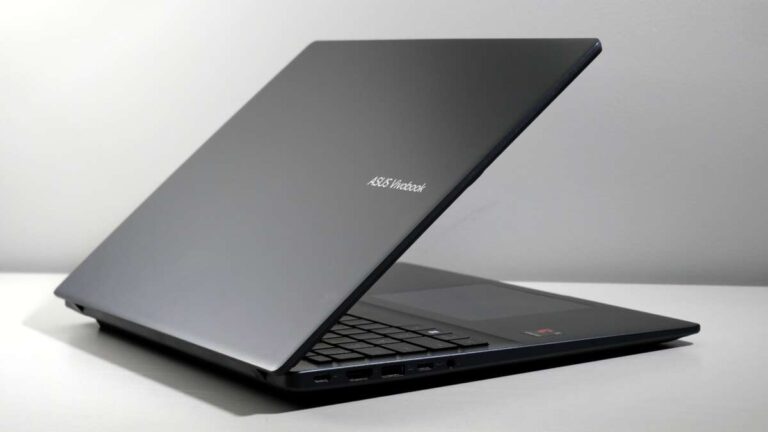
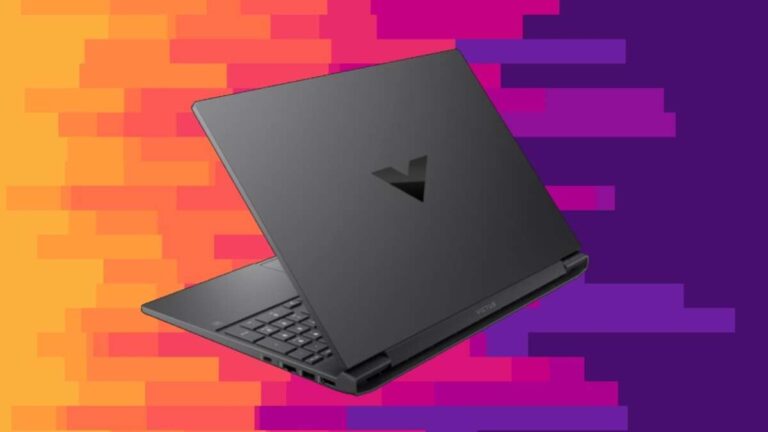
You can buy a laptop from trusted electronics stores, manufacturer websites, retailers, and certified refurbished sellers.
Knowing where can I buy a laptop is only the first step. The best place depends on your budget, preferred brand, warranty needs, and the work you plan to do. This guide compares online stores, local shops, manufacturer websites, and refurbished marketplaces so you can buy with confidence and avoid costly mistakes.
Where can I buy a laptop online?
Online stores offer the widest selection. You can compare prices, read customer reviews, check technical details, and look for sales from home.
Popular places to buy a laptop include:
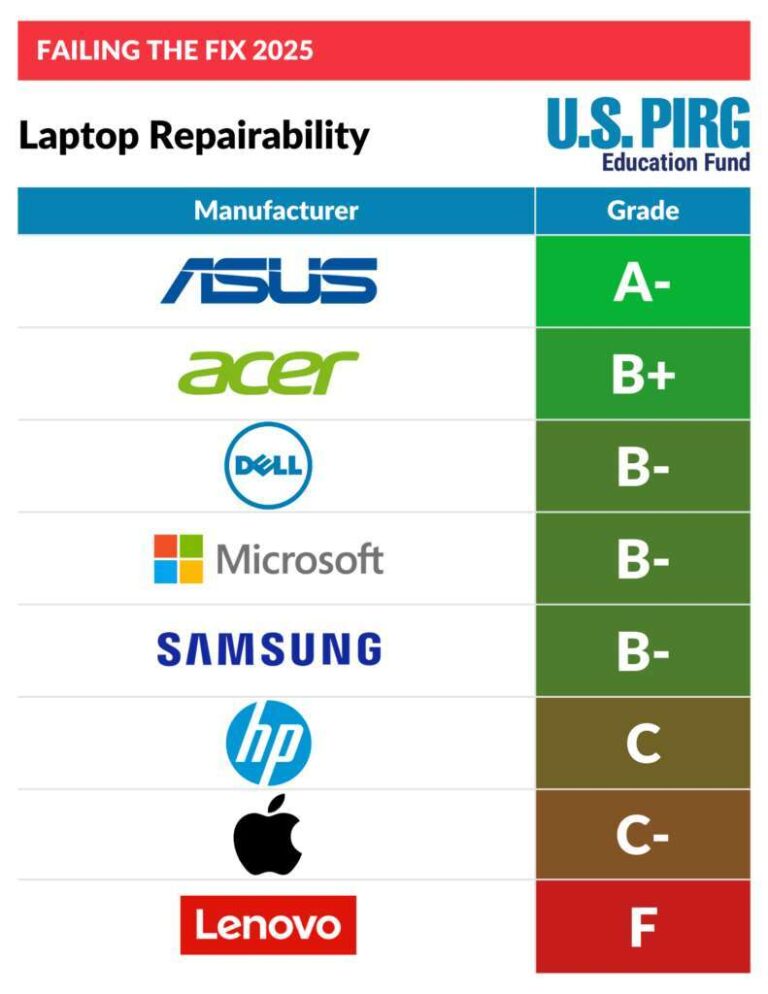
- Manufacturer websites, such as Dell, HP, Lenovo, Apple, ASUS, Acer, and Microsoft
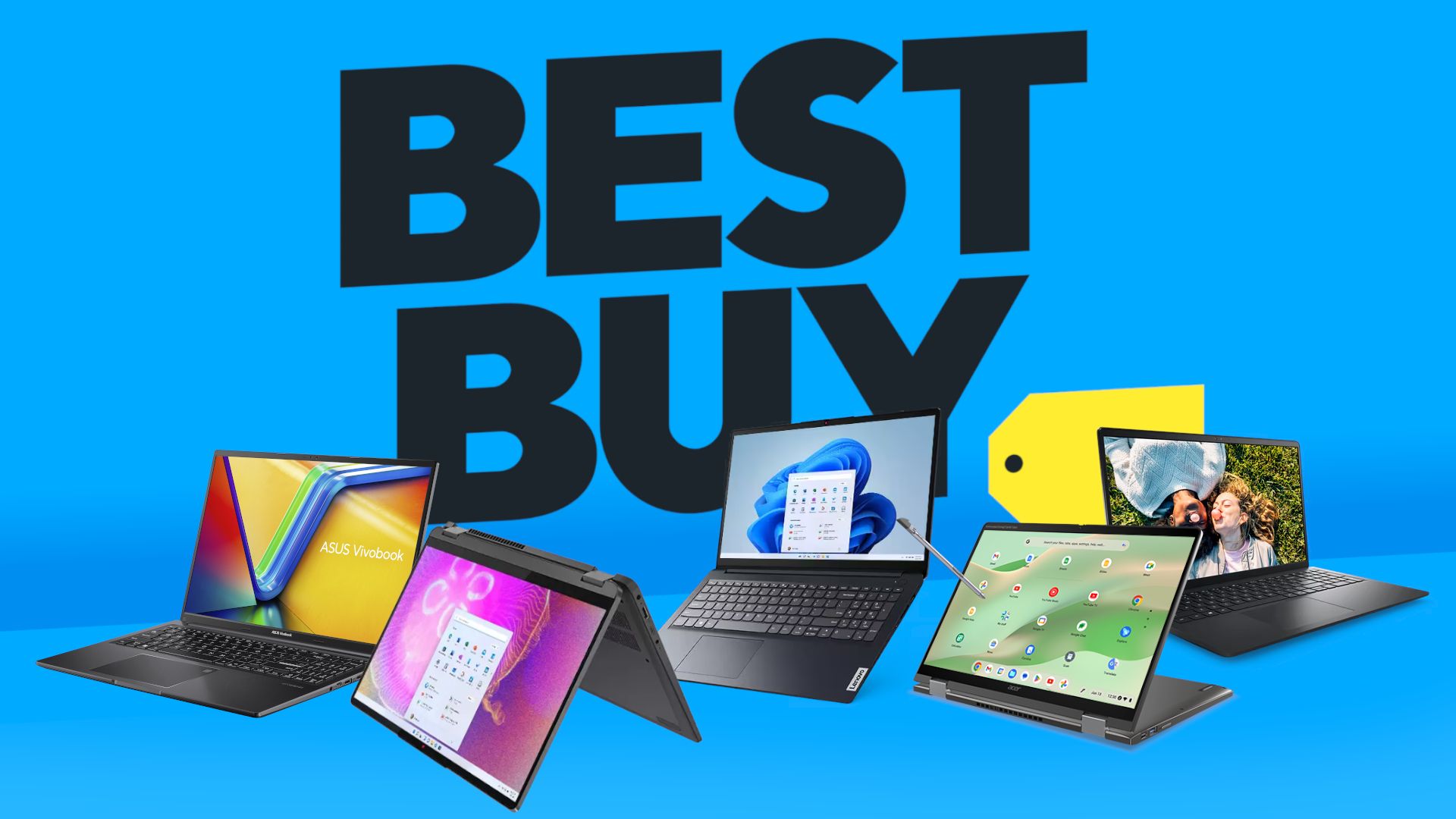
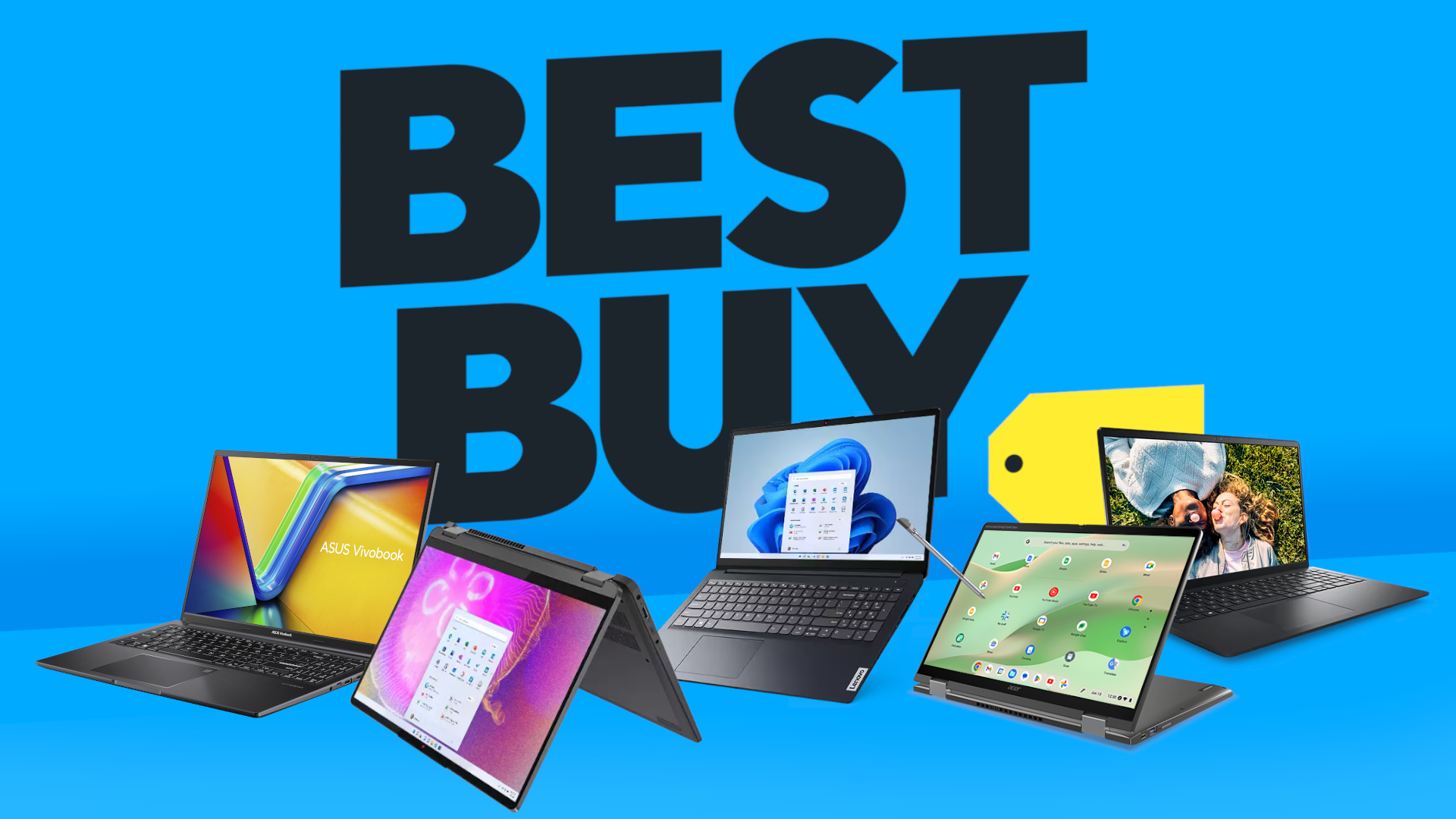
- Large retailers, such as Best Buy, Walmart, Target, and Costco
- Online marketplaces, such as Amazon and eBay
- Business technology sellers that offer commercial laptop models
- Certified refurbished stores with tested and warrantied devices
Manufacturer websites are often best when you want to customize memory, storage, software, or warranty coverage. Large retailers may be better for fast shipping, in-store pickup, and easy returns.
Marketplaces can have excellent prices, but seller quality varies. Always check the seller’s rating, return policy, warranty terms, and product condition before paying.
Where can I buy a laptop in a physical store?
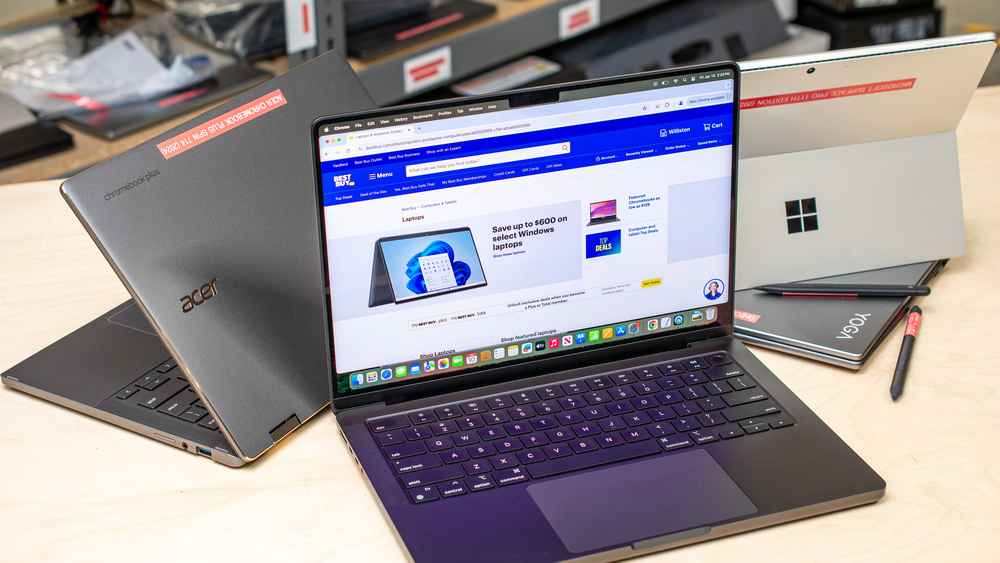
A local electronics store lets you see and test a laptop before buying it. You can check the screen, keyboard, trackpad, weight, ports, and build quality in person.
This matters because product photos do not show everything. A laptop may look slim online but feel heavy in a backpack. A keyboard may look comfortable but have shallow keys. A glossy screen may also reflect too much light in a bright room.
Physical stores are useful when:
- You need a laptop today
- You want help moving files from an old computer
- You are unsure about screen size or keyboard comfort
- You want to compare several models side by side
- You need local repair or setup support
The main drawback is price. Store prices may be higher than online prices, although many retailers match prices from approved competitors. Ask about price matching, student discounts, open-box models, and extended return periods.
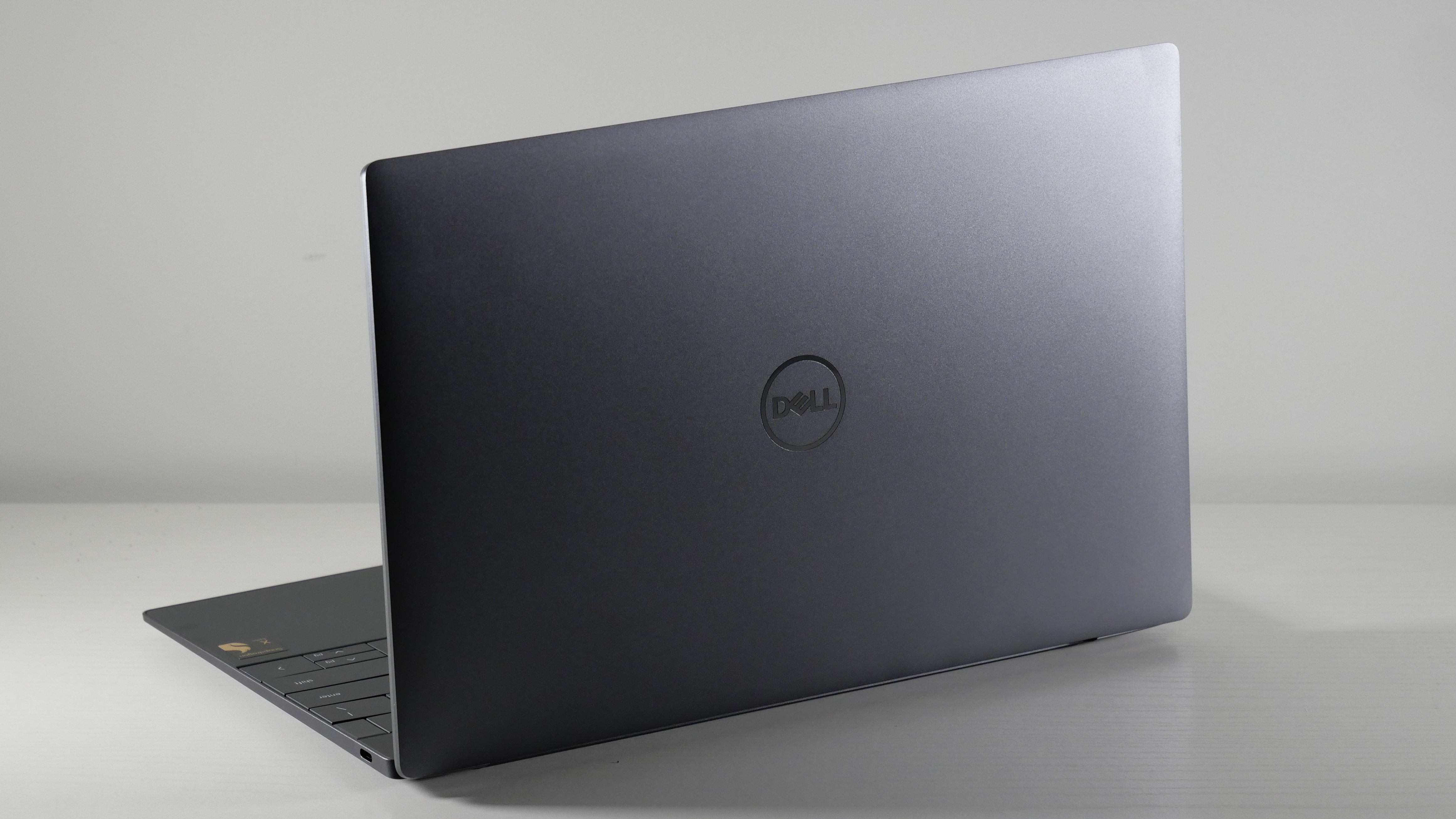
Where can I buy a laptop from the manufacturer?
Buying directly from the manufacturer can provide strong warranty support and clear product information. It is often the safest choice when you want a new laptop with a specific configuration.
Common manufacturer stores include:
- Apple for MacBook Air and MacBook Pro
- Dell for XPS, Inspiron, Latitude, and Alienware models
- Lenovo for ThinkPad, IdeaPad, Yoga, and Legion models
- HP for Pavilion, Envy, Spectre, EliteBook, and Omen models
- ASUS for Zenbook, Vivobook, ExpertBook, and ROG models
- Acer for Aspire, Swift, Spin, and Predator models
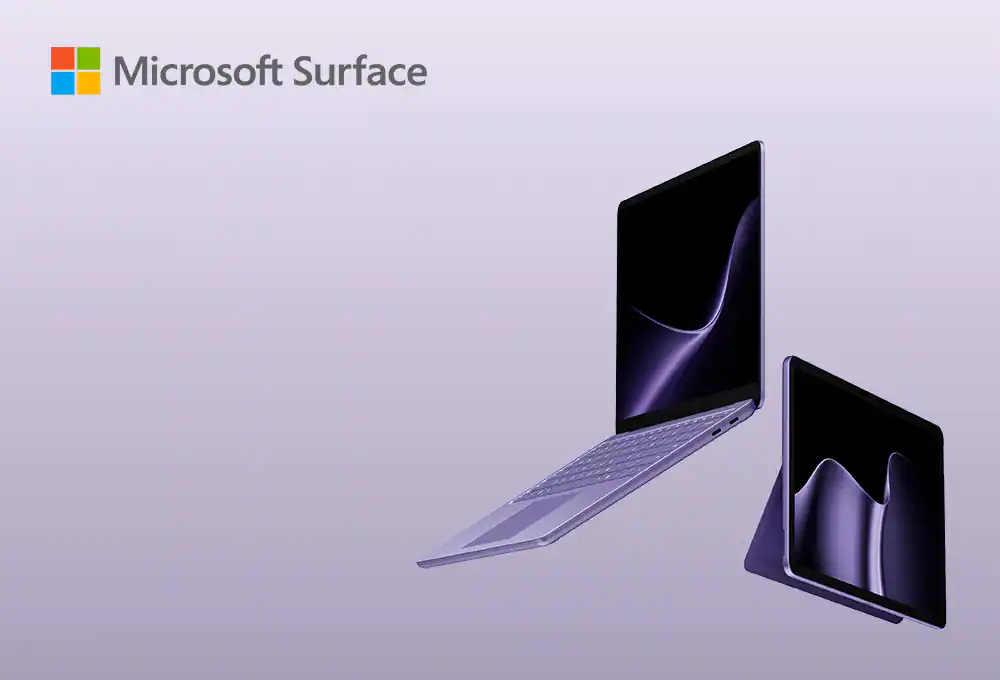
- Microsoft for Surface laptops
Manufacturer websites often run seasonal sales. Look around major shopping periods, such as back-to-school season, Black Friday, and holiday promotions. Still, do not assume a large discount always means a good deal. Compare the processor, memory, storage, display, and warranty with similar laptops.
A direct purchase may also make warranty claims easier. However, customer service quality can differ by brand and region. Read the warranty terms before ordering, especially for accidental damage, battery coverage, and international travel.

Where can I buy a laptop for the best price?
The best price is not always the lowest listed price. A cheap laptop may have limited memory, slow storage, poor battery life, or a weak display.
For most people, a good value laptop should include:
- At least 8GB of RAM for basic work
- 16GB of RAM for smoother multitasking and longer useful life
- A solid-state drive, or SSD, rather than an old hard disk drive
- At least 256GB of storage for everyday use
- A modern Intel Core, AMD Ryzen, or Apple processor
- A comfortable keyboard and a clear display
- A return policy of at least 14 days when possible
Students and home users can often find reliable laptops between $500 and $900. Premium work laptops may cost $900 to $1,500. Gaming laptops and professional creator laptops often start around $1,000 and can cost much more.
Watch the total cost. Shipping, sales tax, software, accessories, extended warranties, and repair plans can change the final price. A laptop that costs $50 more but includes better memory and a longer warranty may be the smarter purchase.

Where can I buy a laptop for college?
College students should look for a laptop that is light, dependable, and easy to carry. Battery life matters because outlets may not be available in every classroom, library, or café.
A practical college laptop usually has:
- A 13 to 15 inch display
- At least 8GB of RAM, with 16GB preferred
- A 256GB or larger SSD
- Strong Wi-Fi support
- A battery that can last through several classes
- A comfortable keyboard for essays and notes
- A webcam for online classes
- A weight that fits your daily routine
Check your school’s technology requirements before buying. Some programs require Windows software that may not work well on a Mac. Engineering, architecture, nursing, business, and media programs may also need special applications.
Students should compare education discounts from manufacturers and retailers. Some schools offer technology stores, financial aid programs, or laptop recommendations. A school-approved model can also reduce compatibility problems.
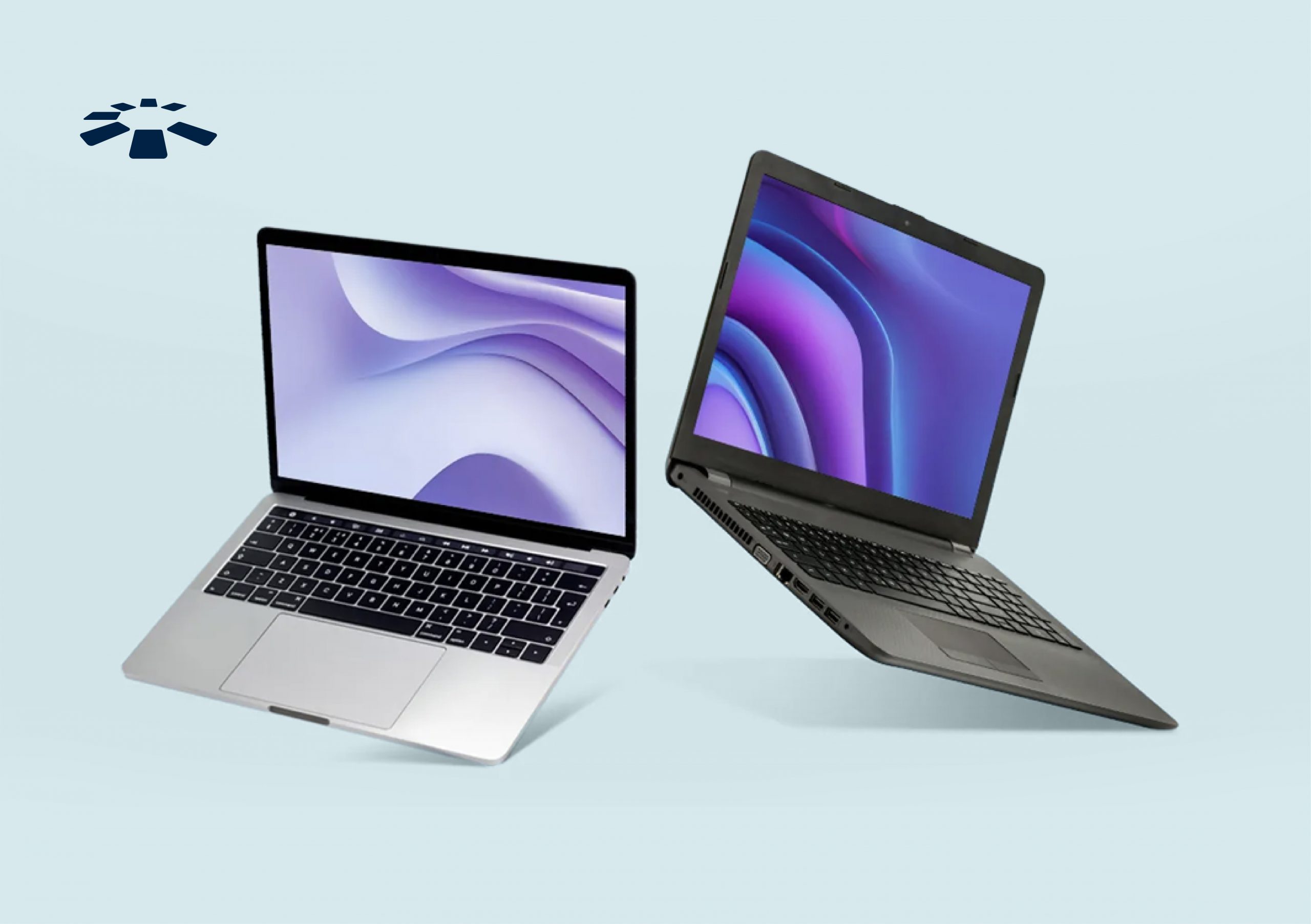
Where can I buy a laptop for work?
For work, the right laptop depends on your job. A writer may value a quiet keyboard and sharp screen. An accountant may need a number pad. A video editor may need a powerful processor, dedicated graphics, and plenty of storage.
Business buyers should consider:
- A strong warranty with repair options
- Security features, such as fingerprint login or a trusted platform module
- A comfortable keyboard and precise trackpad
- A good webcam and microphone
- USB-C, HDMI, or other required ports
- Long battery life
- Easy access to replacement chargers
- A professional operating system and software support
Think of a work laptop as a daily tool. If it saves time and reduces frustration, a slightly higher price may be worthwhile.
When I help people compare laptops, I often see them focus too much on processor names. The processor matters, but a poor keyboard, dim screen, or weak battery can make a powerful laptop unpleasant to use. Match the whole machine to your work, not just one specification.

Where can I buy a laptop for gaming?
Gaming laptops are available from gaming brands, electronics retailers, and manufacturer websites. Popular product lines include ASUS ROG, Lenovo Legion, Acer Predator, HP Omen, Alienware, and Razer.
A gaming laptop should have:
- A modern dedicated graphics card
- At least 16GB of RAM
- A fast SSD
- Strong cooling
- A high refresh rate display
- A reliable power adapter
- Enough ports for a mouse, headset, and external display
Gaming performance depends heavily on the graphics card. Do not choose a gaming laptop based only on the CPU. A laptop with a strong processor but weak graphics may perform poorly in modern games.
Gaming laptops also tend to be heavier and louder than standard laptops. If you need a computer for school or travel too, consider the balance between power, battery life, and weight.
Where can I buy a refurbished laptop?
Refurbished laptops can offer excellent value. They are usually returned, repaired, inspected, cleaned, and tested before resale. Some are manufacturer-refurbished, while others are refurbished by a retailer or independent seller.
The safest refurbished options include:
- Manufacturer-certified refurbished laptops
- Retailer-certified refurbished devices
- Business-class laptops with a written warranty
- Sellers with clear grading and return policies
Check these details before buying:
- Battery health or battery replacement policy
- Warranty length
- Return window
- Cosmetic condition
- Included charger
- Keyboard layout
- Operating system license
- Seller reviews
- Whether the device is locked to a business or school
A refurbished laptop without a warranty is a bigger risk. I once saw a buyer save money on a used laptop, only to discover that the battery lasted less than an hour and the charger was not original. The low purchase price disappeared after repair costs.
For many shoppers, a two- or three-year-old business laptop with 16GB of RAM and an SSD is a better choice than a brand-new entry-level model.
How to choose the right place to buy a laptop
Use this simple process before you order:
- Set your total budget, including tax and accessories.
- Write down your main tasks, such as school, work, gaming, travel, or creative projects.
- Choose the operating system that supports your required apps.
- Select a suitable screen size and weight.
- Compare memory, storage, processor, battery, ports, and warranty.
- Check the seller’s return and repair policies.
- Compare the final price across at least three trusted sellers.
- Read recent reviews for the exact model number.
- Confirm the charger and accessories included in the box.
- Save your receipt, order details, and warranty information.
The exact model number matters. Retailers sometimes sell nearly identical laptops with different memory, storage, displays, or processors. Compare full specifications instead of relying on a product name alone.
Also check whether the laptop is new, open-box, used, or refurbished. These terms are not interchangeable. A clear product condition can prevent unpleasant surprises.
What to check before buying a laptop
A laptop’s specifications tell you what it can do, but the details must fit your needs.
Processor
The processor affects speed and multitasking. For web browsing and office work, a modern mid-range processor is usually enough. Video editing, 3D work, software development, and gaming may require a higher-performance chip.
RAM
RAM helps the laptop handle several apps at once. Eight gigabytes works for basic use, but 16GB is a better long-term choice for many users.
Storage
An SSD makes startup and app loading much faster than an older hard drive. Choose 256GB for basic use and 512GB or more if you store photos, videos, games, or large projects.
Display
Look at resolution, brightness, color quality, and screen finish. A 1080p display is suitable for many users. A higher-resolution screen can look sharper but may use more battery.
Battery
Battery claims come from controlled tests. Real battery life changes with screen brightness, software, Wi-Fi use, and workload. Read independent reviews for a more realistic estimate.
Build quality
Aluminum and reinforced plastic can both work well. Look for a firm hinge, little keyboard flex, and a sturdy lid. A solid build can help the laptop survive daily travel.
Laptop buying mistakes to avoid
Many bad purchases come from rushing, not from choosing the wrong brand. Avoid these common errors:
- Buying the cheapest model without checking RAM and storage
- Trusting a large discount without comparing specifications
- Ignoring the return policy
- Choosing a screen that is too small for your work
- Forgetting to check the keyboard layout
- Assuming every USB-C port supports charging or video
- Buying a gaming laptop for simple tasks and carrying extra weight
- Choosing a Mac or Windows laptop without checking software needs
- Paying for an extended warranty without reading its exclusions
- Buying from a seller with unclear contact details
A warranty does not cover every problem. It may exclude accidental damage, liquid spills, normal battery wear, or unauthorized repairs. Read the terms before paying for additional coverage.
Frequently Asked Questions About Where Can I Buy a Laptop
Where can I buy a laptop at the lowest price?
You can often find low prices at major retailers, manufacturer sales pages, and certified refurbished stores. Compare the complete specifications, warranty, shipping cost, and return policy rather than comparing price alone.
Is it better to buy a laptop online or in a store?
Online shopping usually provides more choices and easier price comparison. A physical store lets you test the keyboard, display, weight, and build quality before you buy.
Where can I buy a reliable refurbished laptop?
Buy from a manufacturer-certified program or a trusted retailer that provides a written warranty and clear return period. Check battery condition, included accessories, seller reviews, and the exact model number.
Should I buy a laptop directly from the manufacturer?
Buying directly can provide clear specifications, customization, and direct warranty support. However, retailers may offer faster delivery, in-store pickup, price matching, or better promotions.
How much should I spend on a good laptop?
Many users can find a reliable everyday laptop for $500 to $900. Gaming, professional design, engineering, and video work often require $1,000 or more, depending on the required performance.
Can I buy a laptop from a marketplace such as eBay?
Yes, but review the seller carefully. Confirm the device condition, return rules, battery status, warranty, charger, and whether the laptop is locked to a company, school, or user account.
Conclusion
The best answer to where can I buy a laptop depends on your needs, budget, and comfort with online or in-store shopping. Manufacturer websites offer direct support, major retailers provide convenience, local stores allow hands-on testing, and certified refurbished sellers can deliver strong value.
Before you buy, compare the full specifications, check the warranty, confirm the return policy, and research the exact model number. Take a few extra minutes now, and you are far more likely to choose a laptop that works well for years. Explore trusted retailers, compare your top three models, and share your laptop-buying experience in the comments.

Everett Ashford is a tech reviewer at mytechgrid.com specializing in SSDs, cameras, TVs, earbuds, headphones, and other consumer electronics. He provides honest, data-driven reviews based on hands-on testing and real-world performance analysis. Everett simplifies complex tech details to help readers make smart, confident buying decisions.