For most people, the best notebook laptop is the MacBook Air, thanks to its speed, battery life, and simple design.
Choosing the best notebook laptop depends on your work, budget, software, and daily habits. After comparing performance, displays, keyboards, battery life, repair options, and long-term value, this guide will help you choose with confidence instead of chasing flashy specifications.
What Is the Best Notebook Laptop?
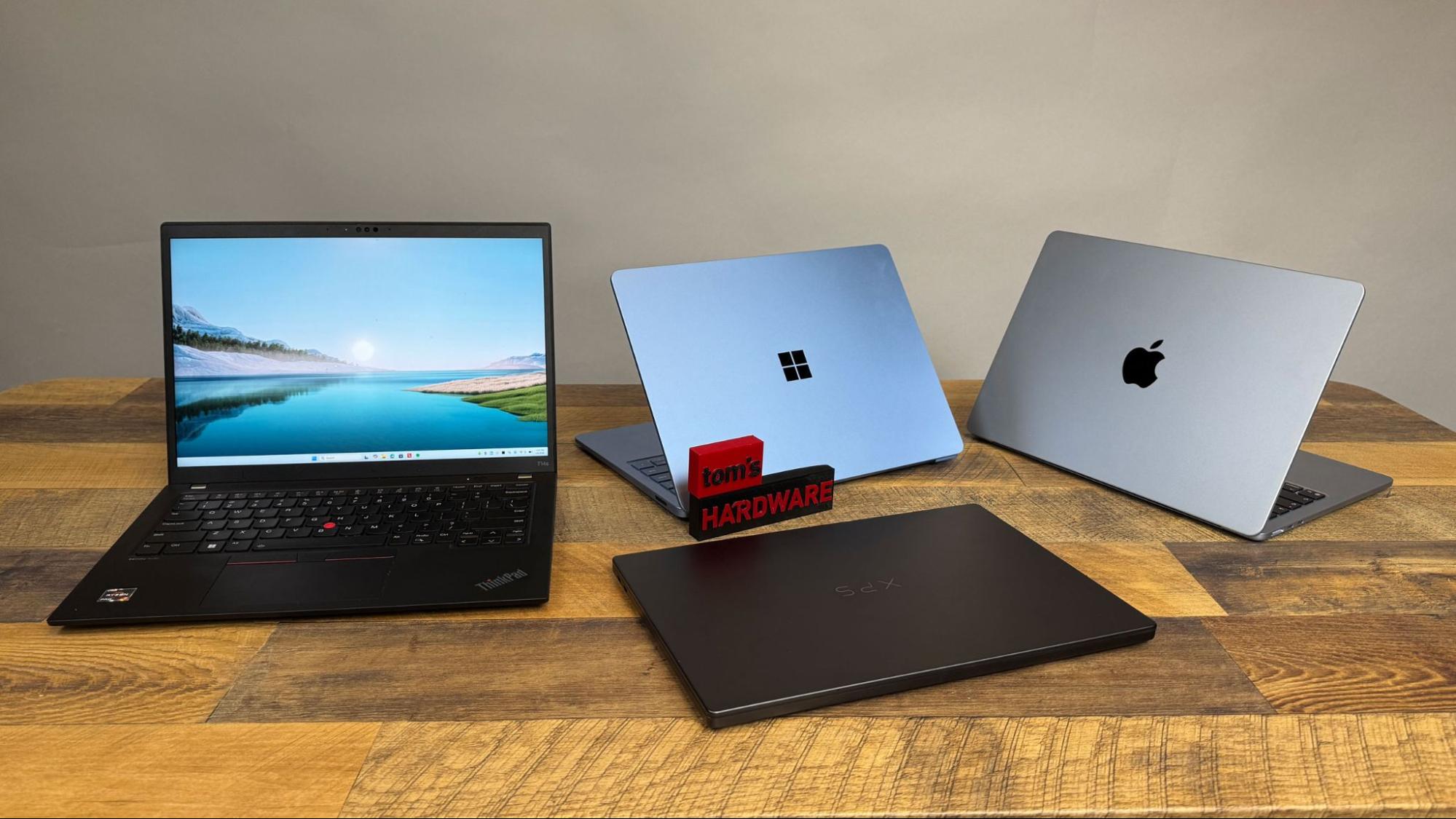
For most buyers, the best notebook laptop is the Apple MacBook Air with an M-series chip. It is fast, quiet, light, and efficient. The MacBook Air also offers excellent battery life, a sharp display, a strong keyboard, and years of software support.
The best choice can change based on your needs. A Windows user may prefer a Lenovo Yoga, Dell XPS, HP Spectre, or ASUS Zenbook. A gamer needs a dedicated graphics card. A student on a tight budget may get better value from an Acer Aspire or Lenovo IdeaPad.
Here is a simple guide:
• Best overall: Apple MacBook Air
• Best Windows option: Lenovo Yoga 7i or ASUS Zenbook 14
• Best for students: MacBook Air or Acer Aspire 5
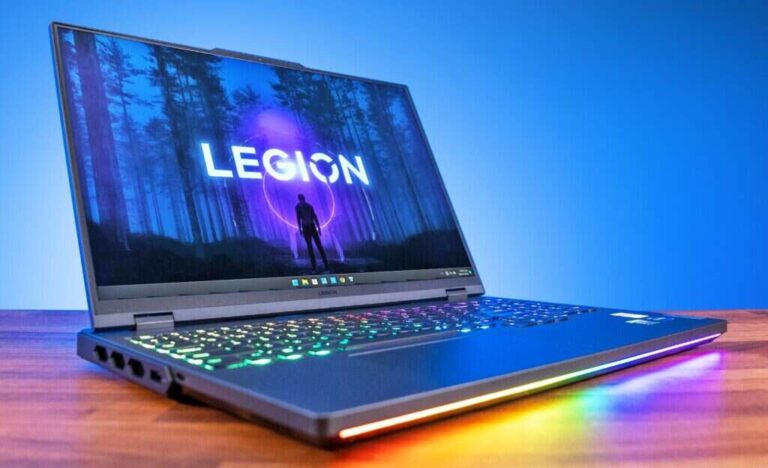
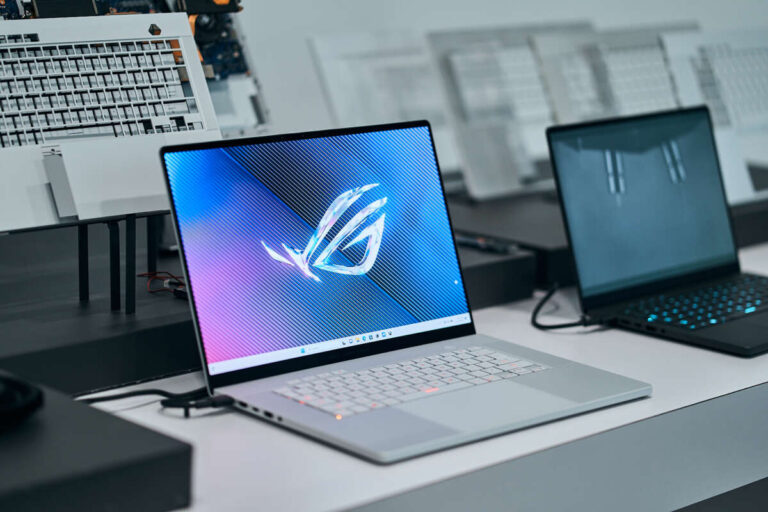
• Best for gaming: Lenovo Legion or ASUS ROG Zephyrus
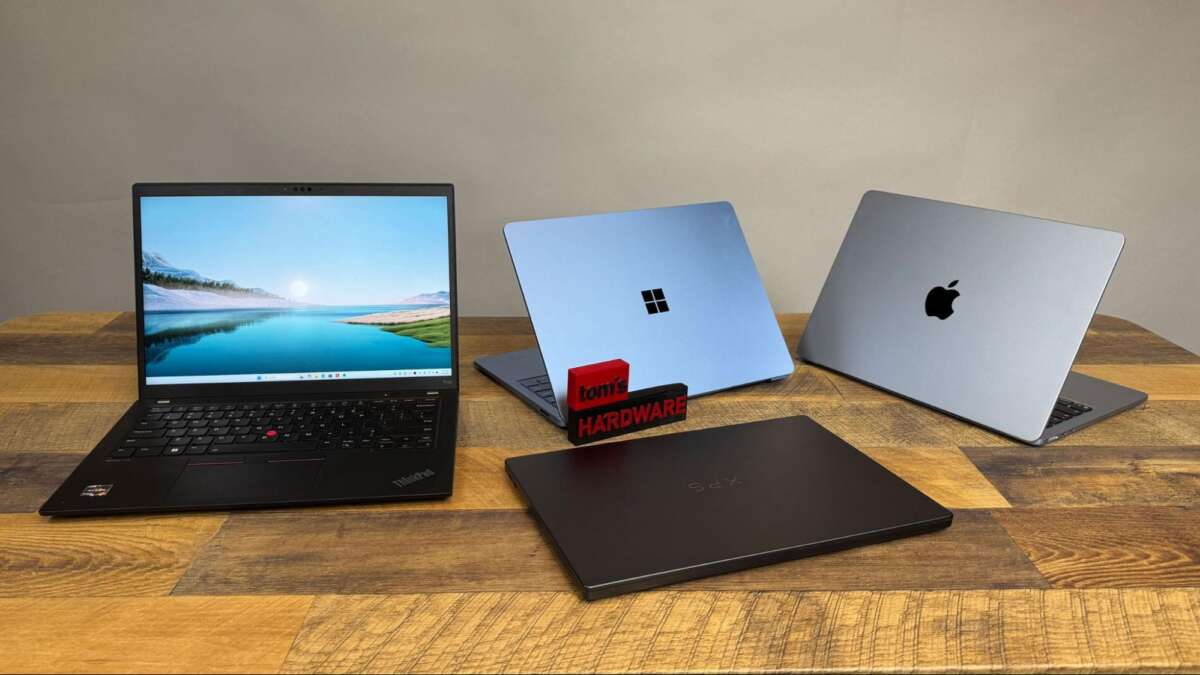
• Best for business: Lenovo ThinkPad T-series
• Best budget notebook laptop: Lenovo IdeaPad or Acer Aspire
The key lesson is simple: do not buy a laptop based on one feature. A fast processor cannot fix a poor keyboard, weak battery, dim screen, or limited storage.

Best Notebook Laptop for Most People
The MacBook Air is the best notebook laptop for many users because it balances nearly every important feature. Current models with Apple silicon provide strong everyday performance without a loud cooling fan.
It handles common tasks with ease, including:
• Web browsing with many tabs
• Microsoft Office and Google Workspace
• Video calls and online classes
• Photo editing
• Light video editing
• Music production
• Programming
• Streaming movies and shows
The MacBook Air is also easy to carry. Its slim body fits well in a backpack, while its battery can often last through a full workday with normal use. Actual battery life depends on screen brightness, apps, Wi-Fi use, and video workloads.
There are limits. macOS does not support every Windows-only program. The MacBook Air also has limited port selection, and memory or storage cannot be upgraded later. If you need specialized Windows software, a Windows notebook laptop may be the safer choice.
From years of comparing laptop specifications and real daily use, I have learned that quiet performance matters more than benchmark numbers for most people. A laptop that stays cool and lasts all day often feels better than one that is slightly faster but noisy and short-lived.

Best Windows Notebook Laptop
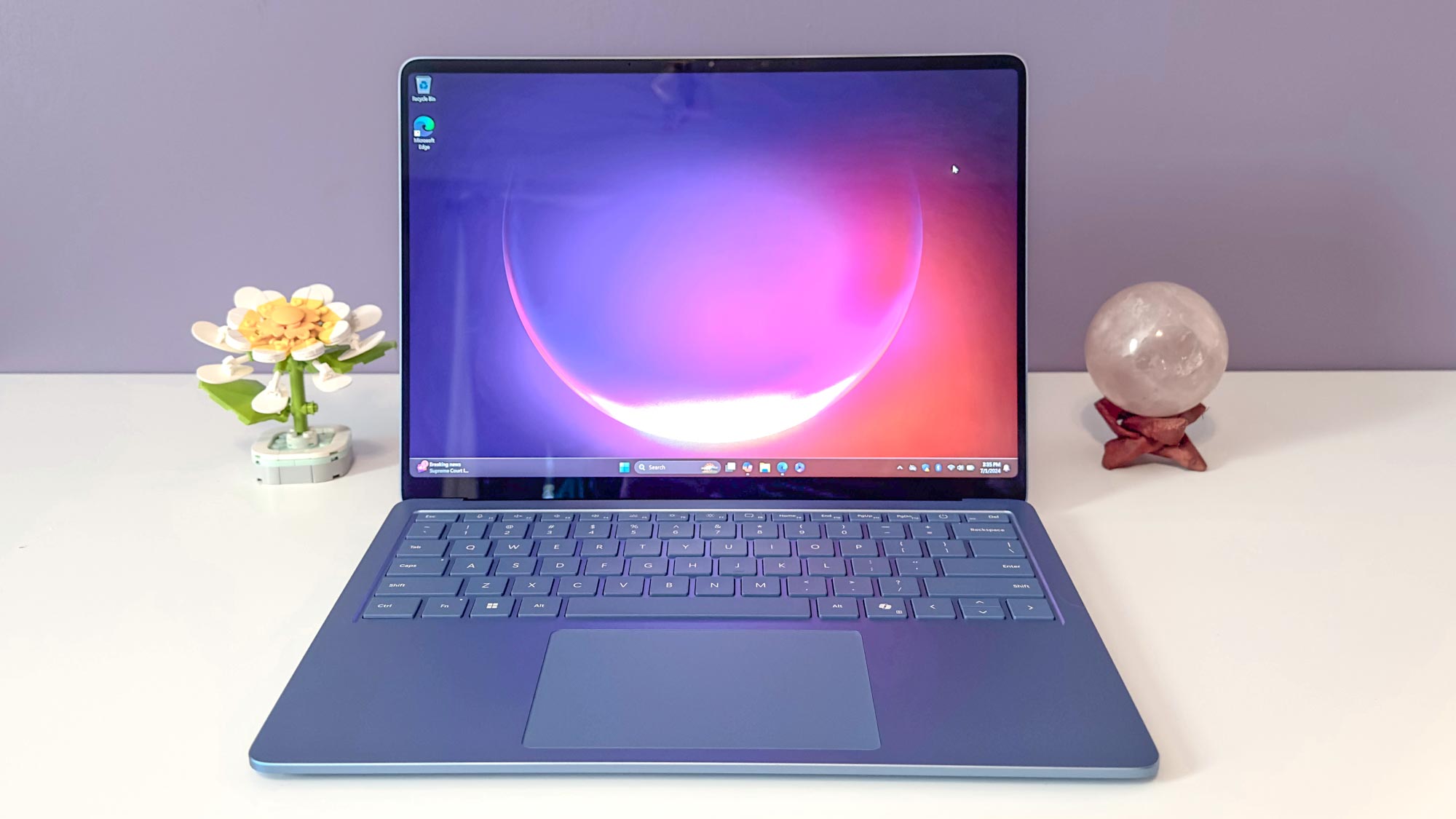
The best Windows notebook laptop depends on your priorities. For most people, the Lenovo Yoga 7i and ASUS Zenbook 14 are strong choices because they combine good performance, bright displays, useful ports, and flexible designs.
The Lenovo Yoga 7i is a good fit if you want:
• A touchscreen
• A 360-degree hinge
• Pen support on selected models
• A comfortable keyboard
• Strong value
The ASUS Zenbook 14 is appealing if you want a thin design, an OLED display, and a premium feel. OLED screens offer deep blacks and rich colors, but they can use more power at high brightness. Some OLED panels may also face image retention risks over very long periods, although modern software features help reduce that risk.
The Dell XPS line is another premium option. It has a clean design and strong build quality, but some models prioritize appearance over ports and upgrade access. Always check the exact model, since features can differ between screen sizes and yearly versions.
A Windows notebook laptop is often the better choice for business tools, engineering programs, custom software, and PC gaming. Windows also gives you a wider range of prices and designs.

Best Notebook Laptop for Students
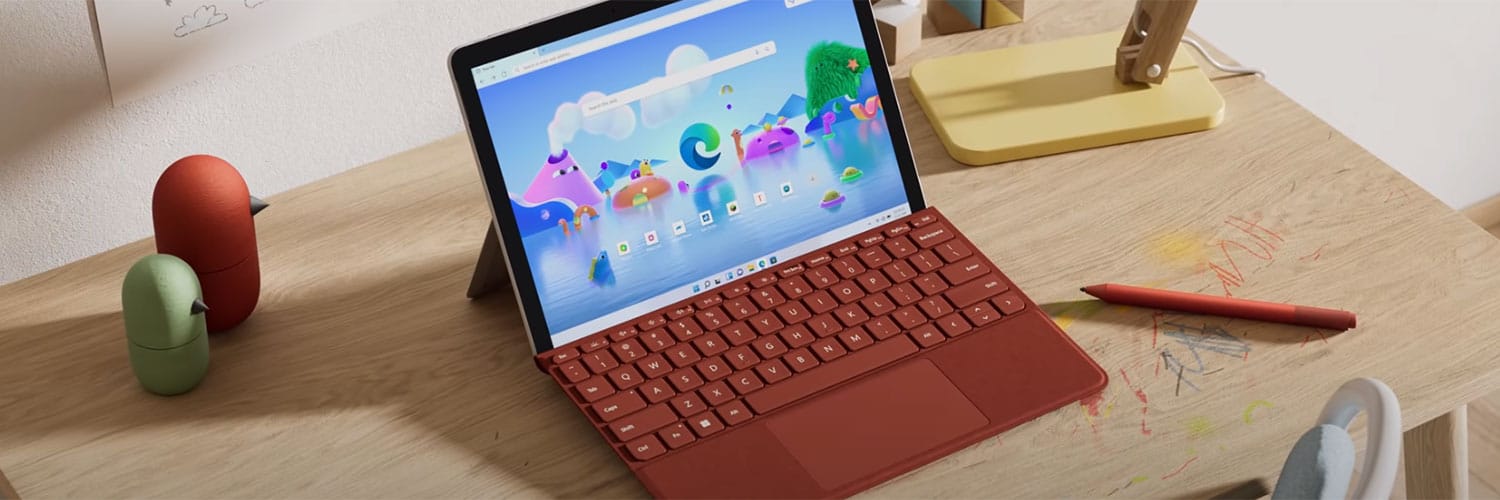
The best notebook laptop for a student should be light, reliable, and easy to use for several years. It should also have a good keyboard, a clear webcam, reliable Wi-Fi, and enough battery for classes.
Good choices include:
• MacBook Air for long battery life and strong build quality
• Lenovo IdeaPad for affordable everyday work
• Acer Aspire 5 for flexible ports and value
• Lenovo Yoga 7i for notes, touch use, and tablet-style reading
• Chromebook Plus models for web-based schoolwork
A student who mainly uses a browser, Google Docs, email, and video calls does not need a high-end processor. However, 8GB of memory should be treated as a practical minimum. Choose 16GB if you plan to keep the laptop for many years or use demanding apps.
Storage also matters. A 256GB solid-state drive may work for basic schoolwork, but 512GB gives you more room for photos, apps, downloaded files, and offline projects.
One mistake I often see is buying the cheapest laptop without checking the screen. A dim display and poor viewing angles can make long study sessions tiring. A slightly better screen is often worth more than a small increase in processor speed.
Best Notebook Laptop for Work and Business
The best notebook laptop for work should be dependable first. Business users need a strong keyboard, secure login options, a good webcam, stable wireless performance, and support that continues after purchase.
The Lenovo ThinkPad T-series remains a reliable business choice. It is known for a comfortable keyboard, practical design, and useful security features. Dell Latitude and HP EliteBook models are also worth considering, especially when purchased through a business support program.
Look for these features:
• 16GB of RAM
• At least a 512GB solid-state drive
• A 1080p webcam or better
• Wi-Fi 6E or newer wireless support
• A backlit keyboard
• Fingerprint or facial login
• USB-C charging
• A full-size HDMI port if you use presentations
A business notebook laptop should also have a strong warranty. A lower price is less useful if a broken hinge or failed keyboard leaves you without a work computer for weeks.
For remote workers, webcam quality and microphone clarity matter more than many buyers expect. A bright screen and comfortable keyboard can also reduce fatigue during long work sessions.

Best Notebook Laptop for Gaming
A gaming notebook laptop needs more than a fast processor. The graphics card is usually the most important part because it renders game images and affects frame rates.
Good gaming options include Lenovo Legion, ASUS ROG, Acer Predator, and Alienware models. These laptops are usually heavier than standard notebooks because they need stronger cooling systems.
Look for:
• A dedicated NVIDIA or AMD graphics card
• 16GB of RAM or more
• A 1TB solid-state drive when possible
• A display with a refresh rate of 144Hz or higher
• Strong cooling
• Easy access to memory and storage upgrades
A higher refresh rate makes motion look smoother, but it does not guarantee better performance. The graphics card must produce enough frames to use that display effectively.
Gaming laptops also have trade-offs. They can be loud, warm, heavy, and less efficient on battery power. They are like sports cars: powerful and exciting, but not always the best choice for a quiet commute.
How to Choose the Best Notebook Laptop
The best notebook laptop for you depends on six main factors.
1. Processor
The processor controls general computing speed. Apple silicon, Intel Core Ultra, and AMD Ryzen processors can all perform well when matched to the right laptop.
For basic work, a modern midrange processor is enough. For editing, coding, or heavy multitasking, choose a higher-tier chip with more performance cores.
Do not compare processor names alone. Cooling, memory, software, and power limits also affect real performance.
2. Memory
Memory, also called RAM, helps your laptop handle several tasks at once.
• 8GB is suitable for light web and office use
• 16GB is the best choice for most buyers
• 32GB or more is useful for video editing, virtual machines, and advanced creative work
Buying more memory can extend the useful life of a notebook laptop. Many thin models cannot be upgraded, so choose carefully at checkout.
3. Storage
A solid-state drive is much faster and quieter than an old hard disk drive. It helps the system start quickly and makes apps feel more responsive.
Choose at least 512GB if your budget allows. A 256GB drive may fill quickly after installing applications and saving media files.
Cloud storage can help, but it should not be your only plan. A local backup drive protects you when the internet is slow or a cloud account is unavailable.
4. Display
A good display improves every task. For most people, a 13- to 15-inch screen with a sharp 1080p or better resolution is enough.
Pay attention to:
• Brightness
• Viewing angles
• Color accuracy
• Refresh rate
• Glossy or matte finish
• Touch support
A brighter screen helps if you work near windows or outdoors. A matte display reduces reflections, while a glossy display often gives colors more visual impact.
5. Battery life
Battery claims are usually based on controlled tests. Your results will vary with screen brightness, software, wireless use, and video playback.
A good notebook laptop should last through several hours of real work. Apple silicon laptops often perform especially well in this area, while gaming systems usually need their charger nearby.
6. Keyboard and ports
You will touch the keyboard more than any other part of the laptop. Look for firm keys, useful spacing, and a comfortable palm rest.
Ports also affect daily convenience. USB-C is important, but USB-A, HDMI, an audio jack, and a memory card slot may still be useful. A laptop with too few ports can force you to carry a hub everywhere.
Notebook Laptop Buying Mistakes to Avoid
Many laptop problems begin before the purchase. A few minutes of research can prevent years of frustration.
Avoid these mistakes:
• Buying an old processor because the discount looks large
• Choosing 4GB of RAM for modern multitasking
• Ignoring screen brightness
• Assuming every USB-C port supports charging or video
• Paying for a touchscreen you will never use
• Buying a gaming laptop for simple office work
• Forgetting the weight of the charger
• Choosing a model with no upgrade or repair path
• Trusting battery claims without reading test conditions
Check the exact model number. Retailers may use similar names for laptops with different screens, processors, memory, and storage.
Also check return rules. A keyboard that feels good in a store may feel uncomfortable after two hours. A display that looks bright indoors may seem dull near a window.

How Much Should You Spend on a Notebook Laptop?
A reasonable budget depends on your workload.
• Under $500: Basic browsing, schoolwork, and streaming
• $500 to $800: Better everyday performance and build quality
• $800 to $1,200: Premium student, business, and creative options
• $1,200 to $1,800: High-end productivity and professional work
• Over $1,800: Advanced editing, gaming, engineering, and specialized tasks
Price is not a perfect measure of quality. A well-designed midrange notebook laptop may be more useful than an expensive model with features you do not need.
The best value often comes from choosing the right balance of memory, storage, screen quality, and battery life. Spend less on decorative features and more on parts that affect daily use.
Frequently Asked Questions About the Best Notebook Laptop
What is the best notebook laptop for everyday use?
The MacBook Air is the best notebook laptop for many everyday users because it is fast, quiet, light, and efficient. A Lenovo Yoga or ASUS Zenbook is a strong Windows alternative.
Is a notebook laptop the same as a laptop?
In most cases, yes. Notebook laptop is a common term for a portable computer, although some people use notebook to describe thinner and lighter models.
Is 8GB of RAM enough for a notebook laptop?
Eight gigabytes is enough for basic browsing, email, and office work. Sixteen gigabytes is a better long-term choice for multitasking, creative apps, and modern operating systems.
Which notebook laptop has the best battery life?
MacBook Air models with Apple silicon often provide excellent battery life in real-world use. Battery results still vary based on brightness, software, wireless activity, and workload.
Should I buy a Windows notebook laptop or a MacBook?
Choose Windows for broad software support, gaming, business tools, and more hardware options. Choose a MacBook for quiet performance, strong battery life, and close integration with Apple devices.
Is a cheap notebook laptop worth buying?
A cheap notebook laptop can be a good choice for web use, documents, and school tasks. Avoid models with very low memory, slow storage, poor screens, or outdated processors.
How much storage should a notebook laptop have?
A 512GB solid-state drive is a good target for most people. Choose 1TB if you keep large games, videos, photos, or professional projects on the computer.
Conclusion
The best notebook laptop is not the one with the longest specification list. It is the one that fits your work, budget, software, travel needs, and comfort.
For most people, the MacBook Air is the strongest overall choice. Windows users should compare Lenovo Yoga, ASUS Zenbook, Dell XPS, HP Spectre, and business-focused ThinkPad models. Gamers and creative professionals should focus on graphics power, cooling, memory, and upgrade options.
Before buying, check the exact processor, RAM, storage, display, ports, battery expectations, warranty, and return policy. Use this checklist to compare real value, then explore trusted reviews and share your own notebook laptop experience in the comments.

Everett Ashford is a tech reviewer at mytechgrid.com specializing in SSDs, cameras, TVs, earbuds, headphones, and other consumer electronics. He provides honest, data-driven reviews based on hands-on testing and real-world performance analysis. Everett simplifies complex tech details to help readers make smart, confident buying decisions.