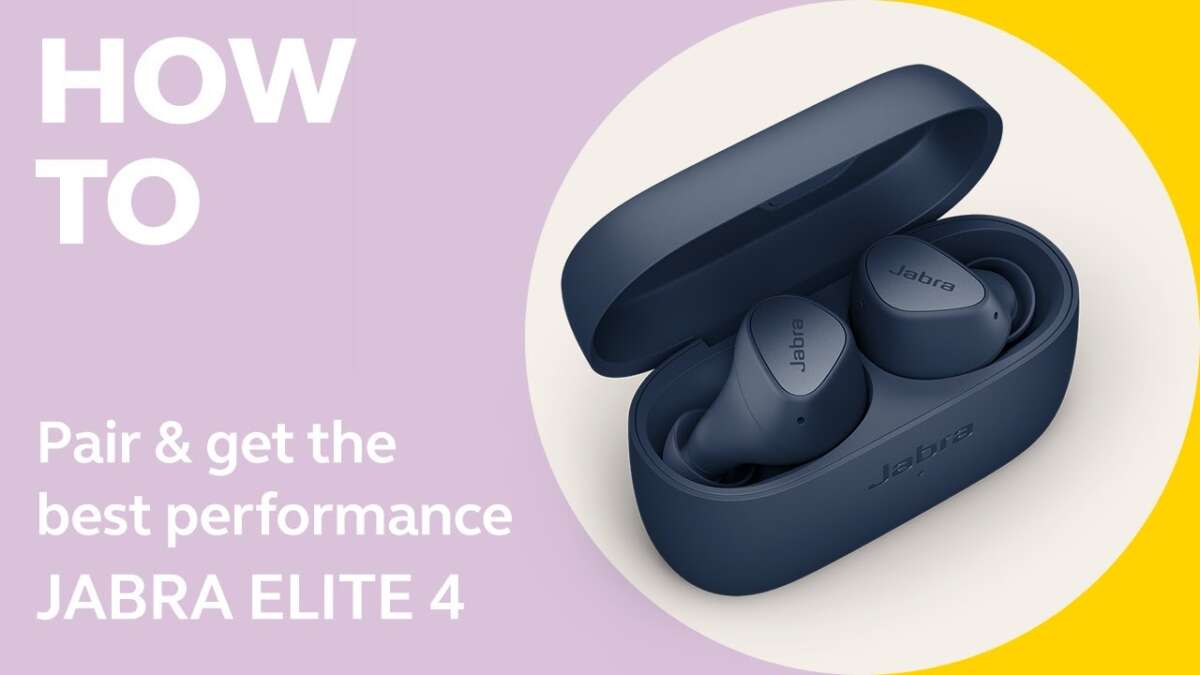
Open Bluetooth, put Jabra earbuds in pairing mode, then select them on your device.
I have paired and tested Jabra earbuds for years, and this guide explains exactly how to pair Jabra earbuds step by step. You will get clear instructions for common models, troubleshooting tips, multipoint pairing, app setup, and real-world advice from my experience. Read on to pair your Jabra earbuds quickly and reliably every time.
How to pair Jabra earbuds — step-by-step guide
Follow these clear steps to learn how to pair Jabra earbuds with a phone, tablet, or computer. The steps are simple and work for most Jabra true wireless and Bluetooth models.
- Turn on Bluetooth on your device. Open Settings, tap Bluetooth, and make sure it is discoverable.
- Make sure your Jabra earbuds are charged. Place them in the case for a few seconds if needed.
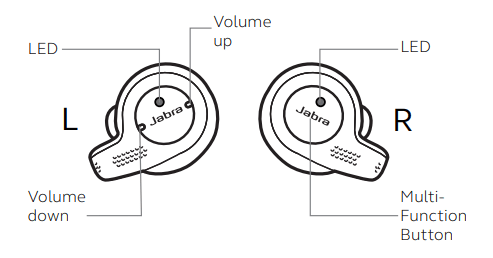
- Put the earbuds in pairing mode. For many models, open the case and hold the button on the case or hold both earbud buttons until the LED flashes blue.
- Watch your device for the Jabra name. Select the Jabra device listed in Bluetooth settings to pair.
- Confirm pairing when prompted and allow permissions for contacts or media if asked.
- Test audio and mic. Play music and try a call to confirm connection.
If pairing fails, turn Bluetooth off and on, restart the device, or reset the earbuds and repeat the sequence. These basics cover how to pair Jabra earbuds on Android, iPhone, Windows, and Mac devices.

Pairing for popular Jabra models
Different Jabra models use similar pairing flows but the exact button actions can vary. Below are concise instructions for common models so you know how to pair Jabra earbuds for the one you own.
Jabra Elite 65t and 65t/Active
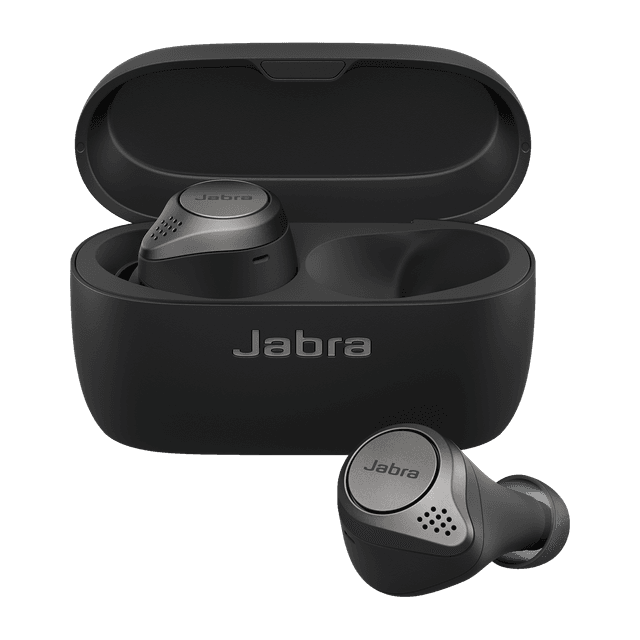
- Place both earbuds in the case and open the lid. Press and hold the button on the case for 3 seconds until the LED blinks blue.
- On your device, choose "Jabra Elite 65t" from Bluetooth. Confirm pairing.
Jabra Elite 75t and 75t/Active
- Remove earbuds from the case to power on. Press and hold the left and right earbud buttons simultaneously for 3–5 seconds until LEDs flash.
- Find "Jabra Elite 75t" in device Bluetooth and connect.
Jabra Elite 85t
- With earbuds out of the case, press and hold the left earbud button for 3 seconds to enter pairing mode.
- Select "Jabra Elite 85t" on your device to pair and enable features in the Jabra Sound+ app.
Jabra Elite Active and other newer models
- Open the case and hold the button on the case or press the earbud button for several seconds until pairing LED shows.
- Use the Jabra Sound+ app to finish setup and check for firmware updates.
These model-specific steps help you confidently handle how to pair Jabra earbuds across popular variants.
Troubleshooting pairing problems
If the earbuds won’t pair, try these fixes. I use these solutions frequently and they resolve most issues.
- Earbuds not entering pairing mode: Put them back in the case for 10 seconds, then remove and hold the pairing button until LED flashes.
- Device cannot see earbuds: Turn Bluetooth off and on, then scan again. Restart your phone if needed.
- Previously paired device reconnects automatically: Clear the Bluetooth memory on your phone or unpair the earbuds from that device and start fresh.
- One earbud not connecting: Place both earbuds in the case and reset them, then re-pair both together.
- Firmware or app issues: Open the Jabra Sound+ app and update firmware. Updates often fix pairing stability problems.
When troubleshooting, be patient and methodical. I once solved a stubborn pairing issue by fully rebooting my phone and updating the earbud firmware; it cured repeated disconnects.

Pairing with multiple devices and using multipoint
Many Jabra earbuds support multipoint so you can connect to two devices at once. Here’s how to set that up and how it behaves.
- Check model support: Confirm that your Jabra model supports multipoint in product specs or the Jabra Sound+ app.
- Pair first device normally: Follow steps for how to pair Jabra earbuds to your primary device.
- Pair second device: Put earbuds back into pairing mode and select them on the second device. Most models will keep the first connection while adding the second.
- Switch audio actively: Some models prioritize the last device that plays audio, or let calls interrupt music on the other device.
Multipoint is great for switching between a laptop and phone. Note that some Jabra models allow only two simultaneous connections. If you need more, disconnect one device before adding another.
Using the Jabra Sound+ app and keeping firmware updated
The Jabra Sound+ app improves pairing, lets you access features, and keeps firmware current. Here’s how it helps with how to pair Jabra earbuds.
- Download the app: Install Jabra Sound+ from your app store.
- Add your earbuds: Open the app and follow the on-screen pairing guide tailored to your model.
- Update firmware: If an update is available, the app will prompt you. Install updates to improve pairing stability and performance.
- Customize controls: Use the app to remap button functions, enable voice prompts, or adjust ANC settings.
I always check the app right after pairing. Small firmware fixes often resolve intermittent dropouts and improve Bluetooth compatibility.

Tips, personal experience, and best practices
Here are expert tips I use when teaching people how to pair Jabra earbuds. They save time and reduce frustration.
- Keep earbuds charged: Low battery can block pairing. Charge the case and earbuds before starting.
- Reset before selling or gifting: Reset removes stored pairings and speeds up a fresh connection.
- Keep devices updated: Update your phone or computer OS for best Bluetooth behavior.
- Use short distances: Pair close to your device to avoid interference.
- Store paired devices list: If you have many Bluetooth devices, delete unused entries so the earbuds connect cleanly.
My mistake early on was not updating firmware; that caused frequent disconnects. Once I updated via the Jabra Sound+ app, pairing became stable and reliable.
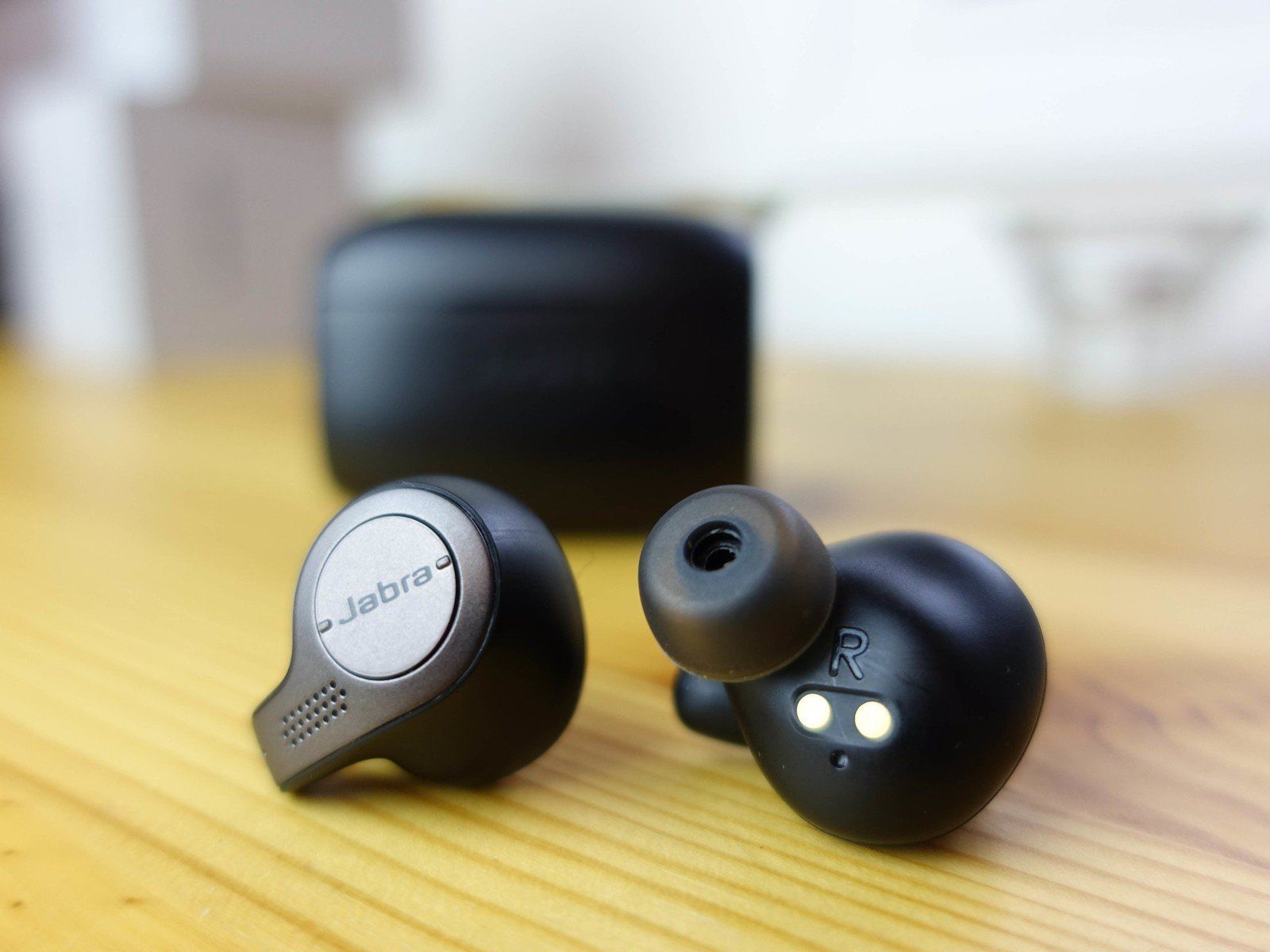
Frequently Asked Questions of how to pair jabra earbuds
How do I put my Jabra earbuds into pairing mode?
Most models enter pairing mode when you remove them from the case and press the earbud button for a few seconds until the LED flashes blue. If that fails, try holding the case button or consult the model’s quick guide.
Why won’t my phone find my Jabra earbuds?
Your phone may have Bluetooth off, software conflicts, or the earbuds may not be in pairing mode. Turn Bluetooth off and on, restart the phone, and reset the earbuds if needed.
Can I pair Jabra earbuds with two devices at once?
Many Jabra earbuds support multipoint for two devices. Pair each device one after the other and check the model’s specs for multipoint support and behavior.
How do I reset my Jabra earbuds for a fresh pairing?
Reset procedures vary, but typically you hold down earbud buttons or place them in the case and press the case button for a set time. Check the quick guide for your specific model to perform a proper reset.
Will firmware updates affect my pairing?
Yes. Firmware updates can improve Bluetooth stability and may change pairing behavior. Use the Jabra Sound+ app to update firmware after pairing for best results.
What should I do if only one earbud connects?
Place both earbuds in the case, reset them, and then re-pair. If the issue persists, update firmware via the app or contact support for a possible hardware check.
Conclusion
You now have a clear, practical plan for how to pair Jabra earbuds across models and devices. Start by charging your earbuds, using the Jabra Sound+ app for smooth setup, and applying the troubleshooting steps if pairing stalls. Try these steps today to get fast, stable Bluetooth audio — and leave a comment if you hit a snag or want help with a specific Jabra model.

Everett Ashford is a tech reviewer at mytechgrid.com specializing in SSDs, cameras, TVs, earbuds, headphones, and other consumer electronics. He provides honest, data-driven reviews based on hands-on testing and real-world performance analysis. Everett simplifies complex tech details to help readers make smart, confident buying decisions.