Pair your earbuds in seconds: enable Bluetooth on your phone, put earbuds in pairing mode, then select them in Bluetooth settings.
I’ve guided hundreds of people through how to connect wireless earbuds to phone, from basic setups to tricky models. This guide explains each step clearly, covers Android and iPhone differences, and shares troubleshooting tips from hands-on experience. Read on to learn reliable, fast methods to pair, fix, and optimize your earbuds so you get great sound every time you ask how to connect wireless earbuds to phone.
:max_bytes(150000):strip_icc()/daniel-romero-K63lOA4Ijyk-unsplash-6af16d68e2854c9780289b40759969f0.jpg)
How wireless earbuds work and why pairing matters
Wireless earbuds use Bluetooth to send audio from your phone. Bluetooth creates a short-range link. Pairing lets both devices trust each other. Good pairing means stable sound and low lag.
Most earbuds use a simple pairing mode. Some use custom apps or chips for better sound. Knowing how to connect wireless earbuds to phone helps you avoid audio dropouts and setup headaches. I test earbuds often, and a few simple steps fix most issues quickly.

Preparing your phone and earbuds before pairing
Take a few prep steps. They save time and avoid frustration.
- Charge both the earbuds and phone battery to at least 30 percent. Low battery can stop pairing.
- Turn off other nearby Bluetooth devices to reduce interference. Less noise improves discovery.
- Update your phone’s OS and the earbuds’ firmware if an app or update is available. Updates fix bugs.
- Read the quick start guide for the earbuds. Different brands use different pairing buttons or sequences.
Practice makes pairing faster. I always open Bluetooth settings first. Then I put the earbuds in pairing mode. That habit saves time when you ask how to connect wireless earbuds to phone.
:max_bytes(150000):strip_icc()/A4-PairWirelessEarbudstoYourPhone-annotated-25601762007946d585c021863e02be00.jpg)
Step-by-step: how to connect wireless earbuds to phone on Android
Android has small variations across brands, but the steps are the same.
- Open Settings on your Android phone.
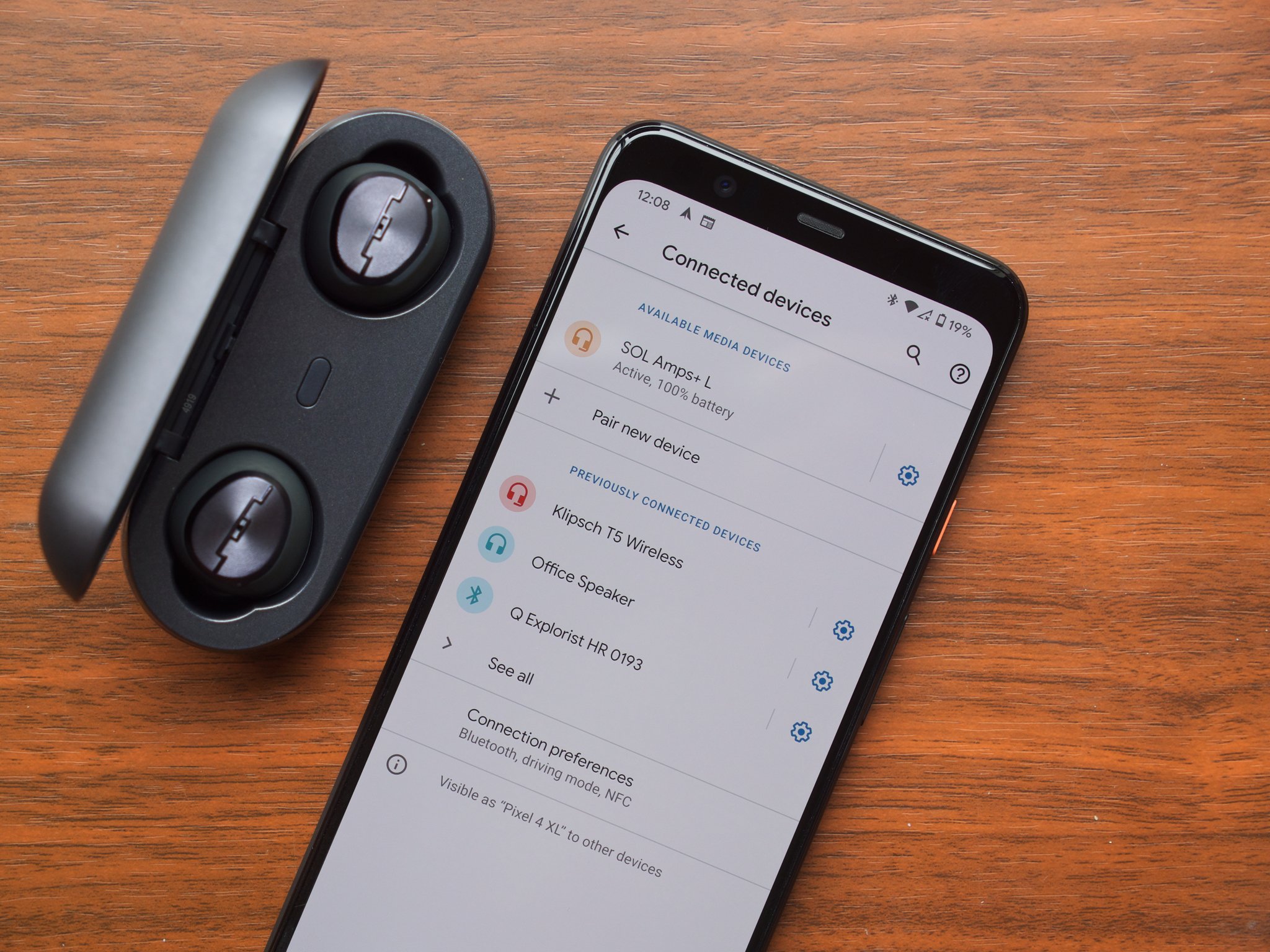
- Tap Connected devices or Bluetooth. Turn Bluetooth on.
- Put your earbuds in pairing mode. Common methods:
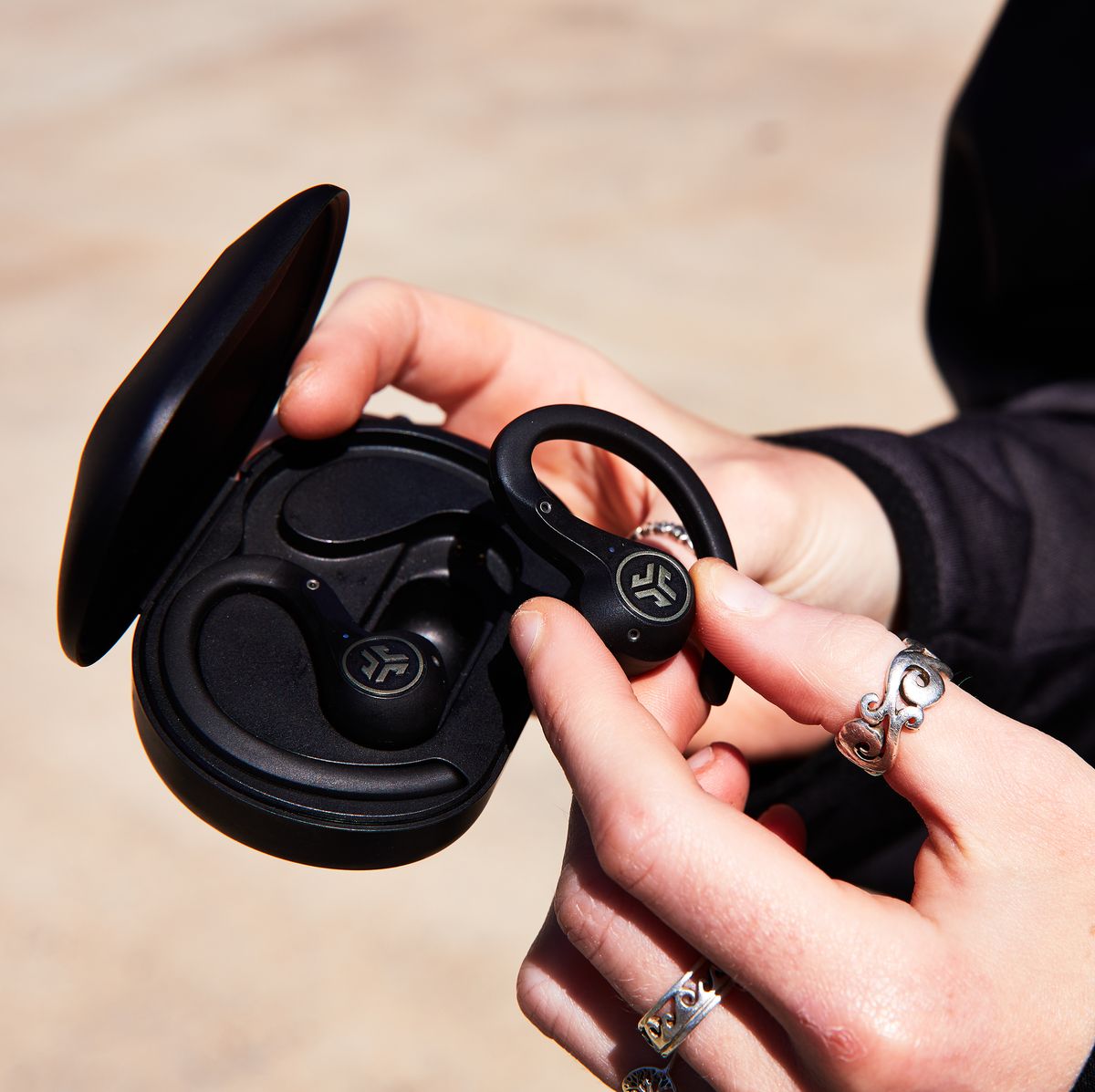
- Place both earbuds in the case, open the lid, and hold a button.
- Press and hold a touch area on each earbud for 3–5 seconds.
- In Bluetooth settings, tap Scan or Pair new device.
- Select your earbuds from the list. Confirm any pairing prompts.
- Wait for the Connected label or a confirmation tone. Play audio to test.
If a prompt asks for a PIN, try 0000 or 1234. Most modern earbuds don’t need a PIN. Following this sequence makes how to connect wireless earbuds to phone on Android quick and reliable.

Step-by-step: how to connect wireless earbuds to phone on iPhone
iPhone pairing is quick, especially with Apple H1 or W1 chips, but non-Apple earbuds follow the standard path.
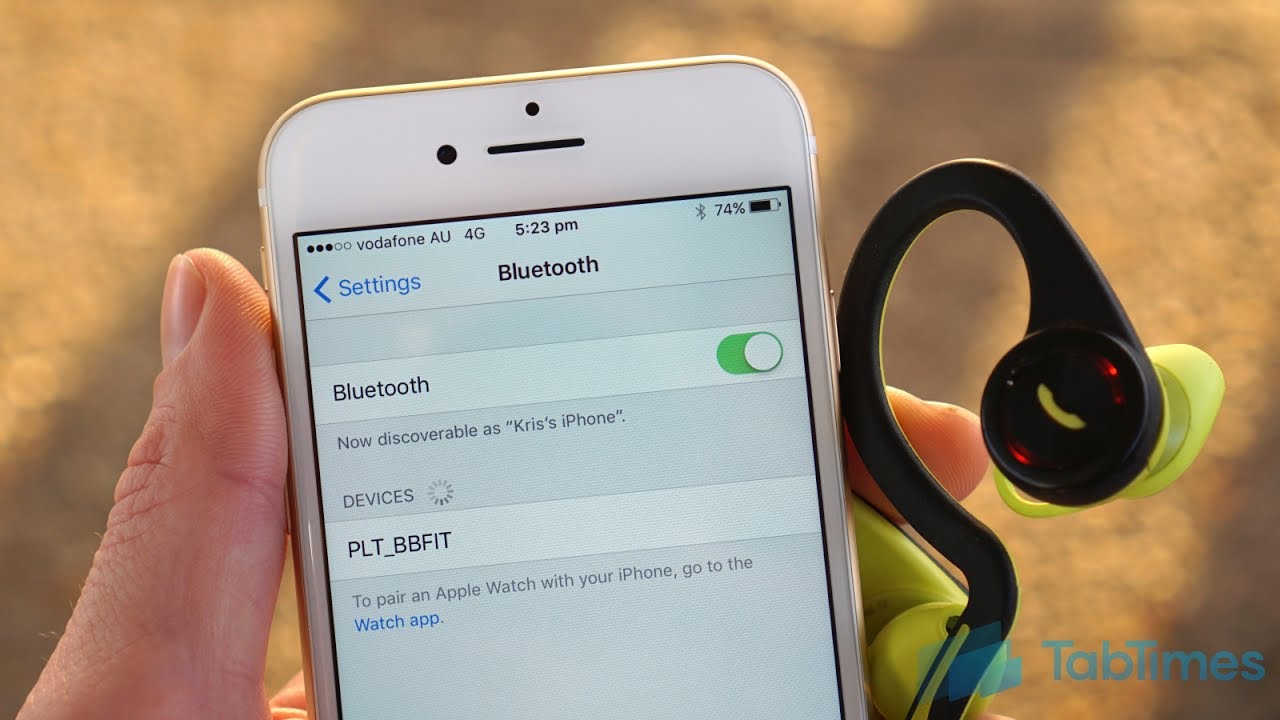
- Open Settings on your iPhone.
- Tap Bluetooth and switch it on.
- Put the earbuds in pairing mode. Some show a white or blue blinking light.
- Look for the earbuds name under Other Devices. Tap it.
- Confirm connection when the label says Connected or a tone plays.
- For AirPods, open the case near the iPhone and follow on-screen prompts.
I pair many earbuds with iPhone. The on-screen Apple prompt makes setup faster for some models. Learning how to connect wireless earbuds to phone on iPhone will make your day-to-day listening smoother.

Troubleshooting common pairing problems
Pairing can fail. Try these fixes when you can’t pair or audio is poor.
-
Earbuds not showing in list
- Restart Bluetooth on your phone. Turn it off and on.
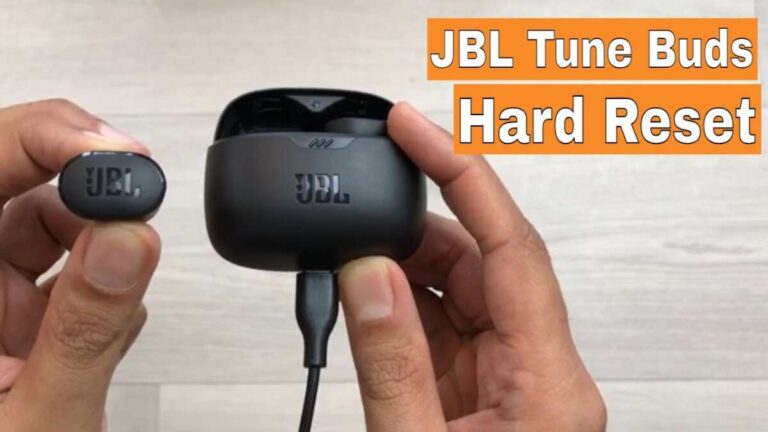
- Reset the earbuds by following the manual. Many earbuds reset with a long button press.
- Move closer to the phone and remove obstacles like walls.
-
One earbud not working
- Place both earbuds back in the case and re-pair. Some single-ear modes disconnect the other bud.
- Reset a single earbud if the manual allows.
-
Connected but no sound
- Check app audio output or phone volume.
- Disable other audio sources like a smartwatch or laptop that may route audio.
-
Frequent dropouts
- Turn off nearby Wi-Fi or move away from routers. Wi-Fi can interfere with Bluetooth.
- Update firmware for both phone and earbuds.
-
Pairing prompts asking for PIN
- Try 0000, 1234, or check the manual. Most modern earbuds do not require a PIN.
From my experience, a quick reset and a fresh Bluetooth scan solve most problems. If you still struggle, the brand’s support often has model-specific steps to fix stubborn pairing issues related to how to connect wireless earbuds to phone.
Advanced tips to improve connection and battery life
Small tweaks can boost range and battery performance.
- Keep firmware current. Manufacturers release fixes that help pairing and range.
- Use the right earbud case storage. A closed case can sometimes force a reset that helps pairing.
- Turn off features you don’t need, like active noise canceling, to save battery and reduce reconnections.
- Use one earbud at a time in mono mode if you need longer battery life.
- Avoid packing your phone and earbuds into the same pocket with metal objects. Metal can block signals.
I once fixed an unstable connection by switching the audio codec in a phone’s developer options. That’s advanced, but sometimes changing codecs from aptX to SBC reduces stutter on older earbuds. Learning these tricks helps you master how to connect wireless earbuds to phone and keep them working well.

Best practices when using multiple devices
If you use the same earbuds with phone and laptop, follow these tips.
- Disconnect or forget the earbuds on a device you aren’t using. This prevents auto-reconnect problems.
- Use device priority features if your earbuds support multipoint. Multipoint lets earbuds connect to two devices at once.
- When swapping phones, fully forget the earbuds on the old phone first. Then pair to the new phone.
These steps make switching devices simple and quick. They remove the guesswork from how to connect wireless earbuds to phone when you use multiple gadgets.
Personal mistakes to avoid and lessons learned
I’ve broken a few rules so you don’t have to.
- Mistake: Not reading the manual. Lesson: Quick guides often list the specific pairing method.
- Mistake: Trying to pair with low battery. Lesson: Charge both devices first.
- Mistake: Relying on app prompts only. Lesson: Use phone Bluetooth settings for reliable control.
These simple lessons saved me time and frustration. They will help you confidently answer how to connect wireless earbuds to phone in any situation.
Frequently Asked Questions of how to connect wireless earbuds to phone
How do I put my earbuds in pairing mode?
Most earbuds enter pairing mode by holding a button on the case or the buds for about 3–5 seconds until a light flashes. Check the quick guide for model-specific steps.
Why won’t my phone find the earbuds?
Turn Bluetooth off and on, reset the earbuds, and move closer to the phone. Also make sure the earbuds aren’t already paired with another device.
Can I connect earbuds to two phones at once?
Some earbuds support multipoint pairing and can connect to two phones simultaneously, but many models only allow one active phone connection at a time.
What if only one earbud plays sound?
Place both earbuds back in the case and re-pair them, or reset the earbuds per the manual. Sometimes re-syncing the buds fixes the issue.
Do I need an app to pair wireless earbuds?
No, you usually do not need an app to pair earbuds. Apps add features like EQ or firmware updates but are not required for basic pairing.
How do I improve Bluetooth range?
Keep both devices free of obstacles, update firmware, and avoid crowded Wi-Fi bands. Moving to a clearer space often helps the most.
Conclusion
You now have clear, practical steps for how to connect wireless earbuds to phone, whether you use Android or iPhone. Start with simple prep, follow the pairing steps, and use the troubleshooting tips when things go wrong. Try the tips I shared, like resetting the earbuds and keeping firmware updated, and you’ll cut setup time and enjoy reliable sound. If you found this helpful, test these steps with your earbuds now, leave a comment about your model, or subscribe for more hands-on guides.

Everett Ashford is a tech reviewer at mytechgrid.com specializing in SSDs, cameras, TVs, earbuds, headphones, and other consumer electronics. He provides honest, data-driven reviews based on hands-on testing and real-world performance analysis. Everett simplifies complex tech details to help readers make smart, confident buying decisions.