To find TOZO earbuds, check their last known location, use the TOZO app, and retrace where you last used them.
Losing small wireless earbuds is easy, but finding them is often possible if they still have battery power or recently connected to your phone. This guide explains how to find TOZO earbuds using Bluetooth, the TOZO app, your phone’s location history, and simple search methods that work in real homes, cars, offices, and bags.
What to Know Before You Search for TOZO Earbuds
Before learning how to find TOZO earbuds, it helps to understand how most wireless earbuds work. TOZO earbuds usually connect through Bluetooth, but standard Bluetooth does not provide live GPS tracking. Your phone can show that the earbuds are nearby, but it cannot always show their exact position.
The best results depend on four things:
• The earbuds still have battery power.
• Bluetooth was enabled on your phone.
• The earbuds were paired with your phone before they went missing.
• The earbuds are outside the charging case or have recently connected.
If the earbuds are inside a closed charging case, the case may block the Bluetooth signal. Some TOZO models may also turn off or enter a low-power state when placed in the case. This means a tracking app may show only the last time and place your earbuds were connected.

How to Find TOZO Earbuds With Bluetooth
Bluetooth is the fastest method for how to find TOZO earbuds when they are close by. It works best in a home, office, hotel room, gym locker area, or car.
Step 1: Open your phone’s Bluetooth settings
On an iPhone, open Settings, then Bluetooth. On most Android phones, open Settings, then Connected devices or Bluetooth.
Look for your TOZO model in the list of paired devices. It may appear as “TOZO-T10,” “TOZO A1,” “TOZO NC9,” or another model name.
Step 2: Check the connection status
If the earbuds show as Connected, they are likely nearby and powered on. If they show as Not Connected, they may be out of range, inside the case, turned off, or out of battery.
Walk slowly around the places where you last used them. Keep the Bluetooth screen open and watch for the connection to appear or disappear.
Step 3: Move closer in small steps
Bluetooth range can reach around 30 feet in open space, but walls, furniture, metal, and other devices can reduce that range. Walk one room at a time instead of moving randomly.
Try these common locations:
• Couch cushions and blankets
• Jacket and pants pockets
• Bed sheets and pillowcases
• Desk drawers
• Backpacks and laptop bags
• Car seats and floor mats
• Gym bags
• Kitchen counters
• Charging areas near outlets
When the earbuds connect, stop moving and search the area carefully. A connection tells you they are close, but it does not tell you which side of the room they are on.
How to Find TOZO Earbuds With the TOZO App
Some TOZO earbuds work with the official TOZO app. Depending on the model, the app may show battery levels, connection details, controls, firmware updates, or a last connected location. App features can vary, so your exact TOZO model matters.
Check whether your model supports the app
Search for the TOZO app in the Apple App Store or Google Play Store. Install the official app, then sign in or continue as a guest if that option is available.
After opening the app:
-
Turn on Bluetooth.
-
Remove the earbuds from the charging case.
-
Put the earbuds into pairing mode if needed.
-
Select your TOZO model.
-
Check for a device location, connection status, or last connected record.
If the app includes a “Find Earbuds” feature, follow its instructions. Some apps can help identify a nearby connection or play a sound. However, not every TOZO model supports sound alerts or location tracking.
Understand the app’s limits
The TOZO app is not a replacement for GPS. It usually cannot locate earbuds that are far away, powered off, or fully out of battery. It may also fail to find one earbud if only the other earbud is connected.
For accurate results, check the model’s user manual or the product page for supported features. Avoid assuming that every TOZO product has the same tracking tools.
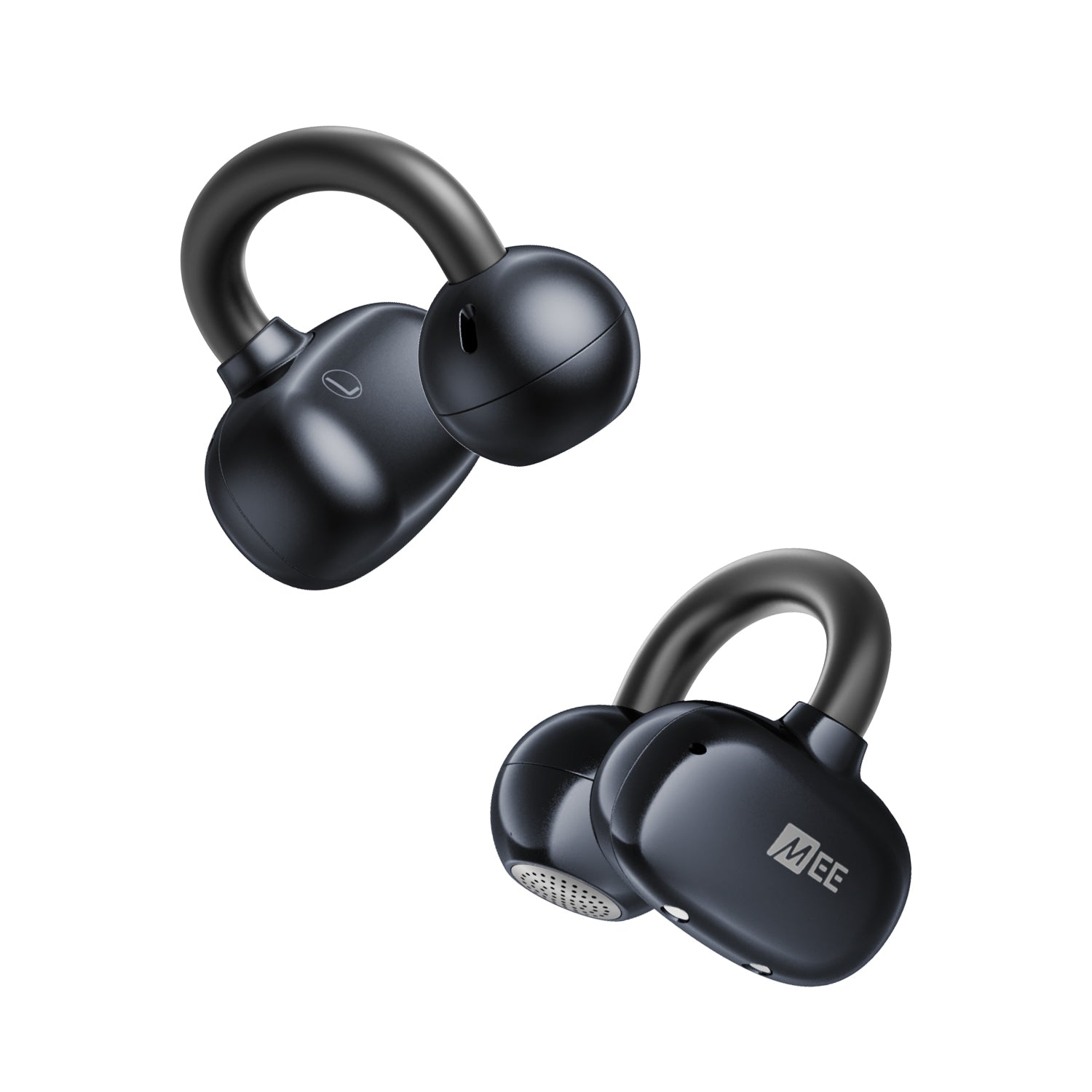
How to Find TOZO Earbuds on an iPhone
If you use an iPhone, the Find My app may help only if your TOZO model supports Apple’s Find My network. Many standard Bluetooth earbuds do not appear in Find My as trackable devices.
Open the Find My app and select the Devices tab. If your TOZO earbuds appear, you may be able to view their last known location, play a sound, or mark them as lost. The available tools depend on the model and how it connects to Apple devices.
If the earbuds do not appear in Find My, use the Bluetooth method instead. You can also check your iPhone’s Bluetooth settings and look at the last place you remember seeing a connection.
Check your recent locations
Think about the last time your iPhone connected to the earbuds. You may have used them during a commute, at work, while walking, or at a coffee shop.
Review:
• Your recent photos and videos
• Calendar events
• Ride-share history