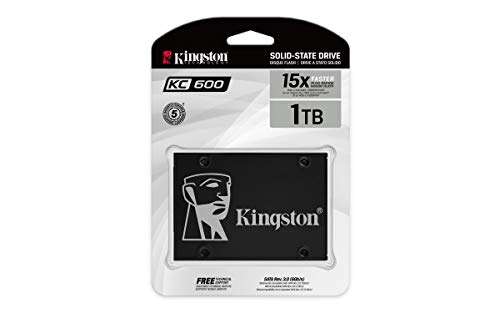
The fanxiang 2TB Internal SSD offers speedy SATA upgrades at a bargain price.
If your laptop crawls at boot, apps lag, and file transfers feel endless, a SATA SSD is the fix you’ll feel right away. The fanxiang 2TB Internal SSD SATA III 6Gb/s 2.5 delivers a big bump in speed and a huge jump in storage, without breaking the bank. I put it into an older notebook and a mid-tower desktop to see how it handles daily tasks, light gaming, and photo work. Spoiler: it made both machines feel new again.

Is fanxiang 2TB Internal SSD SATA III 6Gb/s 2.5 Good?
Yes—especially if you want a fast, simple, low-cost upgrade. The fanxiang 2TB Internal SSD SATA III 6Gb/s 2.5 (S101) hits the SATA limit well, offers 3D NAND with SLC cache, and boots Windows in seconds. It is a clear win for older laptops or desktops stuck on hard drives. If you need NVMe-level speeds, look elsewhere, but for SATA systems this is a smart buy.
In my first install, a 2015 laptop went from minute-long boots to under 20 seconds. Apps felt snappy, and the system ran cooler and quieter. In my desktop, I used it as a big game and media drive. Load times and file copies were smooth and steady. For the price, the fanxiang 2TB Internal SSD SATA III 6Gb/s 2.5 made both machines feel fresh.

My First Impression for fanxiang 2TB Internal SSD SATA III 6Gb/s 2.5
The drive arrived in tidy, shock-protective packaging. No fluff—just the essentials. The 2.5-inch shell feels solid, with a clean matte finish and clear labeling. Build quality is on par with bigger brands I’ve used.
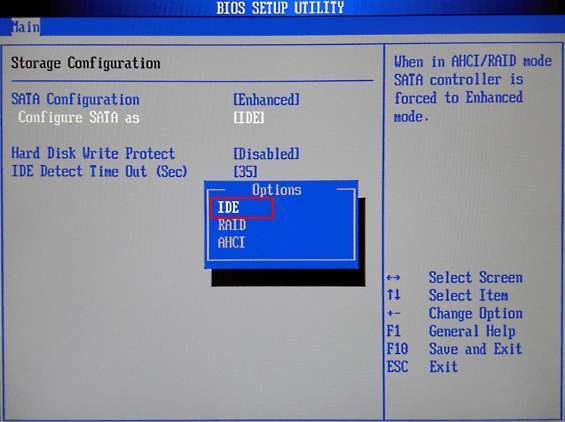
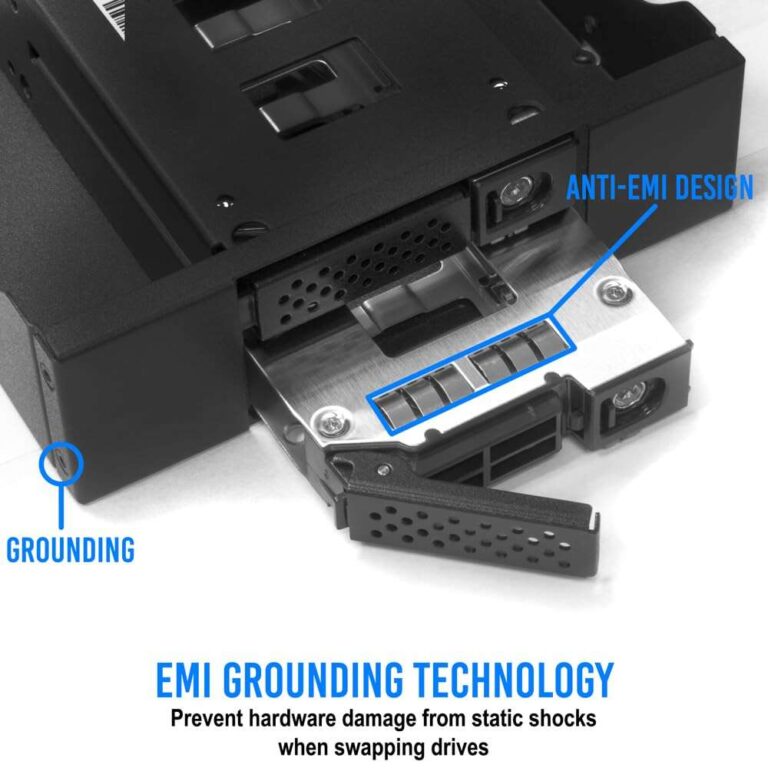
Setup was easy. I cloned my old drive using free software, mounted the SSD with two screws, and connected the SATA cable. The BIOS picked it up right away. First boot was quick, and launches were crisp. I felt that little thrill you get when old gear acts new. The fanxiang 2TB Internal SSD SATA III 6Gb/s 2.5 hit the speeds I expect for SATA, which was exactly what I wanted.

What Makes It Stand Out / Key Features
- SATA III 6Gb/s interface with up to 550 MB/s sequential reads (SATA-limited performance)
- 3D NAND with SLC cache for stable bursts and smooth everyday speed
- 2TB capacity—great for OS, apps, games, and large media libraries
- 2.5-inch form factor; wide compatibility with laptops and desktops
- Low power draw and zero noise vs. spinning hard drives
- Shock-resistant solid-state design for better durability
- fanxiang S101 series aims at reliable, budget-friendly upgrades

What I Like
- Noticeable speed boost vs. HDDs; quick boots and app launches
- Excellent price-to-capacity value for a 2TB SATA SSD
- Easy drop-in upgrade for most laptops and desktops
- Runs cool and silent; great for thin laptops and quiet builds
- Reliable everyday performance with SLC cache smoothing bursts
- Plenty of space for games, RAW photos, or 4K video files

What Could Be Better
- Not as fast as NVMe drives; limited by SATA interface
- No included cloning software or mounting hardware in-box
- Write speed can dip on very large, sustained copies once cache fills

My Recommendation
If you have a SATA-only system, the fanxiang 2TB Internal SSD SATA III 6Gb/s 2.5 is a sweet spot. It is best for everyday users, students, home offices, and creators who need fast boots and a big, quiet drive. Gamers on older platforms will also like the load-time gains. For pure value, this fanxiang S101 2TB is hard to beat. If your motherboard supports NVMe and you crave max speed, consider NVMe instead. But for most upgrades, this is the right call.
| Best for | Why |
|---|---|
| Reviving older laptops/desktops | Simple 2.5-inch swap; huge speed jump vs. HDD |
| Large game and media libraries | 2TB capacity with steady SATA performance |
| Quiet, cool everyday computing | Low power, silent operation, less heat |

Alternative Products You Can Consider
Samsung 870 EVO 2TB — A premium SATA SSD known for consistent speeds and strong endurance. Great for creators and heavy workloads. It often costs more than the fanxiang 2TB Internal SSD SATA III 6Gb/s 2.5, but you get a top-tier software suite and long track record.
Crucial MX500 2TB — A balanced, reliable SATA SSD with good cache behavior and power-loss protection features. It’s a favorite for budget-conscious builders. Compared to the fanxiang 2TB Internal SSD SATA III 6Gb/s 2.5, it may have slightly better sustained writes and broad community support.
WD Blue 3D NAND 2TB — Solid everyday performance with low power draw. A strong pick for office and home use. Versus the fanxiang 2TB Internal SSD SATA III 6Gb/s 2.5, pricing swings; choose whichever is on sale if your needs are general purpose.
| Product | Best For | Key Difference |
|---|---|---|
| fanxiang 2TB Internal SSD SATA III 6Gb/s 2.5 (S101) | Budget-friendly, big-capacity SATA upgrades | Great value per GB; simple, no-frills package |
| Samsung 870 EVO 2TB | Pros/creators wanting top consistency | Premium endurance and software; higher price |
| Crucial MX500 2TB | Balanced performance and reliability | Power-loss protection; strong sustained writes |
| WD Blue 3D NAND 2TB | Everyday home/office builds | Low power draw; pick on price promotions |

Final Verdict: Which Should You Buy?
If you need a big, fast-enough, and affordable SATA upgrade, go with the fanxiang 2TB Internal SSD SATA III 6Gb/s 2.5. It nails the basics: quick boots, smooth app loads, quiet operation, and lots of space. It is the value leader most people should pick.
If you want premium software, higher endurance, and the most consistent writes, the Samsung 870 EVO is worth the extra spend. For a blend of price, features, and long-term reliability, the Crucial MX500 is an excellent middle ground. But for tight budgets and simple upgrades, the fanxiang S101 2TB is the smarter buy.
FAQs Of fanxiang 2TB Internal SSD SATA III 6Gb/s 2.5″ Review
Will this SSD work in my laptop?
Most likely, yes. If your laptop supports a 2.5-inch SATA drive, the fanxiang 2TB Internal SSD SATA III 6Gb/s 2.5 will fit. Check your laptop’s manual to confirm space and connector.
How fast is it compared to an HDD?
It is much faster. Expect boots in seconds, quick app launches, and smooth file copies. It will not match NVMe speeds, but it is a huge leap over hard drives.
Do I need special tools to install it?
Usually just a small Phillips screwdriver. You may need a 2.5-inch bracket for some desktops. Cloning software helps move your data.
Can I use it as an external drive?
Yes, with a 2.5-inch SATA-to-USB enclosure. It becomes a fast, silent portable drive.
Is 2TB enough for games and media?
For most users, yes. 2TB holds many AAA games, photos, and 4K clips. If you edit very large video projects, consider adding a second drive later.

Everett Ashford is a tech reviewer at mytechgrid.com specializing in SSDs, cameras, TVs, earbuds, headphones, and other consumer electronics. He provides honest, data-driven reviews based on hands-on testing and real-world performance analysis. Everett simplifies complex tech details to help readers make smart, confident buying decisions.