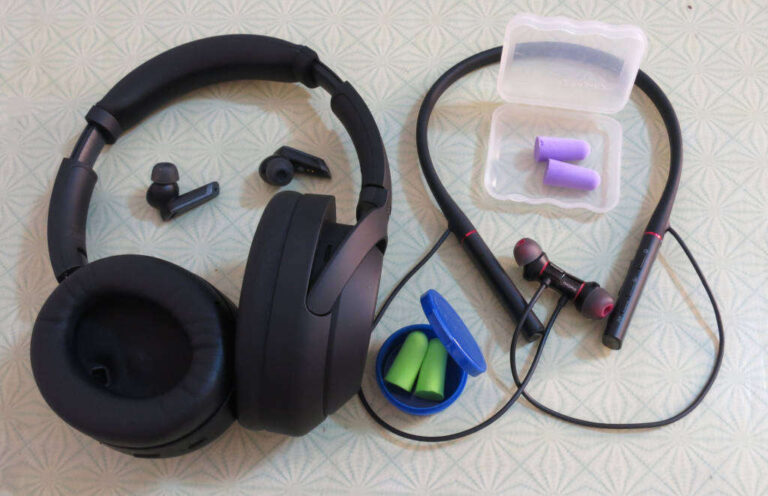
Yes. You can usually charge your earbuds case by itself, without putting the earbuds inside. Connect the case to a USB charger or place it on a compatible wireless charging pad, if the case supports wireless charging.
This applies to most popular earbuds sold in the United States, including Apple AirPods, Google Pixel Buds, Samsung Galaxy Buds, and many other wireless models. The main exception is a case with a damaged battery, dirty charging port, incompatible wireless pad, or a model-specific charging fault.

How charging the case works
The charging case has its own battery. That battery stores power and later sends it to the earbuds through the small charging contacts inside the case.
The earbuds do not need to be inside the case while the case charges. In fact, charging the empty case is useful when your earbuds still have power but the case is nearly empty.
Most cases charge in one of two ways:
- USB charging: Connect a cable to the case and a compatible power source.
- Wireless charging: Place the case on a supported Qi or brand-specific charging pad.
The exact method depends on the model. For example, Apple lists wired and wireless charging options for supported AirPods cases. Google and Samsung also provide model-specific charging instructions for Pixel Buds and Galaxy Buds.
A case can charge its own battery even when the earbuds are elsewhere. When you later place the earbuds inside, the case uses that stored power to recharge them.
What happens when the earbuds are inside?
When the earbuds are in the case, both the case and earbuds may charge at the same time. The power source charges the case, and the case can pass power to the earbuds.
The charging order may vary by model. Some cases first charge the earbuds. Others manage both batteries at once. You do not need to control this process.
How to charge an empty earbuds case
Use these steps for most wireless earbuds cases.
- Remove the earbuds if you want to charge only the case.
- Find the charging port on the case. It is often a USB-C or Lightning port.
- Connect the correct cable.
- Plug the other end into a safe power source, such as a certified wall adapter, computer USB port, or power bank.
- Check the status light or app to confirm that charging has started.
- Leave the case connected until it reaches the desired charge level.
If the case supports wireless charging, place it on the center of a compatible charging pad. Remove thick cases or metal accessories if they block the connection.
A light may flash, turn amber, turn orange, or show another color while charging. The meaning differs by brand. Check the manual or the maker’s support page for your model.

How to tell whether the case is charging
The clearest sign is a charging light or a battery reading in the companion app.
Look for one or more of these signs:
- A status light turns on after you connect the cable.
- The light changes color during charging.
- The case appears in the phone’s Bluetooth battery display.
- The manufacturer’s app shows a rising case battery level.
- The case becomes warm, but not hot, during charging.
- The case reaches a full-charge indicator after some time.
A light that turns off does not always mean charging stopped. Some cases turn off the light after a short period to save power. Open the case near your phone, or check the battery level in the brand’s app.
Do not judge charging by heat alone. A case may stay cool during normal charging, especially in a cool room or when it is nearly full.
Can I charge the case without the earbuds nearby?
Yes. The earbuds do not need to be near the case.
The case receives power through its charging port or wireless charging coil. It does not need a Bluetooth connection to charge. Bluetooth mainly helps your phone display battery information and control the earbuds.
You can leave the earbuds at home, in your ears, or in another room while the empty case charges. The case will still charge if its battery and charging system work correctly.
Can I use my earbuds while the case charges?
Usually, yes. You can use the earbuds while the empty case charges.
This setup works well when:
- The earbuds still have enough battery.
- The earbuds are connected to your phone.
- The case is charging separately.
- You plan to put the earbuds back in the case later.
The earbuds will not charge until they are placed in the case. If the earbuds run out of power before the case is ready, you must stop using them and return them to the case.
Some earbuds may disconnect when placed in the case. That is normal because the case often signals the earbuds to enter charging mode.
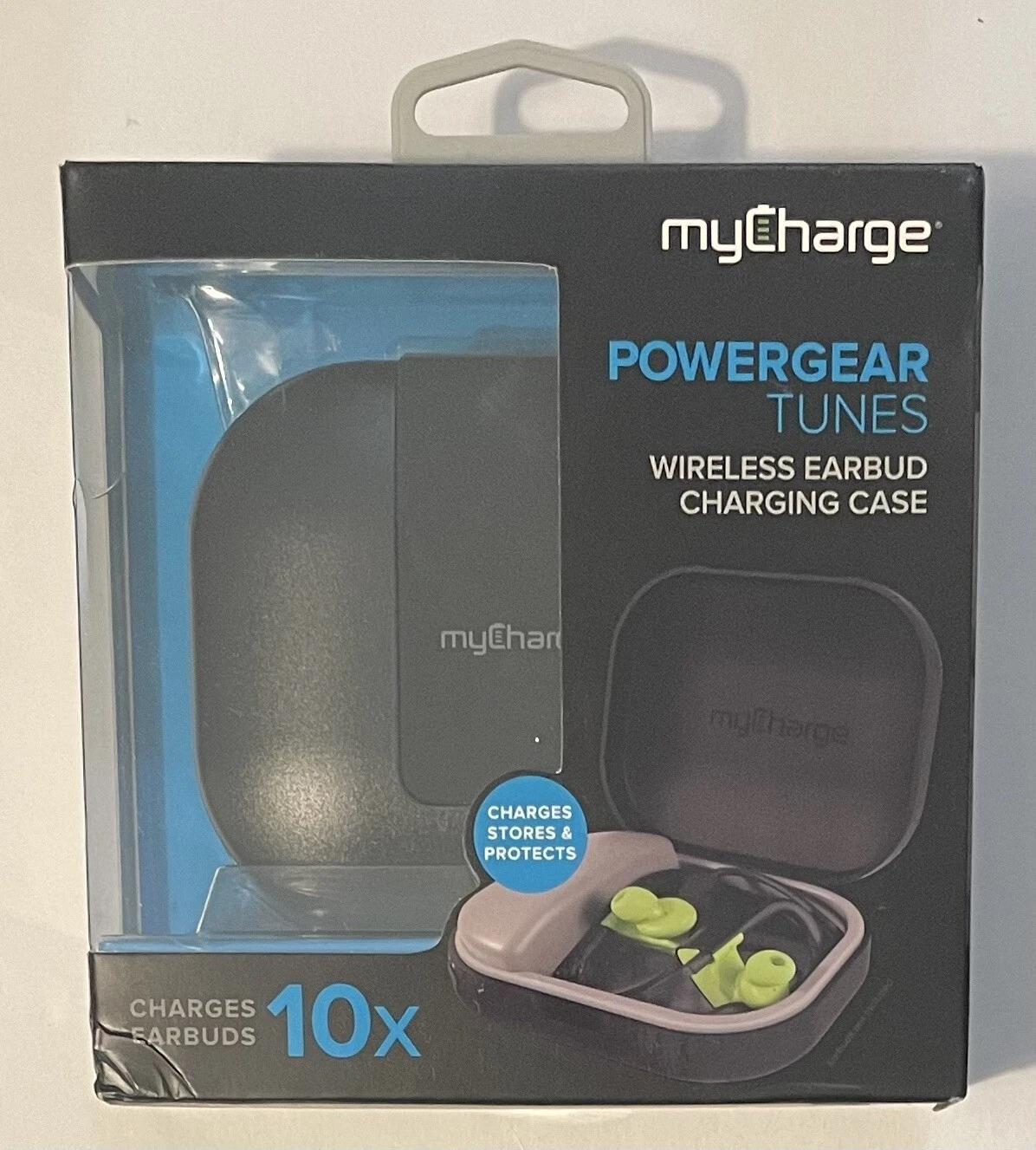
USB charging versus wireless charging
Both methods can charge the case, but they have different limits.
| Charging method | What you need | Main benefit | Common limitation |
|---|---|---|---|
| USB-C cable | A compatible USB-C cable and power source | Usually reliable and easy to check | Requires a cable |
| Lightning cable | A compatible Lightning cable and power source | Works with some older Apple cases | Limited to models with a Lightning port |
| Qi wireless pad | A case that supports Qi charging | No cable in the case | The case may charge more slowly |
| Brand-specific pad | A compatible case and charging pad | May offer convenient alignment | Not supported by every model |
| Power bank | A cable or compatible wireless surface | Useful while traveling | Some power banks may stop with very low power draw |
Do not assume that every wireless earbuds case supports wireless charging. Many cases charge only through a cable. Check the model specifications before buying a wireless pad.
A wireless pad can also fail to work if the case is not centered, the pad is not powered, or a thick case blocks the charging coil.
What if the empty case will not charge?
Check the simple causes first. Most charging problems come from the power source, cable, port, or alignment.
1. Try another cable
A damaged cable may still charge a phone but fail with a small earbuds case. Test the case with another known-good cable that fits the port.
Avoid forcing the plug. If it does not slide in smoothly, check whether the connector is the correct type.
2. Try another power source
Connect the case to a different wall adapter, USB port, or power bank. A computer port may provide enough power, but a wall adapter is often easier to test.
Use a reputable adapter that meets the case maker’s instructions. You do not need a high-wattage laptop charger for most earbuds cases, but the adapter and cable must be compatible.
3. Clean the charging port carefully
Pocket lint can stop the plug from seating fully. Turn off the power source, then inspect the port under good light.
Use a dry, soft brush or another method approved by the manufacturer. Do not push metal objects into the port. Do not pour liquid into it.
4. Check the wireless charging position
If you use a wireless pad, place the center of the case over the center of the pad. Remove metal attachments and test without a thick protective cover.
If wired charging works but wireless charging does not, the problem may be alignment or wireless compatibility rather than the battery.
5. Allow time for a deeply drained case
A case with a fully depleted battery may not show a light at once. Leave it connected for several minutes, then check again.
If the case remains unresponsive after trying another cable and power source, it may have a battery or charging circuit problem.
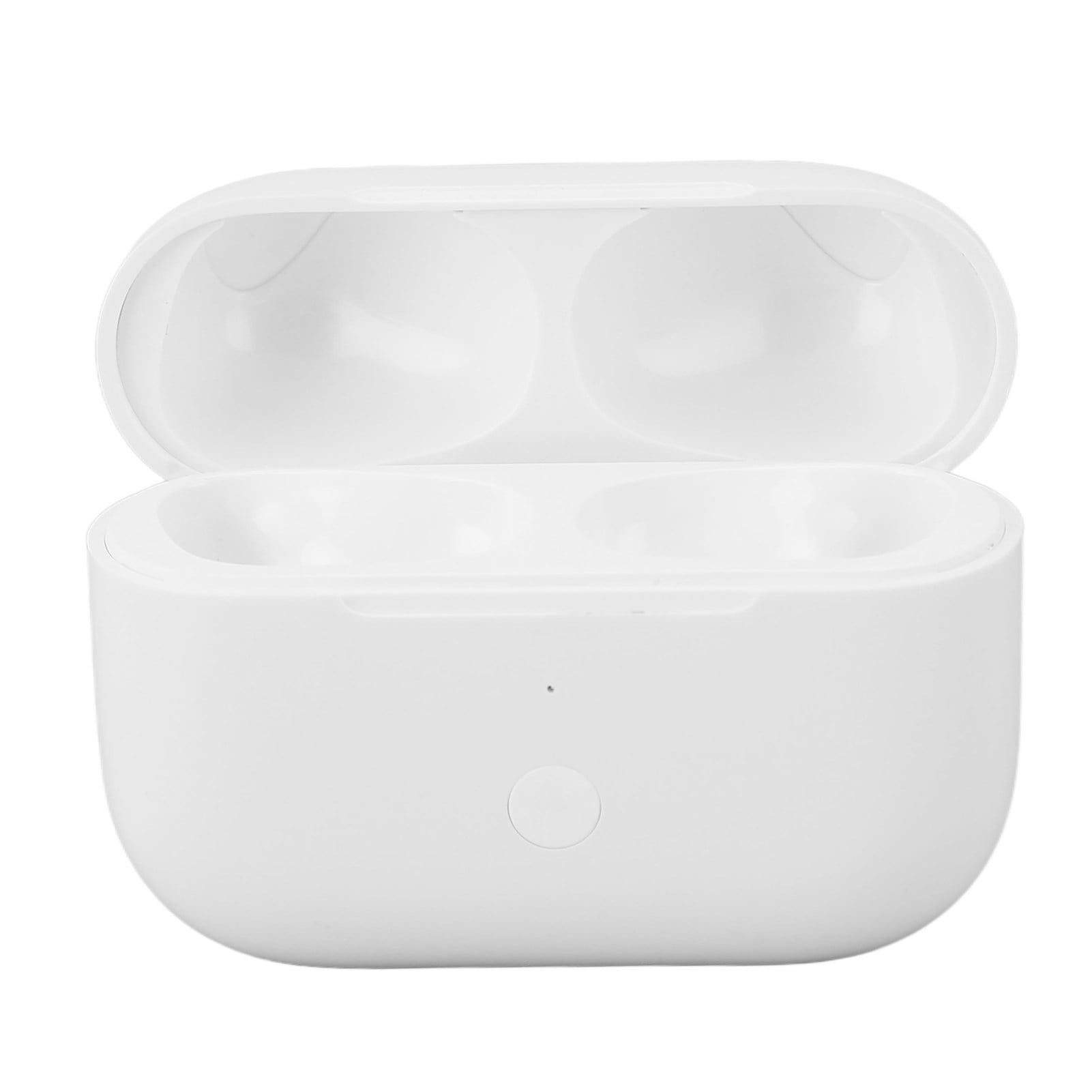
Why the case may charge slowly
A slow charge does not always indicate a fault. It may happen because:
- You are using wireless charging.
- The case is nearly full.
- The cable or adapter limits power.
- The charging port is dirty.
- The case is warm.
- The battery has aged.
- The case is charging the earbuds at the same time.
Heat can also reduce charging speed. Move the case to a cool, dry place and keep it away from direct sunlight. Do not cover it with clothing or place it under a pillow while charging.
If the case becomes unusually hot, smells burnt, swells, leaks, or makes a crackling sound, unplug it and stop using it. Do not try to open a lithium-ion battery. Contact the manufacturer or an approved repair service.
Can I charge the case with the earbuds inside?
Yes. This is the normal charging method for most wireless earbuds.
When both earbuds are inside, the case can charge its own battery and the earbuds. The earbuds must sit in the correct positions so their metal contacts touch the case contacts.
If one earbud does not charge:
- Remove and reseat it.
- Check for dirt on the earbud contacts.
- Check for dirt inside the case.
- Confirm that the earbud is the correct one for that case.
- Look for a battery reading in the companion app.
Charging the case alone does not fix an earbud that has a separate battery, contact, or software problem.
Does charging an empty case waste power?
A small amount of power is used by the case’s charging system, lights, and battery management circuit. However, charging an empty case is a normal use case and does not harm it by itself.
Modern charging systems reduce or stop the main charge when the battery reaches full capacity. Still, battery makers generally recommend avoiding excessive heat and using compatible chargers.
You do not need to wait for the case to reach zero before charging it. Lithium-ion batteries are designed for regular partial charging.
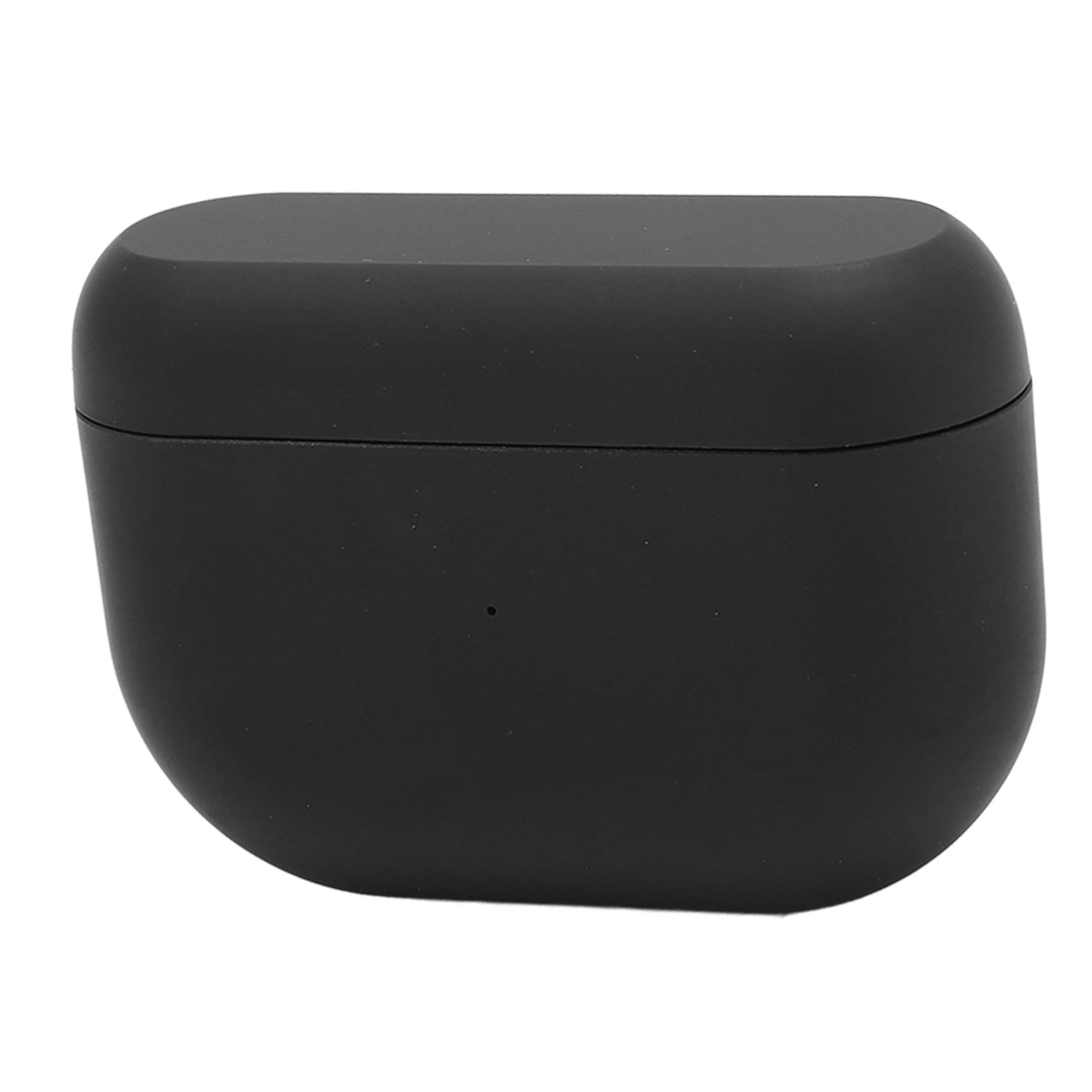
Common mistakes to avoid
Avoid these habits when charging a wireless earbuds case:
- Using the wrong cable or a damaged cable
- Forcing debris out with a pin or metal tool
- Using a wireless pad that the case does not support
- Charging in extreme heat or cold
- Ignoring swelling, smoke, smell, or excessive heat
- Assuming a dark status light means no charging
- Buying a replacement case without checking model compatibility
Cases that look similar may use different firmware, charging contacts, or pairing systems. A replacement case should match the exact earbuds model and region when the manufacturer requires it.
Frequently asked questions
Can I charge my AirPods case without the AirPods inside?
Yes. Connect the AirPods case to a compatible cable or place it on a supported wireless charging pad. The AirPods do not need to be inside.
Can I charge a Galaxy Buds case without the earbuds?
Yes. A Galaxy Buds case can normally charge by cable without the earbuds inside. Wireless charging depends on the exact case model and compatible charger.
Can I charge my earbuds while the case is not charging?
Yes, if the case already has enough stored power. Place the earbuds inside, close the lid if required, and let the case recharge them from its own battery.
How long does an empty earbuds case take to charge?
The time depends on the model, cable, adapter, battery level, temperature, and charging method. Wired charging is often more predictable than wireless charging. Use the manufacturer’s stated time for your exact model rather than a general estimate.
Why does my earbuds case show no light?
The battery may be fully drained, the cable may be faulty, the port may be dirty, or the case may use a light that turns off after a short time. Try another cable and power source, then check the model’s manual. Stop using the case if it becomes very hot, swells, leaks, or smells unusual.
The bottom line
Yes, you can charge the earbuds case only. Remove the earbuds, connect the case to a compatible USB charger, or use a supported wireless pad. The case will store power for the next time you place the earbuds inside.
If it does not charge, test the cable, power source, port, and wireless alignment in that order. Use the exact instructions for your model, and stop charging if the case shows signs of battery damage.

Everett Ashford is a tech reviewer at mytechgrid.com specializing in SSDs, cameras, TVs, earbuds, headphones, and other consumer electronics. He provides honest, data-driven reviews based on hands-on testing and real-world performance analysis. Everett simplifies complex tech details to help readers make smart, confident buying decisions.