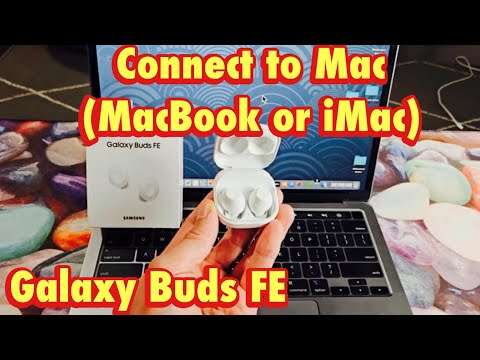
Yes. Most true wireless earbuds can charge inside their case while the case itself is plugged in. This works with many popular models sold in the United States, including Apple AirPods and Samsung Galaxy Buds.
Put both earbuds in the case, connect the case to power, and check the charge light or phone app. The earbuds should charge from the case while the case battery also recharges.
This only applies when the earbuds are inside the charging case. You generally cannot plug a charging cable directly into most earbuds because they have no charging port.
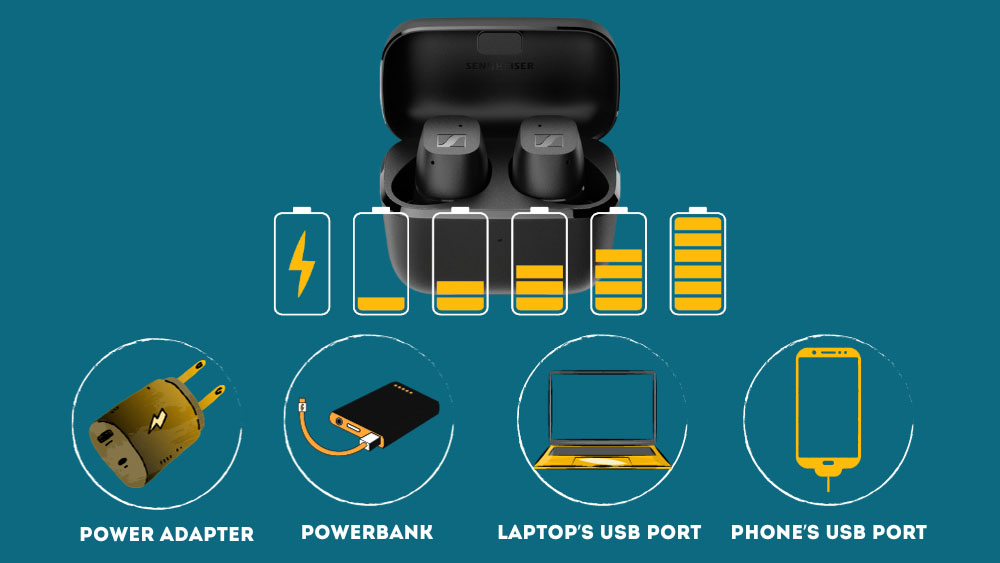
How Earbuds Charge Inside the Case
The case acts as both a holder and a small battery pack. Metal contacts inside the case touch matching contacts on each earbud. When the case has power, it sends a small charge to the earbuds.
When you plug the case into a wall adapter, USB port, or charging pad, the case can usually do two jobs:
- Recharge its own battery
- Send power to the earbuds
The case controls the flow of power. It does not simply send full power to every part at once. Its charging system manages the earbuds and case to help prevent overcharging.
Apple confirms that AirPods can charge while they sit in the case. Apple also states that the case can charge with or without the AirPods inside. Samsung gives similar guidance for Galaxy Buds cases that charge the earbuds while connected to a charger.
The exact behavior can vary by model, firmware, and case design. Always check the manual for your specific earbuds if the case does not charge both parts at the same time.

How to Charge the Earbuds and Case at the Same Time
Follow these steps:
-
Place each earbud in the correct side of the case.
The left earbud belongs in the left slot, and the right earbud belongs in the right slot. -
Press the earbuds down gently.
Each earbud should sit flat and touch the metal charging pins. -
Close the lid if the manufacturer recommends it.
Most cases charge with the lid open or closed, but a closed lid can help the earbuds stay in place. -
Connect the case to power.
Use the supplied cable, a compatible USB cable, or a supported wireless charging pad. -
Check the charging status.
Look for a case light, a charging symbol on your phone, or the brand’s companion app. -
Leave the case on power until both batteries reach the desired level.
A charging icon does not always appear at once. Some cases take a few seconds to show a light or update the phone app.
Signs That the Earbuds Are Charging
Your earbuds are likely charging if:
- The case light changes or begins to pulse
- Your phone shows a charging symbol
- The brand’s app shows an increasing battery level
- The earbuds make a short charging sound
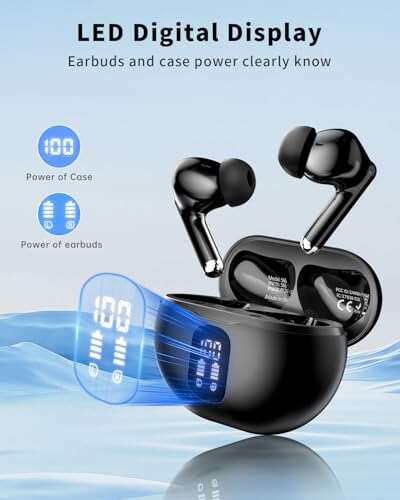
- The case reports separate battery levels for the earbuds and case
A light may turn off after a short time to save power. That does not always mean charging stopped. Check the battery level after a few minutes if you are unsure.
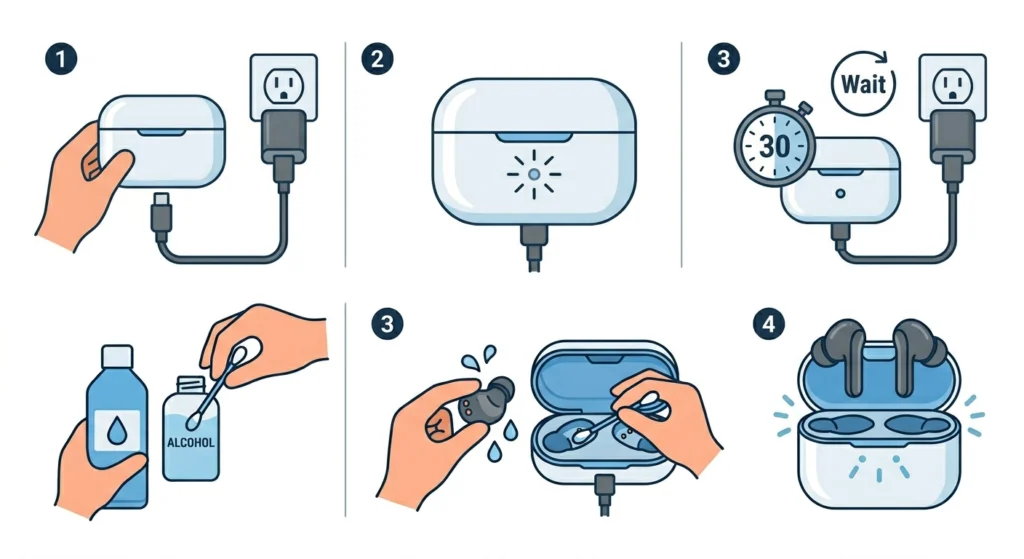
Can You Charge the Case With the Earbuds Inside?
Yes, in most cases. The earbuds are designed to remain inside the case while the case charges.
This is the normal setup for many products. It avoids an extra step and lets the case top up the earbuds whenever you connect it to power.
There are a few limits:
- The case must have working charging contacts.
- The earbuds must sit in the correct slots.
- The case must support charging while the earbuds are inside.
- The cable, adapter, or charging pad must provide power.
- Dirt or moisture must not block the charging contacts.
If the case battery is completely empty, the case may first use incoming power to restart its own charging system. The earbuds may begin charging a little later. This does not necessarily mean there is a fault.
Does the Case Charge Faster Without the Earbuds Inside?
Often, yes—but not always by much. When the earbuds are inside, some incoming power goes to the earbuds. That leaves less power for the case battery.
The total charging time depends on:
- The case battery size
- The earbud battery level
- The charger and cable
- Whether the case supports fast charging
- The case temperature
- The charging method
- The software and power settings
For example, a case with nearly empty earbuds may take longer to reach full charge than the same case with full earbuds inside.
If you need the case itself charged as soon as possible, remove the earbuds and charge the case alone. If you want the whole set ready later, leave the earbuds inside.

Can the Earbuds Charge While the Case Is on a Wireless Charger?
Usually, yes, if the case supports wireless charging.
Place the case on a compatible Qi charger or the charging system made for that model. The case should then recharge its own battery and charge the earbuds inside.
Wireless charging may fail or work slowly when:
- The case is not centered on the charging pad
- The case is too thick
- A metal accessory blocks the signal
- The charging pad is not compatible
- The case is too hot
- The earbuds are not making contact with the charging pins
Some cases also support reverse wireless charging from a compatible phone. In that setup, the phone sends power to the case. The case may then charge the earbuds inside it.
Wireless charging often creates more heat than a cable. If the case becomes unusually hot, remove it from the pad and let it cool.
Why Are My Earbuds Not Charging While the Case Is Plugged In?
If the case is connected but the earbuds remain at the same battery level, check the following causes in order.
1. The earbuds are not seated correctly
Remove both earbuds and put them back in their slots. Make sure each earbud clicks or settles into place.
Small earbuds can look correctly placed while sitting slightly above the charging pins.
2. The charging contacts are dirty
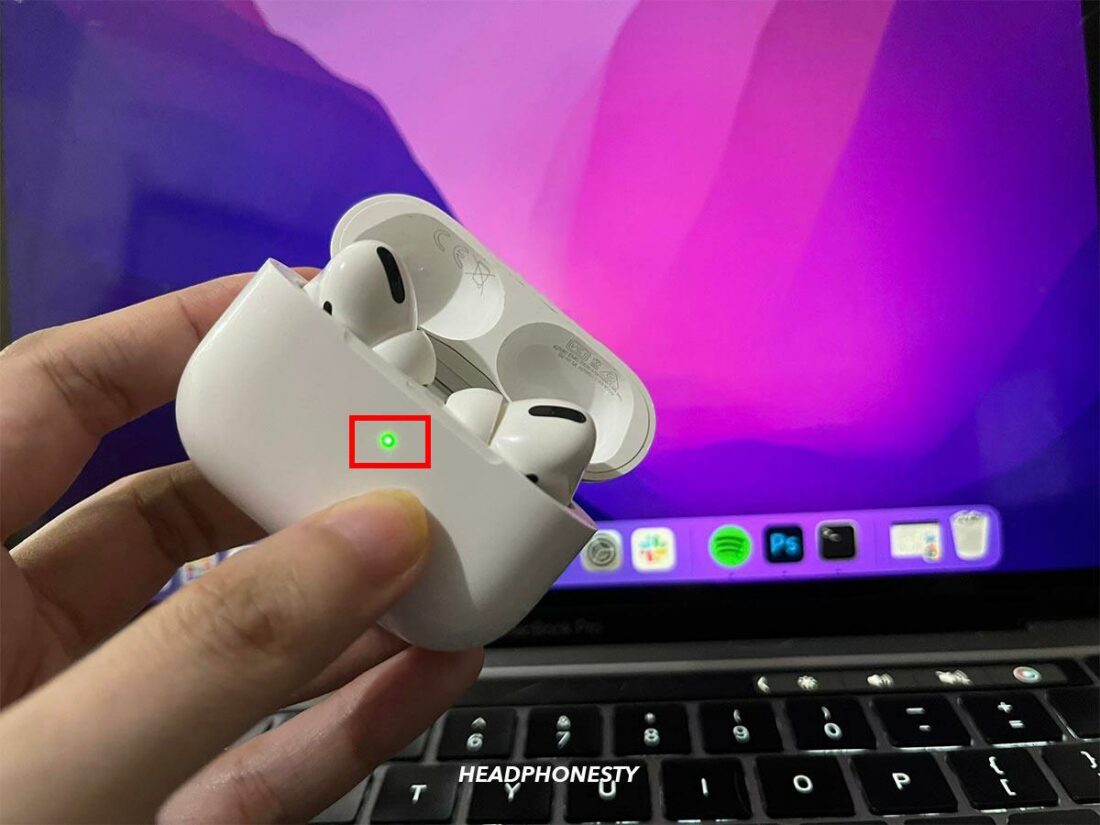
Skin oil, dust, and earwax can cover the metal contacts. Turn off the case if possible, then clean the contacts with a dry cotton swab or a soft, dry cloth.
Do not pour liquid into the case. Do not scrape the contacts with a sharp metal tool.
3. The case battery is empty
Connect the case to a known-working charger for several minutes. A fully drained battery may need time before the light turns on.
Try a different cable and power adapter if there is no response.
4. The cable or power source is faulty
Test the case with:
- Another compatible cable
- Another wall adapter
- A different USB port
- A compatible wireless charging pad
Avoid assuming that a cable works simply because it charges another device. Cables can fail at the connector or inside the wire.
5. The case or earbuds need a reset
Many brands provide a reset process. The steps differ by model. Use the instructions from the manufacturer rather than a reset method for a different product.
A reset may fix software errors, but it will not repair a broken charging pin or damaged battery.
6. The case is too hot or too cold
Battery systems may slow or stop charging outside their normal temperature range. Move the case to a dry room-temperature area. Keep it away from direct sunlight, a car dashboard, or a heat source.
7. The battery or hardware is damaged
A swollen case, burning smell, leaking fluid, cracked shell, or extreme heat is a safety warning. Stop charging it and contact the manufacturer or an authorized repair service.
Do not open a lithium-ion battery case yourself.
What If the Case Shows Full but the Earbuds Do Not?
A full case with uncharged earbuds usually points to a contact, fit, software, or hardware problem.
Start with this short test:
- Charge the case for at least a few minutes.
- Remove the earbuds.
- Clean the earbud and case contacts with a dry cloth.
- Put the earbuds back into the correct slots.
- Check whether the case light reacts.
- Check the battery level in the phone app.
- Test each earbud separately.
If one earbud charges and the other does not, the problem may be limited to one contact, one earbud battery, or one slot in the case.
If neither earbud charges but the case charges normally, inspect the contacts and reset the earbuds. If those steps fail, contact the brand’s support team.
Is It Safe to Leave Earbuds Charging Overnight?
For a modern, undamaged product, leaving the earbuds and case connected for several hours is generally part of normal use. The charging system reduces or stops the main charge when the batteries reach their target level.
Still, follow basic battery safety:
- Use the approved cable or a reliable compatible charger.
- Charge on a hard, open surface.
- Keep the case away from bedding and other items that trap heat.
- Do not charge a wet case or wet earbuds.
- Stop using the product if it swells, smells hot, smokes, or becomes unusually hot.
- Replace damaged cables and adapters.
“Overcharging” is not usually the main concern with a modern charging case. Heat, physical damage, poor-quality accessories, and moisture create greater risks.

Can I Use the Earbuds While the Case Is Charging?
Yes, but only after removing the earbuds from the case. The earbuds cannot keep charging once they are in your ears because they must touch the case contacts.
You can charge the case by itself while using the earbuds. When you return the earbuds to the case, they can charge again if the case has enough battery or remains connected to power.
Some cases may stop sending power to the earbuds when the lid is open or when the earbuds are connected to a device. This is uncommon, but the model’s software can affect charging behavior.
Charging Options at a Glance
The table below compares common ways to charge a typical earbud system.
| Charging method | Charges the case | Charges earbuds inside the case | Main limitation |
|---|---|---|---|
| USB cable | Yes | Usually yes | Needs a cable and power source |
| Qi wireless pad | Yes, if supported | Usually yes | Alignment and heat can affect charging |
| Phone reverse charging | Only on compatible phones and cases | Usually yes | Often slower and uses phone battery |
| Case battery alone | No | Yes, until the case runs low | The case must already have stored power |
The key point is simple: the earbuds need to be in the case, and the case must support charging them while connected to power.
Common Mistakes to Avoid
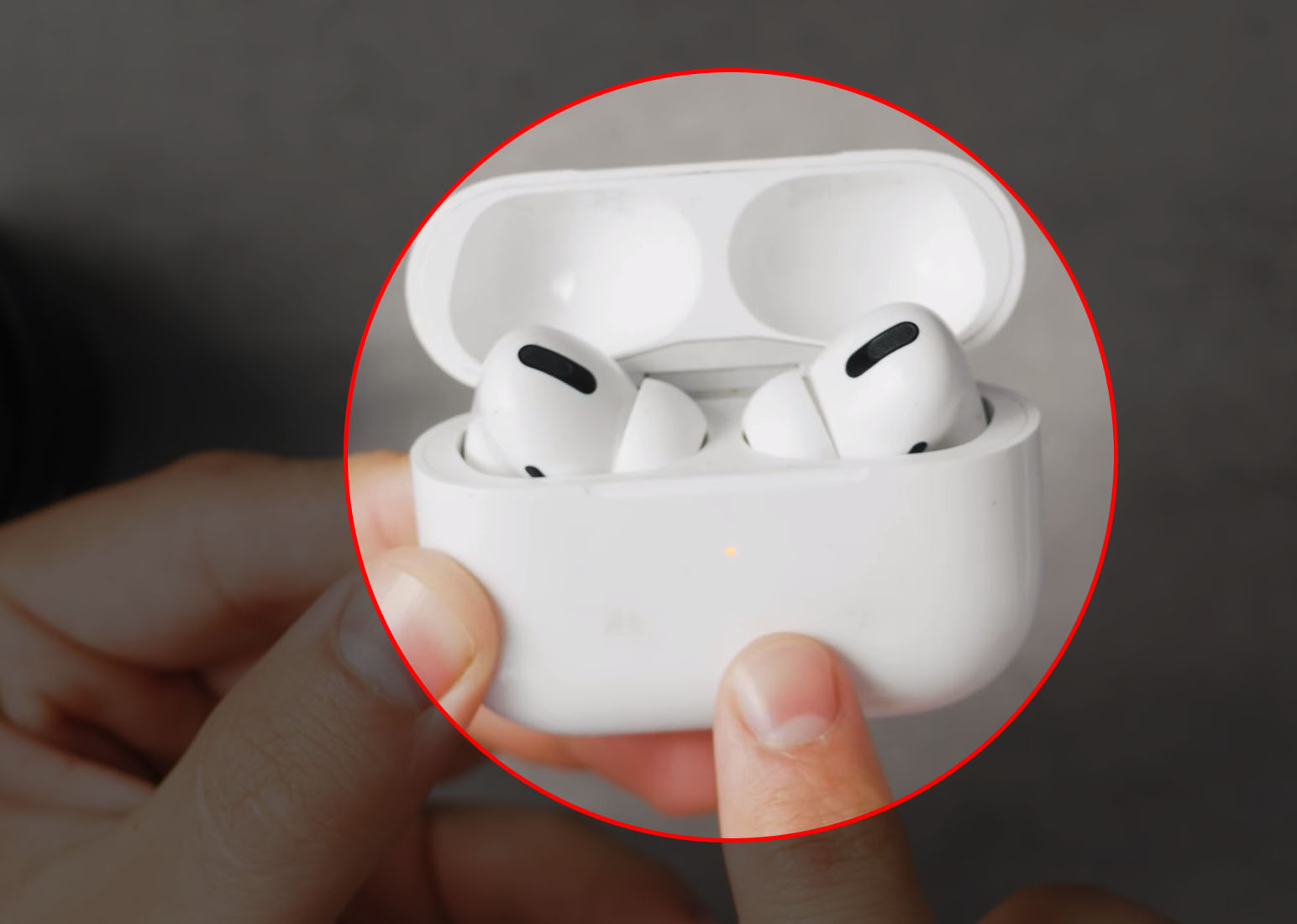
Avoid these habits when charging wireless earbuds:
- Putting the left earbud in the right slot
- Ignoring a case light that shows a fault
- Cleaning contacts with water
- Using a damaged cable
- Charging a wet case
- Covering the case with clothing or bedding
- Assuming every case supports wireless charging
- Using a random replacement case from another model
- Forcing earbuds into the wrong charging slots
- Continuing to charge a case that swells or becomes very hot
A replacement case may look similar but still use different charging contacts, software, or battery controls. Use a case designed for the exact earbud model.
Key Takeaways
- Yes, most earbuds charge while their case charges.
- Put the earbuds into the case and connect the case to a charger.
- The case normally charges its own battery and sends power to the earbuds.
- A dirty contact, poor fit, weak cable, empty battery, or software issue can prevent charging.
- Wireless charging works only with cases designed for it.
- Keep the system dry, cool, and free from damaged cables or parts.
Frequently Asked Questions
Can I charge my earbuds without charging the case?
Yes, but only if the case already has enough stored power. Put the earbuds inside the case and close the lid. The case battery will charge the earbuds until the case battery runs low.
Do earbuds stop charging when they reach 100%?
The charging system normally reduces or stops the main charge when the earbuds reach their target level. The exact battery behavior depends on the manufacturer and model.
Should I leave the lid open while charging the case?
Usually, no. Most cases charge with the lid closed, and closing it helps protect the earbuds and keep them seated. Follow the instructions for your model if they state otherwise.
Why does one earbud charge but not the other?
The most common causes are a poor fit, dirty contacts, or a problem with one charging slot. Clean the contacts, reseat both earbuds, and test the faulty earbud in the case again.
Can I use any USB charger for my earbud case?
Use the cable and adapter recommended by the manufacturer or a reputable compatible charger. Do not use damaged accessories. The case controls the charging current, but poor-quality power equipment can still create heat or reliability problems.
Final Answer
Yes, you can usually charge your earbuds while charging the case. Keep the earbuds in their charging slots, connect the case to a compatible power source, and confirm that the case or app shows charging activity.
If the earbuds do not charge, reseat them, clean the contacts, test another cable or adapter, and check the model’s support instructions. Stop using the case if it becomes unusually hot, swells, smells burnt, or shows other signs of damage.
Sources and Further Reading
- Apple Support: Charge your AirPods and learn about battery life
- Apple Support: Charge your AirPods or AirPods Pro
- Samsung Support: Charge your Galaxy Buds
- U.S. Consumer Product Safety Commission: Lithium-ion battery safety

Everett Ashford is a tech reviewer at mytechgrid.com specializing in SSDs, cameras, TVs, earbuds, headphones, and other consumer electronics. He provides honest, data-driven reviews based on hands-on testing and real-world performance analysis. Everett simplifies complex tech details to help readers make smart, confident buying decisions.