Introduction
If you are in the United States and your wireless earbuds are out of power, you may wonder if a phone charger, charging pad, or USB cable can charge them without the case. For most true wireless earbuds, the answer is no. The earbuds receive power through metal contacts inside their charging case.
A few models use a special charging accessory or have a built-in charging port. Wired earbuds and some neckband-style Bluetooth earbuds are different because they may charge directly. This guide explains what works, what does not, and how to get your earbuds working again without damaging the battery.
The Short Answer
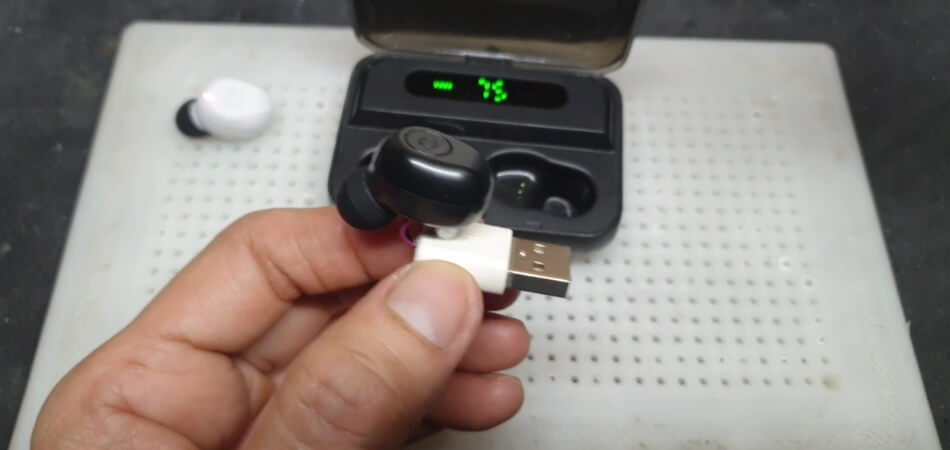
Most true wireless earbuds cannot be charged without their charging case.
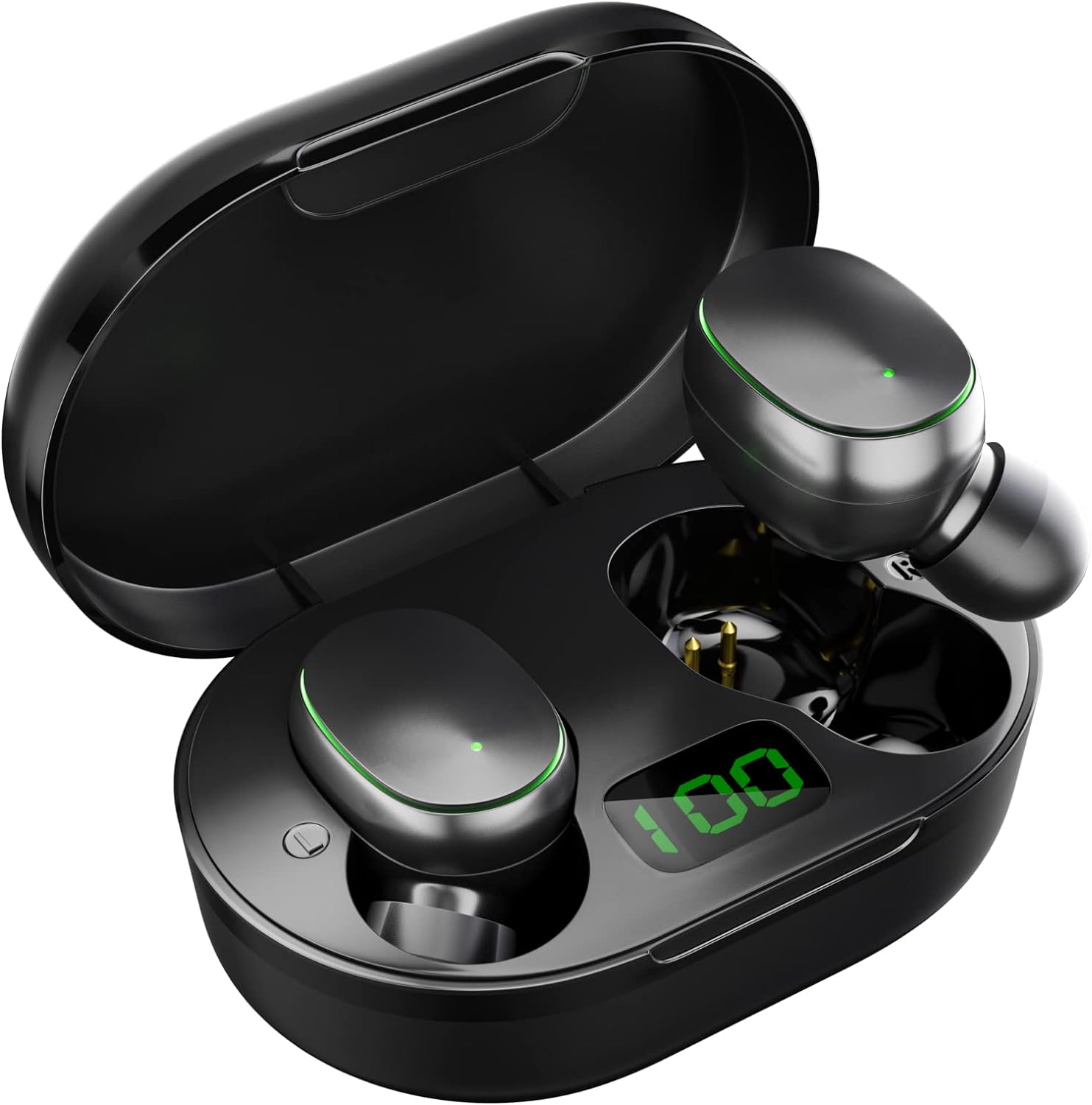
The case does more than store the earbuds. It contains:
- A battery that holds stored power
- Charging circuits
- Spring-loaded contact pins
- Magnets that help align each earbud
- Software that controls safe charging
When you place an earbud in the case, its charging contacts touch the contacts in the case. The case then sends the correct amount of power to the earbud.
A USB-C cable usually charges the case, not the earbuds. A wireless charging pad also normally charges the case. The earbuds must sit inside a compatible case to receive that power.
Quick answer by earbud type
| Earbud type | Can it charge without the case? | Usual charging method |
|---|---|---|
| Apple AirPods | Usually no | AirPods charging case |
| Samsung Galaxy Buds | Usually no | Galaxy Buds charging case |
| Google Pixel Buds | Usually no | Pixel Buds charging case |
| Other true wireless earbuds | Usually no | Brand-specific charging case |
| Bluetooth neckband earbuds | Often yes | USB cable connected to the neckband |
| Wired earbuds | They do not need charging | Connected device supplies sound |
| Earbuds with a direct USB port | Yes, if the port is built in | USB cable |
Do not connect loose wires to the metal contacts on an earbud. The contacts are not a standard USB input, and the wrong voltage or wiring can cause heat, battery damage, or a short circuit.
Why True Wireless Earbuds Need the Case
True wireless earbuds are small. Most have no room for a normal charging port, USB protection circuit, or large battery. The case solves that problem by acting as a portable charging station.
Each earbud has a small rechargeable lithium-ion battery. The case has its own battery and charging system. When the earbud is placed inside, the case transfers power through the charging contacts.
The case also helps manage charging safely. It can stop or reduce power when an earbud is full. It may also check whether the earbud is seated correctly before charging begins.
This design explains why common workarounds fail:
- A USB-C cable cannot reach an earbud that has no USB-C port.
- A wireless charging pad cannot charge an earbud unless the earbud has a compatible wireless charging receiver.
- A phone's reverse wireless charging feature usually charges the case, not the loose earbuds.
- A power bank does not replace the case's charging contacts and control circuits.
Apple's support instructions for AirPods tell users to charge the earbuds in an AirPods case. Similar instructions appear in support material for many Samsung Galaxy Buds, Google Pixel Buds, and other true wireless products. The exact method depends on the model.
What to Do If You Lost or Forgot the Case
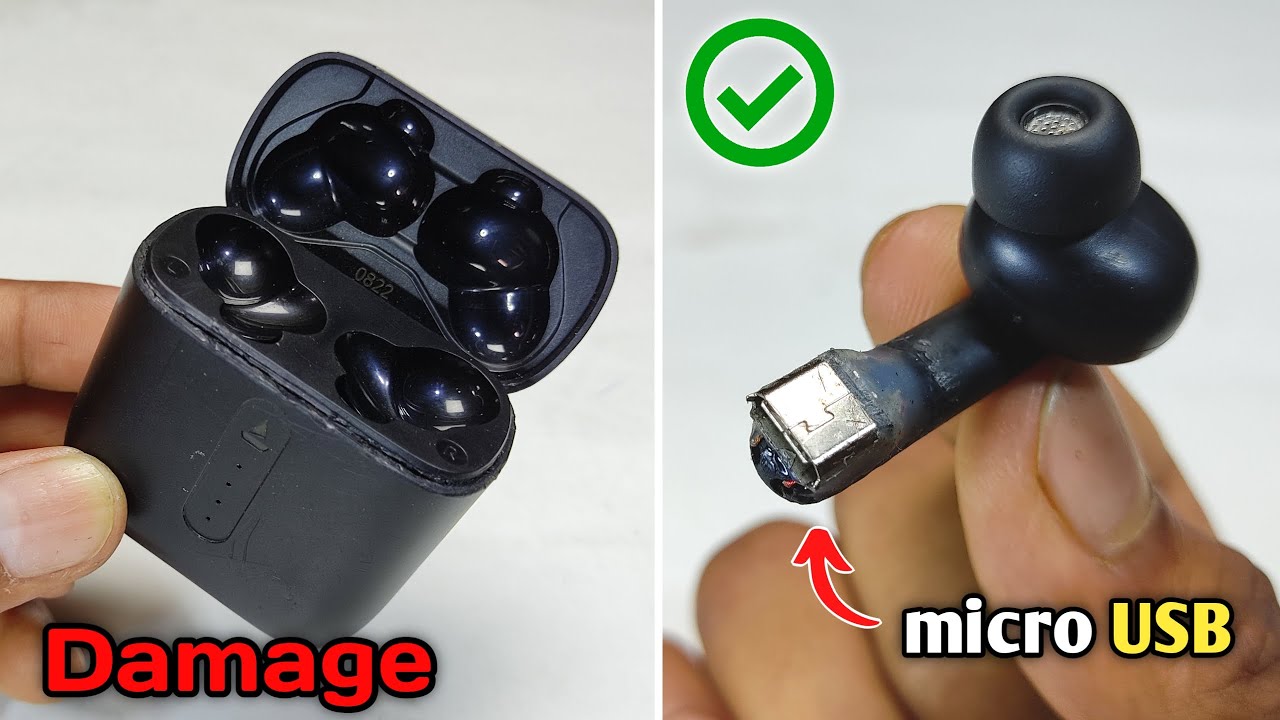
If your earbuds are compatible with a replacement case, buying the correct case is the safest solution. A replacement case must match the earbud model and, in some cases, the exact generation.
1. Identify the exact model
Check:
- The Bluetooth name in your phone's settings
- The manufacturer's app
- The writing on the earbud
- The original box or receipt
- The model number under the earbud or on its case
A product name may cover several versions. For example, a standard model and a “Pro” model may look similar but use different charging systems.
2. Check the manufacturer's replacement options
Use the brand's official support page first. Some companies sell replacement cases. Others require service or offer a full replacement set.
Avoid buying a case based only on appearance. A case may fit physically but fail to charge, pair, or update the earbuds.
3. Confirm case compatibility
Before buying, verify:
- Exact model and generation
- Left and right earbud compatibility
- USB-C or Lightning input, if relevant
- Wireless charging support
- Pairing requirements
- Return policy
A generic charging case is rarely a safe substitute. True wireless earbuds use different contact layouts, charging controls, and software.
4. Charge the replacement case
Connect the replacement case to its approved cable or place it on a compatible charging pad. Then place both earbuds inside.
Keep the lid open or closed according to the manufacturer's instructions. A status light, charging sound, or phone app should show whether the earbuds are charging.
5. Reset or pair the earbuds if needed
Some replacement cases pair automatically. Others require a reset. The reset steps vary by brand, so use the model's official manual rather than guessing.

Earbud Types That Can Charge Without a Case
The phrase “wireless earbuds” can describe more than one design. Not all wireless earphones use a charging case.
Bluetooth neckband earbuds
Neckband earbuds connect to a phone through Bluetooth, but the two earbuds are linked by a wire or flexible band. The battery and charging port are often located in the band.
You can charge these with the supported USB cable. They do not usually need a separate case.
Earbuds with a built-in USB port
Some larger Bluetooth earphones have a USB-C or micro-USB port on one earbud or on a control module. If the port is clearly labeled and covered as designed, you can charge the earphones directly.
Use the cable and power source listed in the manual.
Wired earbuds
Traditional wired earbuds do not contain a rechargeable battery. They draw power from the phone, tablet, computer, or other audio device.
Some wired earbuds include active noise cancellation. Those models may have a small battery and a direct charging port. Check the controls and manual to confirm.
Specialty charging accessories
A small number of products may support a separate charging dock or proprietary accessory. This is not the same as charging the earbuds from any ordinary cable.
The accessory must be made for that model and provide the correct electrical connection.

Can a Phone or Charging Pad Charge Loose Earbuds?
Usually, no. A phone with reverse wireless charging can share power only with a device that has a compatible wireless charging receiver and the right charging position.
For most earbuds, the compatible receiver is in the charging case. The loose earbuds have small contact points, not a wireless charging coil.
A Qi charging pad works in much the same way. If the earbud manufacturer does not document direct wireless charging, assume the pad will not charge the earbuds by themselves.
Do not place loose earbuds on a charging pad for a long time in the hope that they will begin charging. The earbuds may not charge, and poor alignment can create heat.
How to Troubleshoot Earbuds That Will Not Charge in the Case
If you have the case but the earbuds remain dead, check the simple causes first.
1. Charge the case
Connect the case to a known-good charger. Look for a status light or battery reading in the manufacturer's app.
A case with an empty battery cannot charge the earbuds.
2. Clean the charging contacts
Dust, skin oil, and pocket lint can block the metal contacts. Turn off or disconnect the charger, then clean the contacts with a dry, soft cotton swab.
Do not pour liquid into the case. Do not scrape the contacts with a knife, pin, or metal tool.
3. Seat each earbud correctly
Place each earbud in its matching side. Magnets should guide it into place. The earbud should sit firmly and make full contact.
Remove ear tips or accessories that prevent the earbud from sitting fully in the case.
4. Check the charging light or app
Look for a charging symbol, light, or battery increase. Some case lights show only the case battery, so the manufacturer's app may provide more detail.
5. Try another approved cable and power source
A damaged cable, loose port, or weak power source can prevent the case from charging. Try a different cable that fits the case and a standard USB power adapter.
Do not assume every USB cable supports every charging feature. Some cables may charge slowly or may be damaged.
6. Restart or reset the earbuds
If the case has power and the contacts are clean, follow the official reset process. Resetting can remove saved Bluetooth connections, so you may need to pair the earbuds again.
7. Stop if the battery becomes hot or swollen
Unusual heat, a chemical smell, hissing, smoke, or a swollen battery means you should stop using the device. Do not puncture, open, crush, or place a damaged lithium-ion battery in household trash.
Contact the manufacturer or a qualified electronics recycling service in the United States. If a device is smoking or on fire, move away and call emergency services when safe.

What Not to Do
Some online suggestions can damage the earbuds or create a fire risk. Avoid these methods:
- Touching a USB cable's bare wires to the earbud contacts
- Using a 9-volt battery to “boost” the earbuds
- Connecting the earbuds to a homemade charging circuit
- Putting loose earbuds on a random wireless charging pad
- Using a case made for a different model
- Charging wet earbuds
- Opening the earbud to replace the battery without proper tools and training
- Using damaged cables or swollen batteries
The charging contacts may look simple, but the charging system is not simply positive and negative metal points. The case and earbuds may use control signals, temperature checks, and current limits.
The safest rule is simple: use the original case, an official replacement case, or a documented accessory made for the exact model.
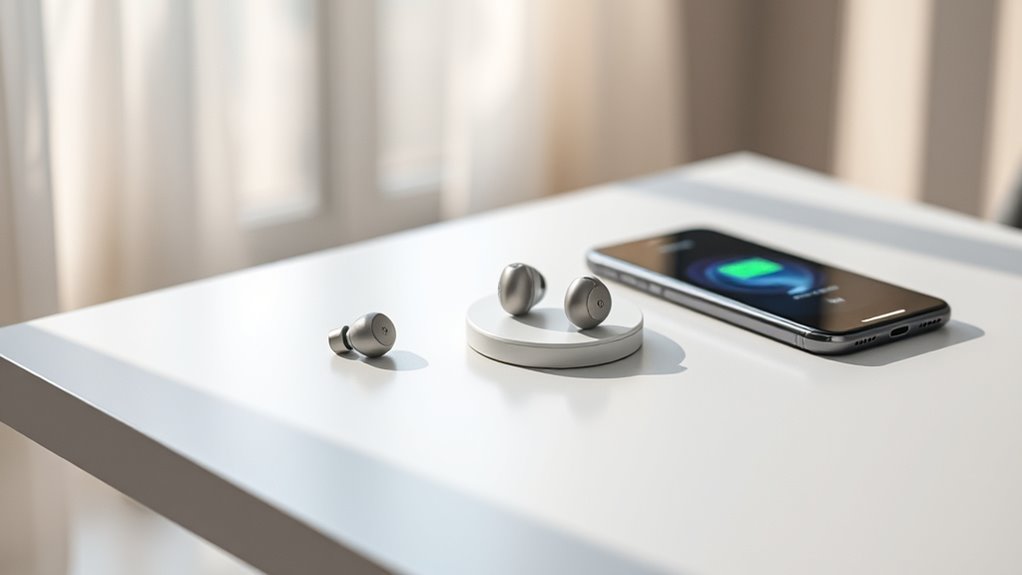
Best Options When You Need Music Right Away
If the case is missing or empty, choose the option that fits your situation:
- Use a replacement case. This is the best long-term fix for most true wireless earbuds.
- Charge the case from a power bank. This helps if the case is available but you are away from a wall outlet.
- Use wired headphones temporarily. This avoids draining the earbuds while you wait.
- Use a neckband Bluetooth headset. These can often charge directly through USB.
- Contact the manufacturer. Support can confirm case compatibility and repair options.
If only one earbud has power, use it alone until the case is available. Many phones let you use a single earbud, although stereo sound and some features may change.

Key Takeaways
- Most true wireless earbuds cannot charge without their charging case.
- The case supplies power through model-specific charging contacts.
- USB cables and wireless charging pads usually charge the case, not loose earbuds.
- Neckband earbuds and models with a built-in USB port may charge directly.
- A replacement case must match the exact brand, model, and generation.
- Never connect bare wires or an unknown power source to earbud contacts.
- Stop using any earbud or case that becomes hot, swollen, smoky, or damaged.
Frequently Asked Questions
Can I charge AirPods without the case?
Usually, no. AirPods are designed to charge inside a compatible AirPods charging case. If the case is lost or damaged, check Apple's replacement and service options or buy a case that matches the exact AirPods generation.
Can I charge Galaxy Buds without the case?
Most Galaxy Buds charge through their compatible case. The earbuds themselves generally do not have a USB charging port. Use a matching Samsung case or an approved replacement.
Can I charge earbuds with a USB-C cable?
Only if the earbuds have a built-in USB-C port designed for charging. For most true wireless earbuds, the USB-C port is on the case, so the cable charges the case instead.
Can I use another brand's charging case?
Usually, no. Cases differ in shape, contact placement, charging voltage, and software support. Use a case made for the exact model and generation.
What if I lost only the charging case?
Find the exact model number, then check the manufacturer's support page for a replacement case. If no case is sold separately, a repair center or a replacement earbud set may be the practical choice.
Can I charge earbuds with a laptop?
A laptop can charge a compatible charging case through USB. It normally cannot charge loose true wireless earbuds because the earbuds lack a USB charging port.
Conclusion
For most true wireless earbuds, the charging case is required. It stores power, aligns the earbuds, and controls the charging process. A phone, USB cable, or wireless pad usually cannot replace it.
If you have lost the case, identify the exact earbud model and get an official or documented compatible replacement. If the earbuds have a direct USB port or are a neckband design, follow their manual for direct charging. Avoid homemade methods, since a small lithium-ion battery can be damaged by the wrong current or voltage.

Everett Ashford is a tech reviewer at mytechgrid.com specializing in SSDs, cameras, TVs, earbuds, headphones, and other consumer electronics. He provides honest, data-driven reviews based on hands-on testing and real-world performance analysis. Everett simplifies complex tech details to help readers make smart, confident buying decisions.