For shoppers in the United States, the Microsoft Surface Laptop is the best overall laptop with facial recognition for most people. Its Windows Hello camera can scan your face and sign you in without a password. It also offers a sharp display, long battery life, quiet performance, and a clean Windows 11 experience.
The HP Spectre x360 14 is a better fit if you want a 2-in-1 design. The Lenovo ThinkPad X1 Carbon is stronger for business users, while the Dell XPS 13 suits buyers who want a small, premium laptop.
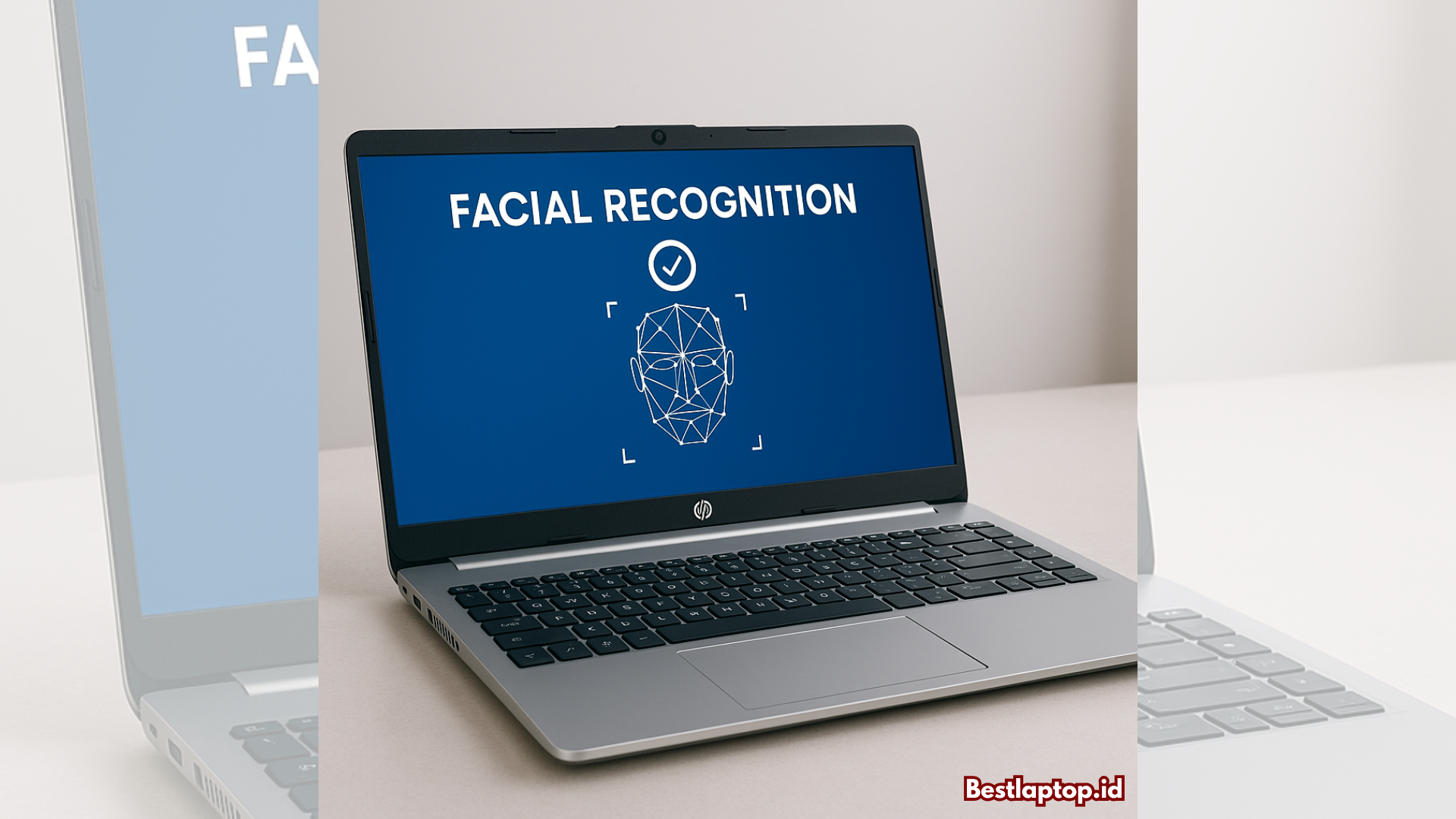
Facial recognition is not available on every laptop with a webcam. The camera must include an infrared (IR) sensor that supports Windows Hello. A normal webcam is not enough.

Quick Answer: Which Laptop Has the Best Facial Recognition?
The best laptop depends on your budget, work style, and need for a convertible design.
| Laptop | Best for | Facial sign-in system | Main strength | Main limitation |
|---|---|---|---|---|
| Microsoft Surface Laptop | Most users | Windows Hello face recognition | Simple, fast, and well integrated | Limited port selection |
| HP Spectre x360 14 | 2-in-1 buyers | Windows Hello face recognition | Folds into tablet mode | Higher price |
| Lenovo ThinkPad X1 Carbon | Business users | Windows Hello IR camera on supported models | Strong keyboard and business features | Exact camera options vary |
| Dell XPS 13 | Premium travel | Windows Hello IR camera on supported models | Thin and light design | Ports and configurations vary |
| Microsoft Surface Laptop Studio 2 | Creative work | Windows Hello face recognition | Powerful convertible design | Heavy and expensive |
Best overall: Microsoft Surface Laptop
Best 2-in-1: HP Spectre x360 14
Best business laptop: Lenovo ThinkPad X1 Carbon
Best premium compact laptop: Dell XPS 13
Check the exact model listing before buying. Some manufacturers sell several versions of the same laptop, and not every version includes an IR camera.
What Is Facial Recognition on a Laptop?
Laptop facial recognition uses a special camera to confirm your identity. On Windows laptops, this feature is usually called Windows Hello face recognition.
The system normally uses two camera types:
- A standard RGB camera captures the visible image.
- An infrared camera reads facial features in more lighting conditions.
- Windows creates and stores a mathematical face profile on the device.
- The laptop compares your face with that profile when you sign in.
This is different from ordinary webcam login software. A standard webcam may see your face, but it usually cannot meet the hardware and security requirements for Windows Hello.
Windows Hello can also support fingerprint readers, PINs, security keys, and other sign-in methods. Facial recognition is one part of the system, not the only way to unlock the laptop.
Is laptop facial recognition safe?
For everyday laptop use, Windows Hello face recognition is a convenient security feature. Microsoft says biometric data used by Windows Hello is stored on the device rather than sent to Microsoft for remote sign-in.
Still, facial recognition is not magic. You should use a strong Windows account password and keep a PIN as a backup. A laptop with sensitive work or financial data should also use full-disk encryption, automatic updates, and a lock screen timeout.
Facial recognition may fail when:
- The camera is covered.
- The room is very dark.
- Your face is partly hidden.
- You wear something that changes your appearance.
- The IR camera is missing or disabled.
- The laptop has an outdated camera driver.
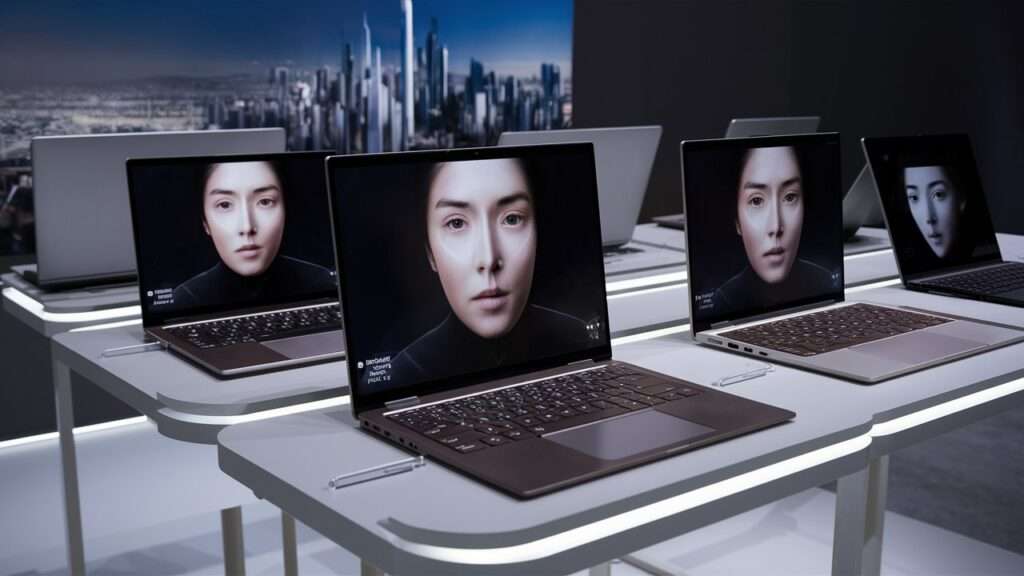
The Best Laptop With Facial Recognition: Microsoft Surface Laptop
The Microsoft Surface Laptop is the best general choice because facial sign-in is part of a polished Windows experience. Supported versions include a camera designed for Windows Hello face authentication, so you do not need to buy an external webcam or fingerprint accessory.
It is a good fit for:
- College students in the United States
- Remote workers
- Office users
- Frequent travelers
- People who want quick sign-in without a fingerprint reader
The Surface Laptop is also easy to carry and has a high-resolution display, a comfortable keyboard, and strong battery efficiency on current versions. The Snapdragon X models use an ARM-based processor, which can provide long battery life and quiet operation.
The main drawback is software compatibility. Most common Windows apps work well, but some older programs, device tools, games, or business systems may work better on an Intel or AMD laptop. Check the software you use before choosing an ARM-based Surface Laptop.
Best 2-in-1: HP Spectre x360 14
The HP Spectre x360 14 is a strong choice if you want facial recognition and a flexible hinge. Its supported configurations include an IR camera for Windows Hello, and the screen can fold into tablet, tent, or stand modes.
Choose it if you want to:
- Take handwritten notes with a compatible pen
- Watch video in tent mode
- Use a touchscreen
- Sign in quickly at a desk or on a plane
- Combine work and tablet use in one device
The Spectre x360 often includes a higher-quality webcam than basic laptops. That helps with video calls, but camera quality and Windows Hello support can still differ by configuration.
Its main trade-off is price. A 2-in-1 hinge, touchscreen, premium display, and IR camera often cost more than a standard clamshell laptop.
Best Business Laptop: Lenovo ThinkPad X1 Carbon
The Lenovo ThinkPad X1 Carbon is a good business option when you need facial recognition, a durable design, and a strong keyboard. Many configurations offer an optional IR camera that works with Windows Hello.
It fits users who need:
- A business-class keyboard
- A light laptop for travel
- Enterprise security features
- A traditional Windows design
- Compatibility with common office and corporate tools
The key caution is configuration. Lenovo often offers several camera choices. A model with a regular 1080p camera may not support facial sign-in, while a model with an FHD IR camera may support it.
Look for the words “IR camera,” “Windows Hello,” or “face authentication” in the exact product specifications. Do not rely only on the laptop family name.
Best Premium Compact Laptop: Dell XPS 13
The Dell XPS 13 is worth considering if you want a small, high-end laptop with facial sign-in. Supported models may include an IR camera that works with Windows Hello.
Its strengths include:
- A compact body
- A sharp screen
- Low travel weight
- A premium metal build
- Good performance for office work and travel
The XPS 13 is less suitable if you need many built-in ports. You may need a USB-C dock or adapter for HDMI, USB-A, Ethernet, or memory cards.
Dell also sells several configurations under similar names. Confirm that the selected version includes an IR camera before placing an order.
How to Choose a Laptop With Facial Recognition
The best laptop with facial recognition should meet more than one requirement. Use this checklist before buying.
1. Confirm the camera type
The specification should clearly say:
- IR camera
- Infrared camera
- Windows Hello face authentication
- Windows Hello facial recognition
“HD webcam” or “1080p webcam” alone does not confirm facial recognition.
2. Check the operating system
Windows Hello facial recognition is most common on Windows 11 laptops. A MacBook does not currently offer Face ID for laptop login. MacBook models use a password, Touch ID where available, or an Apple Watch for some unlock functions.
Chromebooks also do not offer the same broad, standard facial sign-in system found on Windows laptops. Some Chromebook models may support face-based features, but buyers should check the exact device and ChromeOS documentation.
3. Decide whether you need a fingerprint reader
Facial recognition is convenient, but a fingerprint reader can be useful when:
- You wear a mask.
- The camera has a poor view of your face.
- You work in a dark room.
- You want a second biometric option.
- You use the laptop in tablet mode.
Some laptops include both Windows Hello face recognition and fingerprint sign-in. Others offer only one.
4. Consider the camera privacy shutter
A physical privacy shutter blocks the webcam. This protects privacy, but it also prevents facial sign-in while closed.
A shutter is useful for people who attend many video meetings. Just remember to open it when you want Windows Hello to scan your face.
5. Match the processor to your software
The Surface Laptop with a Snapdragon processor may offer excellent battery efficiency, but ARM-based Windows can have compatibility limits with older software.
Intel and AMD laptops are often the safer choice for:
- Older business software
- Some engineering tools
- Specialized drivers
- Certain games
- Virtual machines
- Legacy accessories
This decision may matter more than the camera itself.
6. Check the exact US configuration
Laptop names can hide major differences. The same model may be sold with:
- Different processors
- Different cameras
- Different screens
- Different memory and storage
- Different wireless cards
- Different operating systems
Always check the final configuration on the US manufacturer page or retailer listing.
How to Set Up Facial Recognition on Windows 11
You need a supported Windows laptop, an IR camera, a Windows account, and a PIN.
Follow these steps:
- Open Settings.
- Select Accounts.
- Choose Sign-in options.
- Select Facial recognition (Windows Hello).
- Choose Set up.
- Enter your Windows PIN if asked.
- Look at the camera while Windows scans your face.
- Follow the prompts to finish setup.
- Lock the laptop and test facial sign-in.
Windows may ask you to improve recognition. This can help if you often wear glasses or use the laptop in changing light.
A successful setup means the laptop unlocks after you wake it and look at the camera. You should still be able to select your PIN or password when facial sign-in does not work.
What to do if facial recognition fails
Try these checks in order:
- Open the camera shutter.
- Clean the camera area with a soft, dry cloth.
- Face the screen directly.
- Move to a brighter room.
- Remove anything covering your face.
- Restart the laptop.
- Install Windows and camera-driver updates.
- Remove and set up Windows Hello again.
- Check Device Manager for camera errors.
- Contact the manufacturer if the IR camera is not detected.
If Windows says that no compatible camera is available, the laptop may have a normal webcam instead of an IR camera. A software update cannot add IR hardware that the laptop does not contain.

Facial Recognition vs. Fingerprint Sign-In
Facial recognition is best when you want a hands-free sign-in. Fingerprint sign-in is often better when the camera view is blocked or lighting is poor.
| Feature | Facial recognition | Fingerprint reader |
|---|---|---|
| Speed | Very fast when the camera sees you | Very fast with a clean finger |
| Works in darkness | Usually needs some camera conditions | Yes |
| Requires touching the laptop | No | Yes |
| Can fail with gloves | No direct effect, though face coverings may matter | Yes |
| Privacy shutter effect | Blocks sign-in when closed | No effect |
| Hardware needed | IR camera | Fingerprint sensor |
For the most reliable setup, choose a laptop with both features. If you must select one, think about your work area. A person who sits at a desk and wants hands-free access may prefer facial recognition. Someone who works in dim rooms or wears face coverings may prefer a fingerprint reader.

Common Buying Mistakes
The most common mistake is assuming that every webcam supports facial recognition. It does not.
Avoid these errors:
- Buying a laptop because it has a high-resolution webcam
- Confusing Windows Hello with a normal camera login
- Ignoring optional camera configurations
- Forgetting that a privacy shutter blocks the camera
- Choosing an ARM laptop without checking app compatibility
- Assuming a MacBook has Face ID
- Treating facial recognition as a replacement for a strong password
- Buying an older model without checking Windows 11 support
Do not use facial recognition as your only security measure. Keep your laptop updated, enable device encryption when available, and set the screen to lock when you leave it.
Which Laptop Should You Buy?
Choose the Microsoft Surface Laptop if you want the best balance of facial sign-in, battery life, portability, and simple Windows use.
Choose the HP Spectre x360 14 if you want a touchscreen and a laptop that converts into a tablet.
Choose the Lenovo ThinkPad X1 Carbon if you need a business-focused laptop with a strong keyboard and enterprise features.
Choose the Dell XPS 13 if you want a compact premium laptop and do not mind using adapters for some accessories.
Before checkout, confirm three details on the exact US model: IR camera support, Windows Hello compatibility, and the processor type.

Frequently Asked Questions
Do all laptops have facial recognition?
No. Most laptops have a webcam, but facial recognition usually requires an IR camera and Windows Hello support. Check the product specifications for both terms.
Does the MacBook have Face ID?
No. Current MacBook models do not use Face ID for laptop login. Supported MacBooks may use Touch ID, a password, or other Apple features for authentication.
Can I add facial recognition to a laptop with a normal webcam?
Usually, no. A standard webcam does not provide the hardware required for Windows Hello face recognition. You can add a compatible external Windows Hello camera, but you should verify its Windows 11 support before buying.
Does Windows Hello store my face in the cloud?
Microsoft describes Windows Hello biometric data as being stored on the device for authentication. It is not designed as a cloud photo service. A PIN or password remains available as a backup.
Is facial recognition better than a password?
It is faster and easier for daily sign-in, but it should work alongside a strong password or PIN. No sign-in method is perfect, and facial recognition can fail because of lighting, camera problems, or changes to your appearance.
Can facial recognition unlock a laptop in the dark?
It depends on the camera and the conditions. An IR camera can work in low light better than a standard webcam, but complete darkness, an obstructed camera, or a closed privacy shutter may prevent sign-in.
Final Recommendation
The Microsoft Surface Laptop is the best laptop with facial recognition for most people in the United States. It combines Windows Hello face sign-in with a light design, strong battery efficiency, and simple setup.
Buy the HP Spectre x360 14 for a convertible design, the ThinkPad X1 Carbon for business use, or the Dell XPS 13 for compact premium travel. In every case, verify the exact configuration. The words “IR camera” and “Windows Hello face authentication” matter more than the laptop’s webcam resolution.
Official references
- Microsoft Windows Hello overview
- Microsoft Surface Laptop
- HP Spectre laptops
- Lenovo ThinkPad laptops
- Dell XPS laptops

Everett Ashford is a tech reviewer at mytechgrid.com specializing in SSDs, cameras, TVs, earbuds, headphones, and other consumer electronics. He provides honest, data-driven reviews based on hands-on testing and real-world performance analysis. Everett simplifies complex tech details to help readers make smart, confident buying decisions.