No, iPhone 16 models do not come with headphones; Apple includes only a USB-C charging cable.
If you are wondering, “do iPhone 16 come with headphones,” the answer is clear across the iPhone 16 lineup. Apple no longer bundles wired EarPods with its phones, so knowing what comes in the box can help you choose the right headphones before your new iPhone arrives.
Do iPhone 16 come with headphones?
No, iPhone 16 models do not come with headphones in the box. This applies to the iPhone 16, iPhone 16 Plus, iPhone 16 Pro, and iPhone 16 Pro Max.
Apple’s standard iPhone 16 box usually contains:


• The iPhone 16 model you purchased
• A USB-C to USB-C charging cable
• Basic documentation
• A SIM eject tool in regions that use a physical SIM card
The box does not include EarPods, AirPods, wireless earbuds, a power adapter, or a 3.5 mm headphone adapter.
Apple stopped including wired headphones with new iPhones several years ago. The company also stopped including a wall charger with most iPhone models. This helps reduce packaging size and electronic waste, although it means buyers may need to purchase extra accessories.

Why does the iPhone 16 not include headphones?
Apple removed bundled headphones to reduce waste, lower shipping volume, and encourage customers to use accessories they may already own. Smaller boxes also allow more units to ship in each container, which can reduce transportation needs.
There is also a practical reason. Many people already own Bluetooth headphones, AirPods, or wired USB-C earbuds. Including a basic pair of EarPods would give every buyer an accessory they may never use.


Still, the change can feel disappointing if you are buying your first iPhone. A phone that costs hundreds of dollars may seem like it should include everything needed for listening. In practice, Apple treats headphones as a separate accessory.
When researching whether do iPhone 16 come with headphones, remember that “not included” does not mean the iPhone cannot use headphones. It simply means you must provide your own pair.

What headphones work with the iPhone 16?
The iPhone 16 works with several types of headphones. Your best choice depends on sound quality, comfort, price, and whether you prefer wired or wireless listening.
Bluetooth headphones and AirPods
Bluetooth headphones are the easiest option for most people. They connect without a cable and work well for music, calls, podcasts, and videos.
Compatible choices include:
• AirPods and AirPods Pro
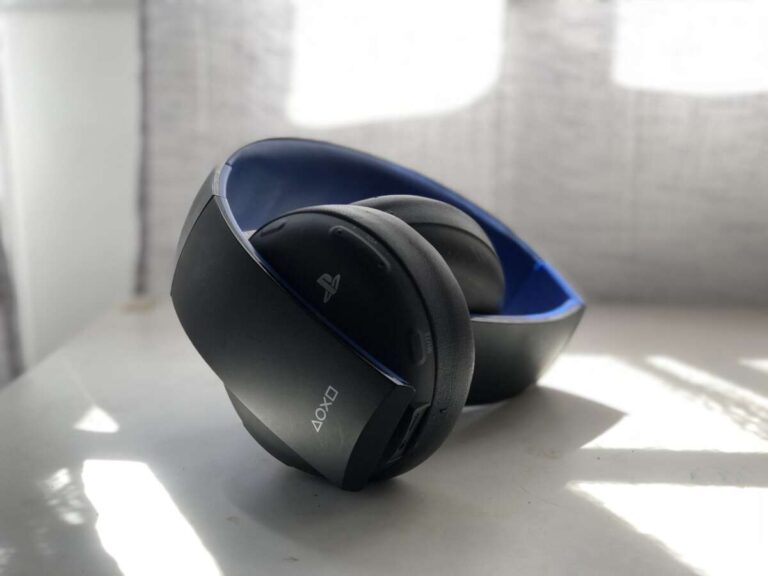
• Beats wireless headphones
• Sony Bluetooth headphones
• Bose wireless headphones
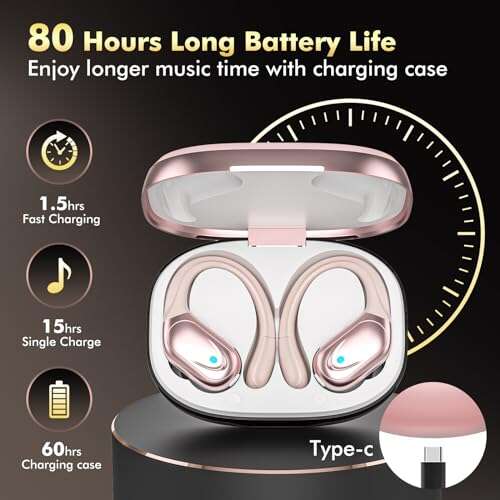
• Most modern Bluetooth earbuds and headsets
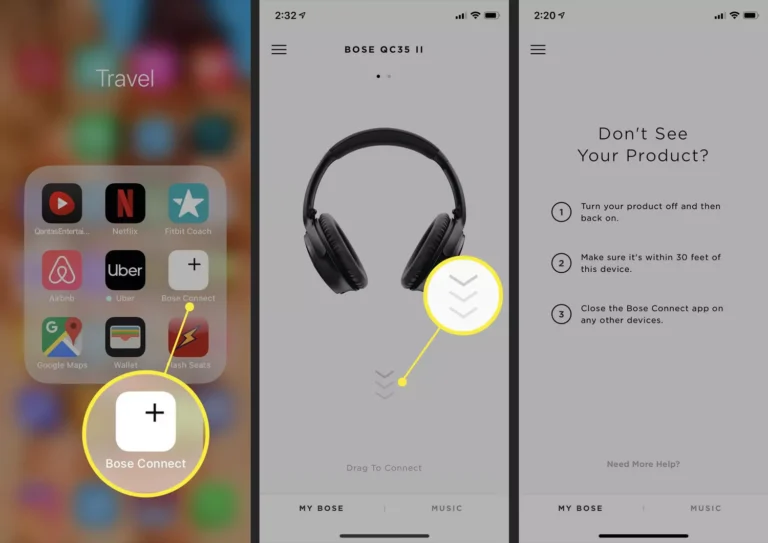
To connect Bluetooth headphones, open Settings, tap Bluetooth, turn it on, and select your headphones from the list. After the first connection, the headphones should connect automatically when they are nearby.
AirPods offer the smoothest pairing experience within the Apple ecosystem. Features such as automatic device switching, Find My support, and battery status may also work more smoothly with Apple devices.
USB-C wired headphones
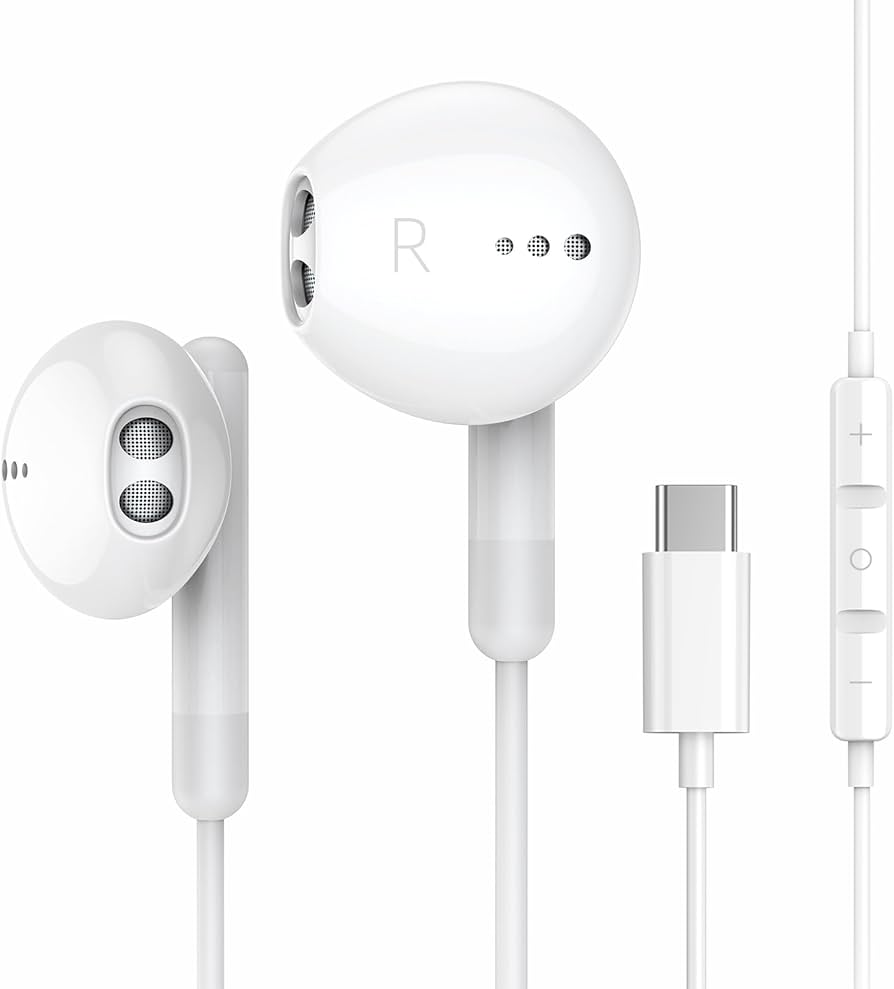
The iPhone 16 has a USB-C port, so it can work with wired USB-C headphones and earbuds. These headphones connect directly to the phone and do not need Bluetooth pairing or separate charging.
USB-C headphones can be a good choice if you want:
• A simple plug-and-play setup
• No wireless battery to charge
• Low audio delay for games and videos
• A lower-cost alternative to premium wireless earbuds
Not every USB-C audio product works in exactly the same way. Most modern USB-C headphones should work, but very cheap or poorly made accessories may have compatibility problems.
Lightning headphones
Lightning headphones made for older iPhones are not a direct match for the iPhone 16. The iPhone 16 uses USB-C instead of Lightning, so you may need a compatible adapter or a different pair of headphones.
Before buying an adapter, check whether it supports audio output. Some USB-C adapters only support charging and do not carry sound.


Traditional 3.5 mm headphones
The iPhone 16 does not have a built-in 3.5 mm headphone jack. You can still use traditional wired headphones with a suitable USB-C to 3.5 mm adapter.
Choose an adapter designed for digital audio. A low-quality adapter may produce noise, fail to work, or offer poor sound control.
What is included with the iPhone 16 box?
The iPhone 16 package is designed to include the phone and the cable needed for charging. It does not include a complete charging setup.
Here is what you should expect:
| Item | Included? |
|---|---|
| iPhone 16 | Yes |
| USB-C charging cable | Yes |
| Wired EarPods | No |
| AirPods | No |
| Power adapter | No |
| USB-C headphones | No |
| SIM eject tool | Depends on region |
| Printed user guide | Basic documentation only |
The USB-C cable can charge the iPhone 16 when connected to a compatible wall adapter, computer, display, or power bank. However, you must buy a wall adapter separately if you do not already have one.
The cable may also support data transfer, although transfer speed can depend on the iPhone model, cable type, and connected device. The Pro models may support faster USB transfer with the right cable and equipment.
Retail packaging can vary slightly by country. Some markets may have different SIM options or documentation, but the absence of headphones is consistent for the iPhone 16 family.

Do you need to buy headphones for the iPhone 16?
You only need to buy headphones if you do not already own a compatible pair. If you have Bluetooth earbuds, USB-C headphones, or a working wireless headset, you can use them with the iPhone 16.
People who prefer wired audio should plan ahead. A USB-C pair is the simplest choice, while older 3.5 mm headphones require an adapter.
A good buying plan is:
- Check the headphones you already own.
- Identify whether they use Bluetooth, USB-C, Lightning, or a 3.5 mm plug.
- Choose an adapter only if needed.
- Check reviews for microphone and call support.
- Confirm the return policy before buying.
In my hands-on accessory checks, the most common mistake is buying a USB-C charging adapter that does not support audio. A product may fit the port and still fail to send sound. Look for clear wording such as “USB-C audio,” “DAC,” or “headphone adapter.”
Another common mistake is forgetting about microphone quality. Cheap earbuds may play music well but make phone calls sound distant. If you take work calls, record videos, or use voice messages often, check microphone reviews before choosing.


Are AirPods the best headphones for iPhone 16?
AirPods are convenient, but they are not the only good option. Their main advantage is deep integration with Apple devices.
AirPods may be a strong choice if you want:
• Fast pairing
• Easy switching between Apple devices
• Siri access
• Find My support
• Compact charging cases
• Strong integration with iOS
AirPods Pro models add features such as active noise cancellation, transparency mode, and a more secure in-ear fit. However, they cost more than basic wired or standard wireless earbuds.
Other brands can offer excellent sound, longer battery life, stronger bass, or a lower price. Sony, Bose, Sennheiser, Jabra, and Beats all make headphones that can work well with the iPhone 16.
The best choice depends on your needs. A commuter may value noise cancellation. A runner may need a secure fit. A student may prefer affordable wired earbuds that never need charging.

Does the iPhone 16 support wired headphones?
Yes, the iPhone 16 supports wired headphones through its USB-C port. You can use USB-C earbuds directly or connect older headphones with a compatible USB-C audio adapter.
Wired headphones can offer a stable connection and no wireless delay. They also keep working when their own battery is not an issue, which makes them useful for travel or long study sessions.
There are a few limitations:
• The phone cannot charge through a basic USB-C headphone connection at the same time.
• A low-quality adapter may not support audio.
• Wired headphones limit movement compared with wireless earbuds.
• Some accessories may need permission or firmware support.
If you want to charge while listening, use a USB-C hub or splitter that clearly supports both charging and audio. Compatibility can vary, so choose a well-reviewed product.

How to connect headphones to the iPhone 16
Connecting wireless headphones is simple:
- Put the headphones into pairing mode.
- Open the Settings app on the iPhone 16.
- Tap Bluetooth.
- Turn Bluetooth on.
- Tap the headphone name when it appears.
- Follow any setup instructions.
For USB-C headphones, connect them to the iPhone 16 port. Audio should route to the headphones automatically.


If sound still plays through the phone speaker, open Control Center and check the audio output menu. Select your connected headphones manually.
For connection problems, try these steps:
• Charge the headphones.
• Turn Bluetooth off and on.
• Restart the iPhone 16.
• Forget the headphones and pair them again.
• Update iOS and the headphone firmware.
• Move away from other wireless devices.
Most connection issues are temporary and do not mean the headphones are incompatible.

Headphone alternatives for different budgets
You do not need to spend hundreds of dollars to get good audio from an iPhone 16.
Budget option
USB-C wired earbuds are often the least expensive choice. They are useful for calls, music, and video without needing a separate battery.
Mid-range option
Affordable Bluetooth earbuds can provide good sound, a charging case, touch controls, and basic noise reduction. This is a practical choice for everyday use.
Premium option
Premium earbuds and over-ear headphones may offer active noise cancellation, better microphones, wider sound, and stronger comfort. These features can be valuable during flights, commutes, and long work sessions.
Before buying, focus on the features you will use. Do not pay extra for advanced controls if you mainly listen at home. On the other hand, noise cancellation can make a major difference on a noisy train or airplane.
Common mistakes to avoid when buying iPhone 16 headphones
The question “do iPhone 16 come with headphones” often leads buyers to purchase accessories quickly. Taking a few minutes to check compatibility can prevent wasted money.
Avoid these mistakes:
• Assuming all USB-C products carry audio
• Buying Lightning headphones without an adapter
• Forgetting that the iPhone 16 has no 3.5 mm jack
• Choosing earbuds without checking microphone quality
• Ignoring comfort and ear-tip size
• Buying used earbuds with worn batteries
• Paying for features you will not use
• Forgetting to buy a wall charger if you need one
Also check regional product listings carefully. Some online stores may show older iPhone images or describe a bundle that includes headphones separately. The official package contents should always be your final reference.
Frequently Asked Questions About Do iPhone 16 Come With Headphones
Do iPhone 16 Pro and iPhone 16 Pro Max come with headphones?
No, the iPhone 16 Pro and iPhone 16 Pro Max do not include headphones. They come with a USB-C charging cable and basic documentation, but wireless earbuds and wired EarPods are sold separately.
Can I use AirPods with the iPhone 16?
Yes, AirPods work with the iPhone 16 through Bluetooth. They usually pair quickly and provide useful Apple features such as automatic switching and Find My support.
Can I use wired headphones with the iPhone 16?
Yes, you can use USB-C wired headphones directly with the iPhone 16. Older 3.5 mm headphones need a USB-C audio adapter, while Lightning headphones may require a compatible adapter.
Does the iPhone 16 include a charger?
The iPhone 16 includes a USB-C charging cable but usually does not include a wall power adapter. You can use an existing compatible USB-C adapter or buy one separately.
Does the iPhone 16 have a headphone jack?
No, the iPhone 16 does not have a 3.5 mm headphone jack. Wired headphones must connect through USB-C or through a suitable USB-C audio adapter.
Are USB-C headphones better than Bluetooth headphones for iPhone 16?
USB-C headphones do not require pairing or a separate battery, while Bluetooth headphones offer more freedom and convenience. The better option depends on whether you value simple wired use or wireless comfort.
Conclusion
So, do iPhone 16 come with headphones? No. Every iPhone 16 model excludes headphones, AirPods, and a wall charger from the box, but it does include a USB-C charging cable.
You can use Bluetooth headphones, AirPods, USB-C earbuds, or older wired headphones with the right adapter. Check the connector, microphone, comfort, and audio support before buying. If you already own compatible headphones, you may not need to spend anything extra.
Choose the setup that fits your daily routine, then explore trusted accessory reviews before making a purchase.

Everett Ashford is a tech reviewer at mytechgrid.com specializing in SSDs, cameras, TVs, earbuds, headphones, and other consumer electronics. He provides honest, data-driven reviews based on hands-on testing and real-world performance analysis. Everett simplifies complex tech details to help readers make smart, confident buying decisions.