Canon cameras have about 20 to 45 megapixels, depending on the model, sensor size, and camera type.
The answer to how many megapixels does a Canon camera have depends on the specific model. Canon makes compact cameras, DSLR cameras, APS-C mirrorless cameras, and full-frame mirrorless cameras, so resolution can vary widely. This guide explains Canon camera megapixel counts, what they mean for image quality, and which resolution suits portraits, wildlife, travel, video, and large prints.

How many megapixels does a Canon camera have?
Most modern Canon cameras have between 20 and 45 megapixels. Entry-level models often use around 24 megapixels, while advanced cameras may offer 32, 45, or even higher resolution.
The exact answer to how many megapixels does a Canon camera have depends on the product family:
• Canon EOS R mirrorless cameras commonly range from about 24 to 45 megapixels.
• Canon EOS DSLR cameras usually range from about 18 to 32 megapixels.
• Canon PowerShot compact cameras often use about 20 megapixels.
• Canon professional cameras may favor fast 24-megapixel sensors instead of very high resolution.
Megapixels measure image resolution. One megapixel equals one million pixels. A 24-megapixel camera creates an image with roughly 24 million pixels, although the exact pixel dimensions vary by model.
For example, a 24-megapixel image may measure about 6,000 by 4,000 pixels. A 45-megapixel image may measure about 8,192 by 5,464 pixels. The larger file gives you more room to crop and print at a large size.

Canon camera megapixel chart
The table below gives a quick look at popular Canon models. These figures refer to the camera’s effective still-image resolution, which is the number most photographers use when comparing cameras.
| Canon camera model | Camera type | Approximate resolution |
|---|---|---|
| Canon EOS R1 | Full-frame mirrorless | 24.2 MP |
| Canon EOS R5 Mark II | Full-frame mirrorless | 45 MP |
| Canon EOS R5 | Full-frame mirrorless | 45 MP |
| Canon EOS R3 | Full-frame mirrorless | 24.1 MP |
| Canon EOS R6 Mark II | Full-frame mirrorless | 24.2 MP |
| Canon EOS R8 | Full-frame mirrorless | 24.2 MP |
| Canon EOS R7 | APS-C mirrorless | 32.5 MP |
| Canon EOS R10 | APS-C mirrorless | 24.2 MP |
| Canon EOS R50 | APS-C mirrorless | 24.2 MP |
| Canon EOS R100 | APS-C mirrorless | 24.1 MP |
| Canon EOS 90D | APS-C DSLR | 32.5 MP |
| Canon EOS 5D Mark IV | Full-frame DSLR | 30.4 MP |
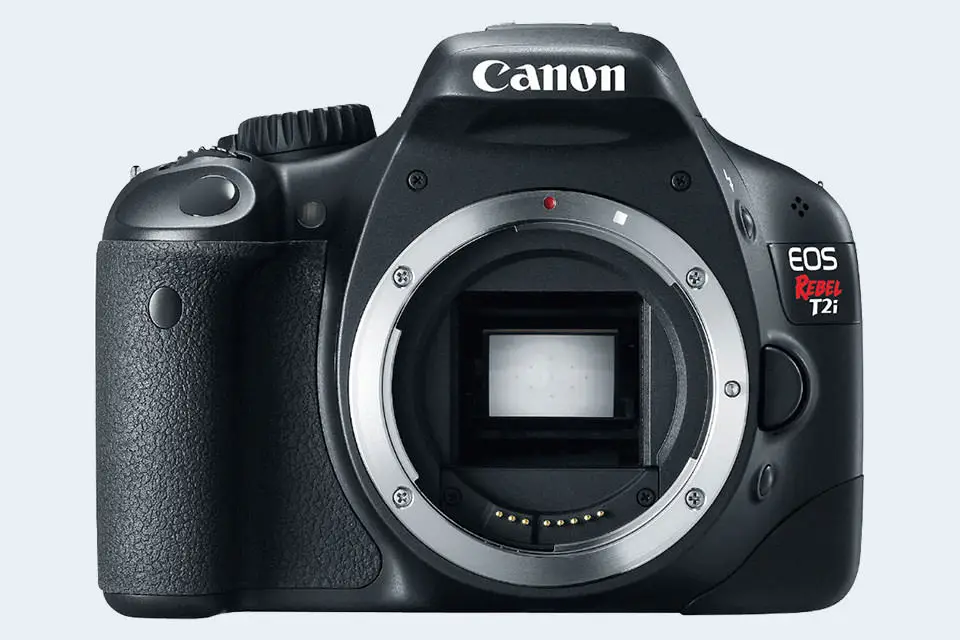
| Canon EOS Rebel T8i | APS-C DSLR | 24.1 MP |
| Canon PowerShot G7 X Mark III | Compact camera | 20.1 MP |
| Canon PowerShot SX740 HS | Compact camera | 20.3 MP |
Canon can update its product line, and regional specifications may differ slightly. Always check the official specifications for the exact model before buying.
This chart also shows why there is no single answer to how many megapixels does a Canon camera have. A compact PowerShot camera and a professional EOS R camera are built for very different jobs.
Canon megapixels by camera type
Canon mirrorless cameras
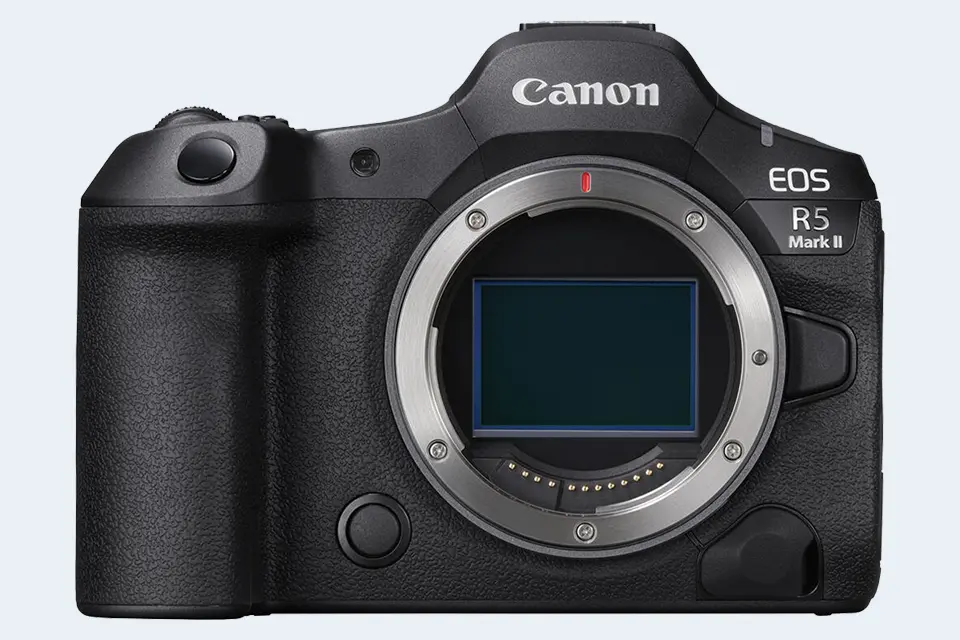
Canon’s EOS R mirrorless range includes both high-speed cameras and high-resolution models. The EOS R6 Mark II, EOS R8, and EOS R1 use around 24 megapixels, while the EOS R5 and EOS R5 Mark II use about 45 megapixels.
A 24-megapixel sensor is enough for most photography. It supports sharp prints, detailed online images, and useful cropping. A 45-megapixel sensor is better when you need fine detail or want to crop heavily.
The Canon EOS R7 stands out with about 32.5 megapixels on an APS-C sensor. This makes it attractive for wildlife and sports photographers who want extra detail and a narrower field of view from smaller lenses.
Canon DSLR cameras
Canon DSLR cameras cover a wide range of resolutions. Older entry-level cameras may have 18 or 24 megapixels, while models such as the EOS 90D offer about 32.5 megapixels.
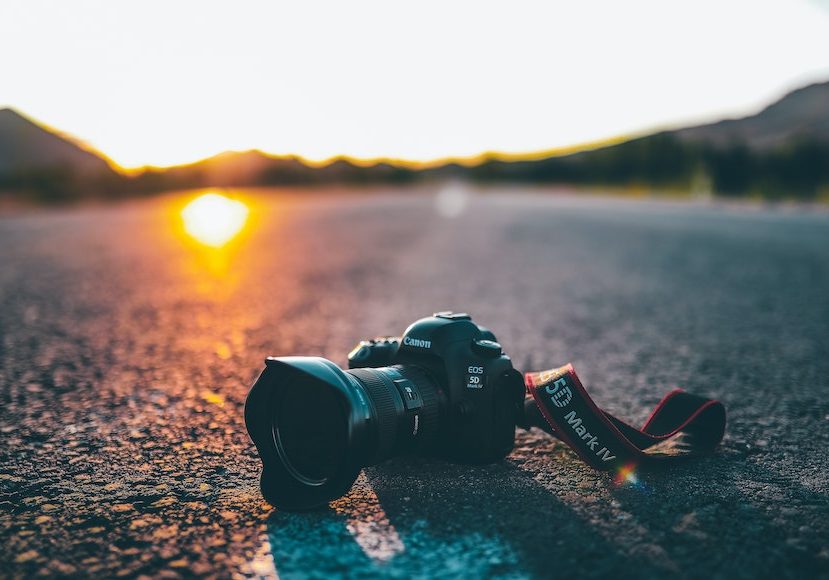
The EOS 5D Mark IV has around 30.4 megapixels. It remains useful for portraits, weddings, landscapes, and commercial work because it combines strong detail with a full-frame sensor.
The answer to how many megapixels does a Canon camera have can therefore change with the camera’s age. A newer camera is not always better simply because it has more megapixels. Autofocus, dynamic range, lens quality, and low-light performance also matter.
Canon PowerShot compact cameras
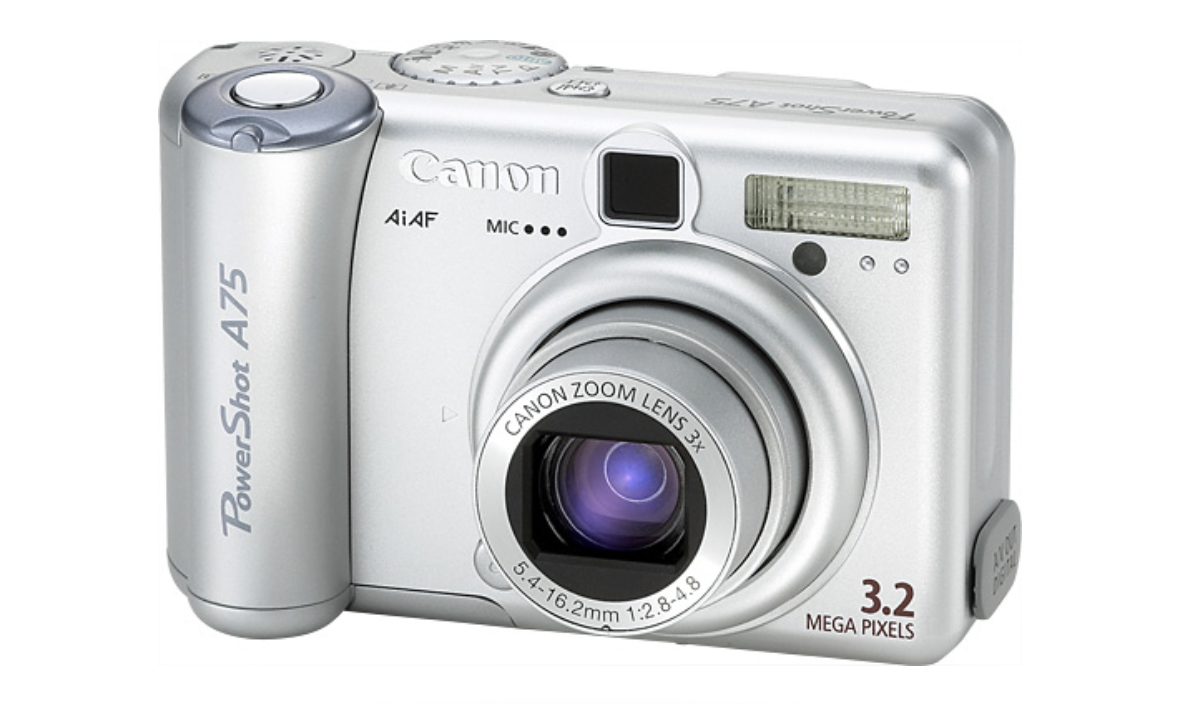
Canon PowerShot cameras usually have about 20 megapixels. This resolution is well suited to travel photos, family pictures, casual video, and social media.
Compact cameras have smaller sensors than most interchangeable-lens cameras. As a result, the lens and sensor size can affect image quality more than the small difference between 20 and 24 megapixels.
For everyday use, a 20-megapixel PowerShot can produce sharp photos. It can also make prints at common sizes such as 8 by 10 inches or 11 by 14 inches when the image is well exposed and in focus.
What do megapixels mean for image quality?
Megapixels describe the amount of detail an image can hold. They do not describe the entire image quality of a camera.
Think of megapixels as the number of tiles in a mosaic. More tiles can show finer detail, but the color, light, and quality of each tile still matter. In a camera, those factors include sensor design, lens quality, image processing, focus accuracy, and lighting.
A higher megapixel count can provide these benefits:
• More detail in landscapes, architecture, and product photos.
• Greater freedom to crop an image while keeping useful resolution.
• Larger prints with less visible pixel structure.
• More flexibility for commercial and editorial work.
• Better ability to straighten or reframe a photo during editing.
However, more megapixels can also create larger files. They may require faster memory cards, more storage, and a stronger computer for editing.
Noise can also become more noticeable when you view a high-resolution image at 100 percent. This does not mean high-megapixel cameras always perform poorly in low light. It means that pixel-level comparisons need context.
Is more megapixels always better?
No. More megapixels are useful, but they are not automatically better for every photographer.
A 24-megapixel Canon camera may be the better choice for sports, weddings, events, and low-light work. It can produce smaller files and may offer faster workflow. A 45-megapixel model may be better for landscapes, studio work, fashion, and large commercial prints.
The best resolution depends on how you use your images:
• Social media and web use: 20 to 24 megapixels is usually more than enough.
• Family and travel photos: 20 to 24 megapixels works very well.
• Wildlife photography: 24 to 32 megapixels can help with cropping.
• Landscape photography: 30 to 45 megapixels offers extra detail.
• Professional studio work: 30 to 45 megapixels can provide useful editing room.
• Large wall prints: Higher resolution is helpful, especially when viewing the print from close range.
In practical camera testing, one lesson becomes clear: a sharp 24-megapixel photo often looks better than a soft 45-megapixel photo. Good focus, steady shooting, and a quality lens usually matter more than a small resolution advantage.

Canon full-frame versus APS-C megapixels
Sensor size and megapixel count are separate specifications. A full-frame camera can have 24 megapixels, and an APS-C camera can also have 24 megapixels. The pixels are arranged over different sensor areas.
Full-frame sensors are physically larger. They often provide stronger low-light performance, smoother background blur, and wider viewing angles with the same lens. APS-C sensors are smaller and can make cameras and lenses more compact.
Canon APS-C cameras may also offer high pixel density. For example, the EOS R7 has about 32.5 megapixels. This can be helpful for wildlife because it records a lot of detail across a smaller sensor area.
Pixel density is important when comparing cameras. Two cameras with the same megapixel count may show different levels of detail because of sensor design, image processing, and lens performance.

How many megapixels do you need?
Most people do not need more than 24 megapixels. This resolution is a strong balance between detail, file size, camera speed, and editing comfort.
Choose a camera with around 20 to 24 megapixels if you mainly take:
• Family photos.
• Travel pictures.
• Street photography.
• Social media images.
• Sports and event photos.
• Everyday video and stills.
Consider 30 to 45 megapixels if you often take:
• Large landscape images.
• Fine-art prints.
• Product photos.
• Commercial portraits.
• Architecture.
• Wildlife photos that need heavy cropping.
• Images that may be reframed for several uses.
The answer to how many megapixels does a Canon camera have matters less than how you plan to use the files. Buying more resolution than you need can increase cost without improving your final photos.

How megapixels affect printing
Megapixels influence how large you can print a photo while keeping strong detail. Printers and photo labs often discuss resolution in pixels per inch, or PPI.
A common target for high-quality prints is around 300 pixels per inch. At that level, a 24-megapixel image can make an excellent print of roughly 13 by 20 inches, depending on the image shape and crop.
You can print larger than that. Wall art is often viewed from a distance, so it does not always need 300 PPI. A well-focused 24-megapixel file may look excellent at 20 by 30 inches or larger when viewed from across a room.
A 45-megapixel Canon camera gives you more flexibility. It can produce larger prints or allow you to crop before printing. Still, print quality also depends on sharpening, viewing distance, paper type, and the original focus.
How megapixels affect storage and editing
Higher-resolution images use more storage space. A 45-megapixel RAW file may be much larger than a 24-megapixel RAW file, though the exact size depends on compression and the camera’s file format.
Large files can affect your workflow in several ways:
• Memory cards fill faster.
• Backup drives need more capacity.
• Cloud storage costs may increase.
• Photo software may take longer to preview and export images.
• Older computers may feel slower during editing.
This is one reason professional photographers sometimes choose a 24-megapixel camera. Faster transfer times and smaller files can be valuable during a busy event or long assignment.
The extra storage cost is easy to overlook when comparing how many megapixels does a Canon camera have. Think about the full workflow, not only the number printed on the camera box.
Common mistakes when comparing Canon megapixels
Many buyers focus only on resolution and miss other specifications. Avoid these common mistakes:
• Assuming more megapixels always mean better image quality.
• Comparing a full-frame sensor with an APS-C sensor using megapixels alone.
• Forgetting that the lens must resolve enough detail for a high-resolution sensor.
• Ignoring autofocus performance and stabilization.
• Overlooking RAW file size and computer requirements.
• Expecting more megapixels to fix poor focus or camera shake.
• Comparing JPEG images from different cameras without checking processing settings.
A camera with excellent autofocus may produce more usable photos than a higher-resolution camera that misses focus. In real shooting, a clear image with good light is usually more valuable than a larger file with blur.
How to choose the right Canon megapixel count
Start with your final use. Ask where your photos will appear and how much cropping you normally do.
Use this simple process:
-
Decide whether you need compact, APS-C, or full-frame equipment.
-
Think about your usual print size.
-
Consider whether you crop wildlife or distant subjects.
-
Check your computer, storage, and backup capacity.
-
Compare autofocus, stabilization, lenses, and low-light performance.
-
Choose the resolution that supports your work without creating unnecessary file sizes.
For many new photographers, a 24-megapixel Canon camera is an excellent starting point. It provides strong detail and leaves money for a better lens, spare batteries, memory cards, and a reliable backup system.
If you shoot landscapes or commercial work, a 45-megapixel model may be worth the extra cost. If you photograph fast action, a 24-megapixel camera may give you a faster and simpler workflow.
Frequently asked questions about how many megapixels does a Canon camera have
How many megapixels does a Canon camera have on average?
Many current Canon cameras have about 24 megapixels. Other models range from roughly 20 megapixels in compact cameras to about 45 megapixels in high-resolution full-frame cameras.
Is a 24-megapixel Canon camera good enough?
Yes, 24 megapixels is enough for most photos, online use, and many large prints. It also offers a useful balance between image detail, low-light performance, and manageable file sizes.
Which Canon camera has the most megapixels?
Canon’s high-resolution EOS R5 series uses about 45 megapixels. The exact model and available features can vary, so check the current official specifications before buying.
Are Canon megapixels important for video?
Megapixels matter less for video than they do for still photos. Video uses set frame sizes, so autofocus, stabilization, overheating control, lens choice, and recording quality are often more important.
Does a higher megapixel Canon camera take sharper pictures?
It can record more fine detail when the lens, focus, lighting, and technique are strong. However, a higher megapixel count cannot correct camera shake, missed focus, poor glass, or bad exposure.
How many megapixels does a Canon camera need for wildlife photography?
Around 24 to 32 megapixels is suitable for many wildlife photographers. A 45-megapixel camera can help when you crop heavily, but autofocus speed, lens reach, and shutter performance are just as important.
How many megapixels does a Canon camera need for professional photography?
There is no single professional standard. Many professionals work successfully with 24 megapixels, while commercial, landscape, and studio photographers may prefer 30 to 45 megapixels for cropping and large prints.
Conclusion
So, how many megapixels does a Canon camera have? Most models offer about 20 to 45 megapixels, with 24 megapixels serving as a practical middle ground for many photographers. High-resolution models provide more cropping and printing flexibility, while lower-resolution models often offer smaller files and fast, efficient workflows.
Choose based on your subject, lenses, print plans, storage, and shooting style. Compare the complete camera system rather than chasing the biggest number, then explore Canon’s current models and choose the resolution that fits your real photography needs.

Everett Ashford is a tech reviewer at mytechgrid.com specializing in SSDs, cameras, TVs, earbuds, headphones, and other consumer electronics. He provides honest, data-driven reviews based on hands-on testing and real-world performance analysis. Everett simplifies complex tech details to help readers make smart, confident buying decisions.