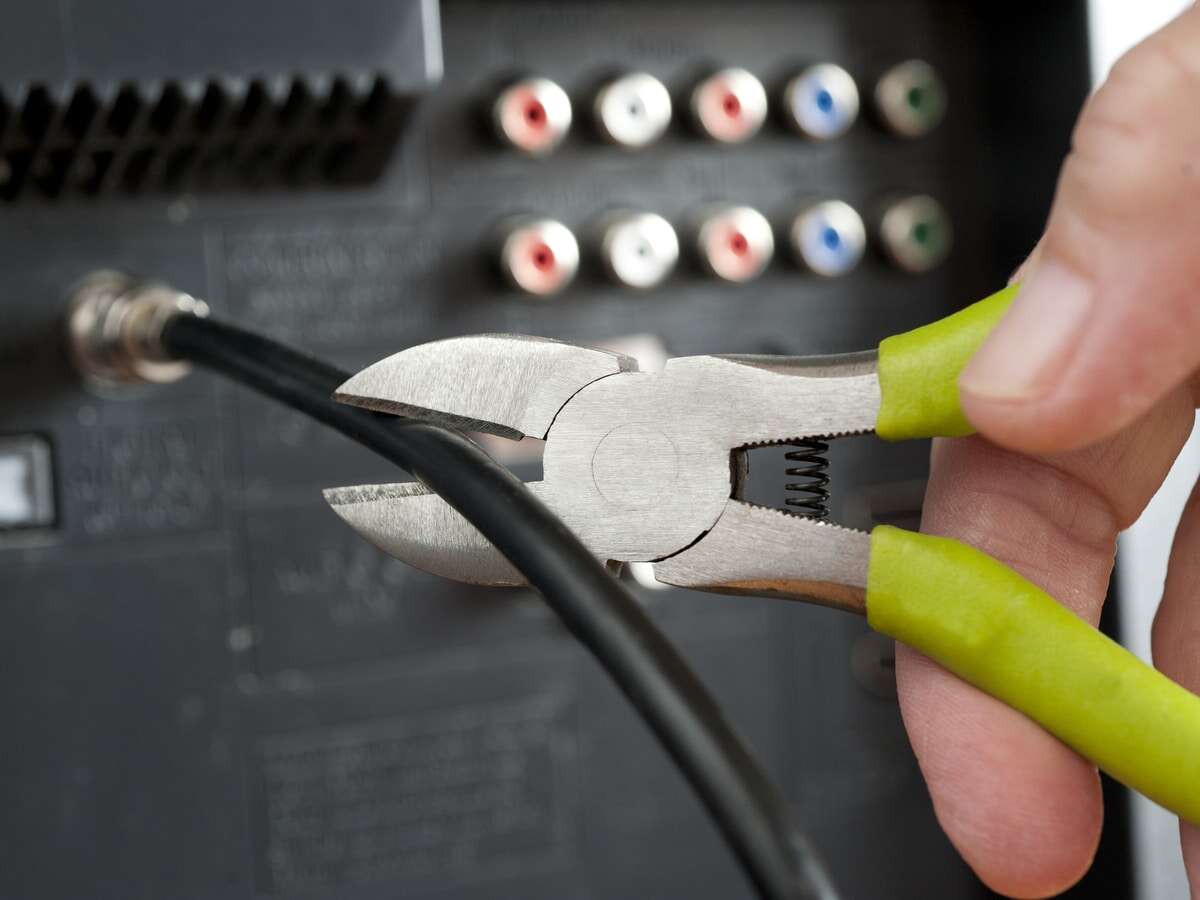
To cut cable TV, audit your bills, choose replacement services, cancel carefully, and keep reliable internet for streaming.
Learning how to cut cable TV is less about giving up entertainment and more about building a better, simpler setup. With the right plan, you can keep local channels, live sports, news, movies, and your favorite shows while avoiding unwanted fees. This guide explains each step, including costs, equipment, streaming options, common mistakes, and ways to make the switch without service gaps.
What Cutting Cable TV Really Means
Cutting cable TV means canceling a traditional cable or satellite television package and using other ways to watch TV. Most people switch to internet streaming, free broadcast channels, or a mix of both.
You may still pay for home internet. The goal is not always to pay nothing. The goal is to pay only for the content you watch.
Many households use a mix of these options:
• Free over-the-air channels with an antenna
• On-demand streaming services such as Netflix or Max
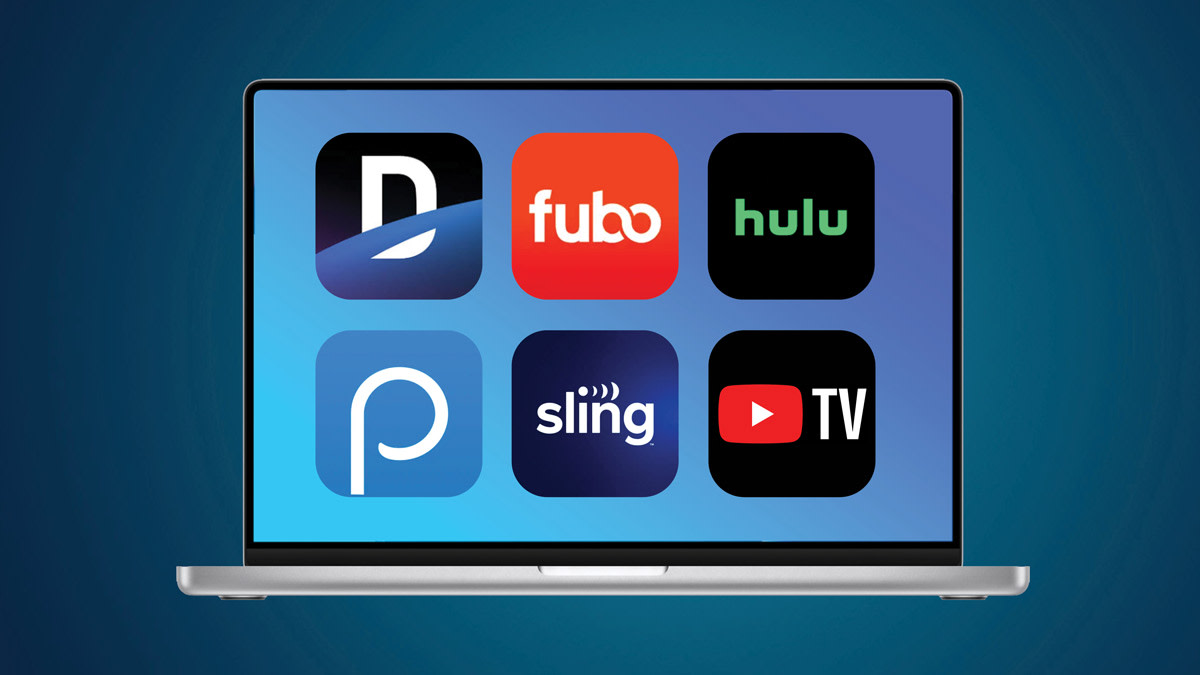
• Live TV streaming services such as YouTube TV or Hulu + Live TV
• Free, ad-supported services such as Tubi, Pluto TV, and The Roku Channel
• Individual sports packages or league passes
• Digital purchases or rentals for special events
The best approach depends on your viewing habits. A sports fan needs a different plan from someone who mainly watches scripted shows.
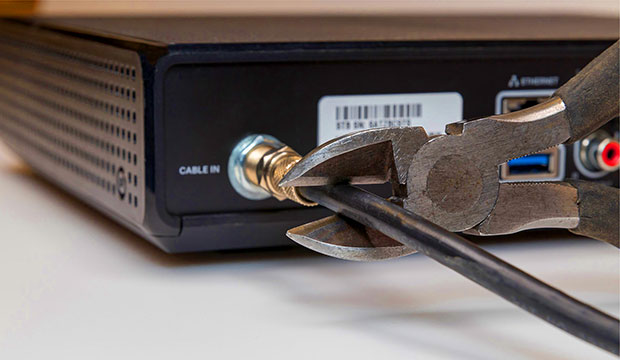
Step 1: Review Your Current Cable Bill
Before you learn how to cut cable TV, study what you already pay. Cable bills often include more than the advertised package price.
Look for these charges:
• Base TV package
• DVR or receiver fees
• Regional sports fees
• Broadcast TV fees
• Cable box rental
• Premium channels
• Equipment protection
• Taxes and local surcharges
• Internet bundle discounts
Add the full monthly total. Do not compare streaming prices with only the cable package price. Compare the final bill with the total cost of your replacement services.
Also check your contract. Some providers charge an early termination fee. Others offer month to month service. Your agreement may also explain how to return equipment and when billing stops.
Create a simple viewing list:
• Shows you watch every week
• Channels your household uses
• Sports, news, or local programs you cannot replace
• Premium channels you rarely watch
• Services you already pay for
• Programs you can watch later or skip
This list prevents a common mistake: paying for several streaming services that cost almost as much as cable.
Step 2: Test Your Internet Before You Cancel
Streaming TV uses your internet connection, so your home network becomes the new foundation. Check your internet speed, data limit, Wi Fi signal, and monthly price before canceling cable.
A single high definition stream may use several megabits per second. Multiple TVs, video calls, phones, and gaming systems can raise the demand. The Federal Communications Commission provides household broadband guidance, but real needs vary based on video quality and the number of active devices.
Check these details:
• download speed
• Monthly data cap
• Router age and location
• Wi Fi strength in each room
• Internet equipment fees
• Promotional price expiration date
• Upload speed if you work from home
As a practical starting point, a small household may stream well with a midrange broadband plan. A larger home with several simultaneous streams may need more speed. A wired Ethernet connection can help if one TV has weak Wi Fi.
Do not assume the fastest plan is the best plan. Many people pay for speed they never use. Run a speed test near your TV at different times of day, especially during the evening.
Step 3: Choose the Right Cable Replacement
The best cable replacement depends on what you watch most. Think of TV services as tools. You do not need a large toolbox if you only use a screwdriver.
Option 1: Use an Antenna for Local Channels
An indoor or outdoor antenna may receive local broadcast channels at no monthly cost. These can include major network affiliates, local news, weather, and sports shown on broadcast television.
Reception depends on your distance from broadcast towers, nearby buildings, hills, and antenna placement. An outdoor antenna often performs better, but an indoor model may work well near a window.
Check local signal availability before buying. A channel may appear on a coverage map but still be difficult to receive inside your home.
Option 2: Use On Demand Streaming
On demand services work well for movies, series, documentaries, and children’s programs. They usually cost less than a full live TV package, but content changes over time.
A low cost setup might include one service for a few months, followed by another service when your favorite show returns. This practice is often called rotating subscriptions.
Option 3: Use a Live TV Streaming Service
Live TV streaming services provide channel packages through the internet. They may include local channels, news, sports, cloud DVR, and cable networks.
Review these details before signing up:
• Local channel availability
• Sports networks
• DVR storage and expiration rules
• Number of simultaneous streams
• Regional restrictions
• Taxes and extra fees
• Price after any trial period
Live TV streaming can be convenient, but it is not always cheap. A large package with add ons can approach the cost of cable.
Option 4: Use Free Streaming Services
Free, ad supported services can fill many gaps. They offer older movies, classic shows, news channels, and niche content.
The tradeoff is advertising and a smaller selection of new releases. Still, these services are useful when you want to lower your monthly bill.
Step 4: Calculate the True Monthly Cost
A clear cost comparison makes it easier to decide how to cut cable TV without regret.
Use this formula:
Monthly replacement cost = internet service + streaming services + live TV service + sports packages + equipment fees
Then compare that number with your complete cable bill.
For example, imagine this setup:
• Internet: $65 per month
• One on demand service: $10 per month
• Live TV service: $75 per month
• Antenna: $40 one time
• Streaming device: $40 one time
The ongoing cost is $150 per month before taxes and optional services. If your cable and internet bundle costs $180, the savings may be modest. If you can remove the live TV service and use an antenna plus free streaming, the savings may be much larger.
Remember that prices change. Streaming companies raise rates, add ads to lower tiers, or place sports in separate packages. Recheck your plan every few months.
A spreadsheet can help you track:
• Service name
• Monthly price
• Annual price
• Renewal date
• Content you watch
• Cancellation terms
• Password and account owner
Step 5: Pick the Right Streaming Device
A smart TV may already include streaming apps. If it does not, you can connect a separate device through an HDMI port.
Common choices include:
• Roku devices
• Amazon Fire TV devices
• Apple TV
• Google TV devices
• Game consoles
• Blu ray players with streaming support
Look for a simple menu, regular software updates, strong app support, and a remote your household can use easily. A low price is helpful, but an unreliable device can make streaming frustrating.
Check whether the device supports the services you want. Some platforms have different apps, features, or local channel support.
You may also want:
• A replacement remote
• An HDMI cable
• A stronger router
• An Ethernet adapter
• A soundbar
• A surge protector
Keep equipment costs separate from monthly costs. A one time purchase may save money over several years, but it still belongs in your first year budget.

Step 6: Cancel Cable the Right Way
Do not cancel first and plan later. Set up your replacement service while cable is still active. This gives you time to test the internet, apps, antenna, and remote.
Follow these steps:
- Confirm your contract end date.
- List every piece of rented equipment.
- Start the replacement service.
- Test local channels and key apps.
- Save your cable account number.
- Contact the provider and request cancellation.
- Ask for the exact service end date.
- Request a final bill estimate.
- Return all rented equipment.
- Keep the return receipt and tracking number.
Ask the provider to confirm that television service is canceled, not just downgraded. If you keep internet service, confirm the new internet only price.
Some providers may offer a retention deal. Listen if you want, but compare the full price, contract length, and equipment fees. A short discount may hide a higher price later.
Return cable boxes, remotes, power cords, modems, and other rented items. Take photos of the equipment and keep proof of return until the final bill arrives.
How to Keep Sports After Cutting Cable
Sports are one of the hardest parts of learning how to cut cable TV. Rights vary by league, team, market, and location.
Start by listing the exact games you watch. “Sports” is too broad. You may only need one league package, a regional network, or a local broadcast channel.
Check for:
• National broadcast games
• Regional sports networks
• League specific packages
• Blackout rules
• Local market restrictions
• College sports coverage
• Postseason access
• Required live TV bundles
A sports package may not include every game. Blackouts and regional rules can limit access even when you pay for a subscription. Read the current terms before buying.
If you follow one team, compare the cost of a team or league package with a full live TV bundle. If you watch many sports, a larger plan may provide better value during the season.
Do not pay for sports coverage during months when your favorite league is inactive. Cancel or pause services when the terms allow it.
How to Watch Local Channels Without Cable
Local channels matter for news, weather, emergency alerts, and major broadcast events. You may have several ways to access them.
Try these options:
• An over the air antenna
• A live TV streaming service
• A network owned streaming app
• A free local news app
• A station website or mobile app
An antenna is often the lowest cost option, but it depends on reception. Scan for channels after placing the antenna in a high location. Try more than one position before deciding that the antenna does not work.
A live TV service may offer local channels in one city but not another. Enter your ZIP code on the provider’s website before subscribing.
Local channel access is one area where online claims can become outdated. Channel agreements change, so verify availability close to the date you switch.
Common Mistakes to Avoid
Learning how to cut cable TV is easier when you avoid predictable problems.
• Replacing every cable channel with a paid streaming service: This can create a bill that is just as high.
• Ignoring internet costs: Streaming requires a stable connection, and a new internet plan may cost more than expected.
• Forgetting equipment returns: Unreturned boxes can lead to large charges.
• Missing sports restrictions: A paid sports package may not show every local game.
• Buying too many subscriptions: Start with the services you need now.
• Overlooking annual plans: An annual plan can save money, but only if you will use it for the full year.
• Forgetting free trials: Set a calendar reminder before the trial ends.
• Failing to check data caps: Heavy streaming can cause overage charges with some internet plans.
• Keeping unused premium channels: Cancel services that do not provide regular value.
One lesson many households learn is that convenience has a price. A simple plan with fewer choices may save more money and cause less stress than a complex plan with every possible channel.
Ways to Save More After Cutting Cable
Your first setup may not be your cheapest setup. Review it after one month, then again after three months.
Try these savings tactics:
• Rotate on demand subscriptions
• Use free ad supported services
• Share plans only when the provider allows it
• Watch local channels with an antenna
• Cancel services after finishing a series
• Choose ad supported tiers when the savings are worthwhile
• Use library services for free movies and shows
• Rent a new movie instead of keeping a premium service
• Buy a yearly plan only after testing the service
• Check your internet bill after promotional pricing ends
A simple rule helps: every paid service should earn its place. If nobody watches it for a month, pause or cancel it.
You can also set a monthly entertainment limit. This prevents small subscriptions from quietly growing into a large bill.
Is Cutting Cable TV Worth It?
Cutting cable TV is often worth it for people who want flexibility, lower costs, or more control. It may not be the best choice for every household.
You may benefit if:
• You watch only a few channels
• You dislike cable contracts
• You already use streaming services
• You mainly watch on demand programs
• You can receive local channels with an antenna
• You are willing to manage subscriptions
Cable may remain useful if:
• Your home has poor internet service
• You watch many live sports networks
• Your cable bundle includes low cost internet
• Several family members need different channels
• You prefer one remote and one bill
• You do not want to manage apps
The right answer depends on total cost and convenience. Saving $20 may not feel worthwhile if the new system is hard to use. On the other hand, a simple antenna and one streaming service may save hundreds of dollars each year.
Frequently Asked Questions About How to Cut Cable TV
Can I cut cable TV and keep my internet?
Yes. Call your provider and request an internet only plan. Confirm the new price, equipment fees, contract terms, and any loss of bundle discounts before accepting it.
What is the cheapest way to cut cable TV?
The lowest cost setup often combines an antenna, free streaming services, and one carefully chosen paid service. Your final cost depends on internet pricing and the channels you need.
Do I need a smart TV to cut cable TV?
No. You can use a streaming device connected to an HDMI port. Many game consoles, Blu ray players, and newer televisions also support streaming apps.
Can I watch local channels without cable?
Often, yes. An antenna may receive local broadcast channels, and some live TV streaming services include local stations. Availability depends on your location and the current agreements in your market.
Can I keep watching live sports after cutting cable TV?
Usually, but you must check league, team, market, and blackout rules. A sports package may cover many games but still exclude certain local or nationally broadcast events.
How much money can I save by cutting cable TV?
Savings vary widely. Compare your complete cable bill with internet, streaming, sports, equipment, and taxes to find your real monthly savings.
Should I cancel cable before starting streaming?
Usually, no. Start and test your replacement setup first. Then cancel cable after you confirm that your internet, local channels, apps, and devices work as expected.
Conclusion
Learning how to cut cable TV starts with a careful bill review, not a rushed cancellation. Check your internet, list the channels you truly watch, compare replacement costs, test your setup, and return rented equipment on time.
The smartest plan is usually simple. Use an antenna for local channels, choose only the streaming services you need, and review your subscriptions often. Take the first step today by examining your cable bill and marking every service you can remove.

Everett Ashford is a tech reviewer at mytechgrid.com specializing in SSDs, cameras, TVs, earbuds, headphones, and other consumer electronics. He provides honest, data-driven reviews based on hands-on testing and real-world performance analysis. Everett simplifies complex tech details to help readers make smart, confident buying decisions.