Start by checking nearby devices, official apps, and Bluetooth scans to find your Bose headphones.
I’ve helped dozens of people recover lost audio gear, and this guide lays out clear, practical steps on how to find Bose headphones fast. I’ll show device-based methods, physical search tactics, app- and brand-specific tools, and what to do if the buds are offline or stolen. Read on and you’ll have a reliable plan to locate your Bose headphones—whether they’re under a couch cushion or offline across town.

Quick checklist: immediate steps to try right away
When you realize you’ve lost them, act fast. These simple actions often recover lost gear within minutes.
- Check pockets and common spots. Look in bags, jacket pockets, under cushions, and near your desk.
- Use the last-used device. Open the phone, tablet, or laptop you paired with and check Bluetooth or the audio output device list.
- Turn on Bluetooth and play audio. Playing a song at moderate volume helps find nearby headphones by sound.
- Call out or whistle. Some earbuds slip into clothing or under furniture and respond to small noises.
- Check apps and recent locations. Open the Bose app or device finders for a last-known location or connection time.
These steps form the fastest route on how to find Bose headphones. Small actions first. If those fail, move to the deeper options below.
Use your phone and apps to locate them
Modern phones and apps give you precise tools. Use them before you start tearing the house apart.
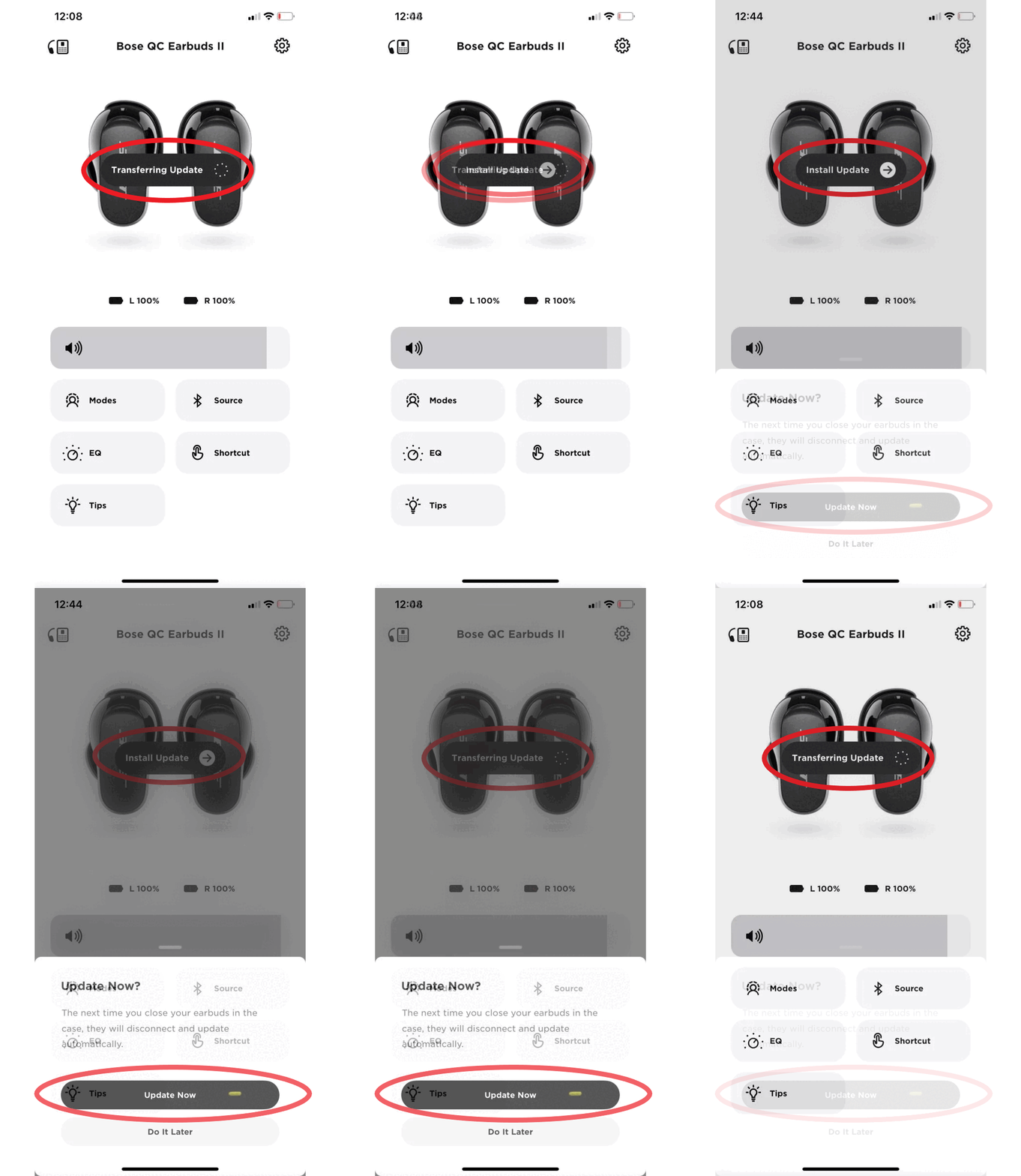
- Open the Bose app. The app can show connection status and sometimes signal strength. The Bose app often lists the last connected device and battery level.
- Check your phone’s Bluetooth list. If the headphones appear as “Connected” or “Paired,” they are nearby. If they show “Not connected,” note the last time they paired.
- Use Bluetooth scanning apps. These apps show signal strength (RSSI). A rising signal usually means you’re getting closer.
- Try your phone’s Find My or device locator features. Some operating systems record a last-known location when Bluetooth devices disconnect.
- Play a test tone. If the headphones are on and nearby, playing audio will reveal their location quickly.
These app-based steps are central to how to find Bose headphones, especially when they are powered on. Stay systematic: check connection, check signal strength, then search physically.
Physical search strategy: where headphones usually hide
A smart, methodical search beats frantic searching. Use zones and consistent patterns.
- Start with high-probability zones such as couch cushions, backpacks, coat pockets, and nightstands.
- Search clothing piles and laundry baskets. Fabric folds hide earbuds well.
- Retrace routes. Think where you last used them: commute, office desk, gym bag, or living room.
- Check under and around furniture with a flashlight. Small items slide into crevices.
- Ask people nearby. Roommates, family, or coworkers may have moved them.
These steps answer the practical side of how to find Bose headphones when tech hints are absent. Break the search into zones and check each zone carefully.
If the headphones are offline, dead, or out of range
When the battery is dead or the device is out of Bluetooth range, different tactics work best.
- Look for the last known connection on paired devices. Note the time and place.
- Check travel routes or recent locations where you used them. Backtrack places you visited around that time.
- Search common lost-and-found channels. Gyms, transit authorities, and workplace reception desks often hold found items.
- Contact Bose support with serial number details. They can help verify warranty or provide pairing hints.
- Consider local community boards and social groups. Post a clear description and reward if needed.
Knowing how to find Bose headphones in offline scenarios is about records and patience. Use timestamps and ask local places for help.
Brand-specific tools and authenticity checks
Bose offers features and identifiers that help you locate or verify headphones.
- Use the Bose Connect or Bose Music app. These apps show device status and firmware info, which can confirm whether a found pair is yours.
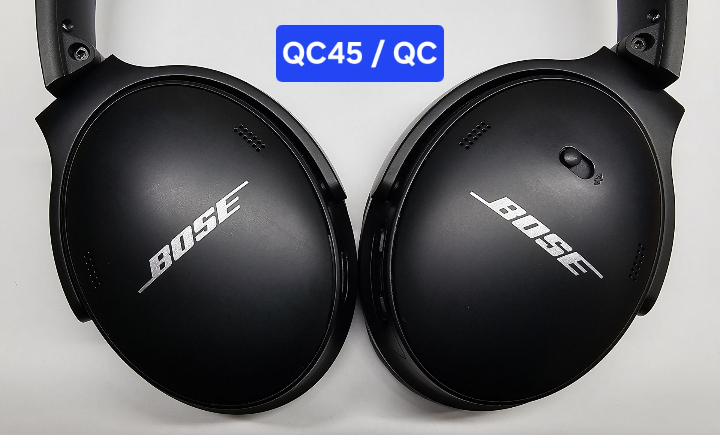
- Check the serial number. The serial is inside the earcup or charging case. Note it in your records.
- Watch for firmware updates. If a found pair connects and updates, the app may show the device name you assigned.
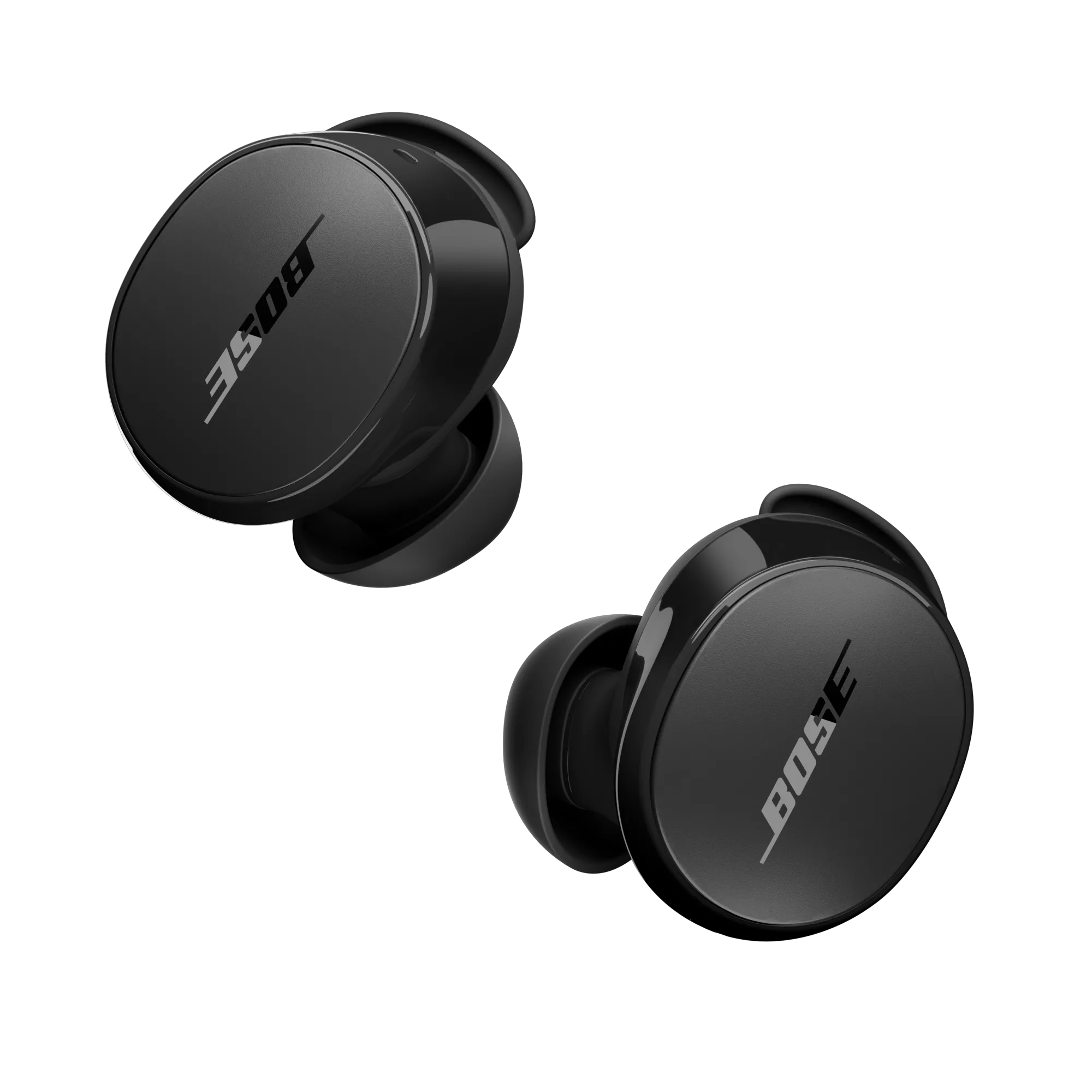
- Verify packaging and build quality. Genuine Bose products have consistent materials, crisp logos, and tidy seams. Counterfeits often feel cheaply made.
- Register your product when you buy it. Registration helps support and can assist in verification if you recover found gear.
These brand-specific checks are practical for learning how to find Bose headphones and confirm ownership. Keep records and use the official app features.
:max_bytes(150000):strip_icc()/002-how-to-connect-bose-headphones-to-iphone-4767807-f34a71fc48a74b4694d7a408945da1f7.jpg)
When to escalate: theft, insurance, and replacement
If you suspect theft or cannot find your headphones after a thorough search, take these steps.
- Report the loss to local authorities if you believe they were stolen. Provide serial numbers and descriptions.
- File an insurance or homeowner claim if the value justifies it. Keep receipts and proof of purchase.
- Contact customer support for guidance on lost or stolen policies. They may flag serials or offer discounts on replacements.
- Consider a replacement from authorized dealers. Verify seller reputation and ask for serial verification before buying used gear.
- Use learning for future prevention: label cases, register gear, and enable any tracking features available.
Escalation matters when basic recovery steps fail. Knowing how to find Bose headphones includes understanding when to involve authorities or replace gear.

Personal experience: lessons from real recoveries
I once helped a friend find a lost set of Bose QC35 headphones in a crowded co-working space. We used a Bluetooth scanner to triangulate the signal and then played audio. The headphones were tucked behind a low shelf. That taught me three things:
- Always check the last-connected device first. It saves time.
- Use a Bluetooth RSSI app; signal strength can point you to a room or shelf.
- Label your case and register your product. It speeds up verification and recovery.
From my experience, the best approach to how to find Bose headphones mixes tech tools with simple, thorough searching. Small habits prevent big losses.

Quick PAA-style questions
What is the best app to find Bose headphones?
The Bose Connect or Bose Music app is the best starting point because it shows connection status and device info.
Can Bluetooth apps really help locate headphones?
Yes. Bluetooth scanning apps show signal strength and can guide you toward the device when it’s powered on.
How far can Bose headphones be found via Bluetooth?
Bluetooth range varies but is typically 30 to 100 feet indoors; walls and interference reduce that.
Frequently Asked Questions of how to find bose headphones
How do I check if my Bose headphones are connected?
Open your phone’s Bluetooth settings or the Bose app; a “Connected” status or battery indicator means they’re nearby.
What if my Bose headphones show offline in the app?
If they’re offline, check the last connected device and time. Then retrace your steps and search places you visited around that time.
Can I track Bose headphones if they are turned off?
No. Tracking only works when the headphones are powered and within range. Use last-known locations and receipts in that case.
Are there third-party tools to help find lost headphones?
Yes. Bluetooth scanning apps show signal strength and device names; they are helpful when headphones are on and broadcasting.
How do I avoid buying fake Bose headphones when replacing lost ones?
Buy from authorized retailers, check serial numbers, inspect build quality, and compare packaging and logos for consistency.
Conclusion
Finding lost gear is often a mix of quick tech checks, methodical searching, and simple common sense. Start with Bluetooth and the Bose app, scan for signal strength, retrace your steps, and search likely spots patiently. If the headphones are truly gone, use serial numbers, report theft if needed, and choose authorized replacements.
Takeaway: build small habits—register products, label cases, and check connection status regularly—to reduce future losses. Try the steps above now, and leave a comment with your recovery story or question.

Everett Ashford is a tech reviewer at mytechgrid.com specializing in SSDs, cameras, TVs, earbuds, headphones, and other consumer electronics. He provides honest, data-driven reviews based on hands-on testing and real-world performance analysis. Everett simplifies complex tech details to help readers make smart, confident buying decisions.