Put the headphones in Bluetooth pairing mode and connect from your phone’s Bluetooth settings.
I’ve paired dozens of headphones in my career, and I’ll walk you through exactly how to pair Bose SoundSport headphones step by step. This guide covers every common model, quick troubleshooting, useful tips, and real-life fixes I learned while testing these earbuds. Read on to get your Bose SoundSport paired fast and reliably.

Why pairing matters and which SoundSport models this guide covers
Pairing is how your device and headphones agree to talk. Without a reliable pairing, audio drops, connection lag, or no sound at all can ruin the experience. This article explains how to pair Bose SoundSport headphones across models, including SoundSport Wireless, SoundSport Pulse, and SoundSport Free. I use simple steps so you can fix issues quickly.
What to expect when you follow how to pair bose soundsport headphones:
- Reliable connection instructions for each model
- Troubleshooting for the most common problems
- Tips to keep connections stable and battery friendly

Step-by-step: How to pair Bose SoundSport headphones (general)
These steps work for most Bose SoundSport Bluetooth models. If your model is the true wireless SoundSport Free, scroll to the specific section below.
- Charge the headphones
- Make sure the headphones have enough battery. Low battery can stop pairing.
- Turn on Bluetooth on your phone or computer
- Open Settings and enable Bluetooth. Keep the Bluetooth settings screen open.
- Put the headphones into pairing mode
- For most SoundSport wireless models, press and hold the power button until the LED blinks blue or you hear “ready to pair.”
- Find and select the headphones
- On your device, look for the device name that starts with “Bose” and tap it to connect.
- Confirm connection and test audio
- You should hear a confirmation tone or voice. Play audio to confirm.
Quick tips while pairing:
- Move close to the device and remove obstacles like other electronics.
- Turn off other Bluetooth devices to avoid interference.
- If pairing fails, restart both the headphones and your phone.
How to pair bose soundsport headphones repeatedly gets easier once you pair once. Devices usually remember the connection. If not, remove the old listing and pair again.
Pairing specific Bose SoundSport models
Different models have small differences. Follow the exact model steps below.
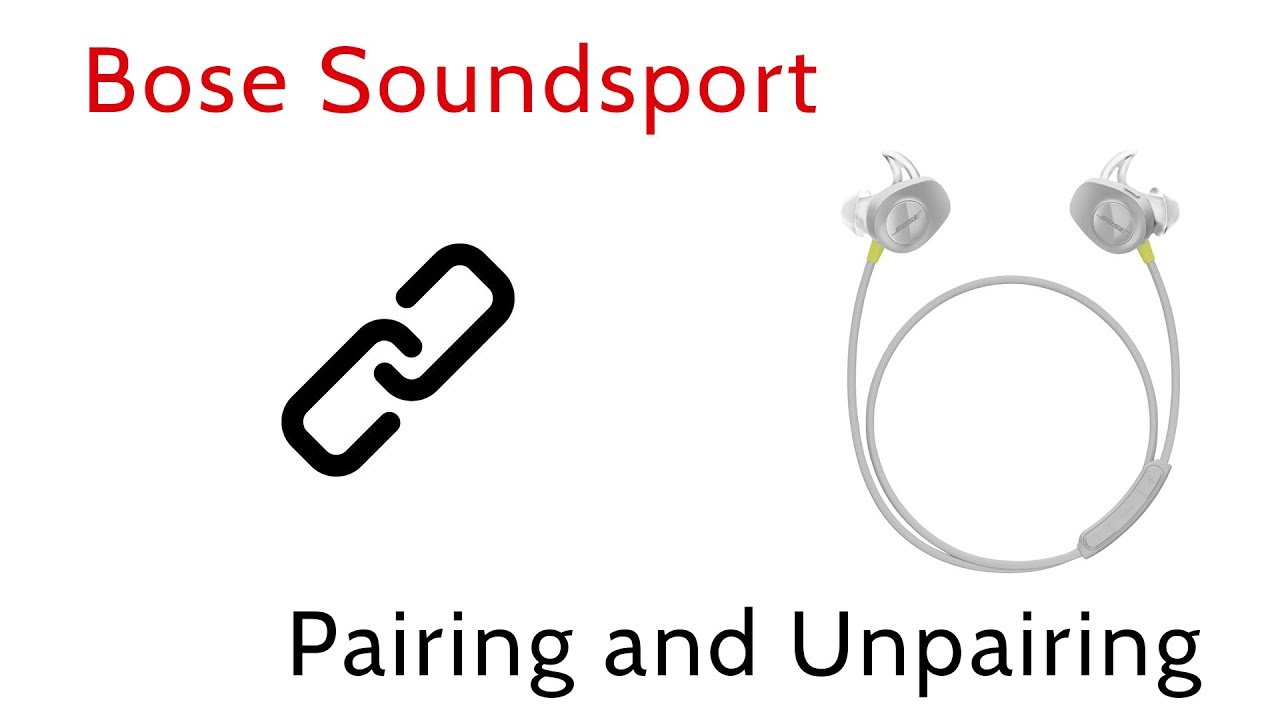
SoundSport Wireless (neckband style)
- Power on by sliding the power switch. Hold 3–5 seconds until you hear power on.
- Hold the power button longer (about 4–5 seconds) to enter Bluetooth pairing. LED blinks blue.
- On your phone, select the Bose device name to pair.
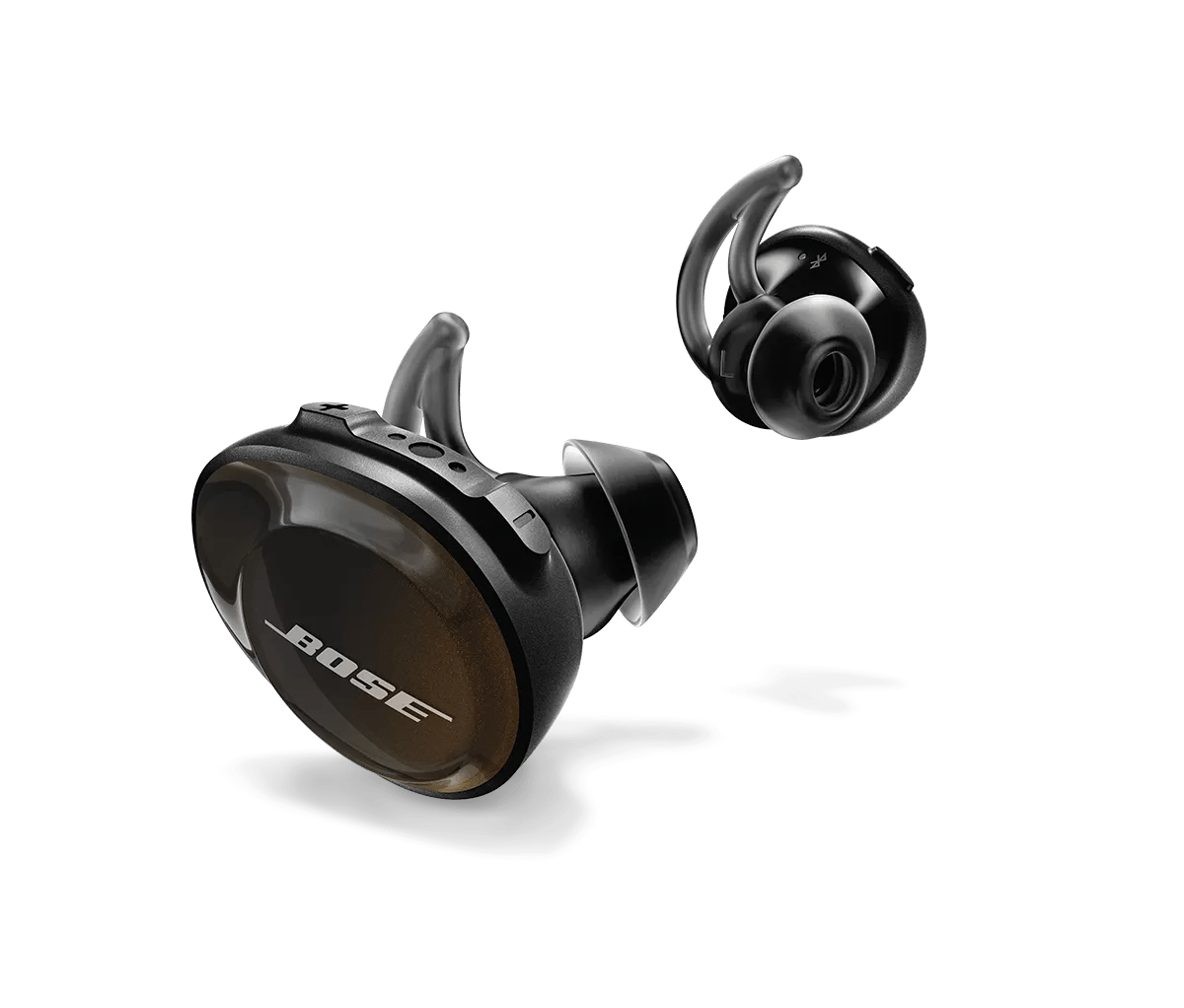
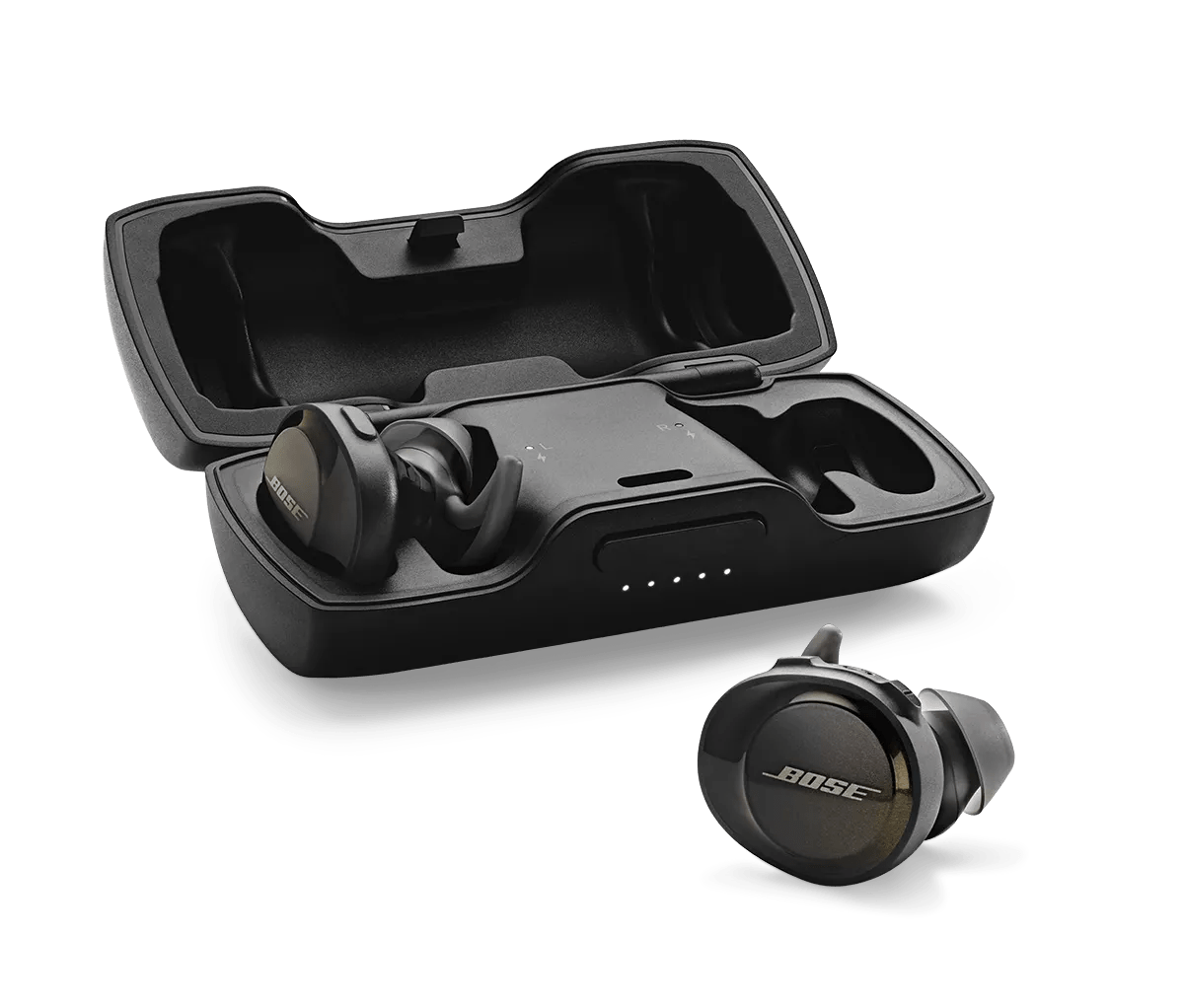
SoundSport Free (true wireless earbuds)
- Remove both earbuds from the case. They power on automatically.
- If they don’t enter pairing, press and hold the button on the right earbud until the LED flashes white and blue.
- Look for “Bose SoundSport Free” in your Bluetooth list and tap to connect. The left and right earbuds will auto-sync.
SoundSport Pulse (with heart-rate sensor)
- Turn on the earbuds. Hold the power button to enter pairing mode until the LED blinks.
- Connect via Bluetooth on your device. For heart-rate features, confirm permissions in your fitness app.
If your device won’t see the Bose name, switch the headphones off and back on, then try again.
Troubleshooting common pairing problems
Even with simple steps, things can fail. Here are the fixes that worked for me during testing.
Problem: Headphones won’t appear in Bluetooth list
- Make sure headphones are in pairing mode. Power off then hold the power button longer to force pairing.
- Restart your phone’s Bluetooth. Turning Bluetooth off and on clears ghost pairings.
Problem: Pairing but no sound
- Check volume on both devices.
- Make sure the phone’s audio output is set to the Bose device.
- Restart app or device if streaming services hang.
Problem: Intermittent dropouts
- Move closer to the source. Walls and other wireless devices can interfere.
- Remove or power down other active Bluetooth devices nearby.
- Update your phone OS and headphone firmware if available.
Hard reset (model-specific)
- Many Bose SoundSport models reset by holding power for 10 seconds or by placing SoundSport Free in the case and holding the Bluetooth button on the case. If unsure, do a full power cycle on both devices then re-pair.
If problems persist, a factory reset often helps. Check the manual for exact reset steps for your model.
Tips for stable connections and multi-device pairing
Good habits make pairing and daily use smoother. Here’s what I recommend from experience.
- Keep firmware updated
- Firmware updates fix bugs and improve compatibility. Check the Bose app or software.
- Use a single device for initial pairing
- Pair with your primary device first. Add others afterwards to avoid confusion.
- Limit background Bluetooth devices
- Too many active Bluetooth connections nearby cause interference.
- Charge regularly
- Low battery can cause strange Bluetooth behavior. Keep headphones charged for reliable pairing.
- Clear old pairings occasionally
- Remove unused devices from your phone’s Bluetooth list to speed reconnections.
how to pair bose soundsport headphones becomes intuitive when you apply these tips.

Quick PAA-style questions
What do I do if my Bose SoundSport won’t enter pairing mode?
- Hold the power button for at least 4–6 seconds. Charge the headphones and try again if nothing happens.
Can I pair Bose SoundSport with both phone and laptop?
- Yes. Pair with one device at a time for best audio. Some Bose models support multipoint but performance varies.
Do I need the Bose app to pair?
- No. Pairing works through standard Bluetooth settings. The app offers firmware updates and extra features.
How long does pairing take?
- Usually under 30 seconds once in pairing mode. If it takes longer, restart devices and try again.
Will a reset delete my Bluetooth list?
- Yes. A factory reset clears saved pairings. You will need to re-pair devices.

Frequently Asked Questions of how to pair bose soundsport headphones
How do I force my SoundSport into pairing mode?
Press and hold the power or Bluetooth button for 4–6 seconds until the LED blinks blue or you hear voice guidance indicating pairing mode.
My phone shows “connected” but there’s no sound. What now?
Open the phone’s Bluetooth settings and select the Bose device as the audio output. Also check app volume and device volume.
Can I use one earbud only with SoundSport Free?
Yes. You can use one earbud at a time. Reinsert it in the case and re-pair if the single-ear mode doesn’t work automatically.
How do I update the firmware on my SoundSport headphones?
Use the Bose Connect or Bose Music app if your model supports it. The app detects updates and guides you through the process.
What if my headphones connect to the wrong device automatically?
Turn off Bluetooth on the unwanted device, or forget the headphone on that device. Then pair again with your preferred device.
Why does pairing drop after a few minutes?
This can be interference, low battery, or outdated firmware. Move closer to the source, charge both devices, and update firmware.
Conclusion
You can pair Bose SoundSport headphones quickly by following the model-specific steps and the troubleshooting tips above. Regularly updating firmware, keeping batteries charged, and clearing old pairings will make future connections smooth. Try these steps now: put your SoundSport in pairing mode, select the Bose device in your Bluetooth settings, and test audio. If you still have problems, leave a comment with your model and device — I’ll help troubleshoot.

Jamie Lee is a seasoned tech analyst and writer at MyTechGrid.com, known for making the rapidly evolving world of technology accessible to all. Jamie’s work focuses on emerging technologies, product deep-dives, and industry trends—translating complex concepts into engaging, easy-to-understand content. When not researching the latest breakthroughs, Jamie enjoys exploring new tools, testing gadgets, and helping readers navigate the digital world with confidence.