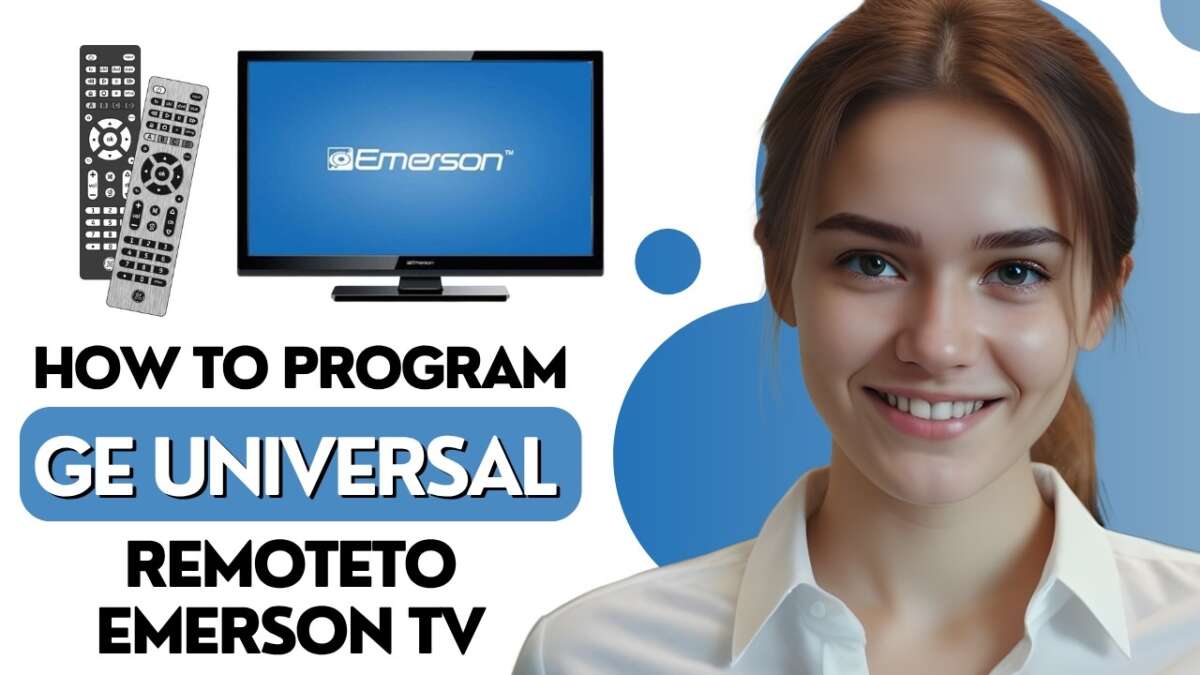
To program a universal remote to an Emerson TV, enter the correct code or use automatic code search.
Learning how to program a universal remote to a Emerson TV is usually quick, even if you no longer have the original remote. The exact steps depend on your remote brand and Emerson TV model, but this guide covers code entry, auto search, setup problems, and reliable fixes. You will also learn how to find the right Emerson remote code and confirm that every key works properly.

What You Need Before Programming the Remote
Before you learn how to program a universal remote to a Emerson TV, gather a few basic items. You need the Emerson television, the universal remote, and two fresh batteries. Weak batteries can make the setup look like a code problem when the real issue is low power.
Keep the remote’s instruction booklet nearby if you have it. Different brands, such as GE, RCA, Philips, One For All, and Logitech, use different setup buttons and code lists.
Check these details first:
• The universal remote has working batteries.
• The TV is plugged in and turned on.
• The remote points toward the TV during setup.
• The remote supports televisions or the Emerson brand.
• You know the remote model number.
The model number is often inside the battery compartment or on the back of the remote. This number matters because one code list may work for one remote model but fail on another.

Find the Correct Emerson TV Remote Code
The easiest way to program a universal remote to a Emerson TV is to use the correct device code. A code tells the remote how to communicate with the infrared sensor inside the television.
Emerson codes can vary by remote brand, TV model, and manufacturing year. Common code lists may include numbers such as 018, 019, 028, 029, 046, 047, 048, 049, 050, 051, 076, 089, 135, 136, or 191. These numbers are examples only. Your remote’s official code list should always be your first choice.
You can find the correct code in several places:
-
Open the paper manual that came with the remote.
-
Search the remote maker’s official code finder.
-
Look inside the remote’s battery cover for a model number.
-
Use the automatic code search feature.
-
Check the Emerson TV’s model number on the rear label or original paperwork.
Do not assume that every Emerson TV uses the same code. Some Emerson televisions were produced under different product lines, and compatible codes can differ. If one code does not work, try the next listed code before switching to auto search.

How to Program a Universal Remote to a Emerson TV With a Code
Manual code entry is the fastest method when you have a code that matches your remote. The names of the buttons may differ, but most universal remotes follow a similar process.
Follow these steps:
-
Turn on the Emerson TV using its power button.
-
Point the universal remote at the TV.
-
Press and hold the
TVbutton. -
While holding
TV, press and hold theSetup,Code Search, orMagicbutton. -
Release both buttons when the indicator light stays on or flashes.
-
Enter the first Emerson code from your remote’s code list.
-
Watch for the indicator light to turn off or flash twice.
-
Press the
Powerbutton. -
Press
Volume Up,Volume Down,Channel Up, andInput. -
Save the code if your remote requires a separate
OK,Enter, orSetuppress.
Some remotes use a slightly different sequence. For example, you may need to press TV, tap Setup, and then enter the code. Other models require you to hold the setup button until the light blinks twice.
The key lesson is simple: follow the button sequence printed for your remote model. The general process is similar, but the timing and confirmation signal can change.
If the TV turns off when you press Power, the code may be correct. Still, test more than the power button. A code can control power but fail to operate volume, input, or channel functions.
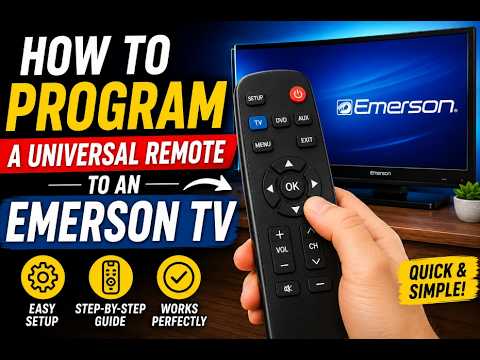
How to Program a Universal Remote to a Emerson TV Without a Code
If you cannot find the code, use the remote’s automatic code search. This method makes the remote test many stored codes until the TV responds.
Here is the general auto-search process:
-
Turn on the Emerson TV manually.
-
Point the remote at the television.
-
Press and hold the
TVdevice button. -
Press and hold
SetuporCode Search. -
Release the buttons when the indicator light stays on.
-
Press
PowerorChannel Uprepeatedly. -
Stop as soon as the TV turns off or changes channels.
-
Press
Enter,OK, orSetupto store the code. -
Turn the TV back on.
-
Test the main buttons.
Press the search button slowly. Some remotes send a new code each time you press the button. If you press too fast, you may skip the correct code.
If the TV turns off, do not continue pressing buttons. The correct code may already be active. Press the required confirmation button right away to save it.
This is one of the most useful ways to program a universal remote to a Emerson TV when the original code list is missing. It may take several minutes, but it avoids guessing.
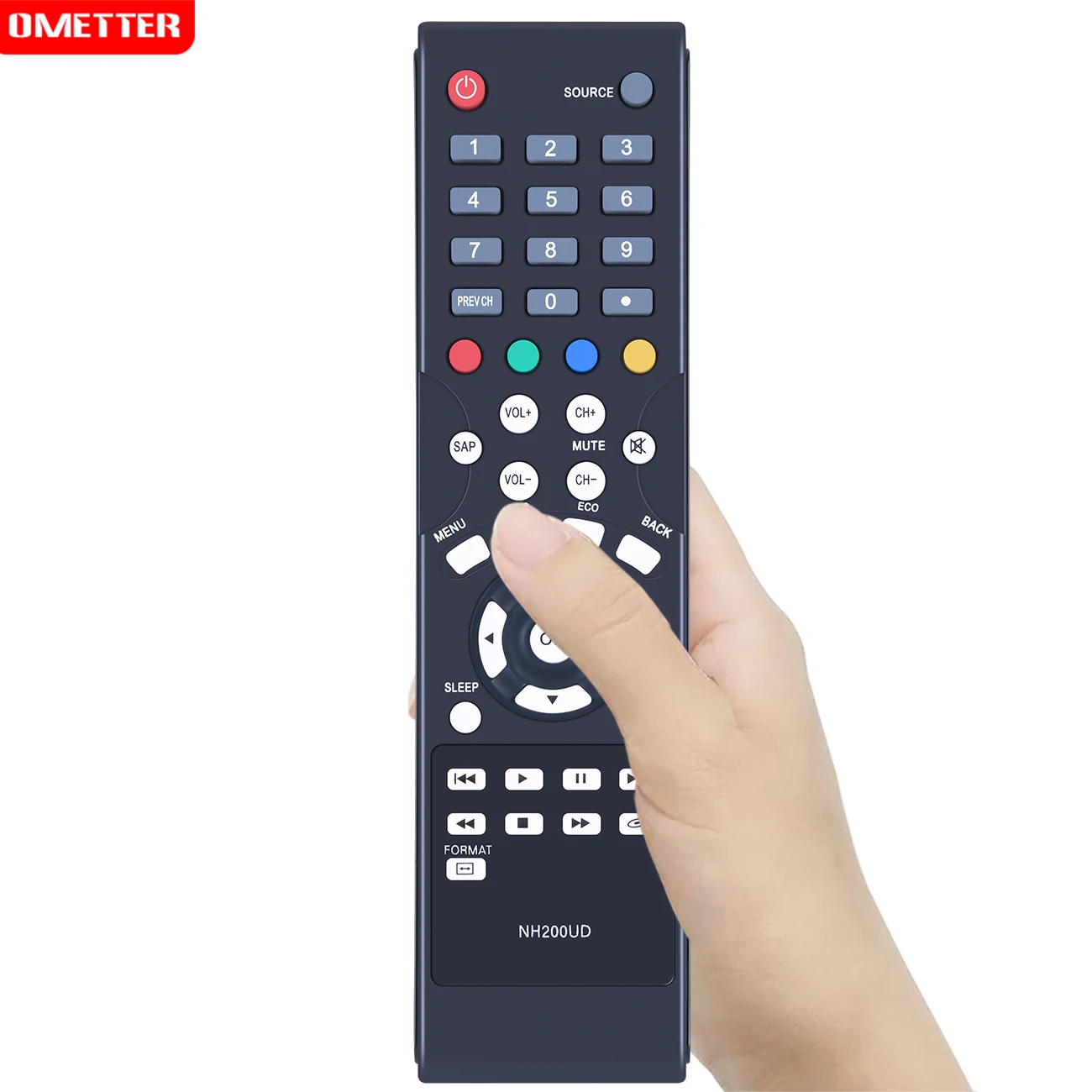
How to Program a Universal Remote to a Emerson TV Using Brand Search
Some remotes offer a brand search mode. This method is similar to automatic search, but it tests codes linked to one brand instead of every television code in the remote.
To use brand search:
-
Turn on the Emerson TV.
-
Hold the
TVbutton. -
Press
Setupuntil the remote light remains on. -
Enter the brand search command shown in the manual.
-
Press
PowerorChannel Upto test each code. -
Stop when the Emerson TV responds.
-
Press
EnterorOKto store the setting.
Brand search can be faster than a full code scan. However, it is not available on every universal remote. If your remote has no brand search option, use manual code entry or the standard auto-search method.
Some newer smart remotes use an on-screen setup process. They may ask you to select TV, choose Emerson, and confirm a test code. In that case, follow the instructions shown on the TV or mobile app.

Test Every Important Remote Function
After you program a universal remote to a Emerson TV, test the buttons you use most. A successful setup should do more than turn the television on and off.
Test these functions:
• Power
• Volume up and down
• Mute
• Channel up and down
• Number buttons
• Input or source
• Menu
• Guide
• Exit
• Navigation arrows
• OK or Select
The power button is only the first test. In many real-world setups, people stop after the TV turns off and later discover that the volume or input button does not work.
If only some buttons work, try another code from the list. Different codes can provide different levels of compatibility. One code may control the basic TV functions, while another may support input selection and menu navigation.
Keep the working code written inside the battery cover or in a note on your phone. This small step can save time if the batteries are removed and the remote loses its memory.

Troubleshooting Universal Remote Programming Problems
When you cannot program a universal remote to a Emerson TV, the problem is often simple. Start with the batteries, the setup mode, and the code itself.
The remote does not enter setup mode
Replace both batteries with fresh batteries. Make sure they face the correct direction. Then hold the setup button for the time stated in the remote manual.
Some remotes use Code Search, Program, or Magic instead of Setup. Try not to press random combinations because this can place the remote in the wrong device mode.
The TV does not respond to the code
Try every Emerson code listed for your remote model. Point the remote directly at the TV’s infrared sensor and remove objects that may block the signal.
Also check that the remote is in TV mode. If it is still in DVD, Cable, or Audio mode, the TV may not respond even when the code is correct.
The TV turns off but other buttons fail
This usually means the code is only partly compatible. Repeat the setup process with the next code on the list.
Test the remote after each code. Choose the code that controls the greatest number of functions, not simply the first code that turns the television off.
The remote lost its programming
Many universal remotes keep codes after a battery change, but some may reset. Program the remote again using the saved code.
If the remote resets often, inspect the battery contacts. Corrosion, loose springs, or poor contact can interrupt power.
The remote controls another device instead
Move the other device away from the TV during setup. A universal remote can sometimes send a signal to a nearby compatible device.
Press TV before testing. This tells the remote which device should receive the command.
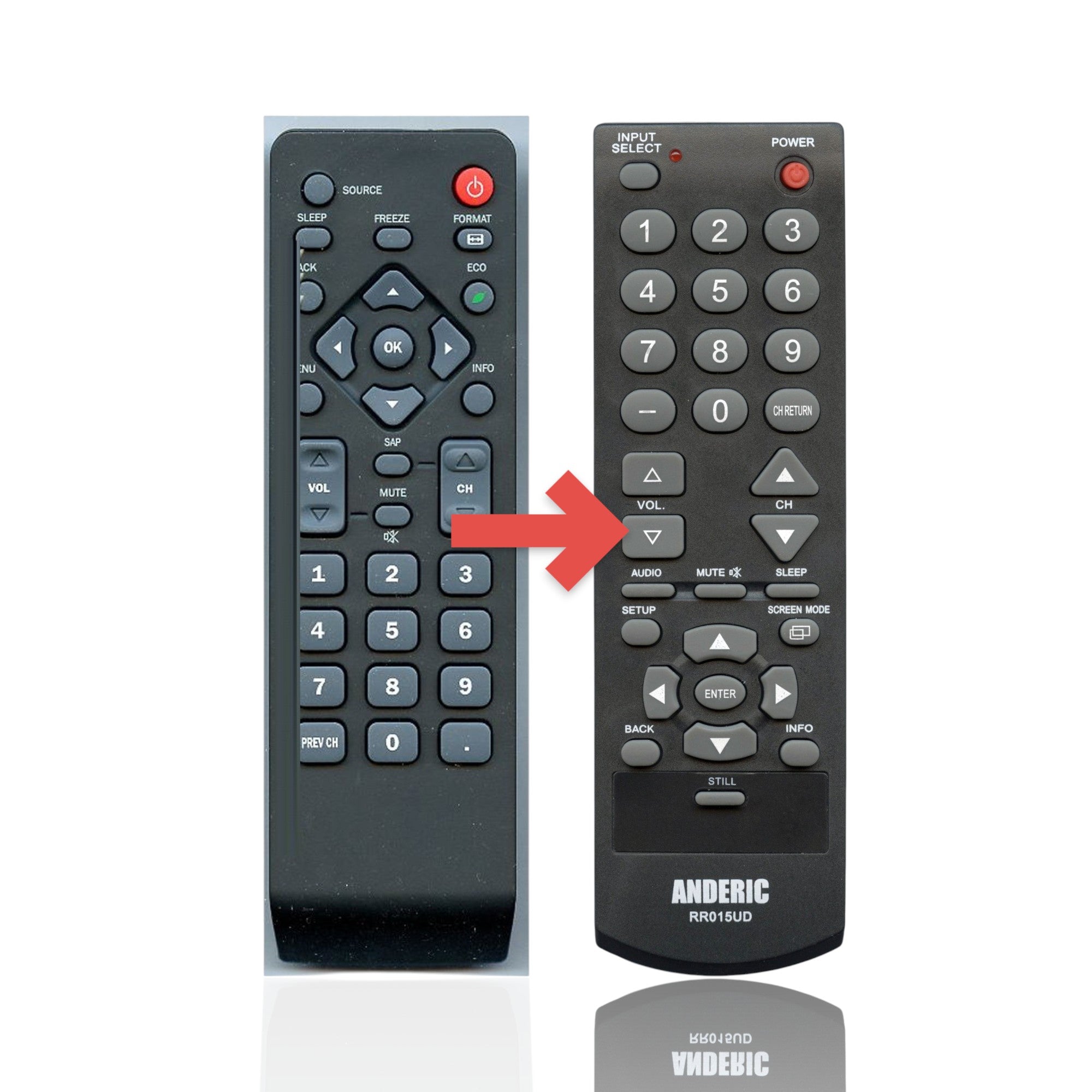
Tips for a More Reliable Setup
The best way to program a universal remote to a Emerson TV is to work slowly and confirm each step. Most failed setups happen because a button is pressed too soon or the wrong code is saved.
Use these practical tips:
• Stand within 10 feet of the TV.
• Aim at the TV’s front sensor.
• Use fresh alkaline batteries.
• Keep the TV on during code testing.
• Press auto-search buttons one time at a time.
• Write down every code that produces a response.
• Test the remote before putting away the original.
• Avoid placing tape or furniture over the infrared sensor.
A common hands-on lesson is that “almost working” is not the same as working. I have seen setups where the power button worked, but the remote could not change inputs. Testing the full set of daily controls prevents that frustration later.
Another useful lesson is to avoid holding Channel Up during an automatic search. On some remotes, holding the button can skip several codes. Short, steady presses give you better control.
Limitations of a Universal Remote
A universal remote can replace many basic Emerson TV functions, but it may not replace every feature of the original remote. Advanced smart TV controls, streaming shortcuts, voice commands, and special picture settings may not be supported.
Older universal remotes often control only infrared functions. If your Emerson TV uses a special wireless system for smart features, a basic universal remote may not access apps or voice search.
You may need the original remote for:
• Smart TV app setup
• Voice control
• Firmware updates
• Advanced picture settings
• Service menus
• Certain streaming shortcuts
Avoid opening service menus or changing hidden settings without clear instructions. Incorrect changes can affect the TV’s picture, sound, or operating behavior.
If basic control is all you need, a universal remote remains a practical and affordable option. If you want full smart TV control, choose a replacement remote made specifically for your Emerson model.
Frequently Asked Questions About How to Program a Universal Remote to a Emerson TV
What is the easiest way to program a universal remote to a Emerson TV?
The easiest method is manual code entry with the correct Emerson code from the remote’s code list. If you cannot find the code, use automatic code search and save the code after the TV responds.
Why is my universal remote not working with my Emerson TV?
The batteries may be weak, the remote may be in the wrong device mode, or the code may not match your remote model. Try fresh batteries, select TV, and test the next Emerson code.
Can I program a universal remote to an Emerson TV without the original remote?
Yes. You can use the universal remote’s manual code entry, brand search, or automatic code search. The original Emerson remote is not required for basic programming.
How do I find my Emerson TV remote code?
Check the universal remote’s printed manual or the manufacturer’s official online code finder. Use the remote model number, since codes vary between universal remote brands.
Why does the power button work but the volume button does not?
The selected code may provide only partial compatibility. Program the remote again with another Emerson code and test volume, mute, input, and menu functions before saving it.
Will a universal remote control Emerson TV apps?
It may not. Basic universal remotes usually control infrared functions, while smart apps, voice commands, and Bluetooth features may require the original or model-specific replacement remote.
Conclusion
Programming a universal remote to a Emerson TV usually takes only a few minutes. Start with the correct code, use automatic search when needed, and test more than the power button. Fresh batteries, clear line of sight, and the correct TV mode solve many common problems.
Write down the working code once the setup is complete. If one code gives limited control, repeat the process with another code until the main functions work smoothly. Try these steps today, and share your remote model or successful code in the comments to help other Emerson TV owners.

Everett Ashford is a tech reviewer at mytechgrid.com specializing in SSDs, cameras, TVs, earbuds, headphones, and other consumer electronics. He provides honest, data-driven reviews based on hands-on testing and real-world performance analysis. Everett simplifies complex tech details to help readers make smart, confident buying decisions.