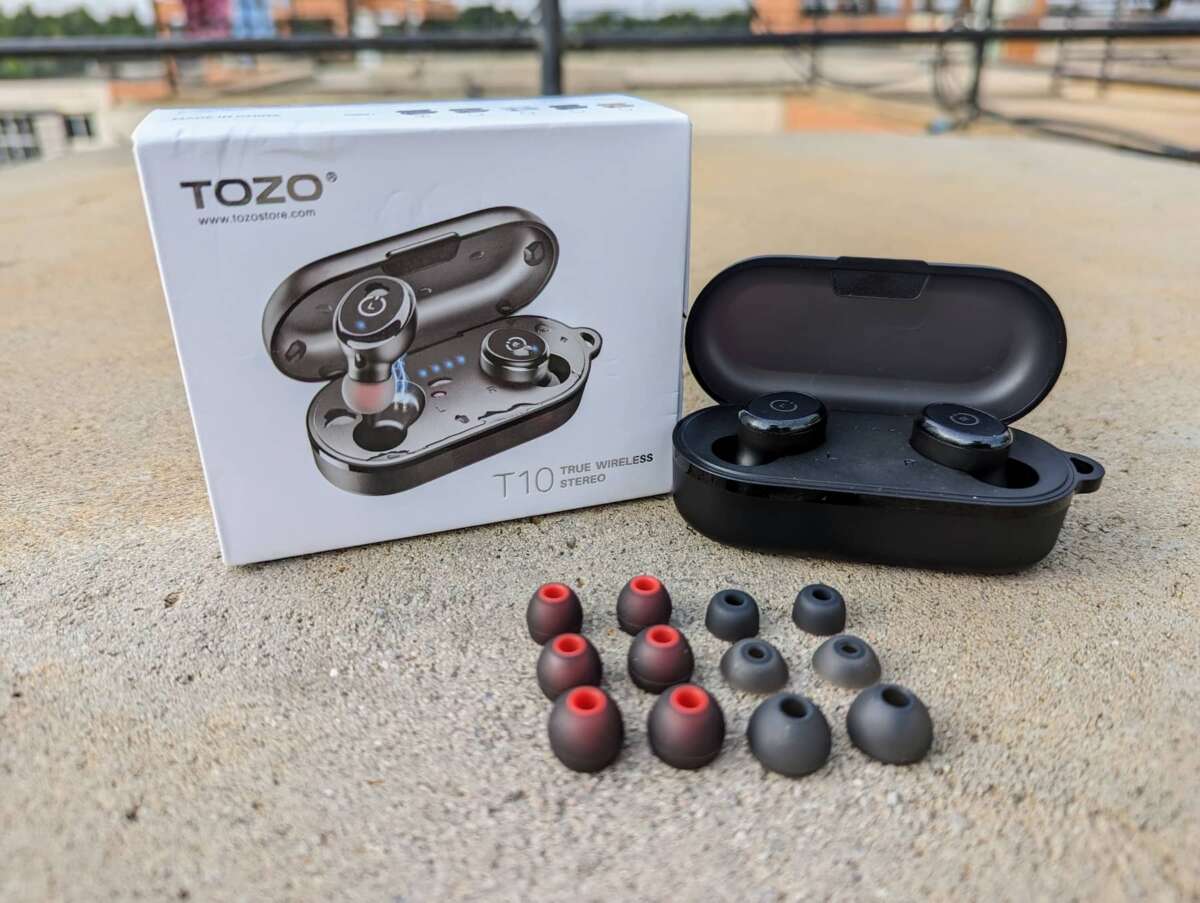
Place both earbuds in the case, press and hold both buttons for 10–15 seconds, then re-pair.
I’ve fixed and reset dozens of earbuds, including TOZO models, and I’ll walk you through exactly how to reset TOZO T10 earbuds. This guide explains why you might need a reset, a clear step-by-step factory reset, how to pair again, troubleshooting tips from real use, and quick fixes that save time. Read on for simple, reliable steps to get your TOZO T10 earbuds working like new.
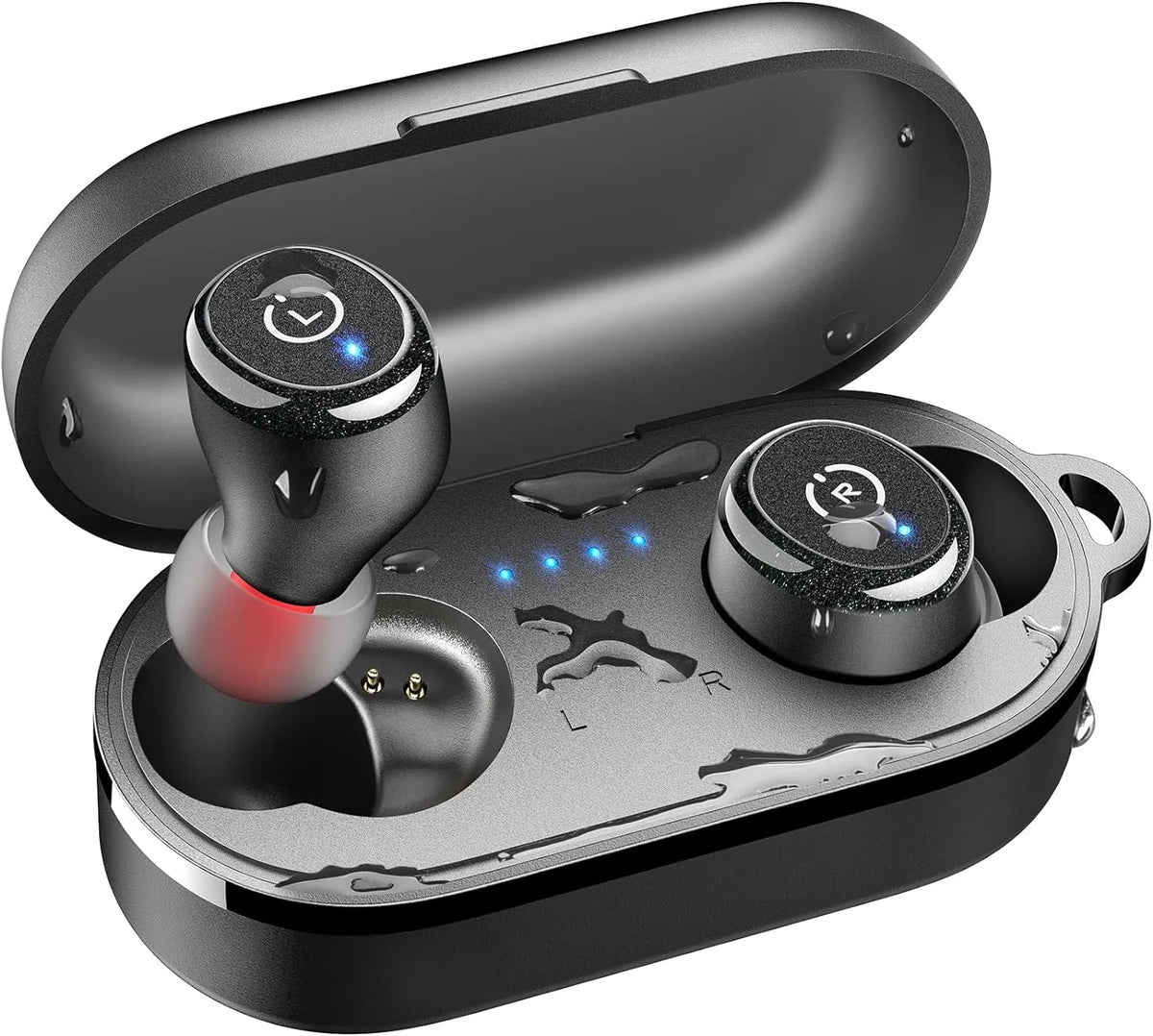
Why reset your TOZO T10 earbuds?
A reset clears pairing data and can fix odd behaviors. It removes old Bluetooth links and restores default settings. Resetting often resolves one-ear audio, constant disconnects, and touch control issues.
Resetting can also fix volume or sync problems. It is a quick first step before deeper repairs or warranty claims. Knowing how to reset TOZO T10 earbuds saves time and avoids frustration.

When to reset: common issues
Reset when you see repeated or odd behavior. Common triggers include:
- One earbud not pairing or playing sound.
- Frequent Bluetooth dropouts with your phone or laptop.
- Touch controls acting up or not responding.
- Earbuds not showing up in Bluetooth settings.
- Persistent firmware or latency issues after updates.
If a simple restart didn’t help, a full reset usually will. Try charging both buds first. If the problem returns, repeat the reset and test on a second device.
Step-by-step: how to reset TOZO T10 earbuds (factory reset)
Follow these clear steps to reset TOZO T10 earbuds. Keep steps short and steady.
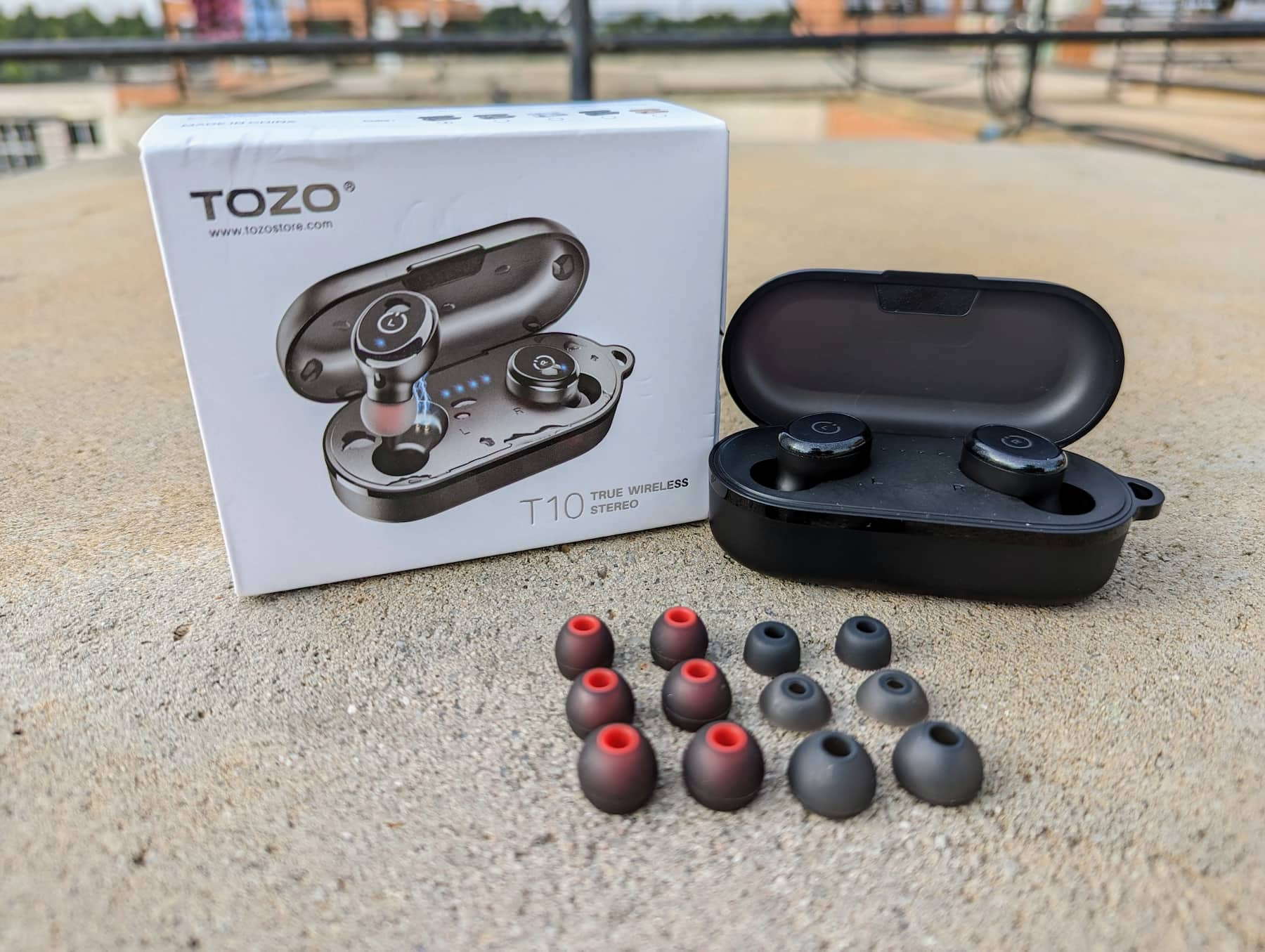
- Put both TOZO T10 earbuds in the charging case. Make sure they are seated.
- Close the case lid and wait 5 seconds. This helps the case register both buds.
- Open the case. Remove any existing Bluetooth pairing for “TOZO T10” from your phone or device. Forget or remove the device in Bluetooth settings.
- With the earbuds in the case, press and hold the button on each earbud at the same time for 10–15 seconds. Hold until lights flash red and white or you see the LED behavior change.
- Release the buttons. The earbuds will power off or enter pairing mode automatically.
- Take the earbuds out of the case. They should power on and try to pair. If they do not auto-pair, put them back and repeat the hold step for another 5–10 seconds.
If your TOZO T10 model has touch controls rather than buttons, use the touch pads. Tap and hold both touch pads for the same 10–15 second interval until LEDs indicate reset. After reset, forget the old device and pair anew.
Pairing again after reset
After you reset, pair the TOZO T10 earbuds like new. Short steps below:
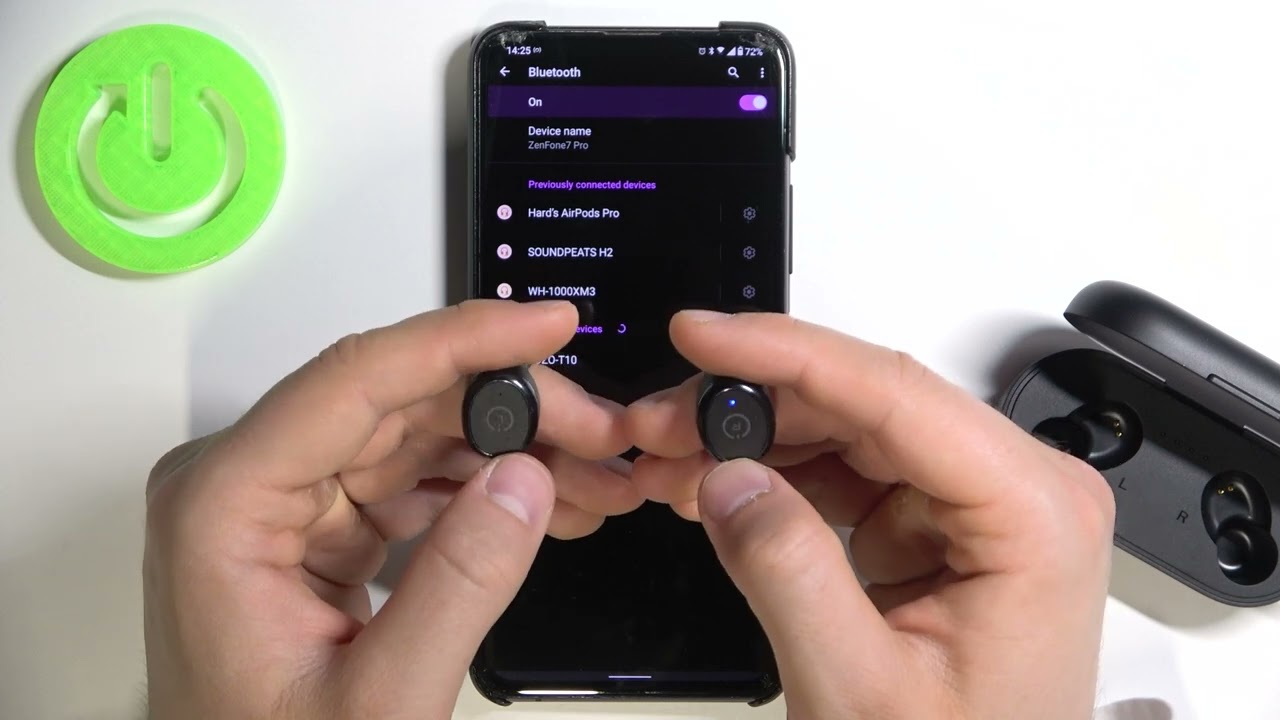
- On Android or iPhone, open Bluetooth settings and enable Bluetooth.
- Take both earbuds out of the case. They should enter pairing mode automatically.
- Look for “TOZO T10” in the Bluetooth list. Tap to connect.
- If asked for a PIN, use 0000 or accept the prompt.
If auto-pairing fails, turn Bluetooth off and on. Restart your phone and retry. Pairing to a second device like a laptop can help isolate device-specific issues.
Tips, troubleshooting, and common mistakes
Short, practical tips I learned from testing and fixing earbuds.
- Charge both earbuds and the case fully before resetting. Low power can block reset steps.
- Always remove the old Bluetooth entry from your phone first. This avoids cached pairing conflicts.
- Hold both buttons or touch pads at the same time. Doing just one bud can leave them out of sync.
- Be patient with LED signals. Different TOZO T10 firmware shows varied blinking patterns.
- If one earbud still won’t pair, place it alone in the case and hold its button for 10 seconds to re-sync.
- Try pairing with another phone to confirm the buds are OK. If they work on another device, the problem is your original device.
- Firmware or phone Bluetooth drivers can affect behavior. Update phone OS and check for earbuds firmware updates if available.
From personal experience, repeating the hold-for-15-seconds step twice solved stubborn cases more often than a single attempt. If resets still fail, contact support or consider a warranty claim.

Frequently Asked Questions of how to reset tozo t10 earbuds(make it h2 tag)
How long should I hold the buttons to reset TOZO T10 earbuds?
Hold the buttons or touch pads on both earbuds for 10 to 15 seconds. Release when the LEDs change or the earbuds power off.
Will resetting delete firmware updates?
No. Resetting clears pairing and settings. It does not remove firmware updates. Firmware stays intact unless a special reflash is done by the manufacturer.
Do I need to remove the old Bluetooth pairing first?
Yes. Forgetting the TOZO T10 entry on your device reduces conflicts and helps the earbuds pair cleanly after the reset.
What if only one earbud pairs after reset?
Put both earbuds back in the case and hold both buttons for 10–15 seconds again. If one bud still fails, charge it fully and try the single-bud re-sync step.
Can resetting fix audio lag or poor sound quality?
Resetting can fix many audio or sync issues caused by pairing errors. If sound quality is still poor, check the source device, codec settings, and earbud cleanliness.
Conclusion
You now know how to reset TOZO T10 earbuds step by step. Resetting fixes most pairing and control issues. Charge both earbuds, forget old Bluetooth entries, hold both buttons for 10–15 seconds, and re-pair. If a single reset does not work, repeat the steps or test on a different device.
Try the reset now and see if your TOZO T10 earbuds behave better. If you found this helpful, leave a comment, share your experience, or subscribe for more practical guides.

Everett Ashford is a tech reviewer at mytechgrid.com specializing in SSDs, cameras, TVs, earbuds, headphones, and other consumer electronics. He provides honest, data-driven reviews based on hands-on testing and real-world performance analysis. Everett simplifies complex tech details to help readers make smart, confident buying decisions.