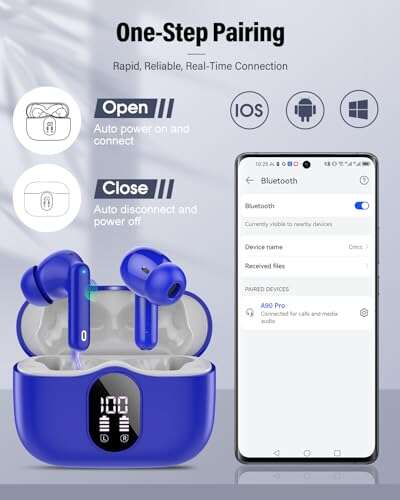
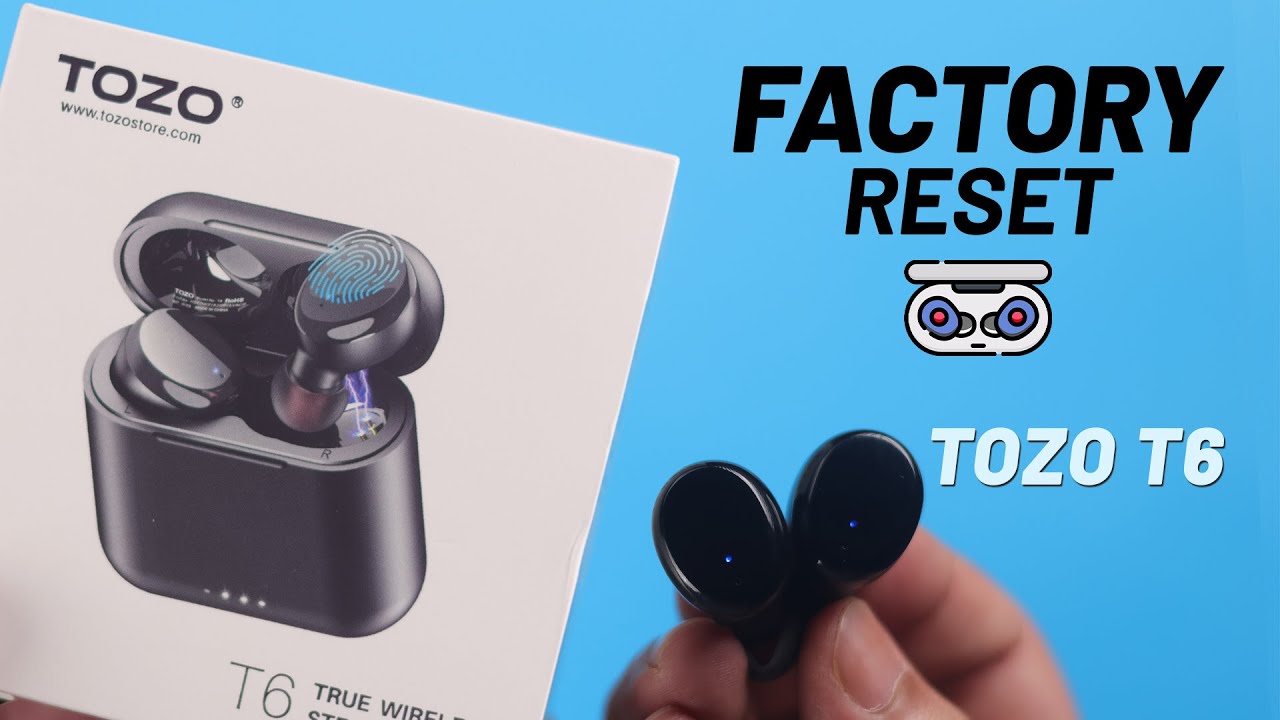
To reset TOZO T6 earbuds, place both earbuds in the case and hold their touch panels for five seconds.
When your TOZO T6 earbuds will not pair, connect to only one side, or keep dropping audio, a reset often clears the problem. The correct process is simple, but timing, charging, and Bluetooth settings all matter. This guide explains how to reset TOZO T6 earbuds, what the LED lights mean, and what to do if the reset does not work.

Why reset TOZO T6 earbuds?
A factory reset removes saved pairing data from the earbuds. It gives both earbuds a fresh start and helps them reconnect with each other and your phone.


You may need to reset TOZO T6 earbuds when you notice:
• Only the left or right earbud produces sound
• The earbuds connect to the wrong device
• Your phone cannot find the earbuds
• Audio cuts out often
• One earbud stays stuck in pairing mode
• The earbuds connect but do not play music
• The touch controls stop responding correctly
A reset is not the same as charging the earbuds or restarting Bluetooth. Charging fixes low power. A Bluetooth restart refreshes your phone’s wireless connection. A factory reset clears the earbuds’ stored connection data.
In simple terms, the reset acts like wiping a small notebook. It removes old pairing records so the earbuds can build a clean connection.

What to do before resetting TOZO T6 earbuds
Before you reset TOZO T6 earbuds, check a few basic things. Many failed resets happen because one earbud has no power or is not seated correctly in the case.


Follow these checks:
• Charge the case and both earbuds for at least 15 to 30 minutes.
• Clean the metal charging contacts with a dry cotton swab.
• Make sure both earbuds sit firmly inside the charging case.
• Turn off Bluetooth on nearby phones, tablets, laptops, and smart TVs.
• Keep the earbuds close to the phone you plan to pair.
• Remove any silicone tips that stop the earbuds from sitting fully in the case.
The case LEDs should respond when you insert the earbuds. If one earbud shows no light, it may not be charging. In that situation, resetting TOZO T6 earbuds may not solve the real problem.
A useful lesson from troubleshooting wireless earbuds is to check power first. A device with a flat battery can look like a device with a software fault.
How to reset TOZO T6 earbuds
This is the standard reset method for most TOZO T6 versions. Small hardware revisions may use slightly different LED patterns, but the button timing is usually similar.
Step 1: Forget TOZO T6 from your phone
Start by removing the old Bluetooth record.
On an iPhone:
- Open Settings.
- Tap Bluetooth.
- Find TOZO-T6 in the device list.
- Tap the information icon.
- Choose Forget This Device.
- Confirm the choice.
On an Android phone:
- Open Settings.
- Open Connected devices or Bluetooth.
- Tap the gear icon beside TOZO-T6.
- Choose Forget, Unpair, or Remove.
- Confirm the action.
Do not skip this step. If the phone keeps an old pairing record, it may reconnect to the same faulty profile after the reset.
Step 2: Turn off nearby Bluetooth devices
Temporarily disable Bluetooth on other devices that have used the earbuds. This includes laptops, tablets, smartwatches, and family members’ phones.
The TOZO T6 does not need several devices competing for its connection. Turning them off makes the first new pairing much easier.
Step 3: Put both earbuds in the case
Place the left and right earbuds into the charging case. Check that each one is making contact and that the case recognizes both earbuds.
Leave the lid open for the next step. If an earbud does not light up, remove it and reseat it. You can also wipe the charging pins gently with a dry, clean cloth.
Step 4: Press and hold both touch panels
With both earbuds in the case, touch and hold the control area on both earbuds at the same time for about five seconds.


On many TOZO T6 units, the indicator lights flash to show that the reset has started. The exact color or number of flashes can vary by production version, so focus on the five-second hold and the change in the LED behavior.
If nothing happens, take both earbuds out, allow them to power on, and then touch and hold both panels for about five seconds to power them off. Put them back into the case and repeat the reset process.
Step 5: Close and reopen the case
Close the lid for about 10 seconds. Then open it and remove both earbuds together.
The earbuds should enter pairing mode. Usually, one earbud becomes the primary earbud while the other connects to it. Your phone should display one Bluetooth name, such as TOZO-T6, rather than two separate earbud names.
Step 6: Pair again
Turn Bluetooth back on and search for available devices. Tap TOZO-T6 when it appears.
Play music in both earbuds and test:
• Left and right audio
• Call quality
• Touch controls
• Pause and play functions
• Charging after returning the earbuds to the case
These steps explain how to reset TOZO T6 earbuds without using a companion app. In most cases, the entire process takes less than five minutes.
How to reset TOZO T6 earbuds when only one side works
A one-sided audio problem often means the earbuds lost their internal connection. The phone may connect to one earbud while the second earbud remains disconnected.
To reset TOZO T6 earbuds for this problem, use the following order:
- Forget TOZO-T6 from your phone.
- Turn off Bluetooth on nearby devices.
- Place both earbuds in the charging case.
- Hold both touch panels for about five seconds.
- Close the case for 10 seconds.
- Remove both earbuds at the same time.
- Wait for them to connect to each other.
- Turn on Bluetooth and pair with TOZO-T6.
Avoid pairing the left and right earbuds separately. If your phone shows two TOZO entries, do not connect to both. Forget both entries and repeat the reset.
Another common mistake is removing one earbud before the other. Take both out together so they can establish their stereo link first.

How to reset TOZO T6 earbuds without a phone
You can reset TOZO T6 earbuds without using a phone. The phone is only needed to forget the old Bluetooth record and complete the new pairing.


Use this method:
- Turn off Bluetooth on all nearby devices.
- Charge the case and earbuds.
- Put both earbuds in the case.
- Press and hold both touch panels for about five seconds.
- Close the lid for 10 seconds.
- Open the case and remove both earbuds.
- Wait for the earbuds to enter pairing mode.
After this, the reset is complete. When you later use a phone, tablet, or computer, search for TOZO-T6 and pair it as a new device.
This method is useful when your phone screen is damaged, unavailable, or still connected to another Bluetooth accessory.

What the TOZO T6 LED lights mean
LED behavior can vary slightly between TOZO T6 production batches. Still, the lights give useful clues during charging, startup, pairing, and reset.
Common meanings include:
• Red light: The earbud is charging or has low power.
• Blue light: The earbud is powered on or connected.
• Red and blue flashing: The earbud may be entering pairing mode.
• No light: The earbud may be fully charged, powered off, or not touching the charging contacts.
• Flashing case light: The case may be charging or showing its remaining power.
Do not rely on color alone. Watch what changes after you hold both touch panels. A new flash pattern usually shows that the earbuds accepted the command.
The official user instructions for this earbud family recommend using the touch controls and charging case for power and pairing functions. Since LED behavior may differ by revision, the physical response and successful re-pairing are the best final tests.

TOZO T6 reset not working? Try these fixes
If the reset does not work, do not keep pressing the touch panels at random. Try these fixes in order.
Charge everything
Low battery can prevent the touch controls from responding. Charge the case and earbuds for at least 30 minutes, then try again.
Clean the charging contacts
Oil, dust, and pocket lint can block the charging connection. Use a dry cotton swab or soft cloth. Do not pour liquid into the case.
Use the correct touch area
The touch sensor is usually on the outer face of each earbud. Pressing the speaker mesh or edge may not register. Hold the flat touch surface steadily instead of tapping quickly.
Reset your phone’s Bluetooth connection
Restart Bluetooth, then restart the phone. On Android, you can also reset network settings, but remember that this removes saved Wi-Fi and Bluetooth connections.


Test another device
Pair the earbuds with a different phone or computer. If they work there, your original phone likely has a Bluetooth profile problem. If they fail everywhere, the earbuds or case may have a hardware fault.
Check for physical damage
Water, drops, bent charging pins, and a swollen battery can cause reset failure. Stop using the earbuds if the case becomes hot, smells unusual, or shows battery damage.
In my troubleshooting experience, the most common mistake is trying to reset one earbud alone. The TOZO T6 works as a stereo pair, so both earbuds should be charged, placed together in the case, and reset at the same time.

Reset versus restart: what is the difference?
A restart only turns the earbuds off and on. It may fix a short connection glitch, but it does not always erase stored pairing data.
A reset TOZO T6 process clears the old connection and restores the earbuds to a fresh pairing state. Use a restart for a brief audio freeze. Use a factory reset when the earbuds will not pair, only one side works, or the same connection error returns.
Think of a restart as closing a door and opening it again. A factory reset is more like moving to a new room and leaving the old clutter behind.
Tips for keeping TOZO T6 earbuds connected
After you reset TOZO T6 earbuds, a few habits can help prevent the same issue.
• Keep the earbuds and phone within a normal Bluetooth range.
• Keep the case and earbuds charged.
• Do not pair the earbuds with several devices at the same time.
• Store both earbuds in the case after use.
• Clean charging contacts once in a while.
• Avoid using the earbuds near strong wireless interference.
• Update your phone’s operating system when updates are available.
• Pair with the single TOZO-T6 listing, not separate left and right entries.
Bluetooth can lose stability in crowded places such as airports, gyms, and busy offices. Walls, metal objects, Wi-Fi traffic, and other wireless devices can also affect performance.
Frequently Asked Questions About How to Reset TOZO T6 Earbuds
How do I reset TOZO T6 earbuds to factory settings?
Put both earbuds in the charging case and hold both touch panels for about five seconds. Then forget TOZO-T6 from your phone, remove both earbuds together, and pair them again.
Why will only one TOZO T6 earbud connect?
The earbuds may have lost their stereo connection, or one side may not be charging. Forget the Bluetooth record, reset both earbuds together, and make sure both earbuds show signs of charging before pairing again.
Do I need to remove TOZO-T6 from Bluetooth before resetting?
Yes, removing the old Bluetooth profile is strongly recommended. It prevents your phone from using outdated pairing data after the reset.
Can I reset TOZO T6 earbuds without the charging case?
The normal reset method requires the charging case because it helps power and synchronize both earbuds. If the case is lost or damaged, contact TOZO support for model-specific options.
How long should I hold the TOZO T6 touch panels?
Hold both touch panels for about five seconds. If the earbuds do not respond, charge them, clean the contacts, and try again with both earbuds seated correctly in the case.
What should I do if TOZO-T6 does not appear after the reset?
Turn Bluetooth off and on, restart your phone, and remove nearby devices from pairing mode. Then open the case, remove both earbuds together, and search again for TOZO-T6.
Does resetting TOZO T6 earbuds fix poor sound quality?
A reset may fix sound caused by a bad Bluetooth profile or one-sided connection. It will not repair blocked speaker mesh, water damage, a weak battery, or a defective driver.
Conclusion
Resetting TOZO T6 earbuds is usually a quick process: forget the old Bluetooth connection, charge both earbuds, place them in the case, hold both touch panels for about five seconds, and pair again.
The key is to reset both earbuds together and check their charging contacts first. If the problem continues on several devices, the issue may be physical rather than a pairing error. Try the steps above, and share your experience or questions in the comments.

Everett Ashford is a tech reviewer at mytechgrid.com specializing in SSDs, cameras, TVs, earbuds, headphones, and other consumer electronics. He provides honest, data-driven reviews based on hands-on testing and real-world performance analysis. Everett simplifies complex tech details to help readers make smart, confident buying decisions.