You can use earbuds as hearing aids by enabling phone amplification features and smart earbud modes.
I’ve spent years testing audio gear and helping people find practical hearing solutions. In this article I’ll explain exactly how to use earbuds as hearing aids, when it makes sense, step-by-step setup options for iPhone and Android, best practices, and safety limits. You’ll get actionable tips, real-world examples from my testing, and clear advice on when to see an audiologist.

How earbuds can act like hearing aids
Earbuds can amplify sound, clarify speech, and reduce background noise when paired with a phone or app. Many modern earbuds offer transparency or ambient modes, adjustable equalizers, and low-latency audio that together let you mimic some hearing aid functions.
Key ways earbuds help with hearing
- Phone amplification features boost nearby sound and send it to earbuds.
- Transparency or ambient modes let outside sounds in while maintaining clarity.
- Custom EQ and presets emphasize speech frequencies for better comprehension.
- Noise reduction and directional microphones reduce background hiss and focus on voices.
How earbuds differ from medical hearing aids
- Earbuds are consumer devices; hearing aids are medical devices tuned to an audiogram.
- Hearing aids offer advanced frequency shaping, feedback control, and long-term fitting support.
- Earbuds are useful for situational amplification but not a medical substitute.
Why someone might use earbuds as hearing aids
- Temporary situations: meetings, restaurants, or lectures.
- Mild to moderate hearing difficulty where immediate access matters.
- Cost or accessibility barriers to formal hearing care.
Step-by-step: how to use earbuds as hearing aids on iPhone and Android
Below are practical setups I use and recommend. Each is short and repeatable.
-
iPhone — Live Listen with AirPods or compatible earbuds
- Pair your earbuds to the iPhone via Bluetooth.
- Open Control Center and tap the Hearing icon or add Live Listen in Settings > Control Center.
- Turn on Live Listen and place the iPhone where sound originates. Adjust volume from the device or earbuds.
- Tip: Use a small tripod or table stand to keep the phone near the speaker.
-
Android — Sound Amplifier and third-party apps
- Pair earbuds to your Android device.
- Install and open the built-in Sound Amplifier (or similar accessibility app).
- Enable the app, allow microphone access, and adjust the sliders for volume, bass, and treble.
- Tip: Try different presets to find the best clarity for voices.
-
Smart earbuds with transparency or adaptive modes
- Enable transparency or ambient mode in the earbud companion app.
- Adjust the level so speech sounds natural but background noise is reduced.
- Use custom EQ settings to boost 1–4 kHz range where speech intelligibility sits.
-
Third-party hearing apps and DIY equalizers
- Use apps that offer live amplification, noise suppression, and frequency boosting.
- Run a quick on-the-spot hearing check in the app, then apply profile presets.
- Be mindful of latency and always keep volume within safe limits.
Practical checklist for a session
- Choose earbuds with a clear transparency mode or good microphone pickup.
- Position the phone towards the speaker for better capture.
- Set comfortable volume and test speech clarity on both sides if using single-ear mode.
- Take breaks every 30–60 minutes to avoid ear fatigue.

Best earbuds and features to look for
When using earbuds as hearing aids, features matter more than brand names. Look for these capabilities.
Essential features
- Transparency or ambient listening mode for natural sound blending.
- Good external microphones with directional pickup to focus on speech.
- Companion app with EQ and amplification controls.
- Low audio latency to minimize lip-sync issues in conversations.
- Comfortable fit and multiple ear tips to seal the ear and improve isolation.
Nice-to-have features
- Hearing-focused presets or accessibility-specific modes.
- Long battery life for extended use.
- Compatibility with hearing aid accessories or telecoil adapters in some setups.
- Water resistance for durability during daily life.
Examples from my testing
- Earbuds with adaptive transparency gave clearer speech in cafés.
- Simple buds without apps performed okay for one-on-one chats but struggled in noisy spaces.
- Wired earbuds paired with a phone placed close to the speaker sometimes beat Bluetooth buds for raw amplification.

Practical tips, dos and don’ts, and troubleshooting
These small choices make a big difference for usability, comfort, and safety.
Dos
- Do consult an audiologist if you suspect significant hearing loss.
- Do set volume at a safe level and use short sessions to reduce fatigue.
- Do experiment with EQ: boost mid-high frequencies for speech.
- Do position the phone toward source sound if using Live Listen or apps.
Don’ts
- Don’t rely on earbuds as a long-term substitute for prescribed hearing aids when you have moderate or worse loss.
- Don’t crank volume to overcome poor microphone placement; that can harm hearing.
- Don’t ignore feedback whistles—change fit or lower gain to prevent them.
Troubleshooting quick fixes
- If voice sounds tinny: reduce treble or increase mid frequencies.
- If lag causes problems: try wired mode or low-latency Bluetooth codecs.
- If background noise dominates: use directional mode or move closer to the speaker.
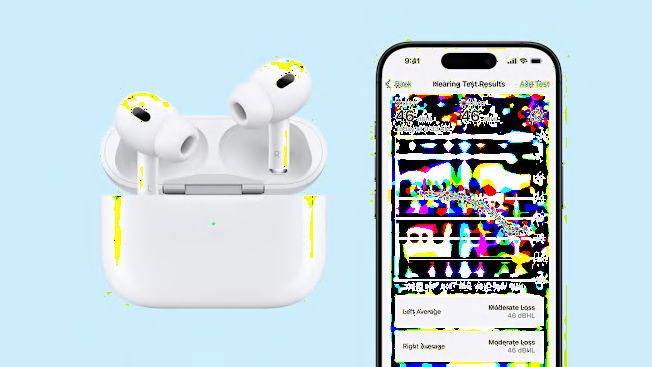
Limitations, safety, and when to see a professional
I always tell people earbuds can help short-term, but they aren’t a replacement for formal care.
Limitations to accept
- Earbuds cannot replicate personalized amplification from a professionally tuned hearing aid.
- They lack features like automatic feedback cancellation and advanced compression for varied environments.
- Long-term reliance can mask progressive loss and delay needed intervention.
Safety points
- Keep volume to safe levels—turn up only enough to understand speech.
- Take listening breaks to avoid auditory fatigue.
- Be aware of in-ear occlusion that can make your own voice sound strange.
When to see an audiologist
- You struggle to follow conversations in quiet settings.
- Family members notice hearing loss or you have ringing, dizziness, or sudden changes.
- You need a device for full-time use or expect variable listening environments.
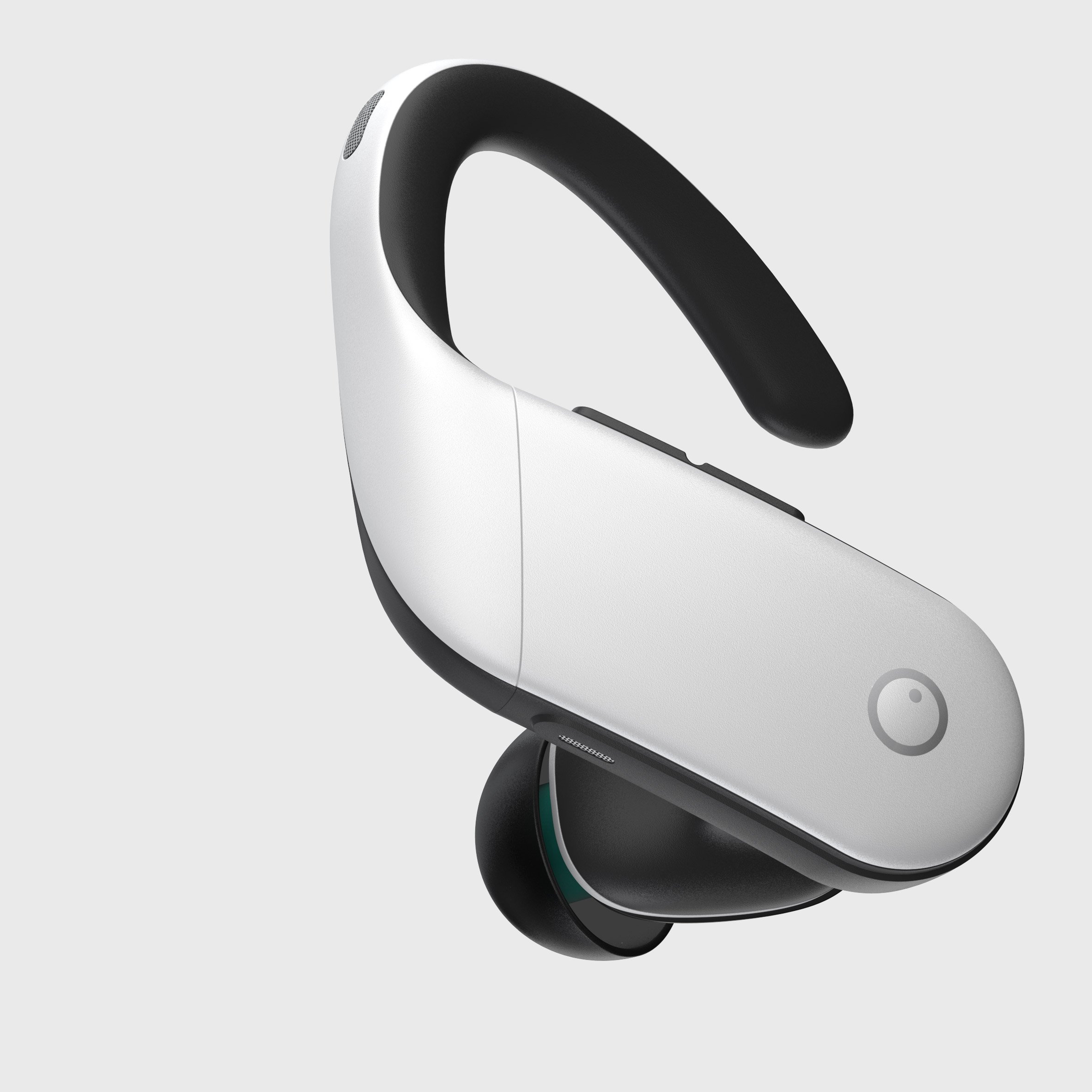
Personal experience and realistic expectations
I’ve used earbuds as hearing aids during conferences and restaurant meetings. One time I enabled Live Listen during a panel when my temporary hearing dip made follow-up questions impossible. It improved my understanding instantly and let me participate.
Lessons learned
- Small tweaks to EQ and mic placement can yield big gains.
- Different earbuds behave differently; trial and error matters.
- Always keep an appointment option with an audiologist if problems persist.
Common mistakes to avoid
- Expecting earbuds to match the comfort and clarity of medical hearing aids.
- Neglecting battery and connectivity checks before a long session.
- Over-amplifying low frequencies, which increases noise and muffles speech.

PAA-style questions
What is the easiest way to use earbuds as hearing aids?
- Use built-in phone features like Live Listen on iPhone or Sound Amplifier on Android with your paired earbuds for quick amplification.
Will earbuds damage my hearing if I use them as hearing aids?
- They can if you set volume too high or use them for long hours without breaks; keep levels moderate and limit continuous use.
Can earbuds help with mild hearing loss?
- Yes, earbuds can improve speech clarity for mild loss in many situations, but they are not a full medical solution.
How do I reduce background noise when using earbuds for hearing?
- Use directional modes or noise suppression within apps, move closer to the speaker, and adjust EQ to emphasize speech frequencies.
Are there legal or medical issues using earbuds instead of hearing aids?
- No legal ban in most places, but for medical hearing loss you should follow professional advice and not substitute prescribed devices.
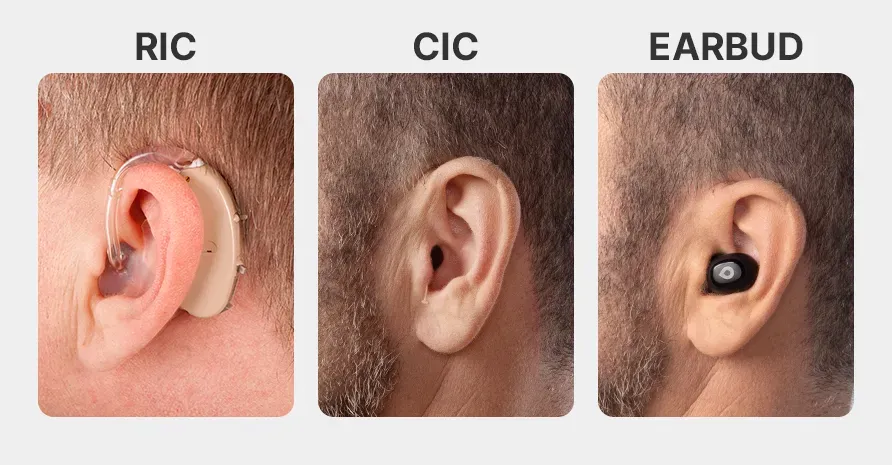
Frequently Asked Questions about how to use earbuds as hearing aids
Are earbuds a good substitute for hearing aids?
Earbuds can help in certain situations but are not a full substitute for hearing aids when you have moderate or severe loss. Hearing aids are medically programmed and offer features earbuds do not.
How do I set up Live Listen or similar features?
Pair your earbuds to your phone, enable Live Listen on iPhone or Sound Amplifier on Android, and place the phone near the sound source. Adjust volume and EQ for clarity.
Which frequency range should I boost for clearer speech?
Boosting mid to high frequencies around 1–4 kHz helps speech clarity. Make small adjustments and test with real conversation to avoid distortion.
Can I use one earbud only for amplification?
Yes, single-ear mode can work for focused listening, especially in one-on-one conversations, but you may lose spatial cues and natural balance.
How long can I safely use earbuds for hearing amplification?
Limit continuous sessions to 30–60 minutes with breaks and keep volume at a comfortable, non-painful level to reduce risk of fatigue or damage.
Conclusion
Using earbuds as hearing aids can be a practical, low-cost way to improve speech understanding in many everyday situations. Follow the step-by-step setups for iPhone and Android, choose earbuds with good microphones and transparency modes, and apply simple EQ tweaks. Remember the limits: earbuds are situational aids, not replacements for professionally fitted hearing aids. Try what you learned today, monitor how it feels, and consult an audiologist if issues persist. If this guide helped, subscribe for more practical audio tips or leave a comment with your experience.

Jamie Lee is a seasoned tech analyst and writer at MyTechGrid.com, known for making the rapidly evolving world of technology accessible to all. Jamie’s work focuses on emerging technologies, product deep-dives, and industry trends—translating complex concepts into engaging, easy-to-understand content. When not researching the latest breakthroughs, Jamie enjoys exploring new tools, testing gadgets, and helping readers navigate the digital world with confidence.