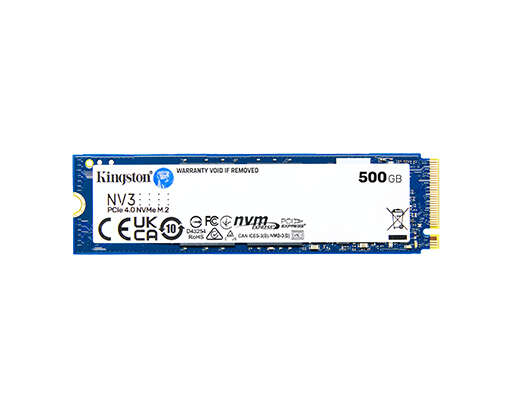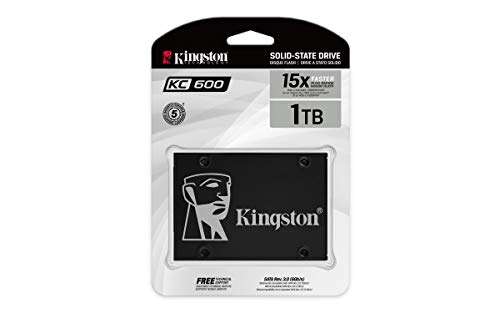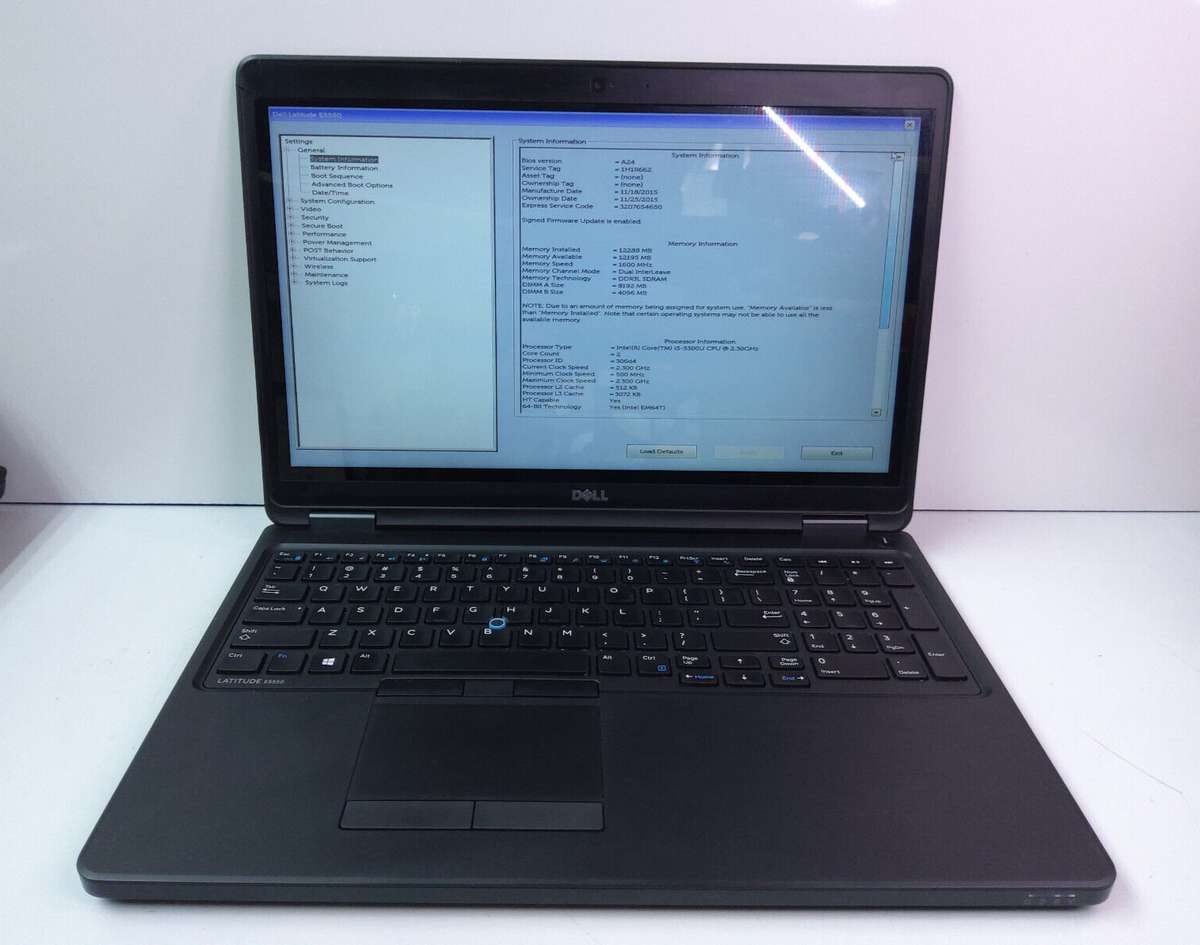
256 GB = 262,144 MB (if measured in binary GiB) or 256,000 MB (decimal manufacturers’ units).
I’ve worked on dozens of PC builds and migrations, including adding a second SSD to run Windows 11. This guide explains exactly how many mb in 256gb for second ssd windows 11, why the numbers differ, how Windows 11 reports sizes, and practical tips to get the most usable space from that drive.

How MB and GB are defined — why numbers vary
When people ask how many mb in 256gb for second ssd windows 11, the first issue is unit choice.
There are two common systems. One uses decimal units (1 MB = 1,000,000 bytes). The other uses binary units (1 MiB = 1,048,576 bytes). Windows historically uses binary math but labels units as MB/GB, which creates confusion.
That means the same physical byte count can look different depending on the math you use. Always check whether a value is in decimal (base 10) or binary (base 2).

Why this matters for a second SSD in Windows 11
If you plan to add a second SSD, knowing how many mb in 256gb for second ssd windows 11 helps you plan partitions, backups, and installs.
Windows 11 needs reserved space for system partitions and updates. Drive vendors advertise sizes in decimal. Windows shows sizes in binary but calls them GB. That creates the common “missing” capacity feeling when a new 256 GB SSD reports about 238 GB in File Explorer.
Understanding the math prevents surprises during cloning, dual-boot setup, or storage planning.

Practical conversions and examples
If the drive is advertised as 256 GB (decimal), here are the conversions most people need when figuring out how many mb in 256gb for second ssd windows 11.
- Decimal manufacturer view
- 256 GB = 256,000,000,000 bytes
- In decimal MB: 256,000,000,000 / 1,000,000 = 256,000 MB
- Binary (GiB/MiB) view
- If you treat 256 as 256 GiB: 256 × 1024 MiB = 262,144 MiB
- If you convert manufacturer bytes to MiB: 256,000,000,000 / 1,048,576 ≈ 244,140.625 MiB
- Windows Explorer view
- Windows shows sizes in binary units labeled as GB. Example: 256,000,000,000 bytes ≈ 238.42 “GB” in File Explorer.
Quick math examples help:
- Manufacturer decimal MB = advertised GB × 1000. So 256 × 1000 = 256,000 MB.
- Binary MB (MiB) when the device is truly 256 GiB = 256 × 1024 = 262,144 MiB.
- Manufacturer bytes to MiB = advertised bytes / 1,048,576 ≈ 244,140.625 MiB.
src="https://i.ebayimg.com/images/g/VQ0AAOSw2q9kQCx9/s-l1200.png"
alt="Windows 11, formatting, and actual usable space”
style=”max-width: 100%; height: auto; border: 2px solid black; border-radius: 10px; display: block; margin: 0 auto;”
loading=”lazy”
/>
Windows 11, formatting, and actual usable space
When installing Windows 11 on a second SSD, formatting and system partitions reduce usable space. Windows creates the EFI, MSR, and recovery partitions by default. Some of these take a few hundred megabytes to a few gigabytes.
Factory overprovisioning in SSDs also reserves space for wear leveling. That reserved space is not shown as usable. So even if you calculate how many mb in 256gb for second ssd windows 11 exactly, expect slightly less usable space after formatting and system reserves.
If you clone a system or install Windows 11 fresh, you may see around 238 GB in File Explorer for a 256 GB advertised SSD. This is normal.

Tips for installing and partitioning a second SSD on Windows 11
Use these practical tips from my experience installing second SSDs with Windows 11.
- Initialize the SSD as GPT to match modern UEFI-based Windows 11 installs. GPT is required for UEFI boot and larger partitions.
- Align partitions on 1 MiB boundaries for best performance. Most modern tools do this automatically.
- Leave some free space (5–10%) for overprovisioning and system updates. This helps longevity and reduces write amplification.
- If cloning the OS to a second SSD, verify whether the clone tool copies partition sizes using decimal or binary math to avoid unexpected shrinkage.
- Check Device Manager and Disk Management after install to confirm all space is recognized and to create desired partitions.
These practical steps ensure the real-world usable space matches your planning when you ask how many mb in 256gb for second ssd windows 11.
Personal experience and common mistakes
I once cloned a laptop to a 256 GB NVMe as a second drive and was surprised to see less space than expected. I had assumed 256 GB meant the same in Windows. The errors were:
- Using a cloning tool that preserved byte counts but not partition labels.
- Not accounting for Windows reserved partitions and recovery folders.
Lesson learned: always calculate both decimal and binary values before partitioning. Keep an image backup before resizing or moving partitions.

PAA-style questions people also ask
What exact number of MB does Windows show for a 256 GB SSD?
Windows shows sizes in binary units labeled as GB, so a 256,000,000,000-byte drive displays about 238 GB in File Explorer, which is roughly 244,141 MB in binary MiB terms.
Why does my 256 GB SSD show only 238 GB in Windows 11?
Because drive makers use decimal GB while Windows reports sizes using binary GiB but labels them as GB, and because system partitions and overprovisioning reduce usable space slightly.
Should I format my second SSD as NTFS or exFAT for Windows 11?
Use NTFS for Windows 11 system or app drives. exFAT is fine for removable storage or cross-platform use but lacks NTFS features like permissions and compression.
Does partition alignment affect SSD speed in Windows 11?
Yes. Proper alignment (typically 1 MiB) ensures the SSD’s internal blocks match OS writes, improving performance and lifespan.
How do I check the true byte size of my 256 GB SSD?
Open Disk Management or use command-line tools to view the drive’s total bytes. That byte count helps you convert to MB or MiB accurately.
Frequently Asked Questions of how many mb in 256gb for second ssd windows 11
How many MB is 256 GB exactly in decimal?
256 GB in decimal is 256,000 MB (256,000,000,000 bytes / 1,000,000).
How many MB is 256 GB in binary (MiB)?
If 256 GB is actually 256 GiB, it equals 262,144 MiB (256 × 1024).
Why do manufacturers and Windows use different numbers?
Manufacturers use decimal units for marketing. Windows uses binary math but labels units as GB/MB, causing the mismatch.
Will Windows 11 use all the space on a 256 GB SSD?
Windows will use most, but system partitions and SSD overprovisioning reduce usable space slightly. Expect a few gigabytes less.
How should I plan storage when adding a second SSD for Windows 11?
Calculate using both decimal and binary values, reserve space for Windows partitions, and leave room for updates and overprovisioning.
Conclusion
Now you know how many mb in 256gb for second ssd windows 11 under different counting methods, and why Windows and vendors report different numbers. Use the decimal and binary conversions, account for system and SSD reserves, and follow the installation tips to avoid surprises. Try the conversion examples on your drive before partitioning, and leave a bit of free space to protect performance and lifespan. If this helped, share your setup, subscribe for more guides, or leave a comment about your second SSD experience.

Jamie Lee is a seasoned tech analyst and writer at MyTechGrid.com, known for making the rapidly evolving world of technology accessible to all. Jamie’s work focuses on emerging technologies, product deep-dives, and industry trends—translating complex concepts into engaging, easy-to-understand content. When not researching the latest breakthroughs, Jamie enjoys exploring new tools, testing gadgets, and helping readers navigate the digital world with confidence.