You can watch ABC on Apple TV through the ABC app, a live TV service, or your TV provider’s app.
Learning how to watch ABC on Apple TV is simple once you choose the right method. The best option depends on whether you want local ABC live, on-demand shows, sports, news, or all of these in one place. This guide explains each setup step, subscription choice, sign-in process, and fix for common problems.

Ways to watch ABC on Apple TV
There are several ways to watch ABC on Apple TV. Some options use the official ABC app, while others stream ABC through a live TV subscription.
Your location also matters. ABC programming is often tied to local broadcast rights, so the available channel can vary by ZIP code.
The main options include:
• The official ABC app
• A live TV streaming service
• Your cable or satellite provider’s app
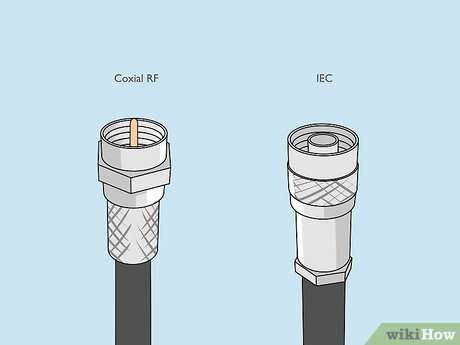
• An antenna connected to a compatible television setup
The Apple TV device does not automatically include every channel. Think of it as a digital gateway. You still need the correct app, account, and service plan to access ABC content.
Method 1: Use the ABC app
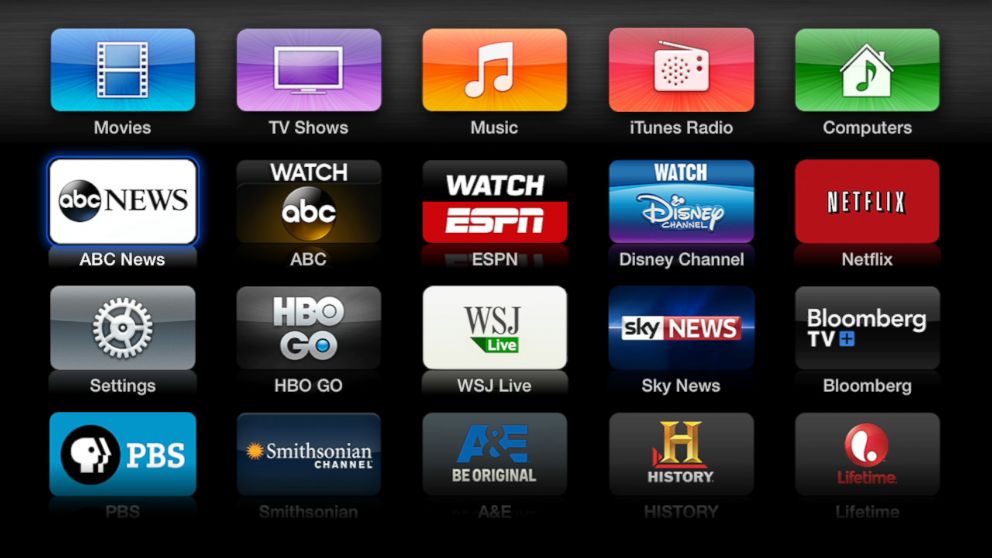
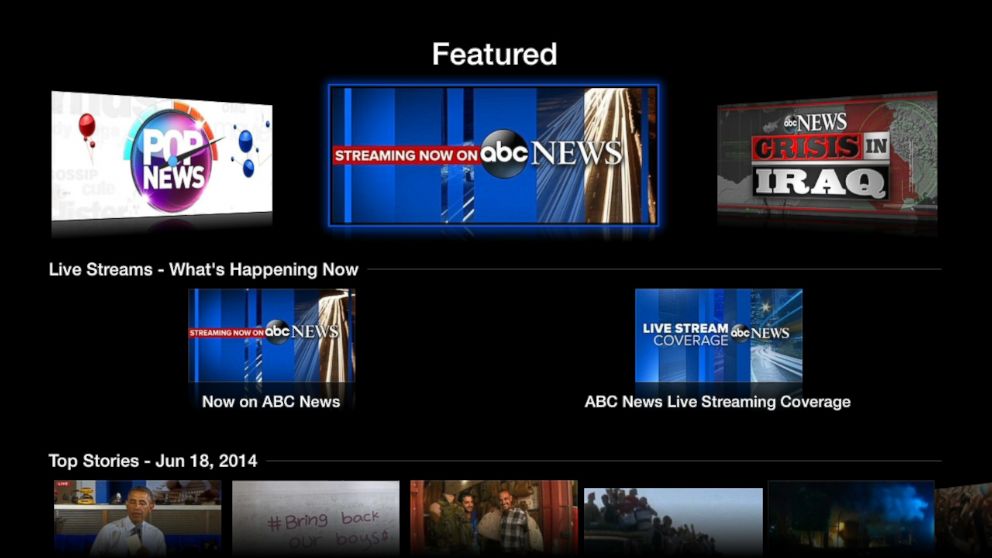
The official ABC app is one of the most direct ways to watch ABC on Apple TV. It may offer full episodes, clips, news content, and live programming in supported markets.
You may need a participating cable, satellite, or live TV provider to unlock all content. Some episodes may be available without signing in, but live local ABC and newer episodes often require provider verification.
How to install the ABC app
Follow these steps:
- Turn on your Apple TV and open the App Store.
- Select the Search icon.
- Type ABC using the on-screen keyboard or Siri Remote.
- Select the official ABC app.
- Choose Get or the download button.
- Wait for the app to install.
- Open the app from the Apple TV home screen.
After installation, browse the available shows or select the option to sign in. The app will display instructions for activating your device.
How to activate ABC on Apple TV
The activation process usually works like this:
- Open the ABC app on Apple TV.
- Select Sign In or Activate.
- Look for the activation code on your screen.
- Visit the activation page shown in the app using a phone or computer.
- Enter the code.
- Choose your TV provider.
- Sign in with your provider username and password.
Once the code is accepted, return to Apple TV. The app should refresh and unlock the content included with your provider.
Codes can expire. If the first code fails, close and reopen the app to create a new one. This small step solves many activation problems.

Method 2: Use a live TV streaming service
A live TV service can be the easiest way to watch ABC on Apple TV if you do not have cable. Services such as YouTube TV, Hulu + Live TV, DIRECTV STREAM, and Fubo may offer ABC in selected areas.
Availability is not the same in every city. Before subscribing, enter your ZIP code on the service’s website and confirm that your local ABC station is included.
How to set up a live TV service
use these steps:
- Choose a live TV service that carries your local ABC station.
- Create an account on the service’s website.
- Select a plan that includes local broadcast channels.
- Download the service’s app from the Apple TV App Store.
- Open the app and select Sign In.
- Enter the activation code on the service’s website if required.
- Search for ABC in the channel guide.
This method usually gives you a full live channel guide. You may also receive cloud DVR storage, replay options, and access to other networks.
The tradeoff is cost. A live TV subscription can cost more than an individual streaming service, especially when taxes and optional add-ons are included.
Method 3: Use your cable or satellite provider
If you already pay for cable or satellite TV, your provider may offer an Apple TV app. This can be a cost-effective way to watch ABC on Apple TV because your existing subscription may already include the channel.
Check the App Store for your provider’s official app. Common examples include apps from major cable, satellite, and telecommunications companies.
Cable provider setup steps
- Open the App Store on Apple TV.
- Search for your TV provider’s app.
- Install the official app.
- Open the app and choose Sign In.
- Enter your provider credentials.
- Open the live channel guide.
- Search for your local ABC station.
Some providers limit the features available on Apple TV. For example, the app may support live channels but not every on-demand program. Your provider controls these limits, not Apple TV.
If you do not remember your provider password, reset it through the provider’s website. Avoid repeatedly guessing the password because this may lock your account.

Method 4: Stream ABC with an antenna
An antenna can receive local ABC broadcasts without a monthly streaming fee. However, an antenna does not plug directly into most Apple TV devices.
You usually need a compatible network TV tuner or an antenna streaming device. That device sends the broadcast signal through your home network to an Apple TV app.
This method works best when:
• You live near an ABC broadcast tower.
• Your home has a clear signal path.
• You want local channels without a monthly bill.
• You are comfortable setting up an antenna and network tuner.
Signal quality depends on distance, buildings, hills, weather, and antenna placement. Use a reliable local channel coverage tool before buying equipment.
An antenna can be a useful backup when internet service is down. Still, it may not provide ABC on-demand episodes, national streaming content, or cloud DVR unless your tuner supports those features.
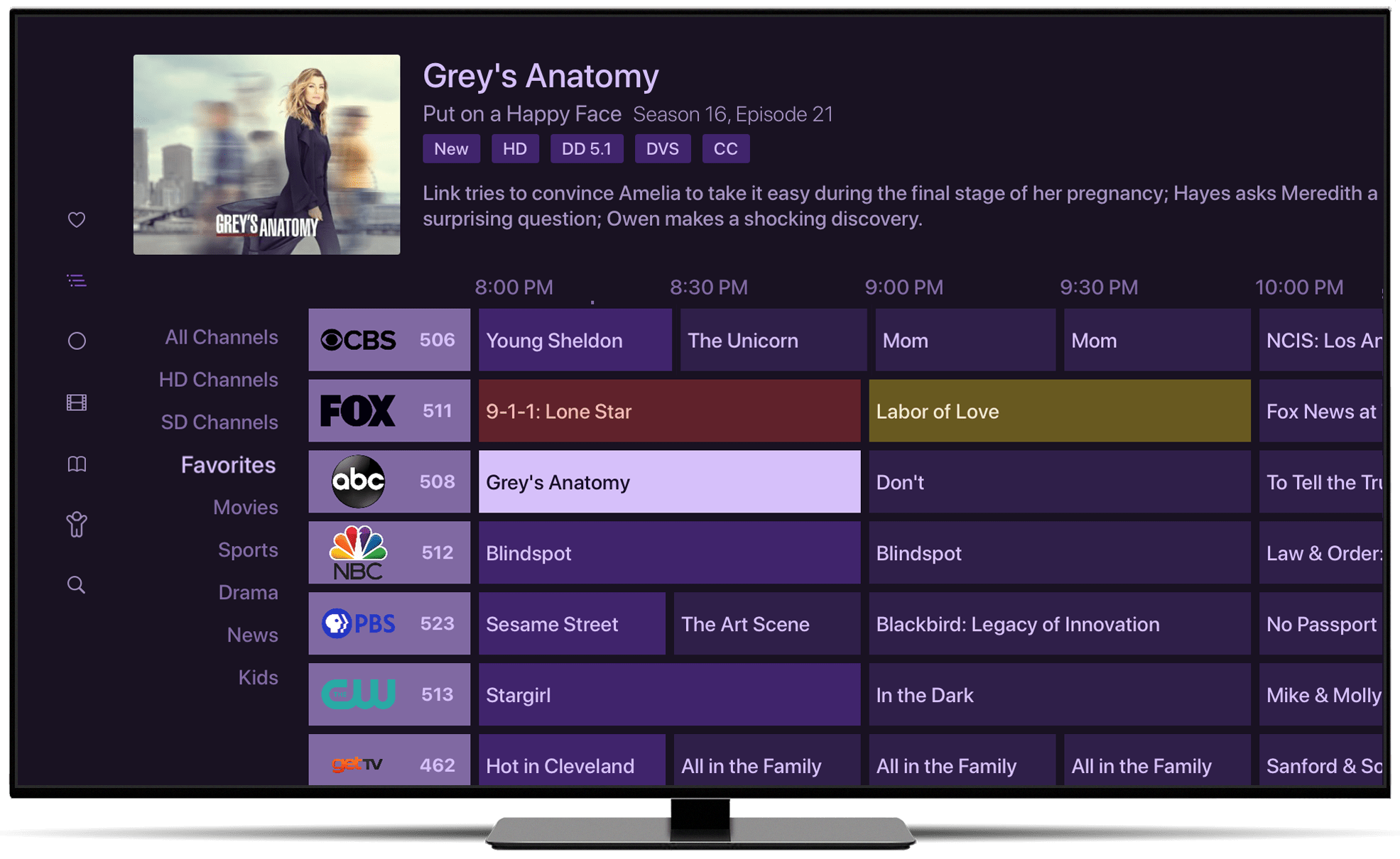
What you need before watching ABC
Before you try to watch ABC on Apple TV, check these basic requirements:
• An Apple TV HD or Apple TV 4K
• A stable internet connection for streaming apps
• An Apple ID for downloading apps
• An ABC account or participating TV provider account, when required
• A live TV subscription if your chosen service requires one
• The correct local ABC station for your ZIP code
Apple TV models and tvOS versions can affect app compatibility. If the ABC app does not appear in the App Store, your device may be too old, your region may not support the app, or the app may not be available at that time.
To check your Apple TV software, open Settings, choose System, and select Software Updates. Install available updates before troubleshooting the app.

How to watch ABC live on Apple TV
Watching ABC live is different from watching an older episode on demand. Live access normally requires a participating provider, a live TV subscription, or an antenna setup.
To watch live ABC through the official app:
- Open the ABC app.
- Select Live or Watch Live.
- Choose your local ABC station if prompted.
- Sign in with your TV provider.
- Start the live stream.
If the Live option is missing, your provider or location may not support live ABC through the app. You may still be able to watch selected on-demand episodes.
To watch live ABC through a live TV service, open that service’s app and use its channel guide. Search for the local ABC station rather than typing only “ABC.” Local station names can differ by city.
For example, ABC may appear with a station call sign or a local channel number. This is normal and does not mean the network is missing.

How to watch ABC shows on demand
On-demand viewing lets you watch programs after they air. The exact episode library depends on the app and your account.
Open the ABC app and search for the show you want. You may find full episodes, recent episodes, previews, and clips. Some content may have ads, even with a paid provider login.
You can also search for ABC programs inside a live TV service. Many services place recorded episodes in a library or DVR section.
When I test streaming apps, I always check both the show page and the live guide. A program may appear in one area but not the other because live rights and on-demand rights are handled separately.
You may also use the Apple TV search feature to find an ABC show. Search results can include the ABC app, a live TV service, or another authorized provider.

How much does it cost to watch ABC on Apple TV?
The cost depends on your access method.
• The ABC app may be free to download, but full access can require a TV provider login.
• A live TV service requires a monthly subscription.
• A cable or satellite app is usually included with an existing TV package.
• An antenna may require a one-time equipment purchase.
Do not assume that downloading the ABC app gives you every ABC program for free. App installation and content access are separate things.
Before choosing a service, compare the monthly price, local channel availability, DVR rules, ad load, simultaneous streams, and cancellation terms. A lower price is not always better if it does not include your local ABC station.
Free trials can help you test picture quality and local access. Set a reminder before the trial ends so you are not charged by accident.
Fix common ABC problems on Apple TV
If you cannot watch ABC on Apple TV, work through these fixes in order.
The ABC app will not open
Try the following:
• Force close the app.
• Restart Apple TV.
• Check for tvOS updates.
• Delete and reinstall the app.
• Confirm that your internet connection works in another app.
To restart Apple TV, open Settings, select System, and choose Restart. A restart often clears temporary app errors without changing your account settings.
The activation code does not work
Check that you entered the code exactly as shown. Codes are usually case-sensitive and may expire after a short time.
If the code fails, generate a new one. Also confirm that you selected the correct TV provider. A login from an unsupported provider will not unlock ABC content.
ABC says your provider is not supported
This message means your account may not include the required ABC access. Contact your provider or check whether a live TV service in your area carries the local station.
A provider may offer ABC in one market but not another. Local broadcast agreements can change, so always verify service availability by ZIP code.
The stream keeps buffering
Buffering is often caused by a weak Wi-Fi signal or heavy network use. Try moving your router closer to Apple TV, connecting Apple TV to Ethernet, or pausing other downloads.
Restarting your modem and router can also help. If other streaming apps work well but ABC does not, the issue may be temporary app or service traffic.
The picture looks poor
Check your Apple TV video settings and television input. Also test the same program on another device.
Some live streams use different video quality from on-demand content. Your internet speed, network congestion, and the broadcaster’s feed can all affect resolution.
Tips for a smoother ABC streaming experience
A few simple habits make it easier to watch ABC on Apple TV.
• Keep tvOS and streaming apps updated.
• Use Ethernet when possible.
• Place your Wi-Fi router in an open area.
• Turn off unused apps and devices during major live events.
• Use a strong, private Wi-Fi password.
• Keep your provider login in a secure password manager.
• Check local ABC availability before starting a free trial.
• Use the correct ZIP code when a streaming service asks for location access.
Location data is important for local ABC. A virtual private network may cause a service to show the wrong market or block live local programming. For the most reliable result, use your normal home connection and allow the app to confirm your area when requested.
If you travel, access can change. Streaming rights often depend on where you are watching, not only where you created your account.
Is Apple TV the same as the Apple TV app?
No. Apple TV is a physical streaming device, while the Apple TV app is a software app available on many devices.
The Apple TV app may display movies and shows from Apple and other services. It does not automatically provide a live ABC channel.
To watch ABC on Apple TV, you normally need the ABC app, a provider app, a live TV service, or an antenna solution. Searching inside the Apple TV app alone may not be enough.
This distinction causes many setup problems. Users often expect the Apple TV app to include every network. In reality, channel access depends on separate providers and broadcast rights.
Frequently Asked Questions
Can I watch ABC for free on Apple TV?
You may watch some ABC clips or selected episodes without paying, but full live access often requires a participating TV provider or live TV subscription. An antenna may provide free local ABC after the initial equipment cost if your area has a strong signal.
Do I need cable to watch ABC on Apple TV?
No. You can use a live TV streaming service or an antenna setup instead of cable. Check local availability because not every service carries ABC in every market.
Why is ABC not showing on my Apple TV?
The app may be unavailable in your region, your Apple TV may need an update, or your provider may not support ABC access. Restart the device, update tvOS, and verify your local station and provider account.
Can I watch ABC live without signing in?
In most cases, live local ABC requires authentication through a TV provider, live TV service, or another supported access method. Some free content may be available without signing in.
Can I watch ABC on an older Apple TV?
It depends on the model and the app’s current requirements. Older Apple TV devices may not support newer versions of the ABC app, so a newer Apple TV HD or Apple TV 4K may be necessary.
Does the ABC app include every ABC show?
No. The available library can vary by location, provider, episode, and licensing agreement. Some shows may be available only through a live TV service or another authorized platform.
Conclusion
Watching ABC on Apple TV is usually straightforward. Install the ABC app, sign in with a supported provider, or use a live TV service that carries your local station. If you want to avoid monthly fees, an antenna with a compatible network tuner may also work.
The most important step is checking local ABC availability before choosing a subscription. Once your app, account, and location are set up correctly, you can enjoy live broadcasts, news, sports, and on-demand shows with far less hassle. Choose the method that fits your budget, test the setup, and explore your provider’s support resources if a problem remains.

Everett Ashford is a tech reviewer at mytechgrid.com specializing in SSDs, cameras, TVs, earbuds, headphones, and other consumer electronics. He provides honest, data-driven reviews based on hands-on testing and real-world performance analysis. Everett simplifies complex tech details to help readers make smart, confident buying decisions.