The best gaming headphones combine clear positional audio, low latency, a good microphone, comfort, and reliable platform support.
Choosing the best headphones for gaming is about more than loud sound or flashy lights. After comparing wireless and wired models across PC, PlayStation, Xbox, and Nintendo Switch, I found that comfort, imaging, microphone quality, and battery life often matter more than raw bass. This guide explains what to buy, what to avoid, and which headset fits your games and budget.
What are the best headphones for gaming right now?
The best headphones for gaming overall are the Audeze Maxwell for sound quality and battery life. The SteelSeries Arctis Nova Pro Wireless is a stronger choice if you want premium features, dual wireless connections, and easy device switching.
Here are the top picks for different needs:
• Best overall sound: Audeze Maxwell
• Best premium wireless headset: SteelSeries Arctis Nova Pro Wireless
• Best for Xbox and PlayStation flexibility: Astro A50 X
• Best value wireless headset: HyperX Cloud III Wireless
• Best competitive gaming headset: Razer BlackShark V2 Pro
• Best wired option: Drop + EPOS PC38X
• Best for PlayStation: Sony INZONE H9 or INZONE H5
• Best for long battery life: Audeze Maxwell
• Best budget choice: HyperX Cloud III wired
The answer to what are the best headphones for gaming depends on your platform, game type, budget, and need for wireless features. A competitive PC player may prefer a light headset with a clear mic, while a console player may want Bluetooth, chat mixing, and fast device switching.

Audeze Maxwell: best overall gaming headphones
The Audeze Maxwell is one of the best headphones for gaming if sound quality is your top priority. It uses planar magnetic drivers, which help produce detailed audio, strong bass control, and a wide sense of space.
This headset works well for both single-player and competitive games. Footsteps, reload sounds, distant shots, and small environmental details are easy to hear without making explosions sound thin.
Why the Audeze Maxwell stands out
• Excellent sound detail for games, music, and movies
• Very long battery life, often rated at more than 70 hours
• Strong wireless performance through a USB receiver
• Clear detachable microphone
• Good support for PC, PlayStation, Xbox, and mobile, depending on the model
The main drawback is weight. The Maxwell feels solid, but some users may find it heavy during long sessions. Its microphone is also good rather than exceptional, especially when compared with a dedicated USB microphone.
In my own headset comparisons, I have learned that sound quality can hide comfort problems at first. The Maxwell impressed me within minutes, but the weight became more noticeable after several hours. If you have a sensitive neck or a smaller head, try it from a retailer with a clear return policy.

SteelSeries Arctis Nova Pro Wireless: best premium wireless option
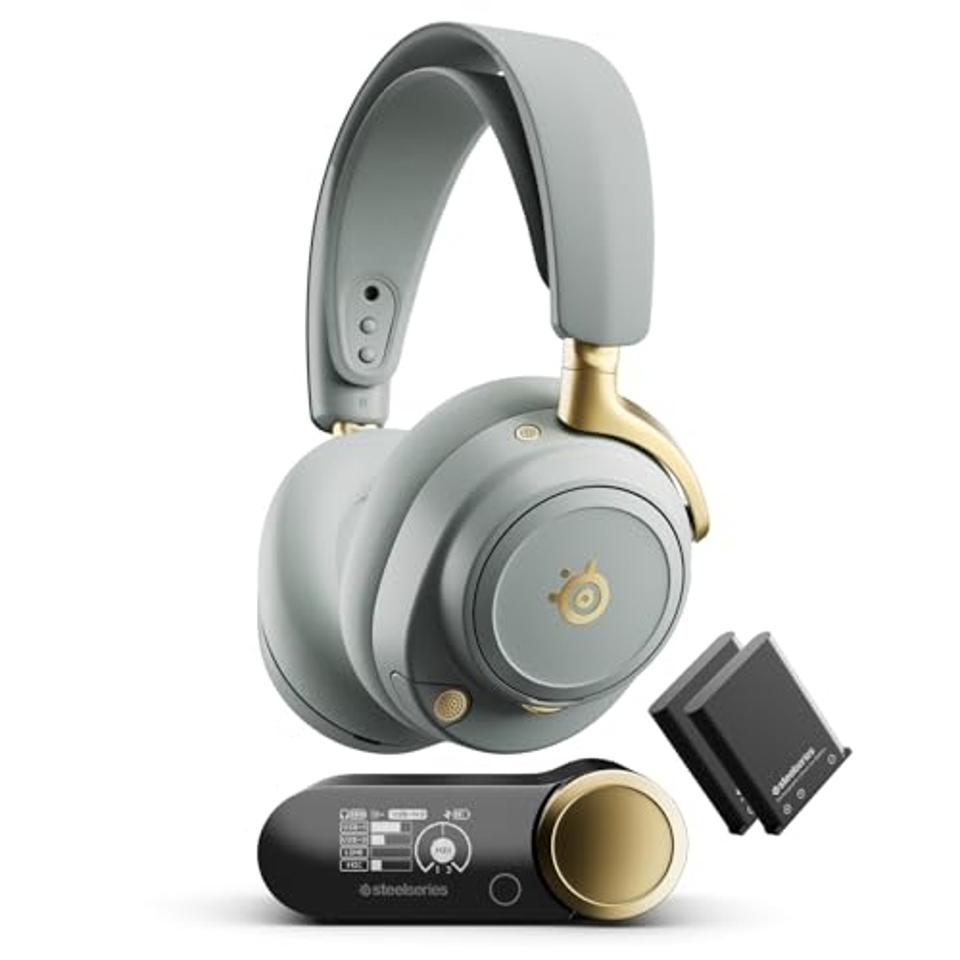
The SteelSeries Arctis Nova Pro Wireless is among the best headphones for gaming for people who want many features in one system. It includes a wireless base station, swappable batteries, Bluetooth, and game chat mixing.
The base station is useful because it keeps controls close to your desk. You can change volume, balance game and chat audio, and switch between connected devices without opening software.
Key features
• Swappable batteries for near-continuous wireless use
• Simultaneous 2.4 GHz wireless and Bluetooth on supported setups
• Active noise cancellation
• ChatMix controls on compatible platforms
• Strong software support through SteelSeries GG
• Comfortable ear cushions and adjustable controls
The Nova Pro Wireless is especially useful for players who use a PC and console in the same room. You can connect to one device for game audio and use Bluetooth with a phone at the same time.
However, the headset is expensive. Some users also notice pressure from the built-in ANC microphone housing inside the ear cup. Many people solve this with thicker replacement cushions, but that adds cost.
If you want simple plug-and-play performance, this may be more headset than you need. If you want control and flexibility, it is one of the most complete wireless options available.

Astro A50 X: best for multiple consoles
The Astro A50 X is one of the best headphones for gaming if you own more than one major console. Its base station can help manage audio and video switching between compatible PC, PlayStation, and Xbox setups.
Its main advantage is convenience. Instead of moving cables between systems, you can place the headset on the base and switch devices with a button or software control.
Reasons to consider the Astro A50 X
• Convenient switching between gaming systems
• Comfortable design for long sessions
• Good wireless range
• Clear boom microphone
• Charging dock included
• Strong game and voice chat control
The A50 X is not the best choice for every player. It costs more than most gaming headsets, and its advanced console features depend on your setup. If you only play on one platform, you may pay for functions you never use.
Its sound is enjoyable, with a lively presentation that suits action games. Still, the Audeze Maxwell offers more refined detail, while the PC38X offers a more natural open-back sound at a lower price.
The answer to what are the best headphones for gaming is not always the model with the most features. Features matter only when they solve a real problem in your setup.
HyperX Cloud III Wireless: best value
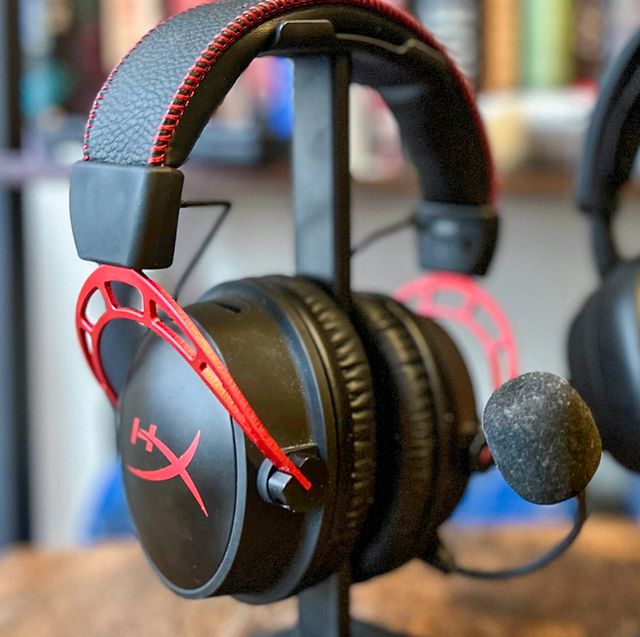
The HyperX Cloud III Wireless is one of the best headphones for gaming for most people who want a simple and reliable wireless headset. It has a comfortable design, a clear microphone, and excellent battery life.
The headset uses a USB wireless connection rather than traditional Bluetooth. That is helpful for gaming because a dedicated wireless connection usually provides lower delay and more stable sound.
What makes it a good buy?
• Comfortable memory foam ear cushions
• Lightweight frame
• Long battery life
• Clear voice pickup
• Easy setup on PC and PlayStation
• Good sound for shooters, role-playing games, and casual play
The Cloud III Wireless does not have the richest software or the deepest bass. Its sound is fairly controlled, which helps with footsteps but may feel less exciting for music or cinematic games.
The wired Cloud III is also worth considering if you want to spend less. Wired headphones remove battery concerns and can provide excellent performance, but you lose wireless freedom.
For most buyers, this is where value becomes clear. You get the main features that matter without paying for a docking system, active noise cancellation, or complex wireless controls.

Razer BlackShark V2 Pro: best for competitive games
The Razer BlackShark V2 Pro is one of the best headphones for gaming when voice chat and directional sound are important. It is light, comfortable, and tuned for competitive shooters.
A good competitive headset should help you notice direction and distance. It should not make every sound huge or muddy. The BlackShark V2 Pro does a good job keeping important sounds easy to follow.
Best features for esports players
• Lightweight design
• Clear wireless audio
• Strong boom microphone
• Good battery life
• Helpful EQ controls
• Comfortable fit during long matches
The microphone is one of its biggest strengths. Teammates can usually hear speech clearly, which is useful when callouts must be quick and precise.
The headset is less impressive for rich music and dramatic single-player games. Its tuning favors clarity over warmth. You can adjust the EQ, but software support may vary by platform.
During competitive testing, one mistake I often see is choosing a headset with too much bass. Heavy bass can mask footsteps and reload sounds. A balanced headset like the BlackShark V2 Pro can make a bigger difference than louder volume.
Drop + EPOS PC38X: best wired gaming headset
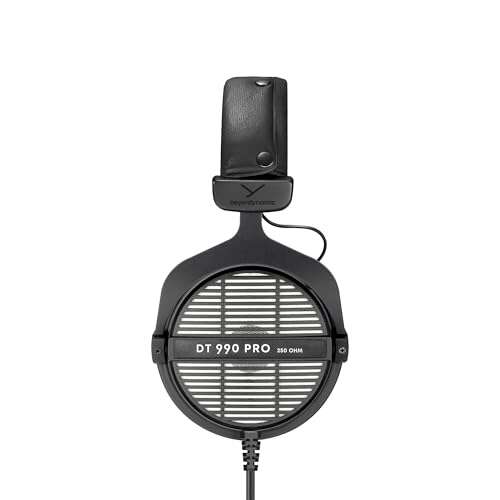
The Drop + EPOS PC38X remains one of the best headphones for gaming if you want natural sound and do not need wireless operation. Its open-back design creates a more spacious sound than most closed-back gaming headsets.
Open-back headphones allow some sound to pass through the ear cups. This can make the audio feel more open and less trapped inside your head. They are excellent for quiet rooms.
Benefits of the PC38X
• Natural and spacious sound
• Clear, strong boom microphone
• Low latency through a wired connection
• Comfortable fit
• Easy control with no battery or software required
• Useful for music, games, and video calls
The main limitation is sound leakage. People nearby may hear your game, and outside noise can enter the headset. This makes the PC38X a poor fit for shared rooms, offices, or noisy homes.
It also lacks wireless controls and advanced features. Still, the direct wired connection gives it a simple advantage: it works without charging, pairing, or firmware updates.
If you play mainly at a desk and want accurate sound, the PC38X is a safe recommendation. It is also a good reminder that the best headphones for gaming do not need RGB lighting or a large software suite.
Sony INZONE H5 and H9: best for PlayStation
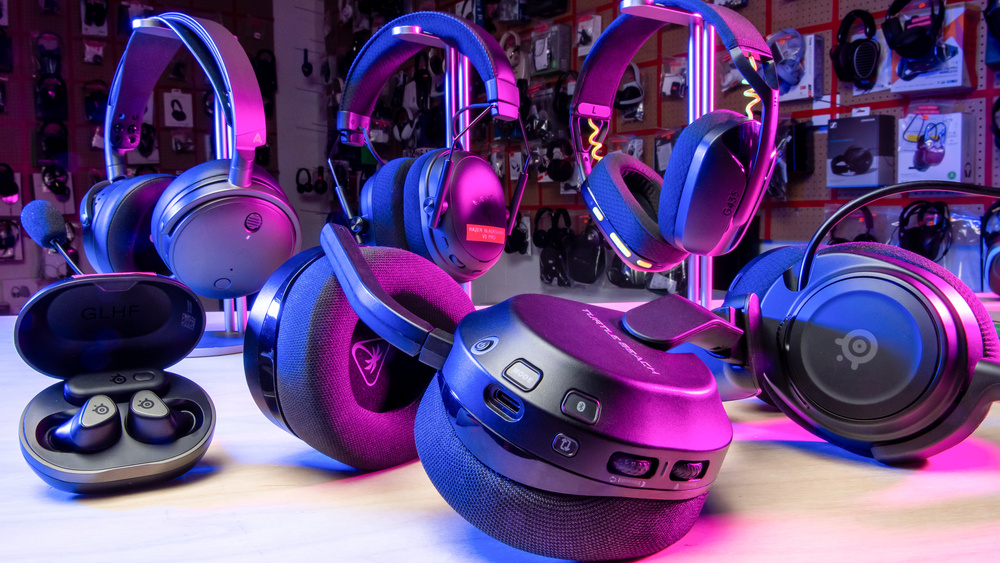
Sony’s INZONE headsets are designed with PlayStation users in mind. The INZONE H5 offers a lighter and more affordable design, while the H9 adds active noise cancellation and a more premium build.
Both models use a USB wireless connection for gaming. The H5 is often the better value because it delivers low-latency wireless audio without the higher price of the H9.
Choose the INZONE H5 if you want:
• A lightweight wireless headset
• Good PlayStation compatibility
• Clear game audio
• A comfortable fit
• Simple controls
• A lower price than flagship models
Choose the INZONE H9 if you want:
• Active noise cancellation
• A more premium design
• Stronger isolation from outside sound
• Simultaneous Bluetooth and wireless audio
• More advanced comfort features
The H9 may be less appealing for users who prefer a neutral sound profile. Its bass-forward tuning is fun, but competitive players may want to adjust the EQ.
For PlayStation owners asking what are the best headphones for gaming, the INZONE range deserves attention. Check compatibility before buying, especially if you also use Xbox, because wireless features can differ by platform.
What to look for in gaming headphones
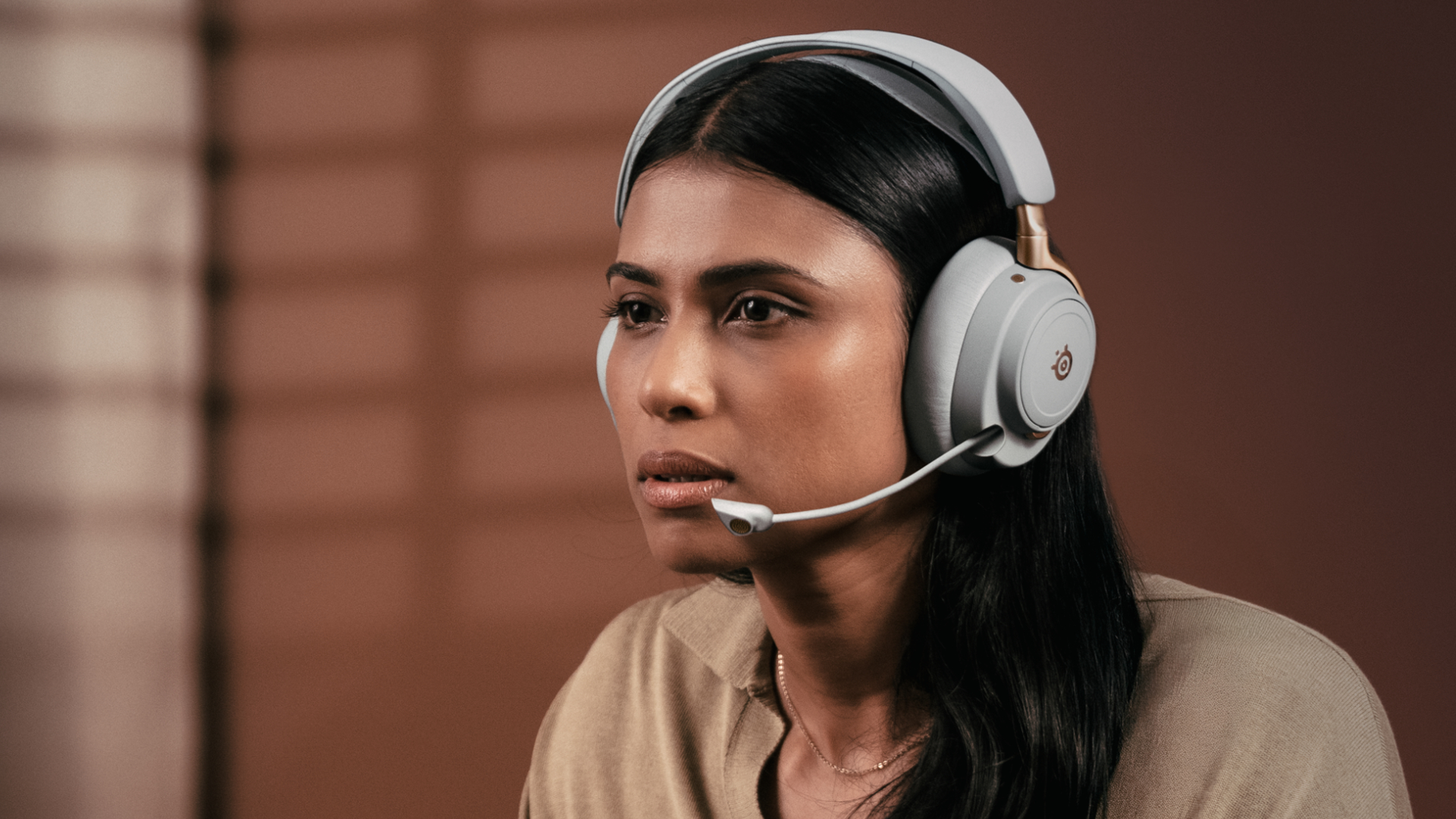
Finding the best headphones for gaming requires more than reading a product list. Use these factors to compare headsets based on how you actually play.
Sound quality and imaging
Sound quality describes how audio is reproduced. Imaging describes how accurately you can locate sounds around you.
For competitive games, imaging is often more important than huge bass. You want to know whether a footstep is behind you, above you, or to your left.
Look for:
• Clear mids for footsteps and voices
• Controlled bass that does not cover small sounds
• Treble detail without sharp hiss
• Good left-to-right and front-to-back imaging
• An EQ option if you want to tune the sound
A wide soundstage can help, but a wide soundstage alone does not guarantee accurate positioning. Some headsets sound large but place sounds poorly.
Comfort and fit
A headset can have perfect sound and still be a bad purchase if it hurts after 30 minutes. Check the clamp force, ear cup size, headband padding, and total weight.
Consider:
• Whether your ears touch the inside of the ear cups
• Whether glasses create extra pressure
• Whether the headband causes a hot spot
• Whether the ear cushions stay cool
• Whether the headset remains stable when you move
Comfort is personal. A headset that feels light to one person may feel tight to another. When possible, test it for at least an hour before making a final decision.
Microphone quality
A good gaming microphone should make speech clear without forcing you to raise your voice. Boom microphones usually perform better than tiny microphones built into wireless earbuds.
Check for:
• Clear voice pickup
• Low background noise
• A reliable mute function
• Flexible boom positioning
• Sidetone, which lets you hear your own voice
• Compatibility with your chat platform
If you stream or record videos, a headset microphone may not be enough. A separate USB microphone can offer better detail, control, and noise management.
Connection type
Gaming headphones usually connect through USB wireless, Bluetooth, a 3.5 mm cable, or a combination of these methods.
• 2.4 GHz wireless: Best for low-latency gaming
• Bluetooth: Convenient for phones, but not always ideal for competitive games
• 3.5 mm wired: Simple, reliable, and free from battery limits
• USB wired: Can offer software features and digital audio control
Bluetooth gaming performance has improved, but standard Bluetooth can still add delay or reduce microphone quality. A headset with a dedicated USB wireless receiver is usually a safer choice for serious gaming.
Battery life
Wireless battery life ranges from roughly 20 hours to more than 100 hours, depending on the model and features. Active noise cancellation, high volume, and Bluetooth use can reduce real-world battery time.
A long battery rating is useful, but charging design matters too. Swappable batteries or charging docks can be more convenient than a large battery that takes hours to recharge.
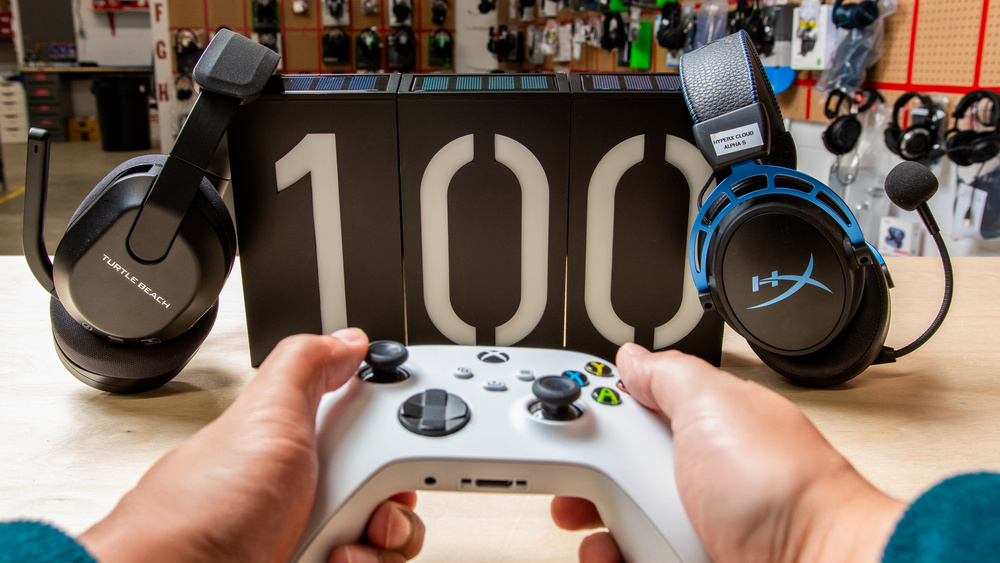
Wireless versus wired gaming headphones
Wireless headphones give you freedom from your desk. They are useful when you sit far from a television, move between rooms, or dislike cable clutter.
Modern 2.4 GHz wireless headsets can feel nearly instant during play. Still, they cost more and require charging. Some models also have platform limits, so always check whether the Xbox, PlayStation, PC, or Switch version supports your system.
Wired headphones are usually cheaper and easier to maintain. They do not run out of power, and a 3.5 mm cable works with many controllers, laptops, and handheld systems.
The best headphones for gaming may be wired if you play in one location. Wireless is better if convenience matters more than price or battery management.
Wireless advantages
• No cable across your desk or chair
• Easy movement
• Modern models offer low delay
• Some support Bluetooth and game audio together
• Better for living room gaming
Wired advantages
• No charging
• Low or zero wireless delay
• Often lower cost
• Simple setup
• Usually lighter
Open-back versus closed-back gaming headphones
Open-back headphones have ventilated ear cups. They sound airy and natural, but they allow sound in and out.
Closed-back headphones seal the ear cups. They offer more privacy and stronger bass, but they can feel warmer during long sessions.
Choose open-back headphones if:
• You play in a quiet room
• You want natural, spacious sound
• You do not mind sound leakage
• You want to hear some outside noise
Choose closed-back headphones if:
• You share a room
• You play near a television or fan
• You want stronger isolation
• You prefer a more powerful bass response
Neither design is always better. The right choice depends on your room and listening habits.
How much should you spend on gaming headphones?
You can find usable gaming headphones below $50, but the best balance of comfort, sound, and microphone quality often starts around $80 to $150.
Under $75
Expect basic wired models, simple wireless designs, and fewer premium materials. Good choices may include entry-level HyperX, Logitech, or wired Turtle Beach models.
$75 to $150
This range offers the best value for many players. You can find comfortable wireless headsets, strong wired options, and better microphones.
$150 to $250
You gain better drivers, improved materials, longer battery life, and advanced software. This is where models such as the Razer BlackShark V2 Pro and some SteelSeries headsets compete.
More than $250
Premium models add features such as planar magnetic drivers, active noise cancellation, charging docks, multiple wireless connections, and console switching.
A higher price does not guarantee better competitive performance. Spend more when you need a specific feature, not simply because a headset has a premium label.
Common mistakes to avoid
Many buyers focus on specifications that sound impressive but do not improve daily use. Avoid these common mistakes when choosing the best headphones for gaming.
• Buying without checking platform support: Some wireless models work fully on PC but have limited features on Xbox or PlayStation.
• Choosing maximum bass: Heavy bass can cover footsteps, voice lines, and reload sounds.
• Ignoring comfort: A painful headset will stay in its box, no matter how good it sounds.
• Trusting battery ratings blindly: Battery results depend on volume, lighting, Bluetooth, and noise cancellation.
• Paying for unused features: A charging dock is not useful if you always play with a cable.
• Forgetting microphone needs: A headset can sound great while making your voice muddy.
• Using very high volume: Loud audio can damage hearing over time. Keep the volume comfortable and take regular breaks.
The best headphones for gaming should fit your habits. A modest headset that feels comfortable can be a better choice than an expensive model that causes pressure or heat.
How to test new gaming headphones
Use a simple test before deciding whether a headset is right for you.
-
Play a game with clear directional audio. Listen for footsteps, shots, and movement from different angles.
-
Test the microphone with a friend or a short recording. Check for echo, background noise, and volume changes.
-
Wear the headset for at least one hour. Look for pressure on your ears, jaw, glasses, or the top of your head.
-
Test every connection you plan to use. Try the headset on your PC, console, phone, or handheld device.
-
Check game and chat balance. Make sure you can hear friends without losing important game sounds.
-
Try music and movies. A headset that works only for competitive games may sound thin in everyday use.
-
Review the return policy. Comfort and fit are difficult to judge from specifications alone.
This process takes less than an afternoon and can prevent an expensive mistake.
Frequently asked questions
What are the best headphones for gaming overall?
The Audeze Maxwell is one of the strongest overall choices because it offers excellent sound, long battery life, and a good microphone. The SteelSeries Arctis Nova Pro Wireless is better for players who want advanced wireless controls and device switching.
Are wireless headphones good for competitive gaming?
Yes, modern 2.4 GHz wireless headsets can provide very low delay and stable audio. Choose a model with a dedicated USB receiver rather than relying only on standard Bluetooth.
Are wired headphones better than wireless headphones for gaming?
Wired headphones are often simpler, lighter, and less expensive, with no battery to charge. Wireless headphones are more convenient, so the better option depends on whether freedom of movement or simplicity matters more.
Do gaming headphones improve your aim?
They cannot improve aim directly, but accurate imaging can help you hear where opponents are moving. Clear directional sound may improve awareness, especially in games with detailed footsteps and audio cues.
How important is a gaming headset microphone?
The microphone is very important if you play team games, stream, or use voice chat often. A clear boom mic helps teammates understand callouts without repeating themselves.
Are expensive gaming headphones worth it?
They can be worth the price if you need features such as premium drivers, active noise cancellation, a charging dock, or multi-device support. If you only need clear sound and voice chat, a midrange headset usually offers better value.
Can I use gaming headphones with a phone?
Many gaming headphones support phones through Bluetooth, a 3.5 mm cable, or a USB adapter. Check the connection type and whether the microphone works correctly with your phone before buying.
How long should gaming headphones last?
A well-made headset can last several years with careful use. Keep the cable or wireless receiver safe, avoid stretching the headband, clean the ear cushions, and replace worn pads when possible.
Conclusion
The best headphones for gaming depend on your platform, room, budget, and game library. The Audeze Maxwell is a strong overall pick for sound and battery life, while the SteelSeries Arctis Nova Pro Wireless suits players who want premium features. The HyperX Cloud III Wireless offers excellent value, and the PC38X remains a smart wired choice.
Focus first on comfort, microphone quality, connection type, and accurate sound. Then consider extras such as Bluetooth, noise cancellation, RGB lighting, and battery docks. Compare the models that match your needs, check platform support, and choose a headset you will enjoy wearing for hours.
Have a favorite gaming headset or a question about your setup? Share your experience, and explore more gaming audio guides before making your purchase.

Everett Ashford is a tech reviewer at mytechgrid.com specializing in SSDs, cameras, TVs, earbuds, headphones, and other consumer electronics. He provides honest, data-driven reviews based on hands-on testing and real-world performance analysis. Everett simplifies complex tech details to help readers make smart, confident buying decisions.