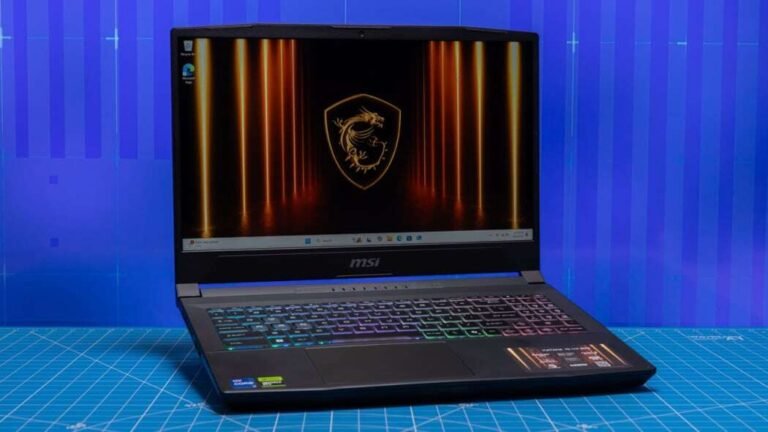
For most people in the United States, the best laptop with a dedicated graphics card is the Lenovo Legion Pro 7i with an NVIDIA GeForce RTX 4080 Laptop GPU. It offers a strong mix of gaming speed, cooling, screen quality, upgrade options, and price compared with larger RTX 4090 models.
That said, there is no single best laptop for every buyer. A student may prefer a lighter ASUS ROG Zephyrus G14. A video editor may want a MacBook Pro or a Windows laptop with more memory. A competitive gamer may value a high-refresh display more than battery life.
The right choice depends on four things:
- The graphics card model
- The card’s power limit, called TGP
- The laptop’s cooling system
- Your screen, weight, battery, and budget needs
This guide explains how to choose a laptop with a dedicated GPU and which models fit common needs in the U.S. market.
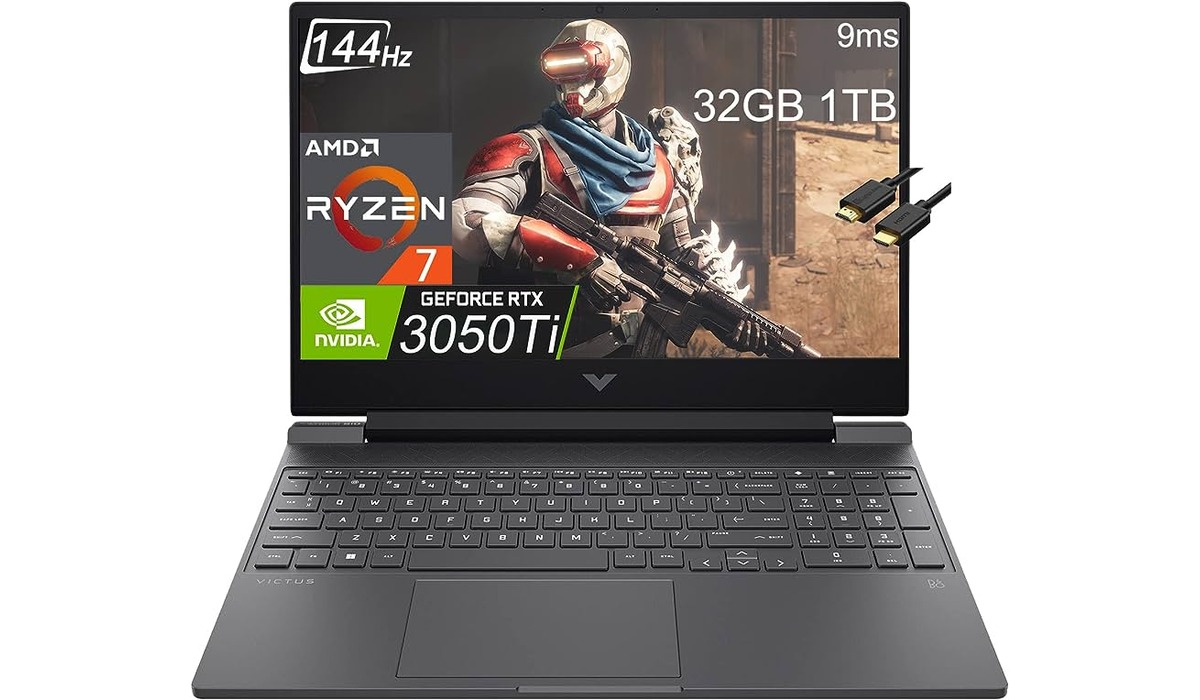
Quick answer: Which laptop with a dedicated graphics card is best?
The Lenovo Legion Pro 7i Gen 9 with an RTX 4080 Laptop GPU is the strongest all-around choice for serious gaming, 3D work, and demanding creative apps.
Here are the best choices by use case:
| Best for | Recommended laptop type | Graphics card to target |
|---|---|---|
| Best overall | Lenovo Legion Pro 7i | RTX 4080 |
| Best value gaming | A laptop with RTX 4060 or RTX 4070 at a good sale price | RTX 4060 or RTX 4070 |
| Best portable option | ASUS ROG Zephyrus G14 | RTX 4060 or RTX 4070 |
| Best high-end performance | Razer Blade 16, Lenovo Legion Pro 7i, or similar premium model | RTX 4090 |
| Best for creative work | A Windows creator laptop or MacBook Pro, based on app needs | RTX 4070 and above, or Apple silicon |
| Best for esports | A laptop with a fast 1080p or 1600p display | RTX 4060 or above |
The graphics card is only part of the decision. An RTX 4070 in a thin laptop may run slower than an RTX 4070 in a larger model with stronger cooling.
What is a dedicated graphics card?
A dedicated graphics card, also called a discrete GPU, is a separate graphics processor with its own video memory.
A laptop with integrated graphics shares system memory with the processor. Integrated graphics work well for web browsing, office apps, streaming, and light games.
A dedicated GPU has its own memory, called VRAM. It is made for tasks such as:
- Modern PC gaming
- 3D modeling and rendering
- Video editing
- CAD and engineering software
- Machine learning
- Photo work with large files
- Multiple high-resolution displays
NVIDIA GeForce RTX laptop GPUs are common in Windows gaming and creator laptops. AMD Radeon laptop GPUs are another option. Apple uses integrated graphics built into its M-series chips, but Apple does not generally sell MacBooks with a separate NVIDIA or AMD laptop GPU.
A dedicated GPU does not make every task faster. It can also add weight, heat, fan noise, and power use. For a basic school or office laptop, integrated graphics may be the better choice.
Best overall: Lenovo Legion Pro 7i with RTX 4080
the Lenovo Legion Pro 7i is a strong general choice because it combines desktop-class performance with a useful laptop design.
A typical RTX 4080 configuration offers:
- 12GB of dedicated VRAM
- Strong performance at 1440p or 1600p
- Support for hardware-accelerated ray tracing
- NVIDIA DLSS features in supported games
- Enough power for demanding 3D and creative work
The exact screen, processor, memory, storage, and power limit can vary by configuration. Check the complete model number before buying.
Why it is a good fit
The Legion Pro 7i usually has a larger chassis than thin gaming laptops. That gives Lenovo more room for heat pipes, fans, and a high-power CPU and GPU.
This matters because laptop GPUs do not perform only according to their names. The same RTX 4080 Laptop GPU can behave differently in two laptops if one has a lower power limit or weaker cooling.
The Legion Pro 7i also tends to offer:
- A high-resolution display
- A high refresh rate
- Replaceable memory in some configurations
- Expandable storage
- A sturdy keyboard and chassis
- Several useful ports
Its limits
The Legion Pro 7i is not an ultralight laptop. It can be heavy when you add the large power adapter.
Battery life also drops during gaming. For the best performance, use the included charger and the laptop’s performance mode. Battery gaming often lowers performance and increases battery drain.
Choose this laptop if you want one machine for high-end gaming, school, work, and creative apps. Avoid it if you carry your laptop all day and rarely need more than integrated graphics.

Best portable laptop with a dedicated GPU: ASUS ROG Zephyrus G14
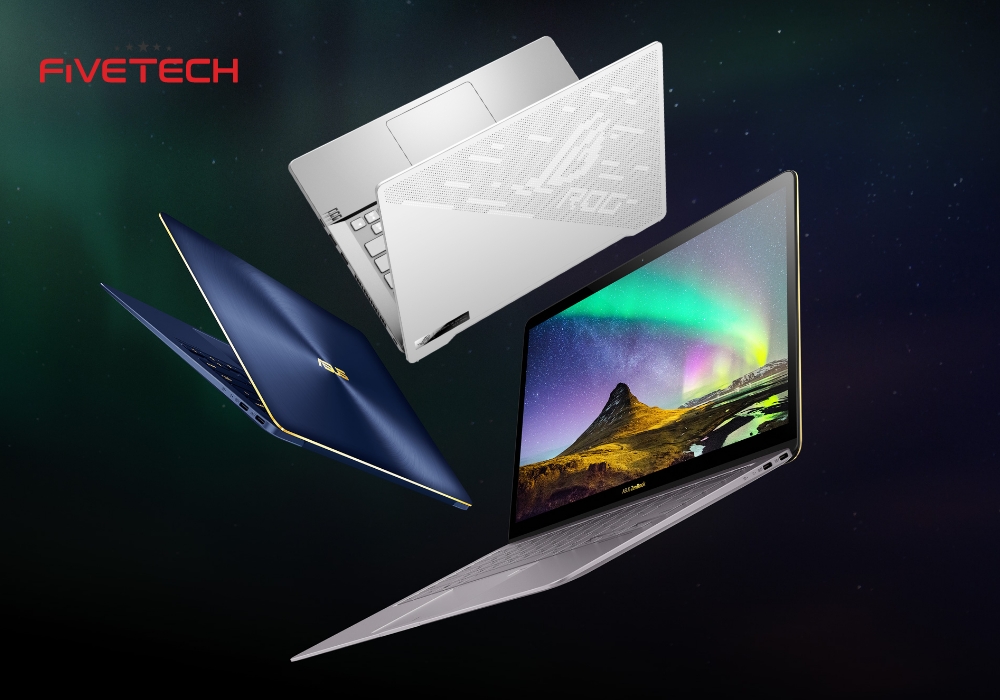
The ASUS ROG Zephyrus G14 is a better fit for people who want a small laptop that can still play modern games.
Depending on the configuration, it may include an RTX 4060 or RTX 4070 Laptop GPU. These cards are less powerful than an RTX 4080, but they are often enough for:
- 1080p gaming at high settings
- 1600p gaming with adjusted settings
- Photo editing
- Most video editing
- 3D work at a moderate level
- School and office use
The G14 is easier to carry than a large 16-inch gaming laptop. Its smaller size also makes it more suitable for classrooms, travel, and shared workspaces.
What to check before buying
A compact laptop has less room for cooling. This can limit sustained GPU performance. Check:
- The exact GPU model
- The GPU power limit
- The display resolution
- The amount of RAM
- Whether the memory is upgradeable
- The charger size
- Battery test results from reliable reviewers
A 1600p display can look sharp, but it also asks more from the GPU than a 1080p panel. In some games, lowering resolution or using DLSS may help.
The G14 is a good choice when portability matters almost as much as performance. It is not the best option for a buyer who wants maximum frame rates or easy upgrades.

Best value: An RTX 4060 laptop
The NVIDIA GeForce RTX 4060 Laptop GPU is often the sensible starting point for a gaming laptop with a dedicated graphics card.
It can handle many games at 1080p with high settings. It also supports modern NVIDIA features such as:
- Hardware ray tracing
- DLSS Super Resolution
- Frame Generation in supported games
- NVENC video encoding
- CUDA support for many creative and technical apps
The main benefit is balance. RTX 4060 laptops are usually less expensive and less heavy than RTX 4080 and RTX 4090 models.
When an RTX 4060 is enough
Choose RTX 4060 when you:
- Play at 1080p
- Play esports titles such as Valorant, Fortnite, or Counter-Strike 2
- Use a 1080p external monitor
- Edit photos or short videos
- Want a gaming laptop for school
- Do not need maximum ray-tracing performance
Look for at least 8GB of system memory, though 16GB is a better target for a new Windows gaming laptop. A 1TB solid-state drive is also more practical than a 512GB drive if you install large games.
Do not pay a large premium for an RTX 4070 laptop unless the extra performance, screen, processor, or build quality justifies it. The difference between RTX 4060 and RTX 4070 laptops can vary because of power limits and cooling.
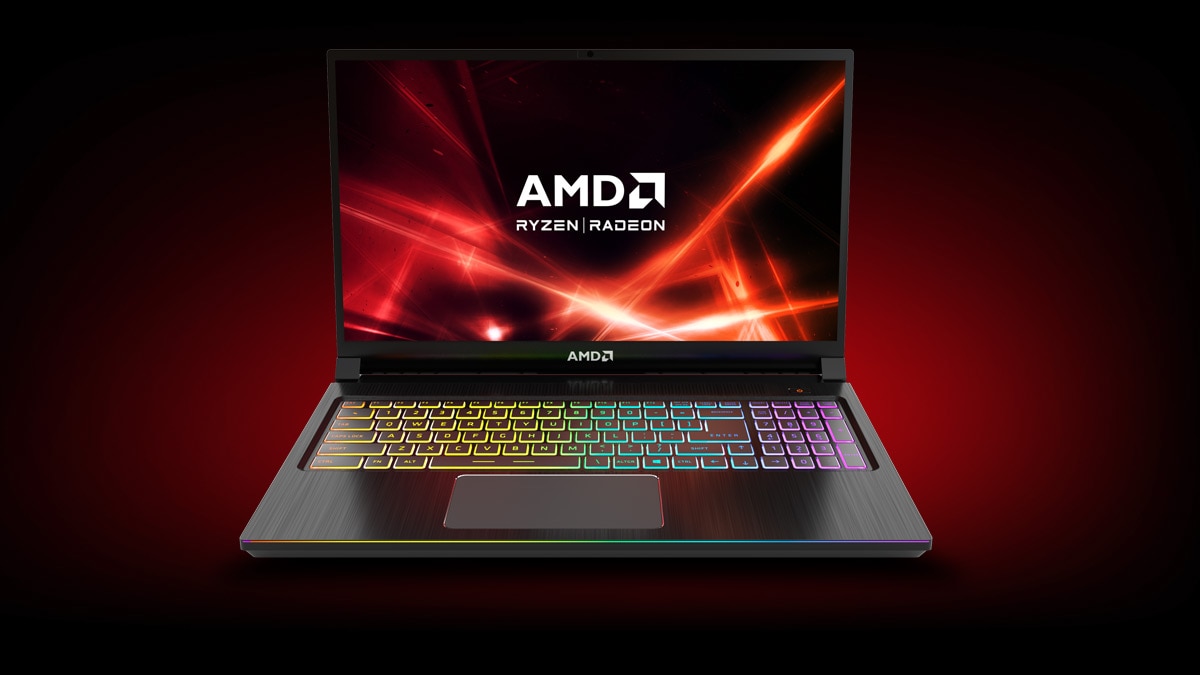
Best high-end option: RTX 4090 laptop
An RTX 4090 Laptop GPU is the fastest common laptop graphics option in NVIDIA’s RTX 40 laptop family. It has 16GB of VRAM and is designed for high-end gaming and demanding professional work.
It can be useful for:
- 4K gaming on an external display
- Ray-traced games
- Large 3D scenes
- GPU rendering
- Local AI workloads
- High-resolution video projects
- Large texture packs and simulation work
Premium models from Lenovo, Razer, ASUS, Alienware, and other brands may offer this GPU.
However, an RTX 4090 laptop is not automatically a good purchase. It may cost much more than an RTX 4080 model while giving a smaller gain in some games. The laptop may also be heavier, louder, and less convenient to carry.
Buy an RTX 4090 laptop when you need its extra VRAM or plan to connect it to a high-resolution monitor. For ordinary 1080p gaming, an RTX 4060 or RTX 4070 may provide better value.

How laptop graphics cards differ from desktop graphics cards
An RTX 4080 Laptop GPU is not the same as a desktop RTX 4080.
Laptop parts use different power limits and thermal designs. They are made to fit inside a battery-powered computer. A laptop GPU may also have fewer processing resources than the desktop version with the same number.
This is why a laptop specification should include more than the GPU name. Look for:
- GPU model
- VRAM amount
- Maximum graphics power
- Dynamic Boost support
- Cooling design
- Laptop thickness
- Display resolution
NVIDIA lists power ranges for many laptop GPUs, but the laptop maker decides how its system is configured. Two laptops with the same GPU name may produce different results.
This is also why you should compare independent tests of the exact laptop model. Do not compare only the words “RTX 4070.”

What GPU should you buy for gaming?
Your target resolution should guide the choice.
| Gaming goal | Sensible GPU target | Notes |
|---|---|---|
| Older games and esports at 1080p | RTX 4050 or RTX 4060 | A fast display may matter more than a stronger GPU |
| New games at 1080p | RTX 4060 or RTX 4070 | Check VRAM and game settings |
| High settings at 1440p or 1600p | RTX 4070 or RTX 4080 | DLSS may help in demanding games |
| Ray tracing at high resolution | RTX 4080 or RTX 4090 | Performance varies by game |
| 4K external monitor | RTX 4080 or RTX 4090 | A desktop may offer better long-term value |
These are buying guidelines, not guaranteed frame rates. Game engines, drivers, screen resolution, CPU performance, and cooling all affect results.
A high-refresh display also changes the answer. A 240Hz screen is useful in competitive games, but a powerful GPU may not reach 240 frames per second in demanding single-player games at high settings.
What else should you check before buying?
The GPU deserves attention, but the rest of the laptop can limit its value.
Processor
A modern Intel Core, AMD Ryzen, or Apple silicon processor can work well, depending on the software. A fast CPU helps with:
- Simulation
- Strategy games
- Compiling code
- Video exports
- Multitasking
- High frame rates at lower resolutions
Do not choose a very powerful GPU with a weak processor unless the laptop has a clear and acceptable price advantage.
RAM
For a new Windows laptop, 16GB is a practical minimum for gaming and general creative use. Consider 32GB if you use:
- Large Photoshop files
- 4K video projects
- Virtual machines
- 3D applications
- Large code projects
- AI tools
Some thin laptops have memory soldered to the motherboard. You may not be able to upgrade them later.
Storage
A 1TB SSD is a useful target for a gaming laptop. Modern games can take more than 100GB each.
Check whether the laptop has a second M.2 slot. Extra storage can be cheaper than buying a larger factory configuration, but opening the laptop may affect service options. Follow the manufacturer’s instructions.
Screen
Look at all four screen details:
- Resolution
- Refresh rate
- Brightness
- Color coverage
A high refresh rate helps fast games feel smoother. A high-resolution, color-accurate screen helps photo and video work. One display may not excel at both.
Ports
A gaming laptop should ideally include the ports you use. Common needs include:
- USB-A
- USB-C
- HDMI
- Headphone output
- Ethernet
- A memory card reader for camera work
USB-C features vary. Some ports support charging, video output, or high-speed data, while others support only some of these functions.
Battery and charger
Dedicated graphics cards use more power than integrated graphics. Battery life is usually best during light work and much worse during gaming.
Many gaming laptops also include large chargers. Check the charger’s size and weight if you plan to travel often.

NVIDIA, AMD, or Apple graphics?
NVIDIA is the easiest choice for many Windows gaming laptops because of broad game support and features such as DLSS, ray tracing, CUDA, and NVENC encoding.
AMD Radeon GPUs can offer good gaming performance and may appear in value-focused laptops. Compare independent tests rather than assuming one brand always wins.
Apple’s current MacBook chips combine CPU and GPU cores in one system. They can be very fast for supported creative apps and offer strong battery life. They are not the same as a Windows laptop with a dedicated graphics card.
A MacBook may be the better tool for a Final Cut Pro user. A Windows laptop is usually the safer choice for PC gaming, CUDA software, and games that require Windows-only support.
Common buying mistakes
The most common mistake is buying by GPU name alone.
Avoid these errors:
- Assuming every RTX 4070 laptop performs the same
- Ignoring the power limit
- Buying 8GB of RAM for heavy creative work
- Choosing a high-resolution screen that the GPU cannot drive well
- Forgetting the charger’s weight
- Buying a 512GB SSD for a large game library
- Expecting gaming performance on battery power
- Treating a manufacturer’s battery estimate as a real-world result
- Paying for an RTX 4090 when an RTX 4070 meets your needs
- Skipping warranty and repair information
Also check the return policy. Laptop keyboards, screens, fan noise, and trackpads are hard to judge from a product page.
How to compare two laptops with the same GPU
Use this simple comparison process:
- Confirm the exact processor and GPU.
- Check the GPU power limit.
- Compare independent gaming tests.
- Compare screen resolution and refresh rate.
- Check RAM and SSD upgrade options.
- Review port selection.
- Compare weight, charger size, and warranty.
- Check the price on the day you buy.
If two laptops have similar performance, choose the one with the better screen, quieter cooling, longer warranty, or easier upgrades.
Prices and model names change often. Verify the final configuration on the manufacturer’s U.S. product page and the retailer’s listing before placing an order.
Key takeaways
- The Lenovo Legion Pro 7i with RTX 4080 is a strong best-overall pick.
- The ASUS ROG Zephyrus G14 is better for buyers who value portability.
- An RTX 4060 is enough for many 1080p gamers and often gives the best value.
- An RTX 4090 is worthwhile mainly for high-resolution gaming, professional GPU work, or large VRAM needs.
- Laptop GPU names do not tell the whole story. Power limits and cooling matter.
- For most buyers, 16GB RAM and a 1TB SSD are sensible starting points.
- Always compare the exact model, not just the brand or GPU name.
FAQs
Is an RTX 4060 laptop good enough for gaming?
Yes. An RTX 4060 laptop is a good choice for 1080p gaming and many esports titles. It can also handle higher resolutions with adjusted settings and upscaling features such as DLSS.
Is an RTX 4070 laptop worth buying?
It can be worth buying when the price difference is reasonable or when the laptop also offers a better processor, screen, cooling system, or build. Do not assume every RTX 4070 laptop is much faster than every RTX 4060 laptop.
Do I need a dedicated GPU for college?
Not usually. Students who mainly use web apps, documents, video calls, and streaming can use integrated graphics. A dedicated GPU makes more sense for engineering, architecture, video editing, game development, 3D work, or gaming.
Can a laptop GPU be upgraded?
Most laptop GPUs are soldered to the motherboard and cannot be replaced. Choose the GPU carefully at purchase. You can often upgrade the SSD, and some models allow a RAM upgrade.
Is a gaming laptop good for video editing?
Yes. A gaming laptop with a modern processor, dedicated GPU, 32GB of RAM, and a color-accurate screen can work well for video editing. Check the software requirements and screen quality before buying.
Should I buy a gaming laptop or a desktop PC?
Choose a gaming laptop when you need portability or one computer for several locations. Choose a desktop when you want the highest performance per dollar, easier upgrades, lower long-term heat limits, and a larger screen.
Final recommendation
For a powerful Windows laptop with a dedicated graphics card, start with a Lenovo Legion Pro 7i configured with an RTX 4080, 32GB of RAM, and a 1TB SSD. It is a balanced option for demanding games, creative apps, and long-term use.
If you want a smaller machine, choose an ASUS ROG Zephyrus G14 with an RTX 4060 or RTX 4070. If your budget is limited, focus on a well-cooled RTX 4060 laptop with 16GB of RAM and a 1TB SSD.
Before buying, compare the exact GPU power limit, display, RAM, storage, weight, warranty, and return policy. Those details often matter as much as the graphics card label.

Everett Ashford is a tech reviewer at mytechgrid.com specializing in SSDs, cameras, TVs, earbuds, headphones, and other consumer electronics. He provides honest, data-driven reviews based on hands-on testing and real-world performance analysis. Everett simplifies complex tech details to help readers make smart, confident buying decisions.