For shoppers in the United States, the main difference between Intel Core i7 and Core i9 laptops is performance level. Core i9 chips usually offer more cores, higher peak speeds, and larger caches. They can finish demanding work faster than similar Core i7 chips.
That does not make every i9 laptop better. A well-cooled Core i7 laptop can beat a thin i9 laptop that must slow down from heat. The laptop’s generation, power limit, cooling, graphics card, memory, screen, and battery all matter.
Quick answer: Choose a Core i7 laptop for work, school, coding, photo editing, and most gaming. Choose a Core i9 laptop for heavy video work, 3D rendering, large code builds, advanced data work, or high-end gaming when the price and cooling system make sense.
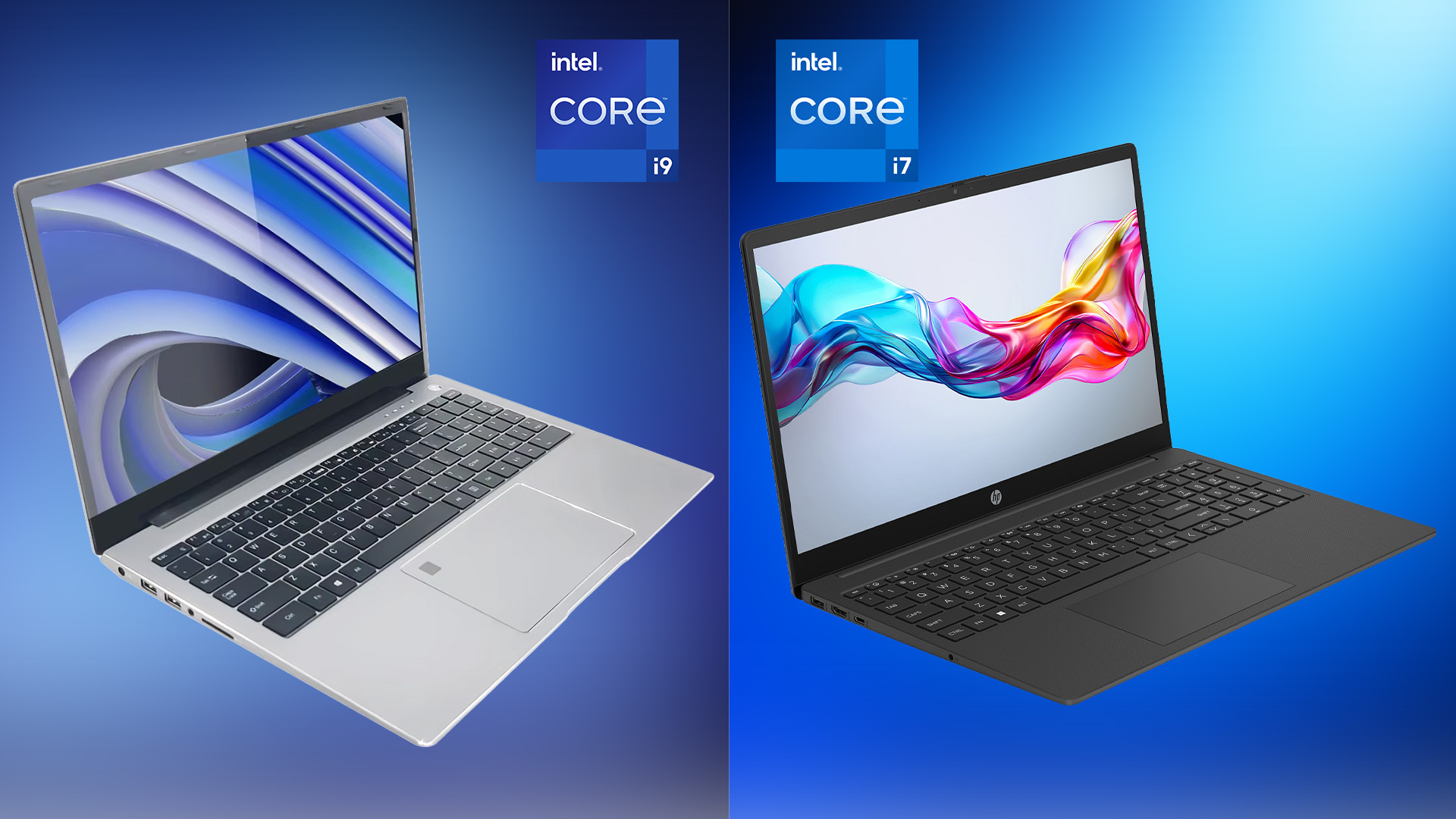
Core i7 vs. Core i9: The Main Difference
Core i7 and Core i9 are performance tiers within Intel’s consumer laptop processor family. They are not single processors. Each tier includes chips from different generations, with different core counts, power needs, speeds, and graphics features.
A newer Core i7 may be faster than an older Core i9. For example, a current-generation Core i7 can outperform a laptop with a three-year-old Core i9 in speed, battery life, and built-in features.
The processor name should therefore be read in parts:
- Brand: Intel Core
- Tier: i5, i7, or i9
- Generation or series: The model number shows the processor family
- Suffix: Letters such as U, P, H, HX, and V show the chip’s design and power class
Intel’s Processor Specifications page and Intel ARK database provide the exact details for each chip.
Typical differences
| Feature | Core i7 laptop | Core i9 laptop |
|---|---|---|
| General performance | High | Very high |
| Core and thread count | Often high | Often higher, but not always |
| Maximum clock speed | High | Usually higher |
| Cache | Large | Usually larger |
| Heat output | Moderate to high | Often high |
| Battery impact | Often easier to manage | Can be higher under heavy use |
| Laptop price | Lower on average | Higher on average |
| Best fit | Work, study, gaming, creative tasks | Sustained professional workloads |
These are broad patterns, not guarantees. Always compare the exact processor model.
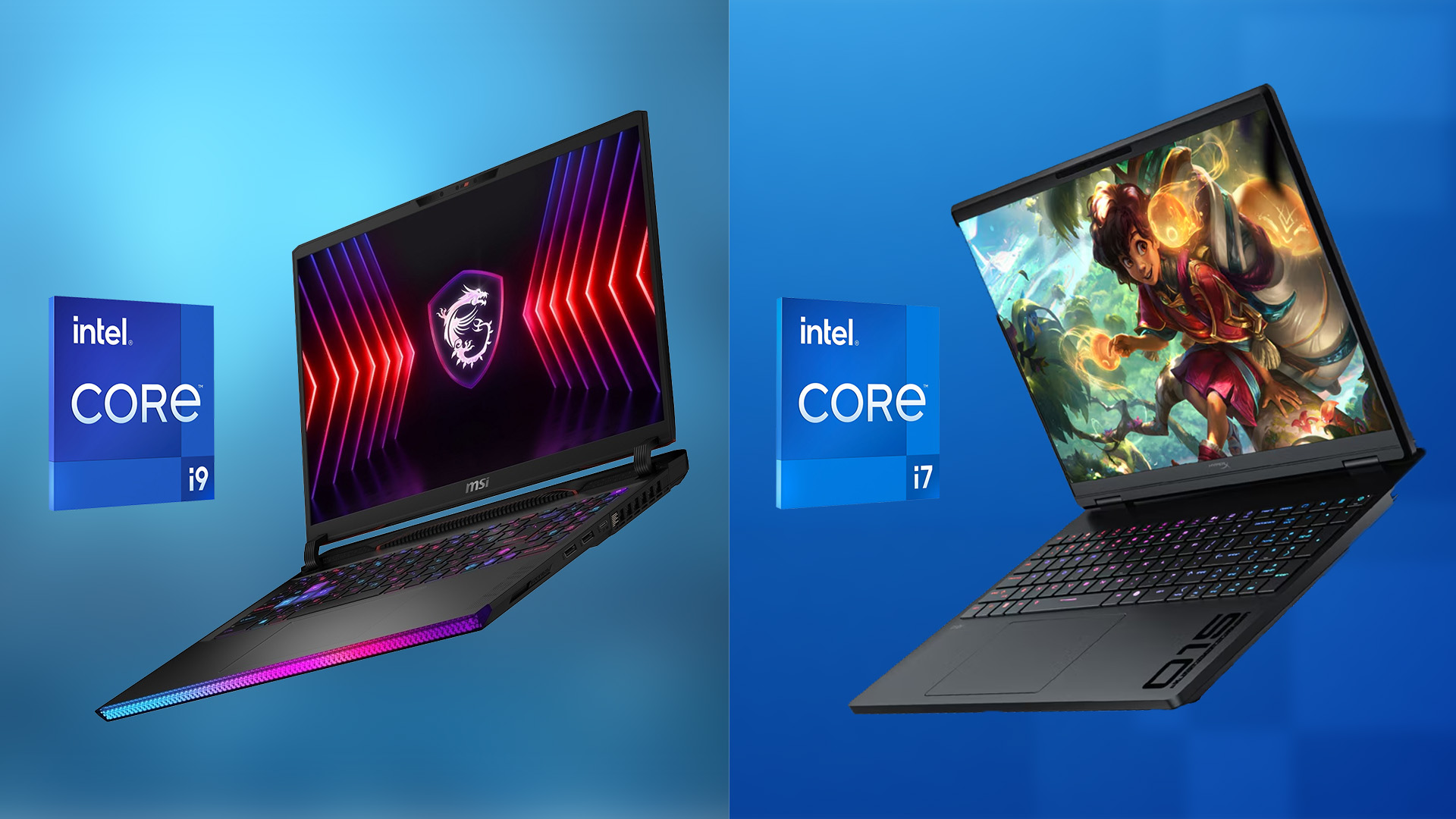
Why the Exact Intel Processor Model Matters More Than i7 or i9
The model number often tells you more than the i7 or i9 label. Consider two hypothetical laptops:
- Core i7-1360P: A thin-laptop processor built for a mix of speed and efficiency
- Core i9-13980HX: A high-power processor built for demanding work
The Core i9 model is designed for much higher performance. It may also need a larger cooling system, a heavier chassis, and a stronger power adapter.
Now compare a newer Core i7 with an older Core i9. The newer i7 may use a better design and support newer memory, wireless, media, or power features. It could also provide longer battery life.
Read the suffix before buying
Intel laptop processor suffixes commonly include:
- U: Low-power chips for thin laptops and longer battery life
- P: Performance chips for thin and light laptops
– H: High-performance mobile chips - HX: Very high-power chips, often used in large gaming and workstation laptops
- V: Newer Lunar Lake mobile designs in some product families, with a focus on efficiency and built-in features
Intel has changed naming systems across generations. Do not assume that every letter means exactly the same thing in every product family. Check the specifications for the specific model.
Hybrid cores also affect speed
Many modern Intel laptop processors use two types of cores:
- Performance cores, or P-cores: Built for demanding active tasks
- Efficient cores, or E-cores: Built for lighter tasks and background work
A processor with more total cores may handle video exports, software builds, and multitasking better. However, software must use those cores well. A higher core count does not guarantee a large gain in every app.
Performance: Is a Core i9 Laptop Faster Than a Core i7?
A Core i9 laptop is often faster when both processors belong to the same generation and power class. The advantage is most visible in tasks that use many cores for several minutes or longer.
Examples include:
- 4K and 8K video encoding
- 3D rendering
- Large software builds
- Scientific and engineering workloads
- Complex spreadsheets
- Virtual machines
- Large photo batches
- Local artificial intelligence workloads
The difference may be small in simple tasks. Web browsing, email, streaming, word processing, and casual photo edits rarely need the full power of a Core i9.
Short tasks and long tasks behave differently
Laptop processors can raise their speed for short bursts. This helps with opening apps, loading pages, and quick file actions.
Long workloads create more heat. Once the laptop reaches its thermal or power limit, it may reduce processor speed. This behavior is called thermal throttling.
A large Core i7 laptop with strong cooling may sustain high speed longer than a thin Core i9 laptop. The i9 may still win in a short benchmark, but the gap can shrink during a long export or render.
Benchmark results need context
Benchmark scores can help, but compare results only when these details match:
- Exact processor model
- Same software and version
- Same power mode
- Similar memory capacity
- Similar cooling system
- Similar graphics hardware
- Similar test length
- Plugged-in or battery operation
A processor score from a desktop or large workstation does not predict the same result in a thin laptop.

Gaming: Does Core i9 Improve Laptop Gaming?
For gaming, the graphics processor usually matters more than the difference between Core i7 and Core i9. A laptop with a stronger dedicated GPU can deliver higher frame rates than an i9 laptop with a weaker GPU.
The CPU still matters in some cases. A faster processor can help with:
- High-refresh-rate gaming
- Esports games at low or medium graphics settings
- Large open-world games
- Simulation and strategy games
- Streaming while gaming
- Games that use many CPU threads
At 1080p with a powerful GPU, a Core i9 may offer more headroom. At higher resolutions, the GPU often becomes the main limit.
When comparing gaming laptops, check these parts together:
- Dedicated GPU model and power rating
- CPU model and power class
- Cooling system
- Memory size and configuration
- Display resolution and refresh rate
- Storage capacity
- Fan noise and weight
A Core i7 laptop with a better GPU is often the smarter gaming purchase than a Core i9 laptop with an entry-level GPU.

Battery Life, Heat, and Fan Noise
Core i9 laptops often use more power when they run demanding tasks. That can mean more heat, faster fan speeds, and shorter battery life under load.
The difference is not constant. A processor uses different amounts of power based on the task, brightness, wireless activity, power mode, and cooling design. A Core i9 can be efficient during light use, while a Core i7 can drain quickly during gaming or rendering.
Laptop design has a major effect:
- A larger chassis can fit bigger fans and heat pipes.
- A smaller charger may limit sustained performance.
- A high-resolution or high-refresh display can reduce battery life.
- A dedicated GPU can use more power than the CPU during games.
- Performance mode may increase heat and fan noise.
- Battery capacity affects runtime more than the processor name alone.
For travel, school, office work, or long meetings, a Core i7 system with a U- or P-class processor may offer a better balance. For desk-based work near an outlet, the extra performance of a high-power Core i9 may matter more.
Price and Value: Is a Core i9 Worth the Extra Cost?
A Core i9 laptop is worth the extra cost only when its added performance solves a real problem for you. Paying for the label alone does not guarantee a better experience.
A Core i9 can make sense when:
- You export or encode video often.
- You render 3D scenes or visual effects.
- You compile large projects many times each day.
- You run several virtual machines.
- You use professional software that scales across many cores.
- You need a high-end mobile workstation.
- You want extra CPU headroom for several years.
A Core i7 is usually better value when you mainly:
- Browse the web
- Use Microsoft 365 or Google Workspace
- Attend video meetings
- Stream video
- Edit ordinary photos
- Play games with a strong dedicated GPU
- Write code for small or medium projects
- Use school or office software
The best value may come from spending the difference on:
- 32 GB of memory instead of 16 GB
- A larger or faster solid-state drive
- A stronger graphics card
- A better display
- A larger battery
- A longer warranty
- Better build quality and repair support
The right upgrade depends on the task. Memory helps multitasking. Storage helps capacity and file management. A GPU helps many games and creative apps. A faster CPU helps processor-heavy work.

Core i7 vs. Core i9 for Common Uses
The best choice changes with your workload.
| Use case | Better starting point | Why |
|---|---|---|
| Web browsing and office work | Core i7 | Plenty of speed without the usual i9 cost |
| College or remote work | Core i7 | Better balance of battery, price, and performance |
| Programming | Core i7 | Enough for most editors, tools, and projects |
| Large software builds | Core i9 | More CPU headroom can reduce build time |
| Casual gaming | Core i7 | GPU and cooling usually matter more |
| Competitive gaming | Core i7 or i9 | Depends on frame-rate target and GPU |
| Photo editing | Core i7 | Often sufficient unless working with large batches |
| 4K video editing | Core i7 or i9 | Choose i9 for frequent exports and complex timelines |
| 3D rendering | Core i9 | More cores can help sustained rendering |
| Virtual machines | Core i9 | Extra cores and memory capacity are useful |
| Local AI workloads | Core i7 or i9 | GPU, memory, and software support may matter more |
| Travel-focused computing | Core i7 | Lower-power designs often improve mobility |
This table is a starting point, not a substitute for checking the exact laptop. A laptop’s GPU, memory, and cooling can change the result.

How to Choose Between an Intel Core i7 and i9 Laptop
Use this process before you buy.
1. List your main tasks
Write down the apps and games you actually use. Separate light tasks from heavy tasks.
For example:
- Light: browser tabs, email, documents, video calls
- Medium: photo editing, coding, spreadsheets, school software
- Heavy: rendering, long video exports, large builds, virtual machines
Your most demanding regular task should guide the processor choice.
2. Check the exact CPU model
Do not stop at “Intel Core i7” or “Intel Core i9.” Search the full model number on Intel ARK or the laptop maker’s support page.
Check:
- Total cores and threads
- P-core and E-core count, when listed
- Base and maximum turbo frequency
- Processor base power and maximum turbo power
- Cache
- Integrated graphics
- Supported memory
- Release generation
3. Check the laptop’s cooling
Look for reviews that measure sustained performance, surface temperature, and fan noise. Product pages often list the processor but give less detail about long-term performance.
A thin laptop may not let a high-power chip run at its maximum speed for long. That is not automatically a flaw; it is a design trade-off.
4. Check memory and storage
For general work, 16 GB of RAM can be enough. For heavy creative work, software development, virtual machines, or long-term use, 32 GB may be a better target.
Check whether the memory is upgradeable. Some modern laptops have memory soldered to the mainboard. If so, choose the amount you may need later.
5. Compare the GPU separately
Do not assume that an i9 laptop has a better graphics card. Read the exact GPU model and its power limit.
For gaming and many creative workloads, this step can matter more than moving from i7 to i9.
6. Review battery and warranty details
Look for battery capacity, charging speed, warranty length, repair options, and the seller’s return policy. These details affect daily use after the benchmark numbers stop mattering.

Common Mistakes When Comparing Core i7 and Core i9 Laptops
Mistake 1: Assuming every i9 is faster than every i7
Processor generation and power class can reverse the result. Compare the full model numbers.
Mistake 2: Treating maximum turbo speed as constant speed
Turbo speed is a peak value. The processor may reach it briefly, but heat and power limits affect sustained speed.
Mistake 3: Ignoring the graphics card
An i9 does not replace a capable GPU for demanding games, 3D work, or GPU-accelerated creative software.
Mistake 4: Buying more CPU instead of enough memory
A fast processor cannot prevent slowdowns caused by insufficient RAM. When memory fills, the system may rely on much slower storage.
Mistake 5: Comparing desktop and laptop chips as if they were equal
Laptop processors work within tighter limits for heat, battery, and size. A laptop i9 is not automatically equal to a desktop i9.
Mistake 6: Trusting one benchmark
One test may favor single-core speed, multi-core speed, graphics, storage, or a specific app. Use results that match your real workload.

Frequently Asked Questions
Is an Intel Core i9 laptop always better than a Core i7 laptop?
No. A newer Core i7, a better-cooled Core i7, or an i7 laptop with a stronger GPU can be the better choice. Compare the exact processor, laptop design, and intended use.
Is Core i7 good enough for gaming?
Yes. Core i7 laptops are suitable for most gaming. The graphics card, cooling, display resolution, and game settings often have a greater effect on frame rates.
Is Core i9 worth it for college?
Usually not for basic school work. A Core i7 laptop is often enough for documents, research, video calls, programming classes, and media use. An i9 may help students who regularly use engineering, 3D, video, or data-heavy software.
Does Core i9 use more battery than Core i7?
It can, especially during heavy work. Battery life also depends on the processor’s power class, laptop design, screen, GPU, battery size, and power settings.
Can an i7 laptop last longer than an i9 laptop?
Yes. Longevity depends on cooling, build quality, memory, storage, software needs, and repairability. An i7 laptop with enough RAM and a strong design may remain useful for years.
Should I buy 16 GB or 32 GB of RAM?
Sixteen gigabytes can suit general work and many games. Choose 32 GB for frequent video editing, large software projects, virtual machines, professional creative work, or heavier multitasking. Check whether the laptop allows a future upgrade.
Does an Intel Core i9 laptop need a dedicated graphics card?
No. An i9 can work with integrated graphics. However, a dedicated GPU is usually important for modern gaming, serious 3D work, and many GPU-based creative or AI tasks.

Conclusion: Which Intel Laptop Processor Should You Choose?
Choose a Core i7 laptop if you want strong everyday performance, good gaming potential, and better value. It is the sensible choice for most students, office users, programmers, and general buyers.
Choose a Core i9 laptop if you regularly run demanding software and can benefit from more sustained CPU performance. Make sure the laptop has enough cooling, memory, storage, and graphics power to support the processor.
The safest buying rule is simple: compare the complete laptop, not just the i7 or i9 badge. Start with your workload, then check the exact CPU model, suffix, cooling system, GPU, memory, battery, and price.

Everett Ashford is a tech reviewer at mytechgrid.com specializing in SSDs, cameras, TVs, earbuds, headphones, and other consumer electronics. He provides honest, data-driven reviews based on hands-on testing and real-world performance analysis. Everett simplifies complex tech details to help readers make smart, confident buying decisions.