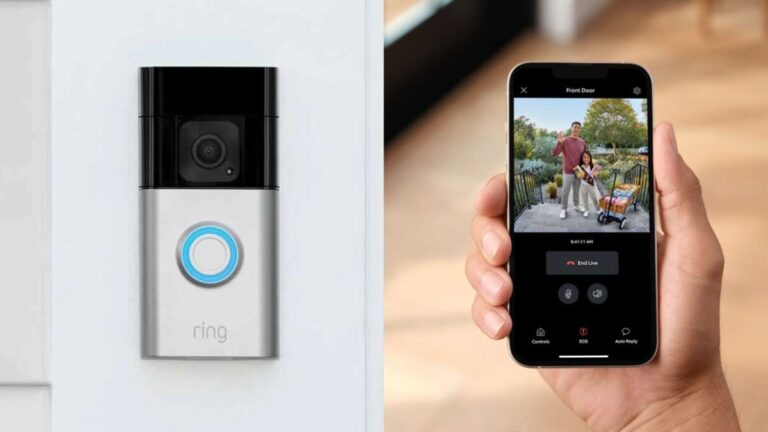
Ring cameras need Wi‑Fi for live view, alerts, and cloud recording, though some wired models can use Ethernet.
I’ve spent years testing home security gear and helping people set up smart cameras. If you’re asking "does ring camera need wifi," this guide answers that clearly. You’ll learn which Ring models rely on Wi‑Fi, what features stop working without it, practical workarounds, and step‑by‑step tips to keep your camera online. Read on to make the right choice for your setup and avoid common mistakes.

How Ring cameras connect to a network and why Wi‑Fi matters
Ring devices are made to work over a network so they can send video, alerts, and cloud backups. Most Ring cameras use your home Wi‑Fi to reach Ring’s servers. That lets you view live video on your phone, get motion alerts, and store clips in the cloud.
When you ask does ring camera need wifi, the short answer is yes for full function. Without Wi‑Fi, the camera can’t stream live video to your phone or upload recordings to the cloud. A few hardwired Ring models can use Ethernet or existing doorbell wiring for power, but they still need an internet connection to deliver smart features.

Which Ring models require Wi‑Fi and which have alternative network options
Most consumer Ring cameras require Wi‑Fi. Examples include battery doorbells and battery stick‑up cams. They connect only using 2.4 GHz or 5 GHz Wi‑Fi.
Some Ring models offer wired network options or hardwiring for power:
- Stick Up Cam Elite uses Power over Ethernet and can connect via Ethernet. It still needs network access to function.
- Floodlight Cam and wired doorbells use household AC wiring for power but use Wi‑Fi for internet connectivity.
- Battery models and most doorbells are Wi‑Fi dependent.
If you’re still wondering does ring camera need wifi for a specific model, check the device’s installation guide. The rule of thumb: if it’s a consumer Ring camera, Wi‑Fi is the primary path to the internet.
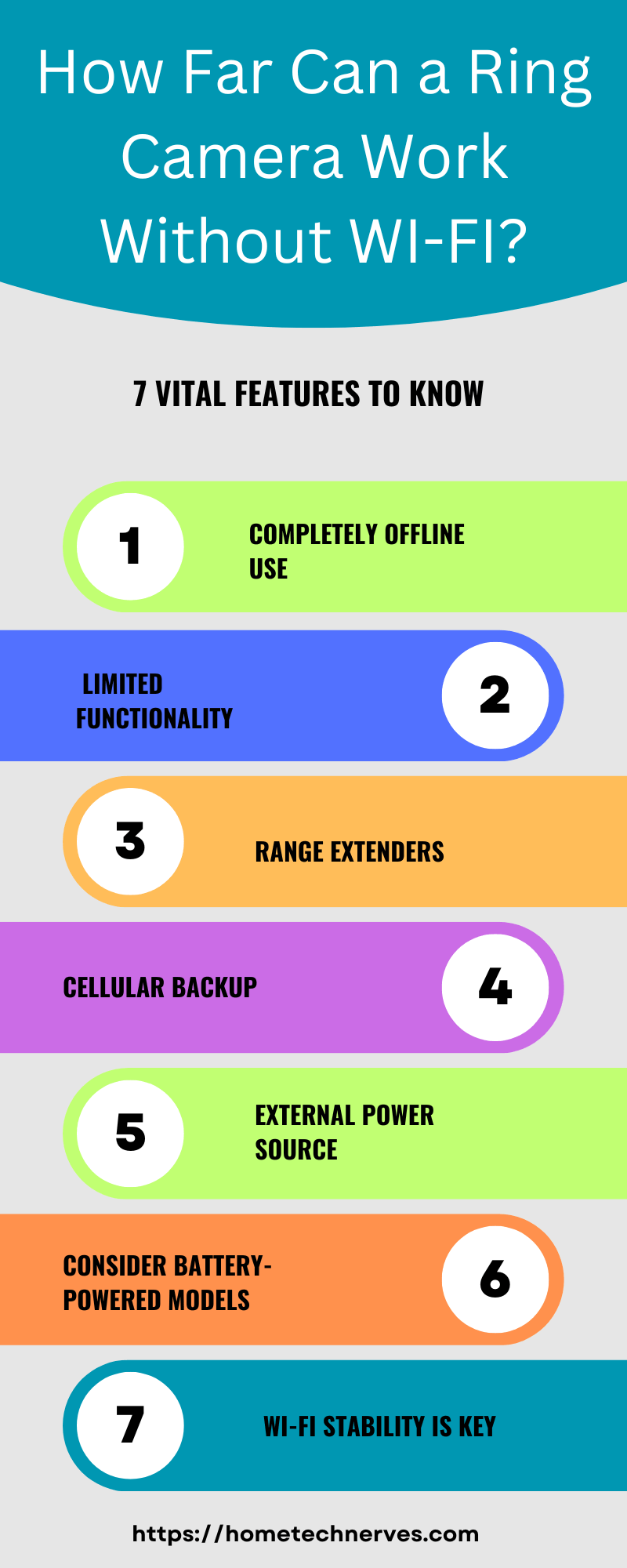
Features that stop working when a Ring camera is offline
Understanding what fails without Wi‑Fi helps you plan. Ring cameras lose many smart abilities when they can’t reach the internet:
- Live view on your phone will not load.
- Motion alerts and push notifications stop.
- Two‑way audio is unavailable.
- Cloud recording and event history will not save.
Local capture is limited. Ring doesn’t provide built‑in local video storage for most cameras. So when you ask does ring camera need wifi to record events, the answer is yes if you want cloud backups and on‑demand clips.
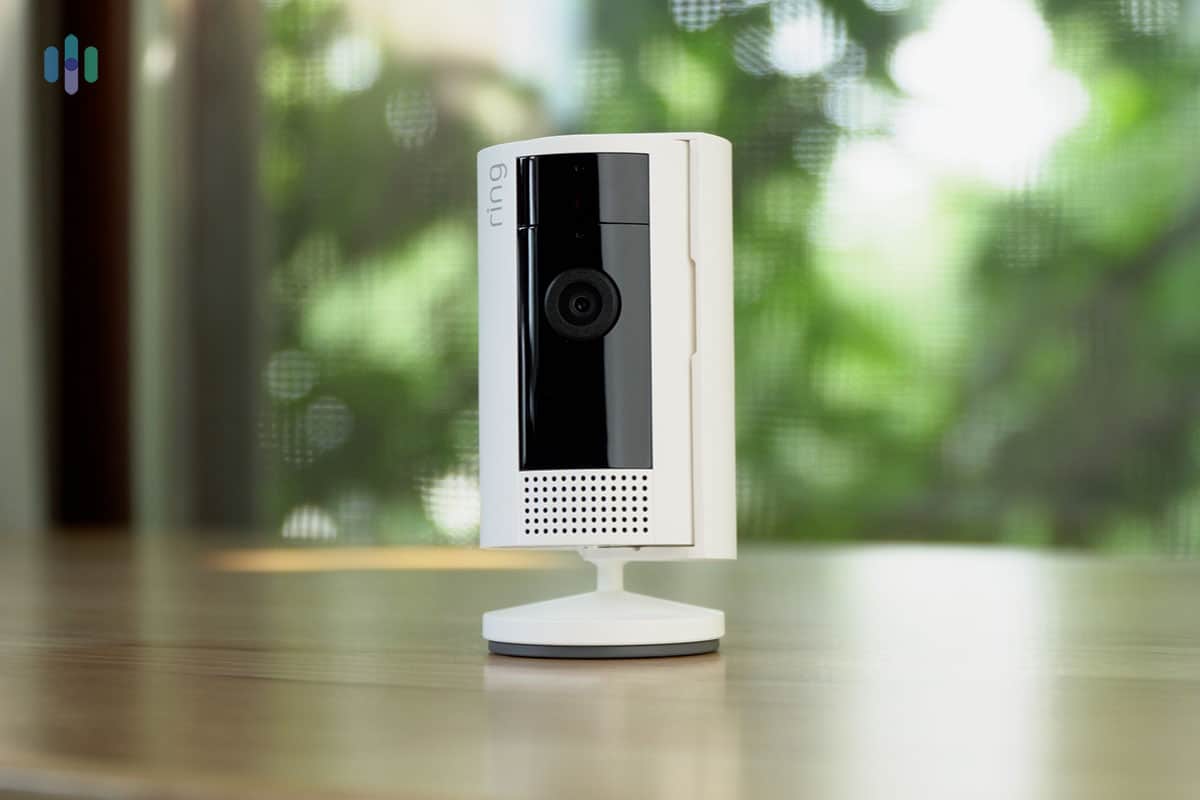
When Wi‑Fi goes down: typical behavior and quick fixes
Ring devices show offline status when they can’t reach Ring servers. The light ring or app will say "offline." Don’t panic—most problems are fixable.
Quick troubleshooting steps I use:
- Restart your router and modem. Power cycling fixes many issues.
- Move the camera closer to the router to test signal strength.
- Check your Wi‑Fi password and network name in the Ring app.
- Update router firmware and app software.
If those don’t work, run a speed test near the camera. Ring cameras need consistent upload bandwidth to stream smoothly. If upload drops, video freezes or fails to save.

Alternatives and workarounds when Wi‑Fi isn’t available
If Wi‑Fi is unreliable or absent, you still have options.
- Ethernet: Use models that support Ethernet or PoE for wired connections. This still needs internet access, but it avoids Wi‑Fi drops.
- Mobile hotspot: Temporarily use a phone hotspot to connect a camera, though this can burn mobile data quickly and may be unstable.
- Cellular backup: Ring does not offer native cellular for most cameras. You can add a separate cellular router or hotspot for full‑time internet where fiber or cable isn’t available.
- Local network hacks: Some advanced users run local NVRs or third‑party solutions, but these require technical setup and may void warranties.
If your core question is does ring camera need wifi for everyday use, these alternatives show you can work around Wi‑Fi limits, but they add cost or complexity.
Tips to get a stable Wi‑Fi connection for your Ring camera
A steady wireless link prevents missed events and poor video. Use these simple steps I’ve learned from installs:
- Choose 2.4 GHz for longer range; use 5 GHz for higher bandwidth at short ranges.
- Place the router centrally and avoid obstructions like brick or concrete walls.
- Use a Wi‑Fi extender or mesh system to reach outdoor cameras.
- Set a steady SSID and password; avoid transparent guest networks.
- Prioritize the camera’s traffic with QoS if your router supports it.
- Ensure your ISP provides at least a few Mbps upload per camera for good performance.
These steps answer the repeated question does ring camera need wifi reliably by showing how to make Wi‑Fi dependable.

Privacy, data storage, and subscription considerations
Wi‑Fi ties your Ring camera to cloud services. That brings benefits and costs.
- Ring Protect subscription unlocks cloud video history and sharing.
- Without a subscription, live view works but event history may be limited or unavailable.
- Keep your Wi‑Fi secure with strong passwords and two‑factor authentication for your Ring account to protect your footage.
- Be aware of local laws and privacy best practices when placing cameras.
If you wonder does ring camera need wifi to store footage, yes—cloud storage depends on an internet link and often a subscription.

Personal experience: common mistakes and lessons learned
I once installed a Ring camera behind a metal gate and wondered why it kept dropping offline. The placement created a dead spot. Moving it 5 feet and adding a small mesh node fixed the issue. Key lessons from hands‑on installs:
- Test signal before final mounting.
- Don’t rely on batteries for long‑term outdoor power if you need constant recording.
- Use a dedicated network name for smart devices to reduce conflicts.
These lessons show practical answers to the question does ring camera need wifi in real setups.
PAA‑style questions (People Also Ask)
Do Ring cameras work without Wi‑Fi at all?
Most Ring cameras don’t work properly without Wi‑Fi. They can’t stream live video or upload recordings without a network connection.
Can I use a mobile hotspot for a Ring camera?
Yes, a hotspot can temporarily connect a Ring camera. It’s best for short‑term use because it consumes a lot of mobile data and may be unstable.
Is Ethernet a good alternative to Wi‑Fi for Ring cameras?
If your Ring model supports Ethernet or PoE, it’s a strong alternative. Ethernet gives a stable connection but still needs internet access to use cloud features.
Frequently Asked Questions of does ring camera need wifi
What happens if my Wi‑Fi goes out for a few hours?
Your Ring camera will go offline, stop sending alerts, and won’t save events to the cloud until the connection is restored.
Can Ring cameras use 5 GHz Wi‑Fi or only 2.4 GHz?
Many Ring cameras support both 2.4 GHz and 5 GHz, but some older or battery models work best on 2.4 GHz due to range and compatibility.
Will a Ring camera record locally without Wi‑Fi?
Most Ring cameras do not offer built‑in local recording. They rely on cloud storage accessed over Wi‑Fi for event history.
Do I need a subscription to use a Ring camera with Wi‑Fi?
No subscription is required for live view, but a Ring Protect subscription is needed for extended cloud storage and sharing of recorded videos.
Can I set up Ring cameras on a guest Wi‑Fi network?
You can, but guest networks may block device communication. Use a main network or ensure the guest network allows device access to the internet and local services.
Conclusion
Ring cameras rely on network access to deliver smart features. If you ask does ring camera need wifi, remember that Wi‑Fi is the main way these devices stream, alert, and save footage. Wired Ethernet or mobile hotspots are possible workarounds, but they come with tradeoffs.
Take action: test your Wi‑Fi where you plan to mount the camera, secure your network, and pick the right Ring model for your needs. If you found this helpful, try adjusting your setup and share your experience in the comments or subscribe for more hands‑on tips.

Everett Ashford is a tech reviewer at mytechgrid.com specializing in SSDs, cameras, TVs, earbuds, headphones, and other consumer electronics. He provides honest, data-driven reviews based on hands-on testing and real-world performance analysis. Everett simplifies complex tech details to help readers make smart, confident buying decisions.