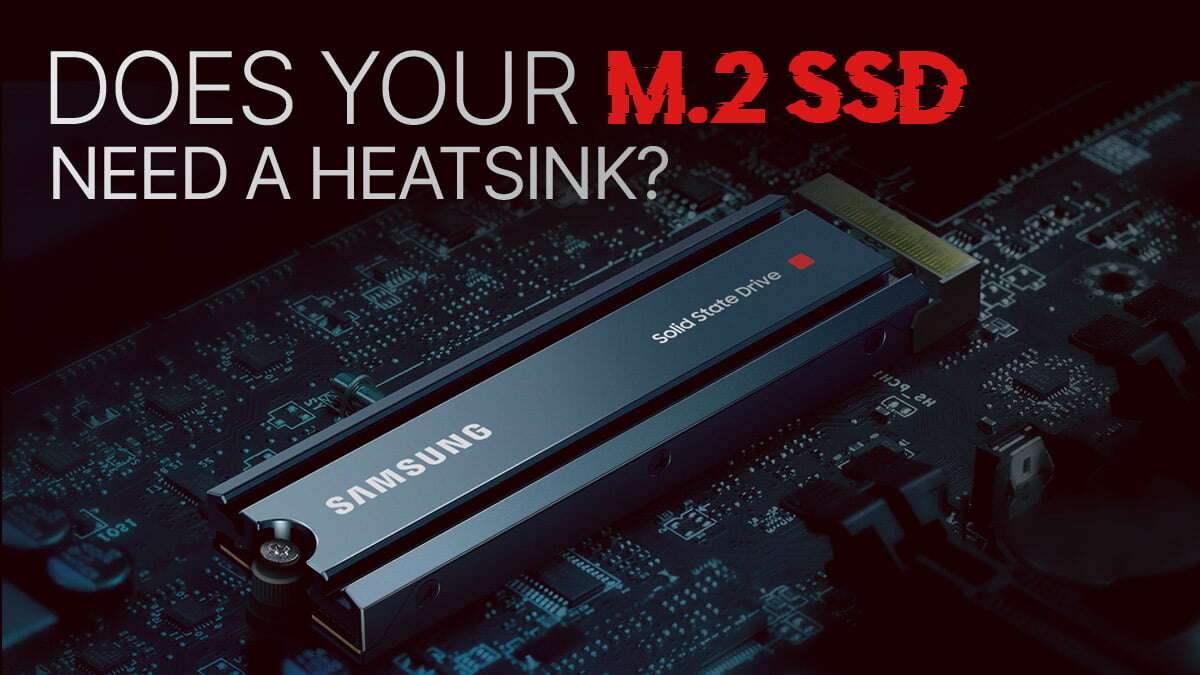
Most SSDs do not need a heatsink for everyday use, but high-performance NVMe drives often benefit.
I’ve worked with PCs and storage gear for years. I’ll walk you through why the question do i need a heatsink on my ssd matters. You will learn when a heatsink helps, when it does not, and how to pick and fit one. Read on for clear steps, practical tips, and real-world tests to guide your decision.

How SSDs create heat and why it matters
SSDs make heat mainly in the controller and NAND chips. NVMe drives on PCIe lanes push lots of data fast. That activity raises chip temperature. Higher temps can trigger thermal throttling. Throttling cuts speed to protect the drive. That lowers sustained transfer rates and affects long file copies, video exports, or heavy workloads. Knowing this helps answer do i need a heatsink on my ssd for your setup.
Key factors that decide if you need a heatsink
Choose by use, drive type, and case layout. Here are the main factors to check:
- Drive type: NVMe M.2 drives run hotter than 2.5-inch SATA drives.
- Workload: Long transfers and sustained writes cause more heat.
- Form factor: Small laptops and compact cases have less airflow.
- Drive model: High-end controllers and TLC/QLC NAND can run hotter.
- Slot placement: M.2 slots near the GPU or under a heat source see higher temps.
- Firmware and throttling behavior: Some drives throttle early, others sustain speed longer.
Ask yourself: do i need a heatsink on my ssd based on these points? If you hit several of the above, a heatsink is likely helpful.
Types of heatsinks and how they work
Not all heatsinks are the same. Here are common kinds and what they do:
- Low-profile metal plates: Thin, fit laptops and tight slots. Good for light cooling.
- Tall aluminum fins: Better for desktops with space and airflow. They disperse heat faster.
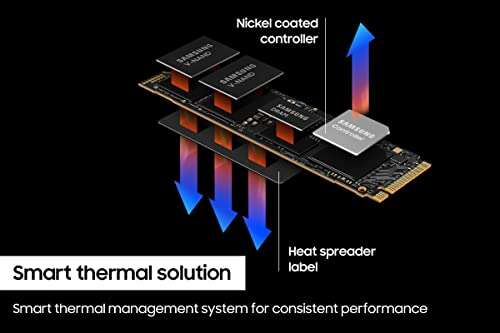
- Thermal pads and heat spreaders: Fill gaps and improve contact between drive and cooler.
- Active cooling: Small fans or directed airflow for very hot setups. Use when passive cooling is not enough.
- Built-in heat spreaders: Some high-end NVMe drives come with factory thermal solutions.
How each helps depends on contact quality and airflow. Even a thin plate can cut peak temps by 10–20°C in many cases. That is why people ask do i need a heatsink on my ssd when they buy fast drives.

Real-world scenarios: when a heatsink makes a real difference
Here are typical cases where a heatsink helps or is essential:
- Gaming laptop with an NVMe in a cramped bay — use a low-profile heatsink or rely on chassis cooling.
- Desktop workstation doing long 4K video exports — a heatsink keeps sustained write speeds higher.
- Compact mini-PC or NUC — small cases often need a heatsink to avoid throttling.
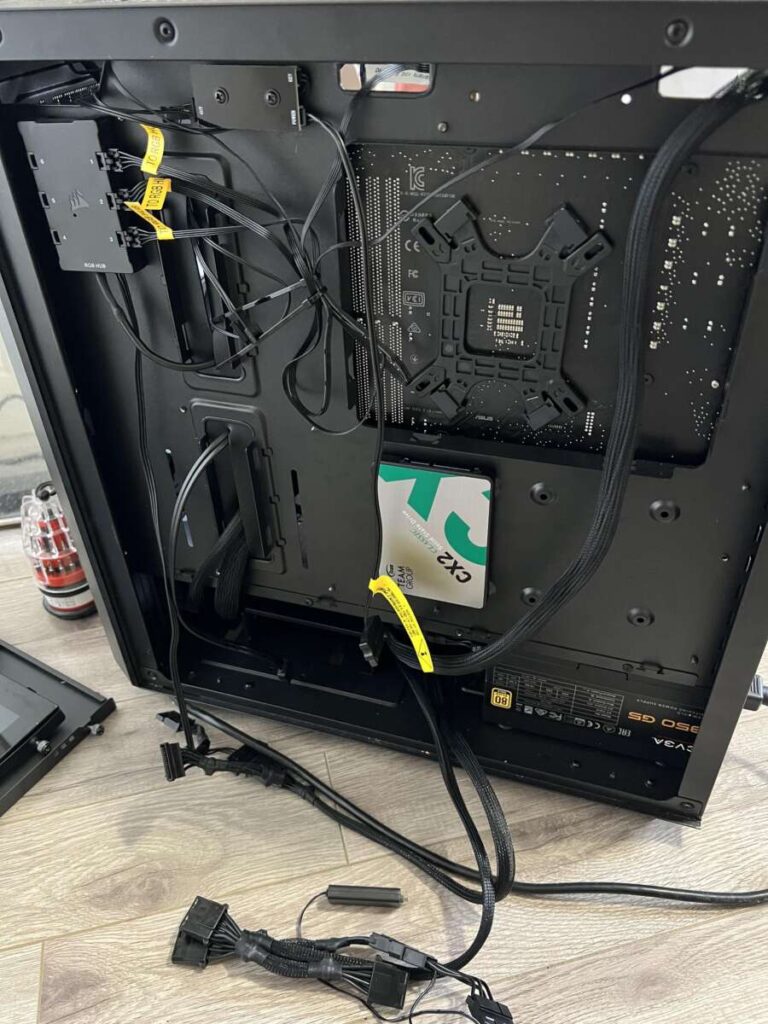
- SATA boot drive for typical office tasks — a heatsink is usually not needed.
- RAID arrays or multiple NVMe drives under heavy load — heatsinks plus good airflow are recommended.
PAA-style quick questions:
Will a heatsink increase SSD lifespan?
Yes, in high-heat use cases. Lower operating temps reduce stress and help NAND and controller longevity.
Will a heatsink make my SSD faster?
It can for sustained tasks. Peak burst speed stays the same, but throttling is delayed or reduced, so long transfers stay faster.

How to install a heatsink and practical tips
Check clearance and compatibility before you buy. Follow these steps:
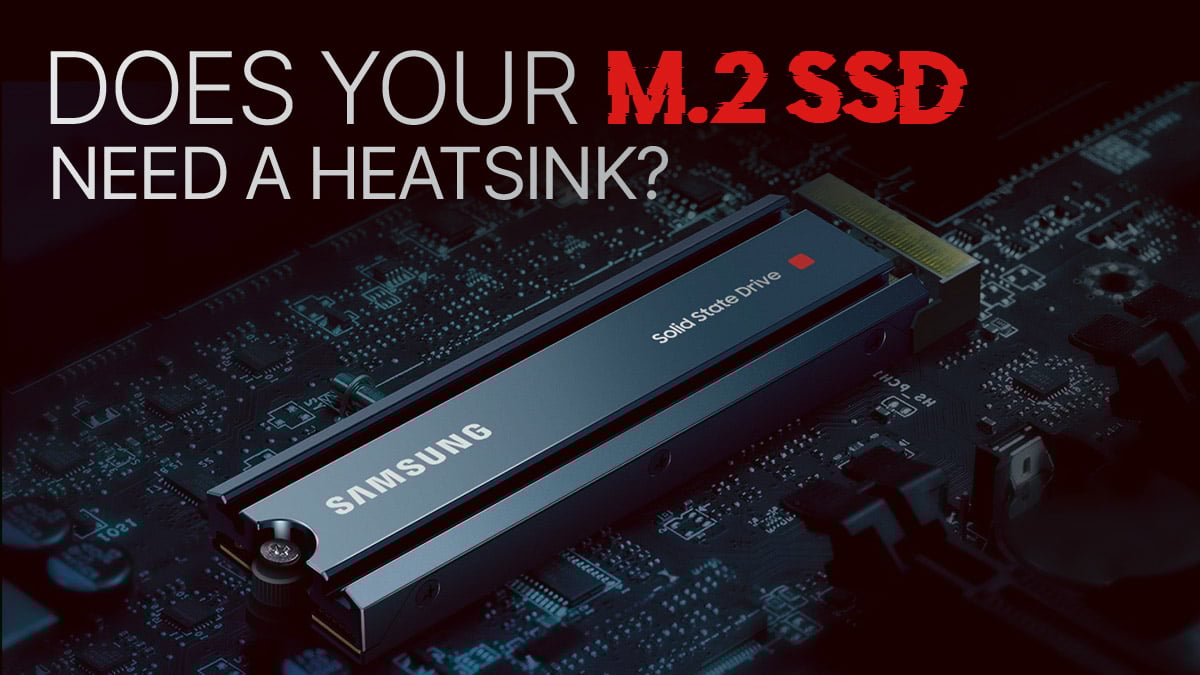
- Confirm drive size and slot space. Some motherboards have built-in shields.
- Clean the drive surface. Use alcohol wipe and let it dry.
- Use the correct thermal pad thickness. Too thin or thick reduces contact.
- Secure the heatsink per instructions. Tight but not over-torqued.
- Re-check case clearance and cable routing.
My tip from years of installs: test temps before and after with a benchmark. I once fitted a low-profile plate on a compact PC and cut thermal peaks by 15°C. That kept the drive at full speed during long backups. Small, careful steps make the biggest difference.
Monitoring temperature and avoiding thermal throttling
Use simple tools to watch temps and behavior. Look for these guidelines:
- Tools: use drive utilities and system monitors for SMART temps and real-time readings.
- Safe ranges: idle temps below 50°C and sustained below 70–75°C are healthy targets for many NVMe drives.
- Signs of throttling: sudden speed drops during long copies or high latency spikes.
- Firmware: check drive firmware updates that can improve thermal management.
If you see consistent temps above 80–85°C, consider a heatsink or improved airflow. That answer helps decide do i need a heatsink on my ssd in practice.
Cost, downsides, and when to skip a heatsink
Heatsinks add cost and can create fit issues. Consider these limits:
- Clearance: Tall heatsinks can block GPUs or slot covers in tight builds.
- Warranty: Some vendors warn about changing stickers or removing labels. Check terms.
- Marginal benefit: For casual desktop use or SATA drives, benefits are small.
- Aesthetics: Large heatsinks may not match a compact or minimalist build.
If your workload is light and temps stay low, do i need a heatsink on my ssd? Probably not. Save the cash or choose a drive with a factory spreader.

Frequently Asked Questions of do i need a heatsink on my ssd
Will a heatsink stop my SSD from throttling?
A heatsink can reduce throttling in sustained workloads by lowering peak temperatures. It does not change burst speed but helps maintain speed during long transfers.
Are heatsinks necessary for SATA SSDs?
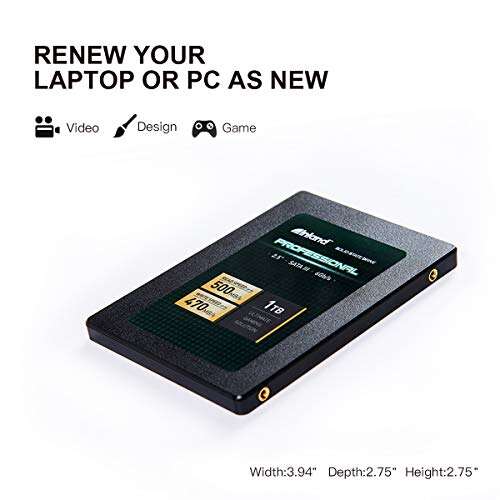
No. 2.5-inch SATA SSDs usually have lower heat output and connect via SATA cables, so heatsinks are rarely needed except in special cases.
Can a heatsink void my SSD warranty?
Some manufacturers may void warranty if you remove tamper seals or alter the drive. Check the warranty terms before installing third-party heatsinks.
Do M.2 motherboards with shields make a heatsink redundant?
Motherboard M.2 shields provide some thermal relief. For heavy sustained loads, a dedicated heatsink or active airflow may still help more.
How much temperature drop can I expect with a heatsink?
Typical drops range from 5°C to 20°C depending on the heatsink, airflow, and workload. Real gains depend on good contact and case airflow.
Conclusion
Choosing whether do i need a heatsink on my ssd comes down to drive type, workload, and case airflow. If you use an NVMe drive for long transfers, work in a small case, or see throttling, a heatsink will help. For casual users with SATA or light desktop use, a heatsink is usually unnecessary. Take action: check your drive temps, read drive specs, test with benchmarks, and then decide. If you found this useful, try a quick temperature test on your system and leave a comment with your results.

Everett Ashford is a tech reviewer at mytechgrid.com specializing in SSDs, cameras, TVs, earbuds, headphones, and other consumer electronics. He provides honest, data-driven reviews based on hands-on testing and real-world performance analysis. Everett simplifies complex tech details to help readers make smart, confident buying decisions.